OfflineTunes Blog
Practical guides for people who own their music, keep it offline, and still care how it feels to browse.
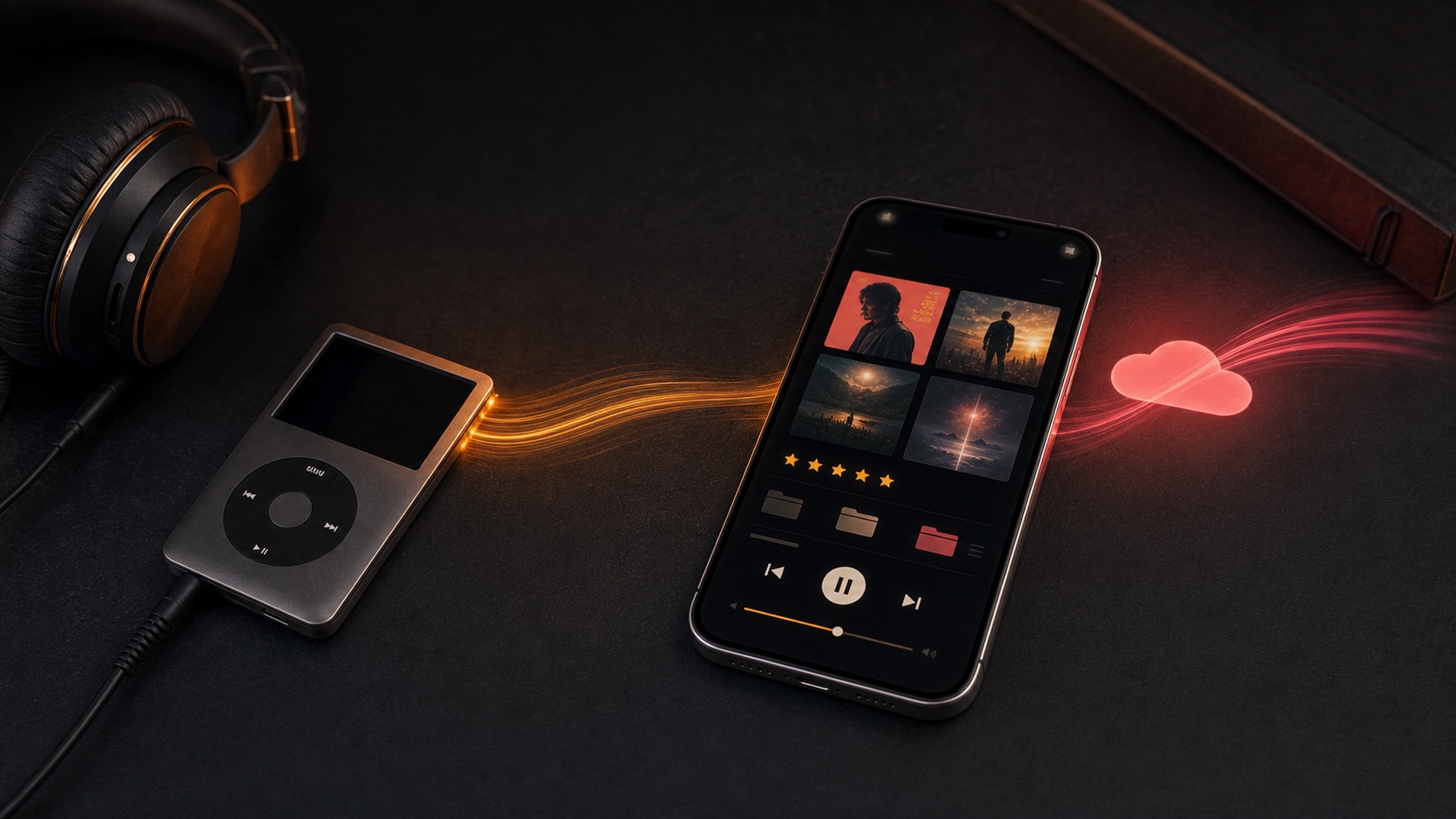
What Apple Music and iPod Sync Unlocks in OfflineTunes
See what Apple Music and iPod library sync unlocks in OfflineTunes, from FineTune and smart playlists to Track Radio, lyrics, backups, ratings, and playlist export.
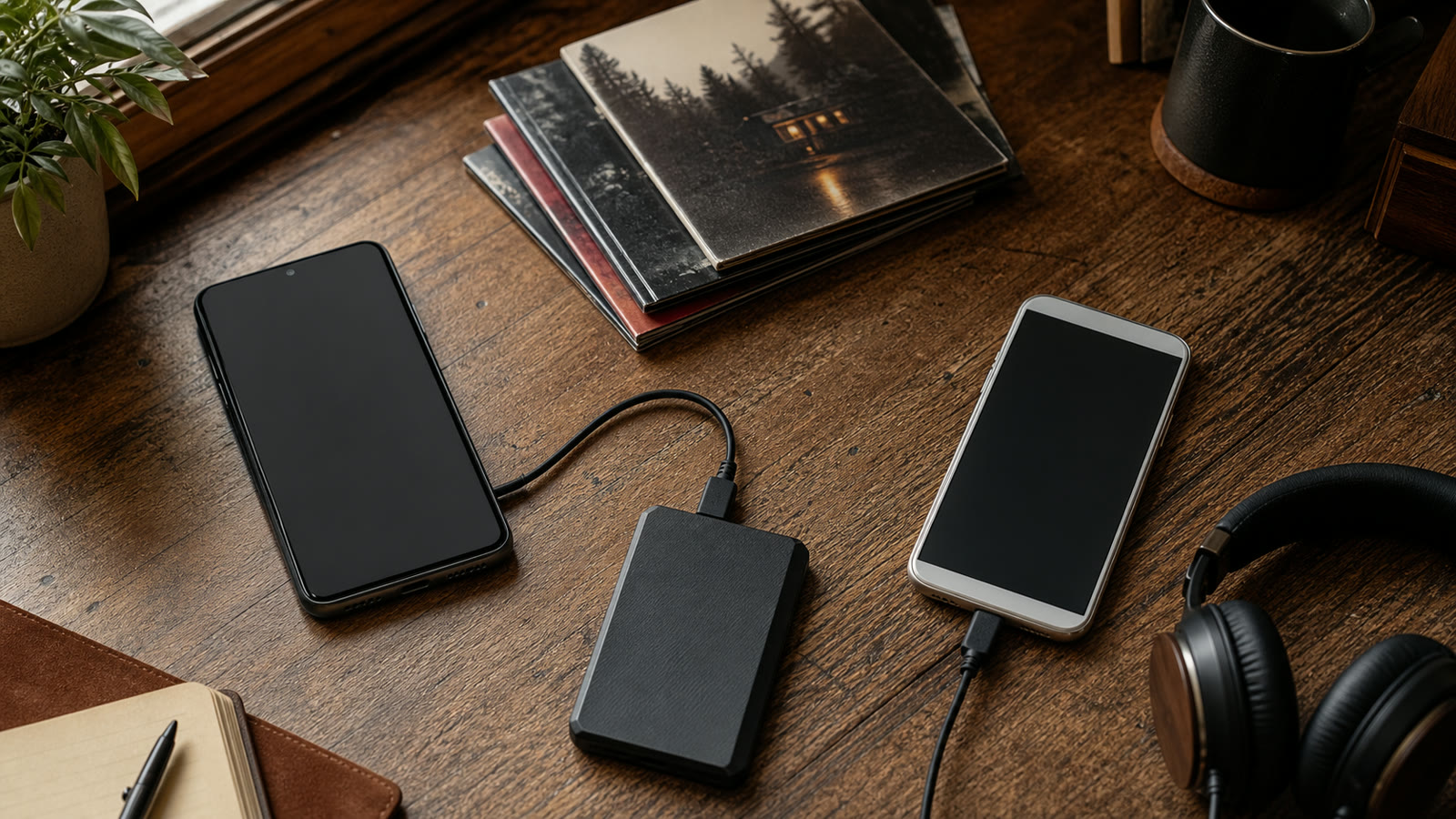
How to Transfer Music From Android to iPhone Without Losing Your Library
A safe Android-to-iPhone music migration guide covering file inventory, computer and cloud routes, verification, playlists, and backups.
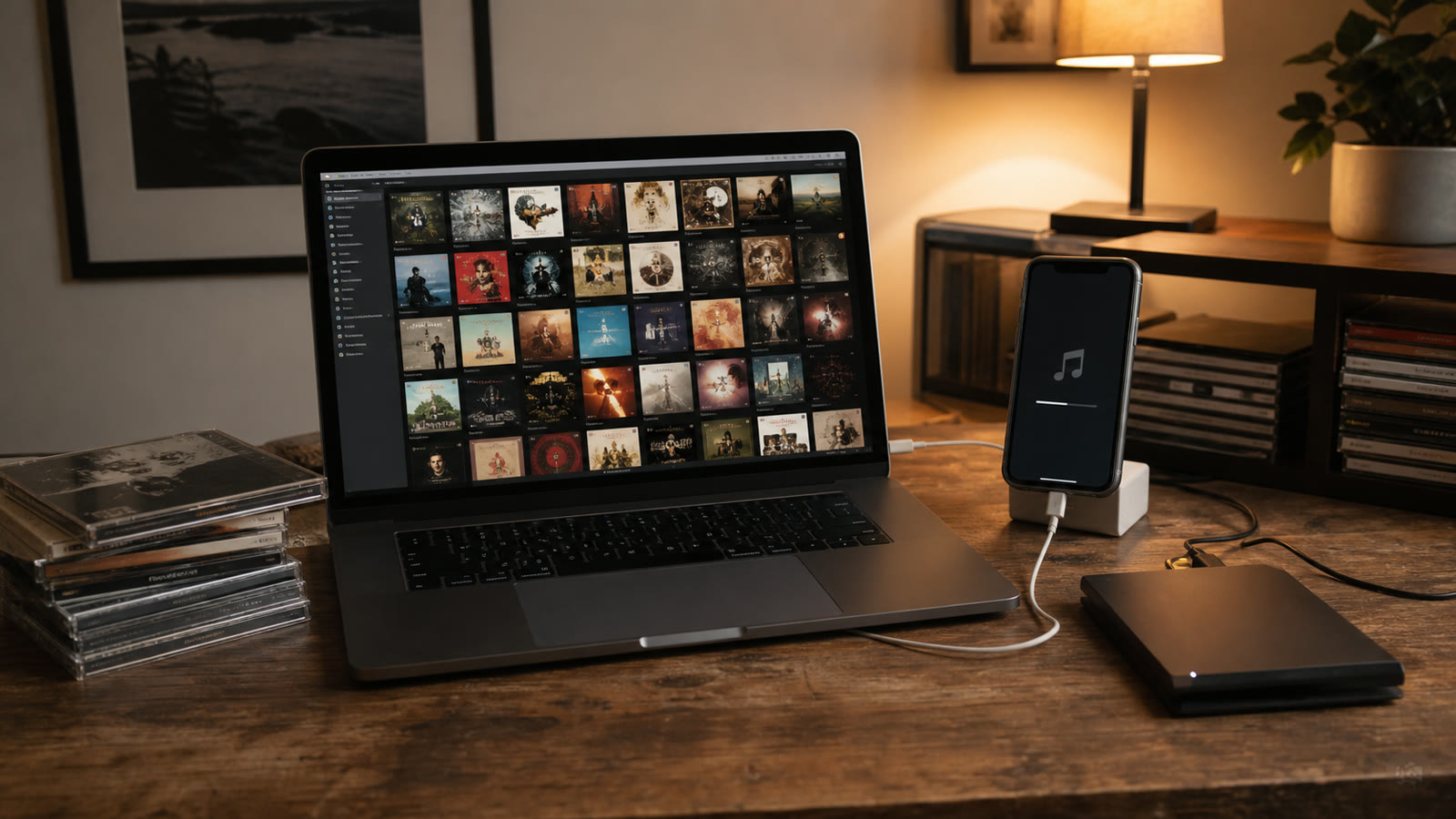
How to Transfer Your iTunes Library to iPhone Without Apple Music
Transfer an iTunes or Music library to iPhone without subscribing to Apple Music, with steps for Mac, Windows, playlists, and file-based players.
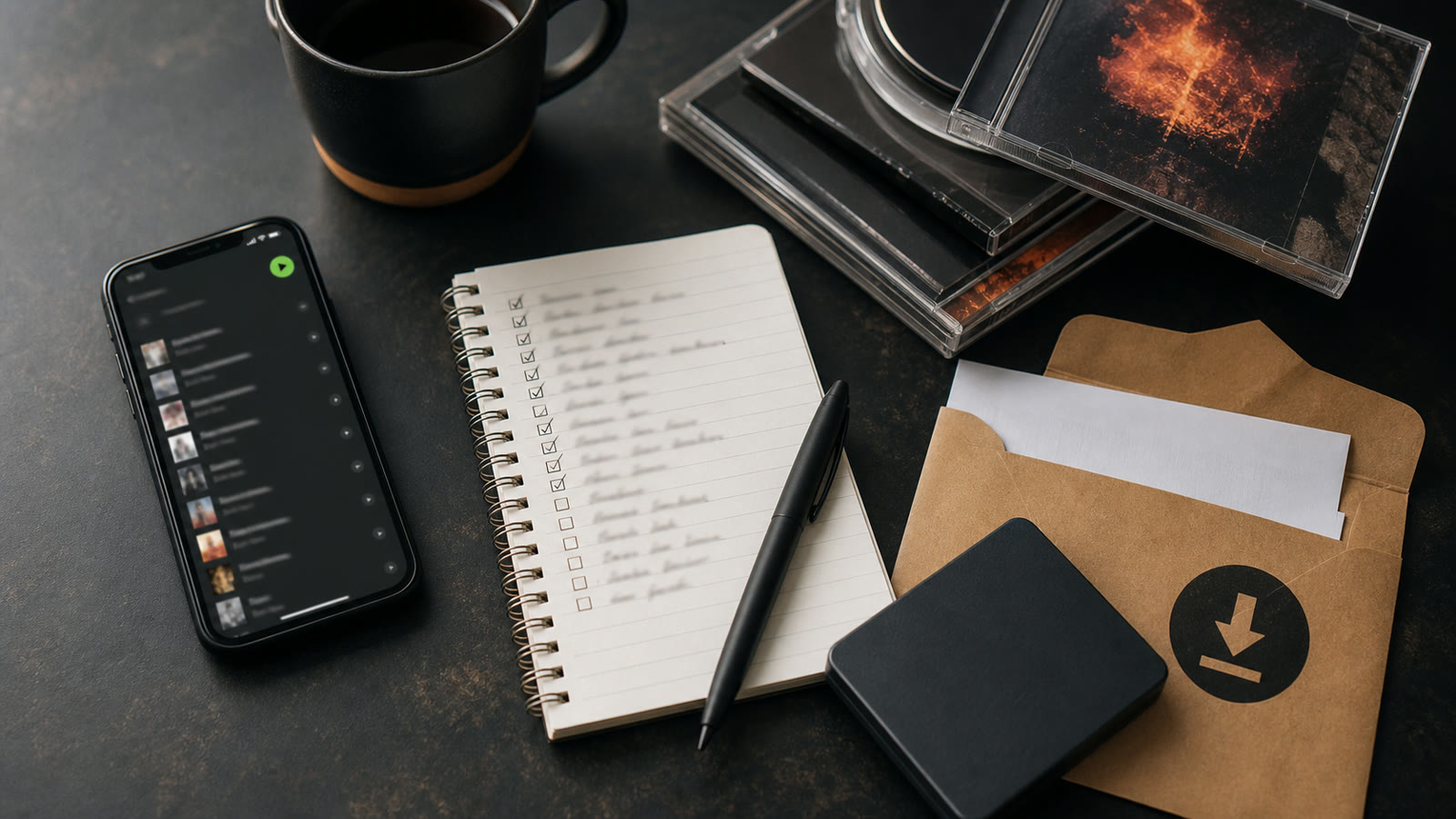
How to Export Spotify Playlists and Rebuild a Music Library You Own
Learn what a Spotify playlist export contains, what it does not contain, and how to rebuild the list as a legal, backed-up local library.
How to Move From Apple Music to a Local Music Library
A practical Apple Music exit plan covering playlist records, music purchases, CD rips, file formats, backups, and a no-surprises cancellation checklist.
How Many Songs Can an iPhone Hold? MP3, AAC, and FLAC Compared
Calculate how many MP3, AAC, ALAC, or FLAC songs fit on an iPhone and learn what a 10,000-song library needs in practice.
FLAC vs Spotify Lossless: Sound Quality, Ownership, and Offline Use
A current FLAC versus Spotify Lossless comparison covering fidelity, Bluetooth, mastering, ownership, offline access, metadata, and storage.
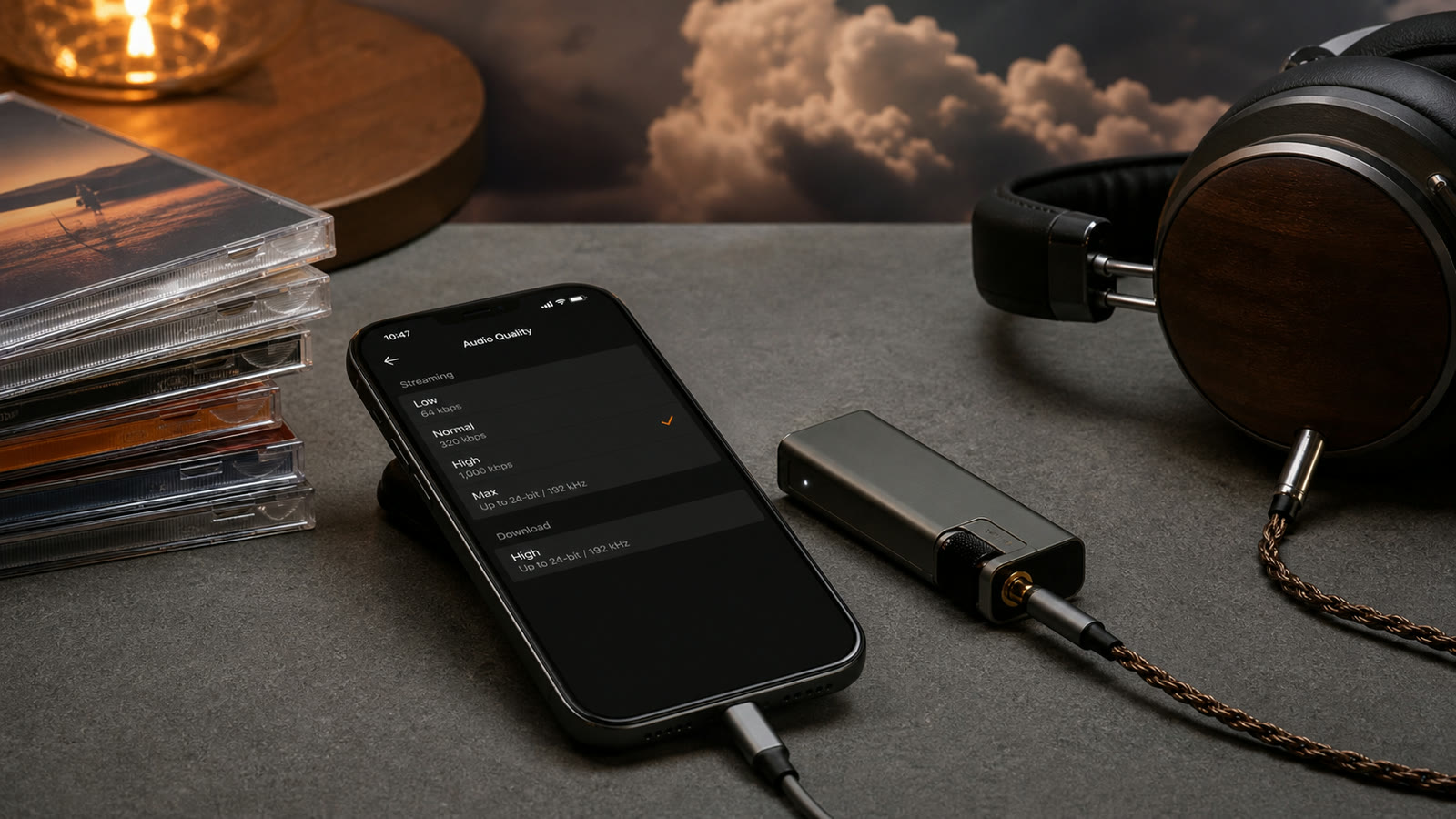
Does Apple Music Lossless Work With Local FLAC Files?
Understand the difference between Apple Music Lossless and local FLAC playback on iPhone, including apps, Bluetooth, DACs, and conversion to ALAC.
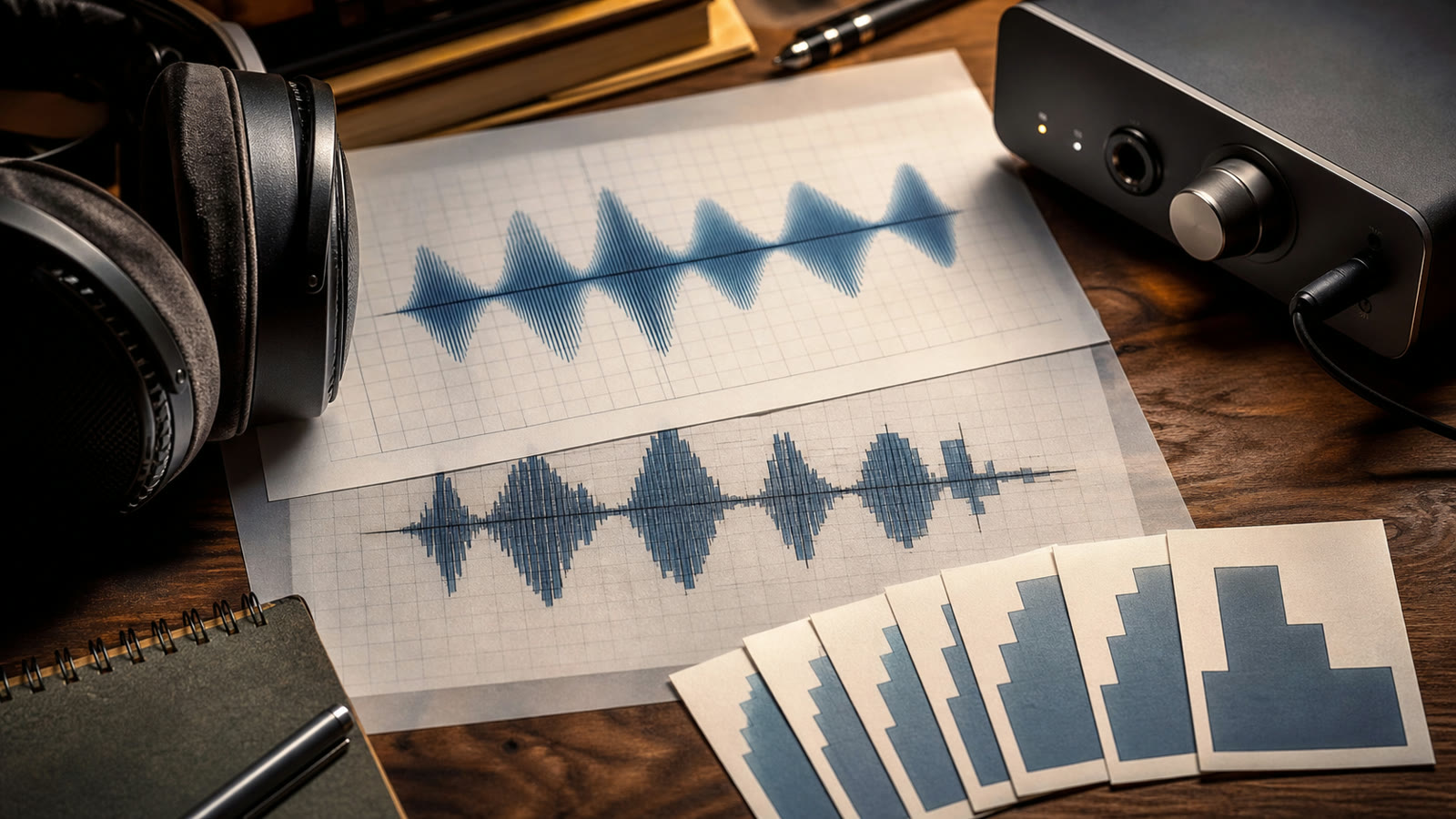
What Are Sample Rate and Bit Depth? 24-bit/192 kHz Explained
A plain-English guide to 44.1, 48, 96, and 192 kHz audio plus 16-bit and 24-bit depth, with practical iPhone advice.
How to Create and Use Music Folders on iPhone
Learn how to create music folders on iPhone, choose a naming system, move files safely, and browse the same structure in a local music player.
Best ID3 Tag Editor Apps for iPhone: What to Check Before You Choose
A practical framework for comparing iPhone ID3 tag editors, with checks for formats, batch editing, artwork, write-back, cloud files, and backups.
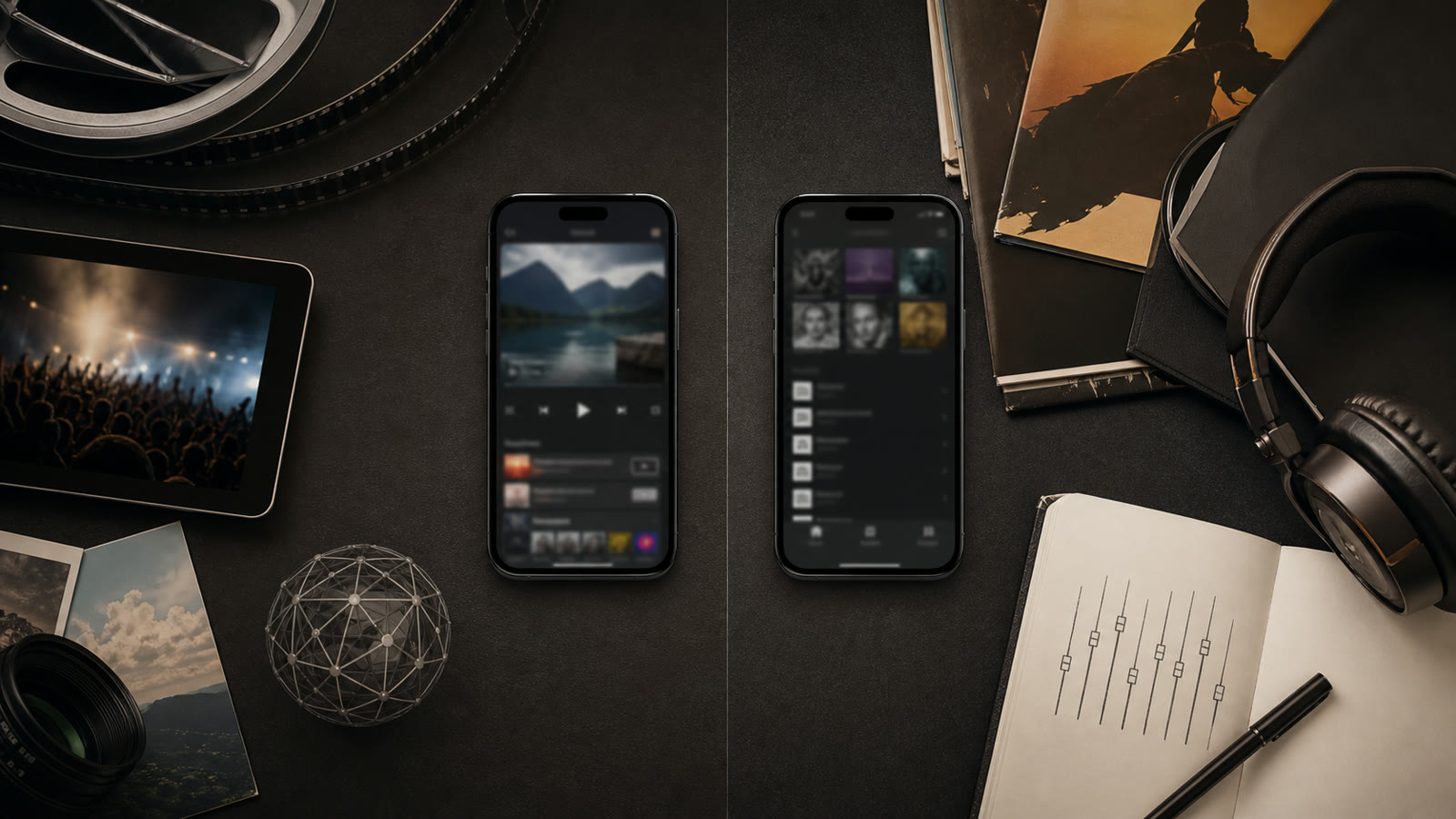
VLC vs OfflineTunes: Which iPhone Offline Music Player Fits You?
A fair VLC versus OfflineTunes comparison for iPhone covering formats, imports, library design, audio tools, CarPlay, privacy, and who each app suits.
Evermusic vs OfflineTunes: Cloud Library or Device-First Music?
Compare Evermusic and OfflineTunes on iPhone across cloud sources, local files, metadata, playback tools, CarPlay, and library ownership.
Flacbox vs OfflineTunes: Which FLAC Player Fits Your Library?
A fair Flacbox versus OfflineTunes comparison covering FLAC playback, cloud sources, local imports, EQ, tags, CarPlay, and collection management.
VOX vs OfflineTunes: Premium Cloud or Local Library Control?
Compare VOX and OfflineTunes on iPhone across cloud storage, local playback, lossless formats, organization, audio tools, and ongoing cost.
Best Music App for Airplane Mode, Flights, Camping, and No-Signal Travel
Choose and prepare an offline music app for airplane mode, long flights, road trips, and camping with a preflight test and storage checklist.
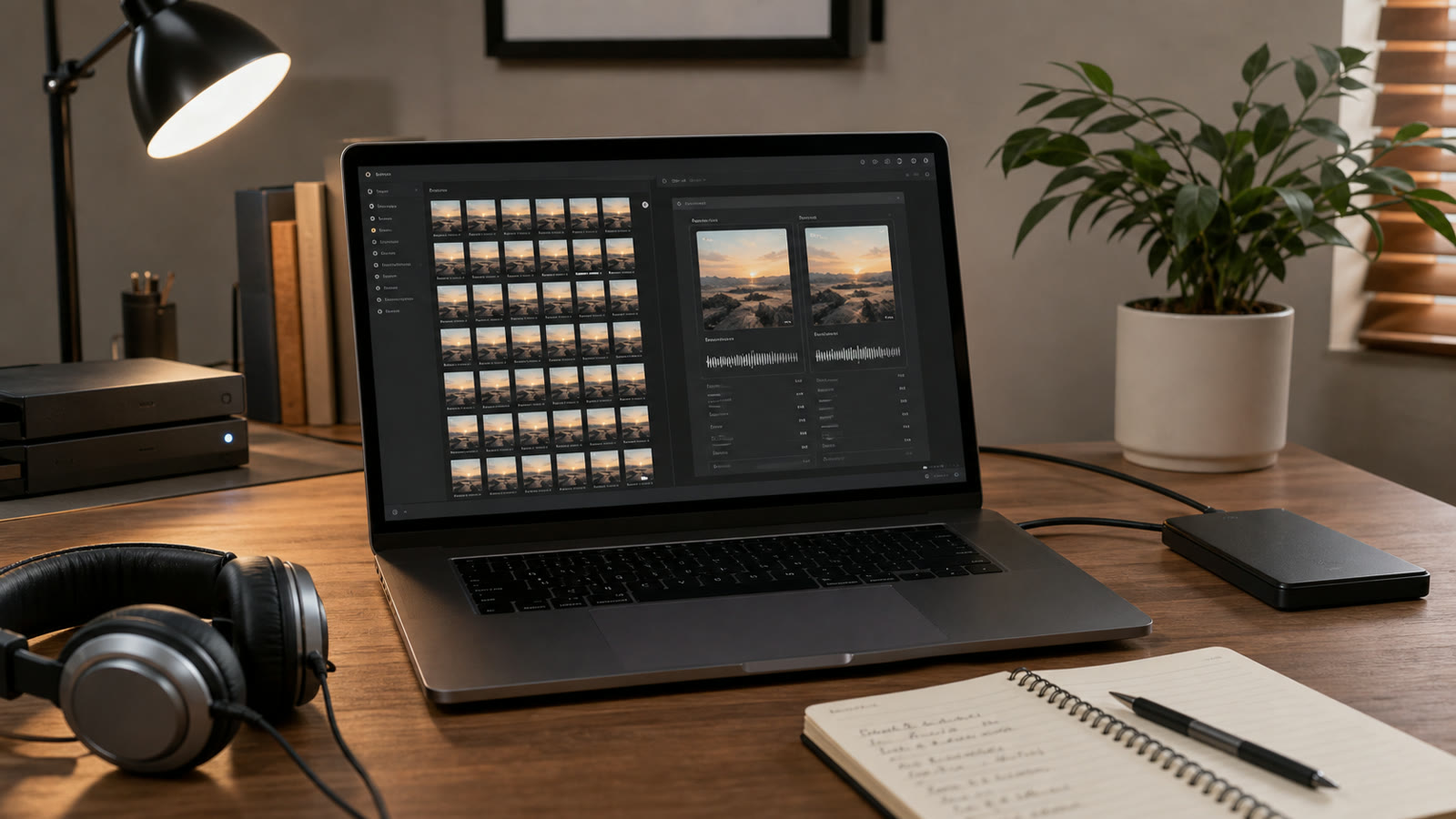
How to Remove Duplicate Songs Without Damaging Your Music Library
A safe duplicate-music cleanup workflow using hashes, duration, audio fingerprints, bitrate, tags, backups, and review rules for remasters and live versions.
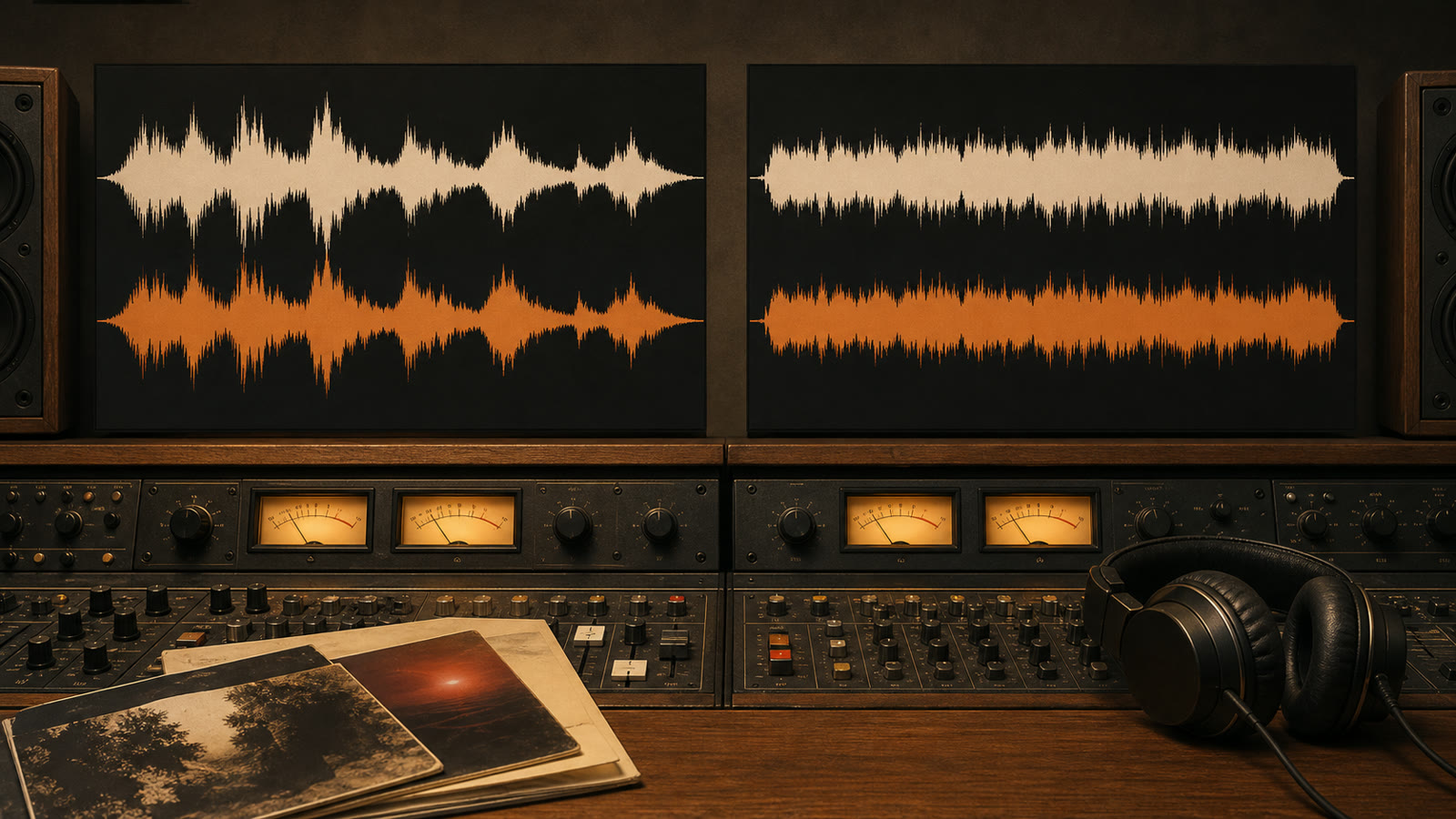
ReplayGain vs Loudness Normalization: What Is the Difference?
Compare ReplayGain with loudness normalization, track gain, album gain, peak protection, streaming normalization, and destructive audio editing.
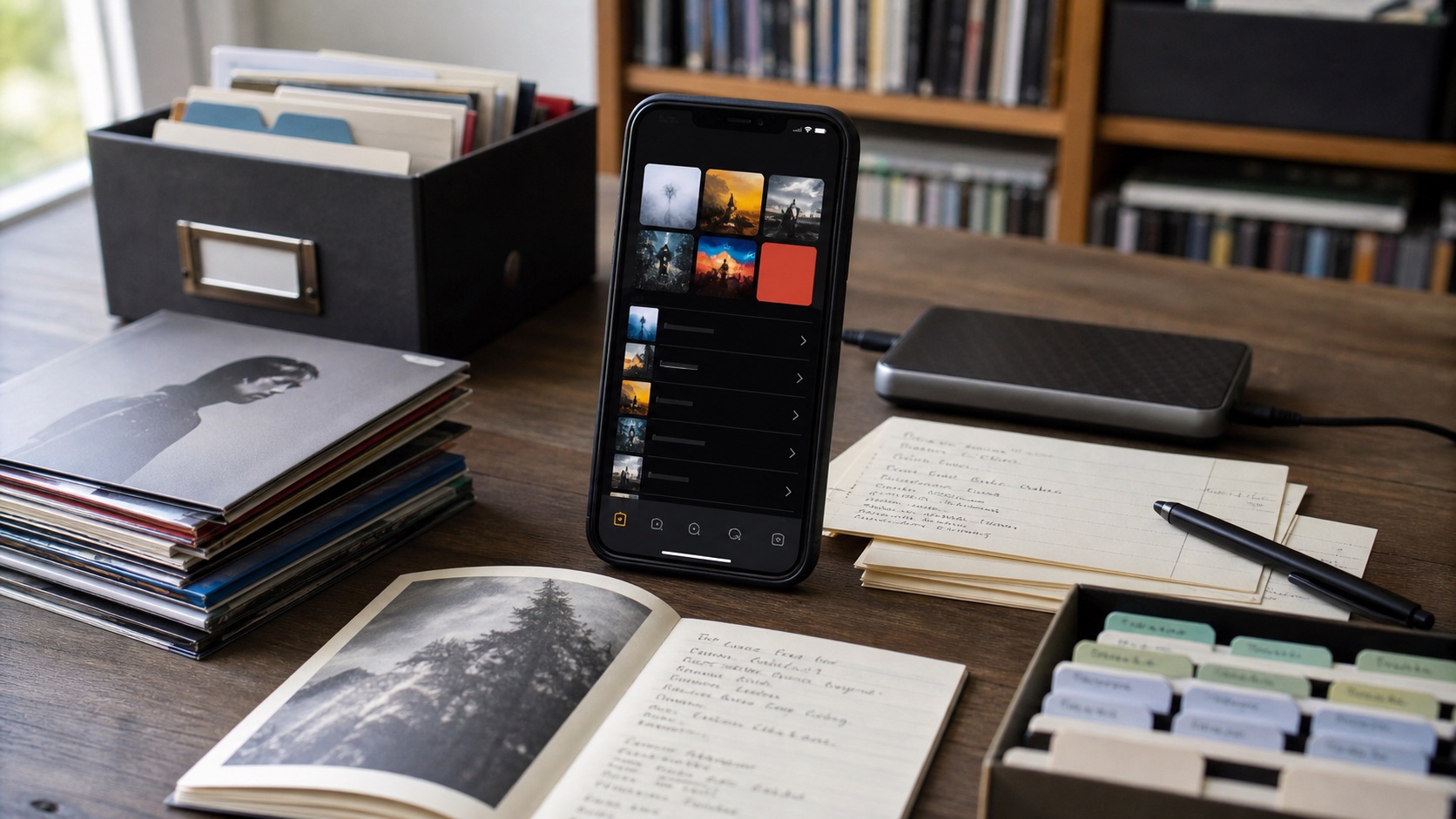
Playlist and Folder Mode: Every Collection Remembers Its Session
Learn how OfflineTunes Playlist and Folder Mode remembers a separate queue, position, playback speed, shuffle, repeat, timer, and equalizer for every collection.
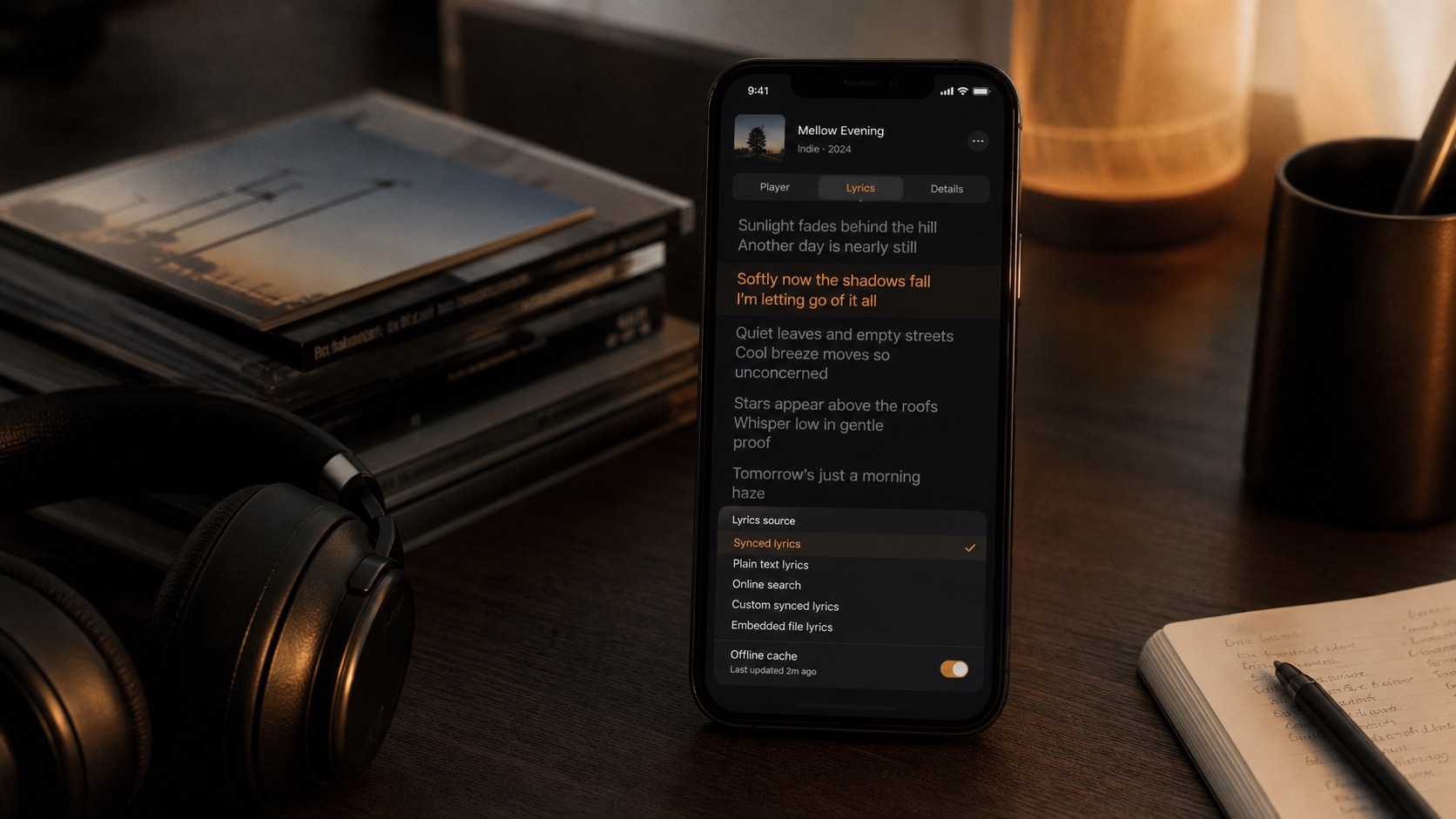
Offline Lyrics on iPhone: Synced, Text, and Embedded
Use OfflineTunes Lyrics on iPhone: play synced and text lyrics, fetch lyrics online, create your own synced lyrics, embed them in files, and cache them offline.
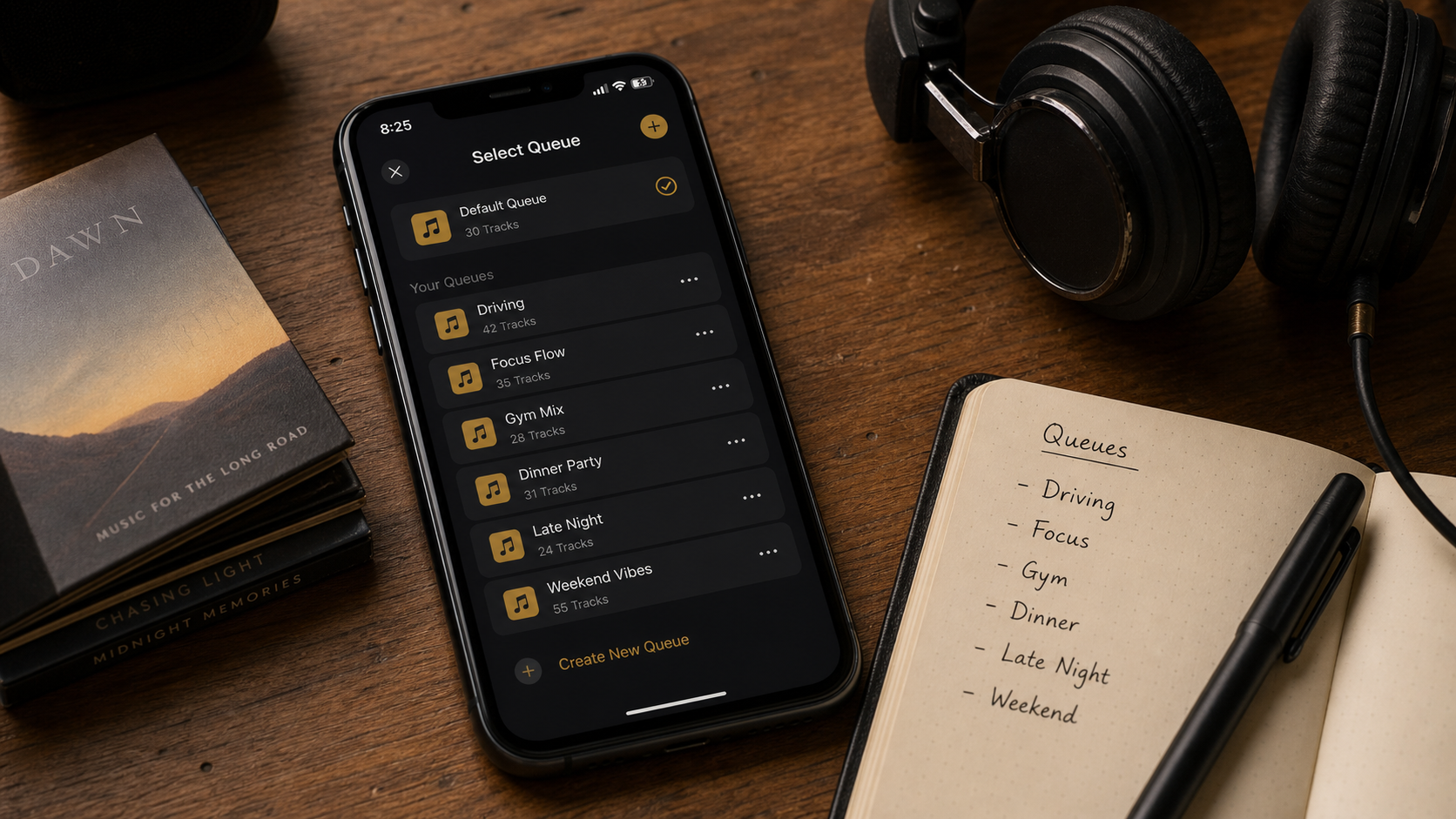
Smart Multi-Queue on iPhone: Separate Queues for Every Mood
Learn how Smart Multi-Queue works in OfflineTunes: create named queues, switch moods, preserve listening sessions, rename queues, delete queues, and keep local music organized.
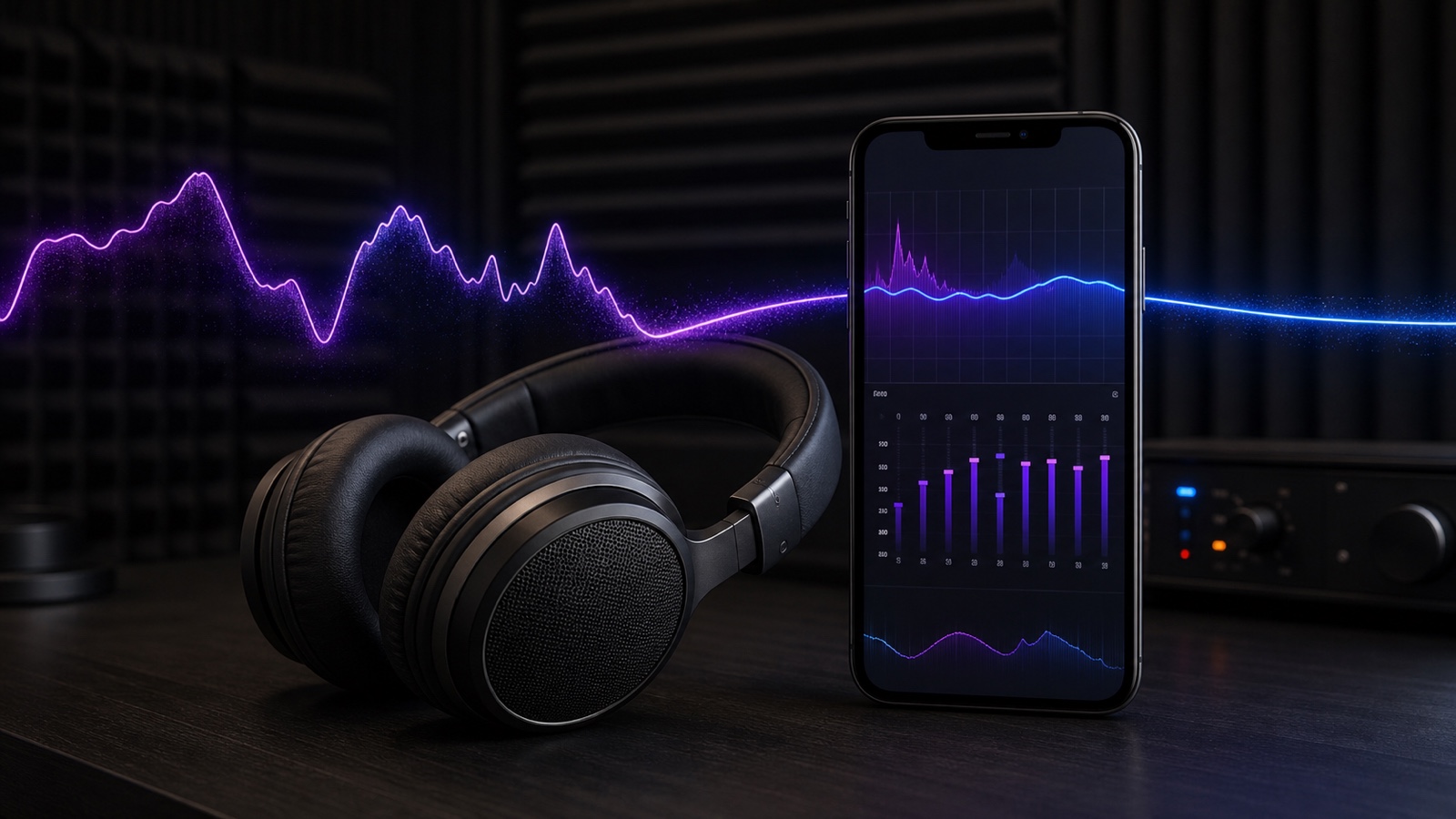
AutoEQ: Headphone Correction Profiles for Your iPhone
AutoEQ in OfflineTunes applies measurement-based headphone correction on iPhone, with automatic profiles that load when your headphones connect.
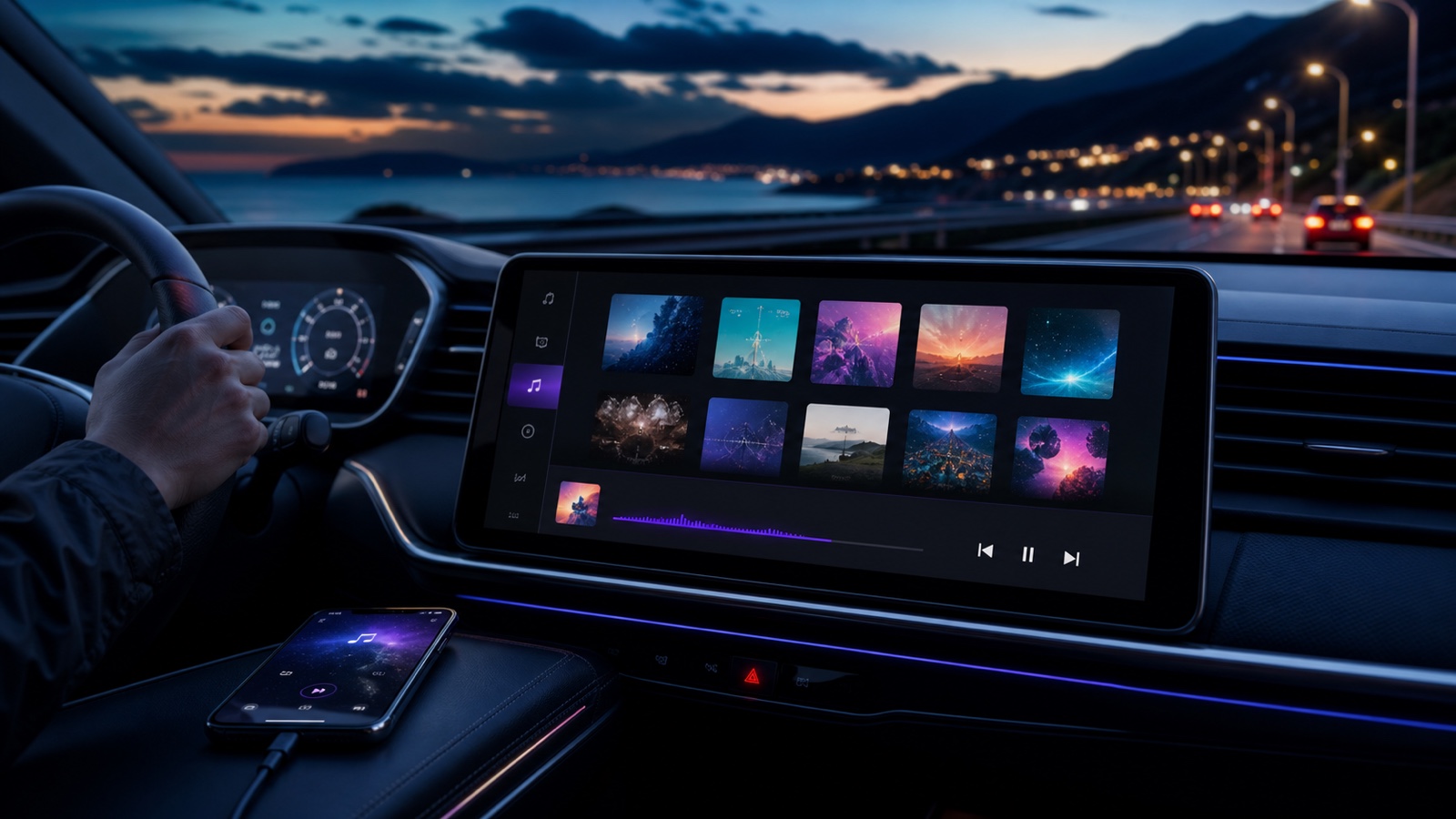
OfflineTunes on CarPlay: Play Your Own Music, Offline
OfflineTunes brings your offline library to CarPlay: browse playlists, albums, and songs, and play local files with no signal required.
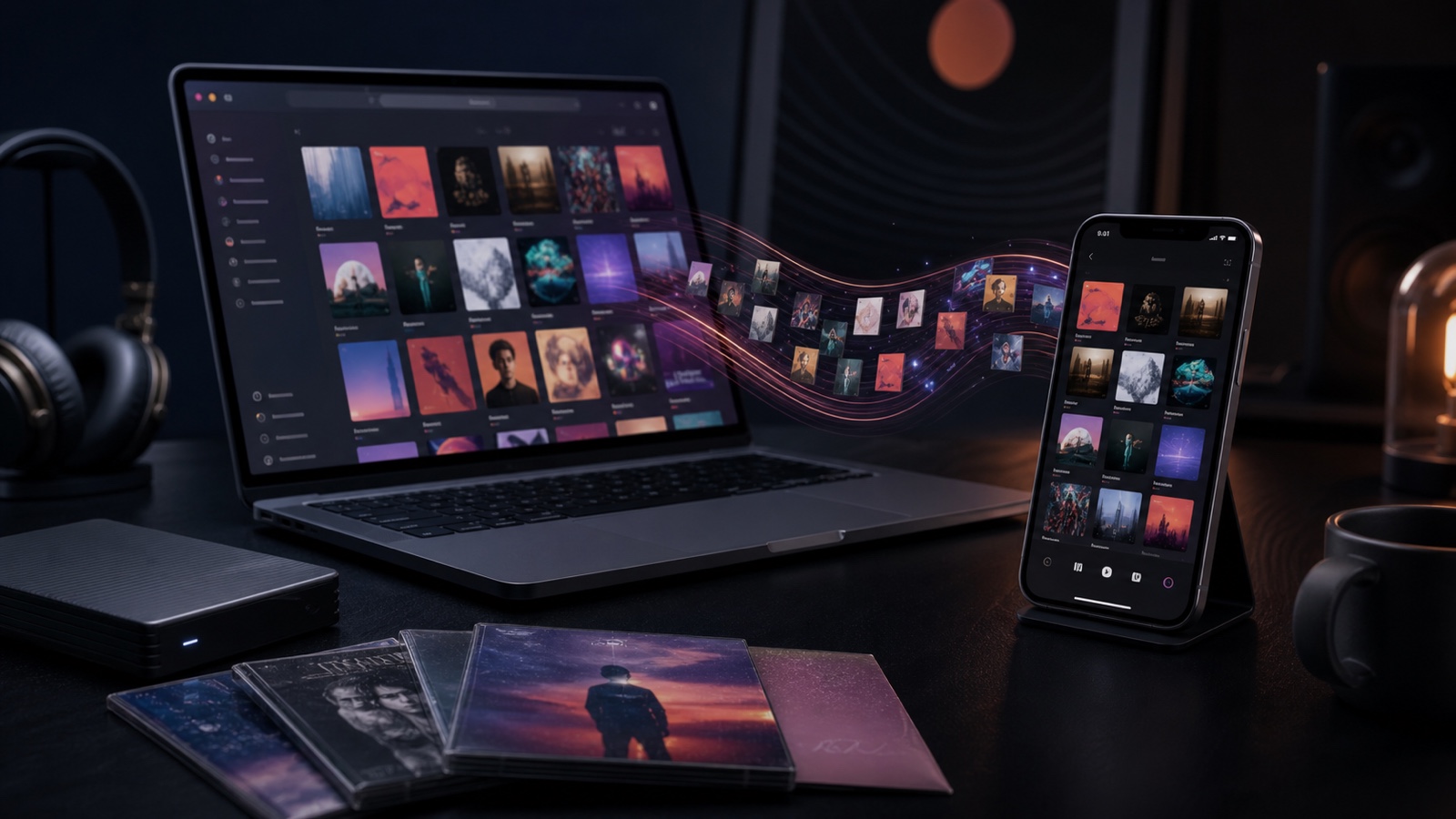
Apple Music, iTunes Sync, and Your Library in OfflineTunes
How OfflineTunes works with Apple Music on iPhone: surface your synced iTunes and iPod library, stream with your subscription, and import tracks you own as files.
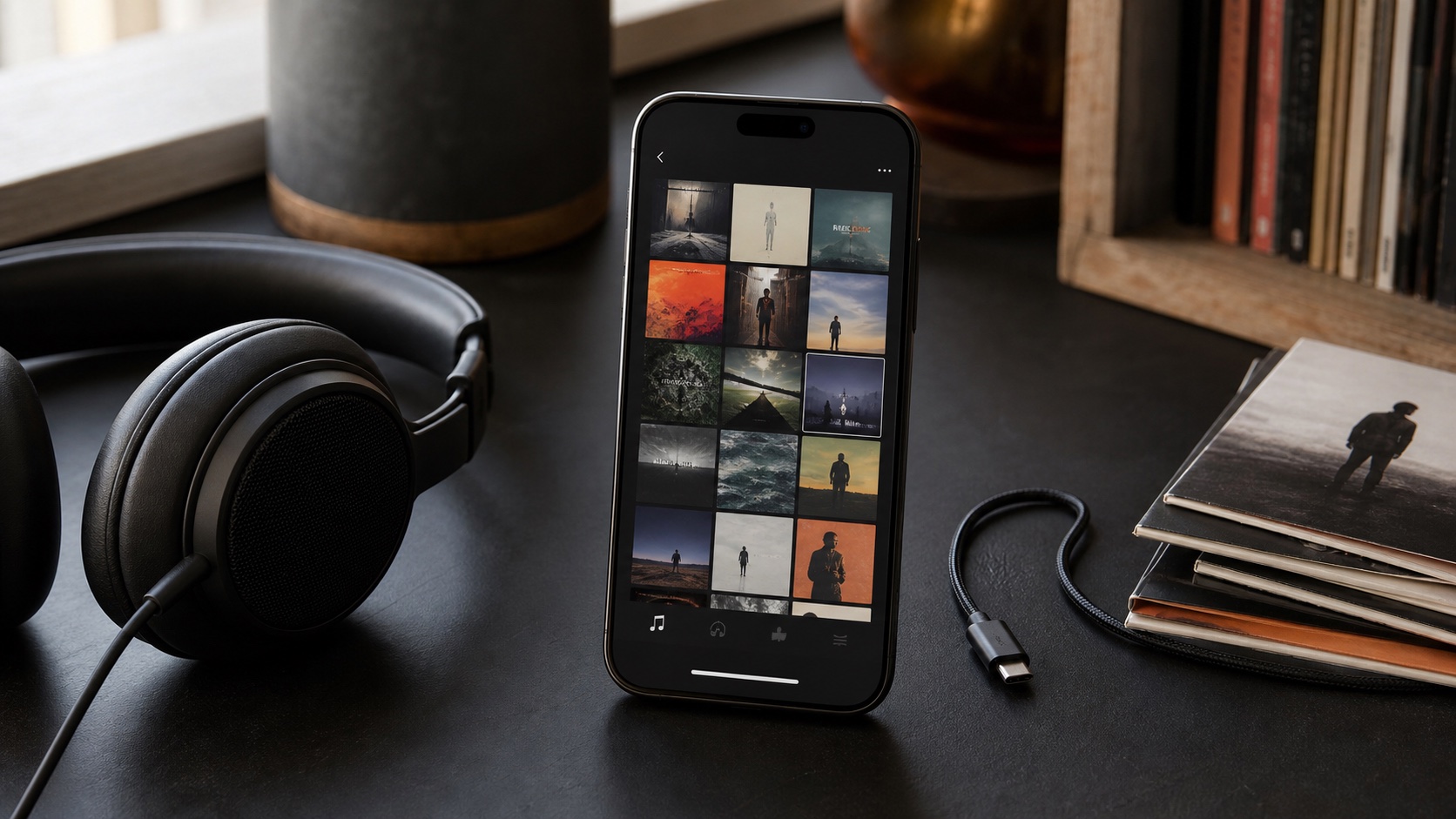
Offline Track Radio on iPhone: Single-Song and Multi-Track Mixes
Create offline Track Radio on iPhone from one song or several seeds, with library-powered recommendations and no streaming connection.
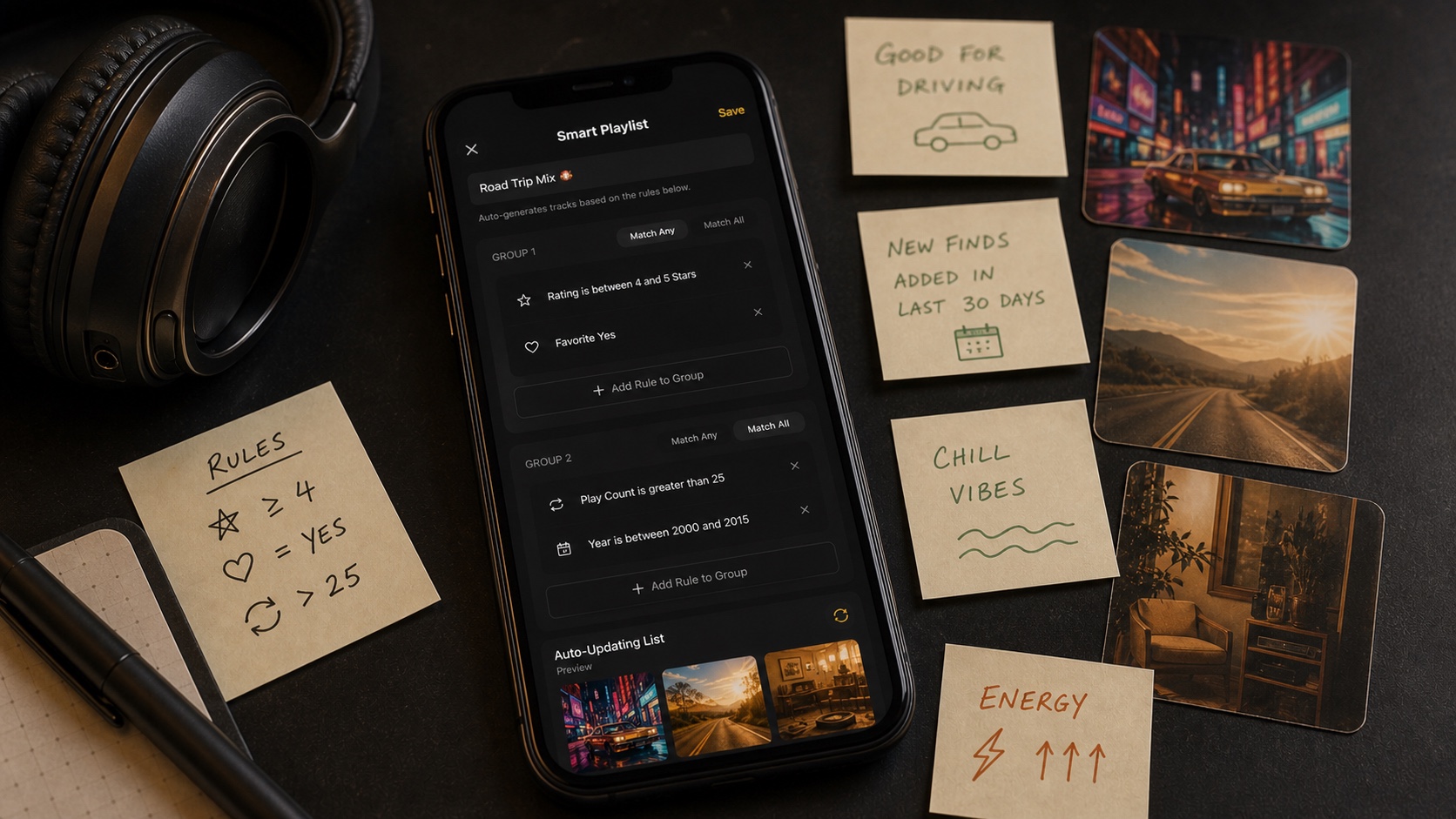
How OfflineTunes Analyzes BPM, Key, Energy, and Mood
Learn how OfflineTunes uses MFCC timbre, BPM, key, Camelot, energy, brightness, danceability, and loudness to understand local music.
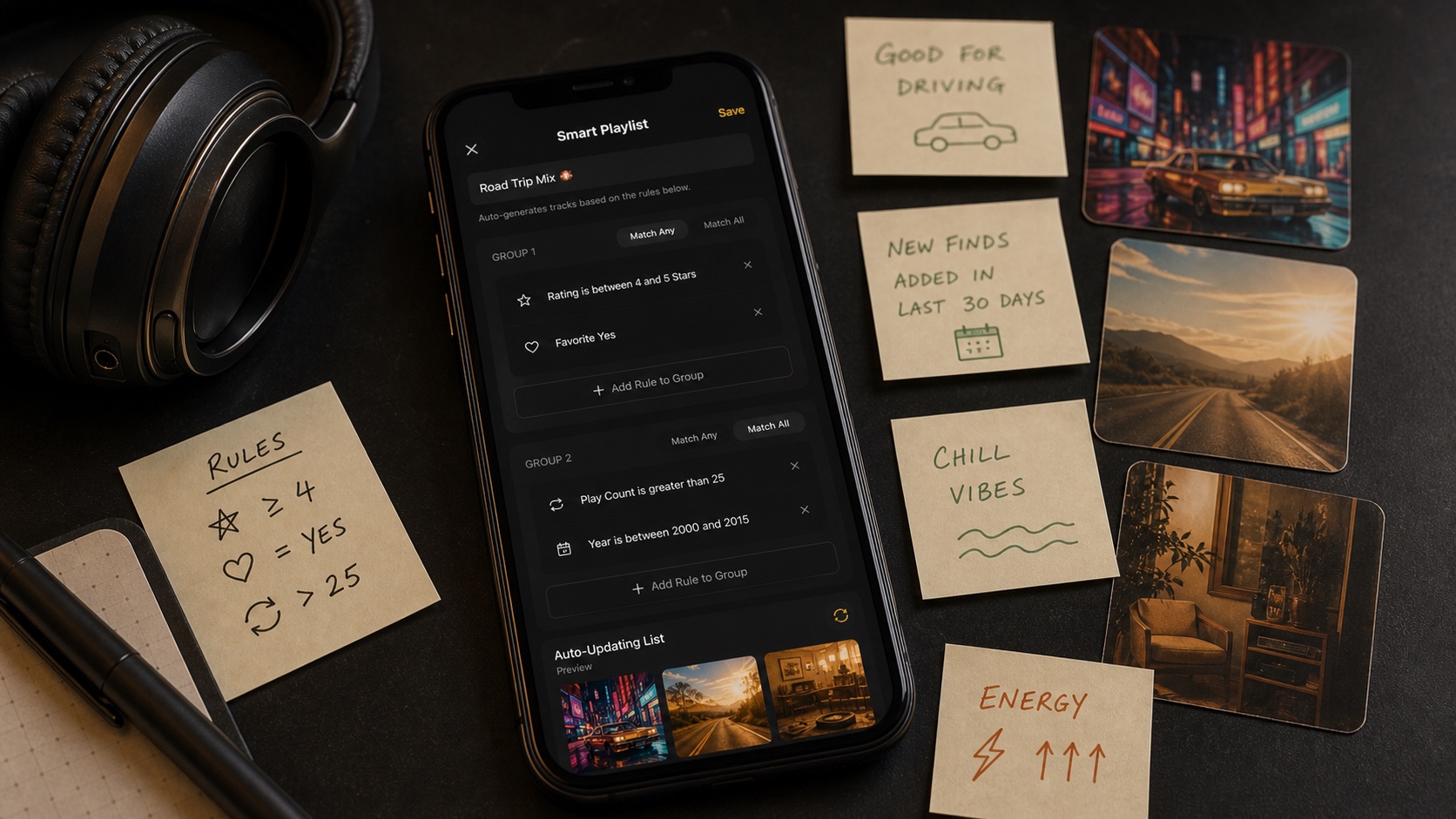
Mood Playlists on iPhone: Hype, Chill, Focus, Sleep, and More
Use OfflineTunes Moods to create offline playlists for Hype, Chill, Focus, Sleep, Romantic, Dark, and Cinematic listening.
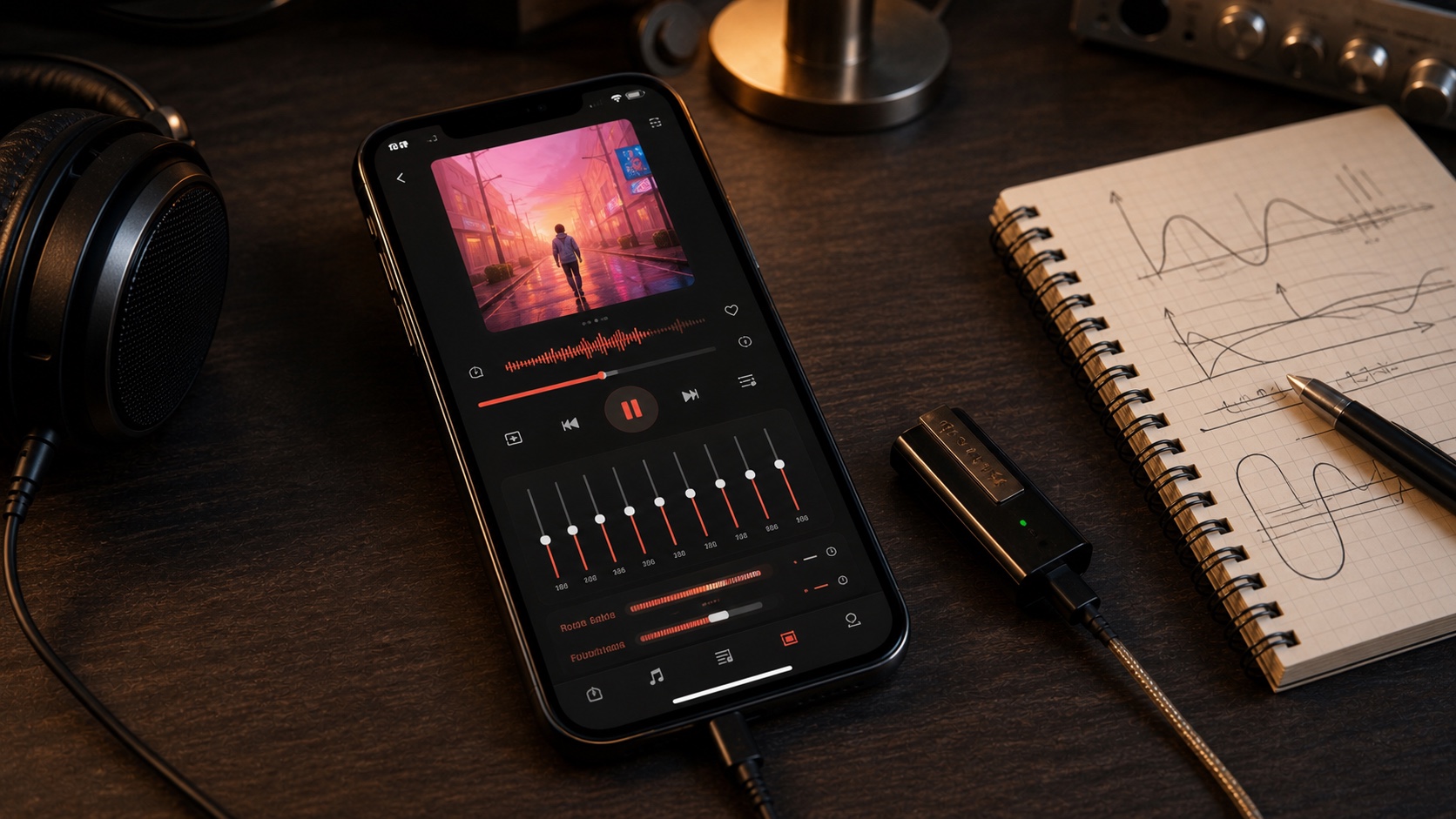
Milkdrop Visualizer on iPhone: Turn Local Music Into a Light Show
Use the OfflineTunes Milkdrop visualizer on iPhone with hundreds of beat-reactive presets, fullscreen mode, and automatic cycling.
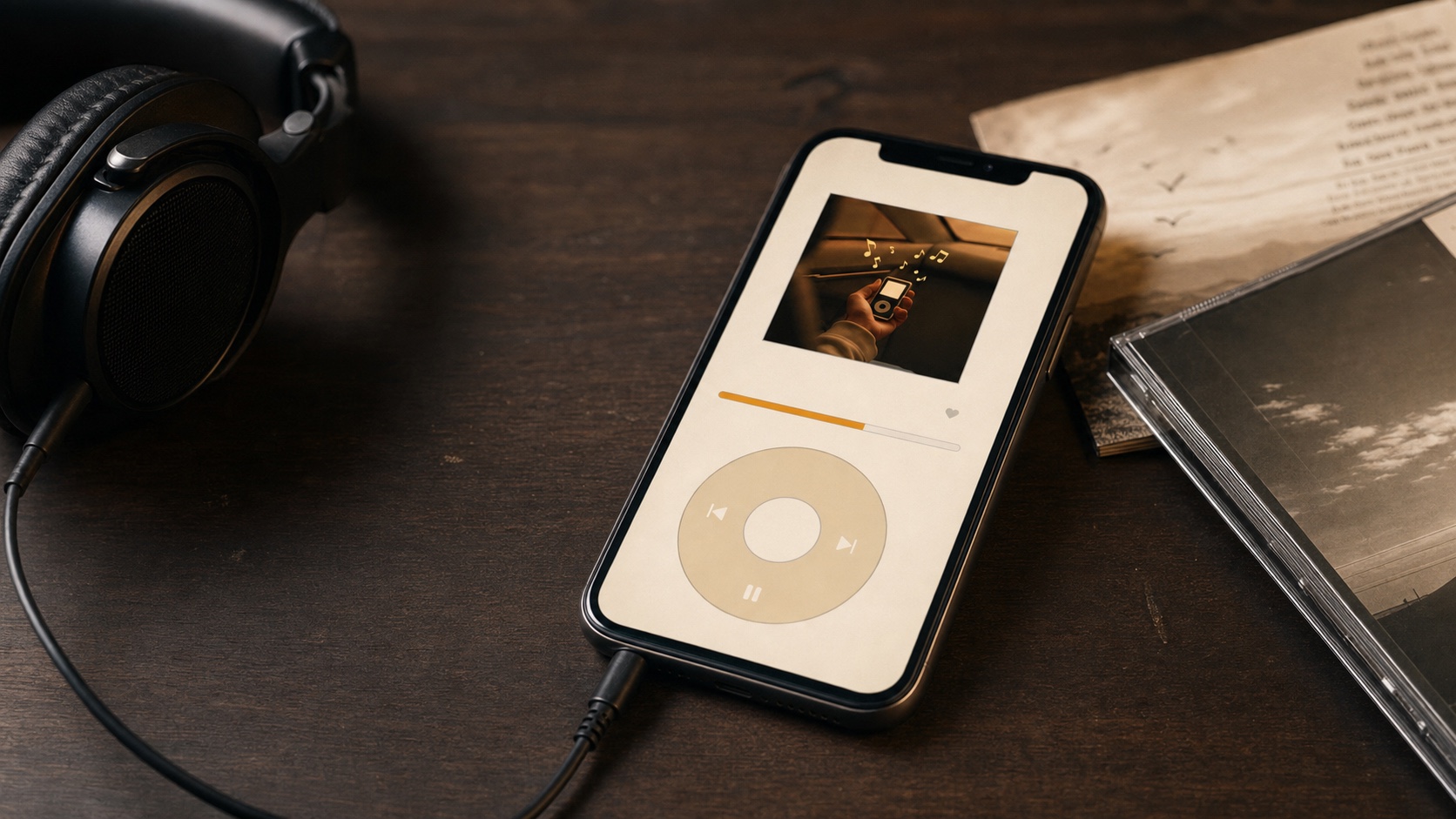
Modern Mode vs Retro Mode: Two Ways to Enjoy OfflineTunes
Compare OfflineTunes Modern Mode and Retro Mode: advanced library tools on one side, nostalgic click-wheel simplicity on the other.
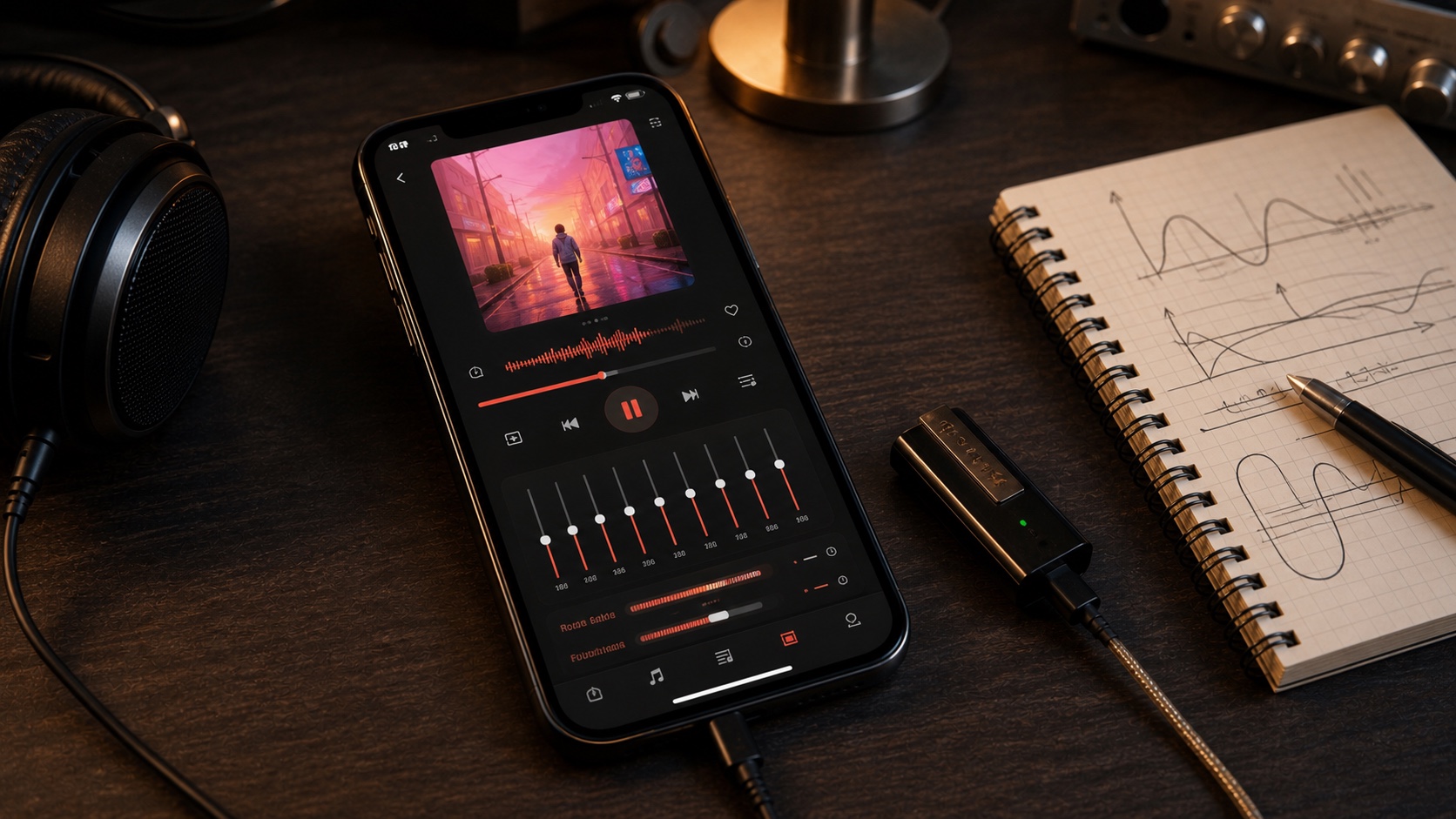
Crossfade, Gapless, Automix, and Skip Silence on iPhone
Compare Crossfade, Gapless, Automix, and Skip Silence in OfflineTunes and choose the right iPhone playback flow for each library.
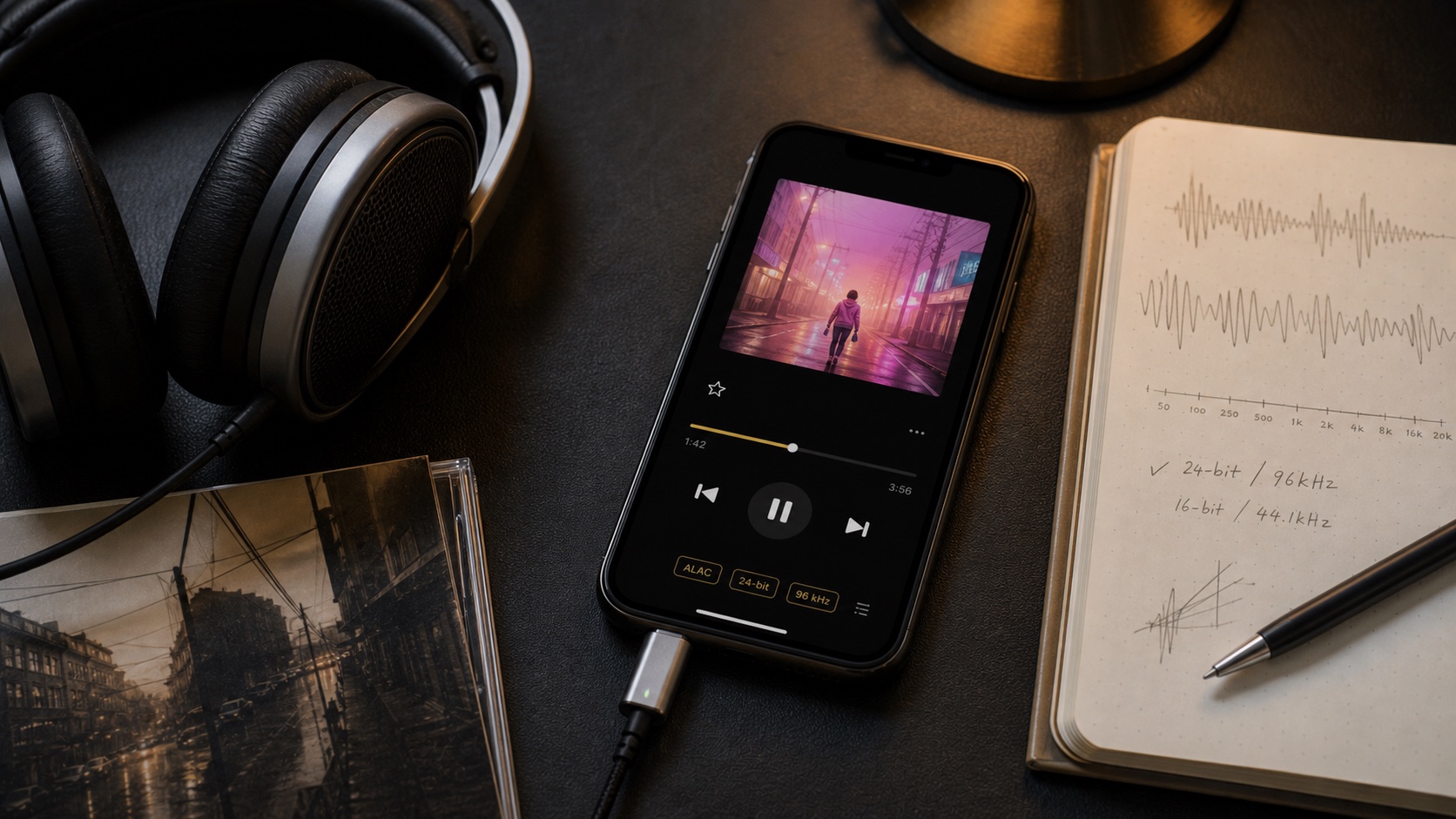
Bit-Perfect Audio on iPhone: When an Untouched Signal Matters
Understand Bit-Perfect audio on iPhone, what an untouched signal means, and why OfflineTunes disables processing while it is active.
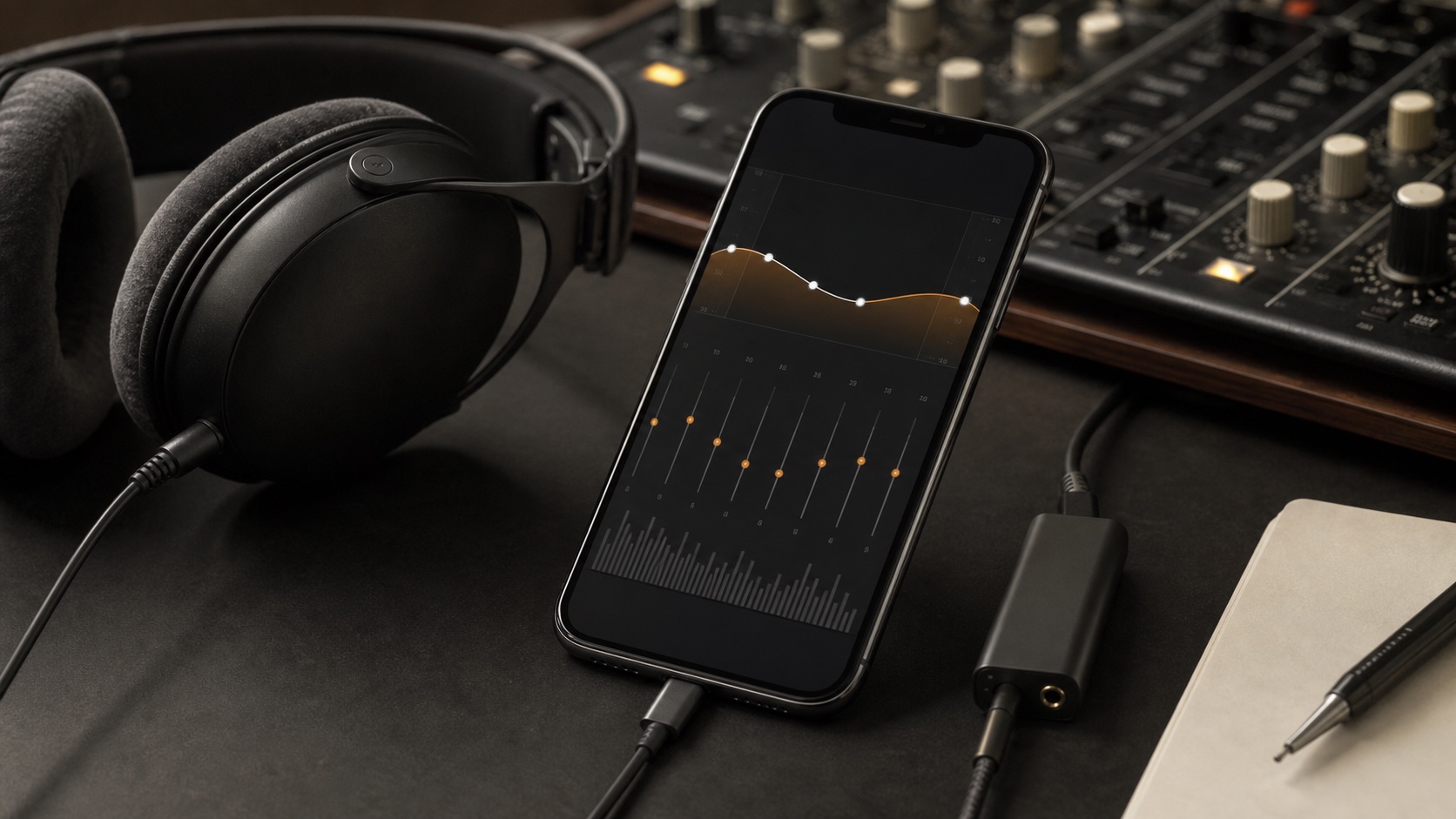
3D Spatial Audio for Local Music: Subtle, Wide, and Room
Use OfflineTunes 3D Spatial Audio with Subtle, Wide, and Room presets for local music stored on iPhone.
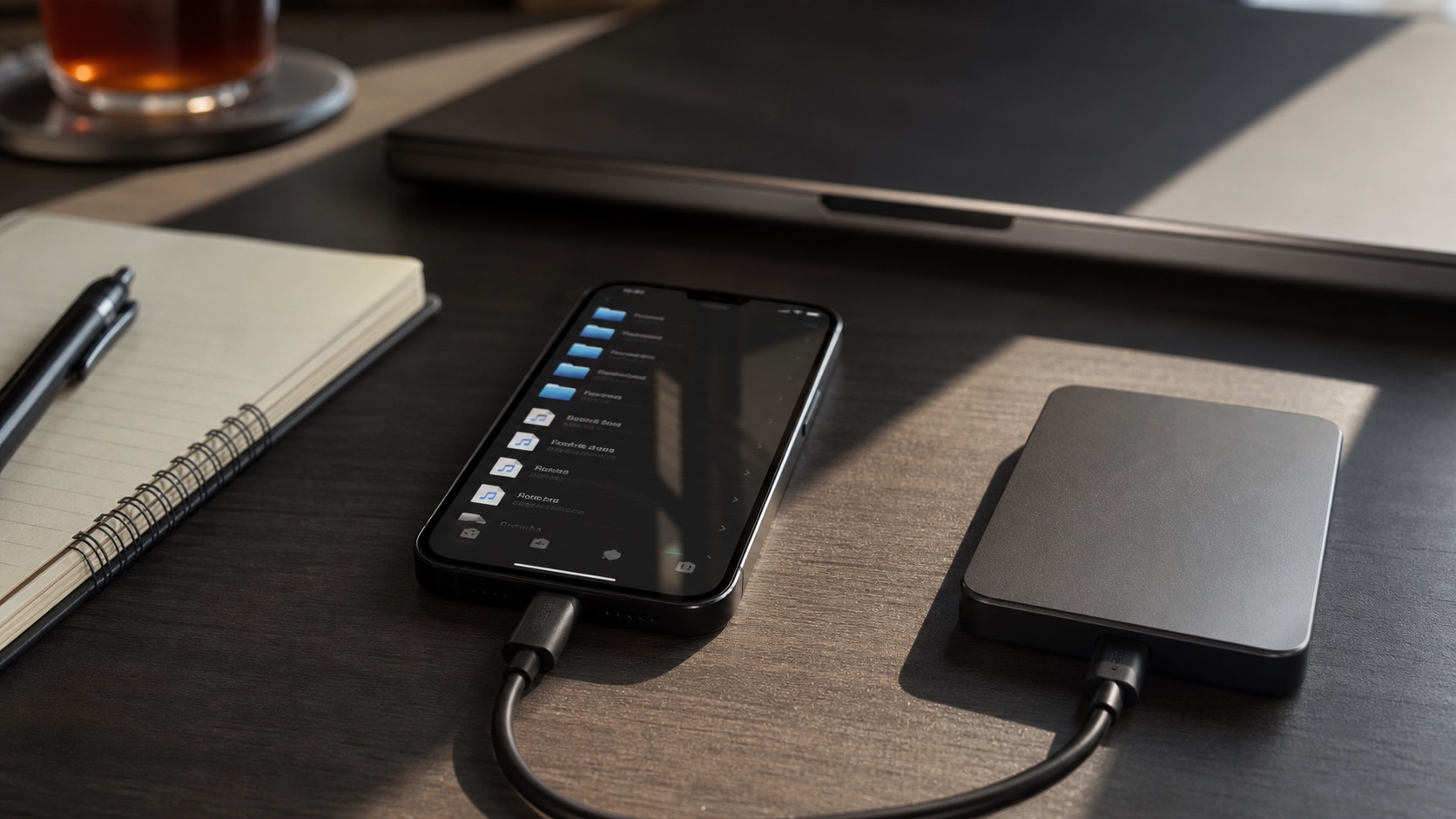
How to Transfer Entire Music Folders to iPhone Over Wi-Fi
Transfer complete music folders to iPhone over Wi-Fi with OfflineTunes, preserving nested structure without iTunes or a cable.
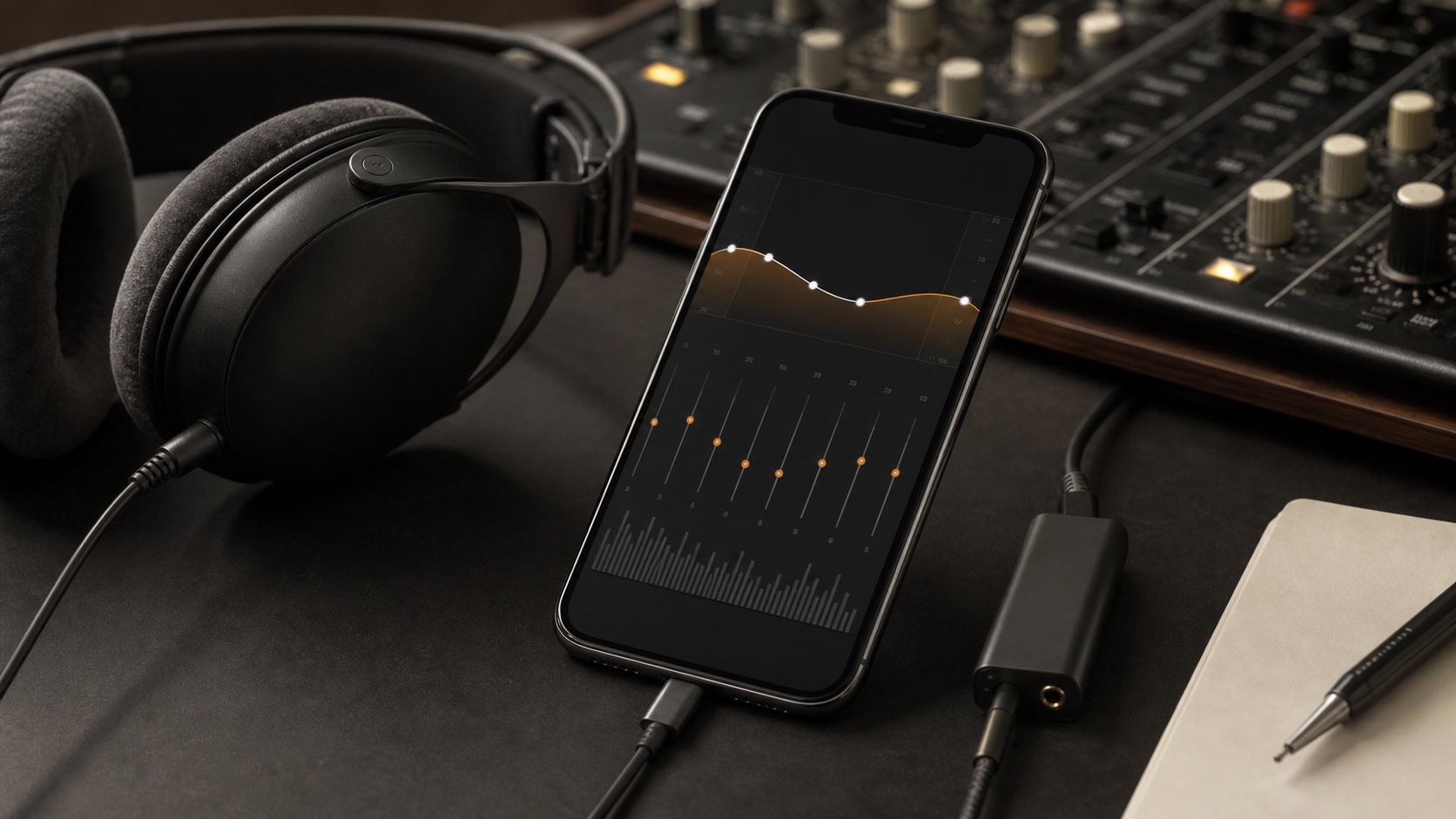
How to Trim, Speed Up, Pitch-Shift, and EQ Audio on iPhone
Use OfflineTunes Process Tracks to trim, change speed or pitch, adjust gain and EQ, preview changes, then save or overwrite on iPhone.
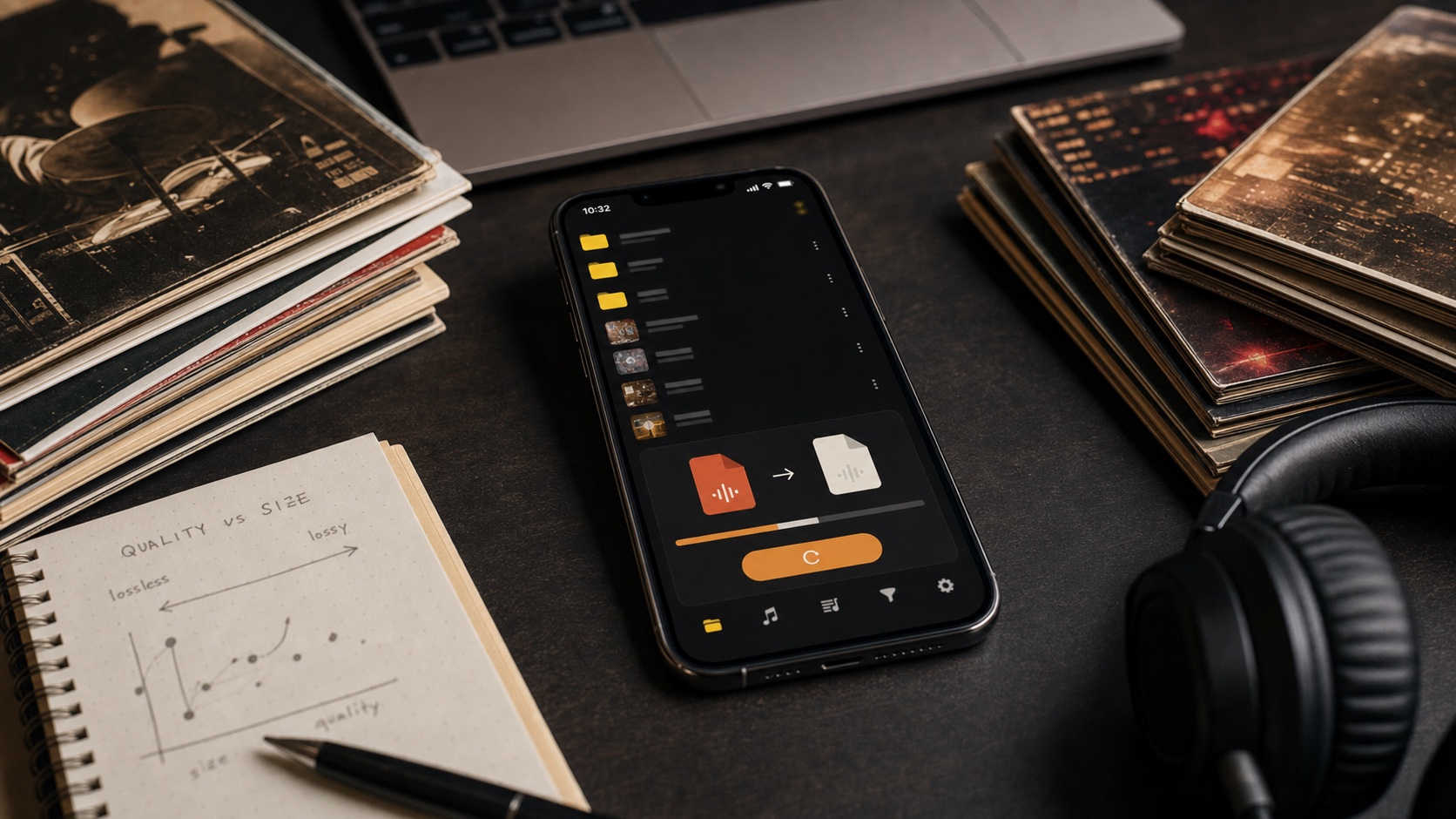
How to Convert FLAC, MP3, AAC, ALAC, and OPUS on iPhone
Convert FLAC, MP3, AAC, ALAC, and OPUS on iPhone with batch processing, bitrate choices, and metadata controls in OfflineTunes.
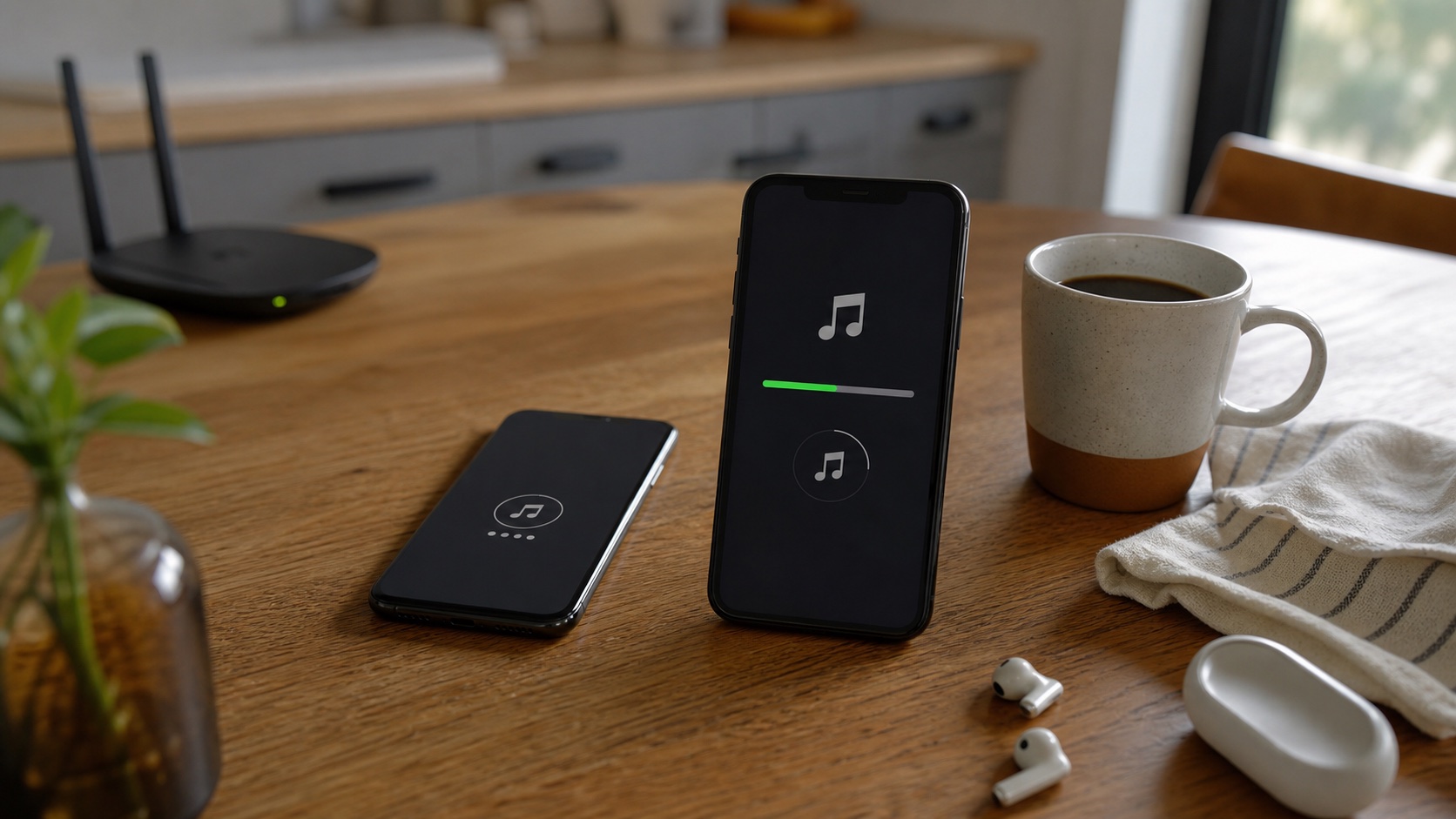
How to Download and Import Audio With OfflineTunes’ In-App Browser
Use the OfflineTunes in-app browser to download audio or ZIP archives you have permission to use, extract them, and import them on iPhone.
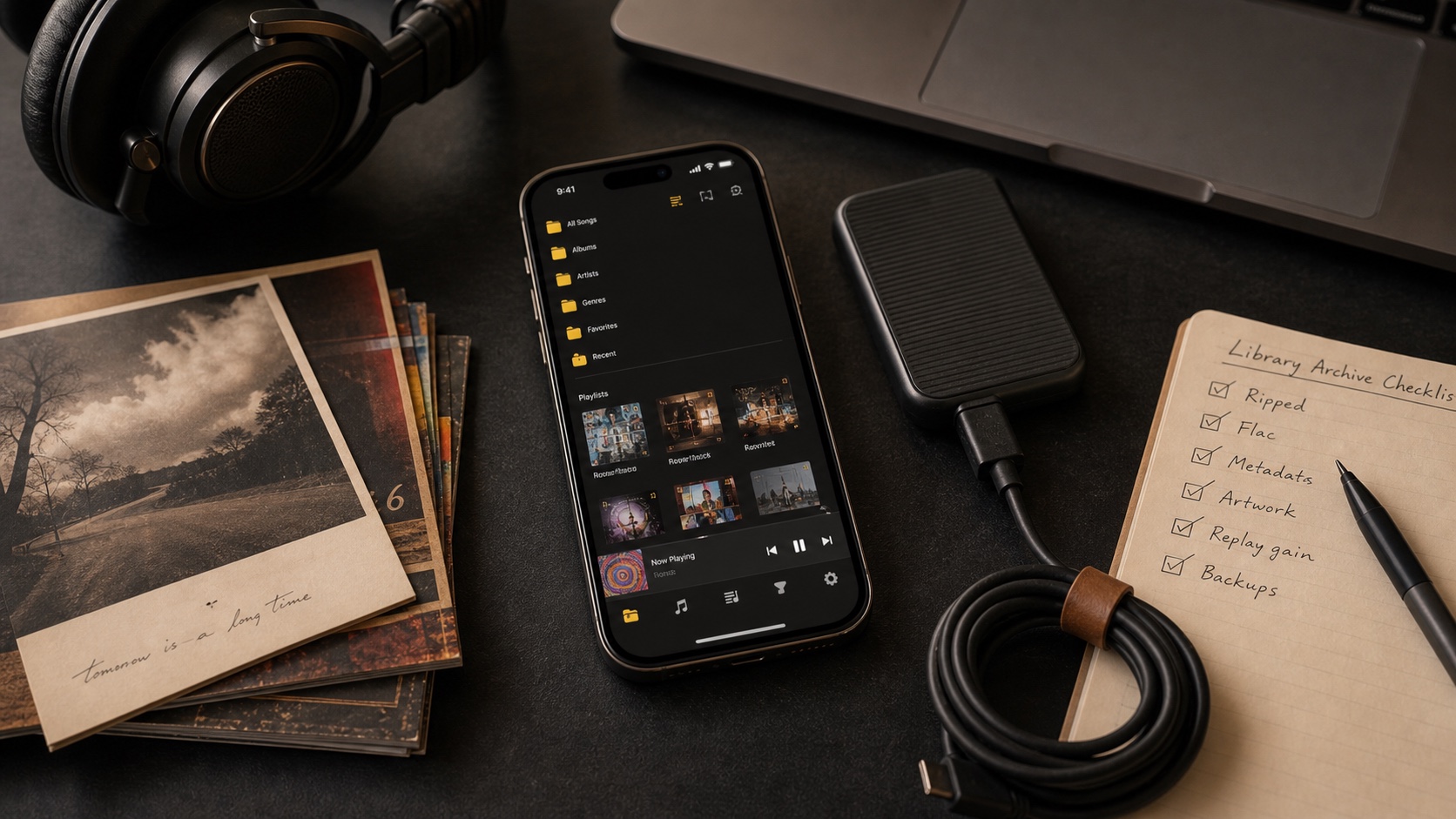
How to Import Music From Dropbox, OneDrive, Box, and S3 to iPhone
Import music from Dropbox, OneDrive, Box, and S3 to OfflineTunes on iPhone, then keep selected files available offline.
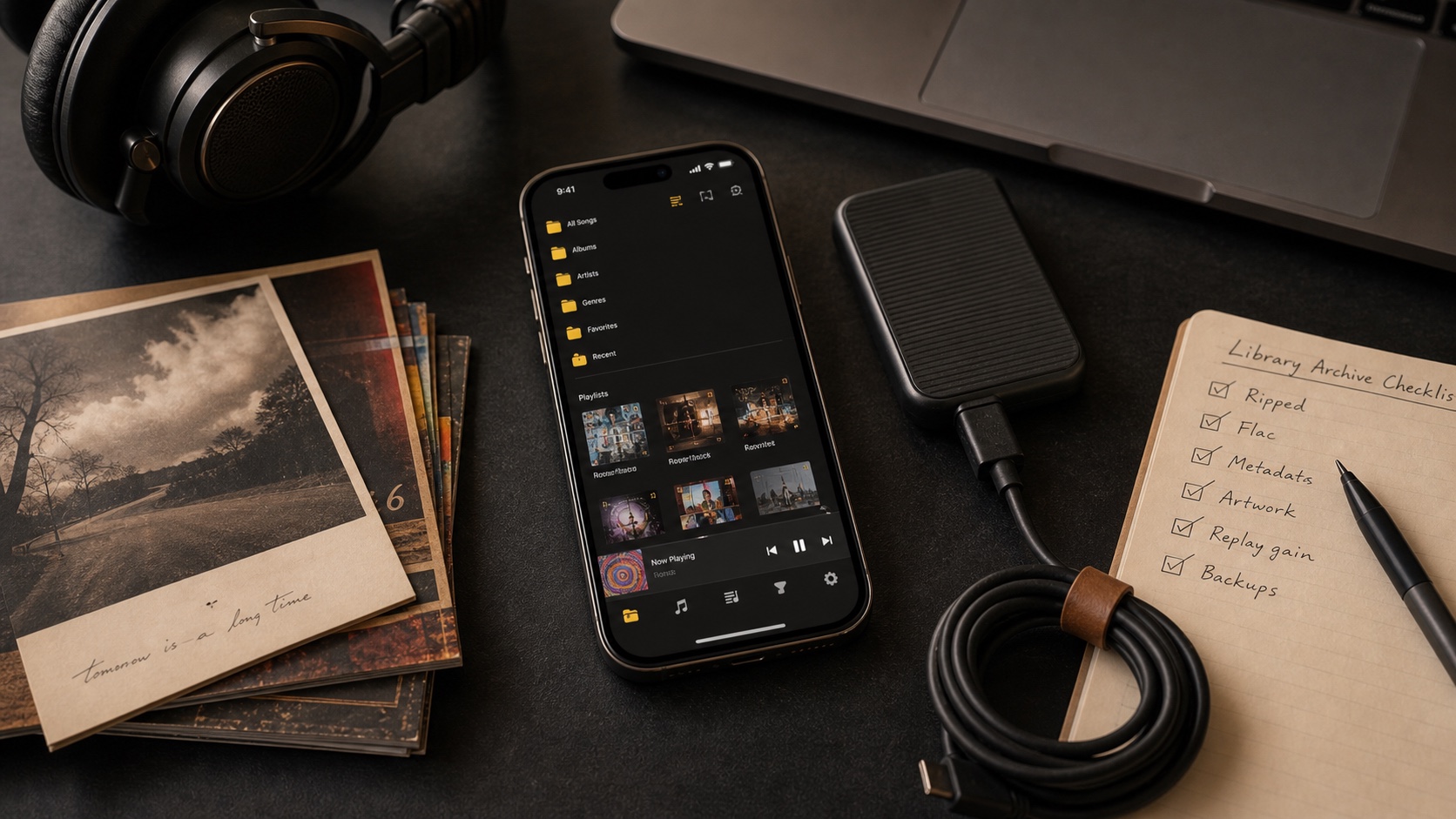
How to Import Music From WebDAV, Nextcloud, and ownCloud to iPhone
Connect WebDAV, Nextcloud, or ownCloud to OfflineTunes and import selected music folders for offline listening on iPhone.
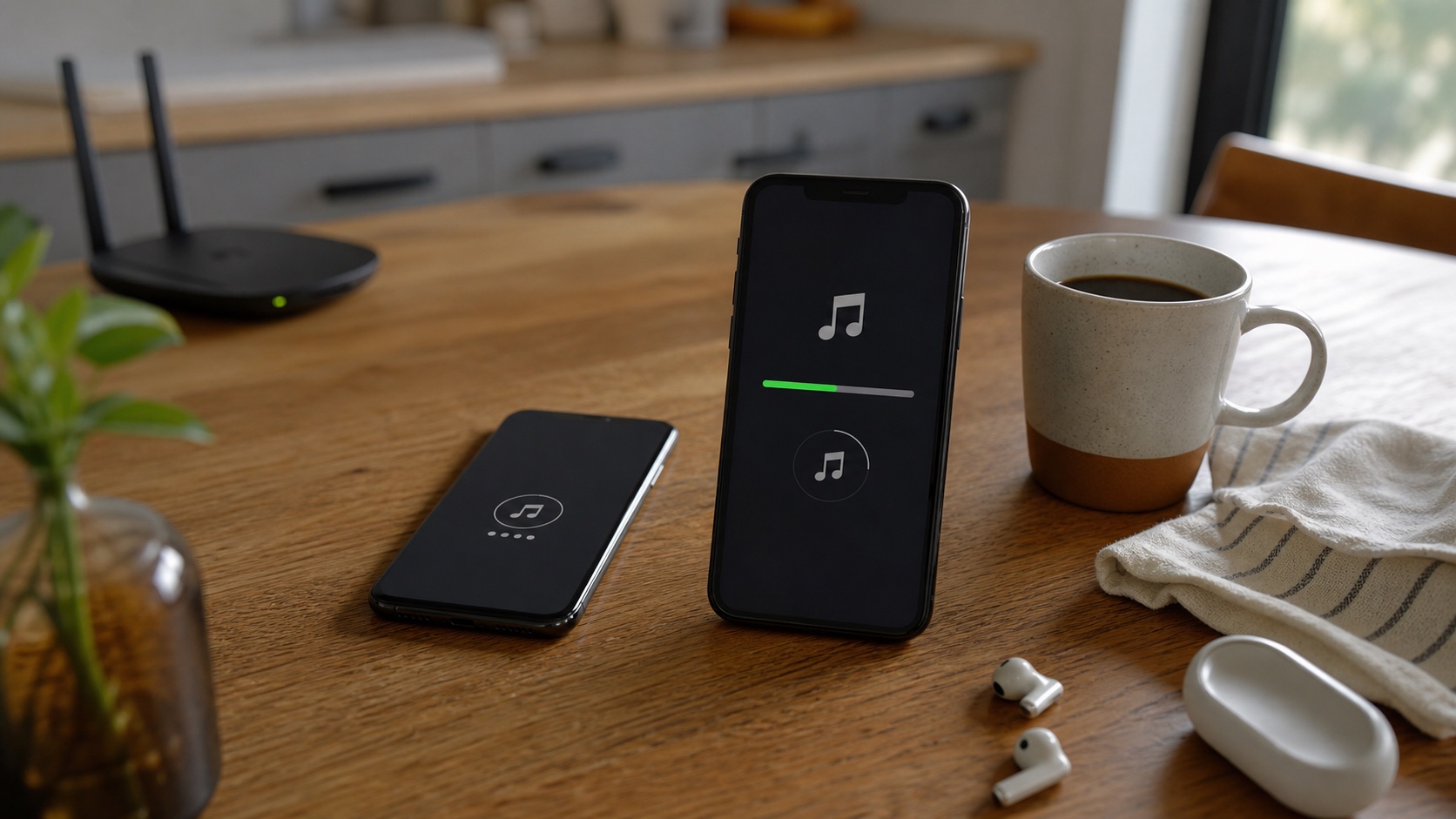
How to Import Music From Navidrome, Plex, and Subsonic to iPhone
Import music from Navidrome, Plex, and Subsonic servers into OfflineTunes for organized offline playback on iPhone.
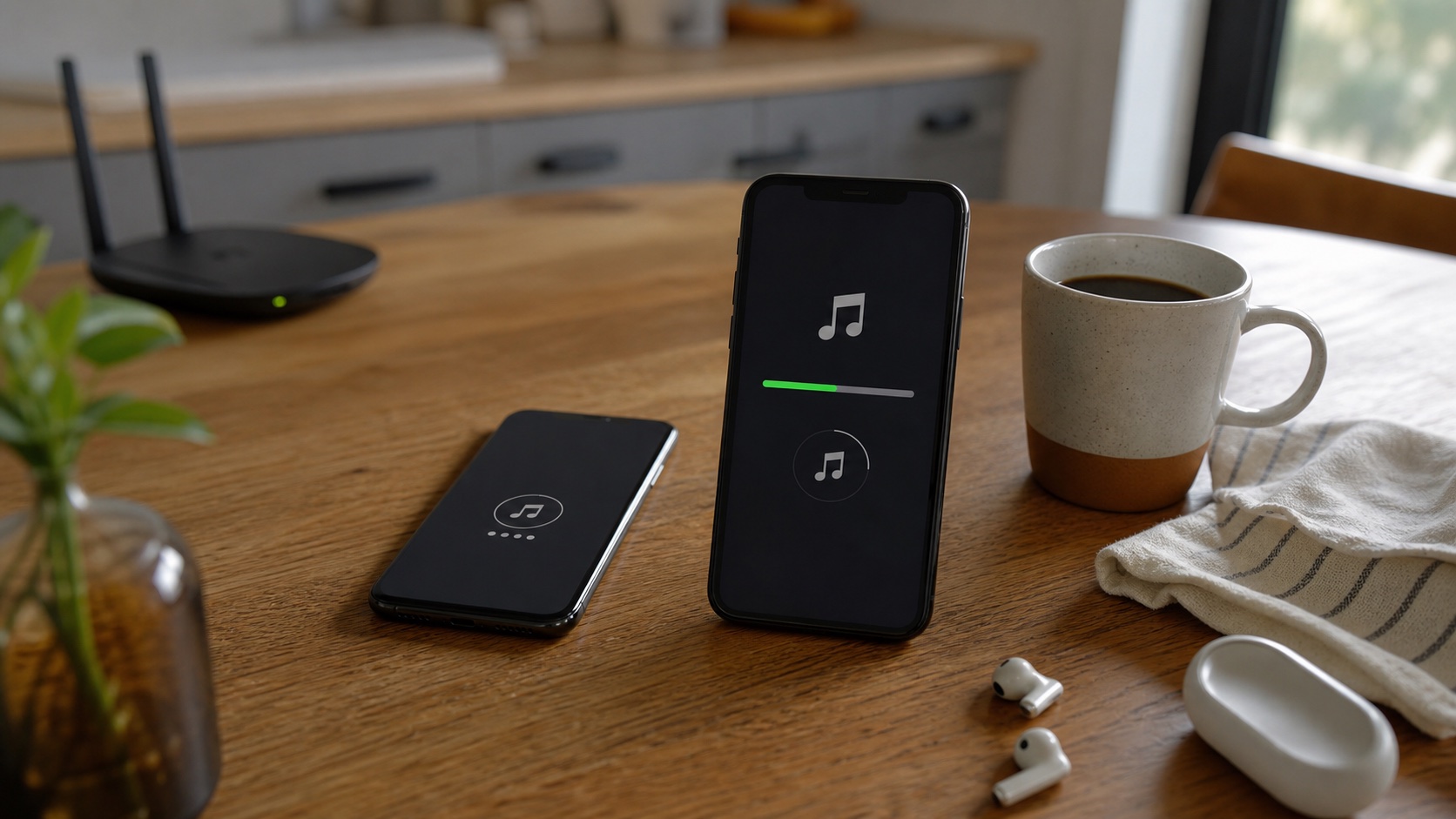
Multiple Cloud Accounts in One Music App: Personal, Work, and Shared
Manage multiple cloud accounts in OfflineTunes with custom nicknames for personal, work, family, and shared music libraries.
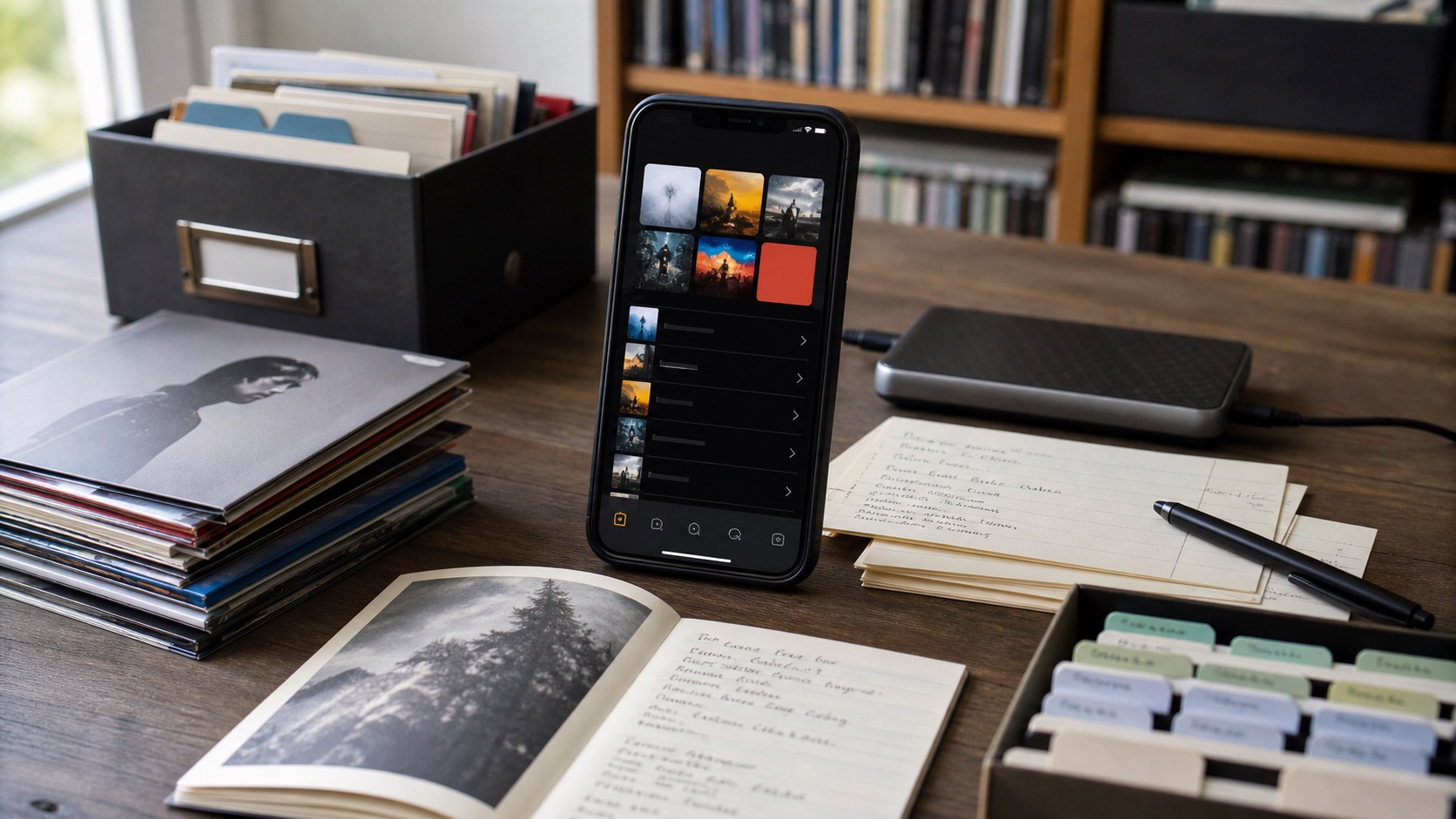
Nested Playlist Folders on iPhone: Organize Playlists Inside Playlists
Organize iPhone playlists with nested folders in OfflineTunes, including folders inside folders and one-tap playback for a complete structure.
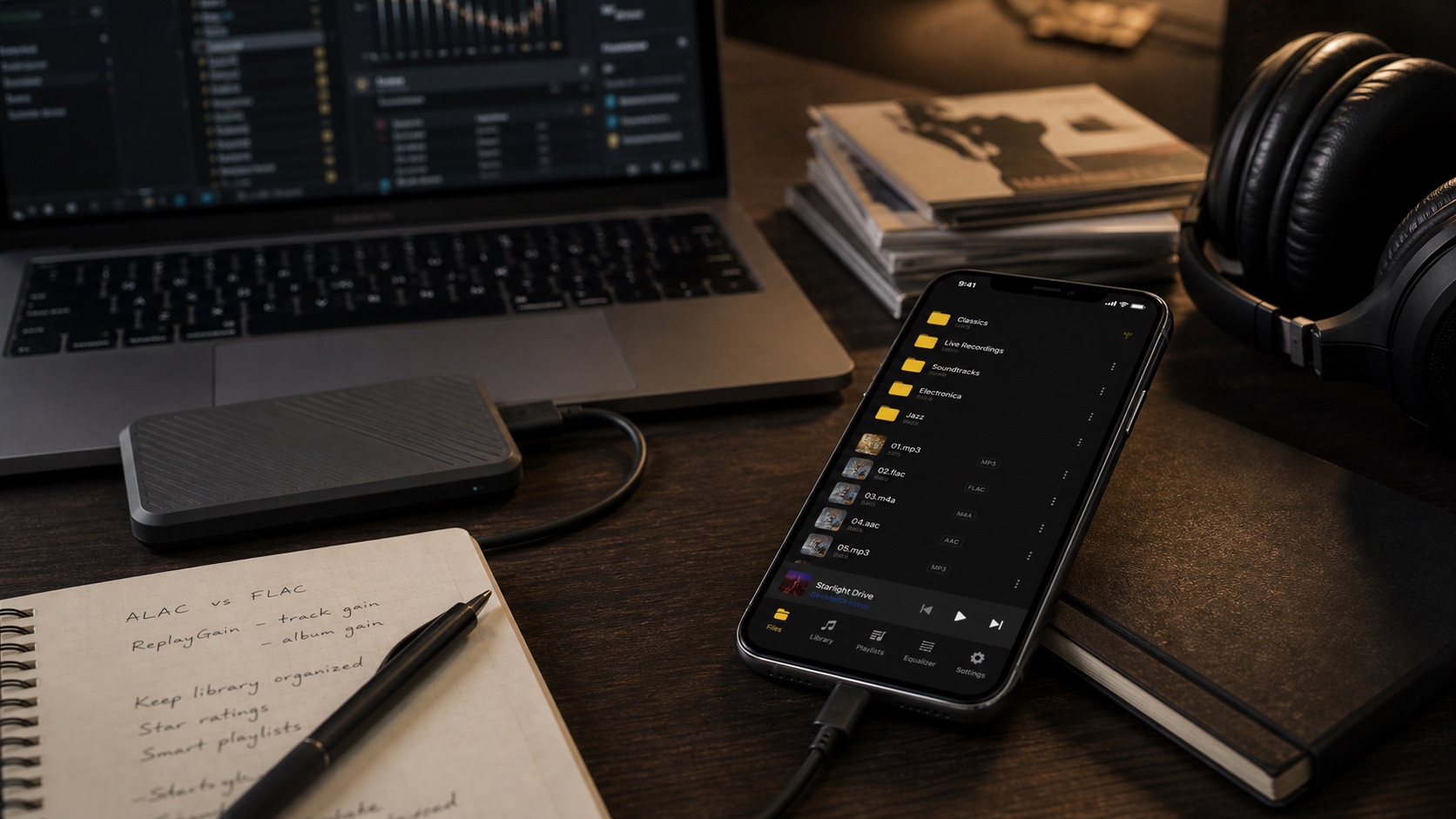
How to Search a Huge Local Music Library on iPhone
Search a large local iPhone music library by title, artist, or album with OfflineTunes, even when the entire collection stays offline.
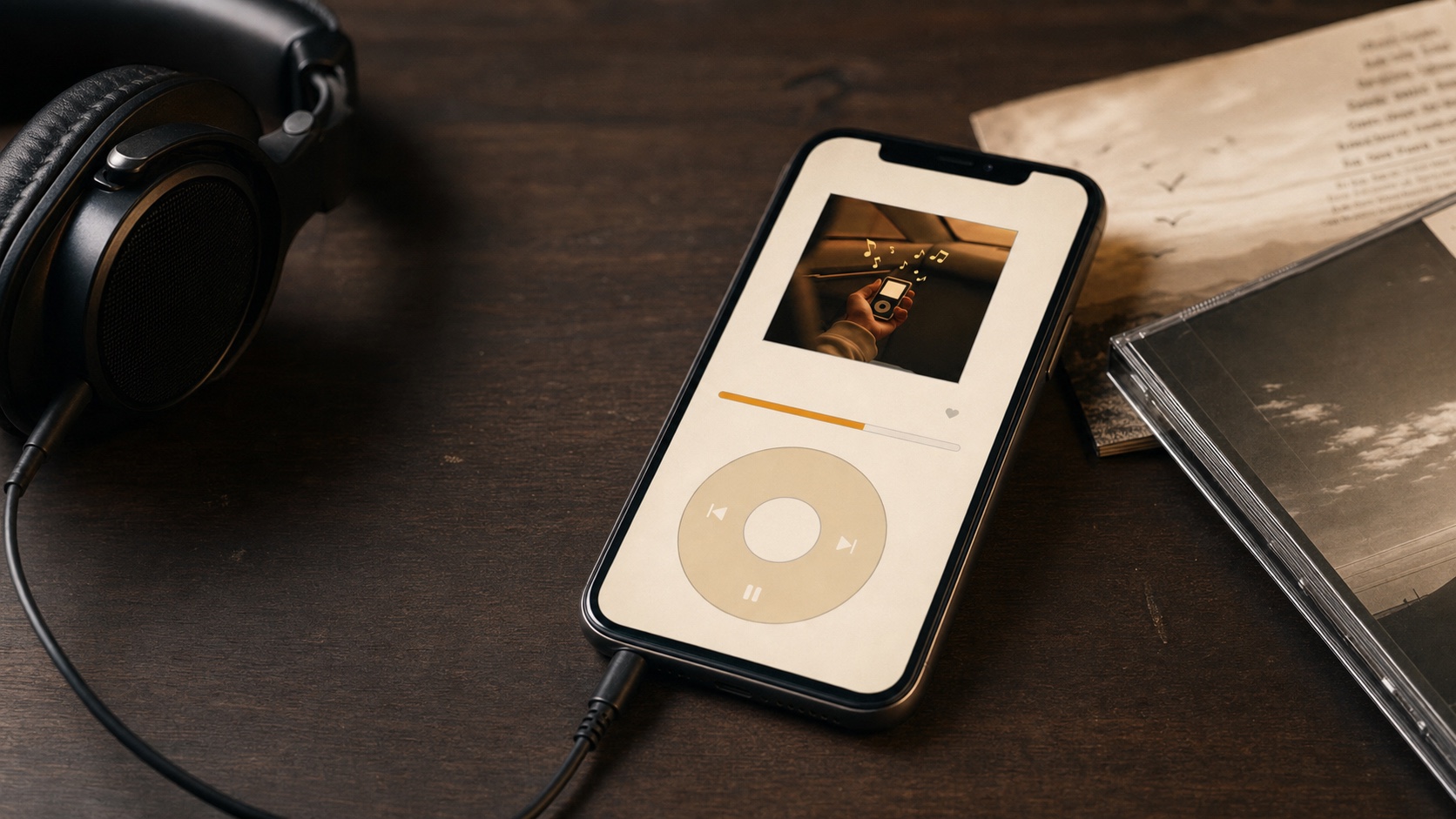
Dynamic Music Player Themes That Match Your Album Art
Customize OfflineTunes with dark themes, dynamic player colors that follow album artwork, and dedicated Retro Mode themes.
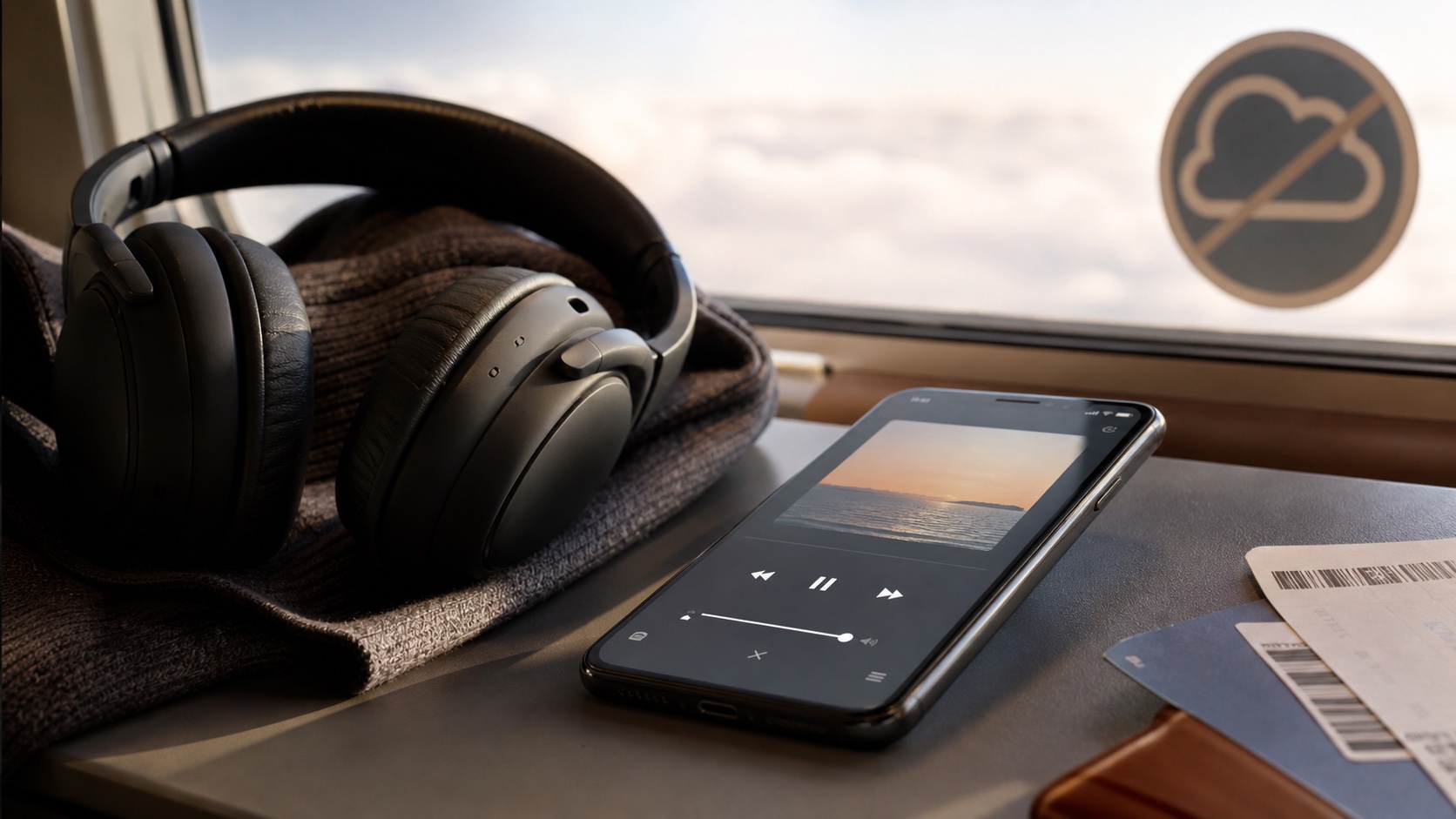
How to Scrobble Offline Music to Last.fm and ListenBrainz
Scrobble local music from OfflineTunes to Last.fm and ListenBrainz, with offline backup that syncs when your iPhone reconnects.
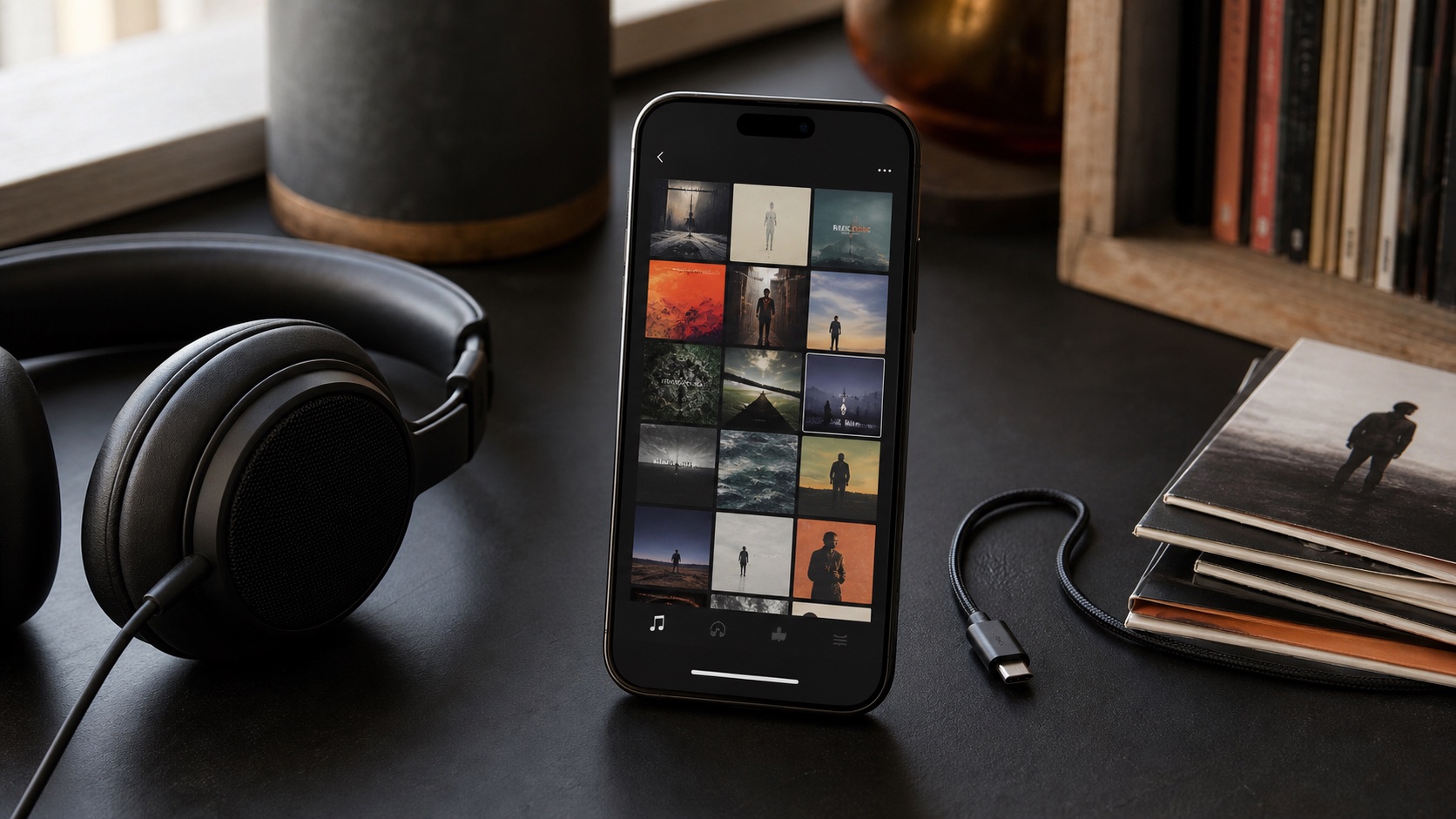
Offline Music Playback Controls: Sleep Timer, Shuffle, Repeat, and Speed
Use OfflineTunes sleep timer, shuffle, repeat, loop, and playback-speed controls for local music on iPhone.
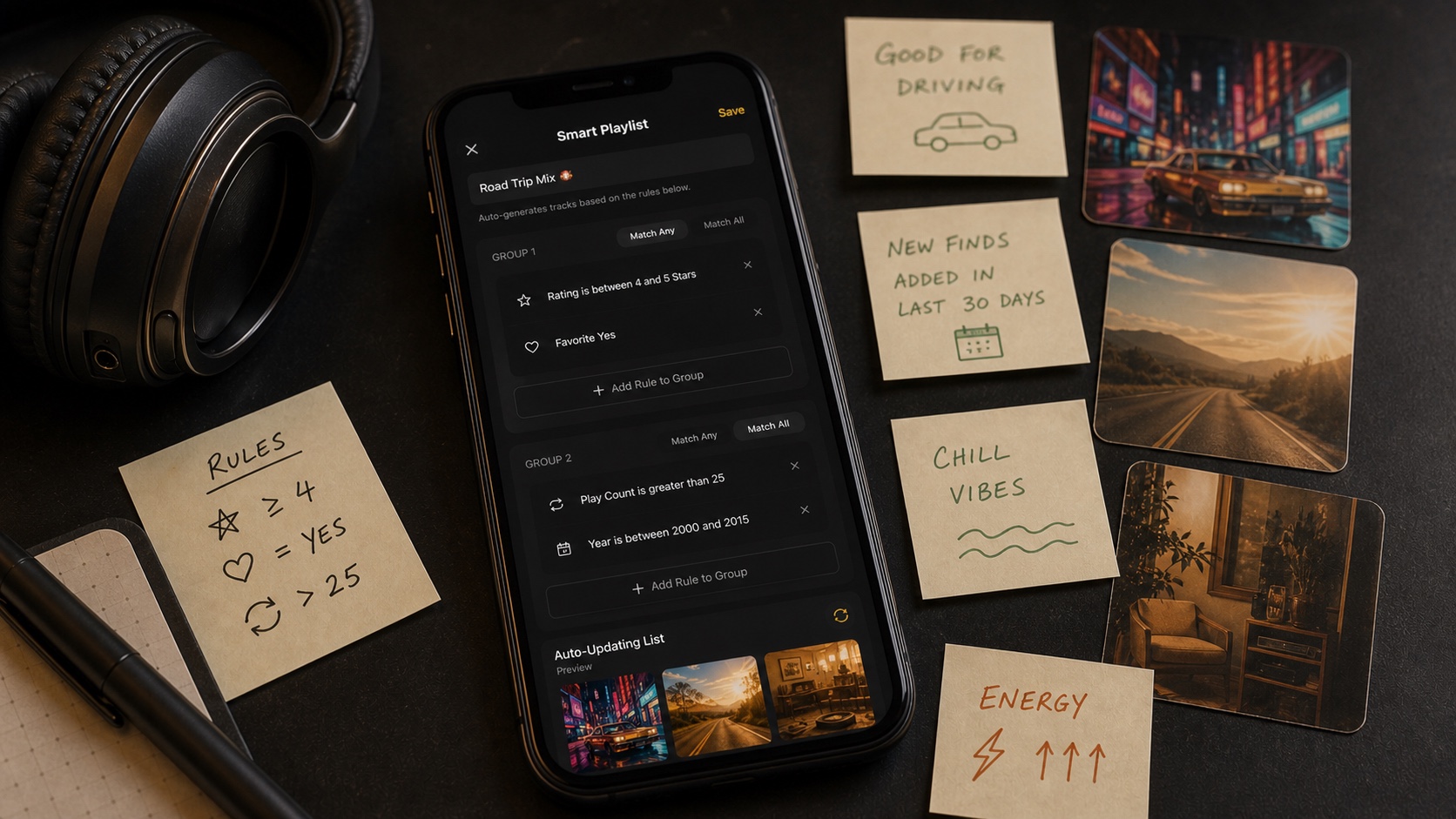
How to Use Ratings, Favorites, Plays, and Skips to Organize Music
Use favorites, ratings, plays, skips, and dates in OfflineTunes to filter Moods and build smarter local playlists.
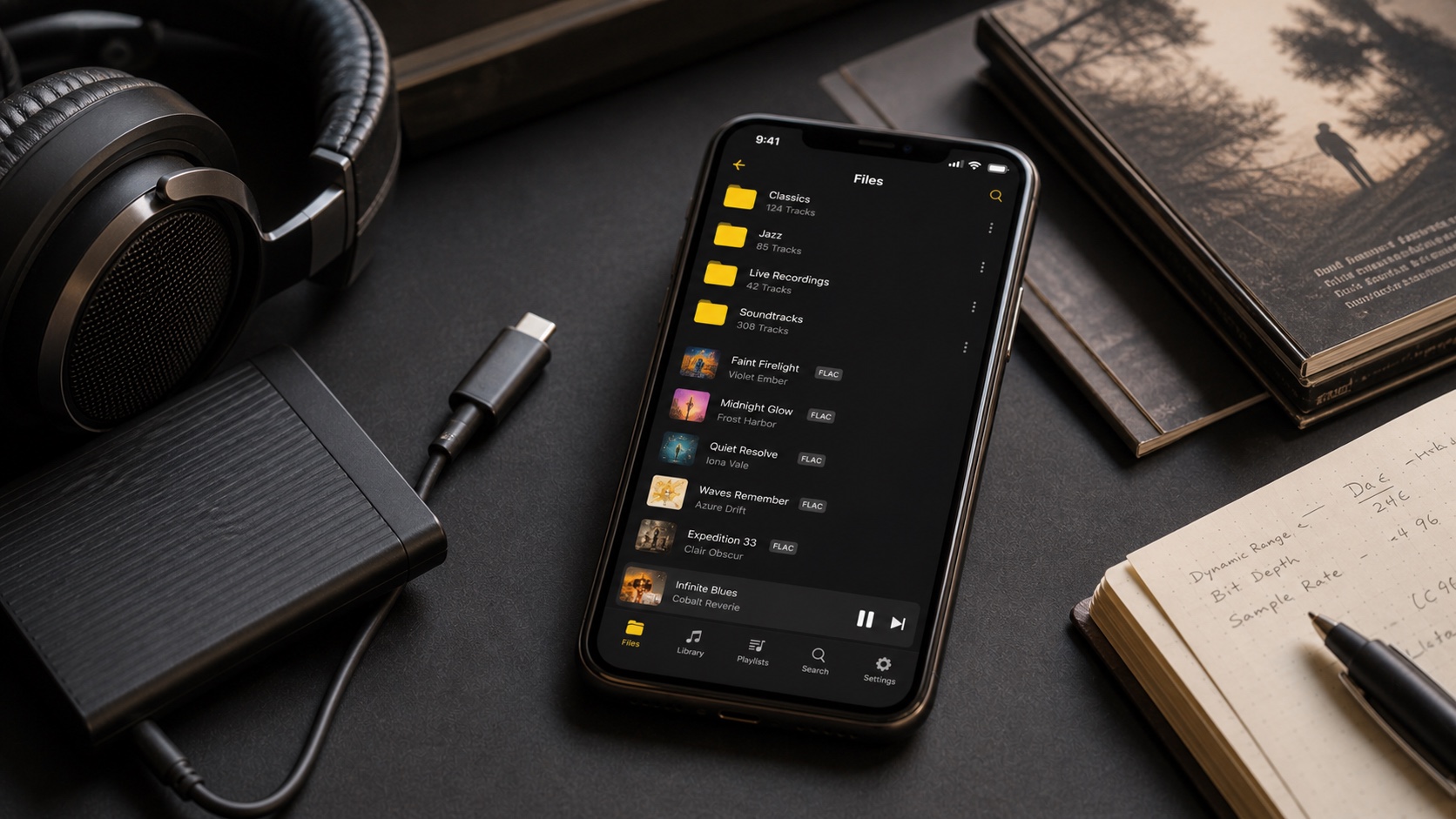
Audio Formats in OfflineTunes: MP3, FLAC, M4A, OGG, OPUS, WAV, WMA, and AAC
Compare MP3, FLAC, M4A, OGG, OPUS, WAV, WMA, and AAC support in OfflineTunes and choose formats for quality, size, and compatibility.
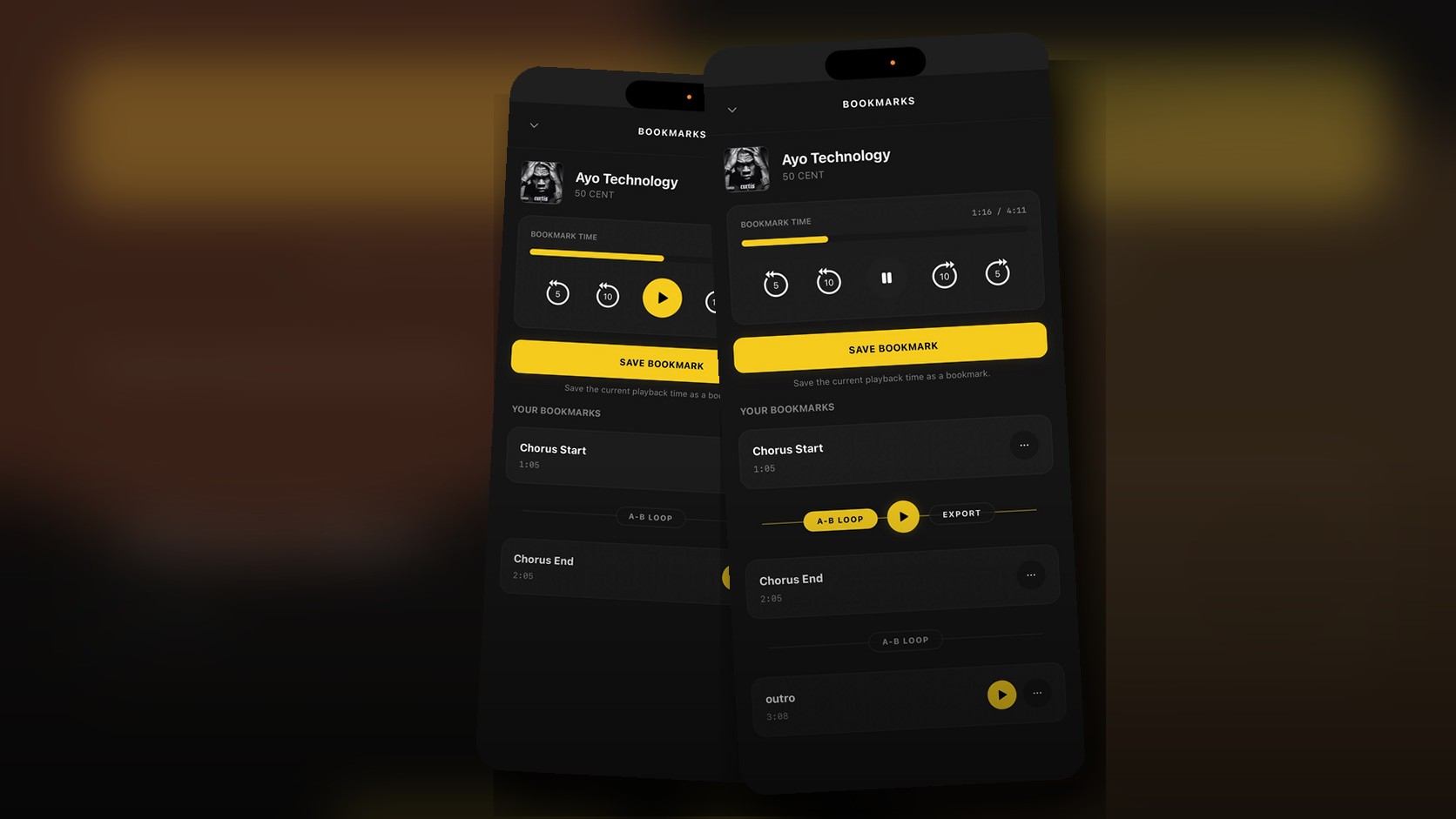
Music Bookmarks on iPhone: Save Moments and Loop Sections
A detailed guide to OfflineTunes Bookmarks on iPhone: save named moments, jump to song sections, build A-B loops, practice parts, and export loops.
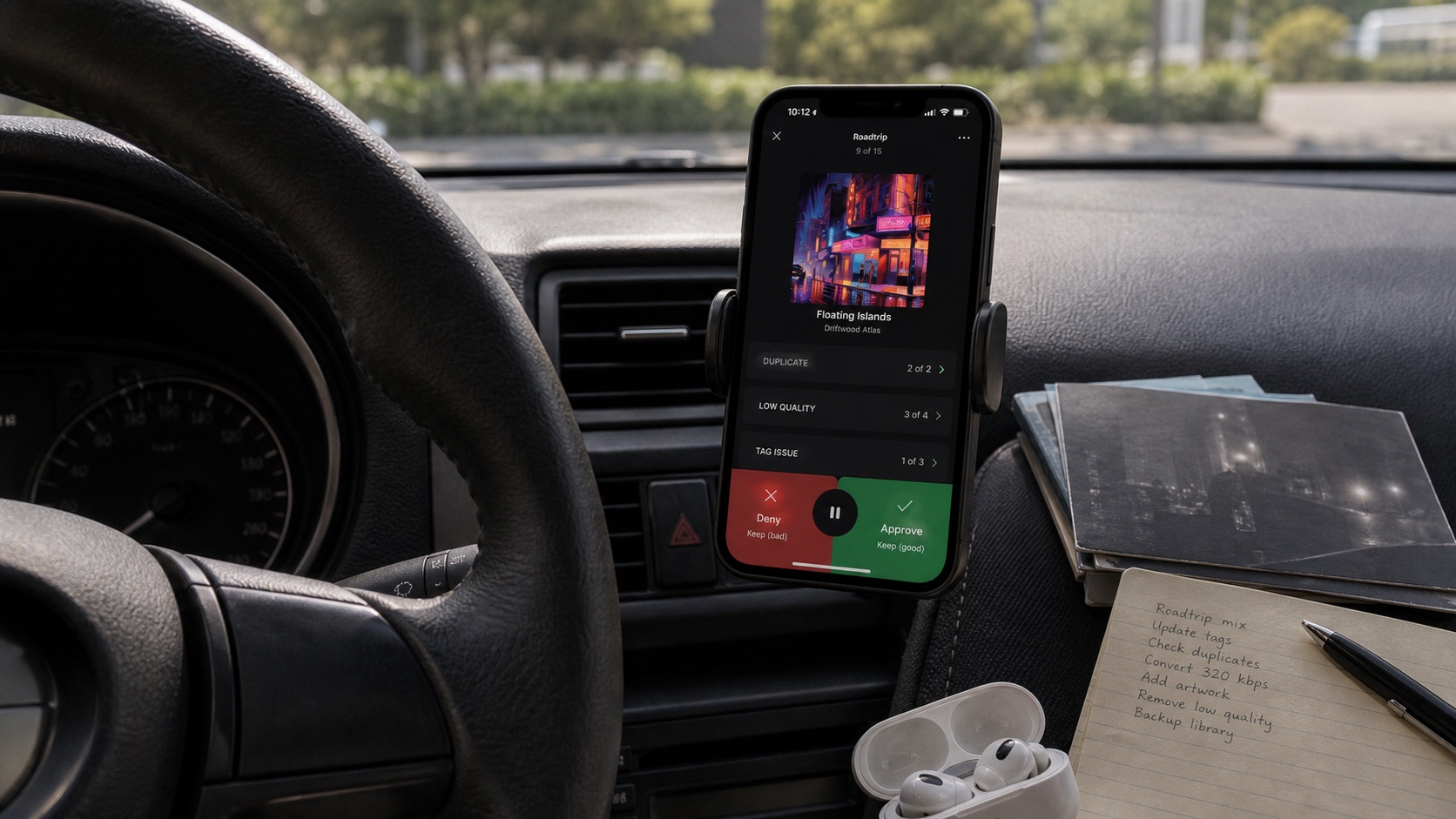
FineTune: Clean Your Music Library While You Listen
A detailed guide to OfflineTunes FineTune and Drive Mode: approve, deny, filter albums and artists, split lists, create playlists, mass-rate, move, and delete tracks.
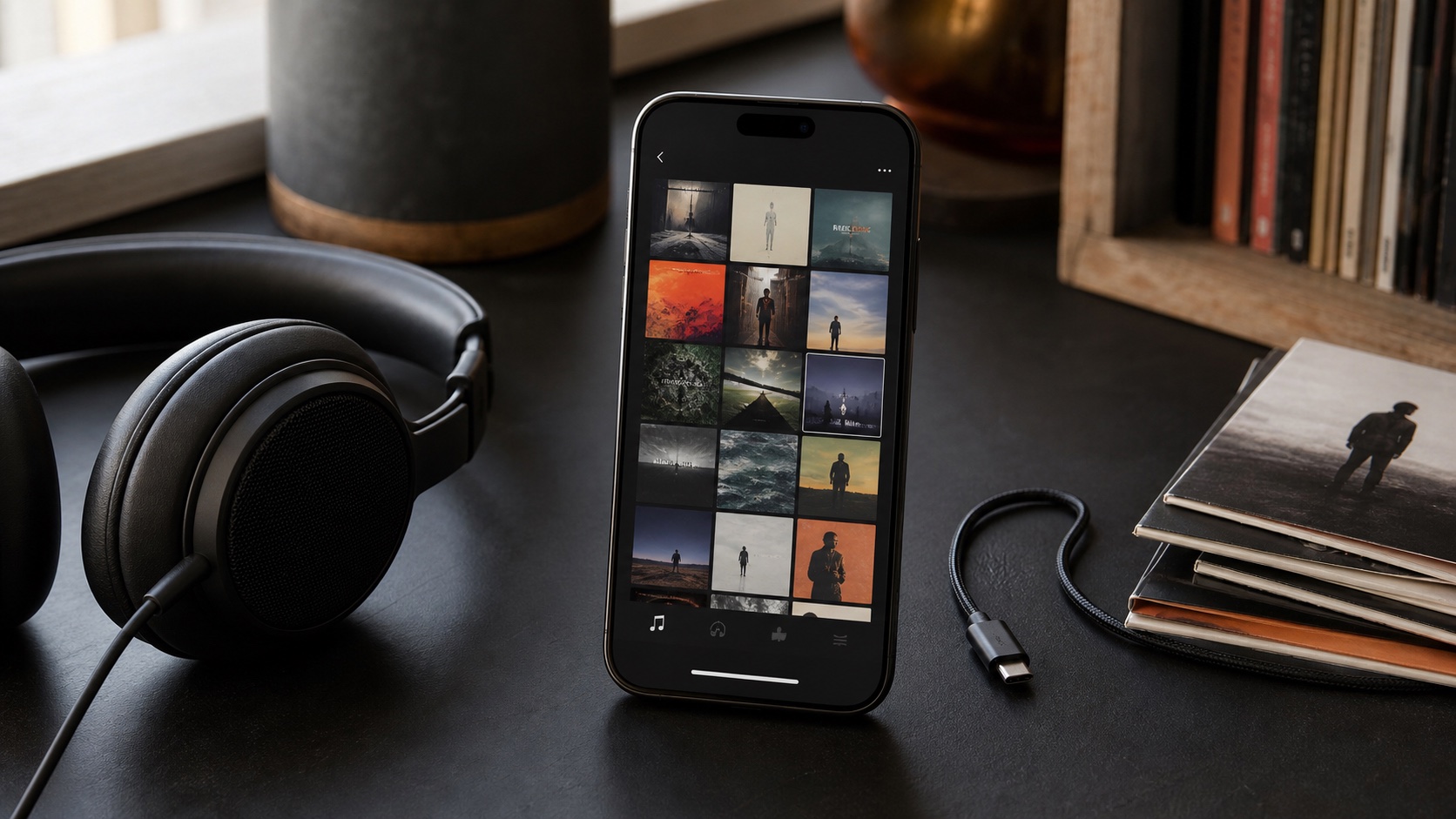
Best Offline Music Player for iPhone in 2026
Compare what matters in an offline iPhone music player in 2026: imports, formats, folders, tags, artwork, EQ, playlists, and library control.
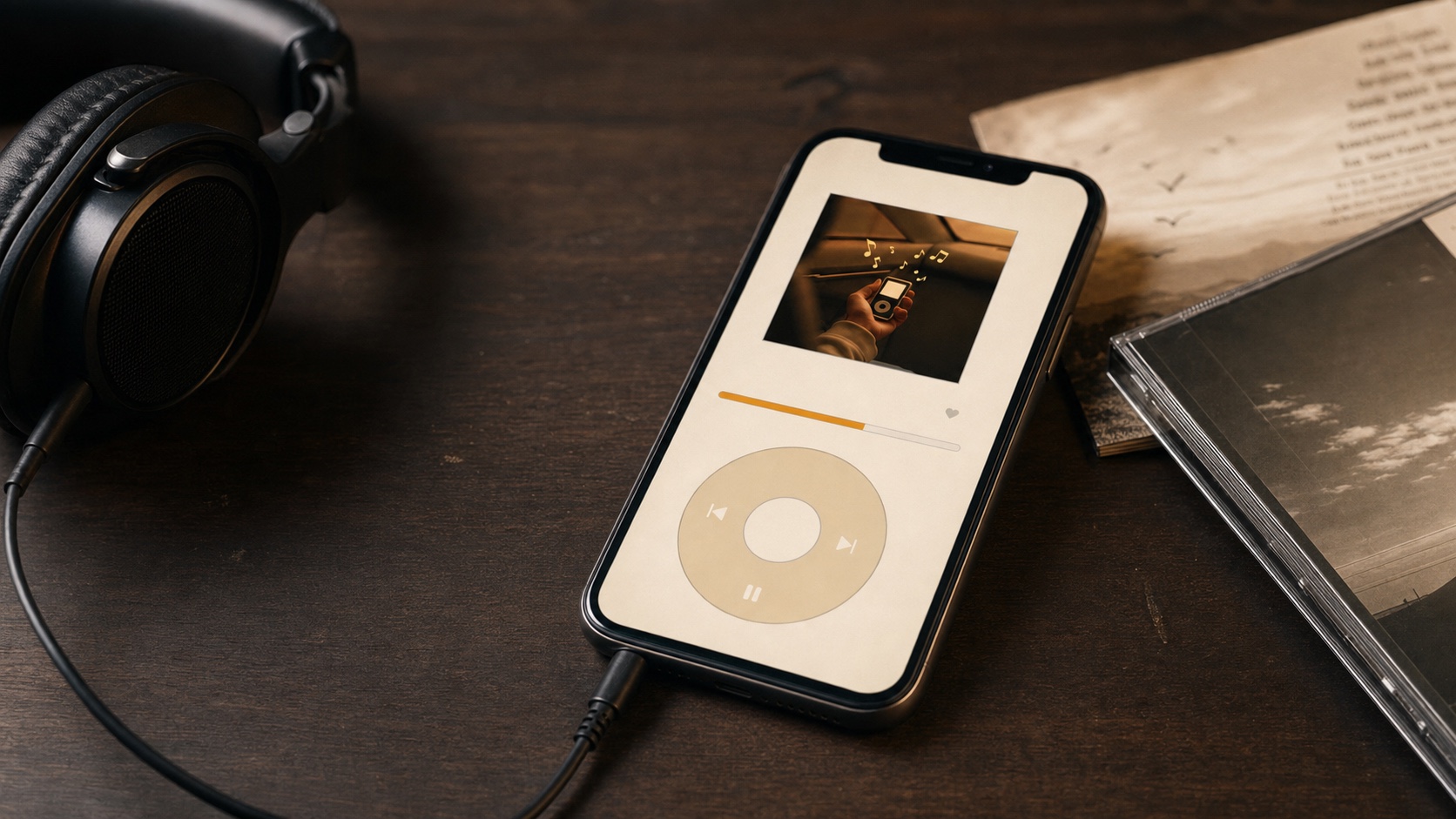
Bring Back the Click Wheel: Reliving the iPod Era on Your iPhone
Retro iPod Mode brings a tactile click-wheel interface to your iPhone for the music library you actually own.
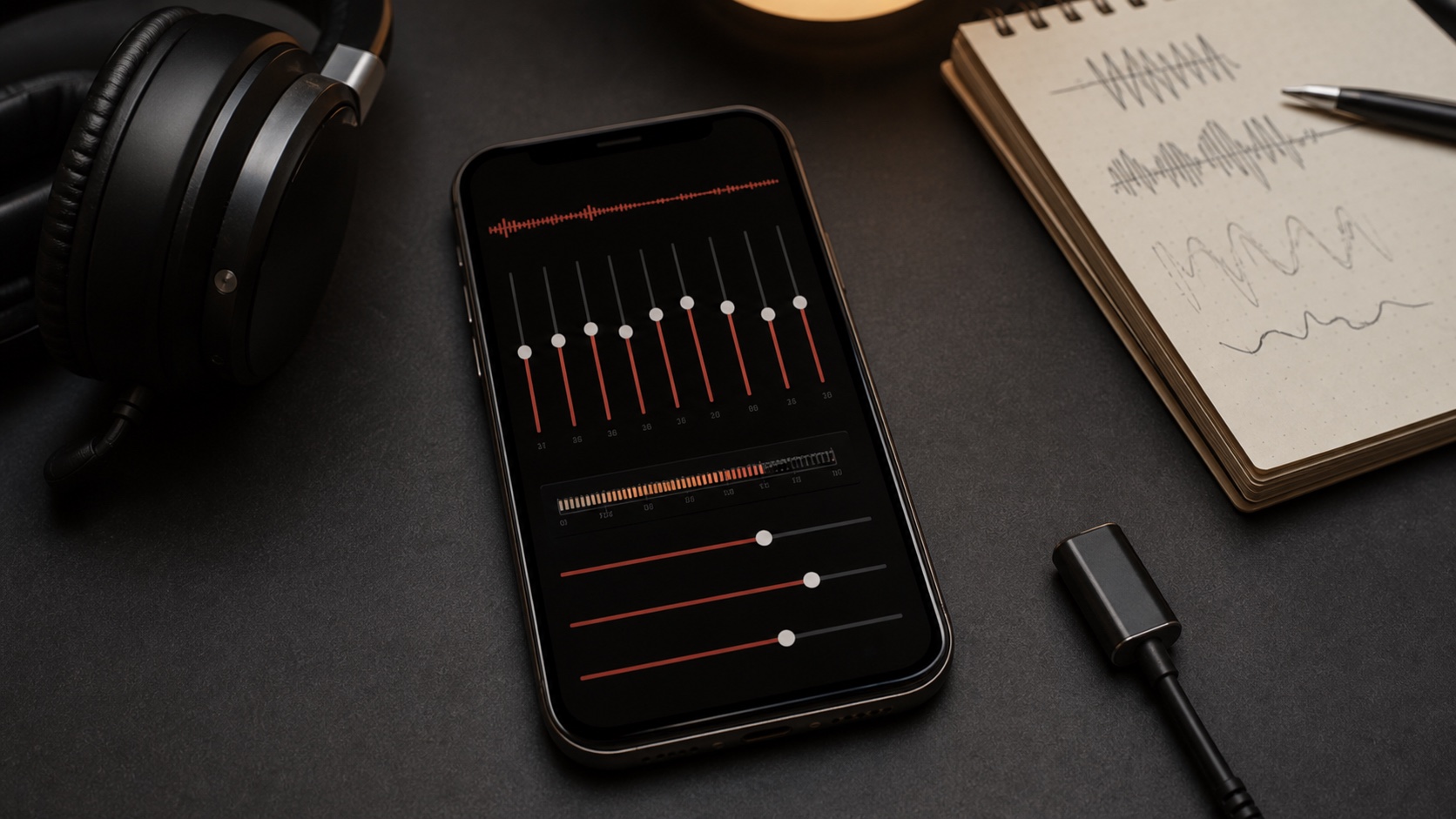
What Is ReplayGain - and Why Your Music Library Needs It
ReplayGain is one of those audio features that sounds technical until it saves your ears, your mixes, and your offline music library.
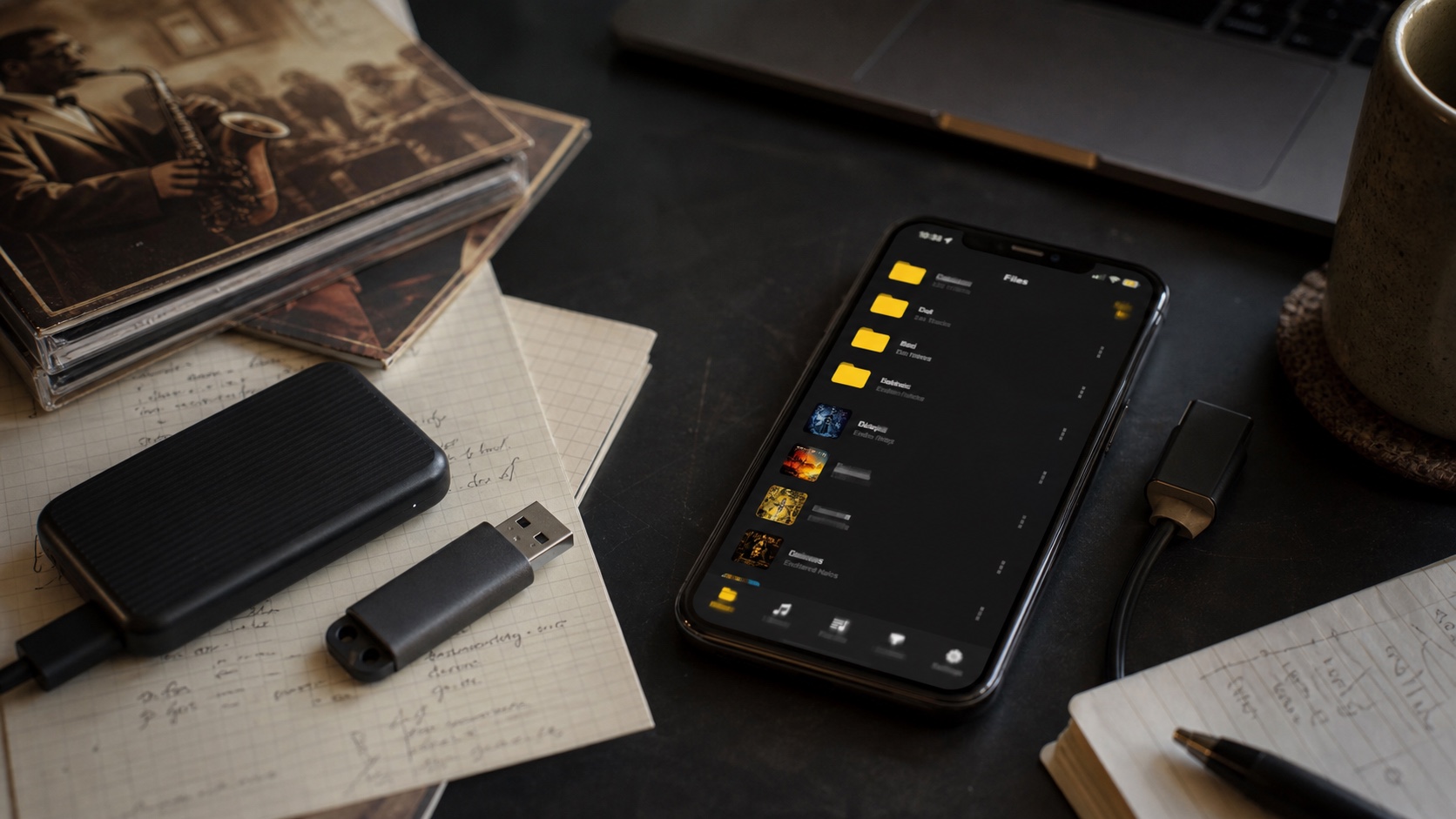
ALAC vs FLAC: Which Lossless Format Wins on iPhone?
A practical iPhone-focused comparison of ALAC and FLAC for people who care about lossless playback, ownership, tags, and offline listening.
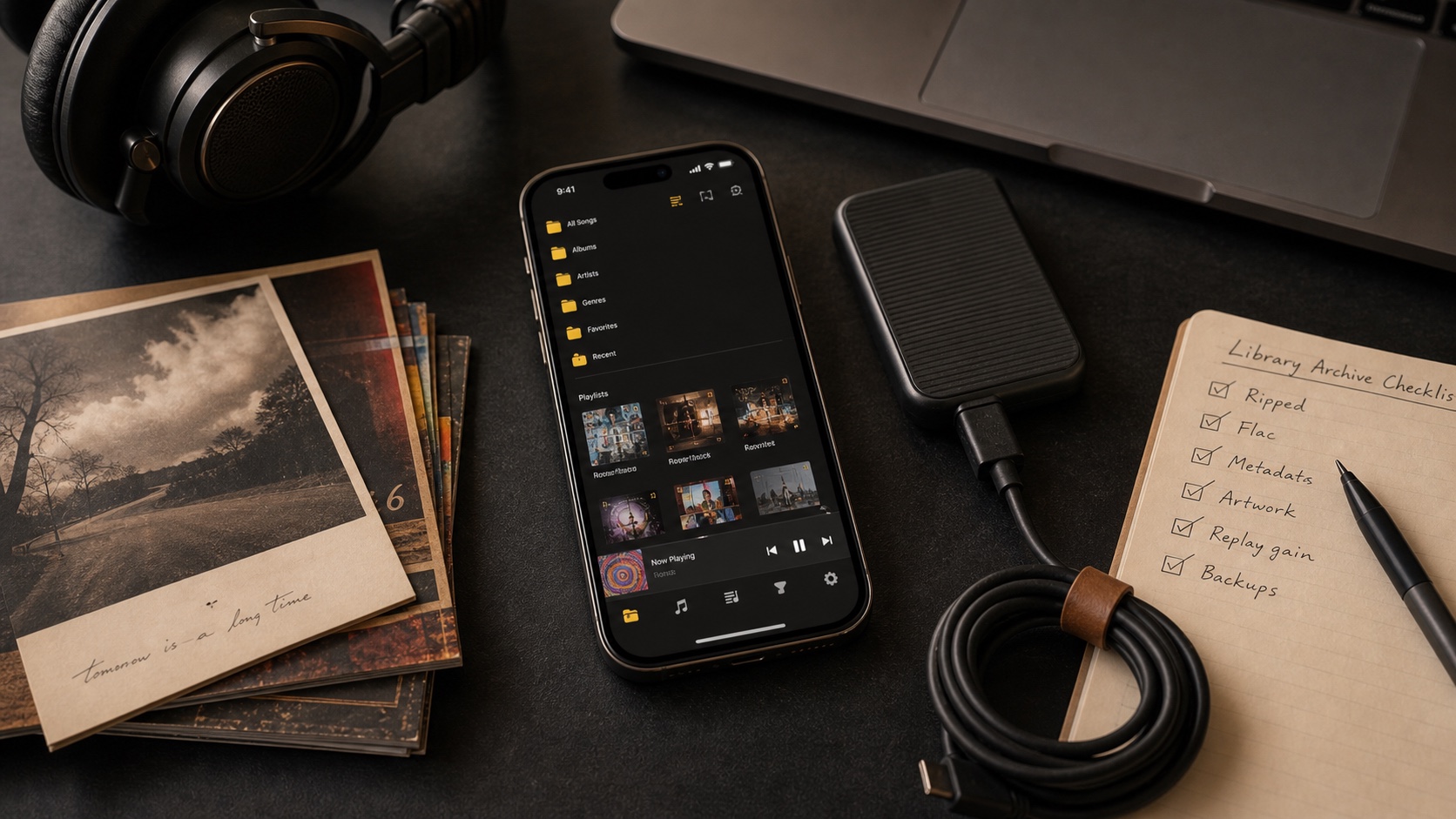
How to Build a Music Library You Actually Own and Keep Forever
A capstone guide to building a music library you own: formats, folders, metadata, album art, playlists, backups, and offline playback.
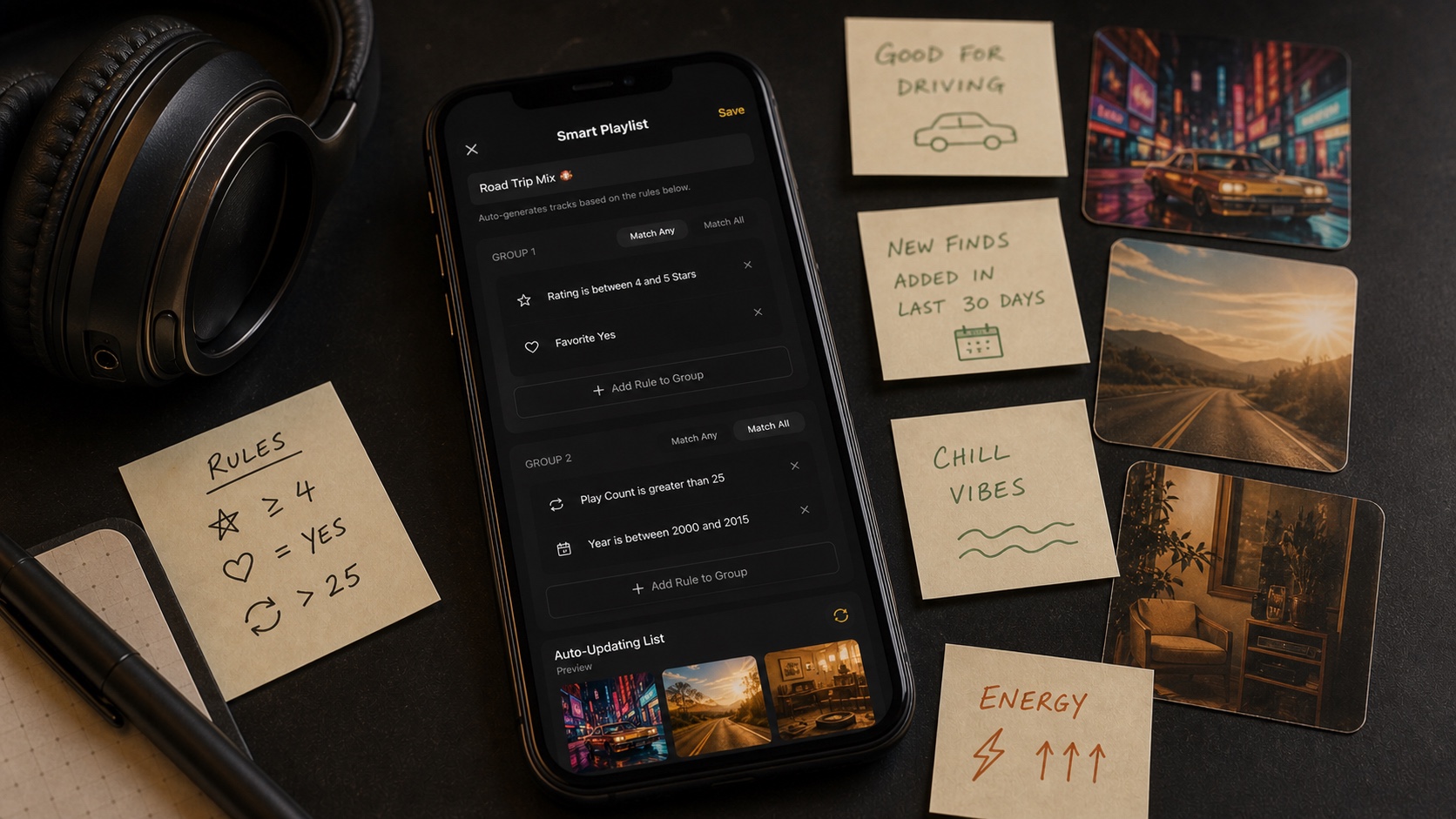
Smart Playlists 101: Let Your Music Library Organize Itself
Learn how rule-based smart playlists work, why they beat static playlists, and how OfflineTunes turns local music into auto-updating mixes.
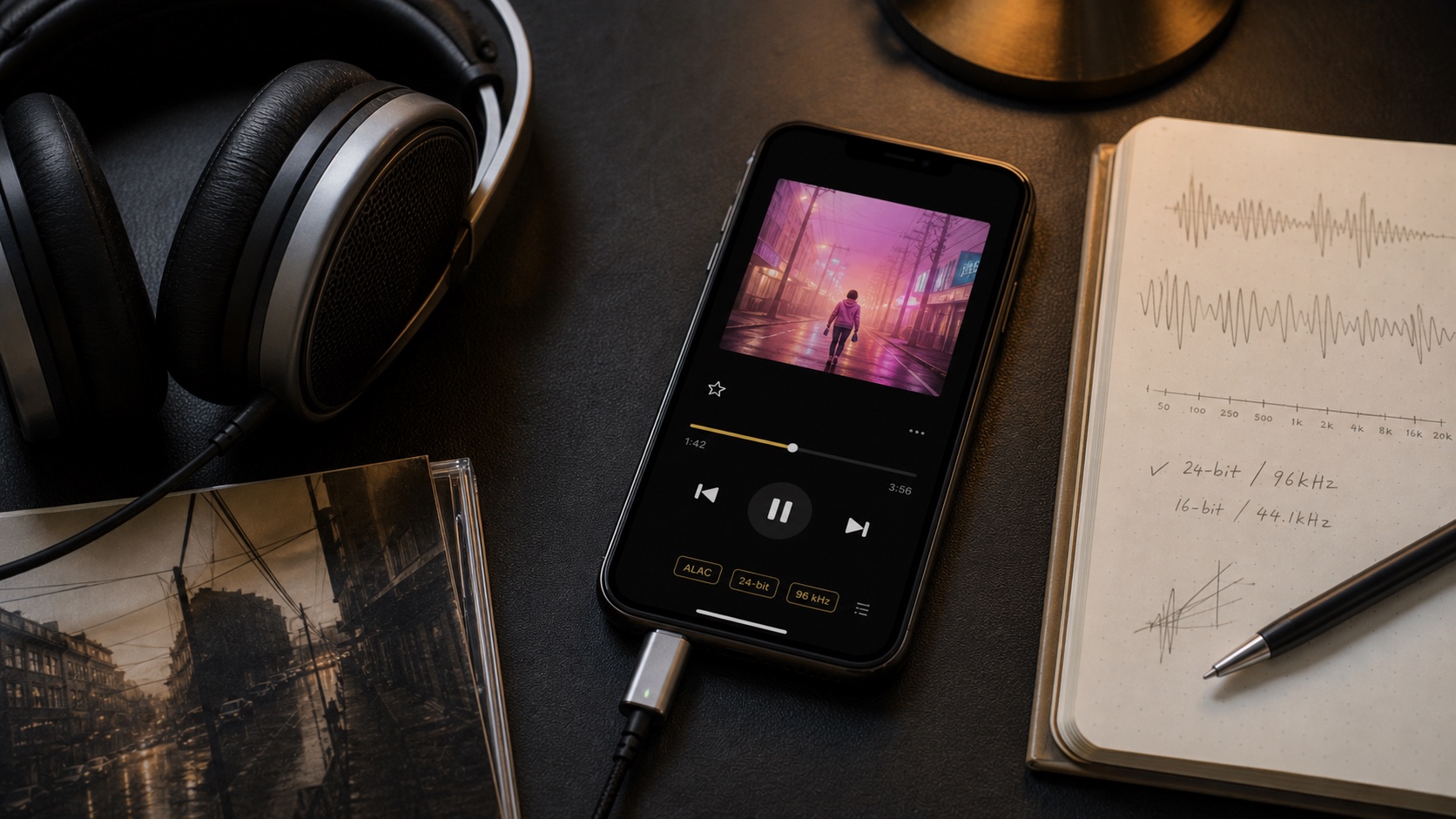
Lossless Audio Explained: Is It Worth It?
A beginner-friendly guide to lossless audio, FLAC, ALAC, storage tradeoffs, headphones, and when a lossless iPhone player is worth it.
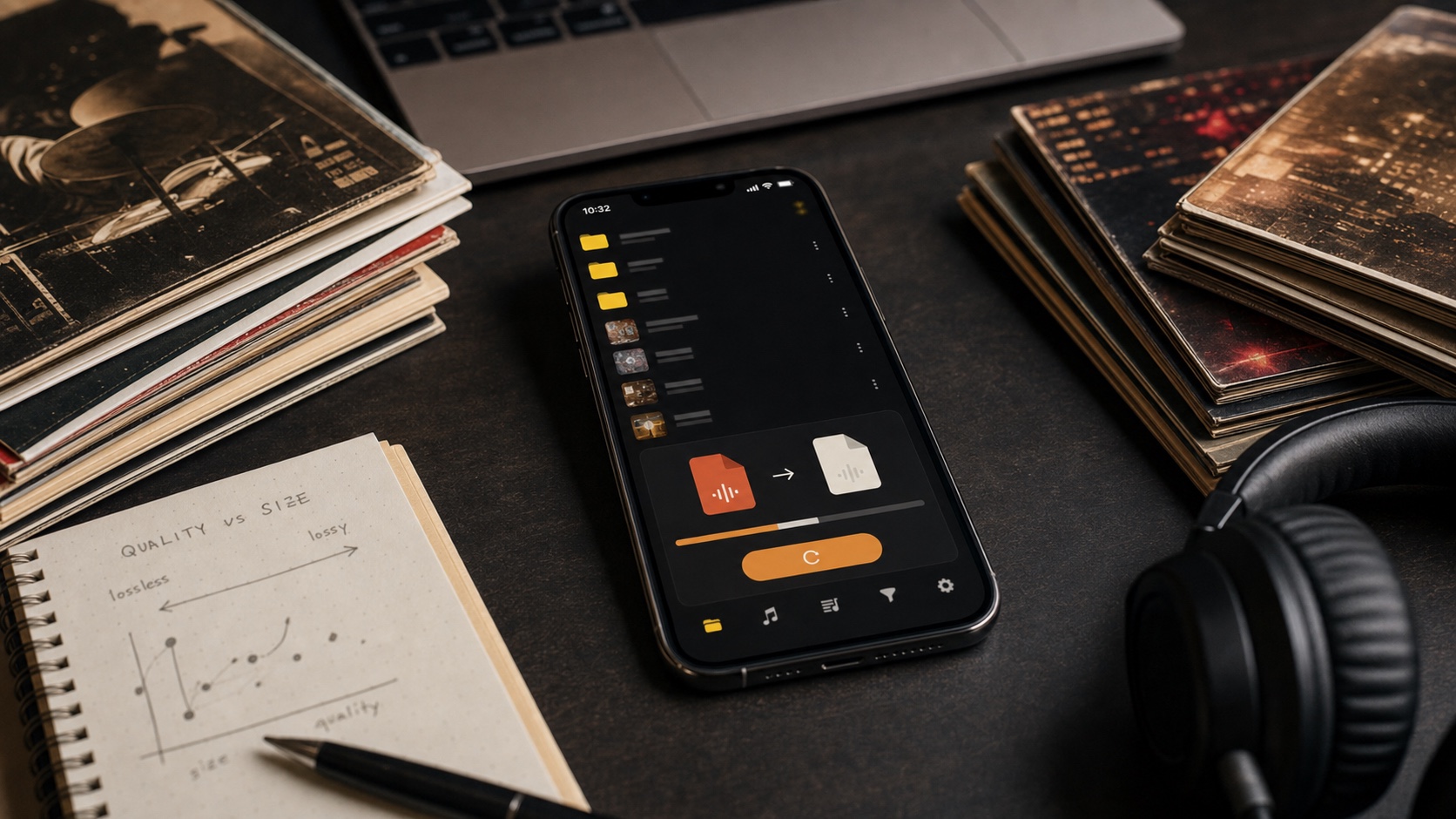
FLAC vs MP3: Which Should You Actually Use?
A practical FLAC vs MP3 guide for people who care about sound quality, storage, compatibility, tagging, and offline iPhone listening.
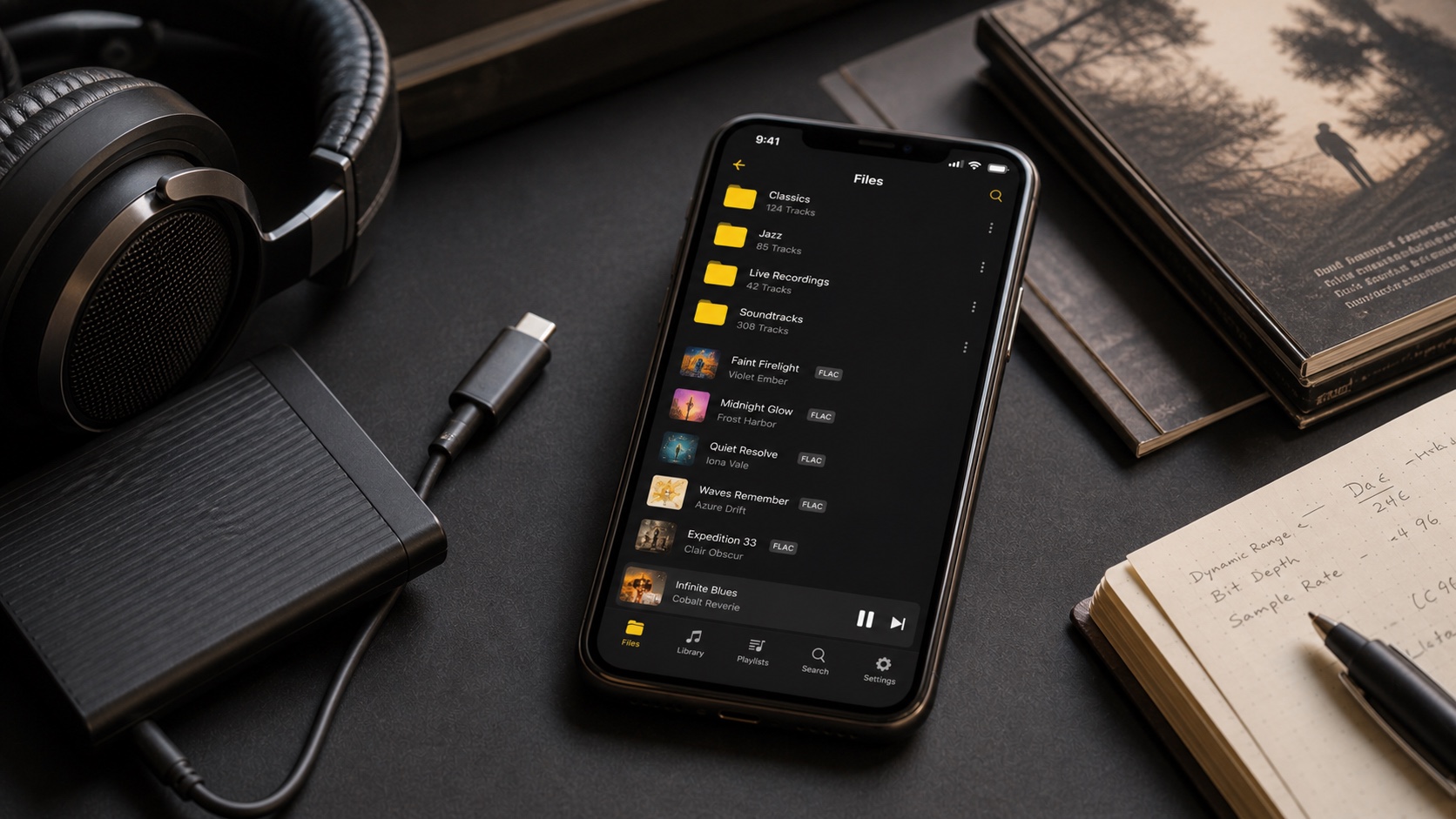
The Best FLAC Player for iPhone, Compared
Compare what matters in a FLAC player for iPhone: direct playback, local imports, metadata, ReplayGain, EQ, playlists, and library ownership.
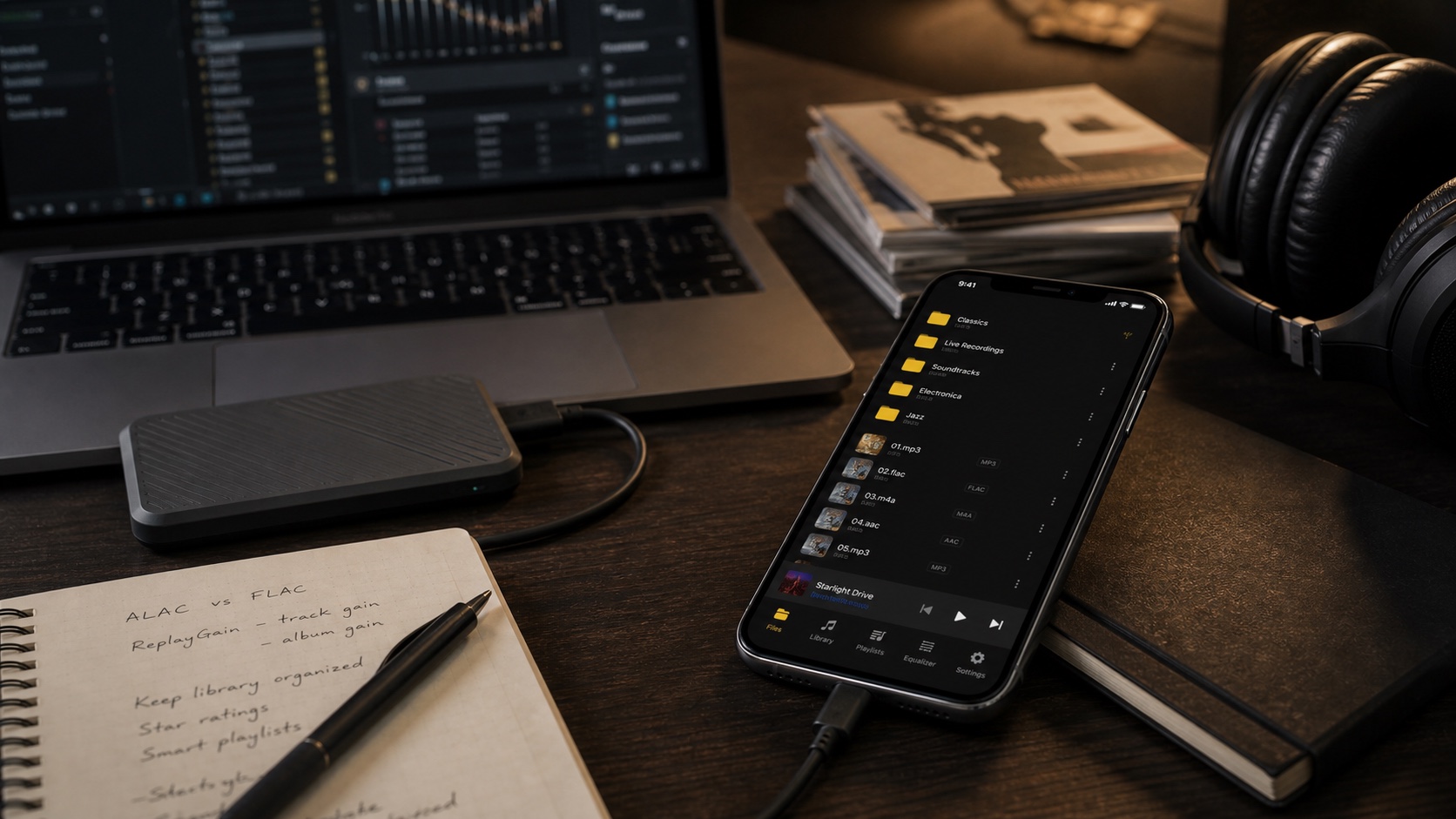
foobar2000 on iPhone: Best Alternatives for Power Users
If you like foobar2000 because it respects files and metadata, this iPhone guide shows what to compare and where OfflineTunes fits.
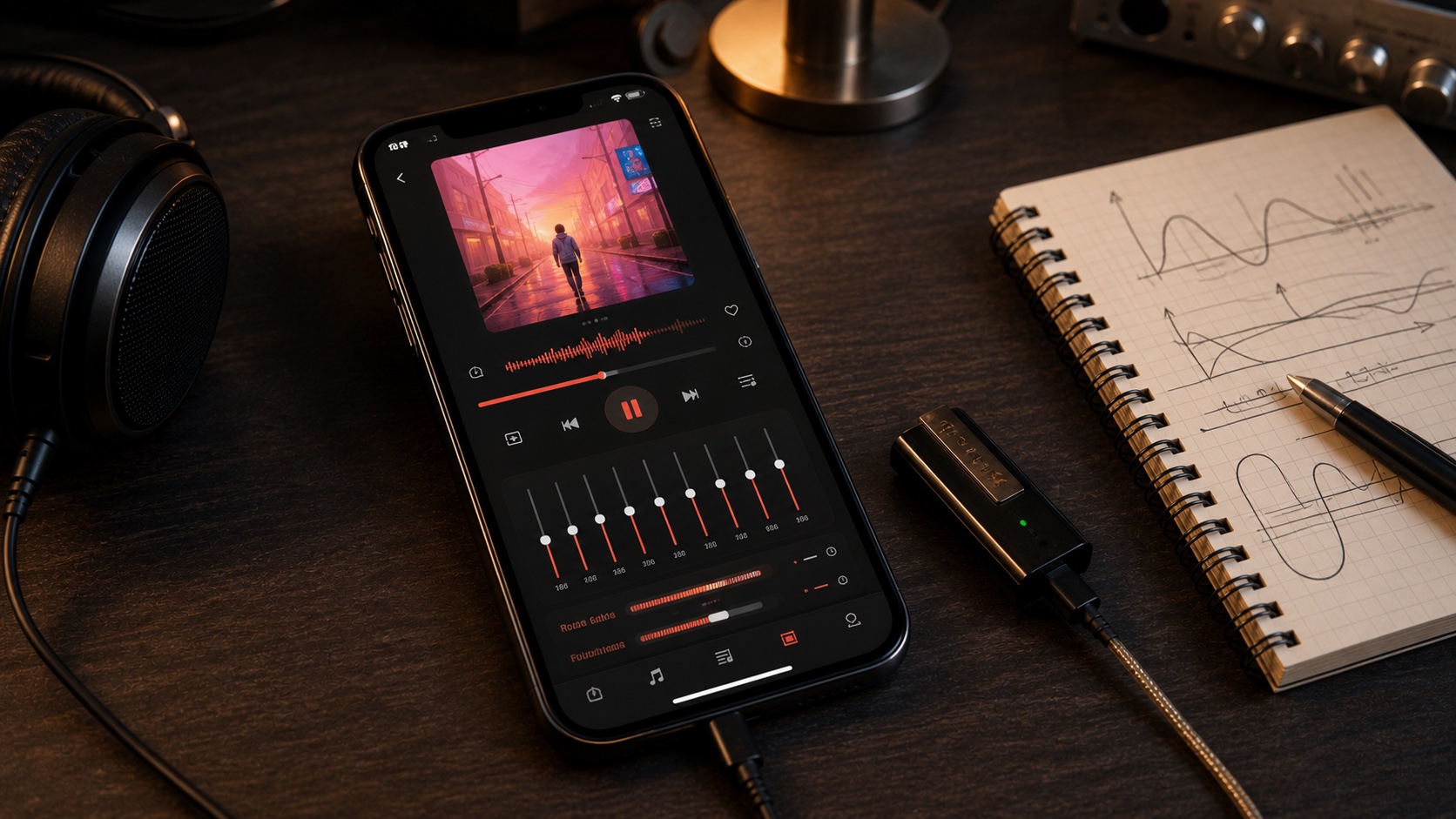
Poweramp for iOS: What Are Your Real Options?
Poweramp fans need more than a pretty player: they need format support, EQ, ReplayGain, queues, and local file control on iPhone.
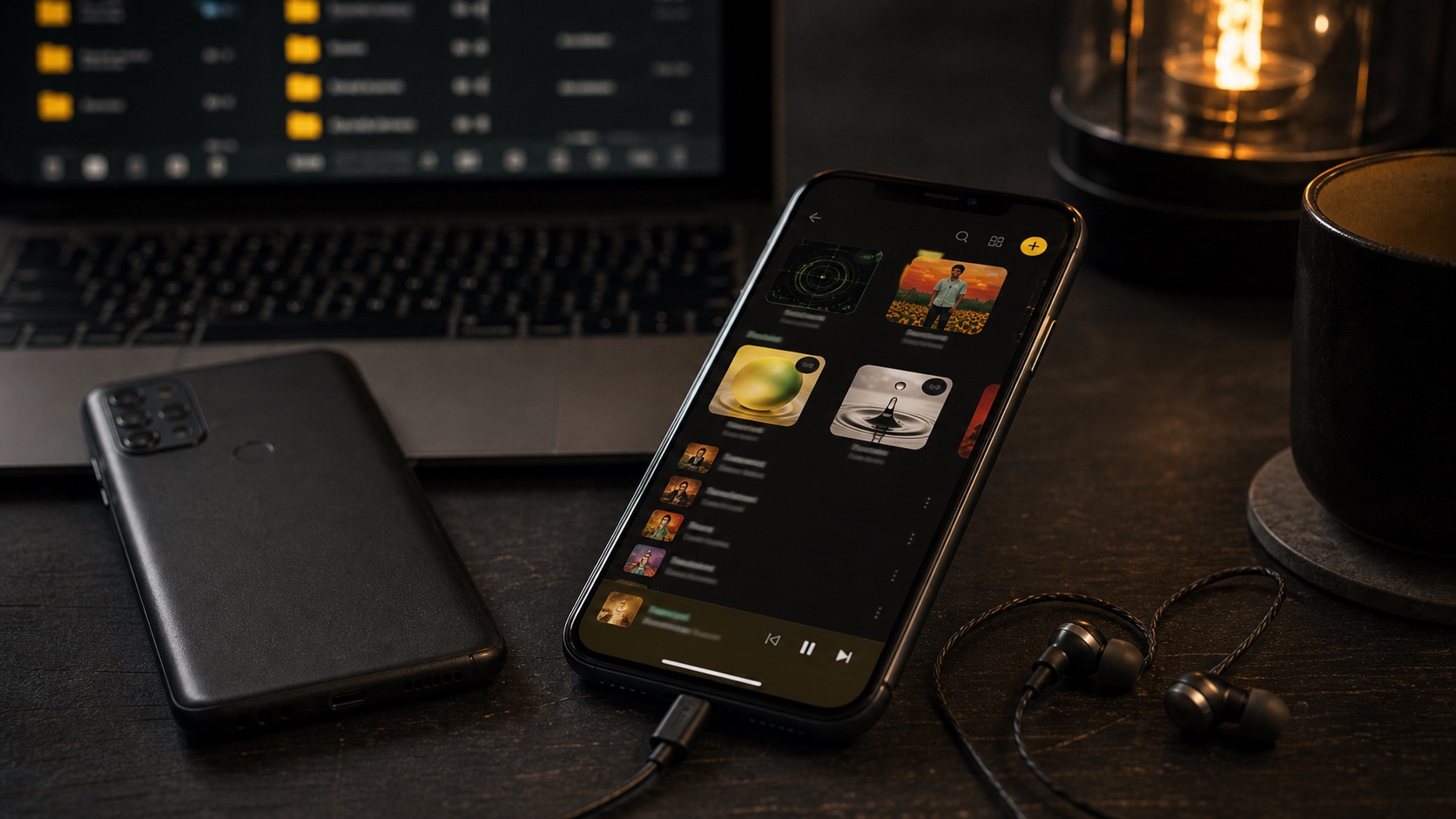
Musicolet for iPhone: The Closest iOS Alternative
Android users who loved Musicolet can get the same local-library mindset on iPhone with OfflineTunes: folders, queues, metadata, playlists, and offline playback.
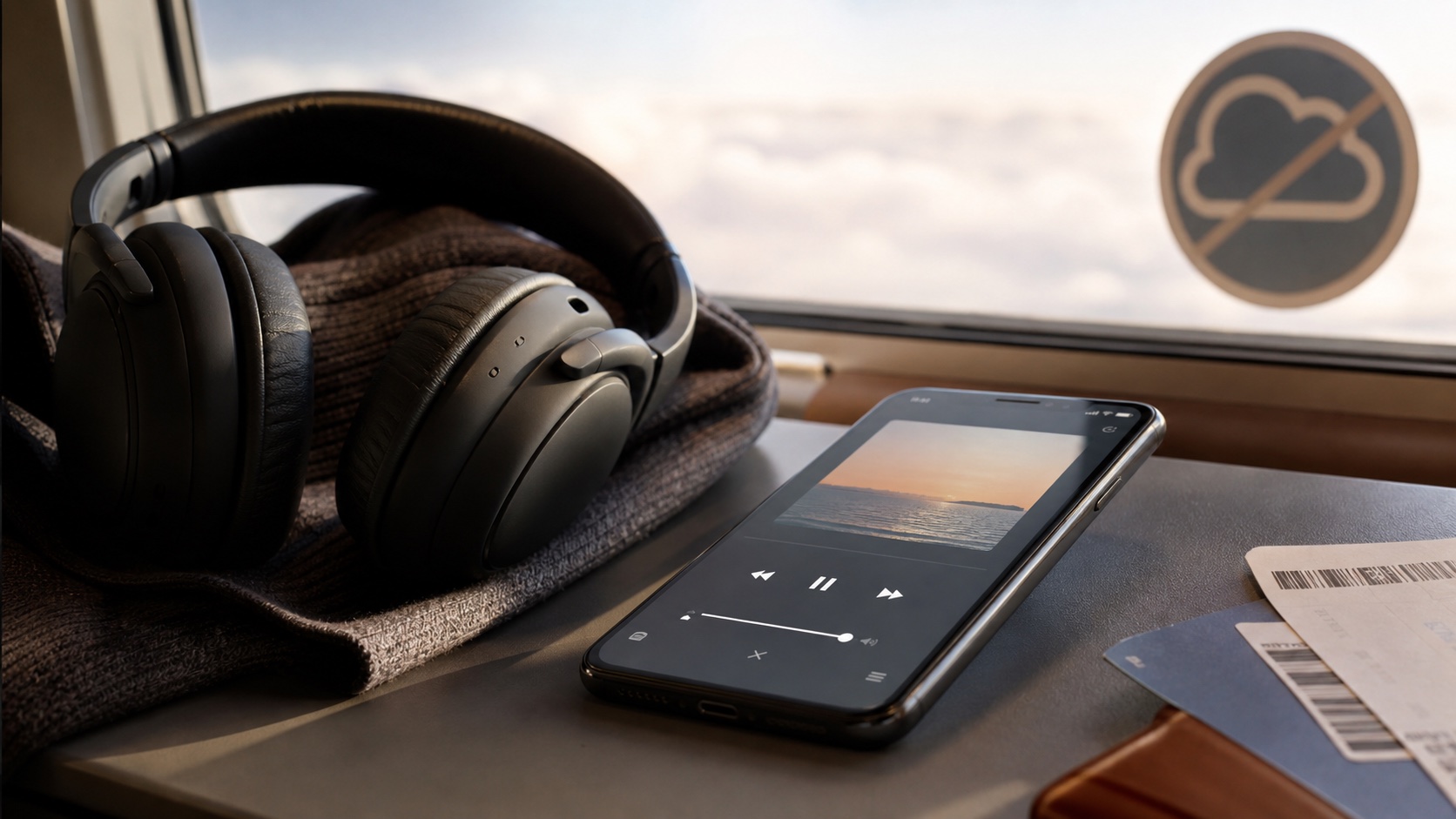
Offline Music Apps vs Streaming: What You Gain by Owning Files
Compare offline music apps vs streaming and learn what you gain by owning files: permanence, portability, custom tags, folders, backups, and control.
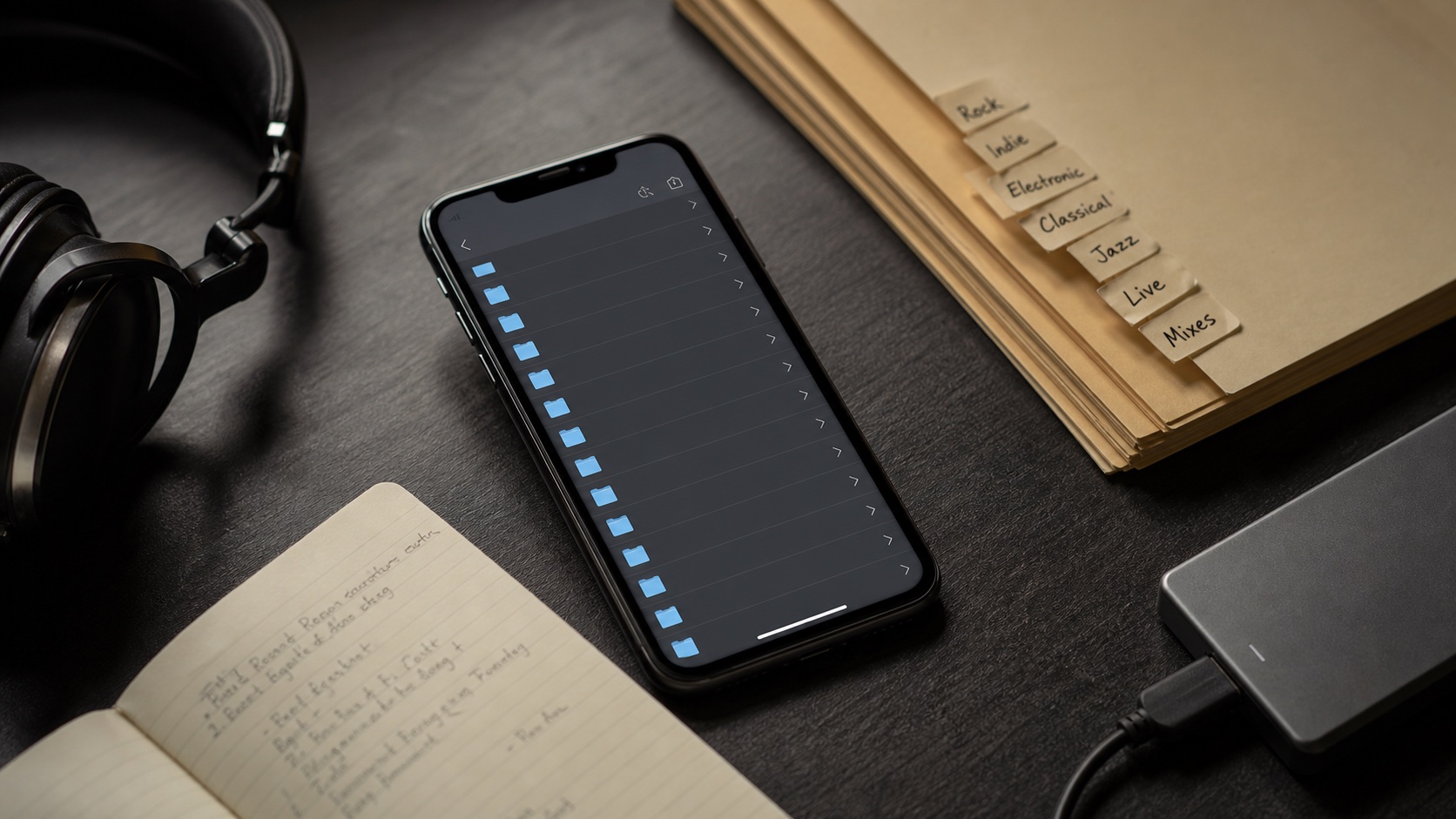
Why Your iPhone Music Library Needs Folder Browsing
Your iPhone music library needs folder browsing because tags are not enough for messy imports, live recordings, MP3 folders, and custom collections.
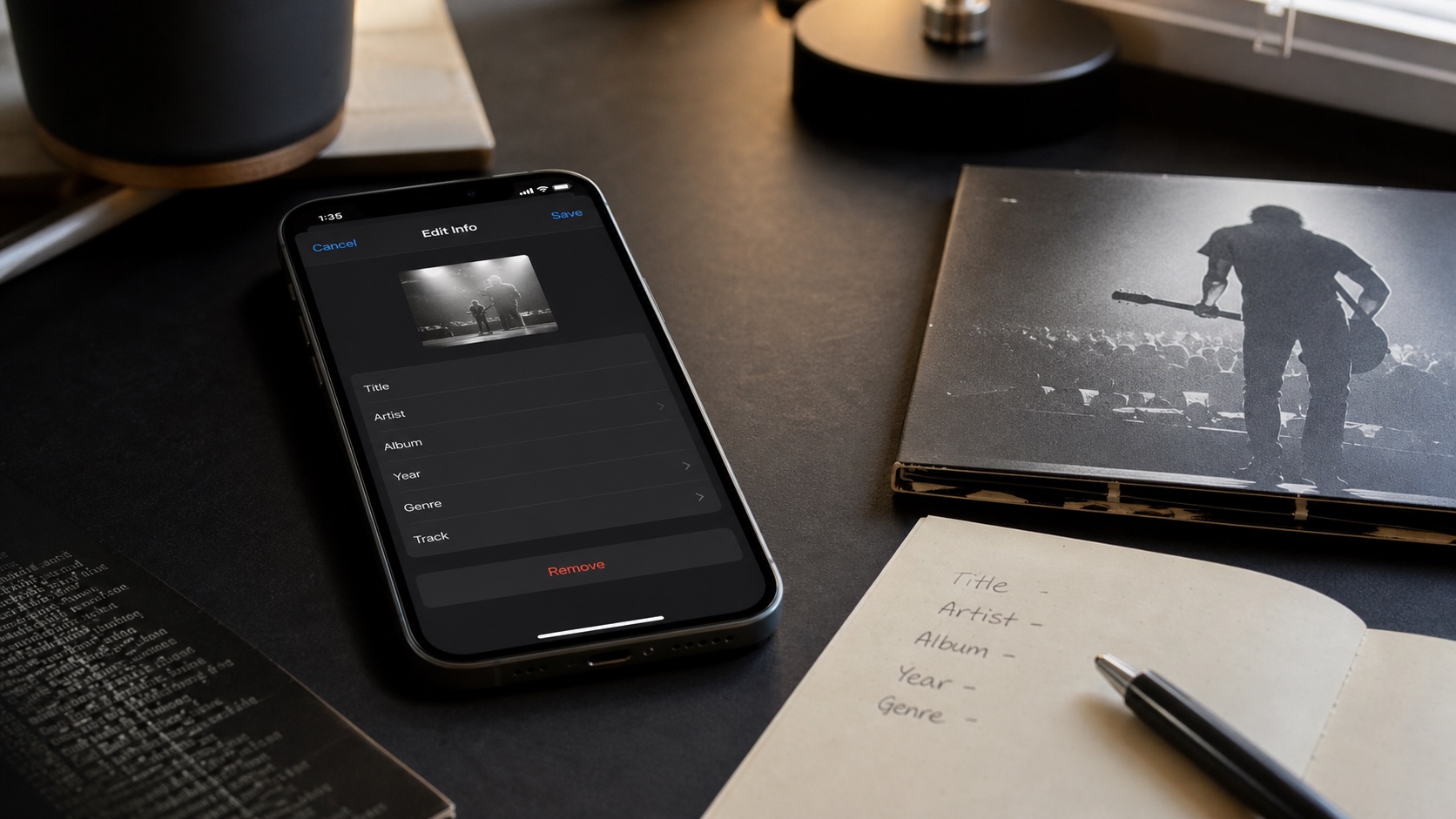
How to Edit Music Tags on iPhone
Learn how to edit music tags on iPhone, fix split albums, repair artwork, batch shared fields, and keep folders safe while cleaning metadata.
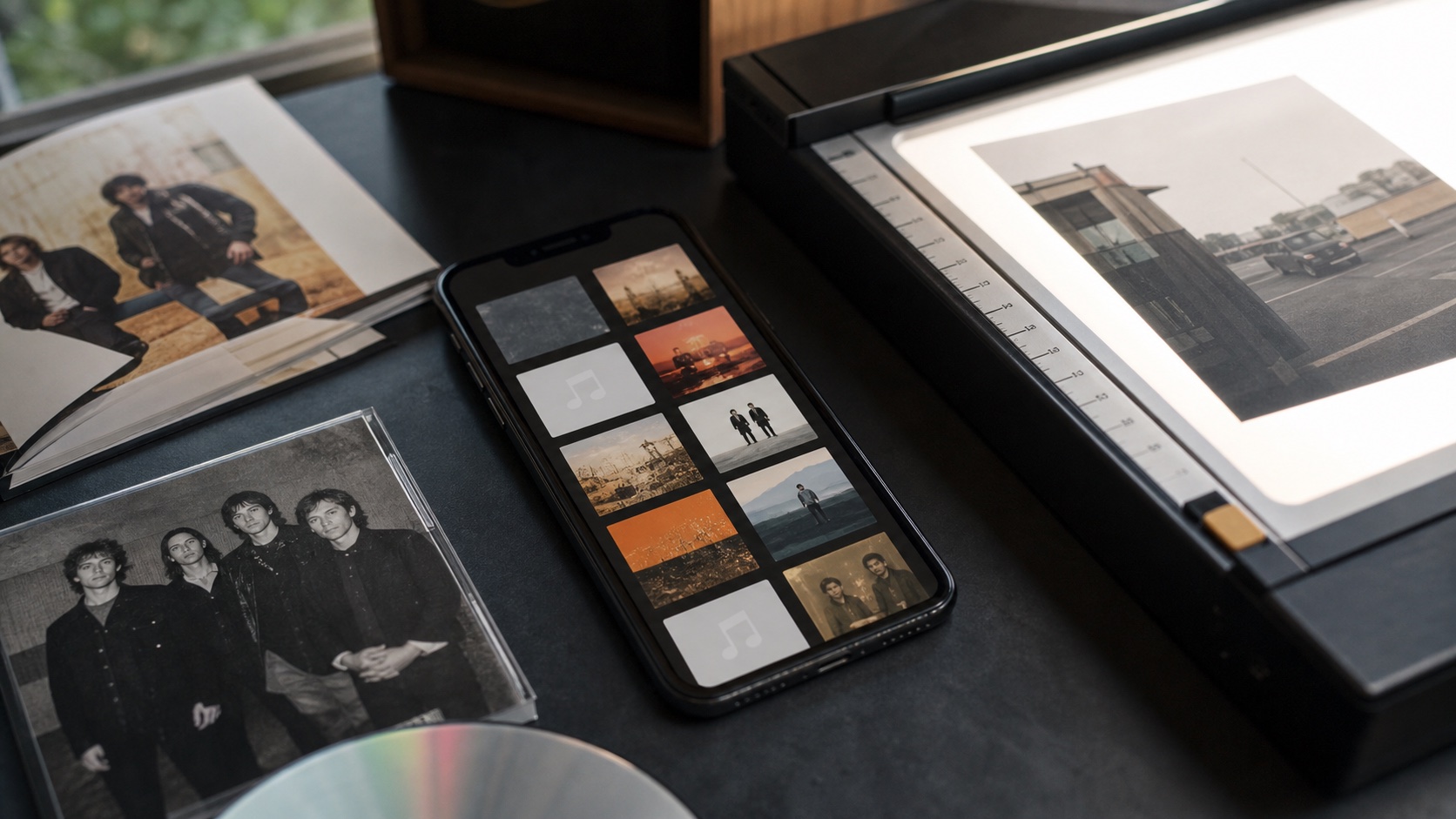
How to Fix Missing Album Art on iPhone Music Files
Fix missing album art on iPhone music files by cleaning tags, choosing the right cover source, applying artwork in batches, and verifying library views.
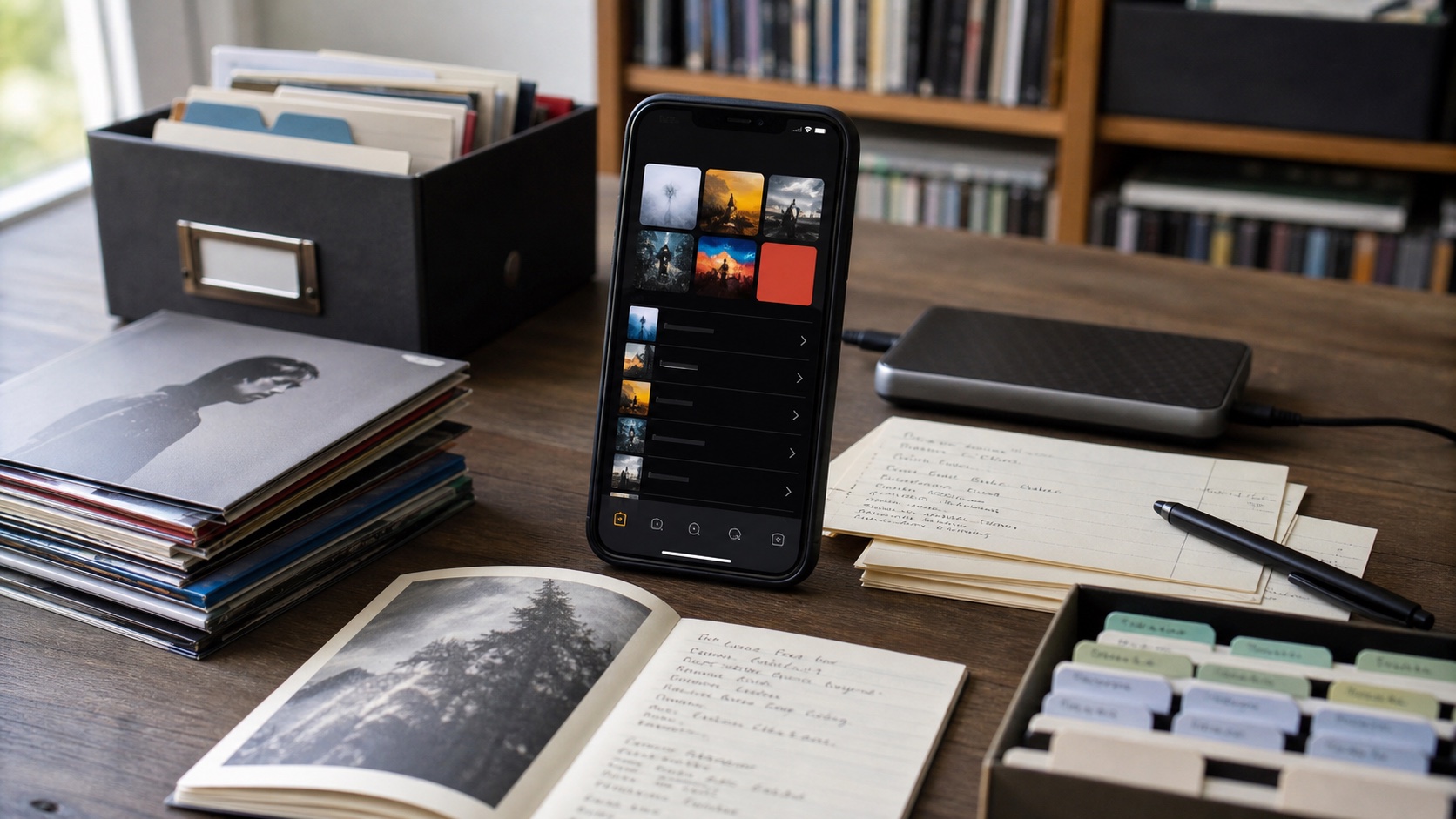
How to Organize a Large Music Library on iPhone
Organize a large music library on iPhone with folders, tags, artwork, playlists, smart playlists, backups, and a repeatable import routine.
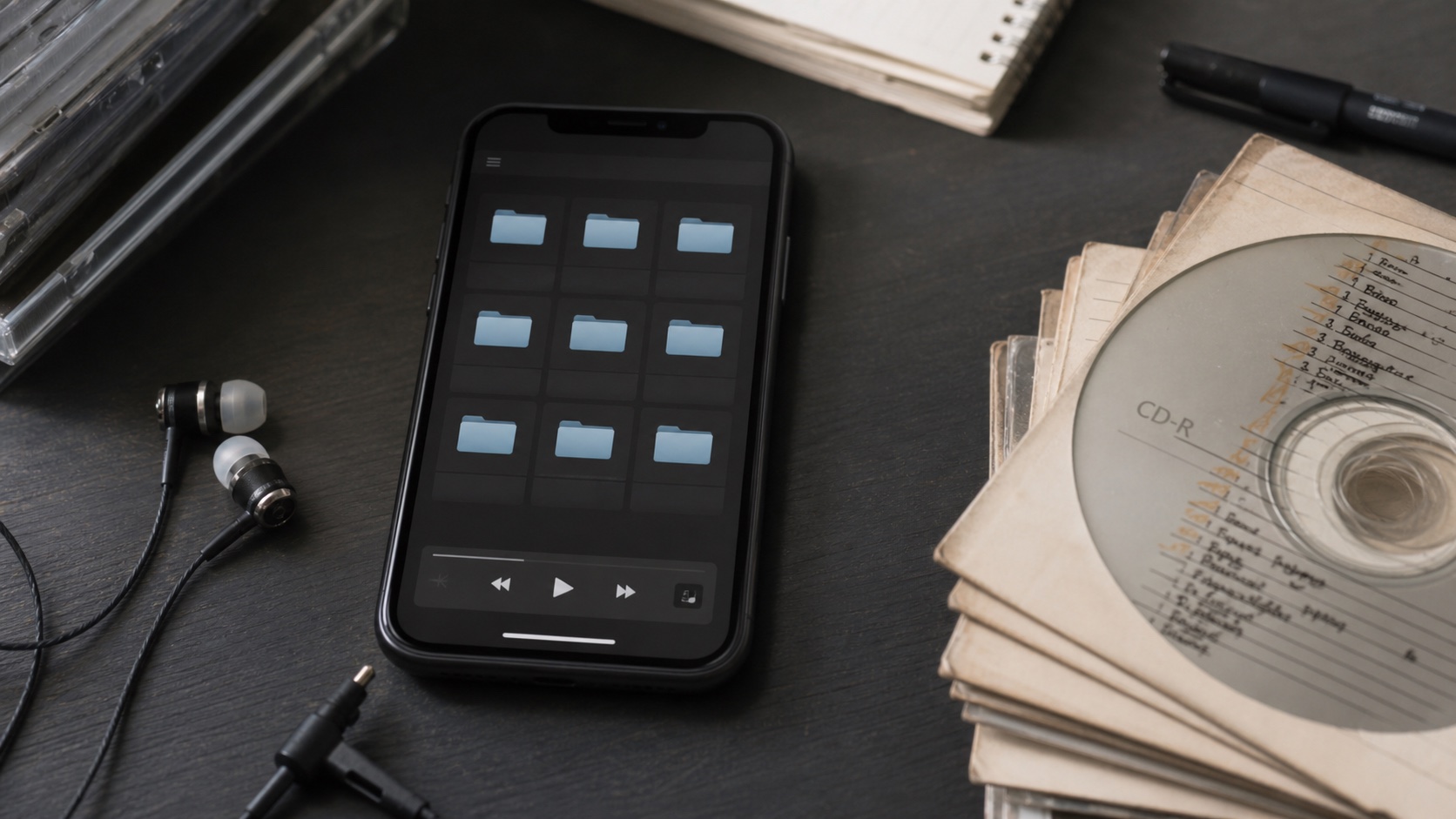
Best MP3 Player App for iPhone With Folders
Find the best MP3 player app for iPhone with folders by comparing folder browsing, tag editing, artwork, playlists, queues, and offline playback.
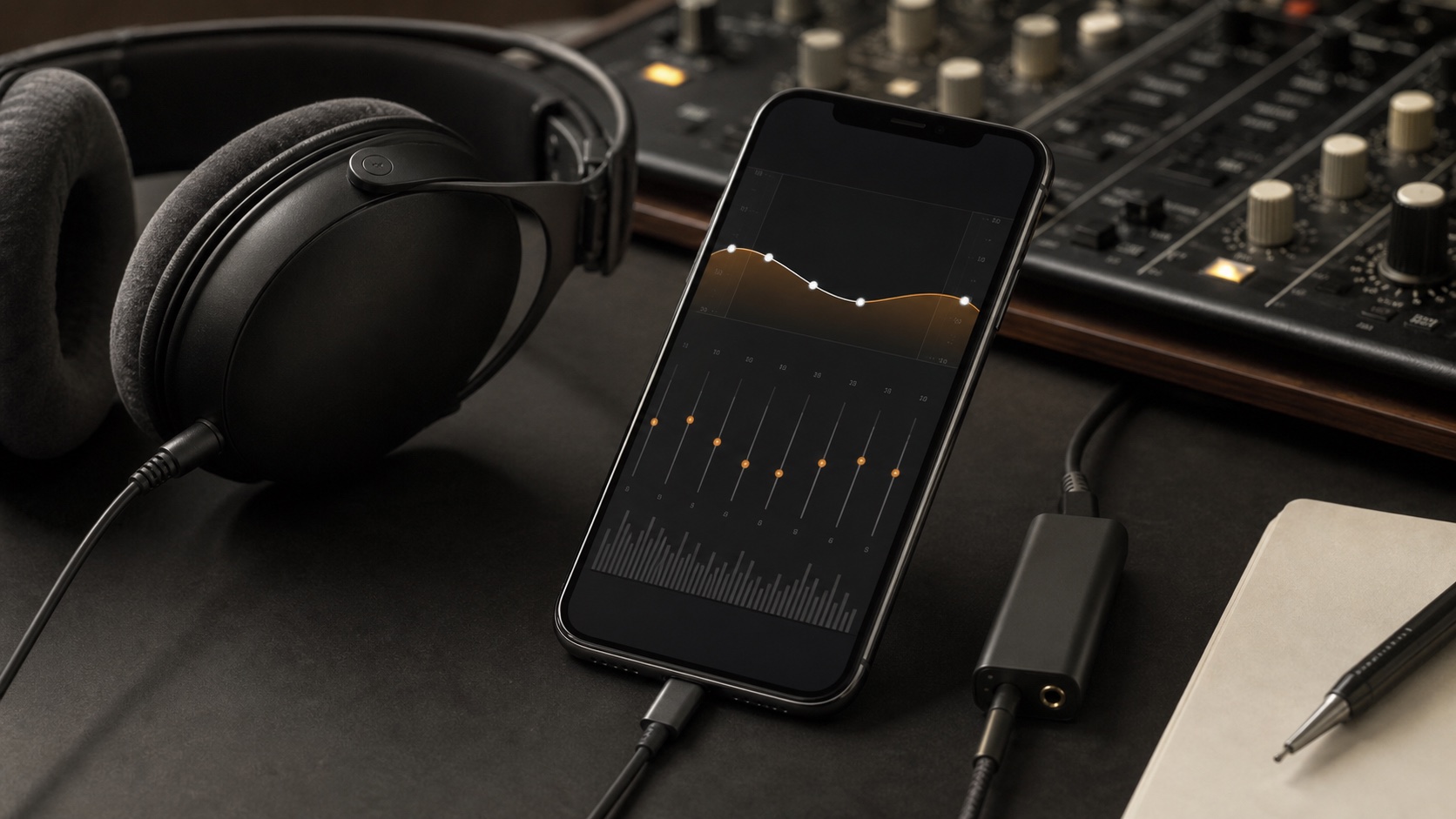
iPhone Music Player With Equalizer: What to Look For
Choose an iPhone music player with equalizer by checking for EQ bands, preamp, ReplayGain, presets, clipping control, and local library support.
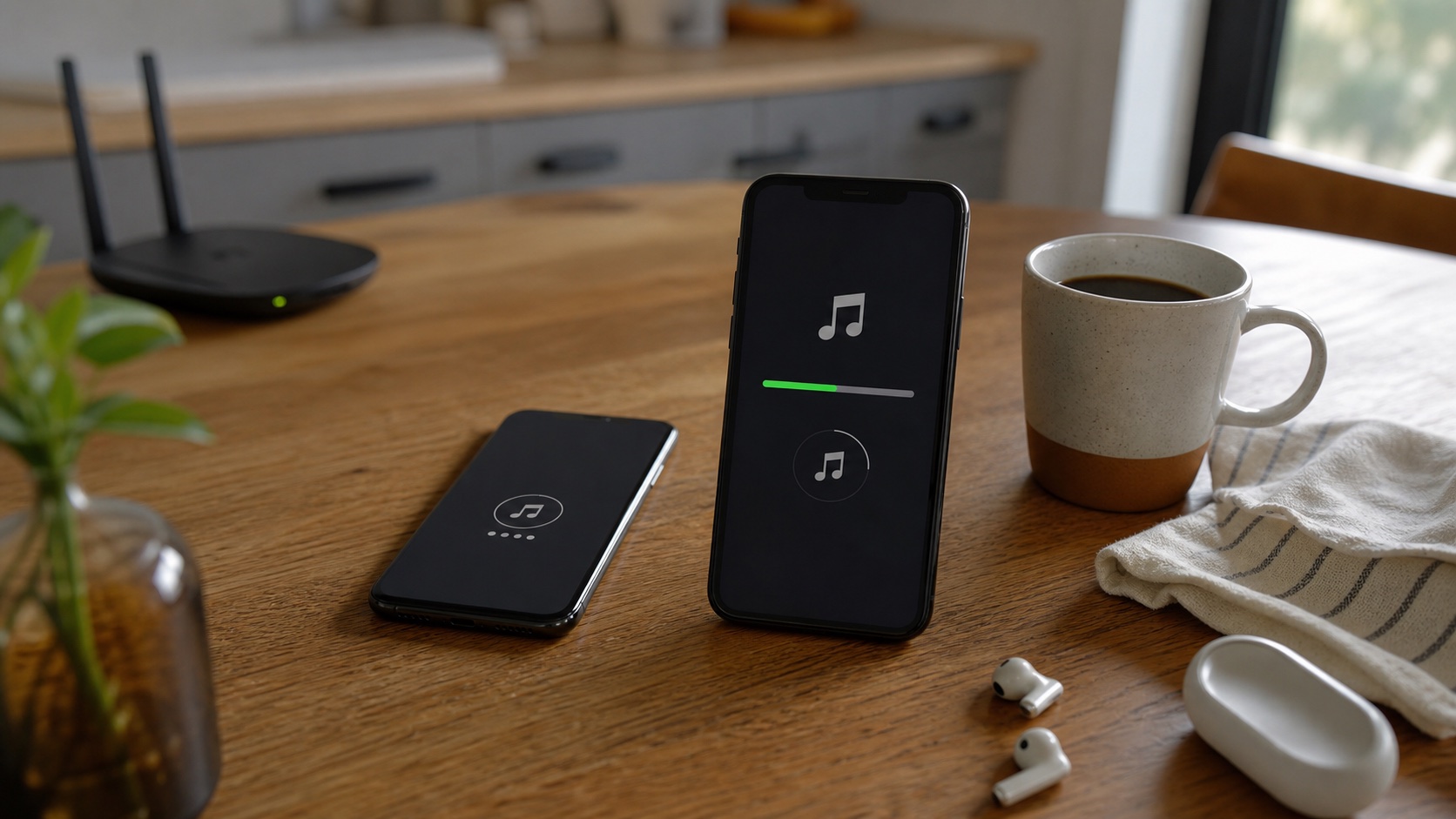
How to Transfer Music to iPhone Without a Computer
Transfer music to iPhone without a computer using cloud storage, Files, local transfer, share sheet imports, and a player built for offline files.
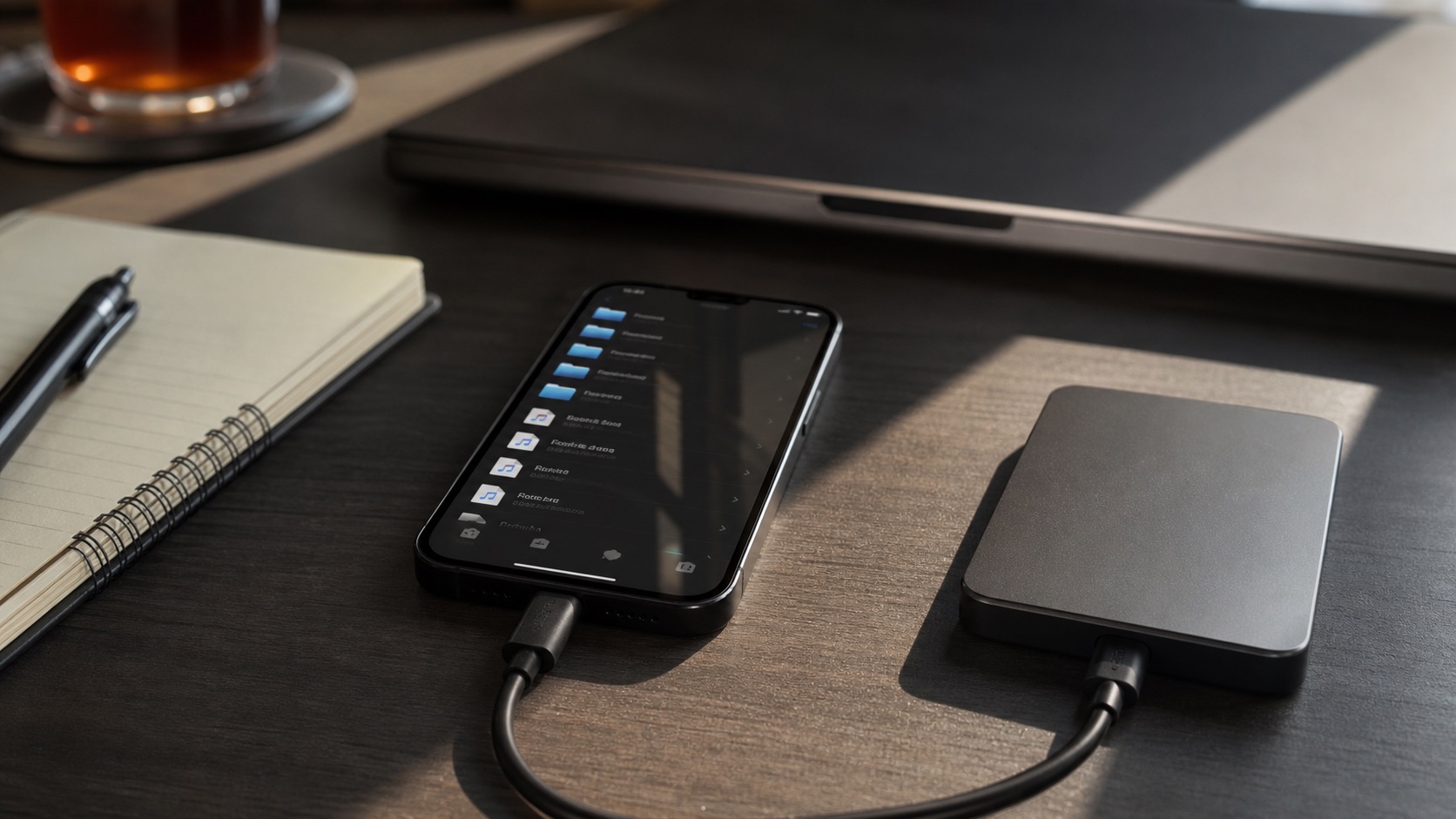
How to Play Local Music Files on iPhone Without iTunes
Learn how to play local music files on iPhone without iTunes using Files, folders, Wi-Fi transfer, cloud imports, and OfflineTunes.