FLAC vs MP3: Which Should You Actually Use?
FLAC and MP3 solve different problems. The best library often uses both: FLAC for the archive, MP3 for lighter mobile copies.
In this article Open
FLAC vs MP3 is usually framed like a fight: quality people on one side, convenience people on the other. Real libraries are not that clean. FLAC is excellent for keeping a high-quality archive. MP3 is still useful when storage, compatibility, or sharing matters.
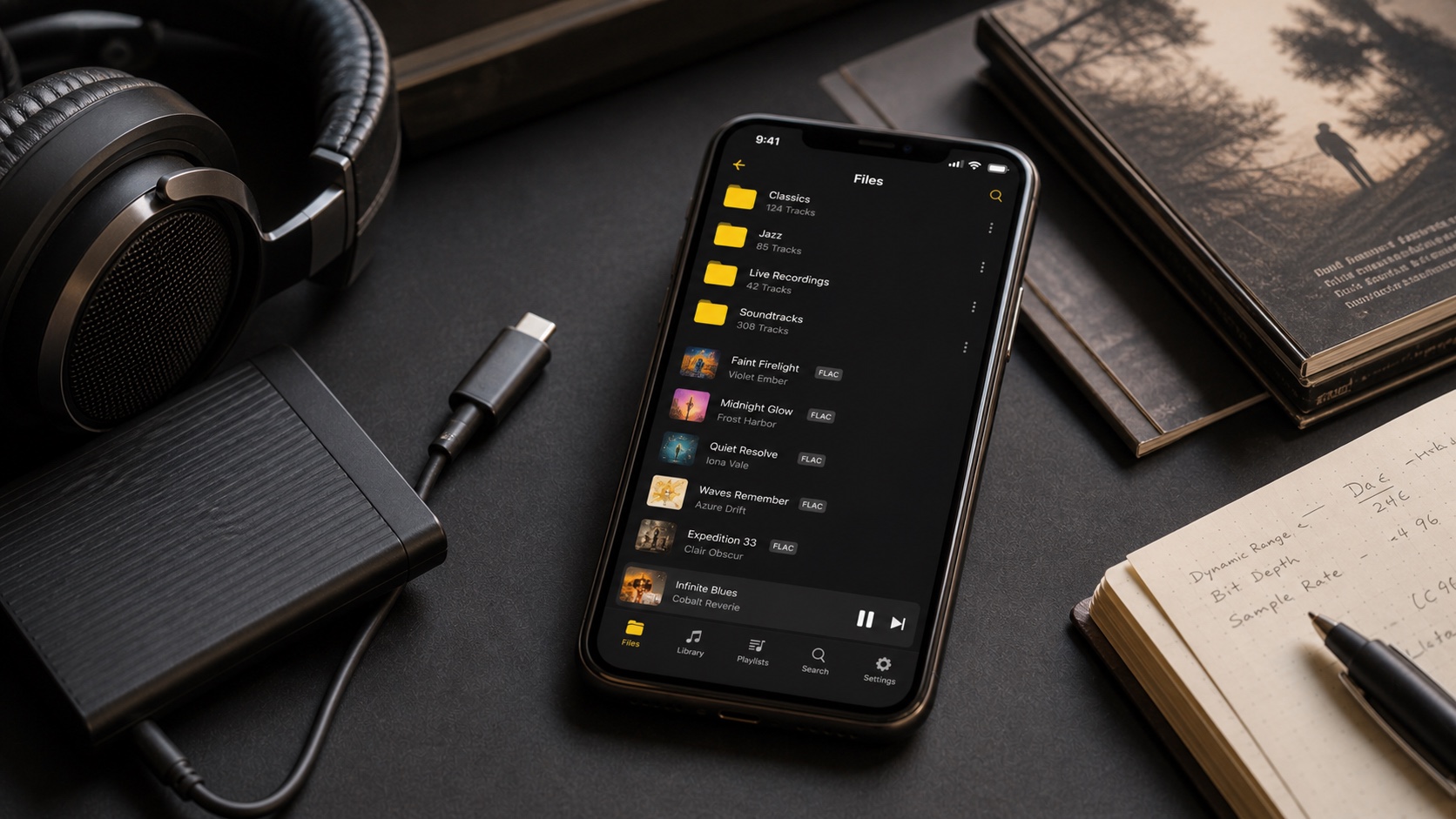
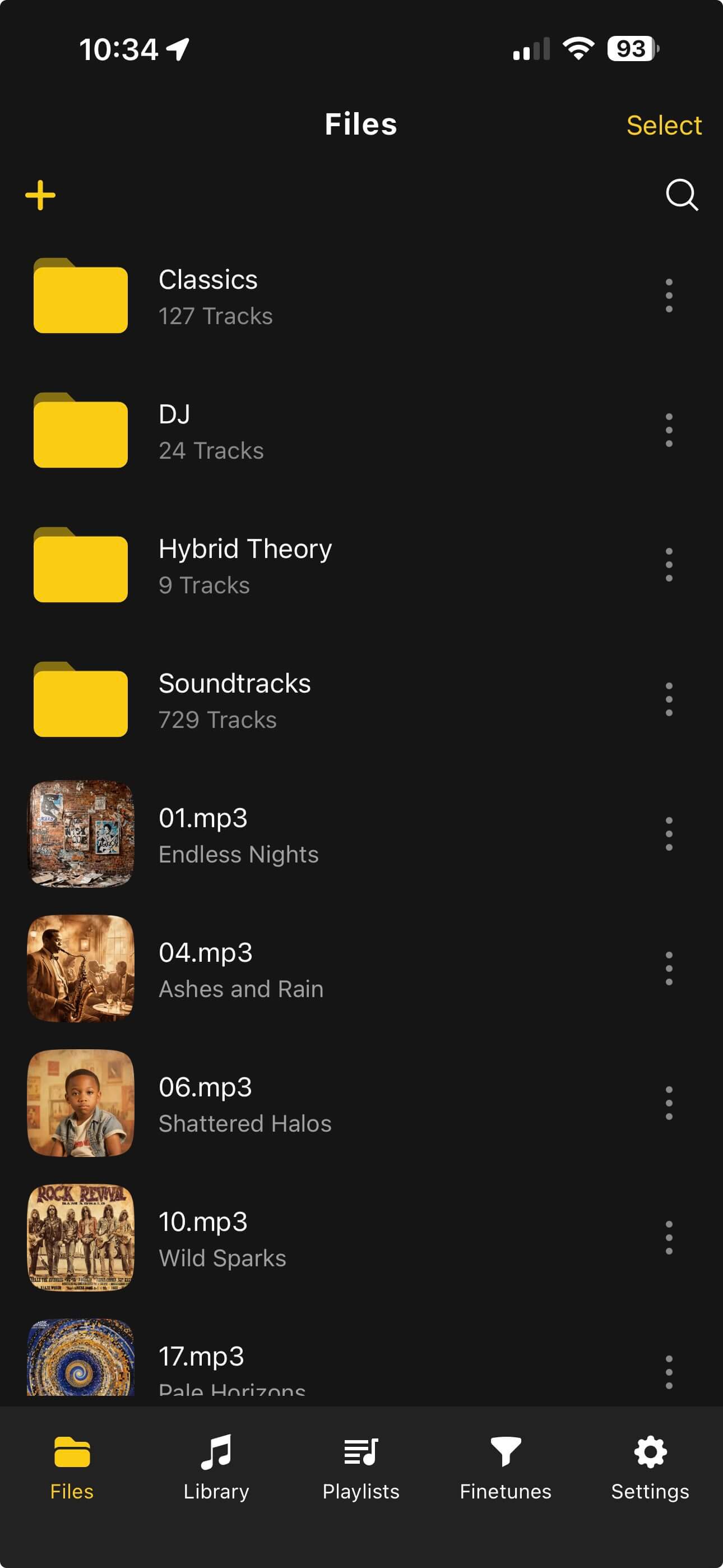
The wrong move is treating one format as morally superior in every situation. The right move is deciding which copy does which job. OfflineTunes is built for that kind of practical library: play FLAC when you want lossless, convert or carry MP3 when you need smaller files, and keep metadata organized either way.
Short Answer: Use FLAC for the Master Library, MP3 for Lightweight Copies
If you are building a library you want to keep, FLAC is the stronger archive format. It is lossless, so it preserves source audio without permanently throwing information away. If you need smaller files for travel, old devices, car stereos, or limited iPhone storage, MP3 still makes sense as a mobile copy.
That means the best answer is often both. Keep FLAC as the source of truth. Use MP3 when the listening context does not justify larger files.
What Actually Changes Between FLAC and MP3?
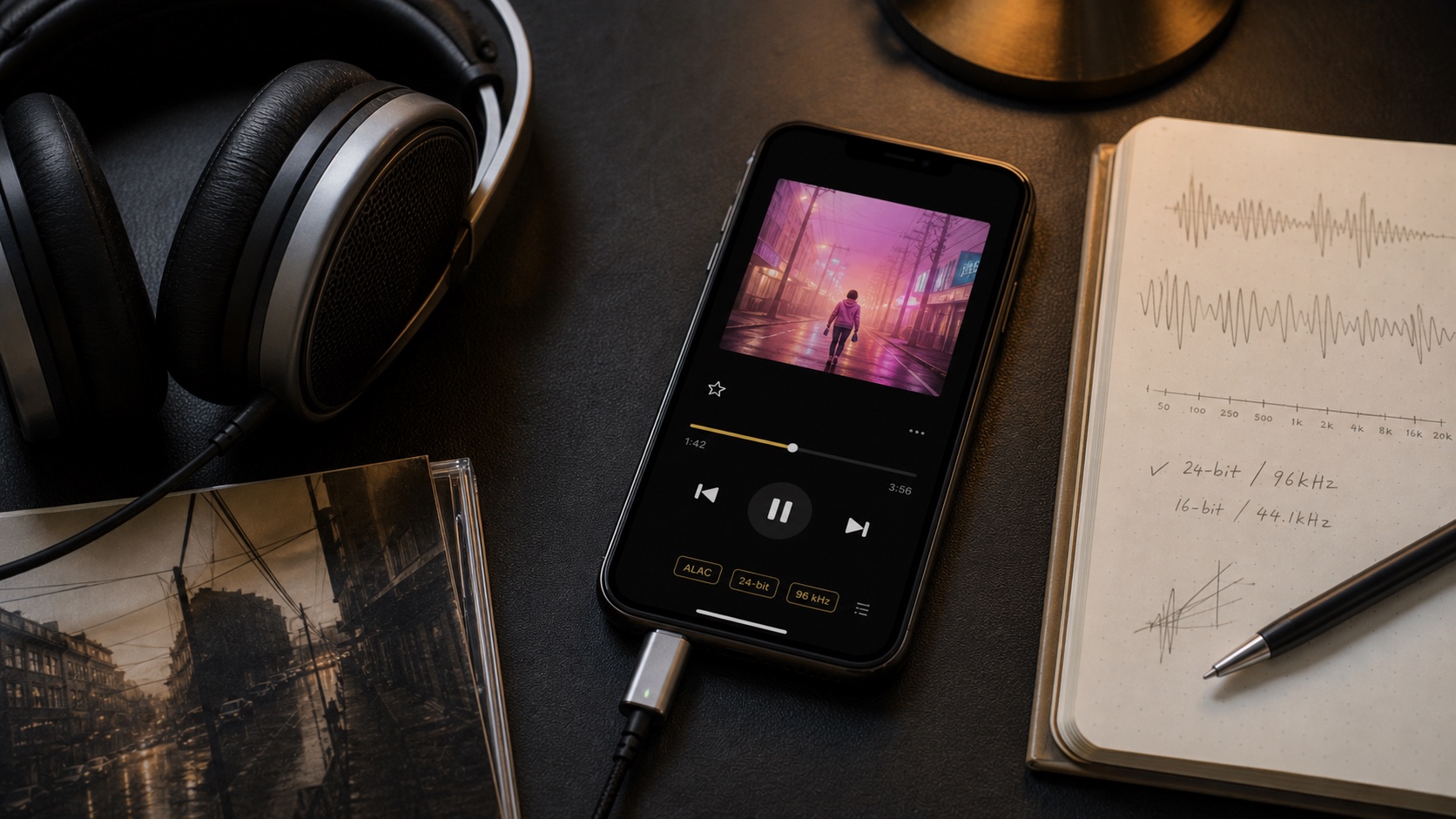
FLAC is lossless compression. It makes files smaller than WAV while preserving the audio data needed to reconstruct the original signal. MP3 is lossy compression. It makes files much smaller by permanently removing audio information the encoder expects most listeners to miss.
That does not mean every MP3 sounds bad. A high-quality MP3 can sound excellent in a car, on small Bluetooth speakers, or during noisy commutes. It also does not mean every FLAC is automatically wonderful. A FLAC made from a bad source is still a bad source, just preserved perfectly.
When FLAC Wins
FLAC wins when the source matters and storage is acceptable. Use it for CD rips, purchased lossless albums, Bandcamp downloads, live recordings you care about, and anything you may want to convert later. Because FLAC is lossless, it is a better starting point for future formats.
FLAC also makes emotional sense for owned libraries. You are saying: this is the master copy. It should survive app changes, device changes, and whatever listening setup you build next.
When MP3 Still Wins
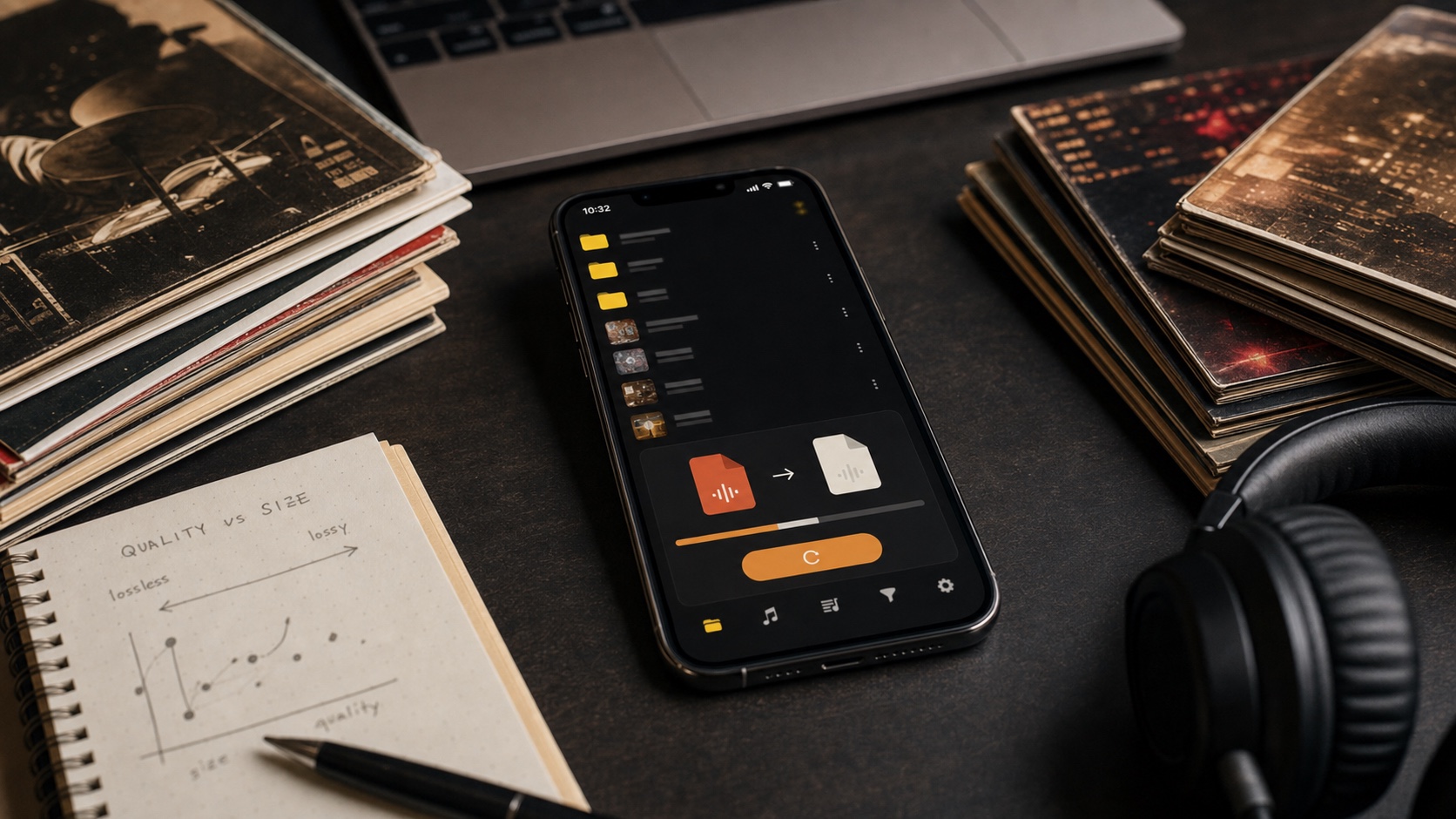
MP3 wins when smaller files are the point. A gym folder, car playlist, long trip library, or old speaker setup may not need lossless. The listening context can matter more than theoretical perfection. If background noise hides the difference, saving storage may be the smarter choice.
MP3 also wins for compatibility. Almost everything understands it. If you are sharing a rough mix, loading a cheap player, or preparing files for a device with limited support, MP3 remains useful.
The Best Setup: Archive Plus Travel Copy
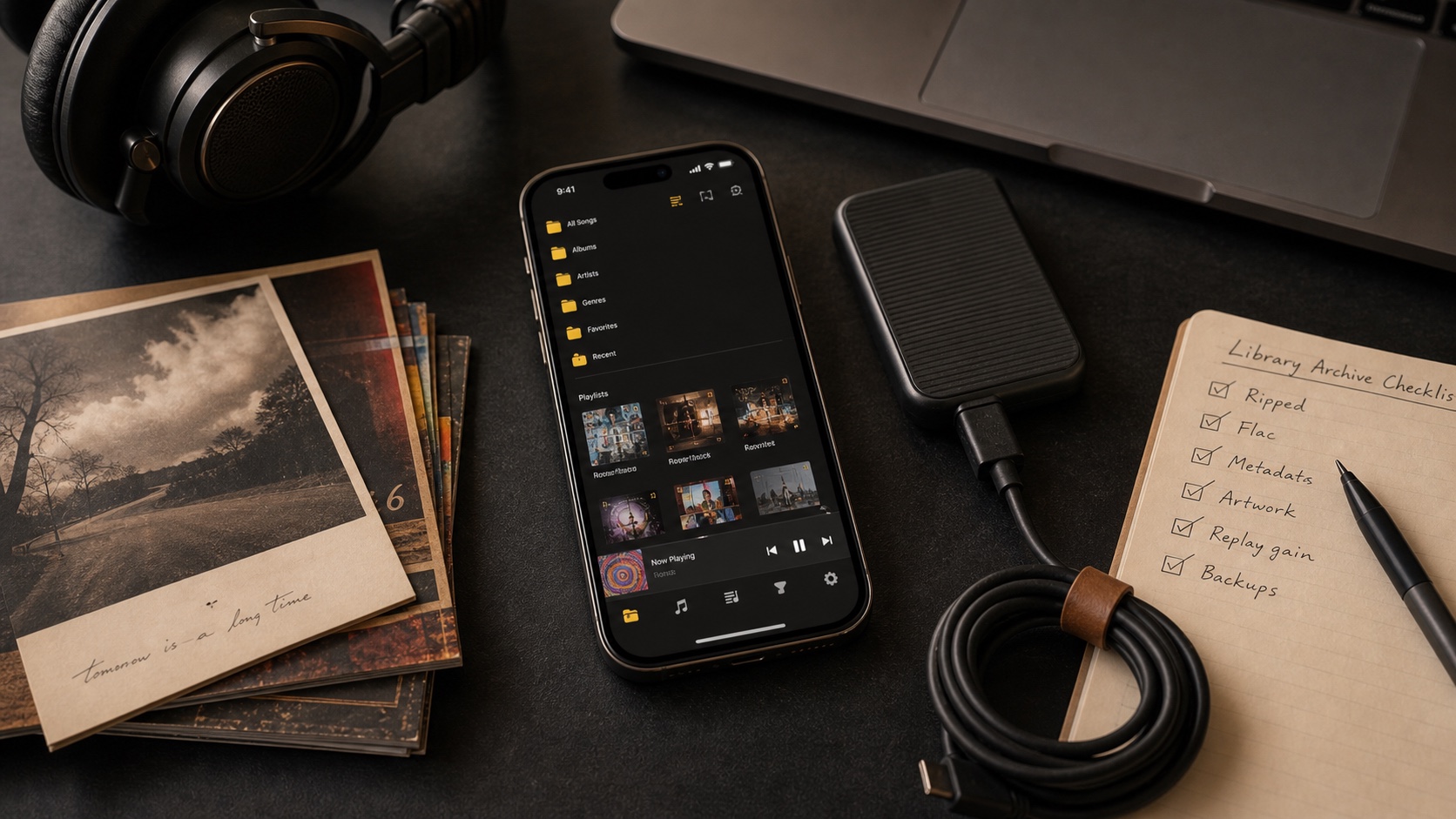
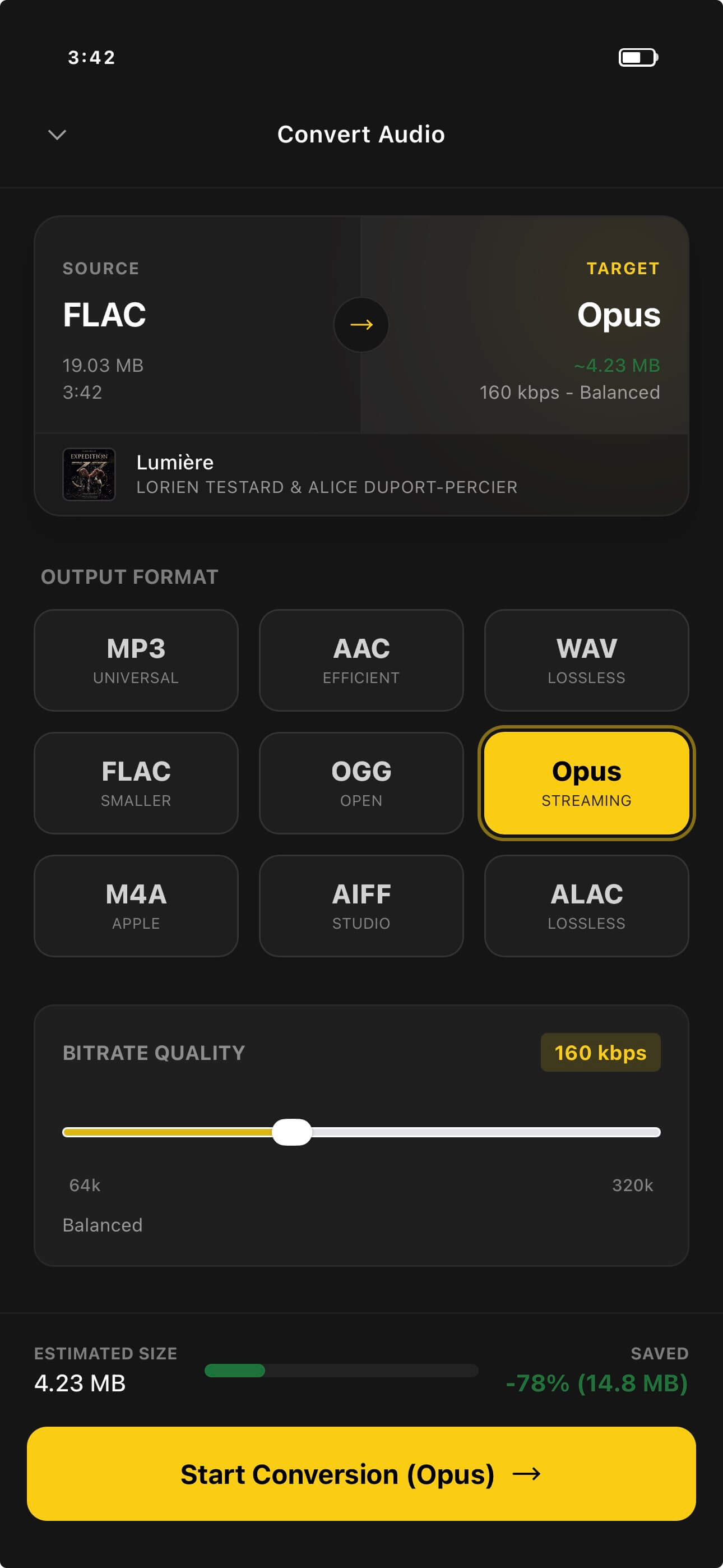
The cleanest setup is two-tiered. Keep a FLAC archive on your computer, drive, or cloud storage. Import FLAC to iPhone when quality matters or storage allows. Create MP3 copies for parts of the library where smaller size matters more.
OfflineTunes supports that practical middle ground. You can keep formats mixed, import folders, inspect metadata, and decide album by album instead of committing the whole library to one rule.
Verdict: Use Format by Purpose
FLAC wins for archiving, serious listening, and future-proof conversion. MP3 wins for small mobile copies, compatibility, and contexts where the difference will not matter. The smartest music library does not pretend those needs are the same.
Use FLAC to keep the music safe. Use MP3 when the situation rewards smaller files. Use a player like OfflineTunes so both can live in one offline iPhone library without format anxiety.