The Best FLAC Player for iPhone, Compared
A good iPhone FLAC player should do more than open files. It should preserve your library, tags, artwork, queues, EQ, and offline control.
In this article Open
Searching for the best FLAC player for iPhone usually starts with one question: can iPhone play my FLAC files without conversion? Good question, but too small. A serious FLAC player has to do more than decode. It has to import, scan, tag, browse, queue, shape sound, and keep your albums readable offline.
That matters because FLAC libraries tend to be owned libraries. People collect FLAC when they care about source quality, long-term backups, live recordings, Bandcamp downloads, CD rips, or a home archive that should outlive one app. The best iPhone player has to respect that.
Short Answer: OfflineTunes Is Built for Serious FLAC Libraries on iPhone
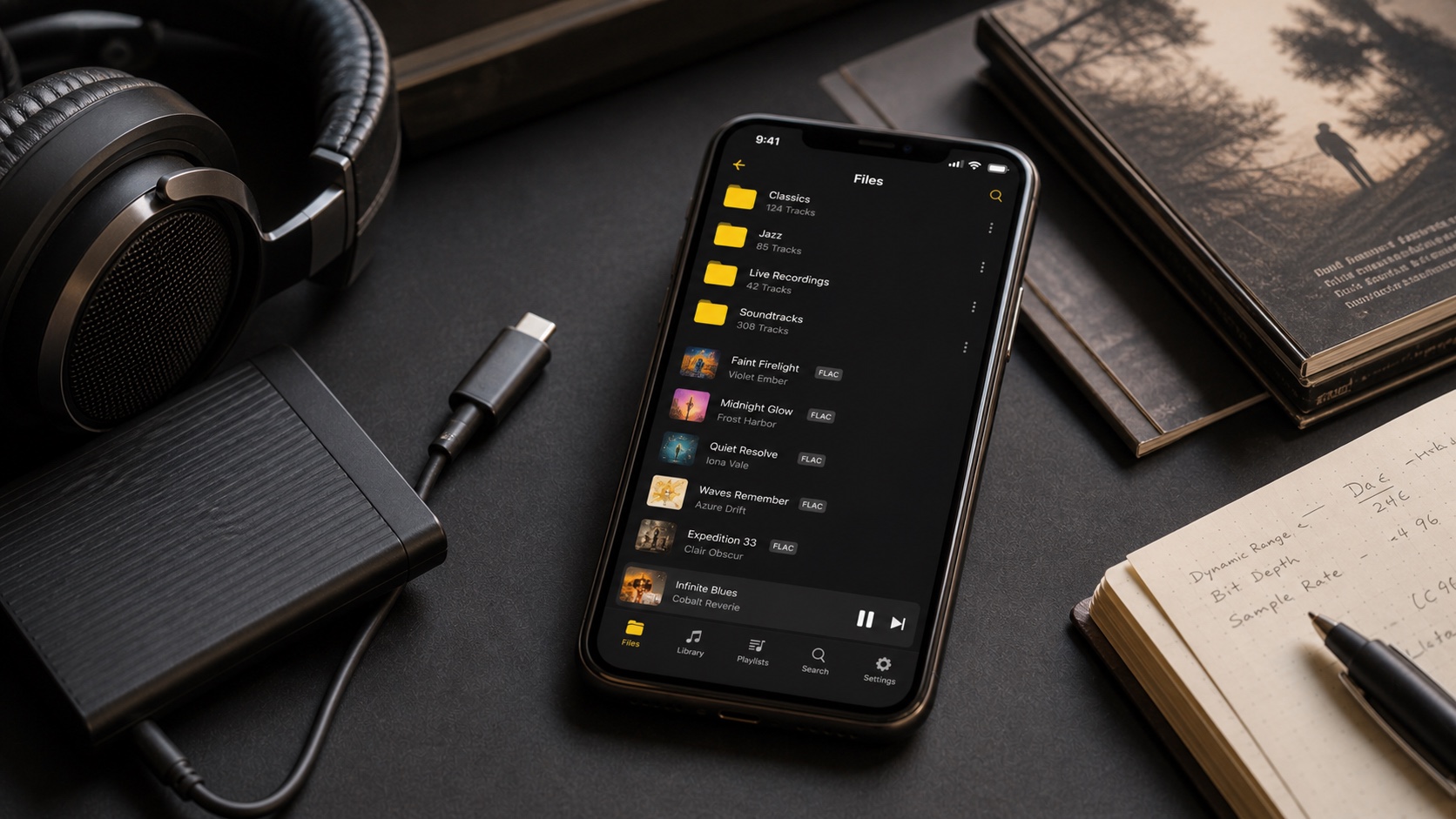
OfflineTunes is the best fit if you want FLAC playback inside a broader local-library workflow. It can import files, browse folders and library categories, play offline, use EQ and ReplayGain, manage playlists, and keep metadata visible. That combination matters more than a simple “supports FLAC” checkbox.
If your FLAC collection is small and you only open a few tracks, many simple players can work. If your library is thousands of tracks with tags, album art, playlists, and a backup strategy, choose the player that manages the collection.
The FLAC Player Checklist That Actually Matters
The first checkbox is direct playback. After that, compare the whole chain. How do files get onto the phone? Can you import folders? Does artwork survive? Do album artist and disc numbers behave? Can you search fast? Can you use ReplayGain and EQ without clipping? Can you build playlists without leaving the app?
Why OfflineTunes Fits FLAC Better Than a File Opener
FLAC is often archive-grade. That means it deserves organization-grade software. OfflineTunes gives you a file manager, library views, playlists, smart playlists, ratings, metadata editing, EQ, ReplayGain, and offline playback in one place. It also sits well beside an existing desktop or NAS archive: keep your master files safe, move what you want to iPhone, and play them locally.
For format decisions, start with ALAC vs FLAC on iPhone. For broader quality questions, read Lossless Audio Explained. For mobile copies, compare FLAC vs MP3.
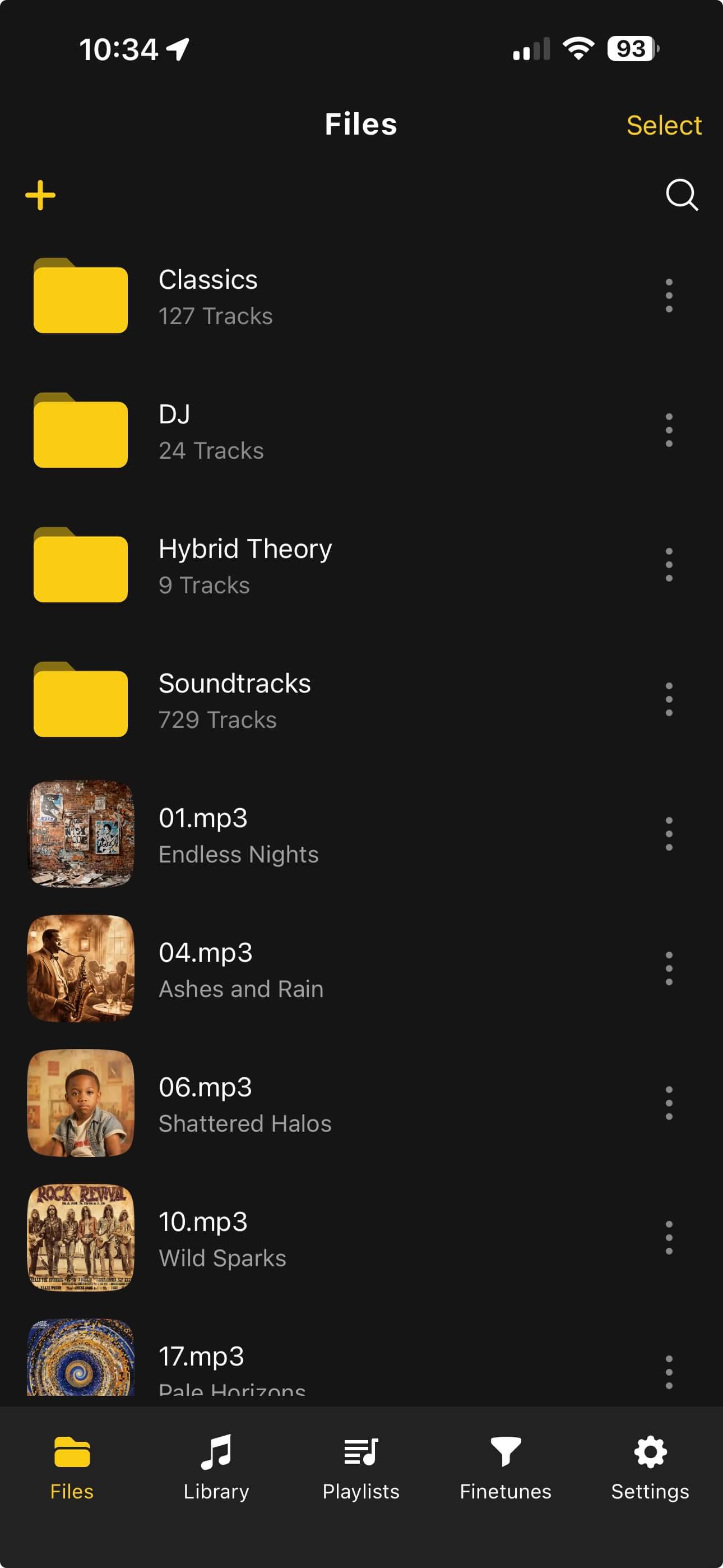
Formats and Imports Matter Together
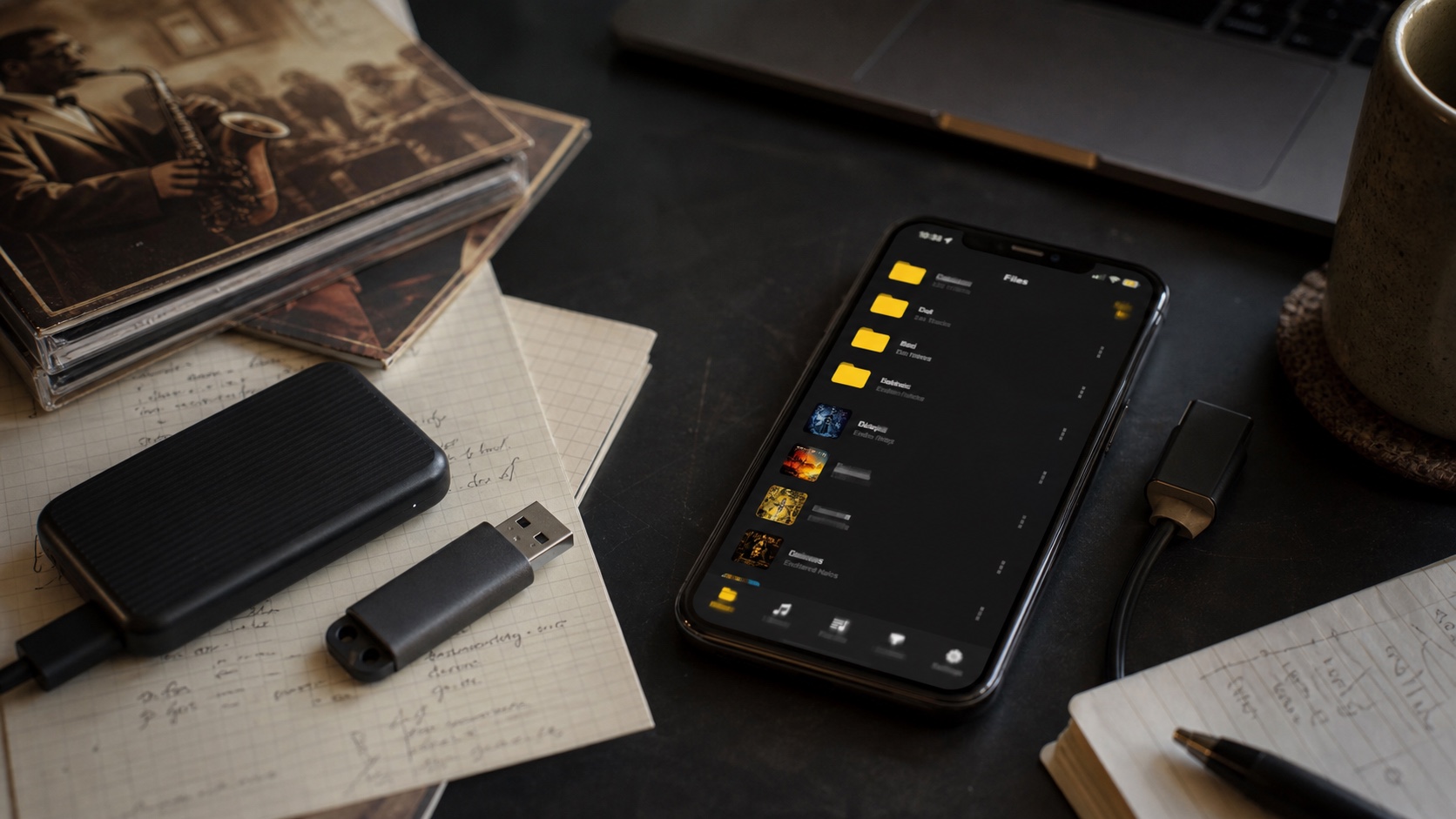
A FLAC player that cannot move files in easily will feel broken even if decoding is perfect. OfflineTunes supports the practical iPhone paths: local files, folders, Wi-Fi transfer, and cloud import workflows. It also supports everyday formats around FLAC, so your library does not have to be purified before it becomes useful.
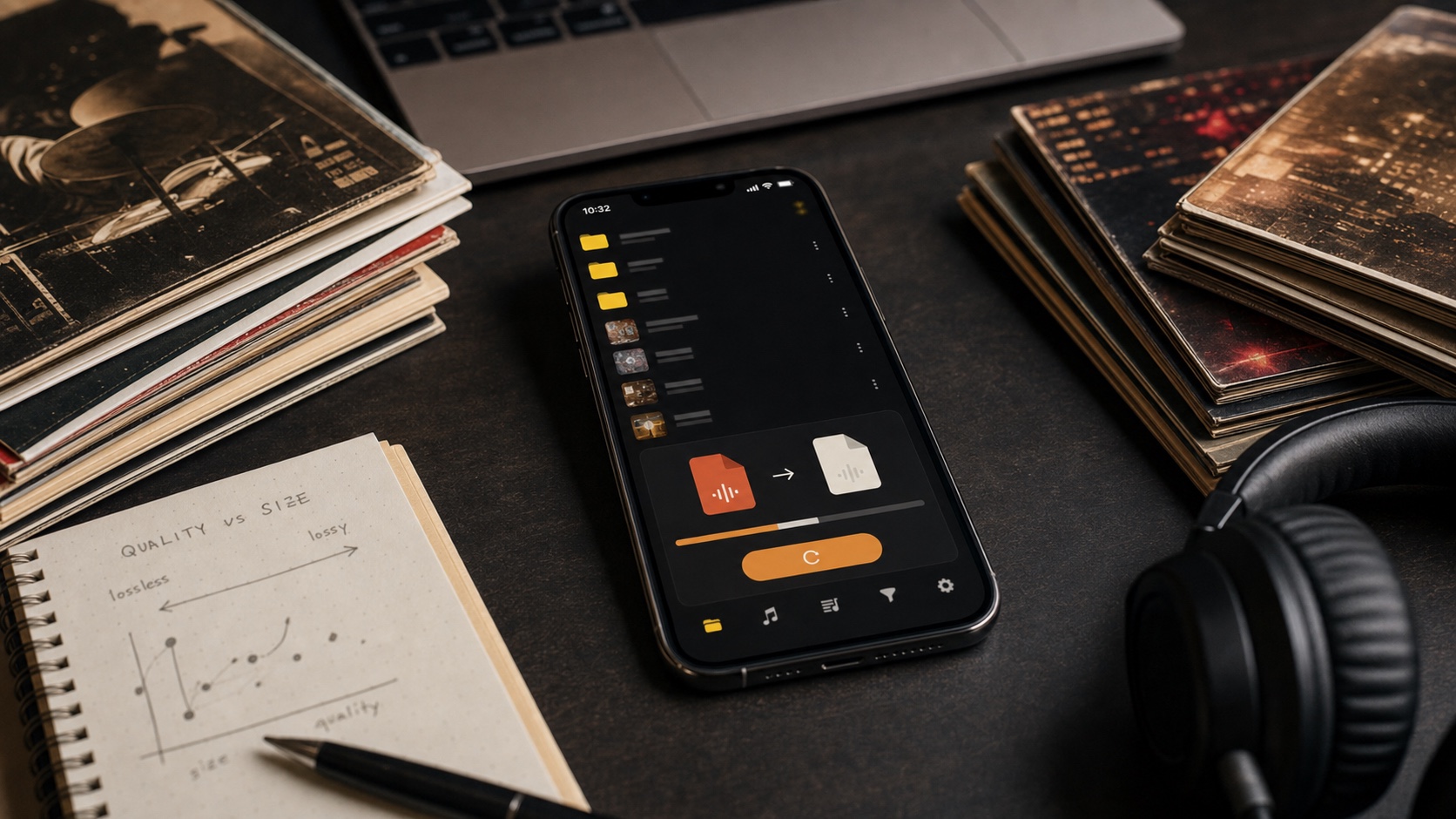
That mixed-format support matters because real libraries are messy. You may have FLAC masters, MP3 downloads, M4A purchases, WAV exports, and odd live recordings. A good app should let you organize first and convert only when there is a reason.
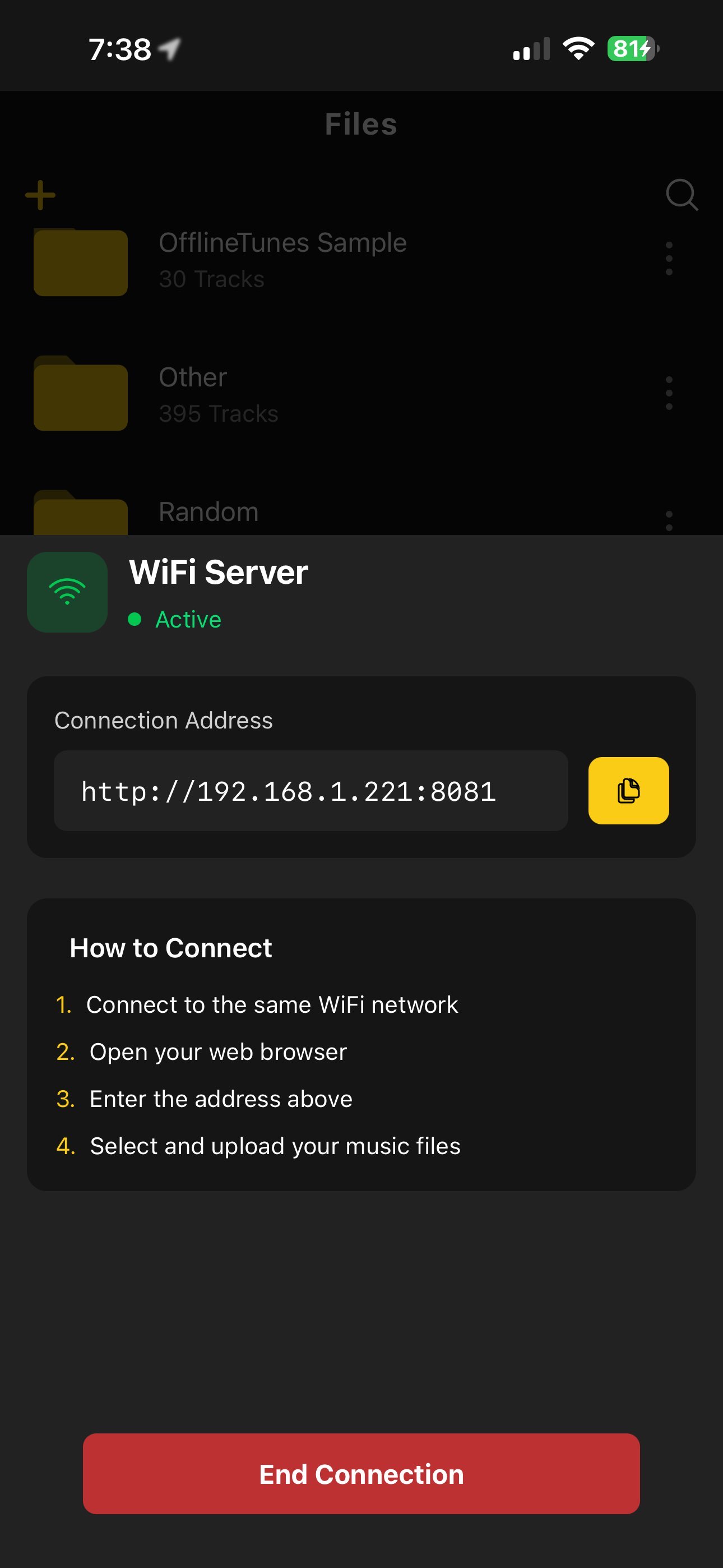
How to Test a FLAC Player Before Moving Everything
Use one test folder before importing the whole archive. Include a normal album, a multi-disc album, a live recording, one file with missing artwork, and one file with ReplayGain tags if you have them. Then inspect the library result before scaling.
- 1Import one mixed FLAC folder.Do not use only a clean single.
- 2Check albums and tags.Album artist, disc number, artwork, and track order decide daily usability.
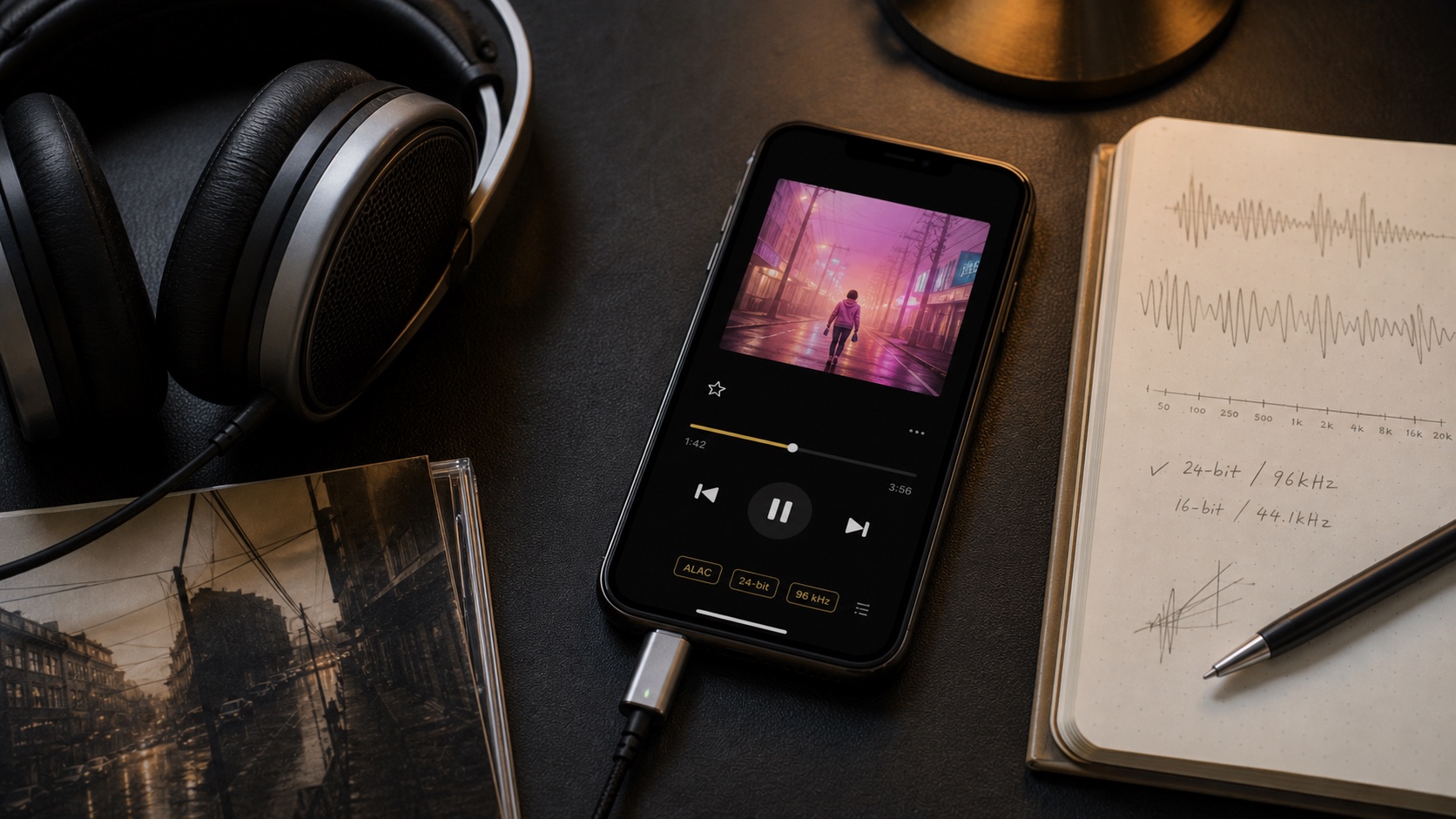
- 3Use EQ and ReplayGain.A lossless app should still help playback feel controlled.
- 4Build a playlist and queue.If library tools are weak, the codec win will not matter for long.
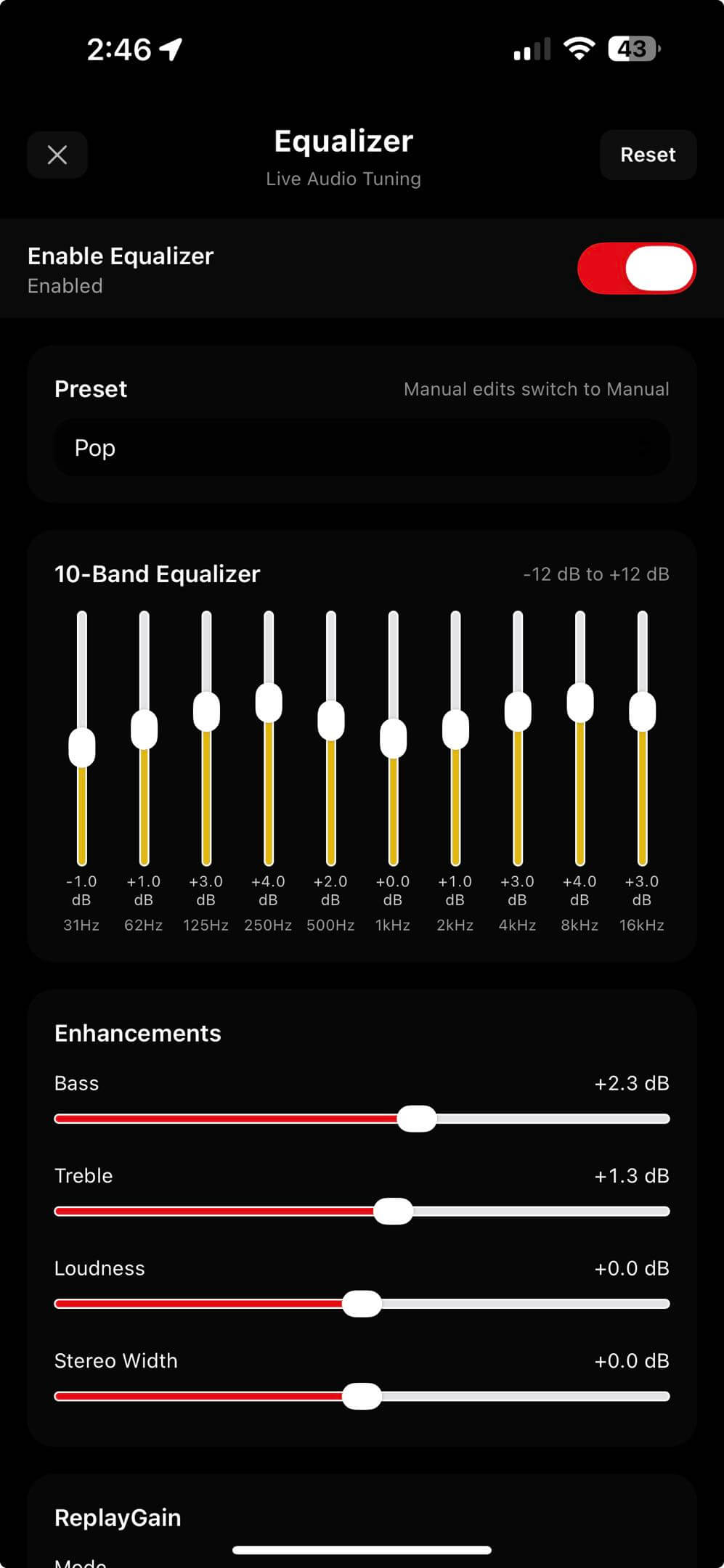
Verdict: Best Means Complete, Not Just Compatible
The best FLAC player for iPhone is not just the one that opens FLAC. It is the one that makes a FLAC library livable on a phone. OfflineTunes is built for that full path: import, organize, edit, play, shape sound, and stay offline.
If FLAC is your archive language, choose an iPhone app that treats it like a library, not a novelty format.