ALAC vs FLAC: Which Lossless Format Wins on iPhone?
ALAC and FLAC can both preserve perfect audio, but the better iPhone choice depends on Apple compatibility, metadata, storage, and how you manage your library.
Same lossless promise. Different ecosystem tradeoffs.
FLAC and ALAC can both carry bit-perfect music. The real question is what your iPhone workflow needs around it.
Usually stored in M4A.
Strong fit for Apple-first libraries.
Lossless audio, familiar container.
Common archive format.
Excellent metadata support.
Great for mixed-device ownership.
In this article Open
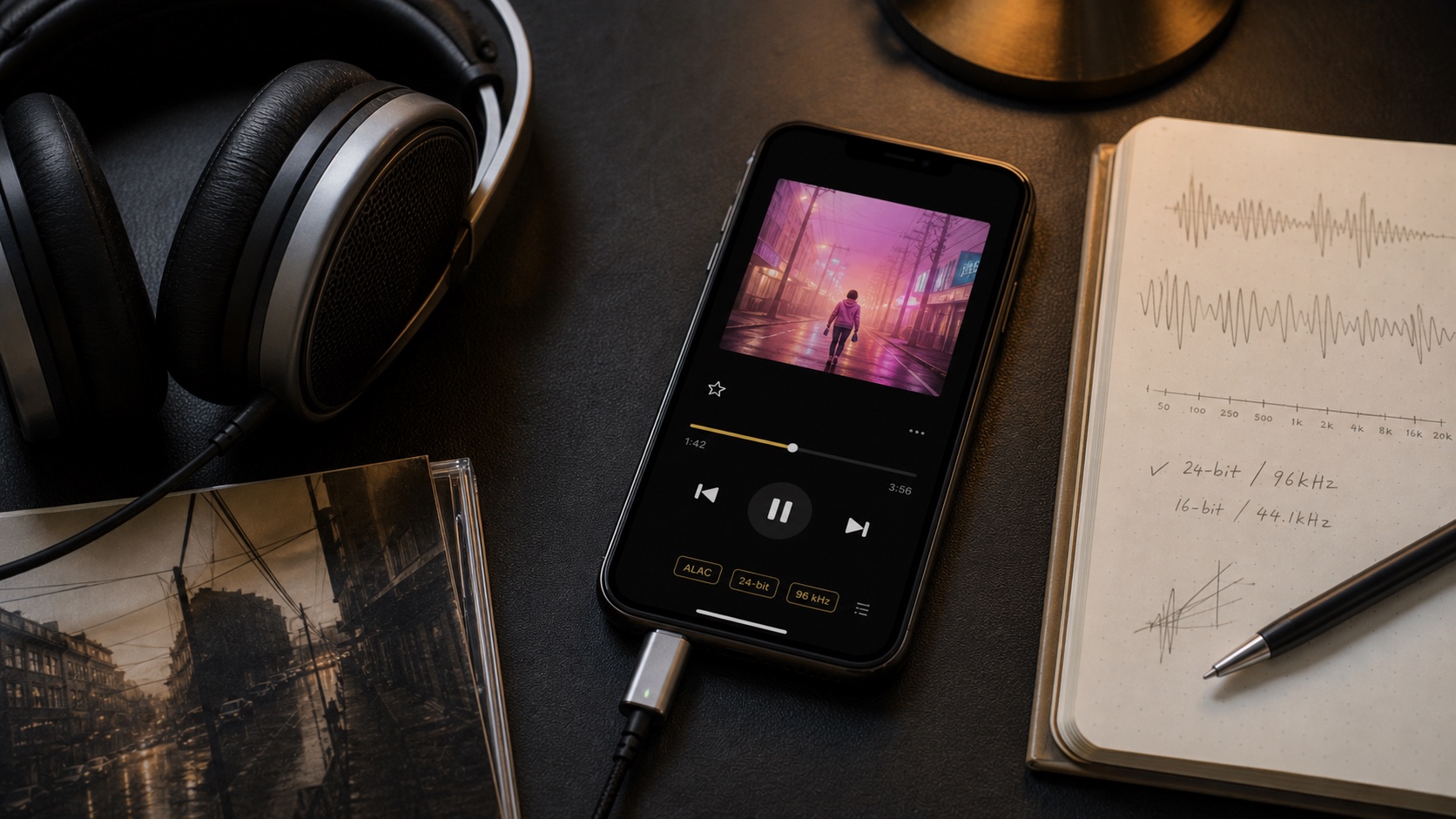
ALAC vs FLAC is one of those arguments that looks like sound quality debate, but usually is not. Both are lossless. Both can decode back to the same PCM audio that came from CD, studio master, or high-res download. If two files came from same source and were encoded correctly, ALAC does not magically sound warmer, and FLAC does not magically sound more detailed.
Real question is workflow. Do you live inside Apple Music, Finder sync, and M4A tags? ALAC fits naturally. Do you keep a portable archive across iPhone, Mac, Windows, Linux, NAS, Plex, Subsonic, and random hi-fi gear? FLAC usually feels cleaner. On iPhone, winner depends less on codec purity and more on how you import, browse, tag, back up, and listen offline.
The Short Answer: FLAC Wins for Ownership, ALAC Wins for Apple Comfort
If your music library is Apple-first, choose ALAC. It usually lives in an M4A container, behaves nicely in Apple-flavored metadata workflows, and makes sense if your archive already came from iTunes, Music, or older Apple Lossless rips.
If your library is ownership-first and device-agnostic, choose FLAC. It is open, common among lossless download stores and collectors, and travels well across players, servers, and operating systems. For people who see iPhone as one playback device among many, FLAC often feels less boxed in.
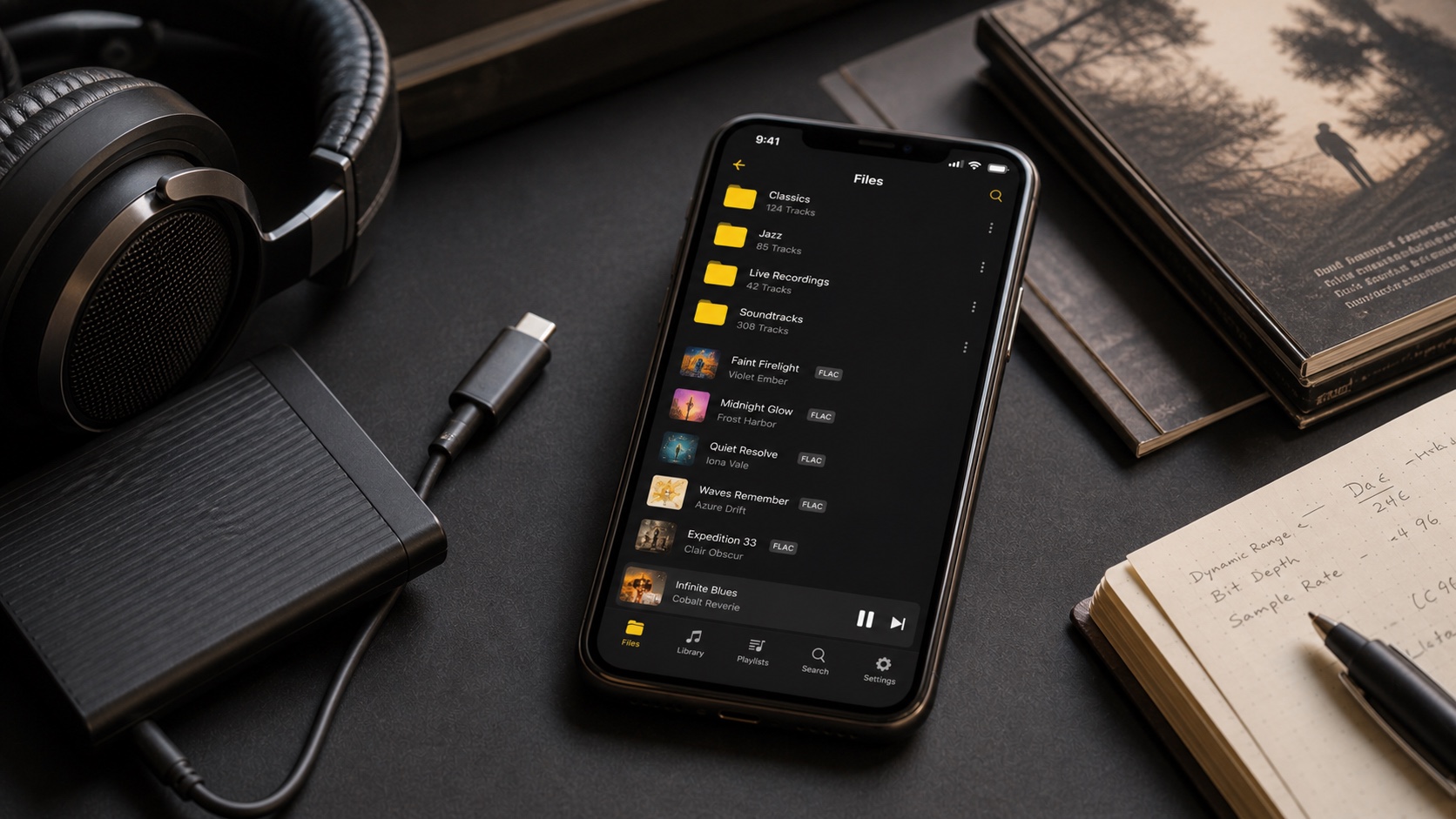
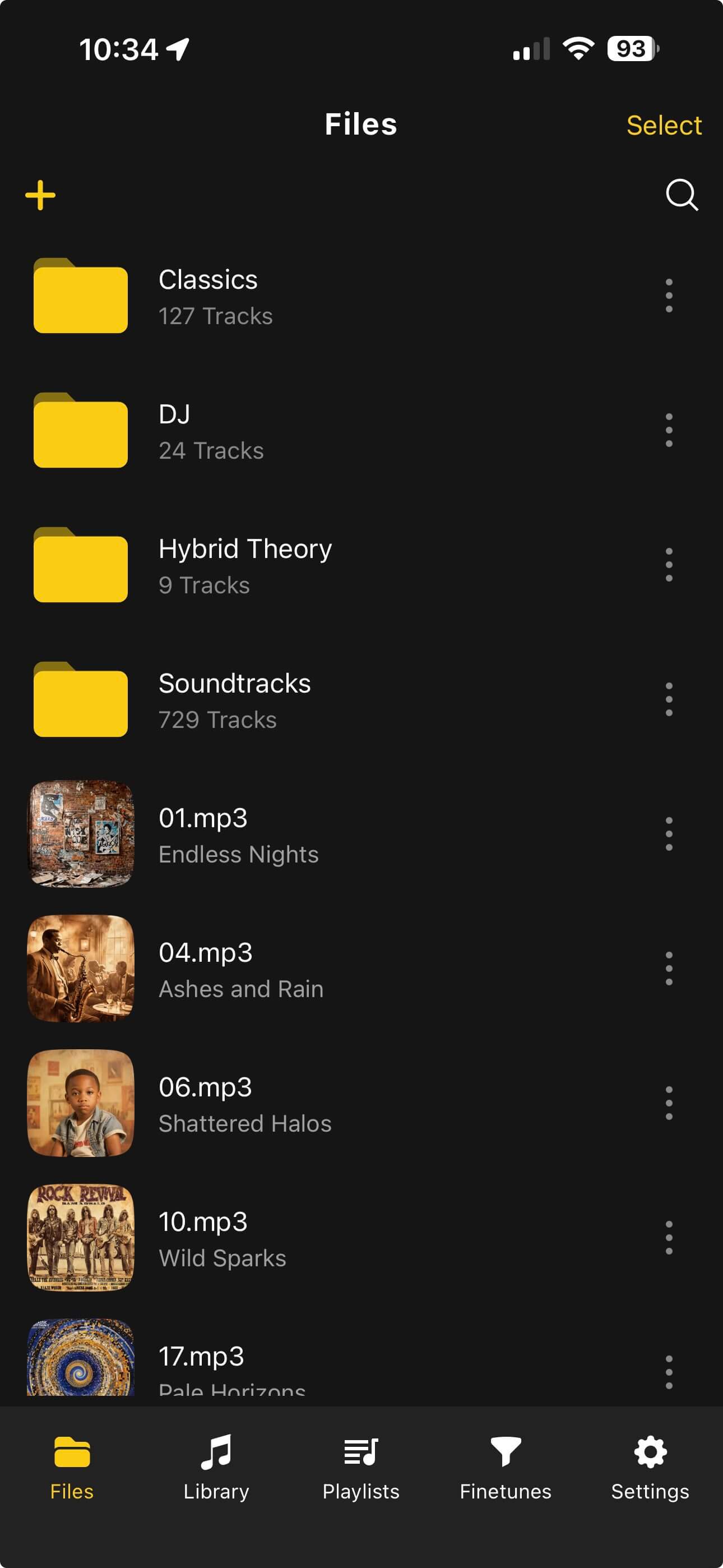
OfflineTunes changes the usual iPhone answer because it supports direct FLAC playback and M4A playback. That means you do not have to convert FLAC to ALAC just to listen offline on iPhone. Keep the format that best fits your library, then use the app that respects it.
“ALAC vs FLAC is not about which one sounds more lossless. It is about which one makes your library easier to own.”
What Lossless Actually Means
Lossless compression is reversible. A lossless codec packs audio data smaller than WAV or AIFF, then restores same audio samples during playback. That is different from MP3, AAC, or Opus, where encoder permanently removes information to save more space.
ALAC and FLAC solve same basic problem: keep full audio quality without carrying huge uncompressed files. Neither format improves bad source files. Neither format makes low-bitrate MP3s become high-res. Lossless protects quality already present in source.
That is why conversion direction matters. Converting FLAC to ALAC can preserve lossless quality if done correctly. Converting ALAC to FLAC can do same. Converting MP3 to either one only makes a larger file that still contains MP3 losses. For serious archives, source matters more than badge on file extension.
What ALAC Gets Right on iPhone
ALAC stands for Apple Lossless Audio Codec. In normal music-library life, ALAC is usually stored inside an M4A file. That makes it feel familiar in Apple ecosystem because M4A is already common for AAC, Apple purchases, voice memos, and Apple-friendly metadata.
ALAC is strong choice when you want maximum compatibility with Apple-style local library tools. If your archive already came from iTunes or Music, staying with ALAC avoids unnecessary churn. Your album art, track numbers, disc numbers, and sorting fields are likely already living in M4A-style tags.
Downside is portability. ALAC itself is not obscure, but FLAC is still more common in audiophile download shops, self-hosted music servers, and open-source audio tools. If you frequently move library outside Apple ecosystem, ALAC may feel like carrying Apple preference into places that did not ask for it.
What FLAC Gets Right on iPhone
FLAC stands for Free Lossless Audio Codec. It is the default mental model for many collectors: download album, tag it cleanly, store it safely, play it anywhere with proper player support. FLAC is especially common when music comes from Bandcamp, independent stores, live recordings, personal rips, or hi-fi libraries built outside Apple tools.
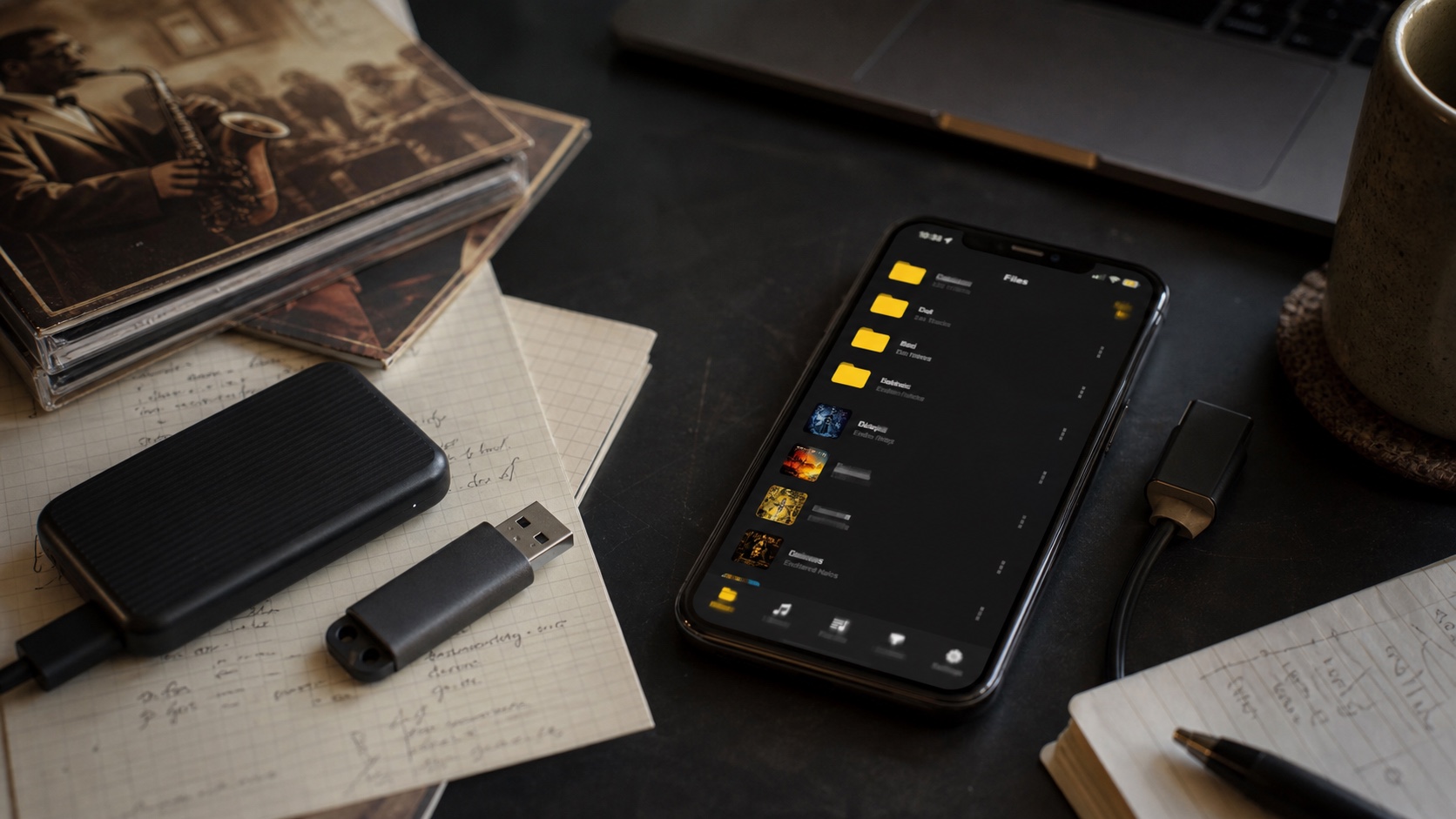
On iPhone, FLAC used to trigger conversion advice by default. That advice is outdated for people using a proper local music player. OfflineTunes supports FLAC directly, so cleanest path is often simple: import FLAC files, keep metadata intact, and play them offline. If your library is already well organized, conversion can create more work than value.
FLAC also makes library ownership clearer. Files are easy to identify, easy to back up, and easy to move to servers like Plex or Subsonic. If you care about your music lasting beyond one app or platform, FLAC is usually better archive language.
ALAC vs FLAC on iPhone: Practical Comparison
Metadata, Artwork, and Storage Matter More Than Codec Pride
For daily listening, broken metadata ruins lossless faster than codec choice. Wrong album artist splits compilations. Missing disc numbers scramble box sets. Inconsistent album titles create duplicates. Artwork missing from half of library makes browsing feel unfinished.
ALAC-in-M4A and FLAC both support rich metadata, but different tools write and read tags differently. If your tags are already clean in M4A, think before converting to FLAC. If your archive is already clean in FLAC, do not convert to ALAC just because phone is made by Apple. Preserve working metadata unless conversion solves real problem.
Storage is also less decisive than people expect. FLAC often has reputation for efficient compression, but exact file size depends on music, encoder settings, bit depth, sample rate, and source. Both are much smaller than WAV or AIFF. Both are larger than lossy AAC or MP3. If storage is tight, compare one album before converting entire library.
When Should You Convert ALAC to FLAC, or FLAC to ALAC?
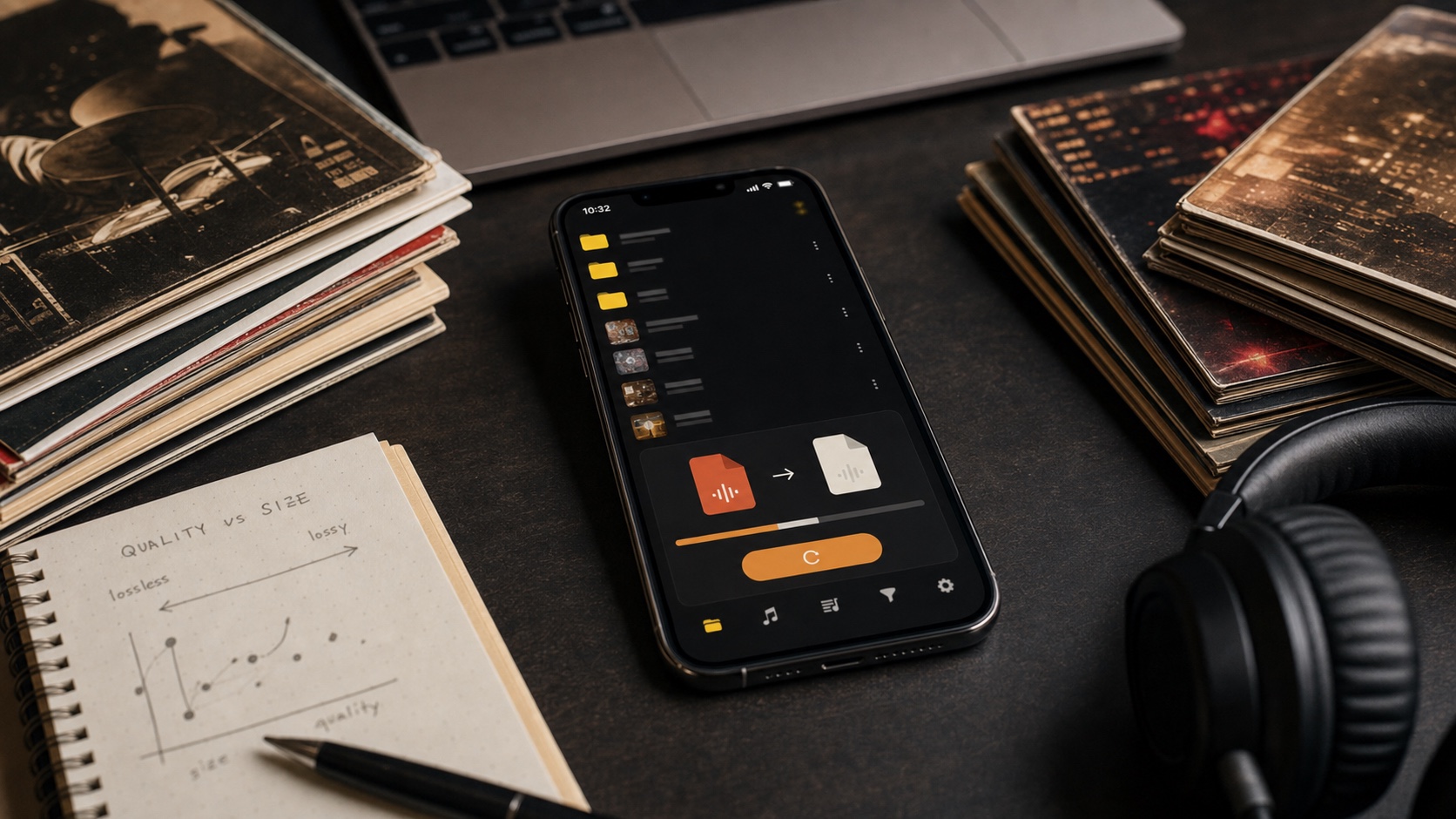
Convert only when target workflow demands it. If you want library to live inside Apple-native tools, ALAC makes sense. If you want one archive for iPhone, desktop, NAS, and non-Apple players, FLAC makes sense. If files already play, tags are correct, and backups are stable, conversion may be busywork.
When you do convert, test one album first. Check audio duration, track order, disc numbers, album artist, artwork, ReplayGain tags if present, and playback in actual app. Lossless-to-lossless conversion should preserve audio quality, but metadata is where mistakes happen.
- Convert FLAC to ALAC when Apple-native sync or M4A tooling is main requirement.
- Convert ALAC to FLAC when building cross-platform archive outside Apple ecosystem.
- Convert neither when OfflineTunes already plays library cleanly and metadata is healthy.
- Create lossy copies only when storage pressure matters more than perfect fidelity.
OfflineTunes Answer: Keep the Better Library, Not the Trendier Codec
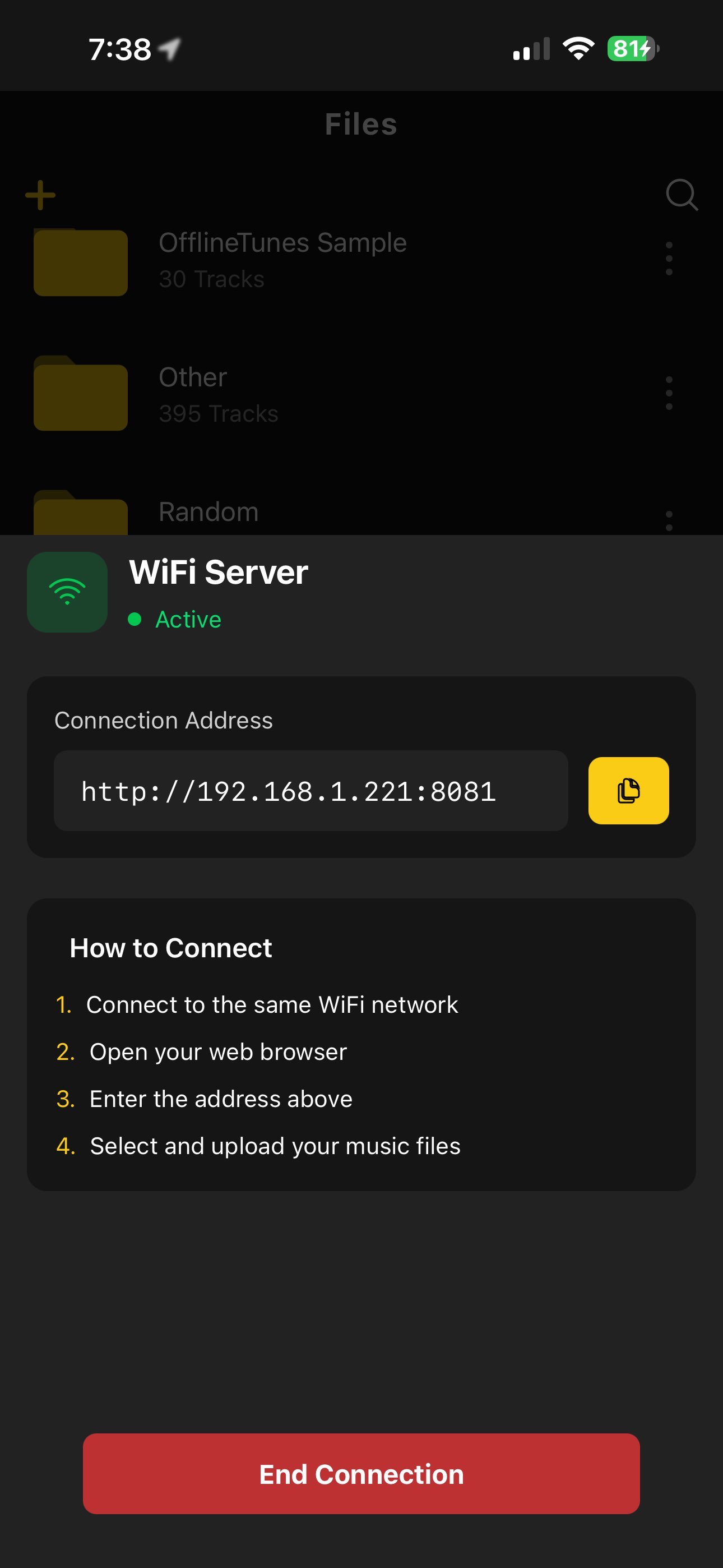
OfflineTunes is built for local files, not format anxiety. It supports core daily formats like MP3, M4A, AAC, WAV, FLAC, OGG, and Opus, and it scans common lossless library files instead of forcing everything through one Apple-shaped door. That means ALAC vs FLAC becomes practical instead of ideological.
If your ALAC collection is clean, keep it. If your FLAC archive is clean, keep it. Import files, inspect metadata, build playlists, and use playback tools like 10-band EQ and ReplayGain when you need sound shaped for real headphones and real rooms. The best lossless format on iPhone is the one that lets you own your library with least friction.
Final Verdict: Which Format Wins?
For pure iPhone convenience inside Apple ecosystem, ALAC wins. For long-term ownership, open archives, and mixed-device libraries, FLAC wins. For OfflineTunes users, forced conversion loses. The app can play FLAC directly and handle M4A libraries, so your decision can be based on library health instead of fear.
Choose ALAC if Apple compatibility is more important than portability. Choose FLAC if portability is more important than Apple-native comfort. Choose neither conversion if everything already works. That is not fence-sitting; that is treating lossless audio like a library, not a religion.