Lossless Audio Explained: Is It Worth It?
Lossless audio is not magic. It is a way to keep every bit of source quality intact, and it matters most when your library is worth keeping.
In this article Open
Lossless audio sounds like an audiophile password until you strip it down. It means the file keeps all the audio information needed to reconstruct the original source. Nothing is permanently thrown away to make the file smaller.
That does not mean lossless always sounds better in every room, car, pair of earbuds, or noisy walk. It means lossless gives you a cleaner starting point. Whether that matters depends on the source, your headphones, your storage, and whether you care about building a library that lasts.
Plain Answer: Lossless Is Worth It for Archives and Focused Listening
Lossless is worth it when the music matters enough to keep properly. Use it for favorite albums, CD rips, purchased high-quality downloads, live recordings, and anything you may convert later. It is less important for casual background listening, throwaway files, or situations where storage is tight and noise masks the difference.
The smartest setup is not all-or-nothing. Keep lossless where quality and future flexibility matter. Use smaller files where convenience matters more.
What Lossless Actually Means
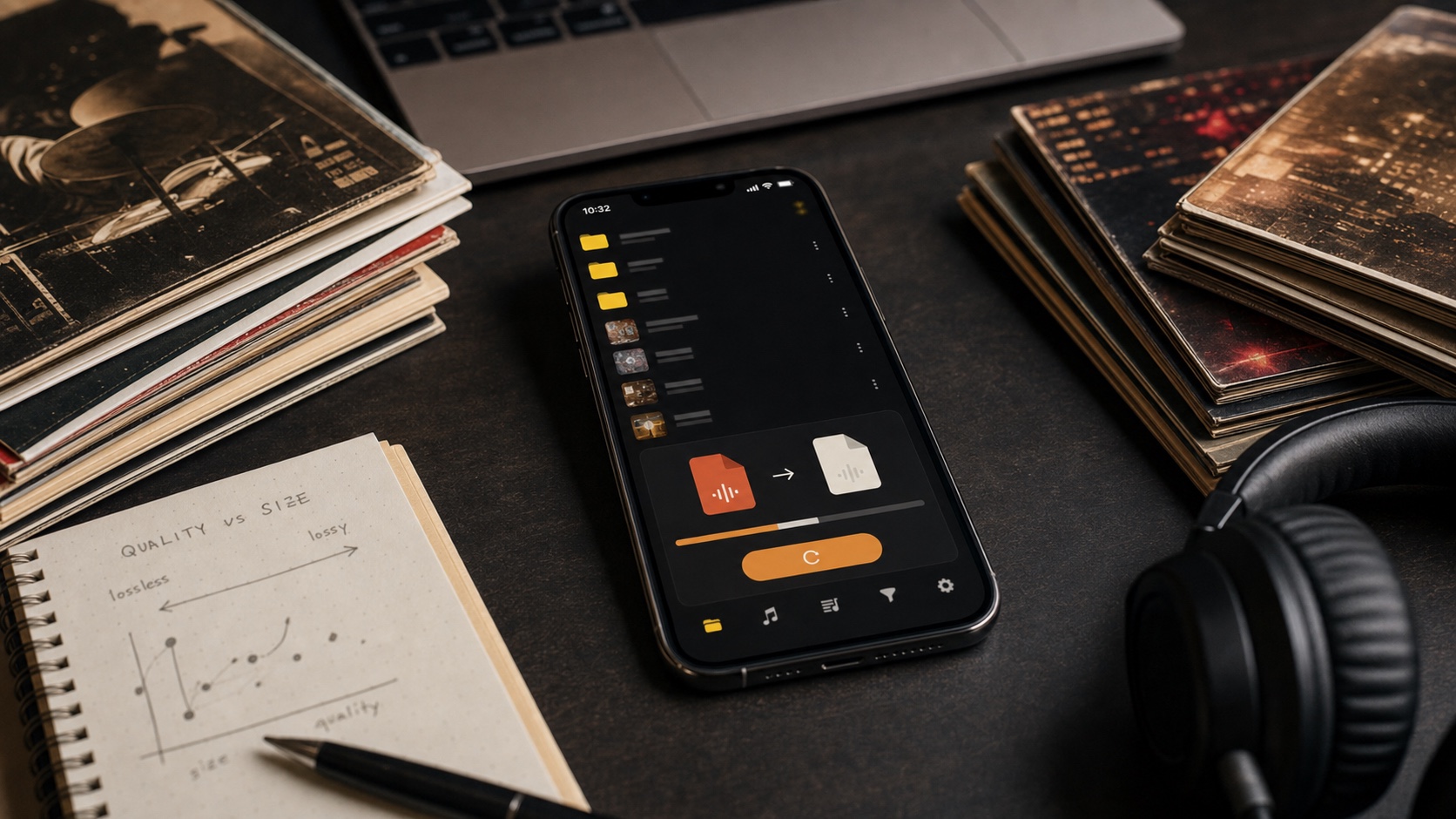
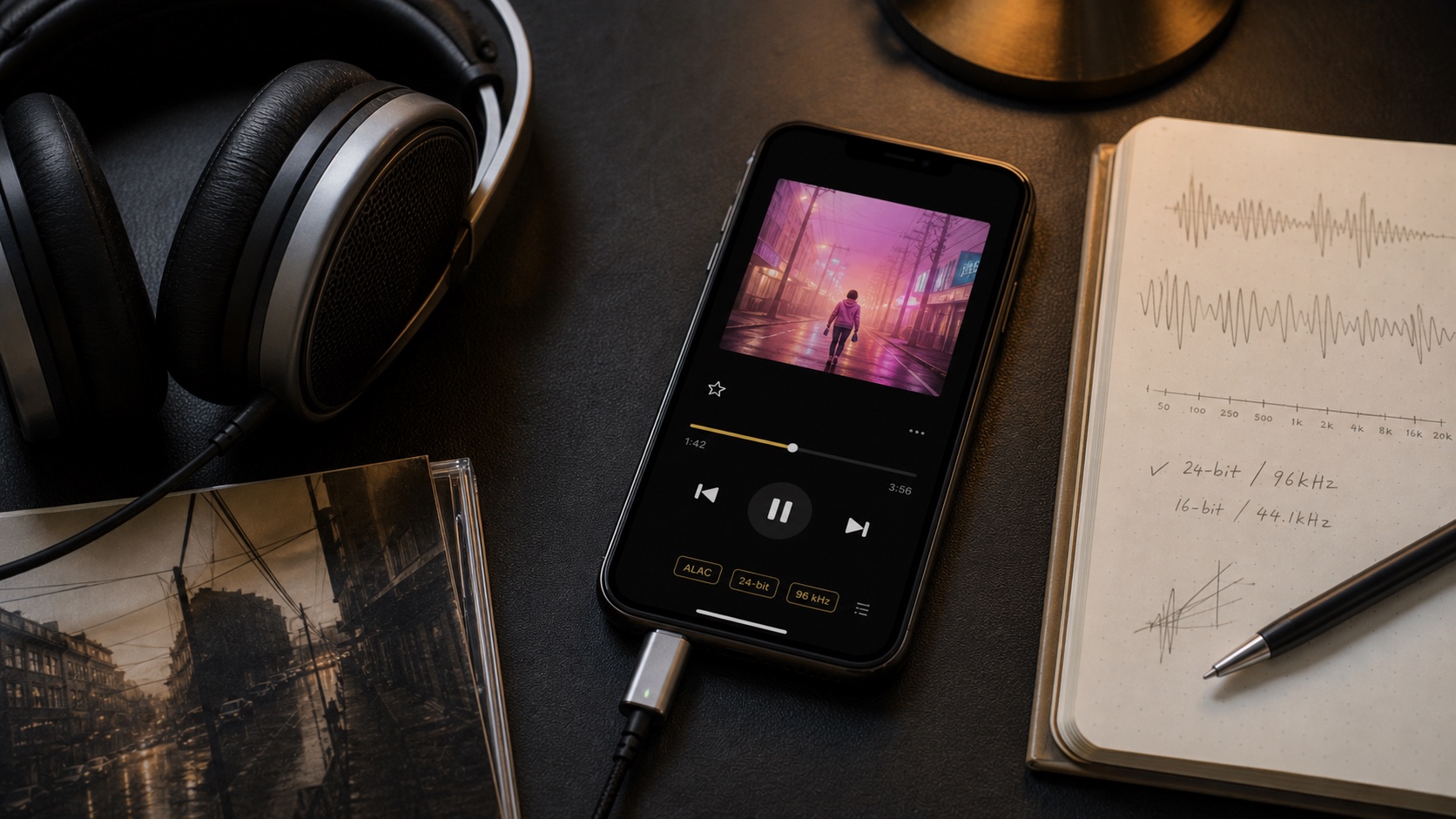
Lossless compression is reversible. FLAC and ALAC can reduce file size compared with WAV or AIFF, then restore the same audio samples during playback. Lossy formats like MP3 or AAC achieve smaller files by discarding information permanently.
Think of lossless as a ZIP file for audio, not as a magic enhancement. It does not improve a bad source. It does not turn a low-bitrate MP3 into studio quality. It preserves what is already there.
When Lossless Is Worth It
Lossless is worth it when you have a good source and a reason to preserve it. A clean CD rip, a Bandcamp FLAC, a purchased high-res album, or a carefully archived live recording deserves better than a quick lossy conversion if storage is available.
It is also worth it when you use better headphones, listen in quiet places, or care about future conversion. Starting from lossless means you can create MP3 or AAC copies later without stacking one lossy generation on another.
- Archive albums: keep master copies in FLAC or ALAC.
- Favorite music: preserve files you expect to replay for years.
- Future conversion: make smaller copies from a clean source.
- Better listening setups: give headphones and speakers a stronger source.
When Lossless Is Not Worth the Trouble
Lossless is less important when the context is noisy or temporary. A gym playlist, car commute, speakerphone moment, or giant travel library may benefit more from smaller files. A good MP3 can be a smart copy, especially when it comes from a lossless source.
It is also not worth converting lossy files into lossless. That only makes a bigger file with the same missing information. If the source is MP3, keep it as MP3 unless another workflow demands a different container.
A Practical Lossless Setup on iPhone
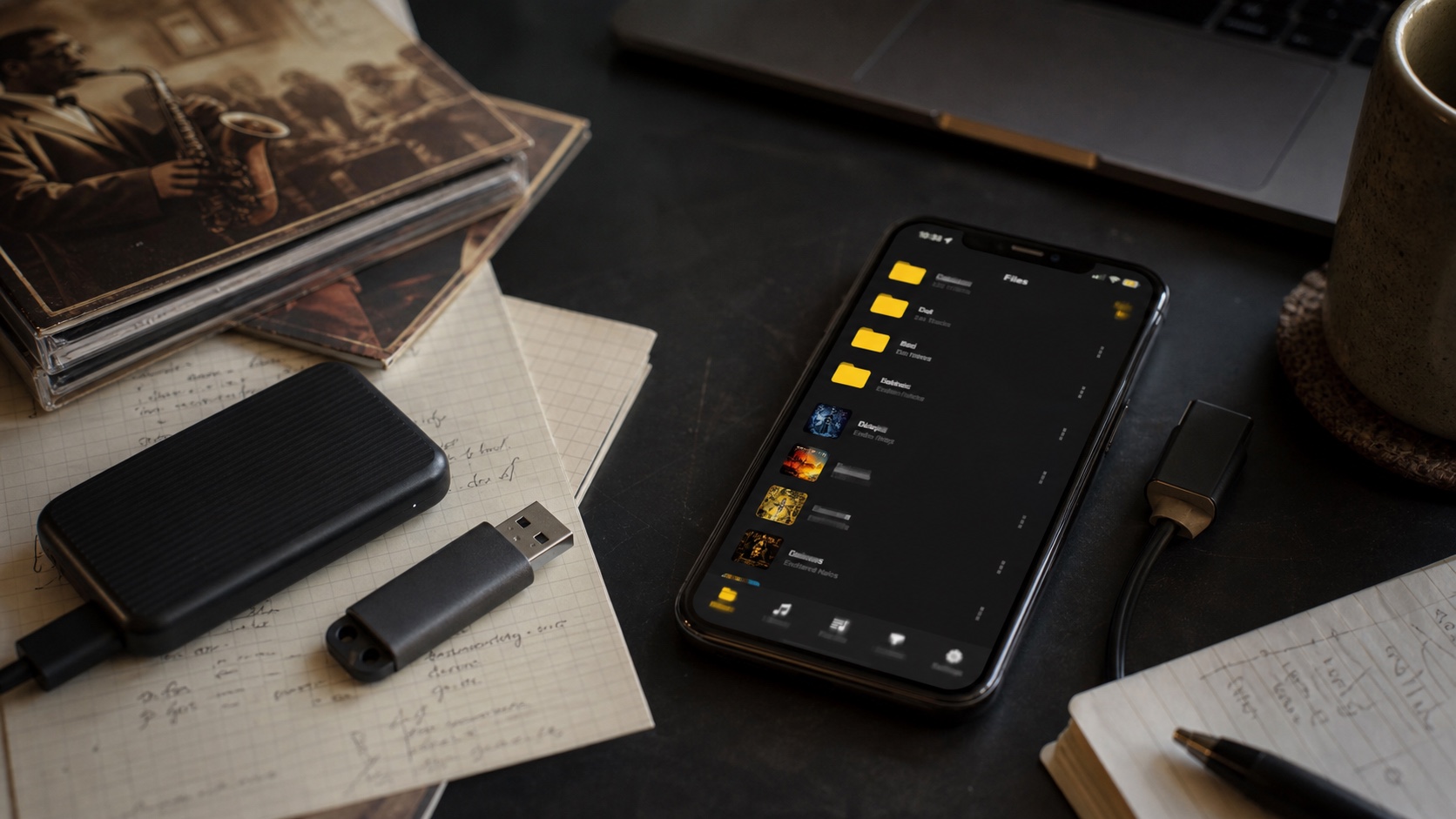
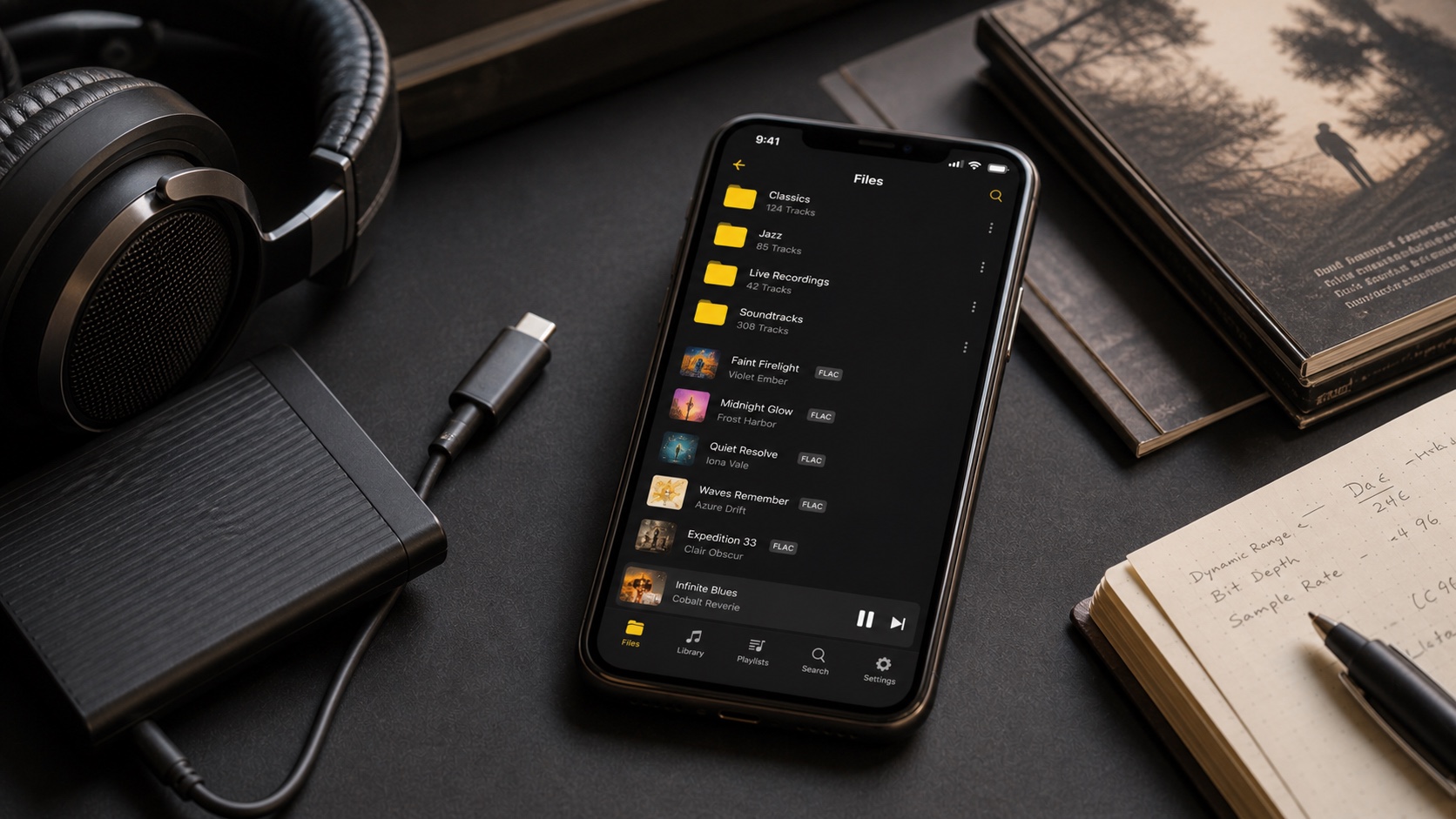
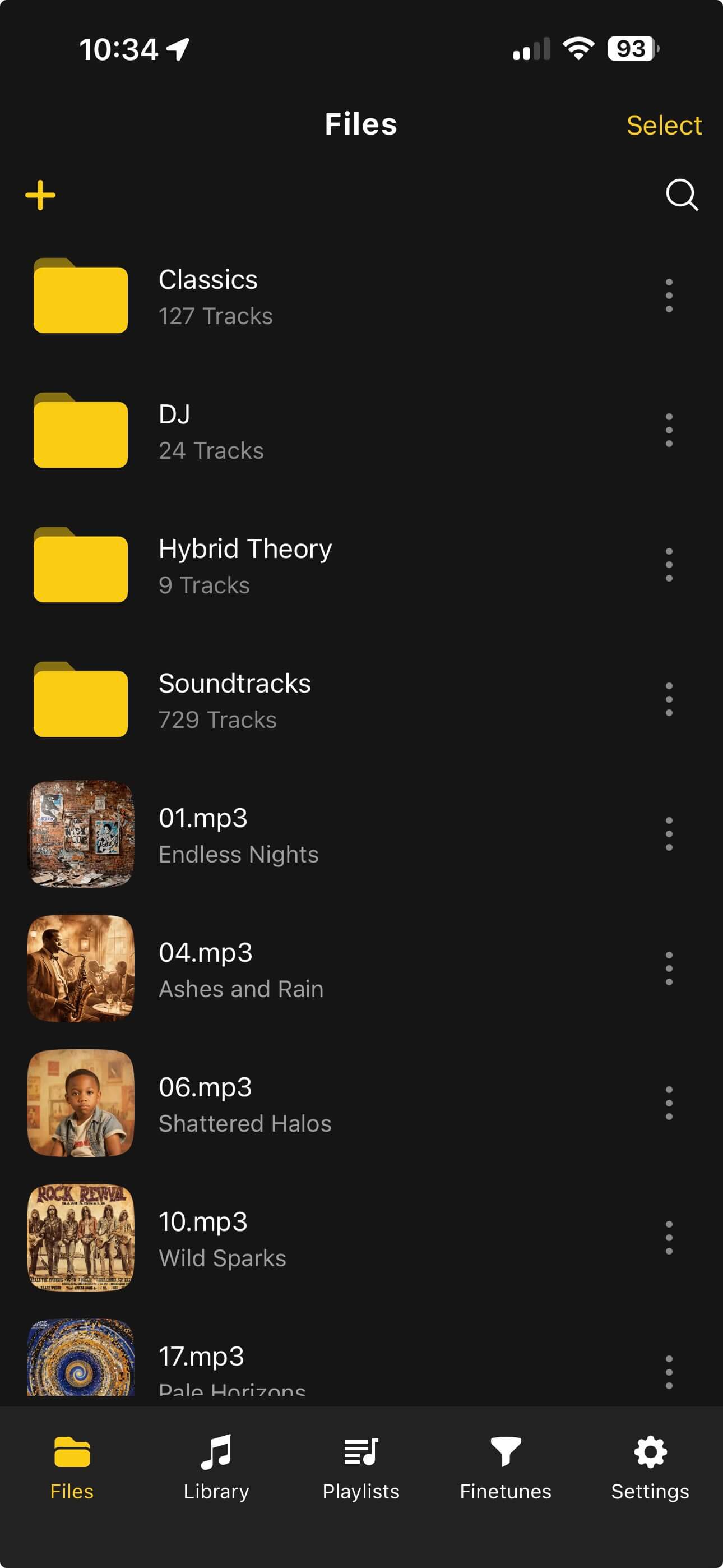
Start with a small test library. Import one FLAC album, one ALAC or M4A album, one MP3 folder, and one messy folder. Confirm artwork, track order, album artist, and playback. Then decide which music deserves to stay lossless on the phone.
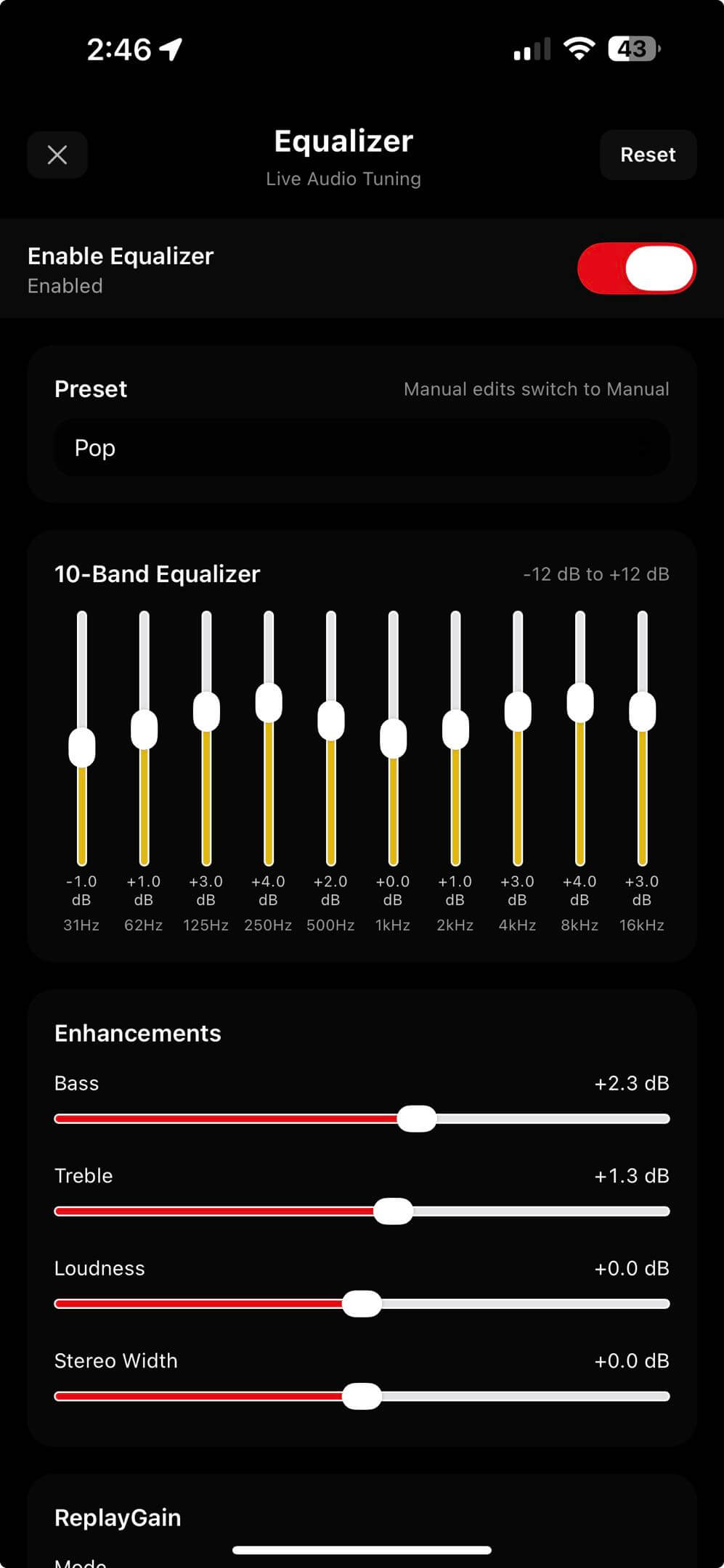
OfflineTunes helps because it does not force one ideology. You can keep FLAC, ALAC/M4A, MP3, WAV, AAC, and OGG-style libraries together, then use EQ, ReplayGain, playlists, and folder organization to make the library practical.
Verdict: Lossless Is Worth It When the Library Is Worth Keeping
Lossless audio is not a guarantee of better taste or better sound in every situation. It is a preservation choice. If you are building a library you own, FLAC and ALAC make sense because they keep options open.
Use lossless for the music that matters. Use smaller copies where storage and context matter more. Use OfflineTunes when you want those choices to live inside one offline iPhone library instead of scattered across apps and folders.