How to Build a Music Library You Actually Own and Keep Forever
The best music library is not the biggest catalog. It is the one you can import, tag, back up, organize, and play without asking permission.
In this article Open
A music library you actually own is not just a folder full of audio files. It is a collection you can move, back up, search, fix, listen to offline, and keep even when subscriptions change. The point is not nostalgia. The point is control.
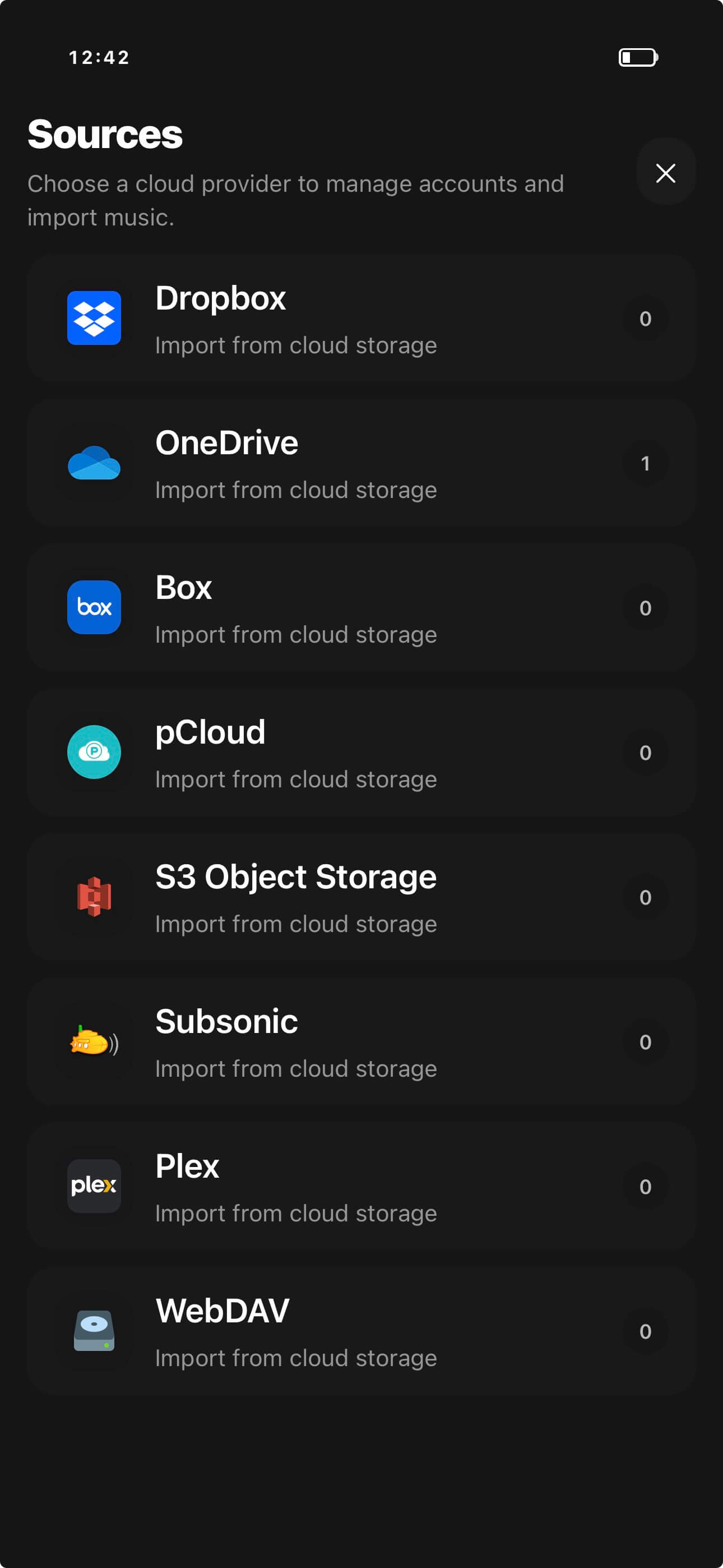
Streaming is convenient, but it teaches you to think of music as access. A library you own works differently. You choose the source, keep the files, clean the metadata, build playlists, create backups, and use a player that respects the structure. OfflineTunes is built for that last mile on iPhone.
What Owning a Music Library Really Means
Ownership has layers. You need files you can access. You need formats that can survive future devices. You need metadata that makes browsing sane. You need artwork because visual memory matters. You need backups because a library without backups is a wish. Then you need playback that does not depend on a network.
That is why an owned library is a workflow, not a one-time import. Once you think of it that way, every decision becomes easier.
Start With Source Files You Trust
Good libraries start with good sources. Buy lossless downloads when they matter. Rip CDs carefully if you still have them. Keep original files untouched when possible. If you only have MP3, that is fine; just do not convert MP3 to FLAC and pretend quality improved.
For format strategy, keep it practical. FLAC and ALAC are good archive choices. MP3 and AAC are good smaller copies when storage matters. WAV is useful for production exports but clumsy for tagging in large libraries. The format is not the goal. The recoverable library is the goal.
Build Structure With Folders and Tags
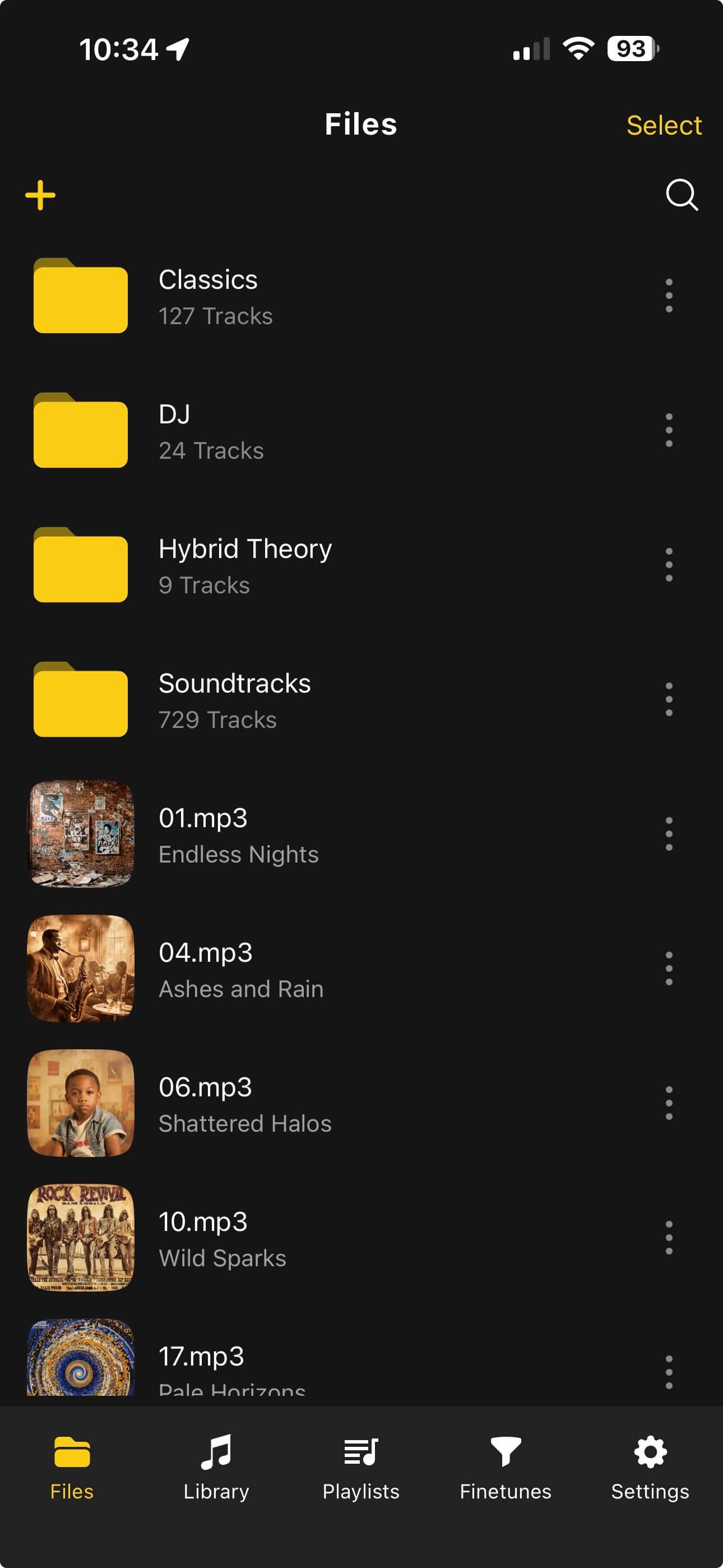
Folders and tags do different jobs. Folders give the archive a physical shape: source, artist, album, decade, genre, or project. Tags give the player detailed browsing: artist, album artist, album, track number, disc number, year, genre, rating, and artwork.
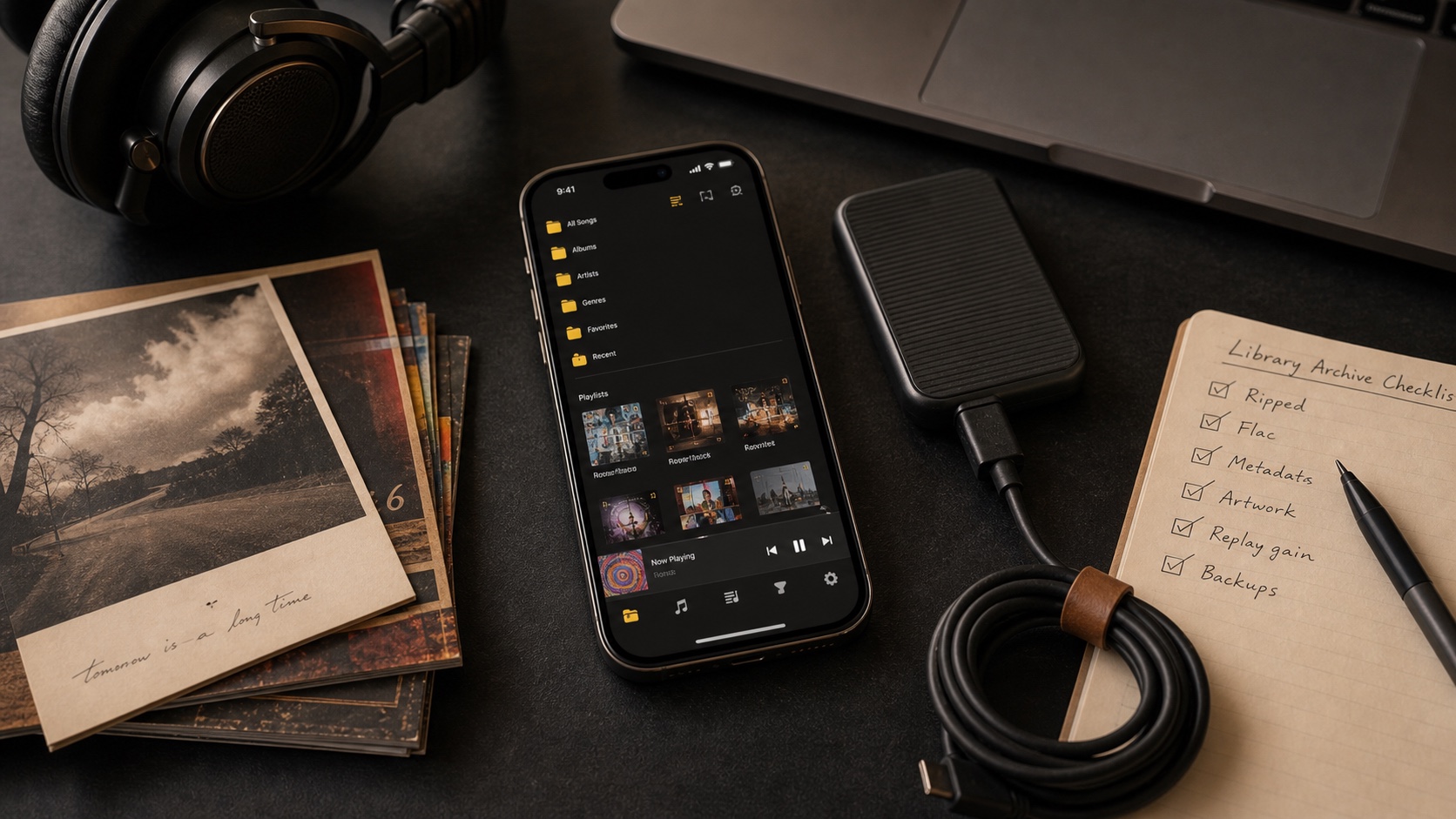
Do not force one to replace the other. A clean folder tree helps you back up and move files. Clean tags help the app turn those files into a music library. OfflineTunes uses both worlds: file access plus library views.
Choose a Playback System That Respects the Library
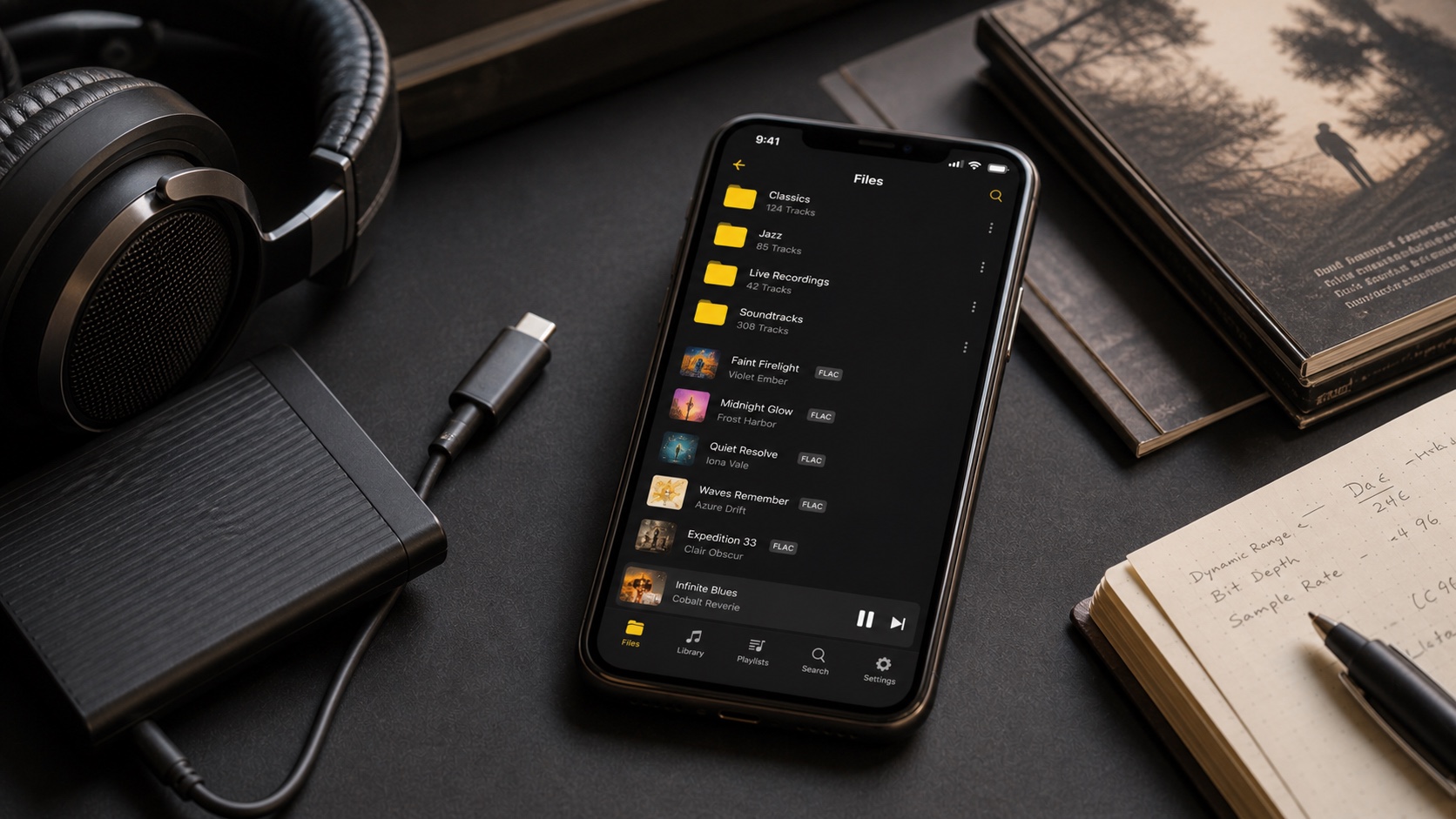
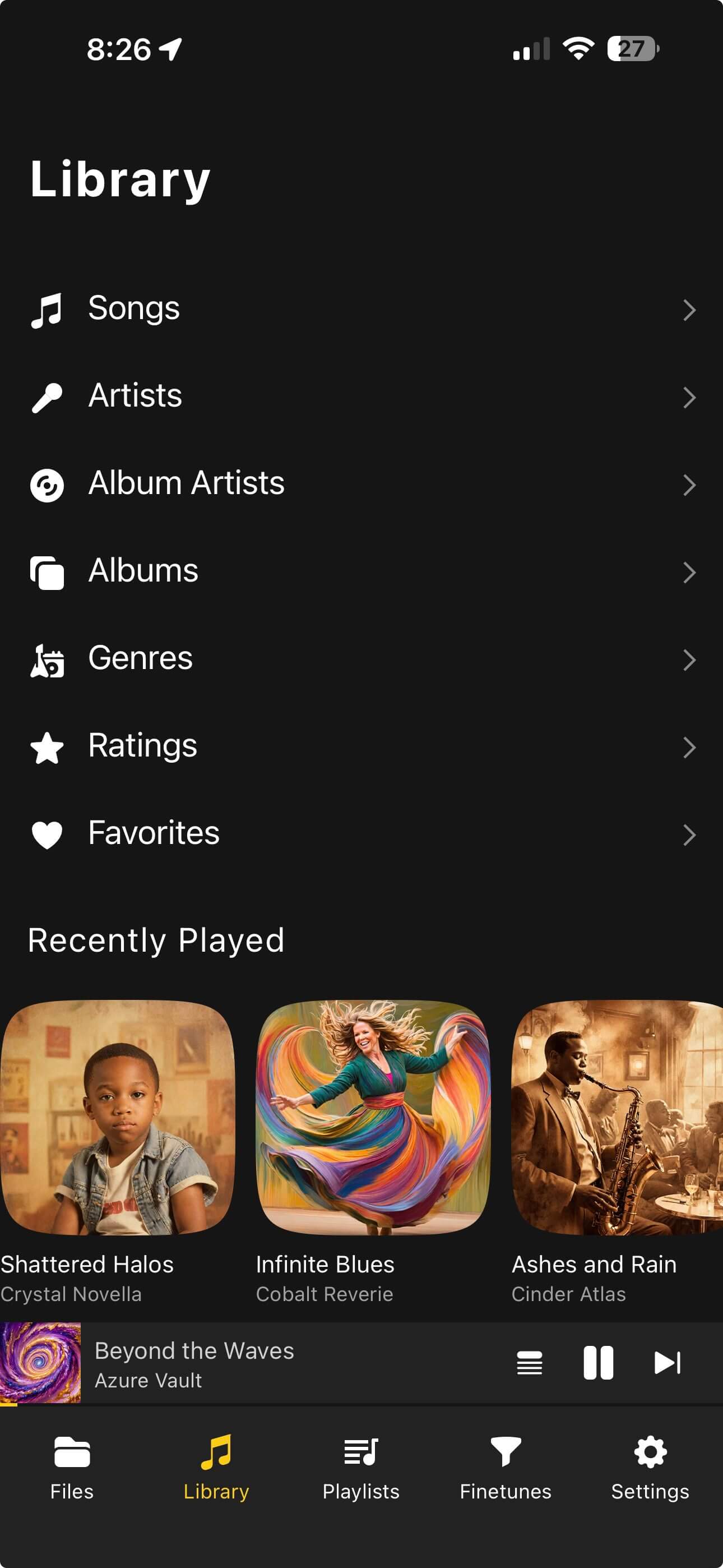
A library you own still needs a good player. The player should import folders, keep metadata visible, play offline, handle mixed formats, support playlists, and give you enough audio control that files sound sane across headphones, cars, and speakers.
This is where OfflineTunes completes the story on iPhone. It does not force your library through a streaming identity. It lets local files remain local, while giving them modern playback tools: smart playlists, EQ, ReplayGain, queue control, transfer workflows, and more.
Keep It Forever With a Maintenance Loop
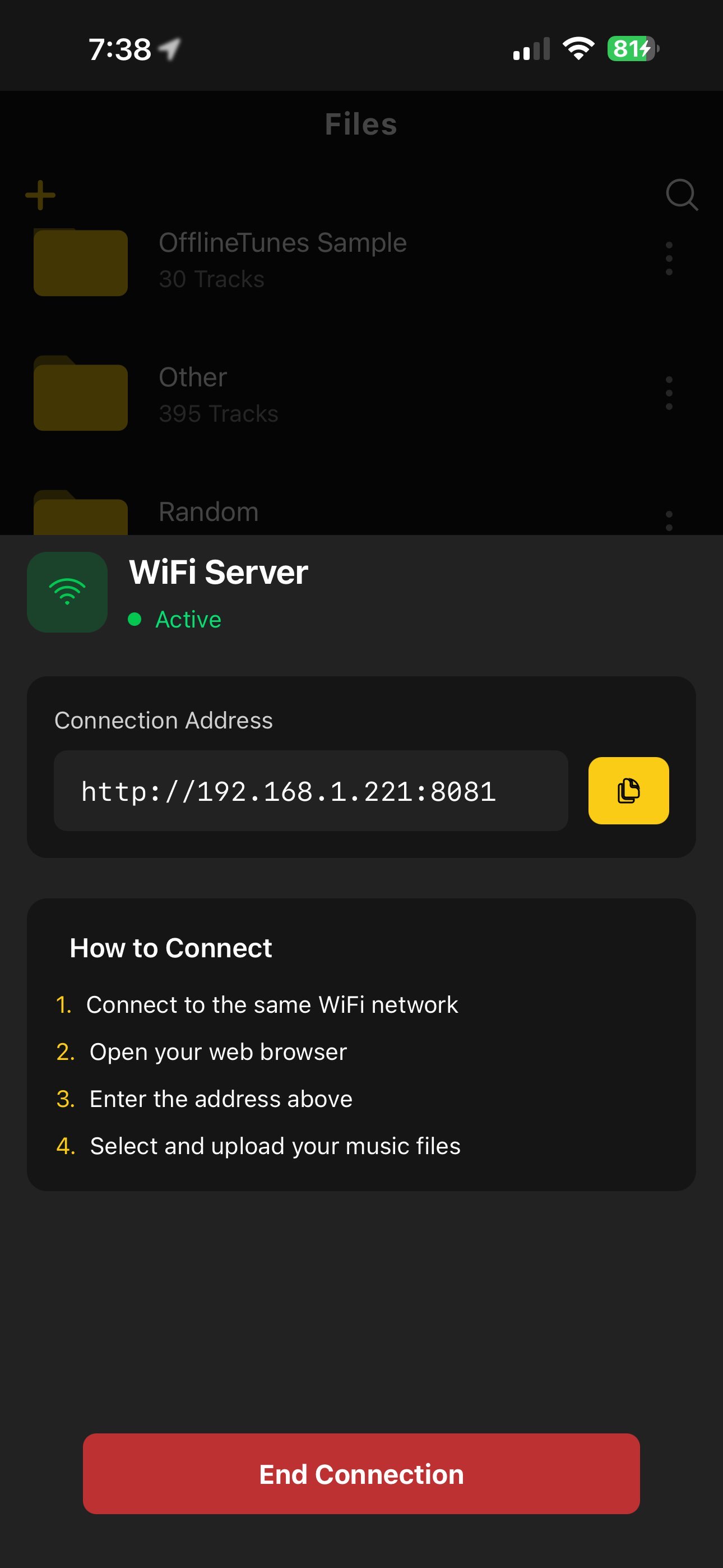
Long-term libraries do not stay clean by accident. Create a loop you can repeat: import, inspect, tag, rate, playlist, back up. Do it in small batches. One artist, one folder, one month of downloads. Large cleanups fail when they become vague.
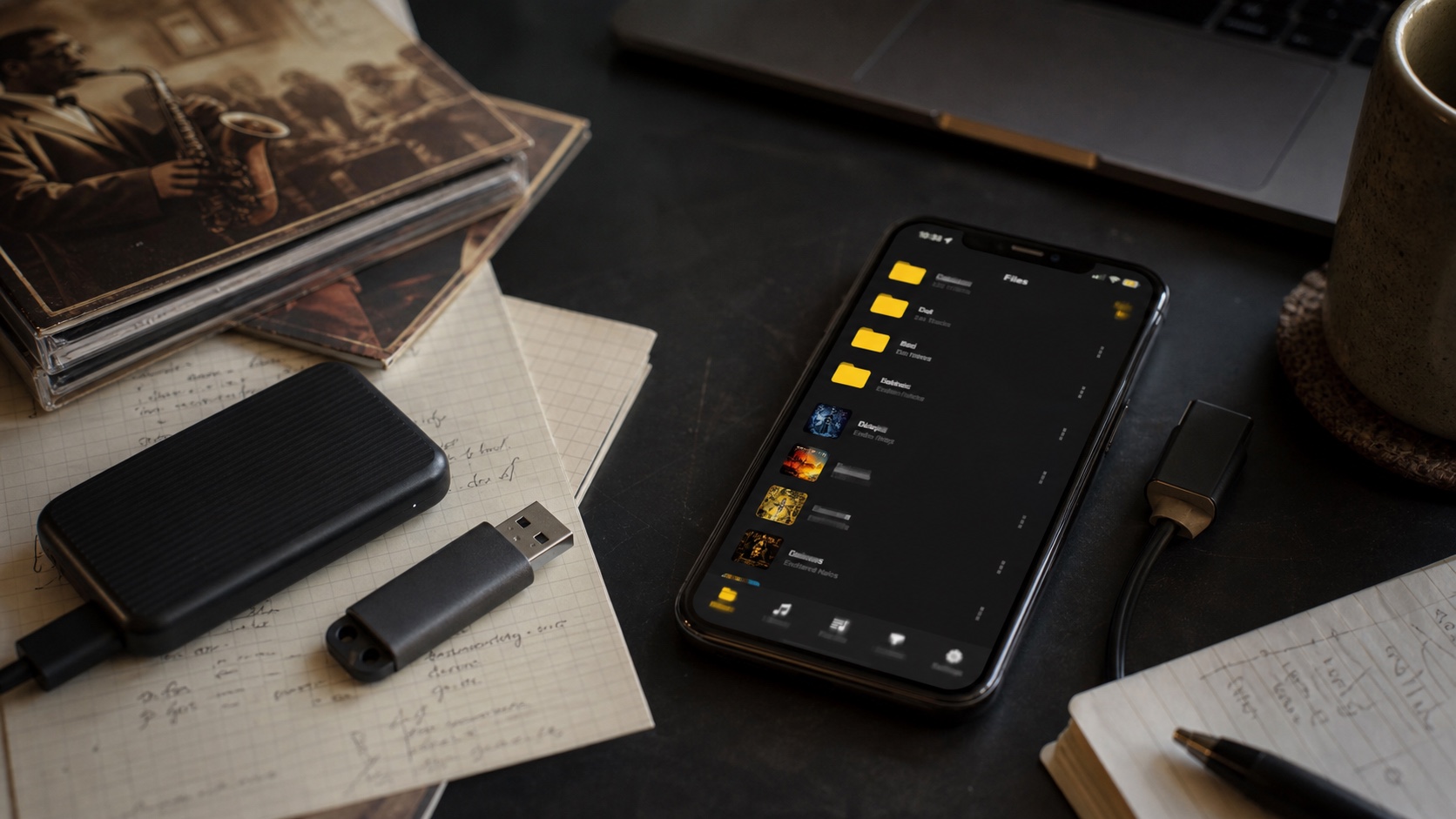
Backups are not optional. Keep at least one copy outside the phone. A computer drive, external SSD, NAS, or cloud folder can all work. The key is knowing where the master copy lives and not treating the phone as the only copy.
- 1Import in batches.Small batches make metadata problems visible.
- 2Fix tags immediately.Do not let unknown artists and missing artwork pile up.
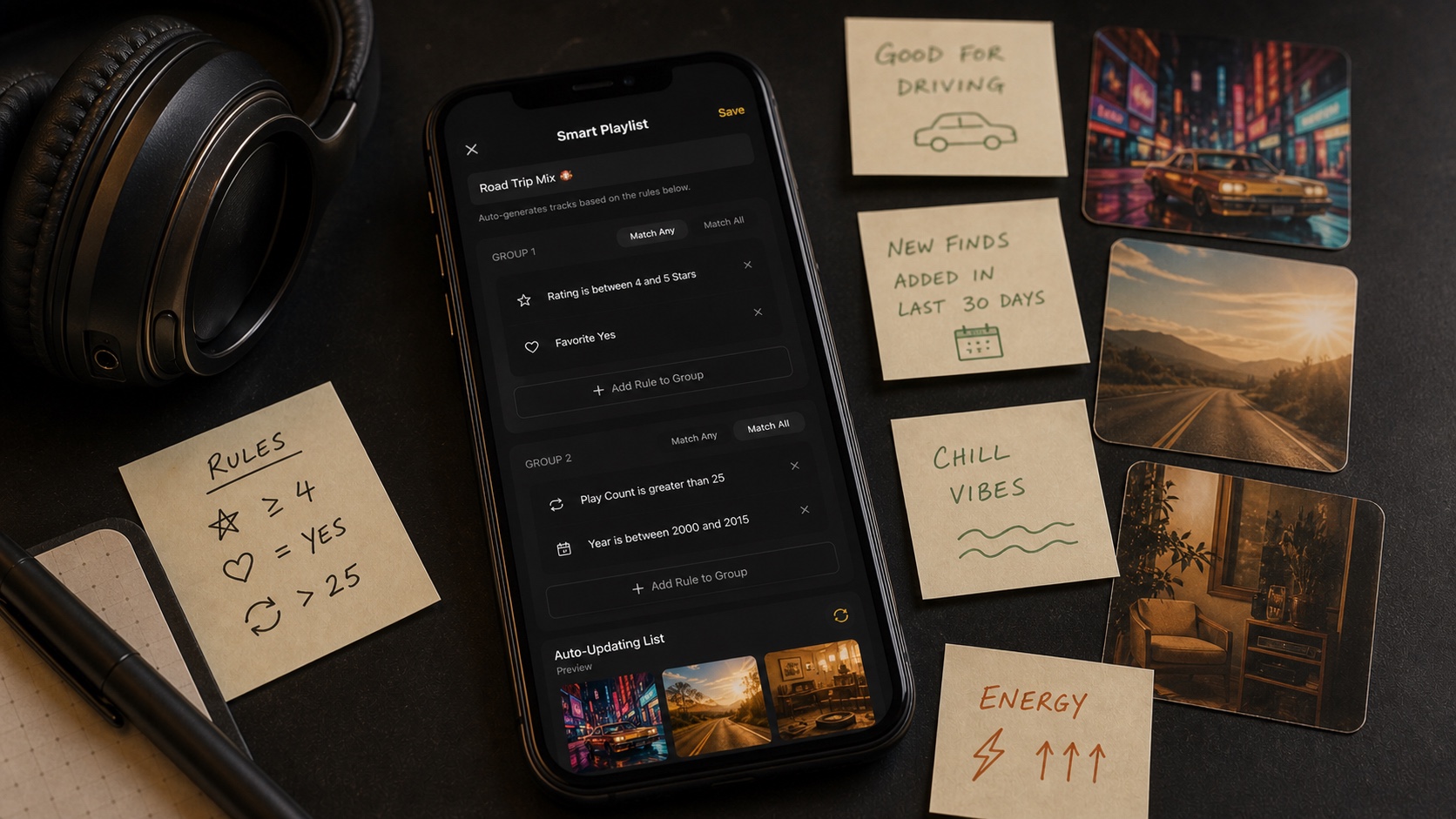
- 3Use smart playlists.Rules help new imports, favorites, and neglected albums surface automatically.
- 4Back up outside the phone.The phone is a listening device, not the only archive.
Verdict: A Library You Own Is a Habit
The best music library is not perfect. It is recoverable. You know where the files are, what format they use, how they are tagged, how to back them up, and how to play them offline. That is ownership in practice.
OfflineTunes exists for that kind of listener: someone who wants the convenience of an iPhone without giving up the shape of a real local library. Build the archive once, maintain it in small passes, and let your phone become a player for music that is actually yours.