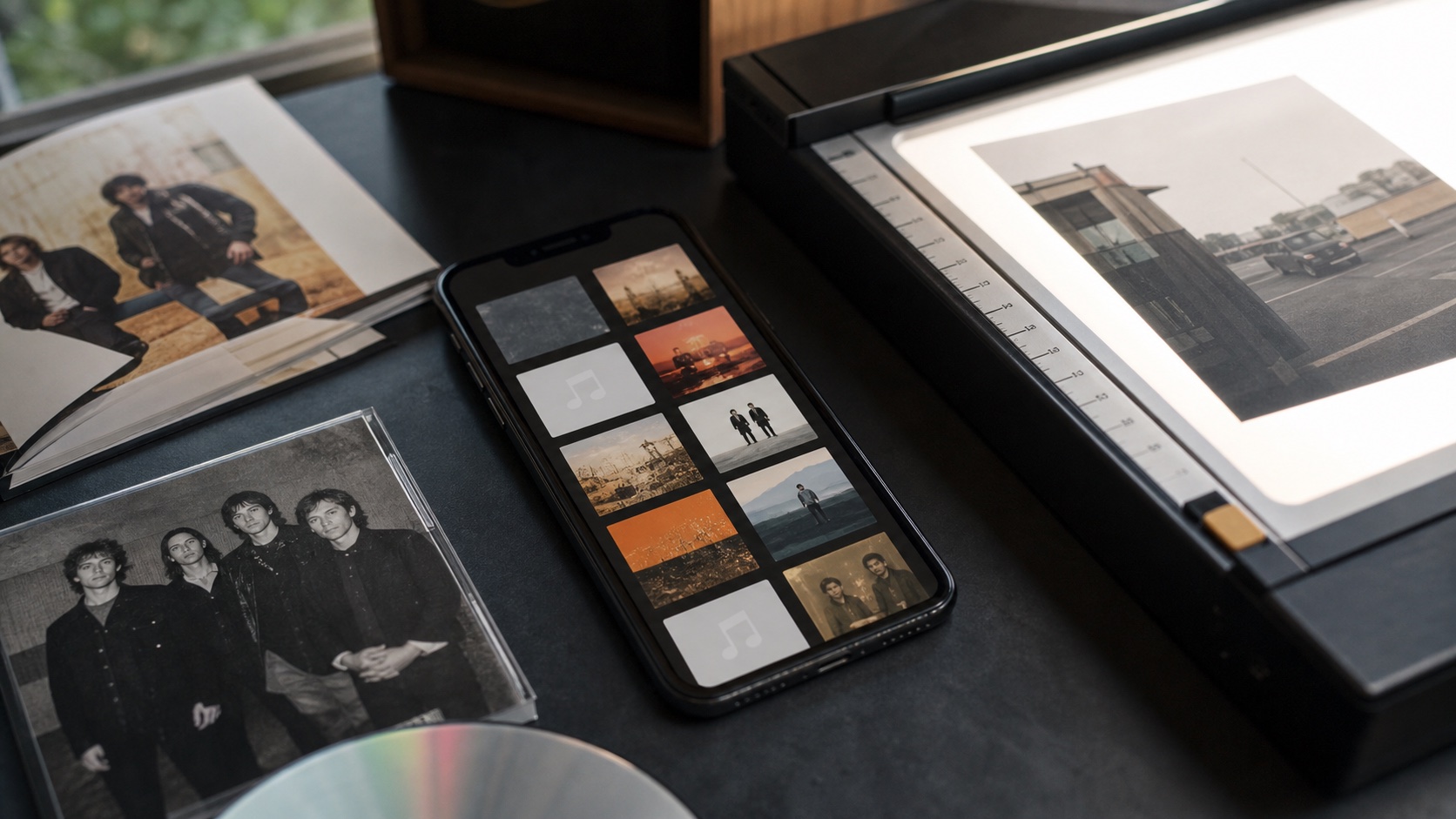
How to Edit Music Tags on iPhone
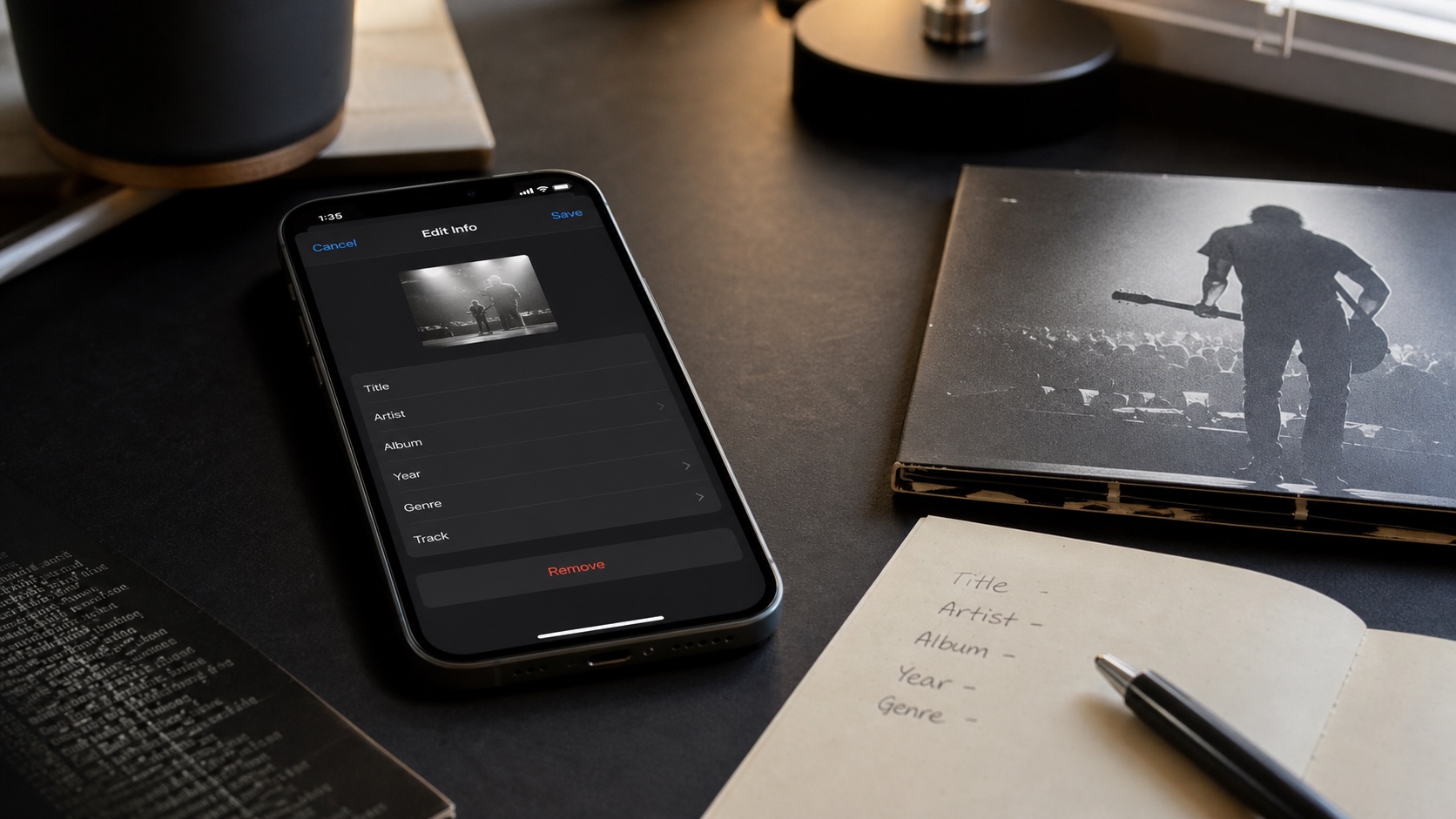
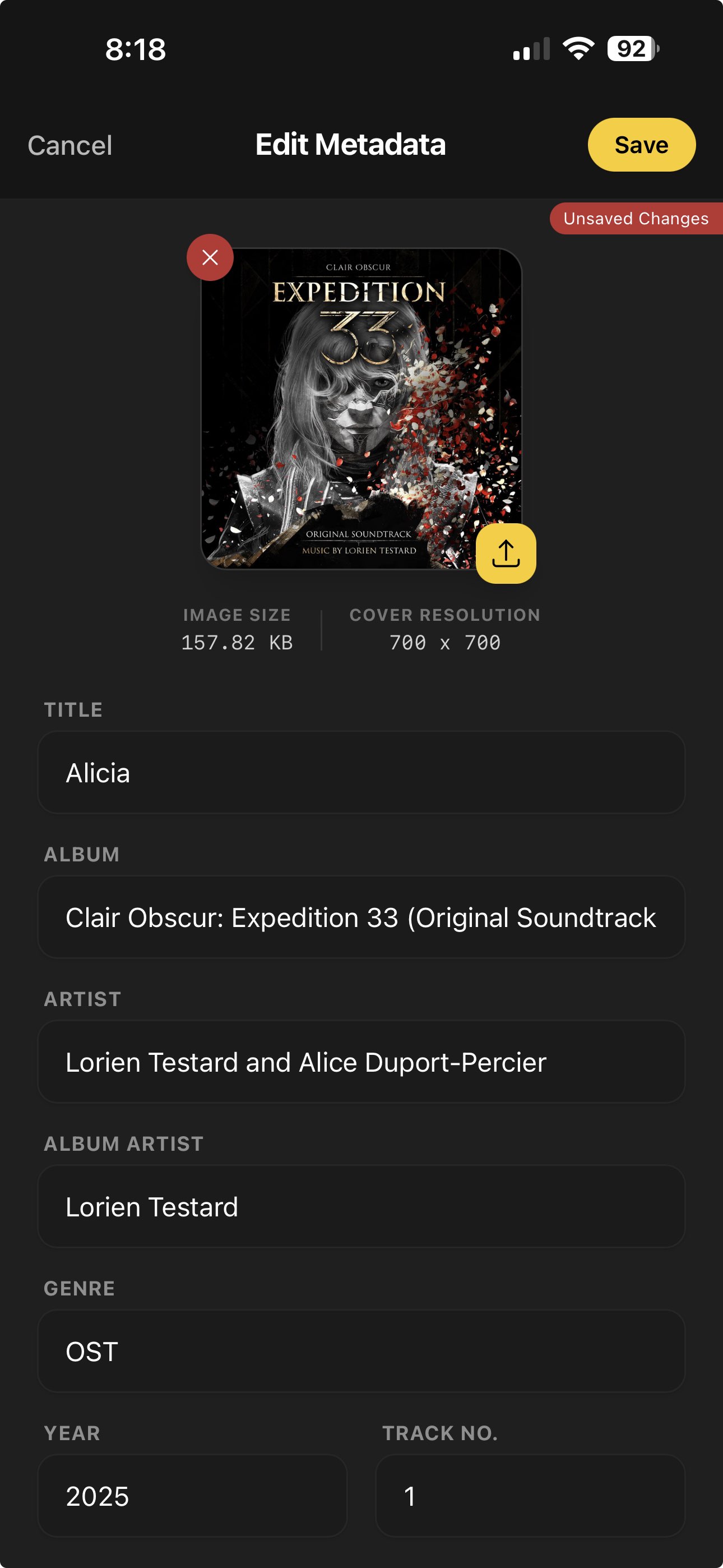
Tag editing turns a pile of audio files into a library. Fix titles, artists, albums, album artist, track numbers, genre, year, and artwork.
In this article Open
Knowing how to edit music tags on iPhone matters when your local library has wrong titles, split albums, missing artwork, or artist names that do not sort together.
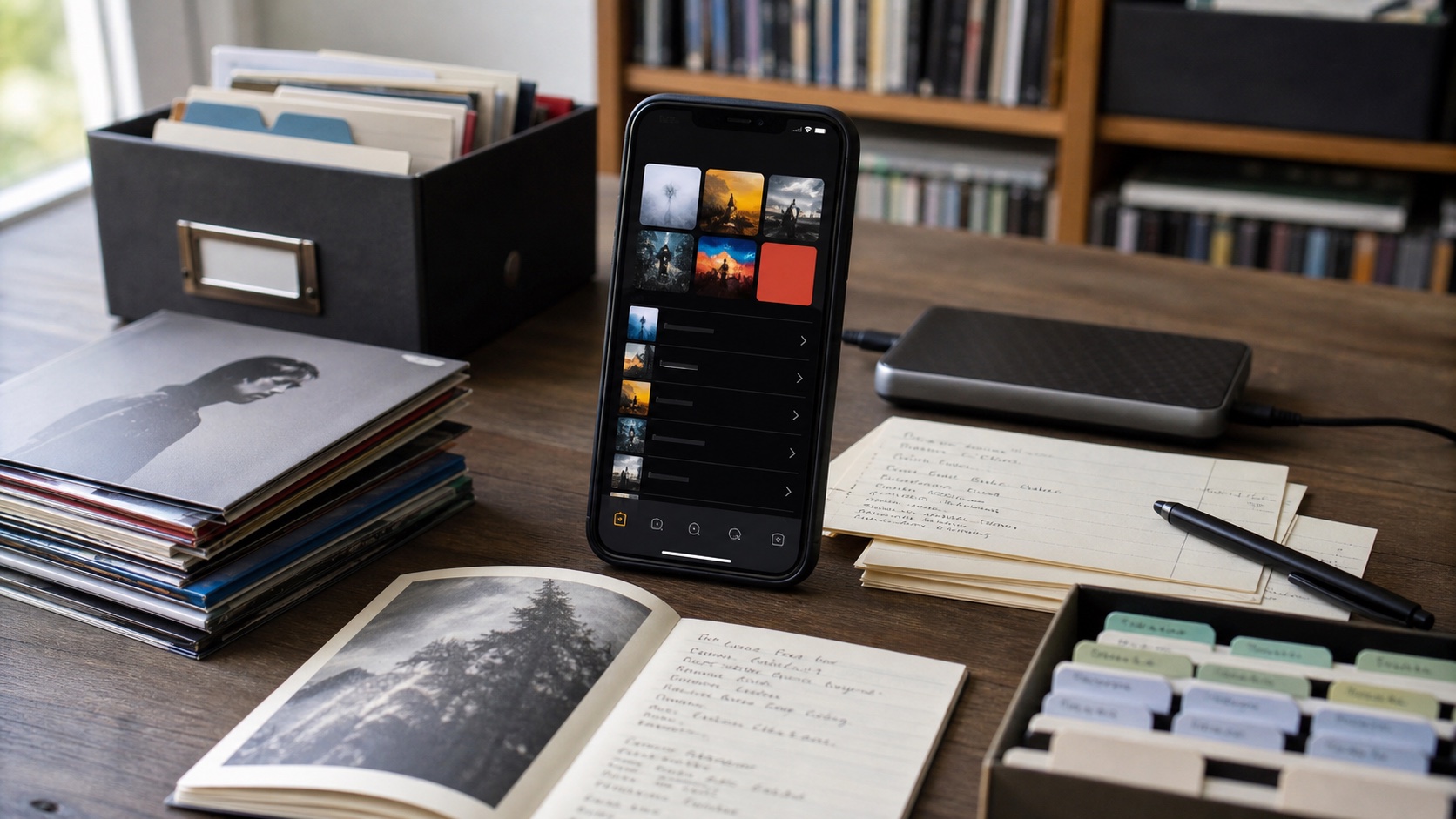
OfflineTunes includes metadata editing workflows so you can clean up music where you listen. That means your iPhone can be more than a playback device. It can be part of library maintenance.
Short Answer: Edit Tags in Batches, Then Verify Browsing
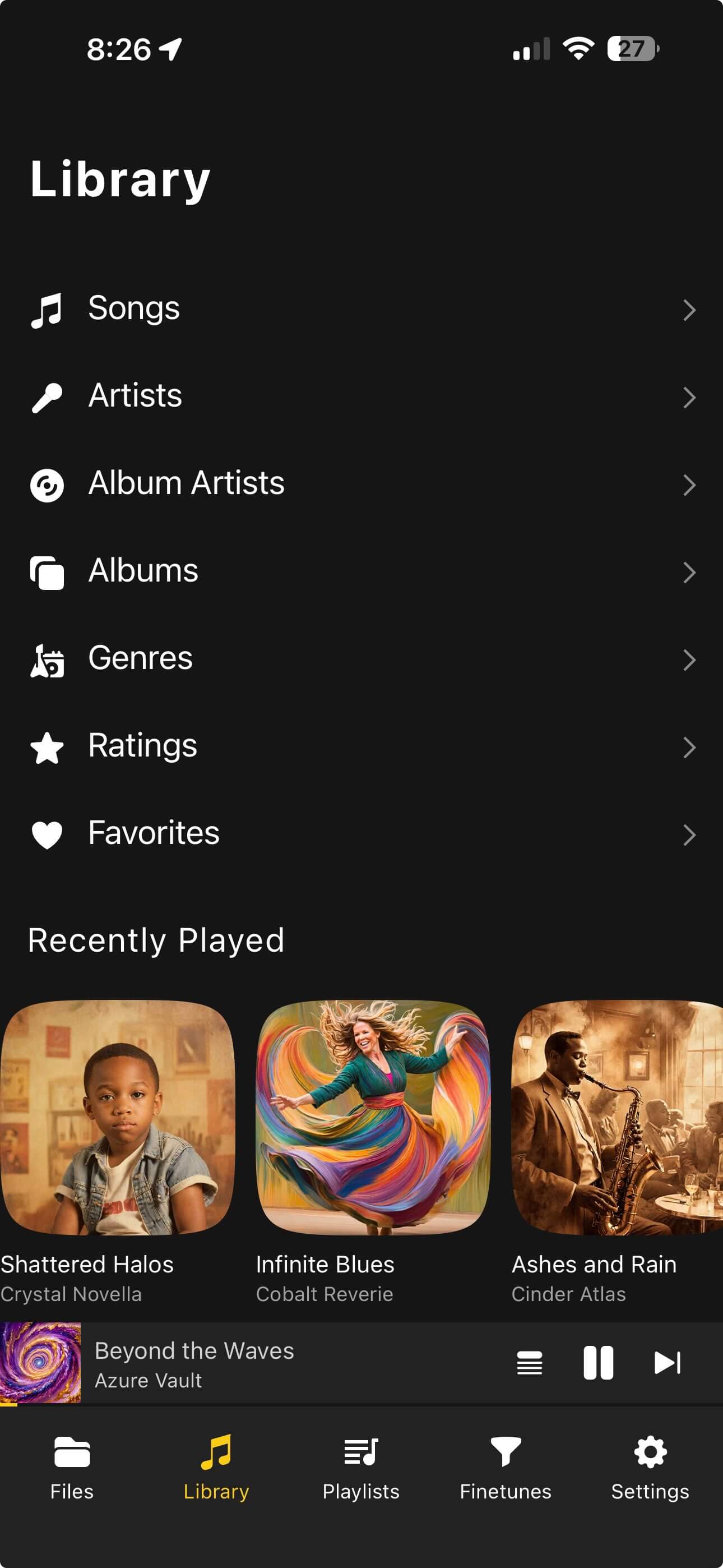
Do not edit one random field at a time. Pick an album or folder, fix the fields that affect browsing, then check the result in albums, artists, songs, folders, and search.
The highest-impact tags are title, artist, album, album artist, track number, disc number, genre, year, and artwork. Start there before worrying about rare fields.
Bulk Editing Is the Key to Sanity
Large tag fixes should happen in groups. If every track on an album needs the same album artist, genre, year, or artwork, editing each file separately is a waste and increases mistakes.
OfflineTunes supports bulk metadata editing for titles, artists, albums, artwork, and related tag information. Use that to clean common fields together, then inspect individual tracks only when needed.
How to Fix Split Albums
A split album usually means one or more tracks have different album, album artist, disc number, or compilation-style tags. It can also happen when artwork or casing differs in a way the library treats as separate.
Fix split albums by selecting the whole album group and normalizing the shared tags. Then verify track order and artwork before importing more files.
- 1Select all tracks in the album.Do not fix only the track that looks wrong.
- 2Normalize album and album artist.These fields decide whether tracks group together.
- 3Check disc and track numbers.Multi-disc albums need consistent disc data.
- 4Apply one cover.A unified cover makes the album easy to identify.
Keep Folder Structure While Fixing Tags
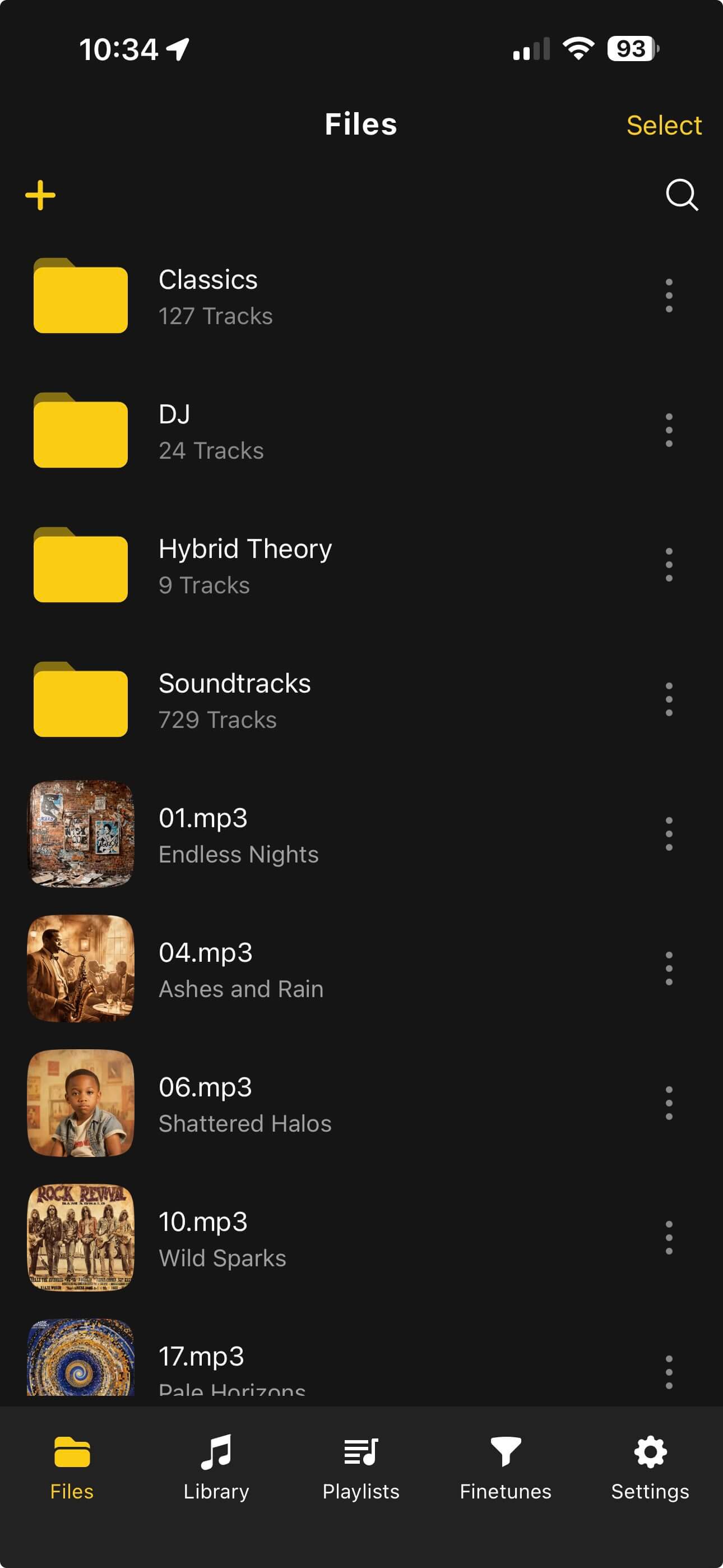
Editing tags should not destroy file organization. Keep a folder plan so you can still locate music by source, album, or project while metadata improves.
This is why folder browsing matters. If tags are broken, folders still give you a way to find the files and fix them. For more detail, read Why Your iPhone Music Library Needs Folder Browsing.
Verdict: Tag Editing Is Worth Doing on iPhone
If your iPhone is where you listen, it should also help you repair the library. Tag editing fixes browsing, search, album grouping, artwork, and playlist quality.
OfflineTunes makes that cleanup part of the local music workflow instead of a separate desktop chore.