Why Your iPhone Music Library Needs Folder Browsing
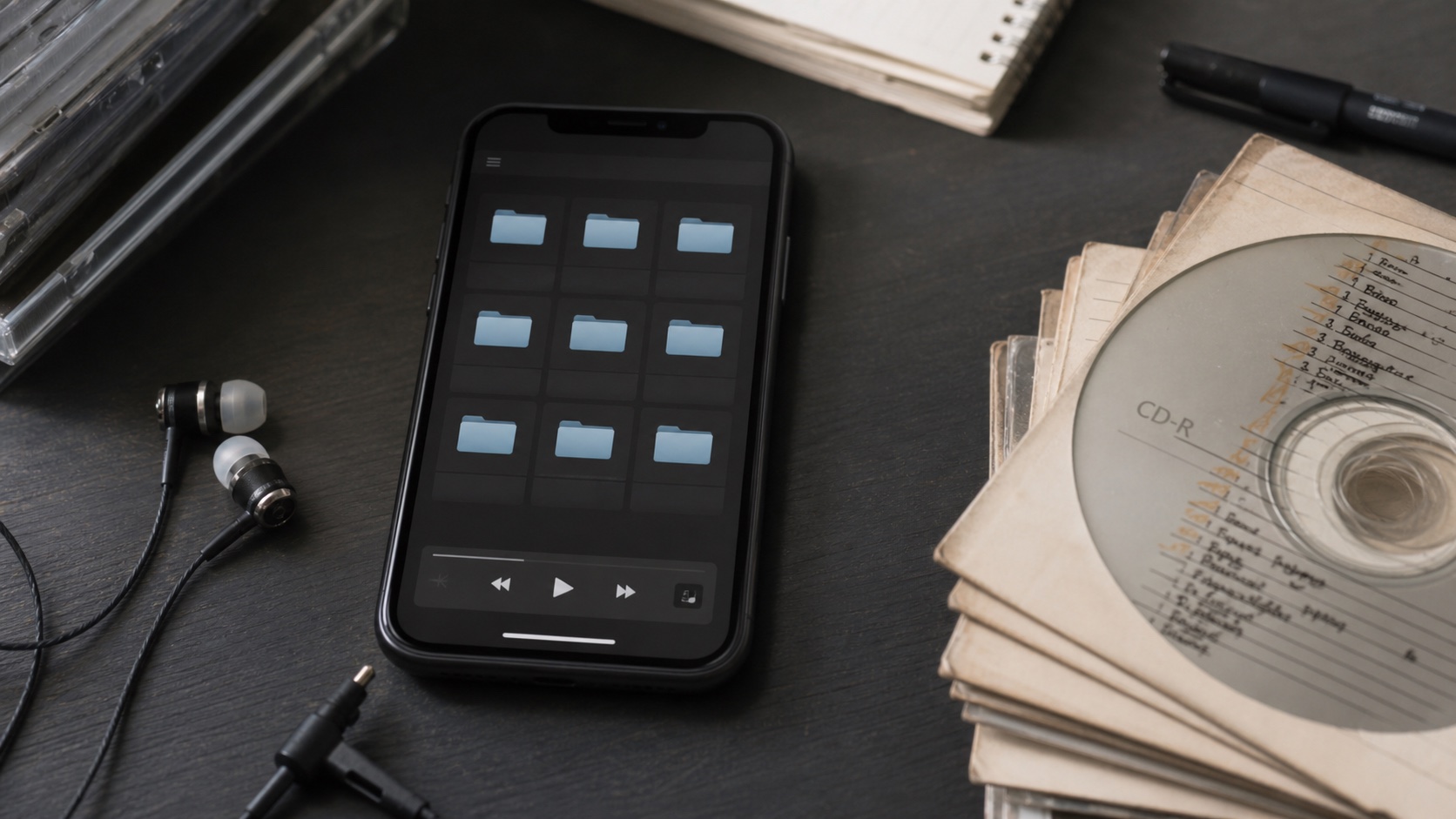
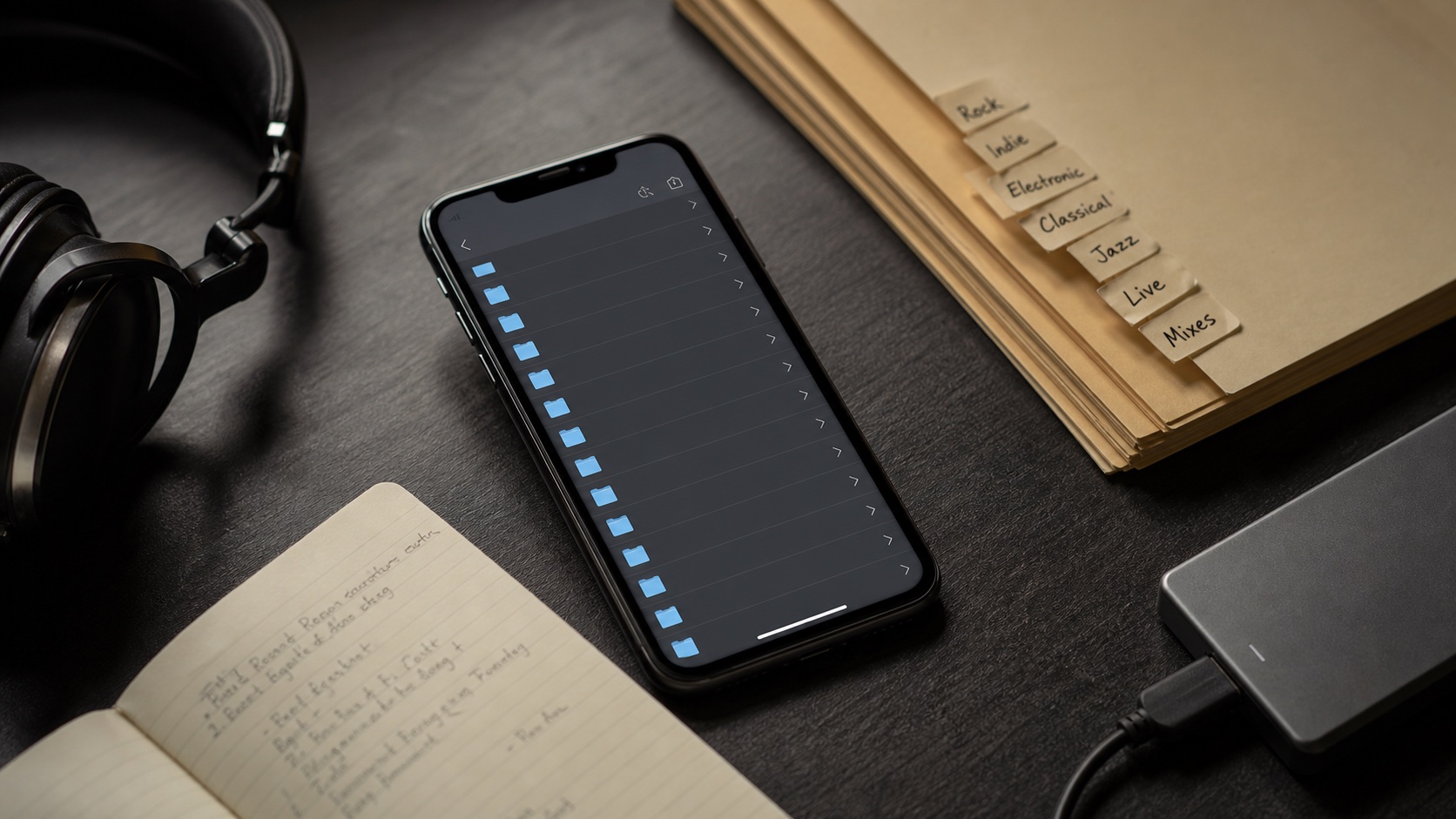
Folder browsing is a control layer for owned music. It keeps messy imports, live recordings, MP3 folders, and custom collections understandable.
In this article Open
Your iPhone music library needs folder browsing if you own files, import from different sources, keep live recordings, collect MP3 folders, or use a structure that normal album views cannot express.
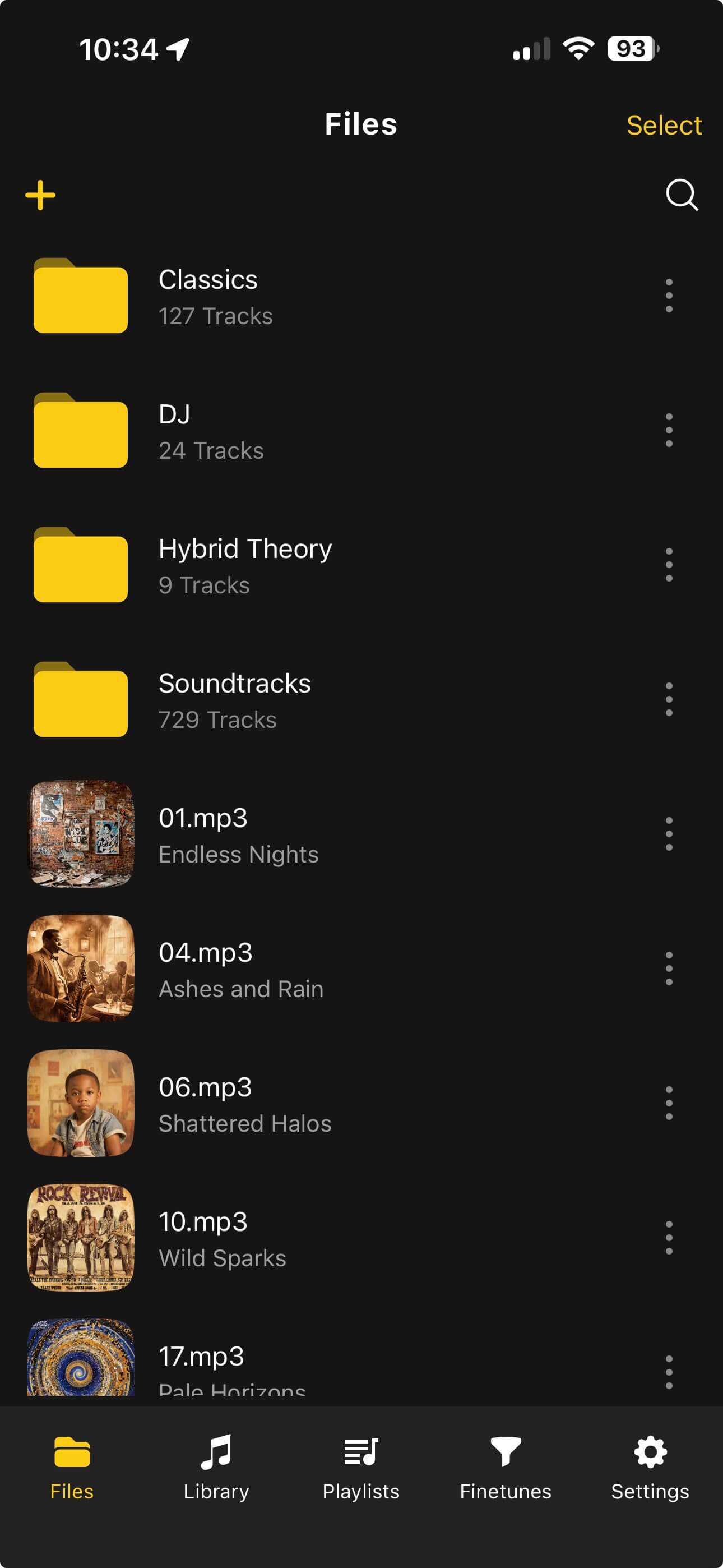
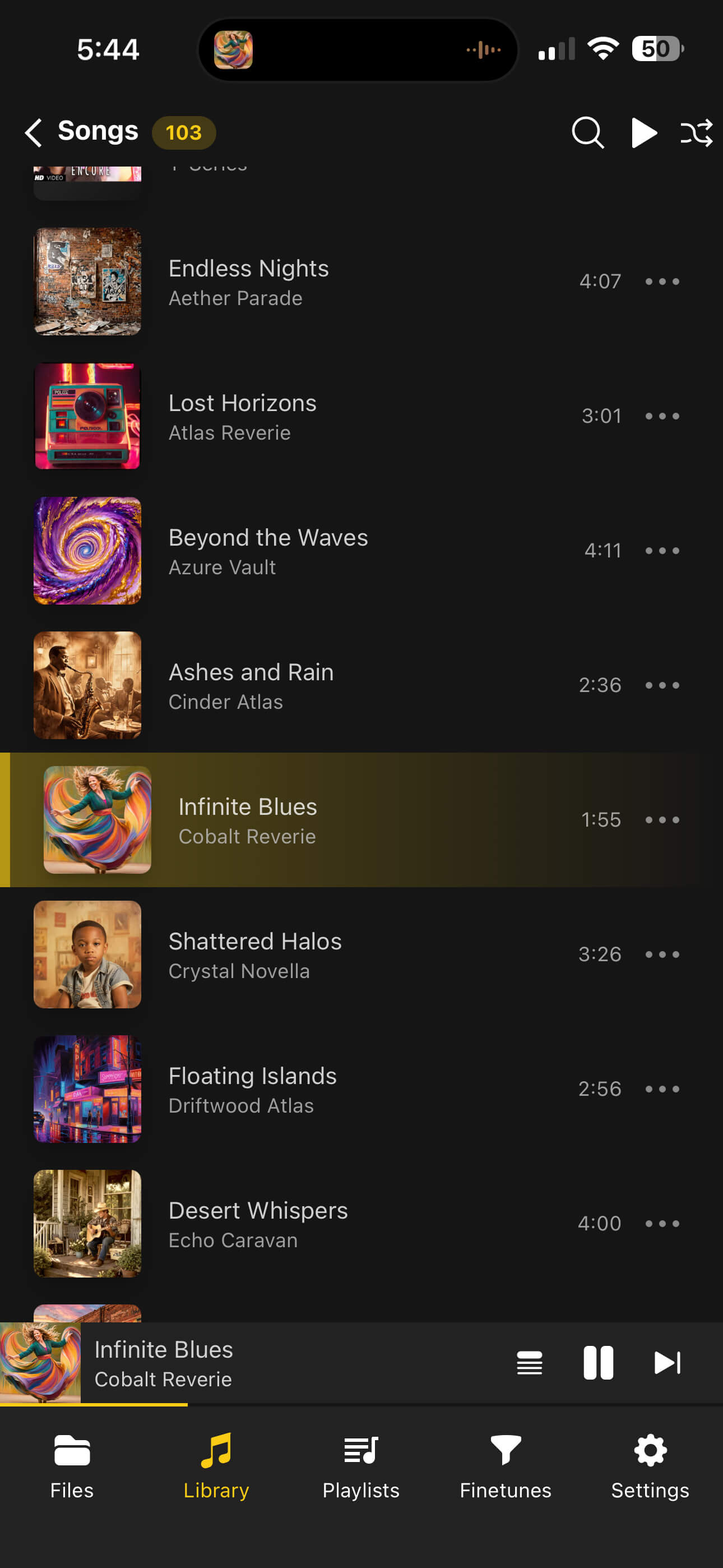
OfflineTunes keeps folder structure visible beside normal music views. That gives you both control and convenience: folders for where files live, tags and playlists for how you listen.
Short Answer: Tags Are Not Enough
Tags are great when they are clean. Folders are better when files are messy, custom, temporary, or organized by source. A serious local library needs both.
Folder browsing gives you a reliable way to find files before tag cleanup, preserve special collections, and play music by original directory.
Folders Save Messy Libraries
Every long-running music library has weird corners: bonus tracks, ripped CDs, partial downloads, handmade compilations, live recordings, remixes, and songs with incomplete tags. Folder browsing makes those corners reachable.
Without folders, you are forced to fix metadata before you can even understand what you have. With folders, you can browse, play, and clean up gradually.
Folder Playback Is Different From Album Playback
Album playback follows metadata. Folder playback follows storage. Both are useful. A folder might contain a live set, a downloaded batch, a workout group, or a hand-built sequence that should not become a formal album.
OfflineTunes supports folder playback controls, including playback defaults that can follow folders. That lets a folder act like a listening container, not just a storage location.
- Use album playback when tags describe a real release.
- Use folder playback when the directory itself is the collection.
- Use playlists when you want intent without moving files.
- Use smart playlists when rules can organize the listening for you.
A Folder-First Cleanup Workflow
When importing a large or messy library, use folders as staging areas. Import a batch, inspect it by folder, fix tags, add artwork, then move it into the right long-term structure.
This makes cleanup safer because you always know where the original files are. For MP3-specific advice, read Best MP3 Player App for iPhone With Folders.
- 1Create a new imports folder.Keep unreviewed music away from clean albums.
- 2Inspect files by folder.Check names, duplicates, artwork, and file types.
- 3Fix tags in batches.Clean shared fields before moving files.
- 4Move or playlist after cleanup.Let structure follow verified music, not random downloads.
Verdict: Folder Browsing Is a Power Feature
Folder browsing is not only for old-school listeners. It is for anyone who owns files and wants control over import, cleanup, playback, and long-term structure.
OfflineTunes gives your iPhone library that layer without giving up tags, playlists, queues, artwork, or modern playback controls.