Best MP3 Player App for iPhone With Folders
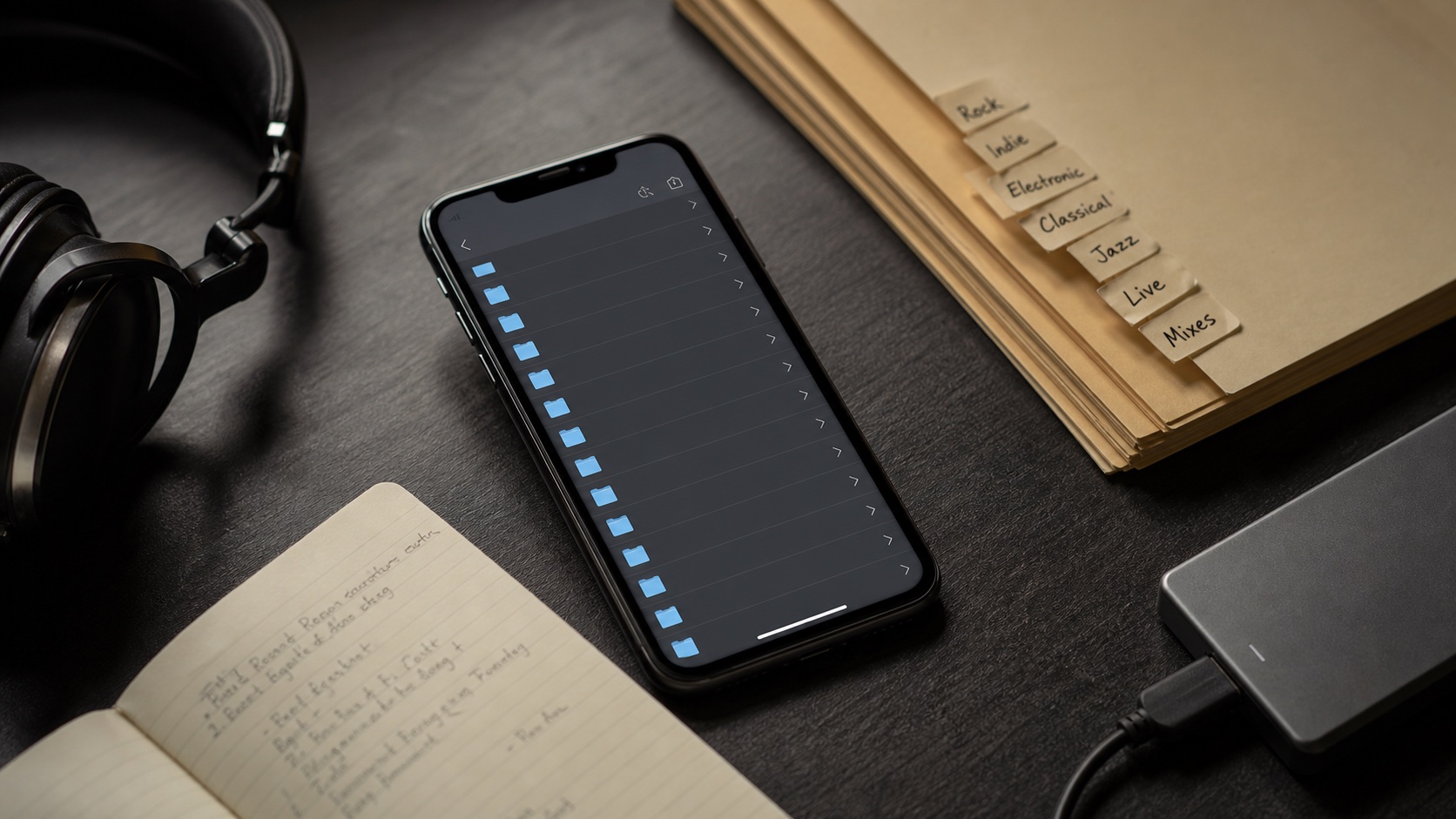
MP3 libraries are often folder libraries. The best iPhone MP3 player should keep that structure visible while adding tags, artwork, playlists, and queues.
In this article Open
The best MP3 player app for iPhone with folders is the one that understands why folders still matter. MP3 collections often come from years of downloads, CD rips, live sets, voice notes, edits, and carefully named directories.
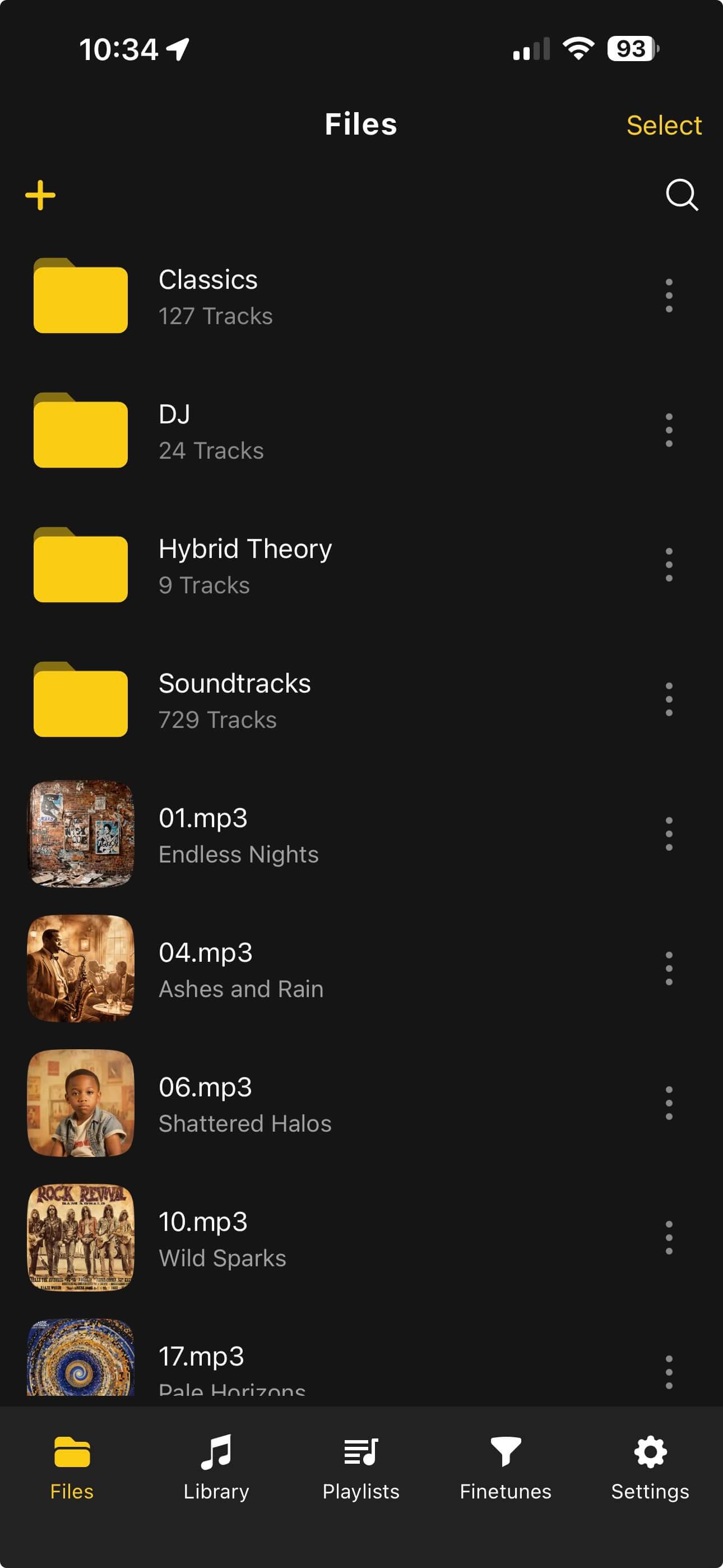
OfflineTunes is built for people who want those folders visible. You can browse files, play folders, move tracks, edit tags, build playlists, and keep everything offline.
Short Answer: MP3 Players Need Folder Mode
A flat song list is not enough for a large MP3 library. Folder browsing lets you keep albums, DJ sets, downloads, language lessons, archives, and custom collections separated even when tags are incomplete.
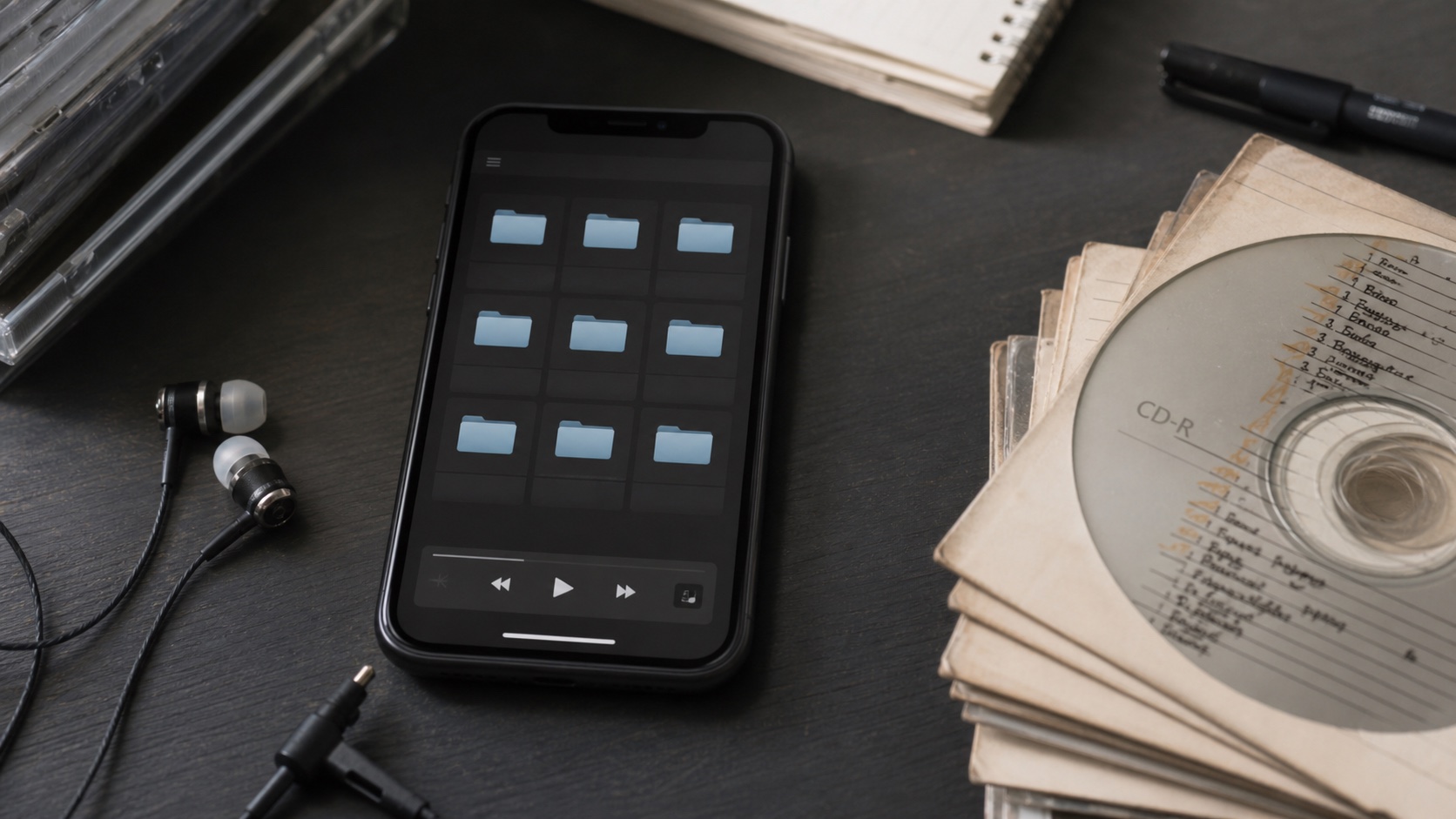
OfflineTunes supports file and folder workflows so you can browse the library like an archive and play it like a modern music app.
Why Folder Browsing Matters for MP3
MP3 is the format of messy real-world music collections. Files may have old ID3 tags, inconsistent album artist fields, missing covers, or names that only make sense inside their original folder. A folder-aware player gives you control before cleanup is finished.
This is especially useful for DJ mixes, downloaded sets, bootlegs, podcasts, audiobooks, lectures, and custom compilations. You may not want every file forced into a normal album view.
Folders Help, but Tags Still Matter
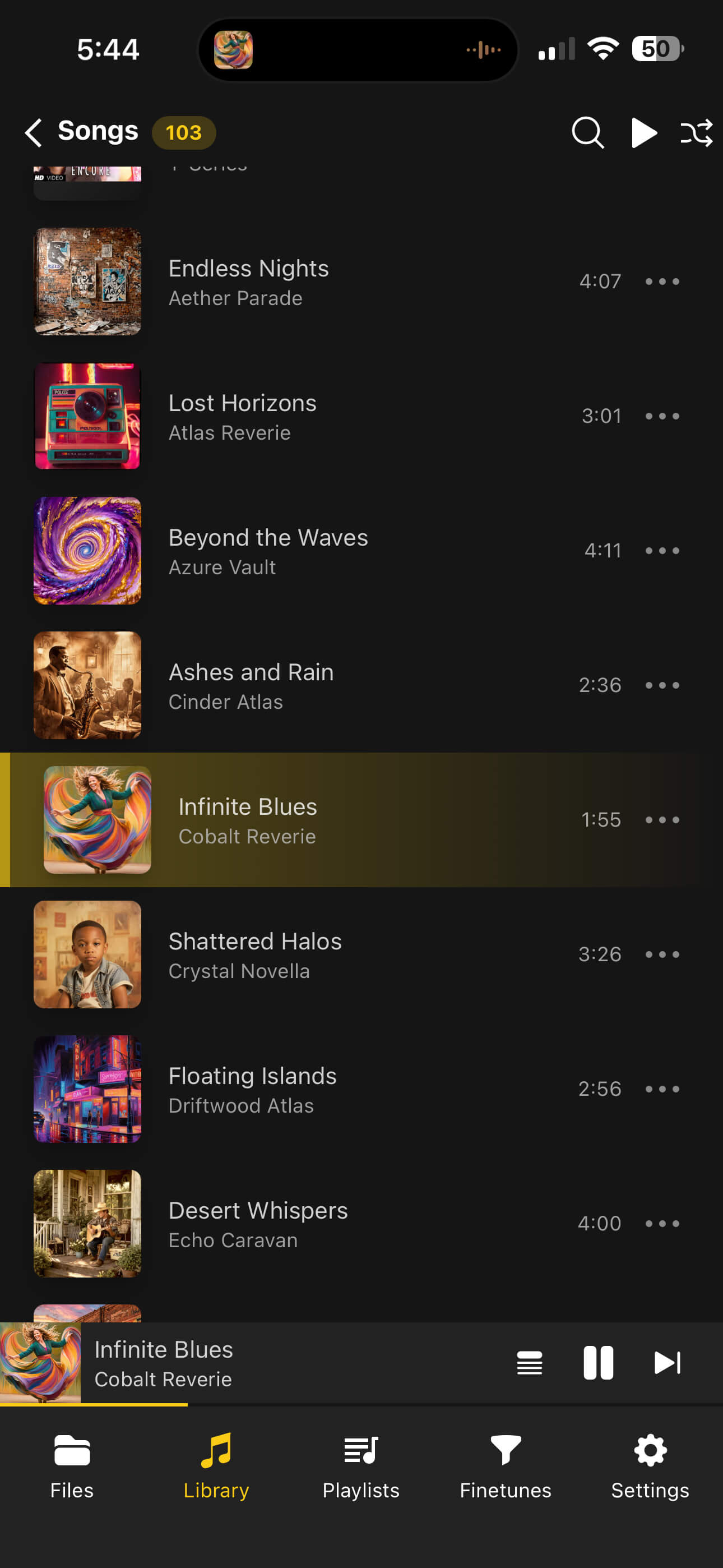
Do not choose between folders and tags. Use both. Folders preserve the original archive. Tags power album, artist, genre, year, search, and playlist views. A good MP3 player should support both ways of thinking.
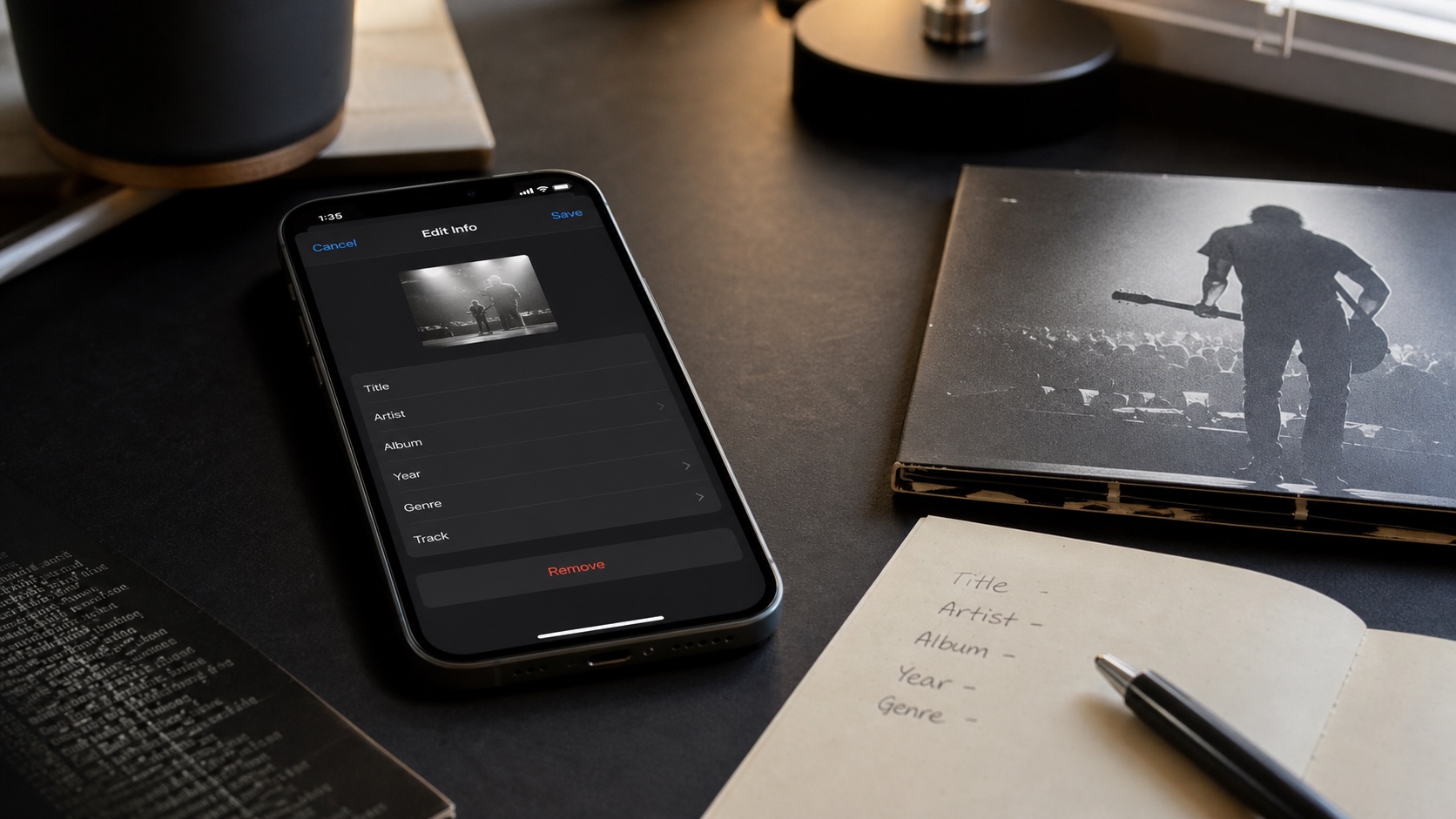
OfflineTunes includes metadata editing for cleaning up titles, artists, albums, and artwork. That makes it easier to turn an old MP3 pile into a usable iPhone library over time.
- Use folders to keep source structure and special collections intact.
- Use tags for library-wide browsing and search.
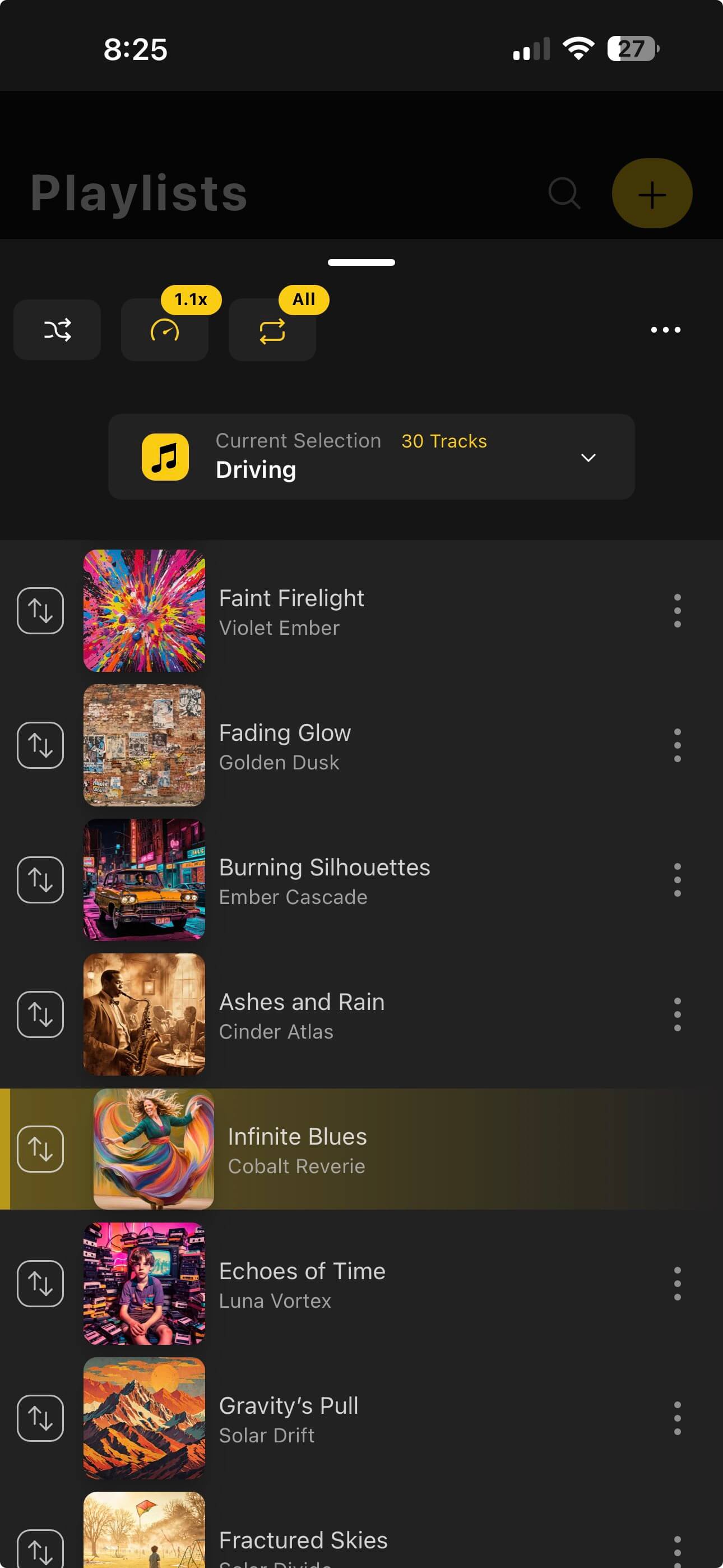
- Use playlists to build listening contexts without moving files.
- Use queues when you want a temporary listening path.
How to Test an MP3 Folder Player
Before importing everything, create a test folder with three kinds of files: a normal album, a messy downloads folder, and a long mix. If the player handles all three well, it will probably handle your real library.
If you are building a bigger archive, pair this guide with How to Organize a Large Music Library on iPhone.
- 1Import a folder, not one file.Folder behavior is the thing you are testing.
- 2Play the folder directly.Check shuffle, order, and queue behavior.
- 3Open library views.Confirm tags make sense in songs, albums, and artists.
- 4Fix one bad tag.Make sure cleanup can happen without leaving the player.
Verdict: MP3 Libraries Need Files and Music Features
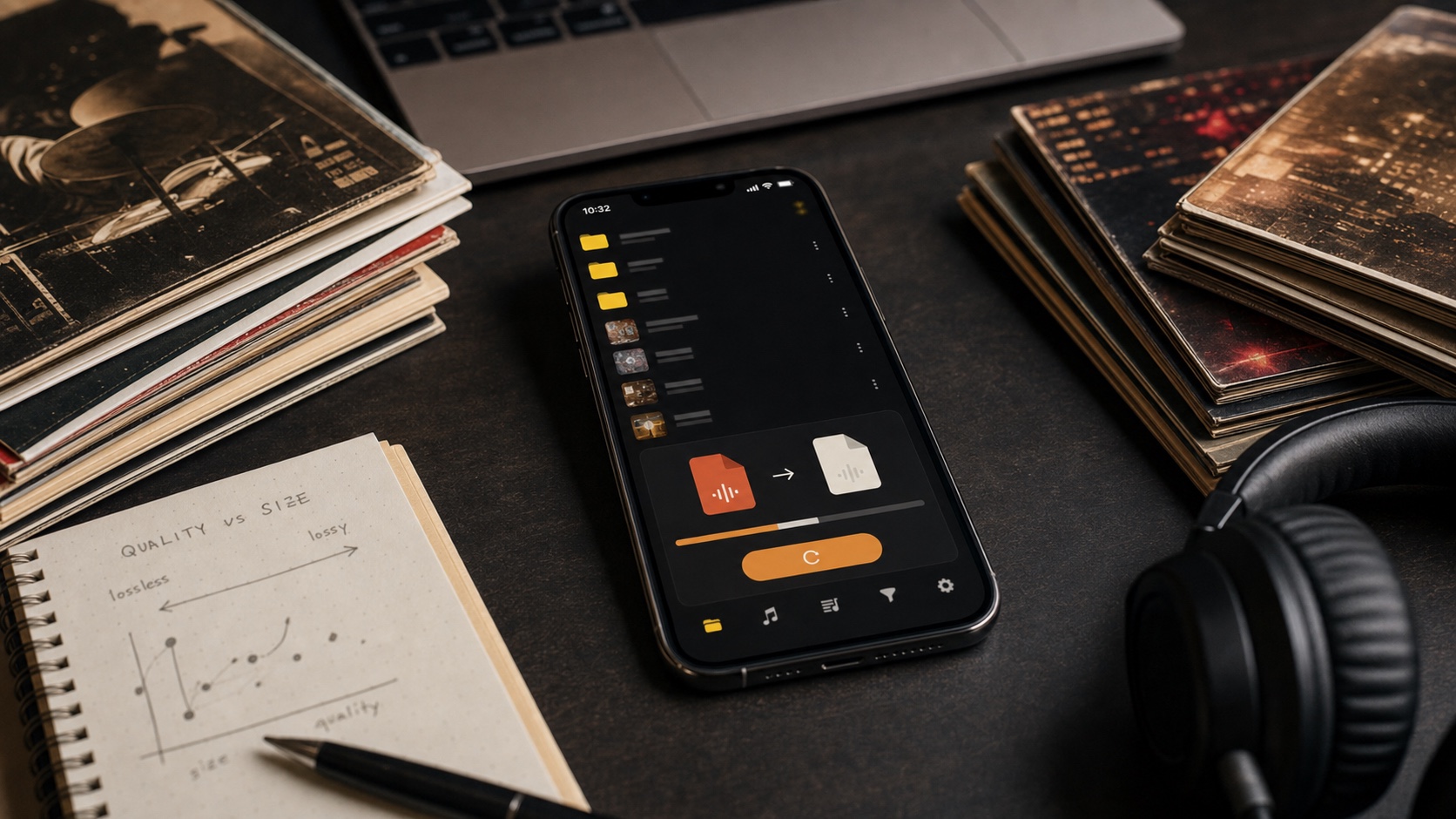
The best MP3 player for iPhone with folders should not be only a file manager or only a music app. It should be both. OfflineTunes gives MP3 folders a playable, editable, offline library around them.
That makes it a strong fit for old collections, mixed-format libraries, and anyone who still wants files to stay visible.