How to Fix Missing Album Art on iPhone Music Files
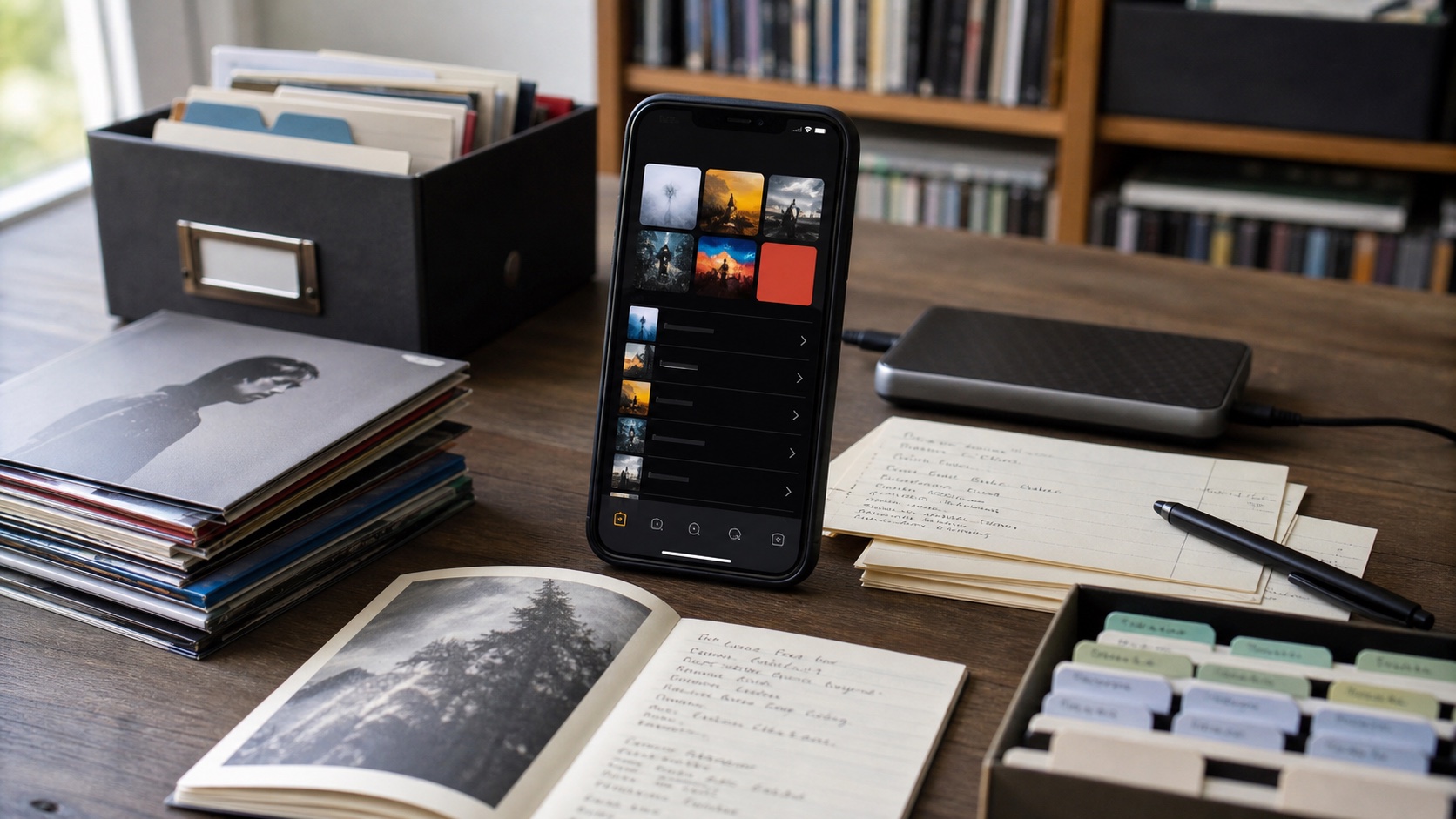
Missing album art is usually a metadata problem first. Fix tags, then apply clean covers so albums and folders become easier to scan.
In this article Open
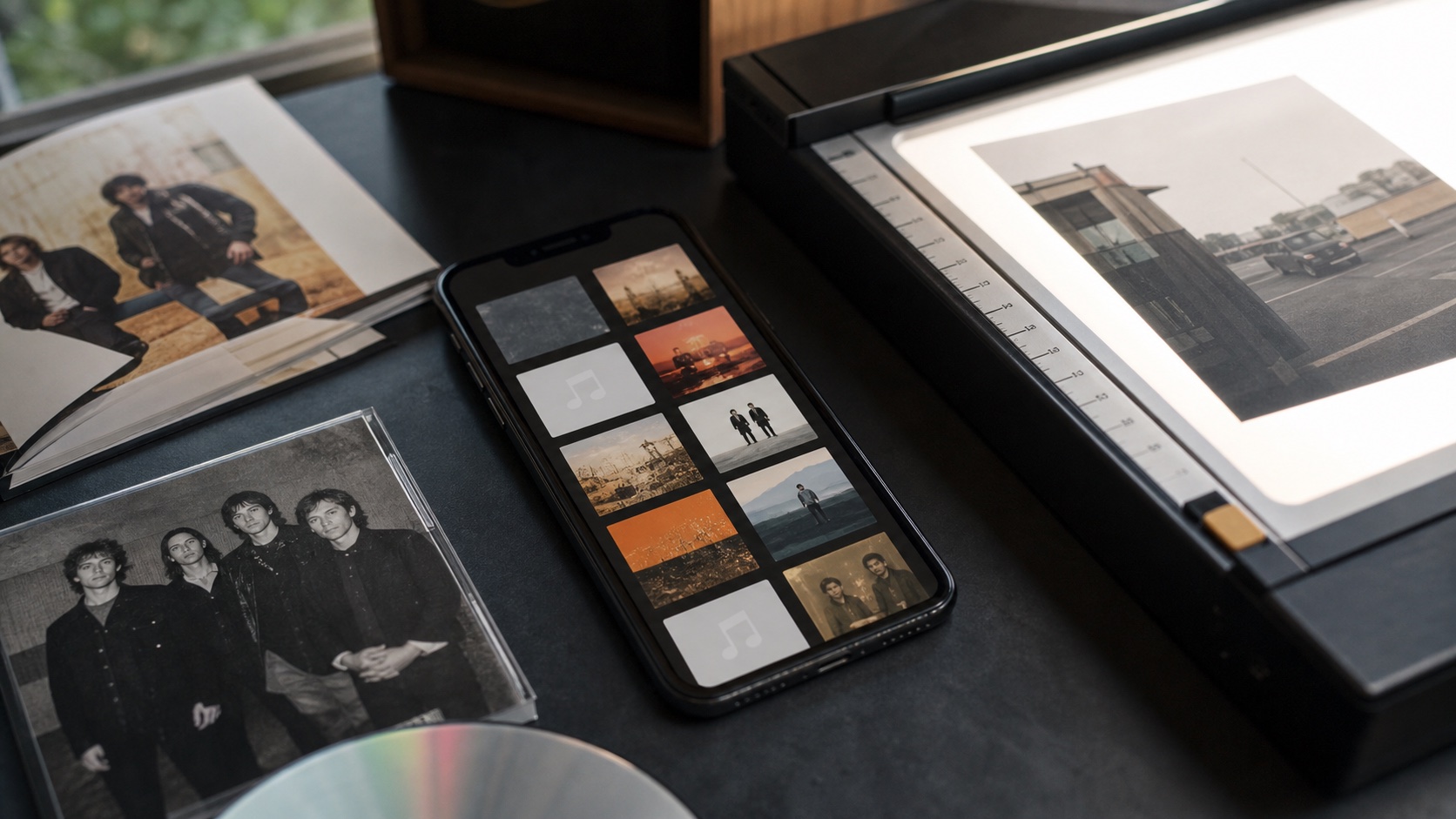
Missing album art on iPhone music files usually means one of three things: the artwork was never embedded, the file tags are inconsistent, or the app could not connect the right cover to the right album.
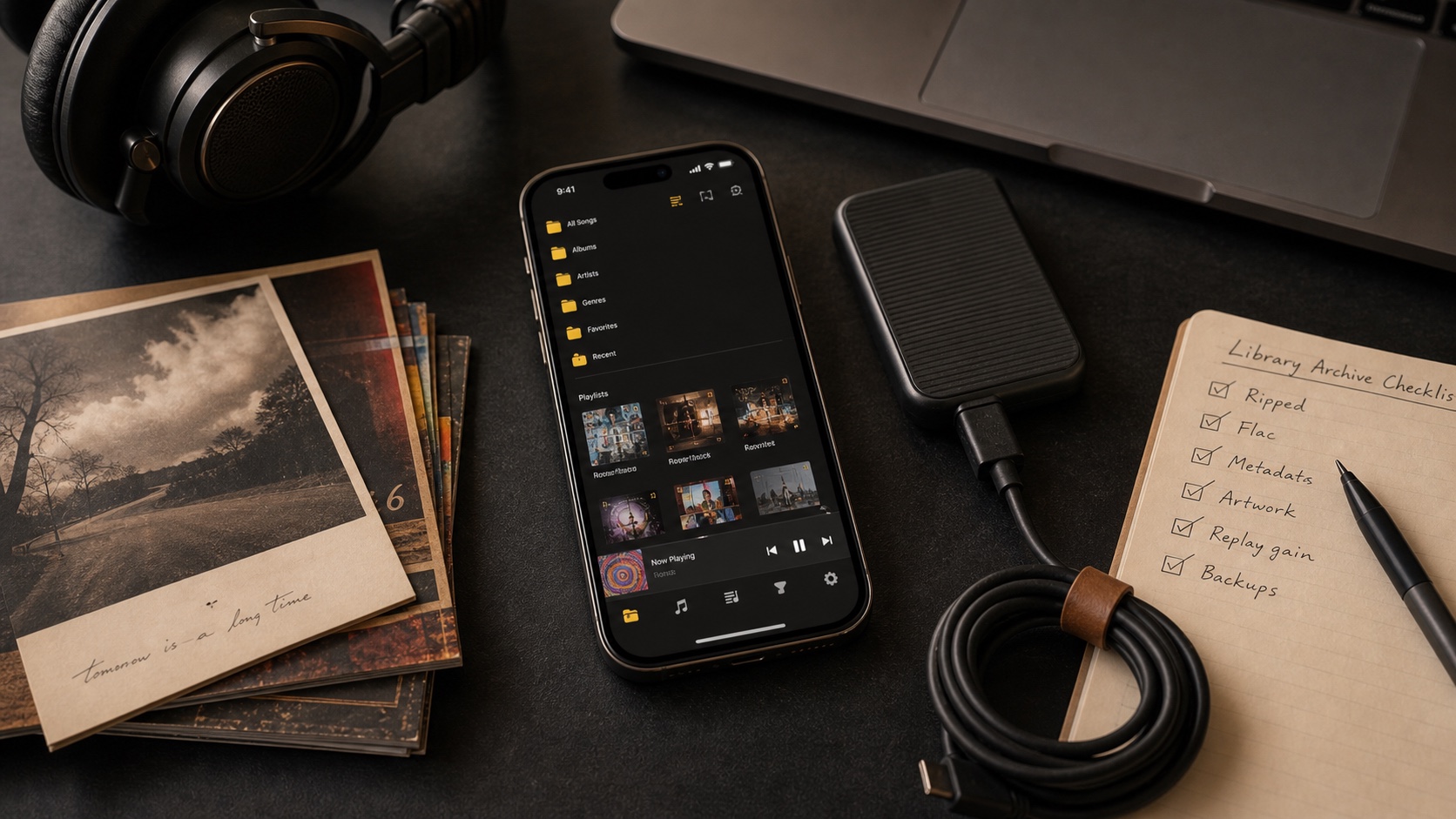
OfflineTunes gives you a practical way to clean that up. You can inspect files, edit metadata, use artwork workflows, and keep folder covers visible for libraries that need extra structure.
Short Answer: Fix Tags First, Then Artwork
Album art depends on metadata. If album, artist, and album artist are messy, cover matching gets unreliable. Fix the core tags before chasing artwork for every track.
After tags are consistent, use cover art from the correct album source, apply it to the right tracks, and verify the result in album and folder views.
Why Metadata Comes Before Artwork
Artwork is attached to identity. If one track says the album artist is one name and another track says something slightly different, an album can split. That split can make covers look missing even when some files have artwork.
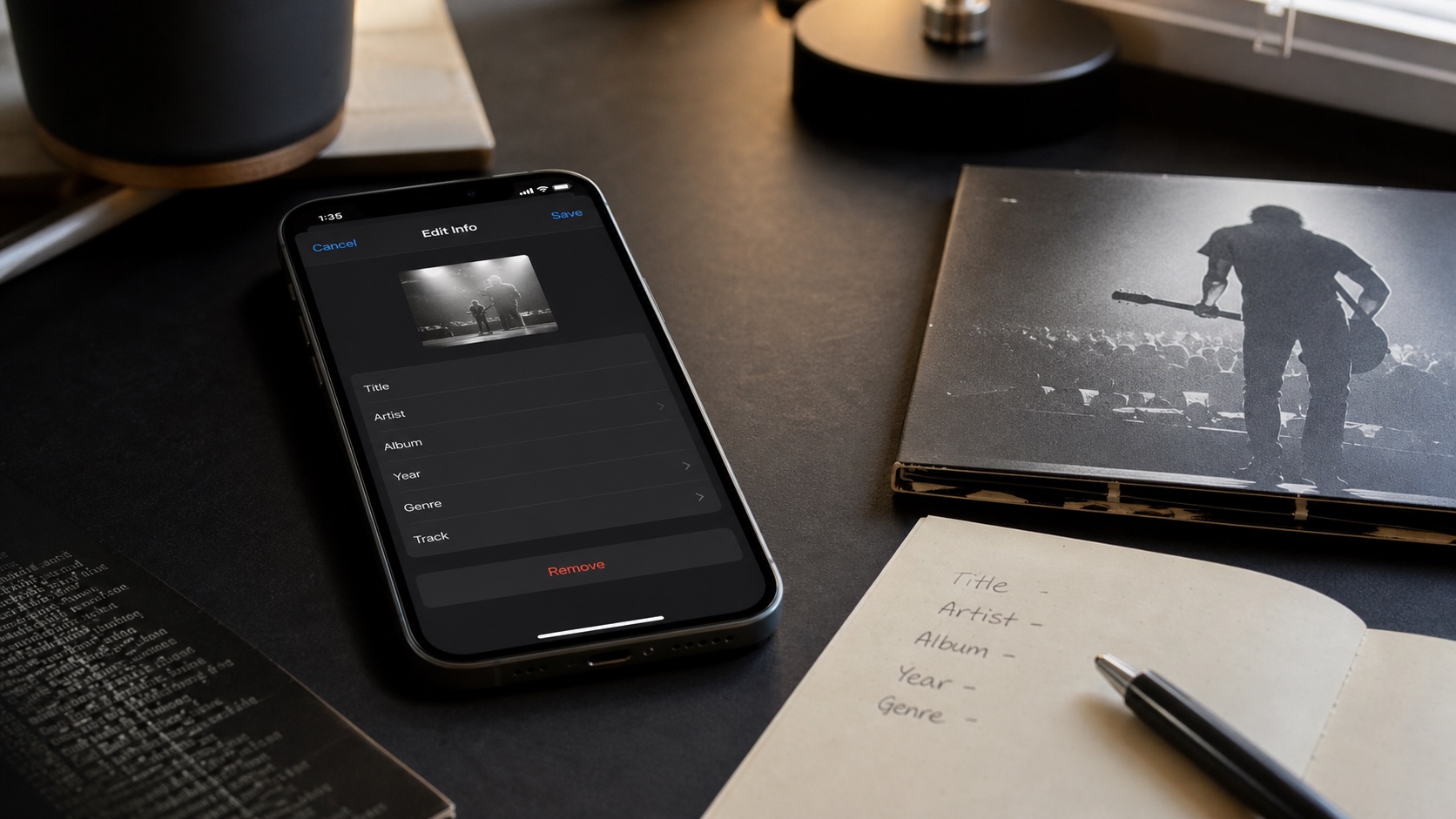
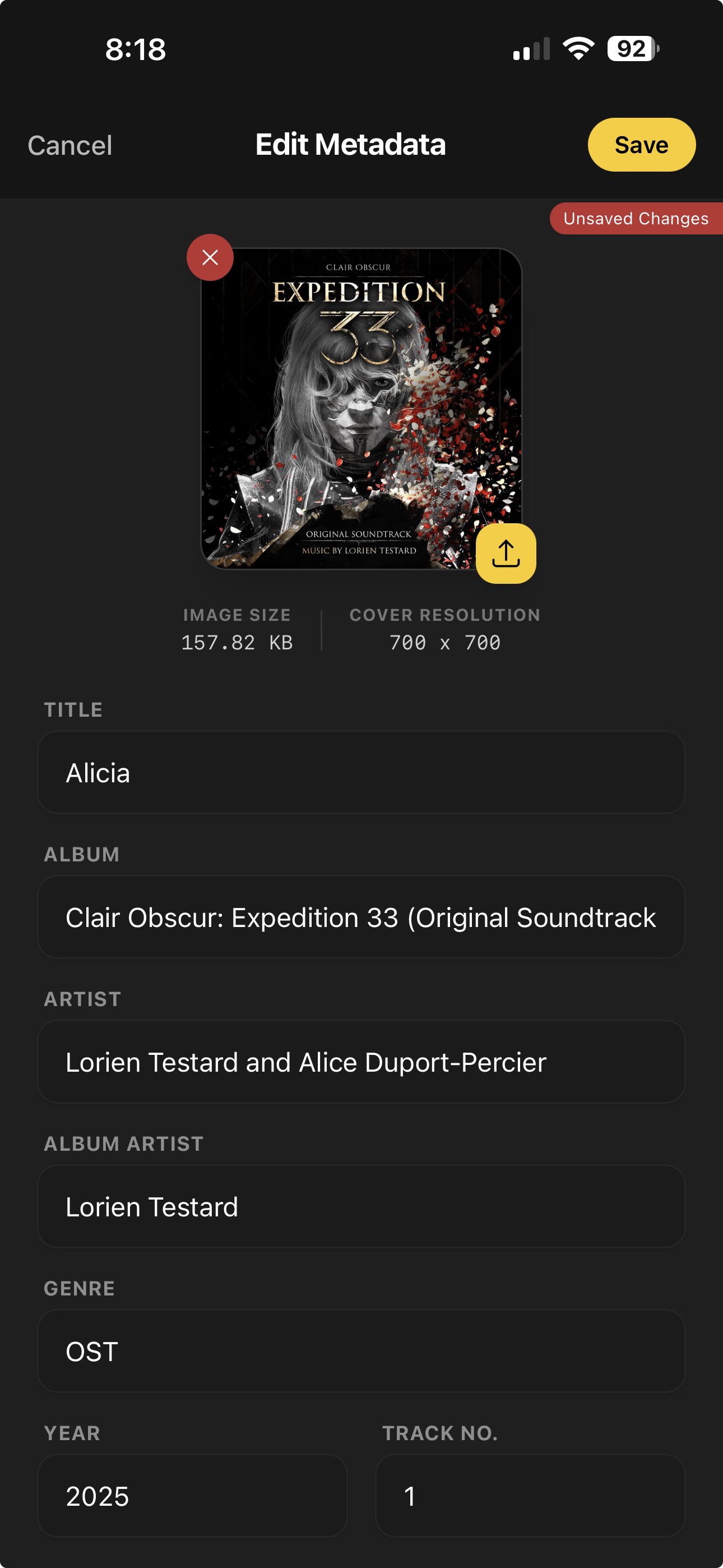
Fix title, artist, album, album artist, track number, disc number, and year before judging the cover result. For a deeper metadata workflow, read How to Edit Music Tags on iPhone.
Use the Right Cover Source
Use high-quality cover art from your own purchase, CD scan, artist download, or reliable album source. Avoid tiny thumbnails when possible. Square images usually behave best across library grids and now-playing screens.
If a folder represents a custom collection, a folder cover may make more sense than pretending the folder is one album. OfflineTunes supports cover.jpg and cover.mp4 style folder and playlist artwork workflows.
- For albums: use the original album cover and apply it to every track in the album.
- For compilations: normalize album artist before artwork so the album stays together.
- For folders: use a folder cover when the collection is not a normal album.
- For large libraries: fix covers in batches so mistakes are easier to reverse.

Step-by-Step Missing Artwork Fix
Do not fix artwork one random song at a time. Work at album or folder level so the library stays consistent.
- 1Open the album or folder.Confirm which tracks are missing art and whether the album is split.
- 2Fix tags first.Normalize album, artist, album artist, disc, and track numbers.
- 3Apply cover art.Use one clean image for the album or an intentional folder cover.
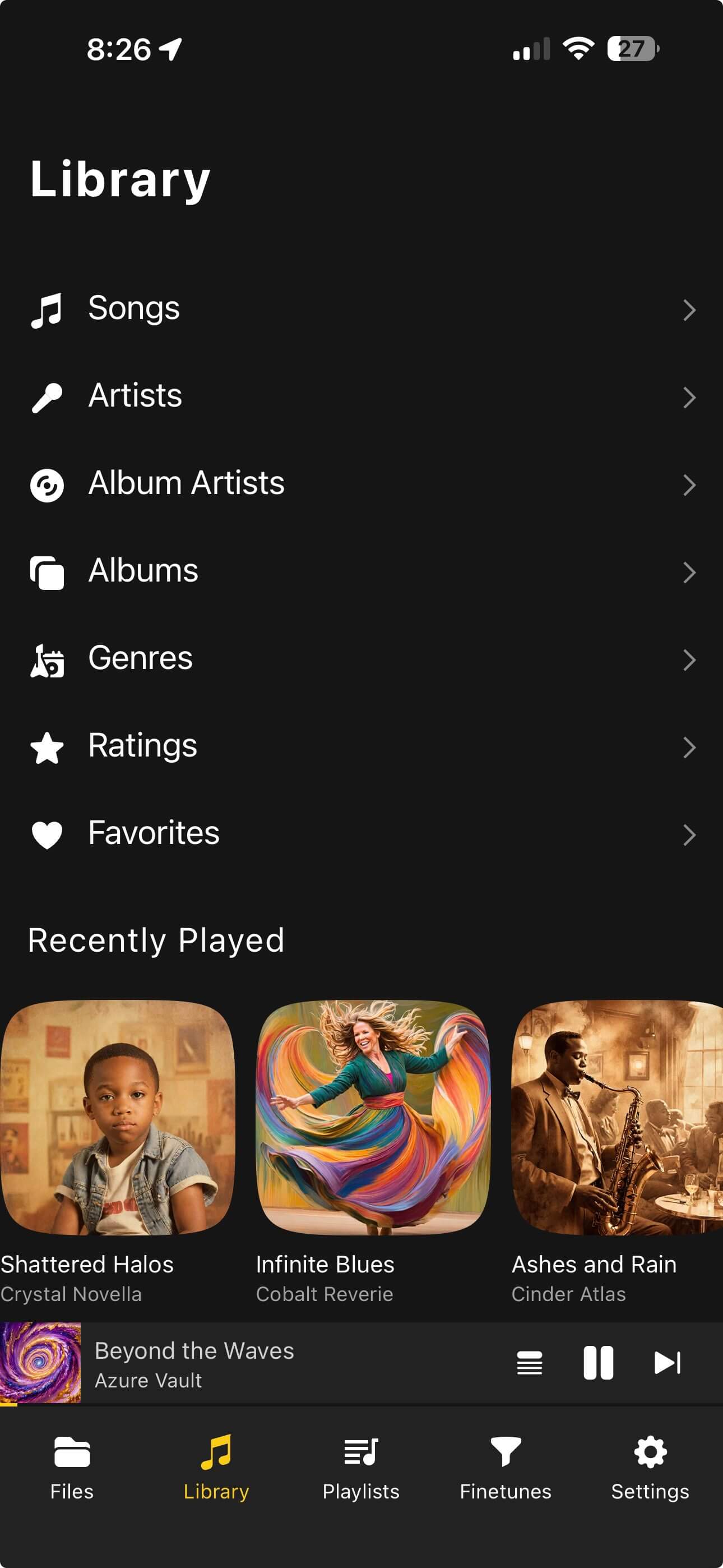
- 4Recheck library views.Look at albums, songs, folders, and now playing before moving on.
Verdict: Artwork Cleanup Is Library Cleanup
Missing album art is usually a symptom of metadata drift. Fix the tags, choose good covers, apply changes in batches, and keep folder covers for collections that are not normal albums.
OfflineTunes gives you the local-library tools to do that cleanup where you listen, then keep playing offline.