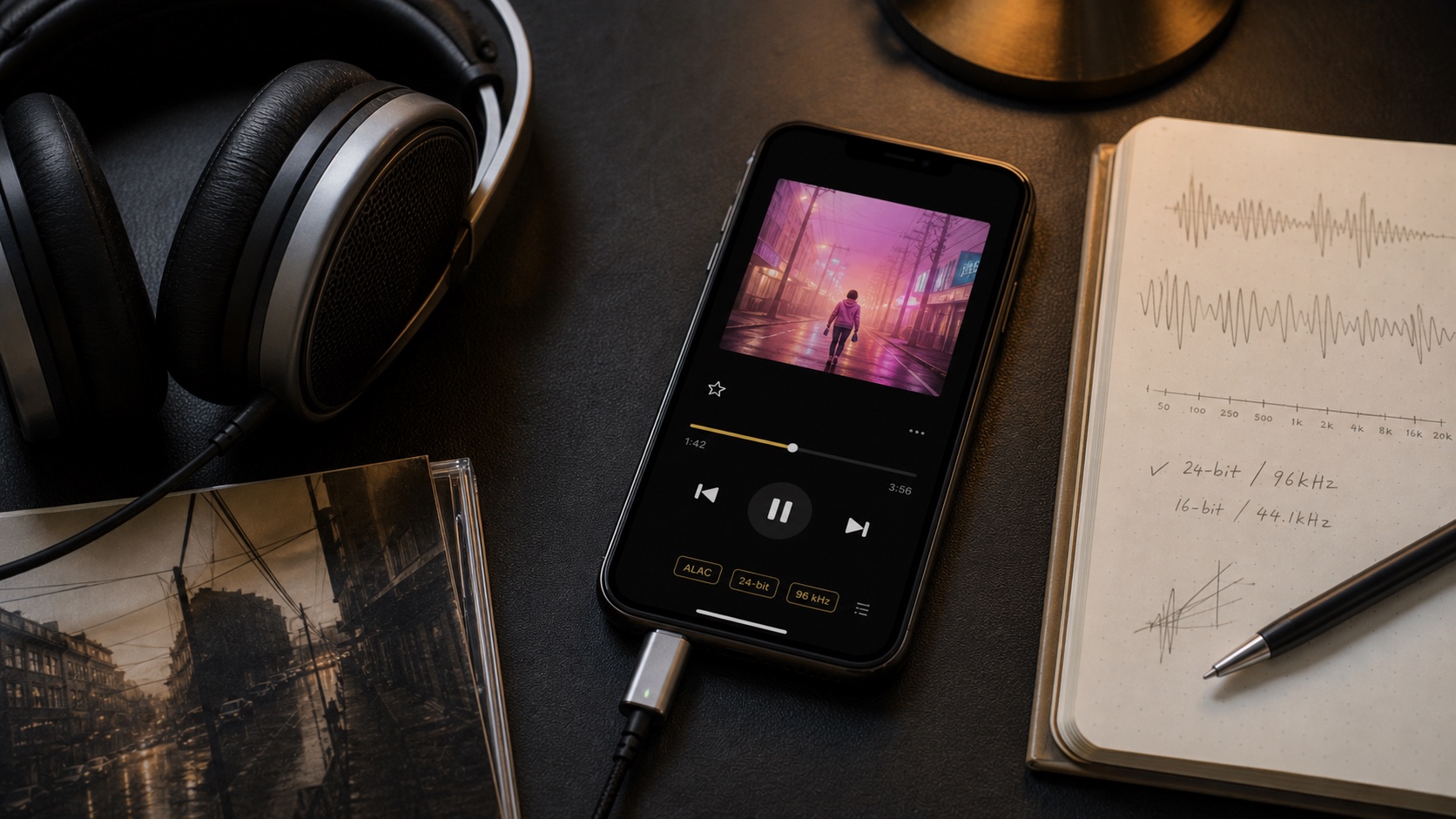
What Are Sample Rate and Bit Depth? 24-bit/192 kHz Explained
Sample rate measures snapshots per second. Bit depth controls available amplitude resolution and dynamic range. Bigger numbers are not automatic proof of better listening.
In this article Open
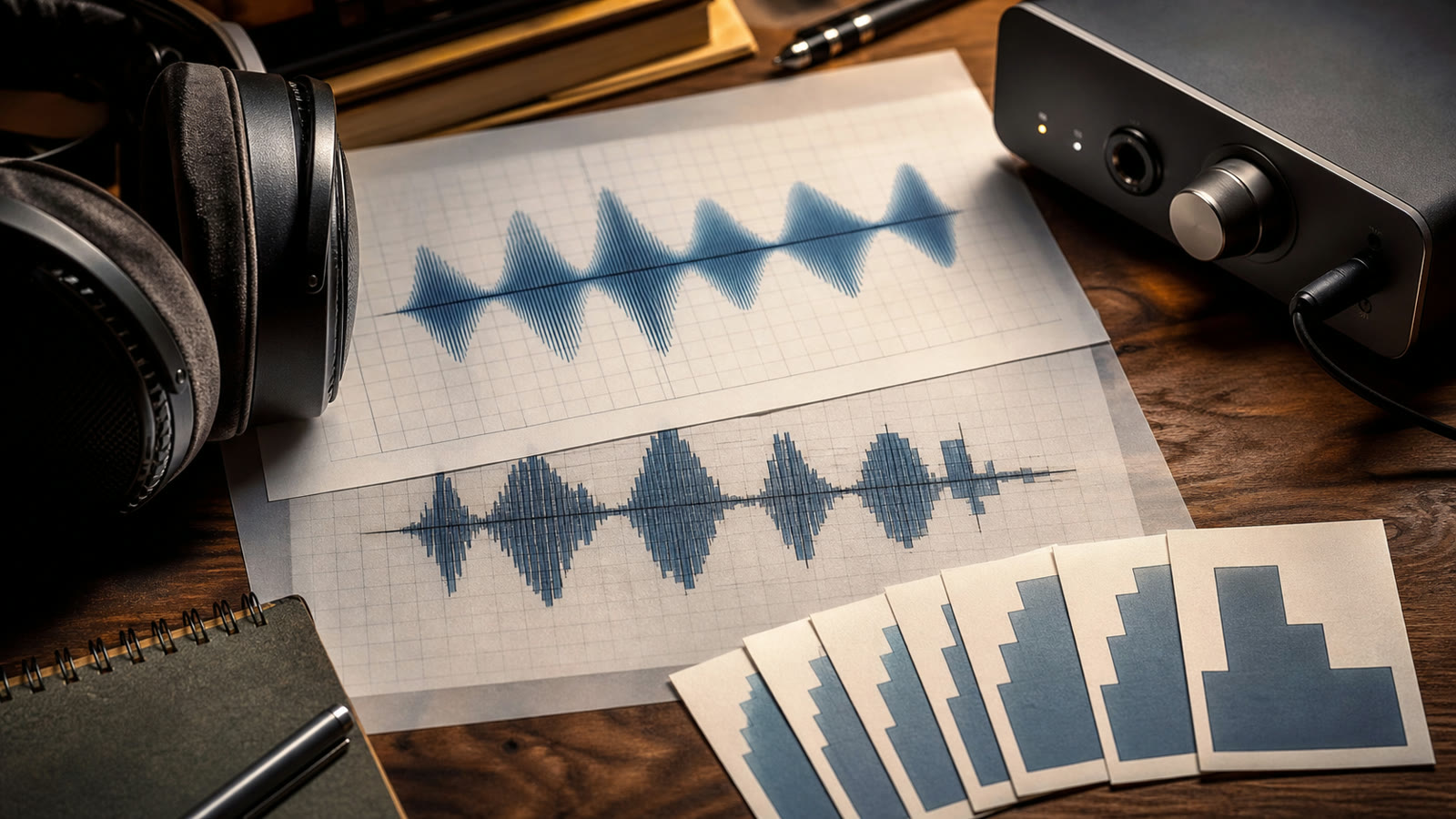
Sample rate and bit depth describe how digital audio represents sound. Sample rate is how many amplitude measurements happen each second. Bit depth is how finely each measurement can represent amplitude and how much theoretical dynamic range system provides.
They do not describe performance, recording quality, mix, mastering, headphones, or whether listener will prefer result. "24-bit/192 kHz" is specification, not review score.
What Is Sample Rate?
44.1 kHz means 44,100 samples per second per channel. Under sampling theory, a properly filtered digital system can represent frequencies below half sample rate. That puts 44.1 kHz's upper band around 22.05 kHz-slightly beyond conventional human hearing range.
- 44.1 kHz: standard for CDs and common music distribution.
- 48 kHz: common in video, film, games, and system audio.
- 88.2/96 kHz: common higher-rate production and distribution options.
- 176.4/192 kHz: very high-rate production or archival delivery.
Higher sample rates can simplify some production processing and filter design, but final playback benefit is not proportional to file size.
What Is Bit Depth?
Bit depth determines number of amplitude values per sample. More bits lower quantization noise floor and increase theoretical dynamic range. Rough rule is about 6 dB per bit: 16-bit audio approaches 96 dB before dither details; 24-bit approaches 144 dB theoretically, though real rooms and hardware cannot use full range.
24-bit is valuable during recording, mixing, and processing because it provides headroom and low noise floor. For finished listening, 16-bit can capture enormous range-far beyond comfortable level difference in most environments.
Common Combinations
16/44.1
CD quality. Efficient, widely compatible, and enough for excellent final playback.
24/48
Common modern production and delivery format with extra bit-depth headroom.
24/96-192
Larger hi-res files. Useful in some workflows; playback advantage depends on source and chain.
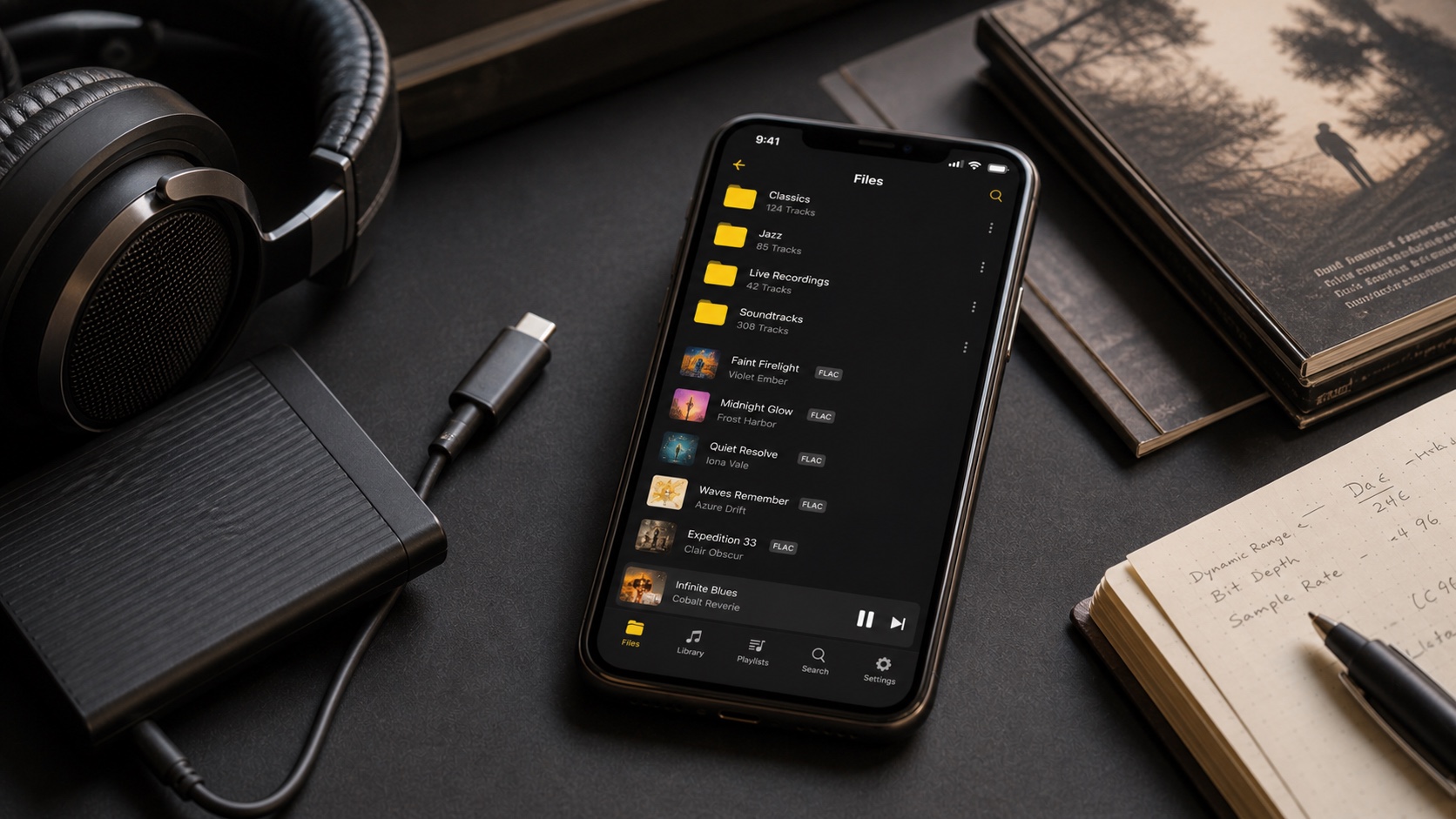
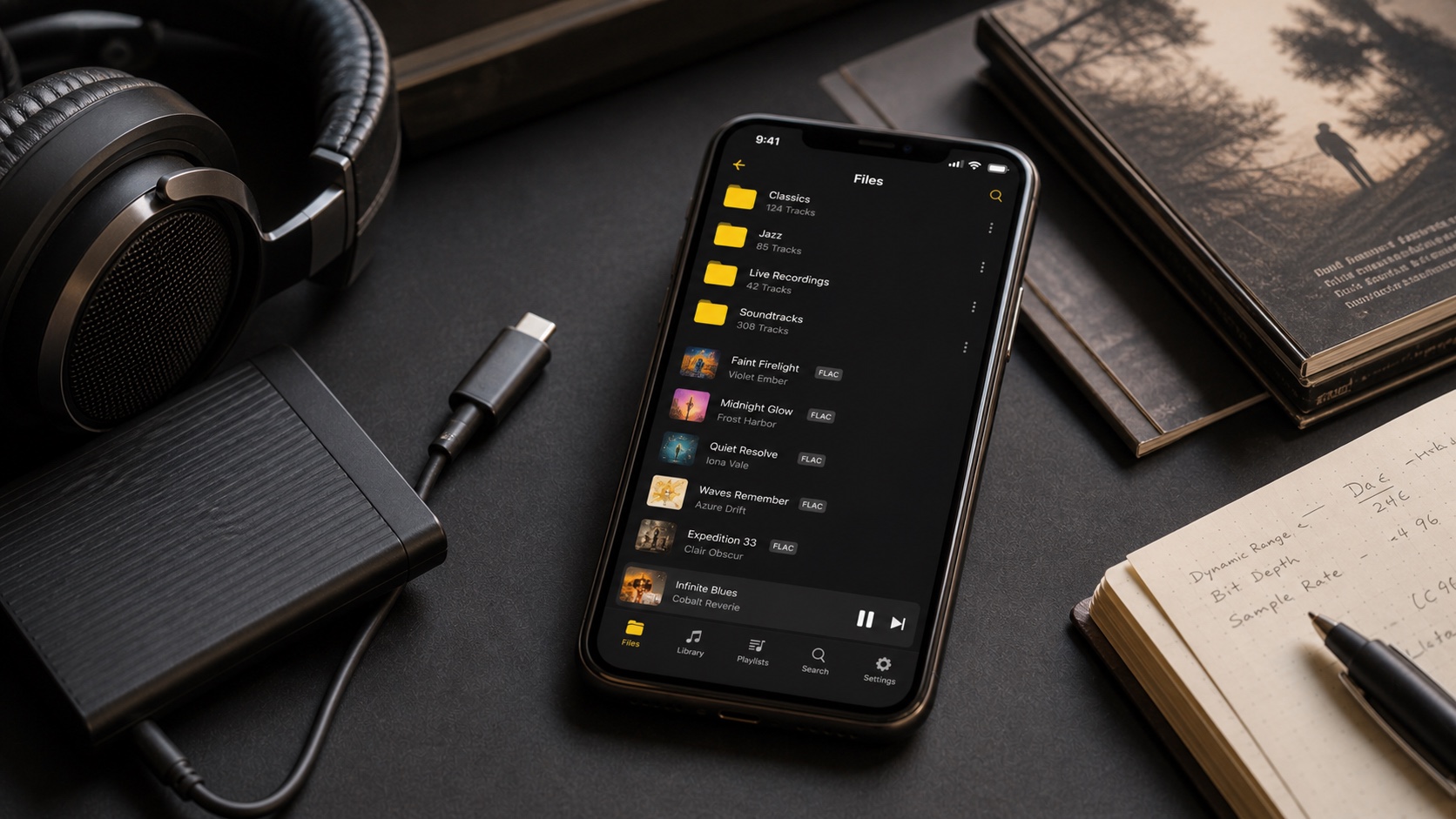
Lossless compression such as FLAC or ALAC stores these PCM samples more efficiently. It does not reduce bit depth or sample rate unless you explicitly resample or change format settings.
Is 24-bit/192 kHz Better?
It is more data. It may represent different master or production path. It may also be audibly indistinguishable from well-made 16/44.1 version after controlled conversion. Avoid comparing different masters and crediting difference to sample rate.
Hi-res costs storage and bandwidth. A stereo 24/192 WAV is several times larger than 16/44.1. FLAC reduces size but not enough to make huge library free. Ultrasonic content can also create downstream intermodulation in imperfect hardware. More is not automatically safer.
What iPhone Can Output
Apple's current lossless guide supports Apple Music up to 24-bit/192 kHz but says sample rates above 48 kHz need external DAC. Local players and files still depend on audio session, output route, and connected hardware.
Bluetooth commonly re-encodes audio. If you listen wirelessly, codec and radio path may make hi-res source number irrelevant. Wired headphones plus compatible DAC provide clearer path for testing.
What You Should Choose
- Use 16/44.1 lossless for excellent, storage-efficient music archive when source is CD quality.
- Keep genuine 24-bit masters when purchased that way and storage allows.
- Avoid upsampling solely to make number larger.
- Prefer better master over higher sample rate.
- Run level-matched blind test before paying major storage or hardware cost.
Digital audio is mature. Correct 16/44.1 playback is not "low resolution." Spend attention first on music, master, headphones, fit, and quiet listening space.