Audio Formats in OfflineTunes: MP3, FLAC, M4A, OGG, OPUS, WAV, WMA, and AAC
Understand which common and lossless formats OfflineTunes supports, what each format is good at, and when conversion makes sense.
In this article Open
Owned libraries are rarely uniform. Old CD rips may be MP3, purchases may be M4A or AAC, archives may be FLAC or WAV, and downloads may arrive as OGG, OPUS, or WMA.
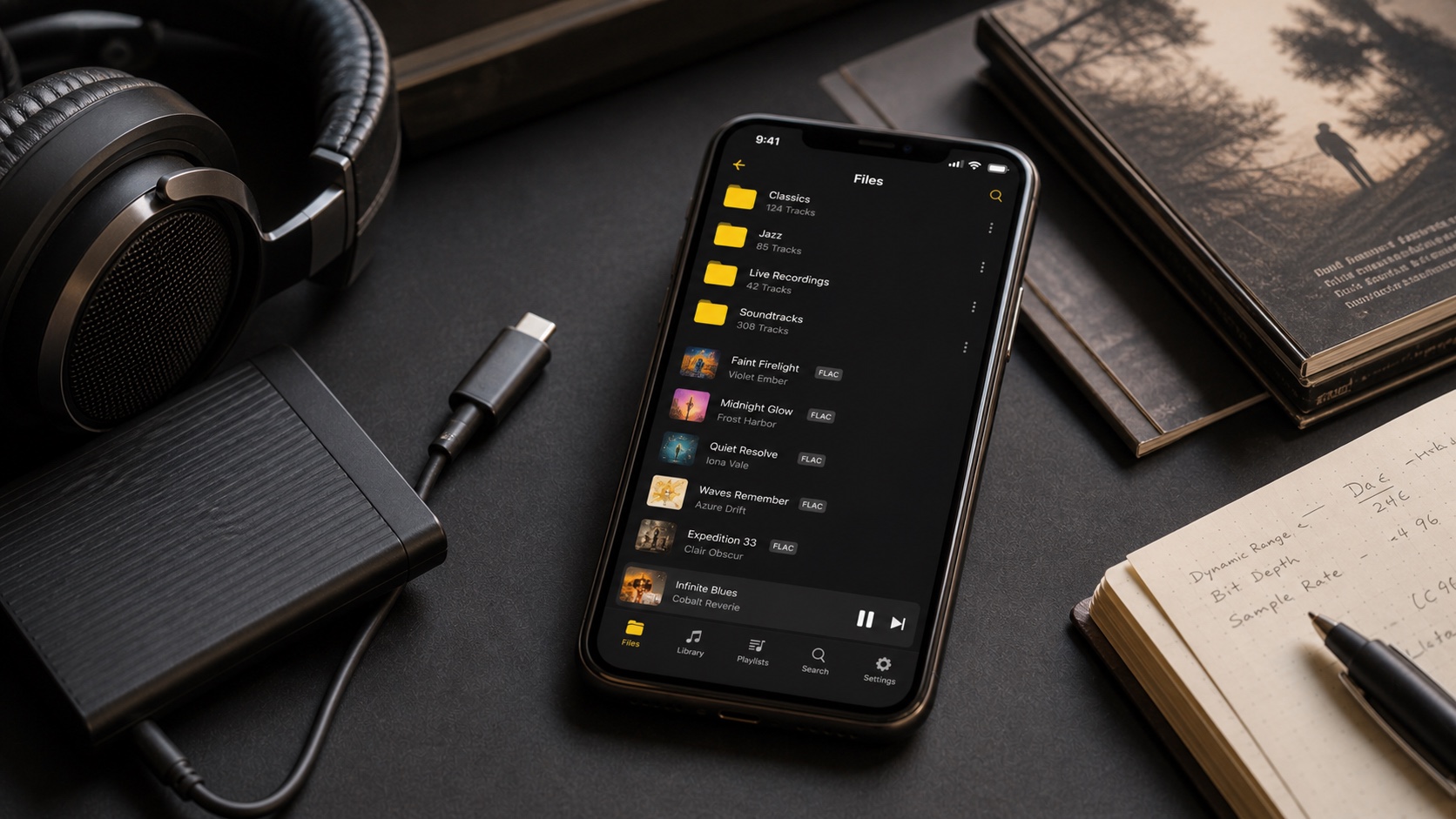
OfflineTunes supports MP3, FLAC, M4A, OGG, OPUS, WAV, WMA, and AAC. The useful question is not which acronym wins; it is which format fits storage, compatibility, editing, and preservation.
What Each Supported Format Is Good At
MP3 remains the compatibility baseline. AAC and M4A are common in Apple-centered libraries. FLAC and WAV preserve lossless audio, though WAV usually carries less flexible metadata and uses more space.
OGG and OPUS appear frequently in open or efficient distribution workflows. WMA often survives in older Windows collections. OfflineTunes lets those files join one local library instead of forcing conversion before playback.
Lossless and Lossy Files Can Share One Library
FLAC and WAV preserve the decoded audio without lossy compression. MP3, AAC, OGG, OPUS, and many WMA variants trade some information for smaller files. That does not make every lossy file bad or every lossless file necessary on a phone.
A practical setup keeps lossless masters for music worth preserving and efficient copies where space matters. OfflineTunes can browse and play both without splitting the collection into separate apps.
Metadata Quality Matters as Much as Codec Choice
A technically excellent file with broken artist, album, and track-number fields still creates a frustrating library. Artwork, album artist, disc number, genre, and ratings affect how quickly you can find and trust the music.
After importing an unfamiliar format, inspect one album in Artists, Albums, Songs, Folders, and Search. Use OfflineTunes tag tools when the audio is fine but the library presentation is not.
- FLAC: strong choice for tagged lossless libraries.
- WAV: excellent audio, but metadata workflows can be less consistent.
- M4A: container may hold different codecs, so inspect source details.
- Legacy files: WMA and old MP3 tags deserve a test import before a huge transfer.
Convert Only When It Solves a Real Problem
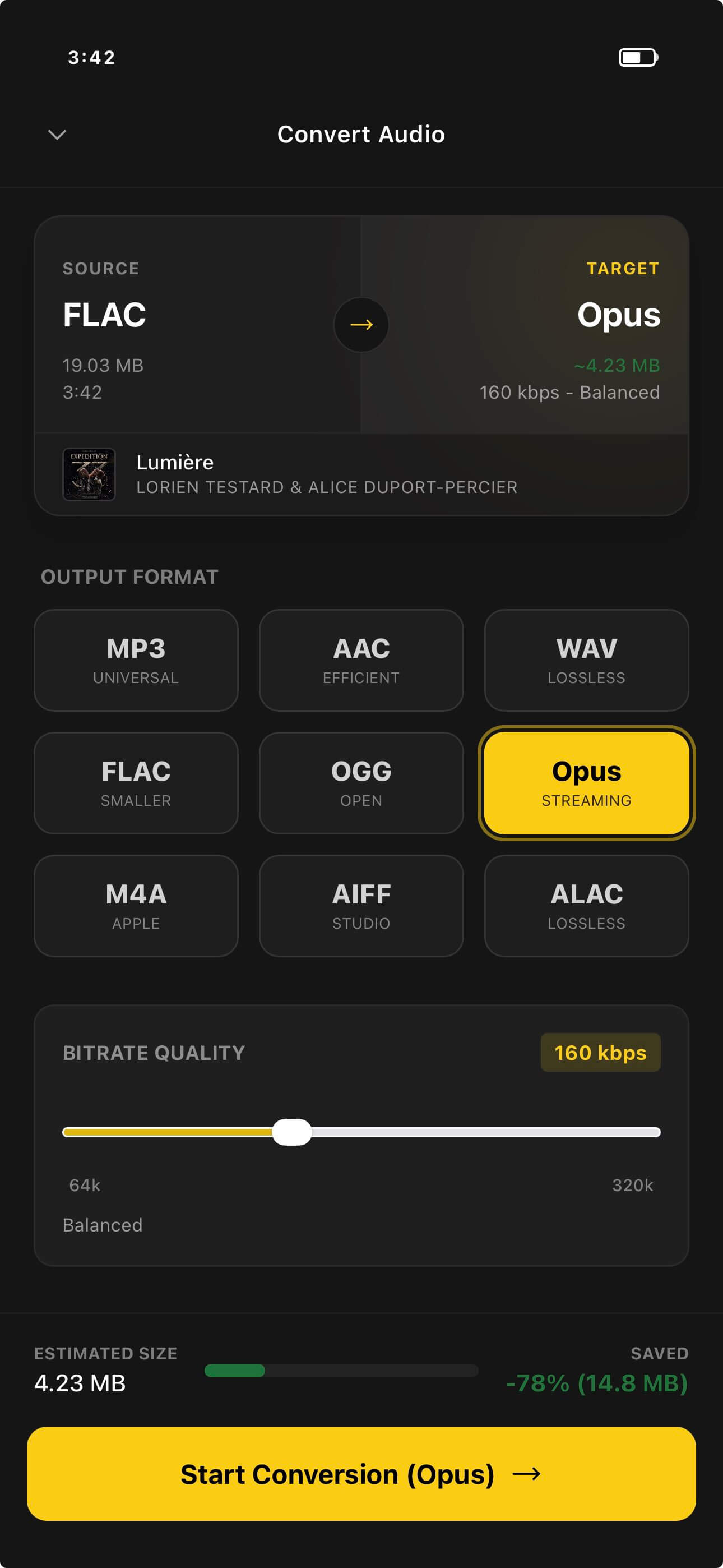
Convert when a destination cannot play the source, when storage needs a smaller mobile copy, or when an archive needs a more manageable lossless format. Do not convert merely to make every extension match.
Avoid lossy-to-lossy conversion when a lossless source exists. Keep original files backed up, test one output, and verify metadata before processing a complete collection.
- 1Import a sample.Test playback and tags before moving thousands of files.
- 2Keep useful originals.Preserve masters and irreplaceable downloads.
- 3Convert for a reason.Target compatibility, space, or archival structure.
- 4Verify the result.Check audio, tags, artwork, order, and folder placement.