Evermusic vs OfflineTunes: Cloud Library or Device-First Music?
Evermusic is strong for cloud and network libraries. OfflineTunes is built around deep control of music stored or imported into your iPhone library.
In this article Open
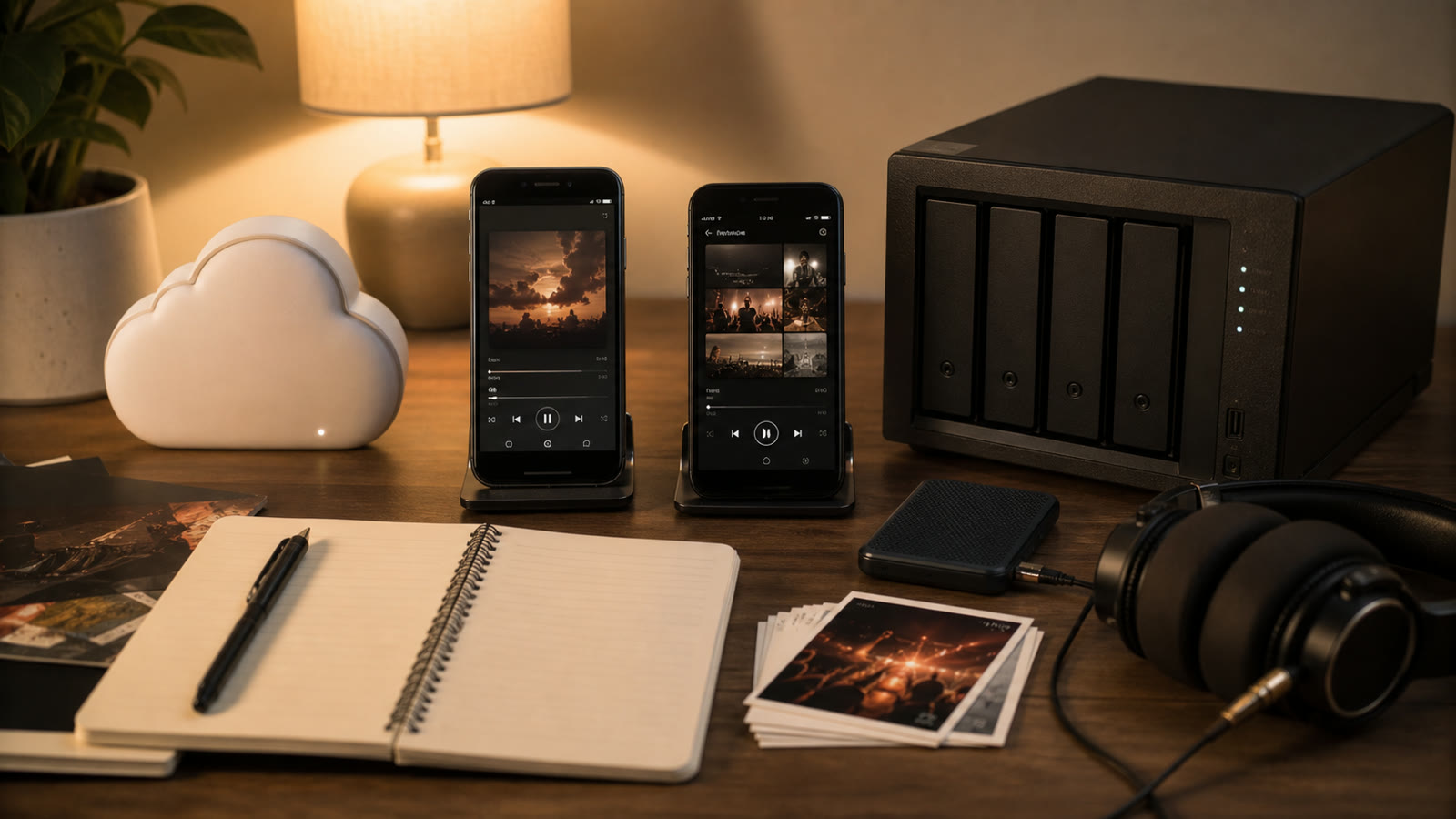
Evermusic and OfflineTunes are both serious alternatives to catalog-first streaming apps. Evermusic's identity is cloud and network music with offline downloads. OfflineTunes can import from cloud and servers too, but centers a deep device-first library for files stored or brought onto iPhone.
Neither approach is universally better. Decide where master library lives, how often you are offline, and whether you want player to be remote window into storage or active collection manager.
Quick Verdict
Evermusic fits
Cloud drives, NAS, streaming plus selective downloads, built-in tag edits, crossfade, gapless, effects, normalization, and CarPlay.
OfflineTunes fits
Local ownership, broad imports, folder and tag control, smart playlists, multi-queue, FineTune cleanup, Sonic Analysis, ReplayGain, Retro Mode, and CarPlay.
Cloud-First vs Device-First
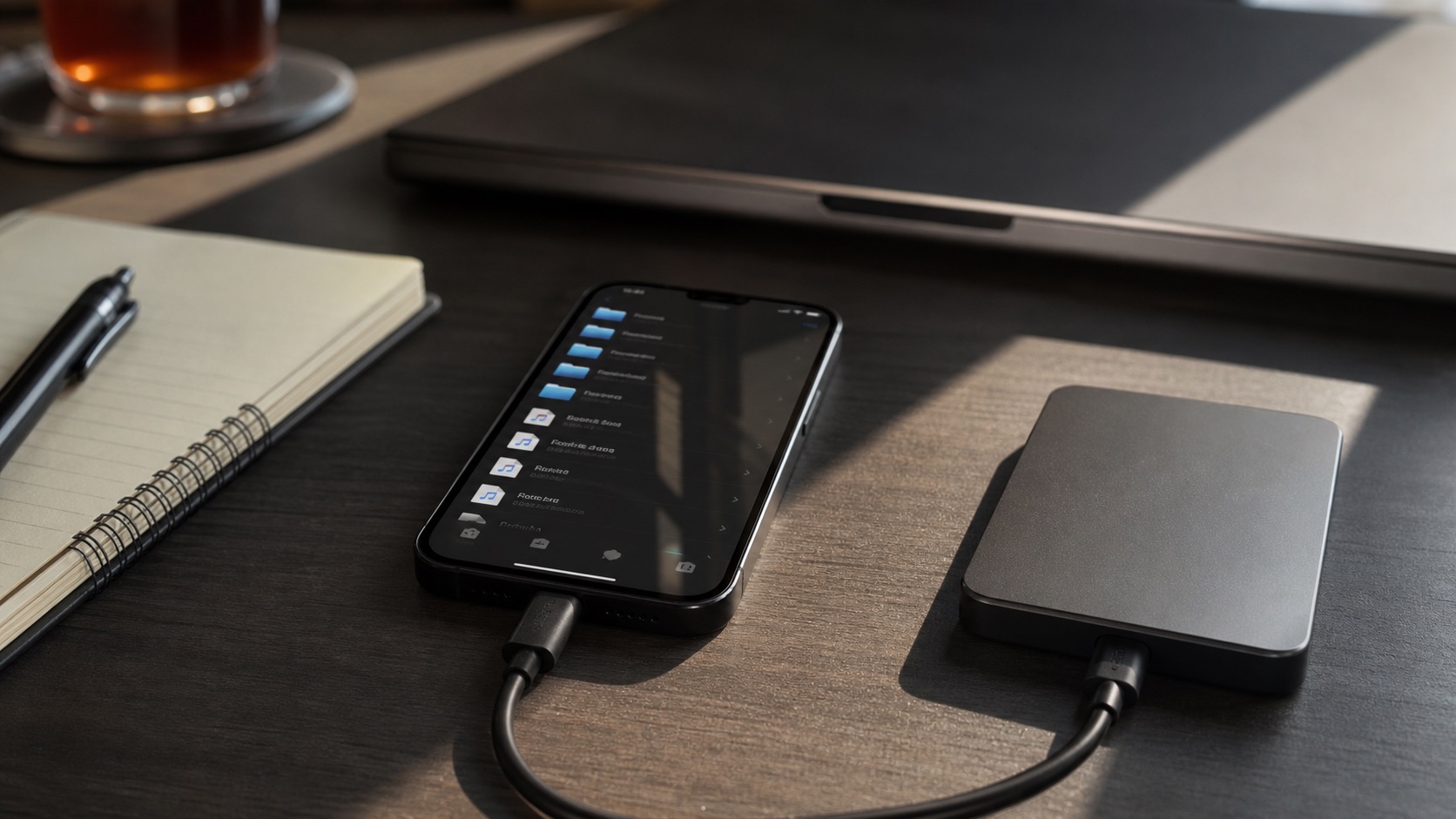
Evermusic's official product page emphasizes streaming and offline downloads from cloud drives, NAS, computers, and USB storage. This is ideal when master library is remote and phone should cache selected music.
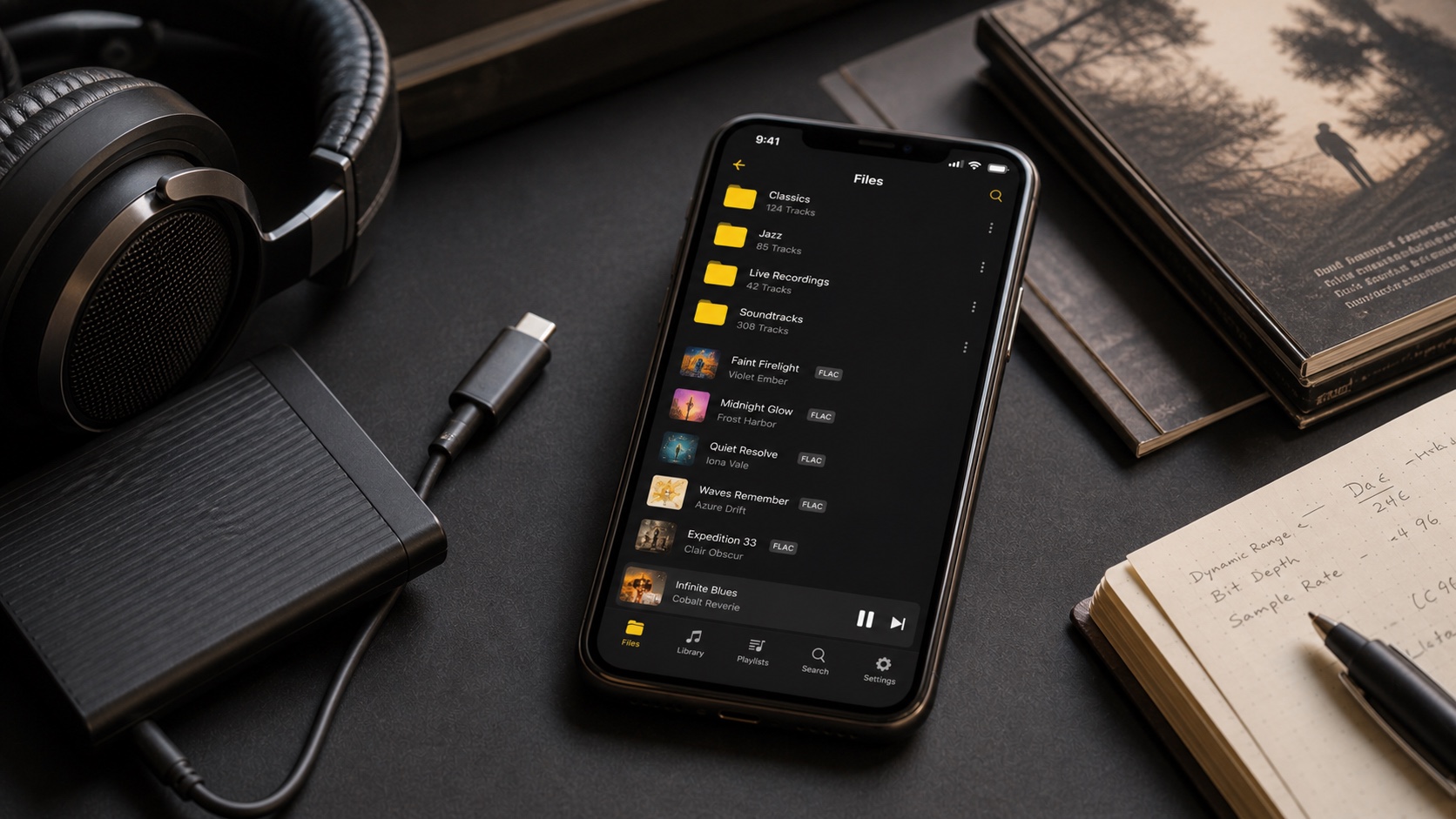
OfflineTunes supports cloud/server imports but organizes resulting library around iPhone playback. Device-first means storage planning matters more, but airplane mode, local search, artwork, analysis, and queues do not depend on network round trips.
Playback Features
Evermusic currently documents gapless playback, crossfade, equalizer, effects, volume normalization, AirPlay, Chromecast, lyrics, bookmarks, and CarPlay. OfflineTunes offers gapless, crossfade, automix, skip silence, EQ, ReplayGain, speed and pitch controls, bookmarks/A-B loops, lyrics, Smart Multi-Queue, and saved playback sessions per folder or playlist.
If you need Chromecast or cloud-first continuous playback, Evermusic may have edge. If separate named queues, ReplayGain metadata, per-collection sessions, or music cleanup while listening matter, OfflineTunes deserves test.
Metadata and Organization
Evermusic can read cloud files into metadata library and edit tags; its FAQ documents title, artist, album, year, genre, lyrics, artwork, rating, and optional cloud write-back. Its companion Evertag handles deeper batch work.
OfflineTunes edits local-file tags and artwork, supports MusicBrainz-assisted cleanup, folder browsing, nested playlists, ratings, favorites, play/skip history, smart playlists, and Sonic Analysis fields such as BPM, key, energy, and mood. Cloud write-back behavior is not same as local editing; test exact provider before bulk changes in either app.
Offline and CarPlay
Evermusic downloads selected cloud music for offline playback. OfflineTunes plays imported local library offline. Both support CarPlay. Difference is operational: Evermusic user must confirm cached selection; OfflineTunes user must confirm import and available phone storage.
Before a flight, enable airplane mode, force-quit, reopen, and play tracks from beginning, middle, and end of several albums. For CarPlay, test large-list loading and sort order in your actual vehicle.
Which Fits You?
Choose Evermusic when library stays in cloud/NAS and phone is smart endpoint. Choose OfflineTunes when you want a music-owned iPhone library with deep management and discovery. Use 100-track test folder and compare initial scan, tag accuracy, album art, offline proof, gapless transition, queue behavior, and time to fix mistakes.
Do not migrate master library during trial. Copy test set, revoke cloud access if you stop using an app, and keep original files backed up.