How to Scrobble Offline Music to Last.fm and ListenBrainz
Send Now Playing updates while connected, keep a local backup when offline, and sync listening history after the network returns.
In this article Open
Scrobbling is most useful when it reflects everything you play, not only sessions with perfect reception. Local music on a flight, rural drive, or subway should still count toward your history.
OfflineTunes connects to Last.fm and ListenBrainz. It can send Now Playing while connected and keep an offline scrobble backup that syncs after the iPhone returns online.
Choose Last.fm, ListenBrainz, or Both
Last.fm has a long history of artist charts, listening reports, and community profiles. ListenBrainz is an open listening-history project that gives users another place to store and reuse listening data.
OfflineTunes supports both integrations. Connect the service that already contains your history, or use both when you want parallel records.
Now Playing and Completed Listens Are Different Events
Now Playing tells the service what is active at this moment. A completed scrobble records the listen after it meets the service and player conditions. Seeing Now Playing does not always mean the final listen has already been stored.
Keep artist and title tags accurate. Scrobble services depend on metadata, so “Unknown Artist” or a filename used as title creates weak history even when playback itself is fine.

Offline Backup Protects Disconnected Listening
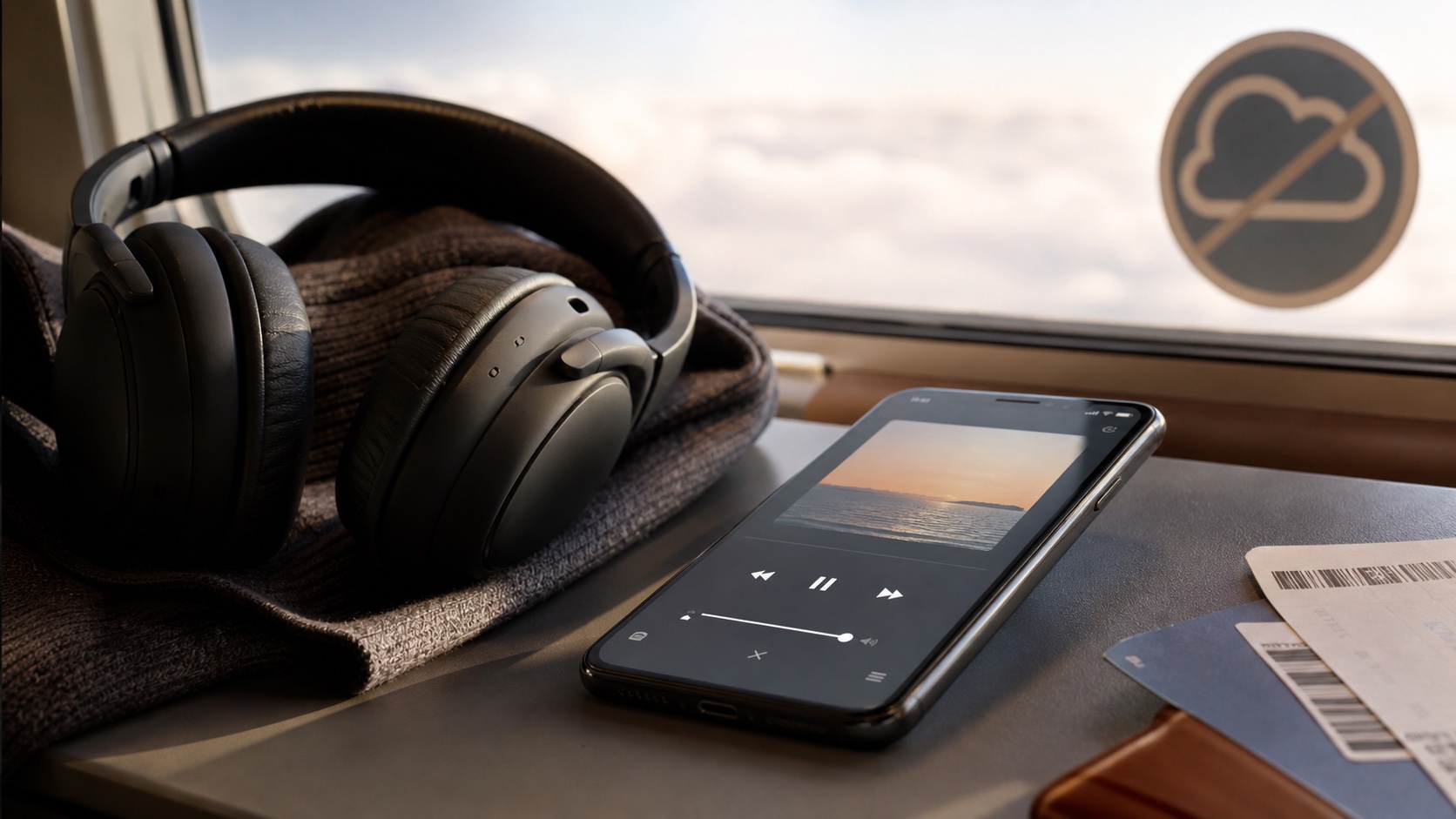
When a submission cannot reach the service, OfflineTunes can retain the listen locally. Once connectivity returns, synchronization submits the backed-up history instead of discarding the session.
This is especially valuable because offline playback is a core reason to own local files. Listening history should not punish the exact moments when an offline player is most useful.
- Airplane: play a local album and sync after landing.
- Road trip: keep history through weak coverage areas.
- Subway: avoid losing listens between stations.
- Home Wi-Fi return: allow backed-up scrobbles to submit.
Build Reliable Scrobble Data
Normalize artist names, remove filename noise from titles, and keep album fields consistent. Compilation tracks deserve special attention because artist and album artist serve different jobs.
After connecting, play one complete track online and confirm it reaches the service. Then test offline backup with a short disconnected session before trusting a long trip.
- 1Clean core tags.Check artist, title, album, and album artist.
- 2Connect a service.Authorize Last.fm or paste a valid ListenBrainz token.
- 3Test online.Confirm Now Playing and a completed listen.
- 4Test offline sync.Reconnect after playback and verify backed-up history.