foobar2000 on iPhone: Best Alternatives for Power Users
foobar2000 exists on mobile, but iPhone power users often want a fuller local-library workflow around files, formats, tags, queues, and imports.
In this article Open
foobar2000 on iPhone is not a simple yes-or-no question. There is an official foobar2000 mobile app, and many listeners should try it first if they want the foobar name and a lightweight mobile player. But the desktop foobar2000 crowd often wants more than brand continuity. They want a power-user workflow on iOS.
That means file formats, folders, tags, search, queues, ratings, album art, imports, and enough playback control that the phone can become a serious local player instead of a compromise. If that is your real search intent, OfflineTunes belongs on the shortlist.
Short Answer: foobar2000 Mobile Exists, OfflineTunes Is the Workflow Alternative
If you want the official foobar2000 mobile experience, use foobar2000 mobile. If you want the broader power-user iPhone workflow around a large local library, compare OfflineTunes. The difference is less about one codec and more about how you manage the collection day after day.
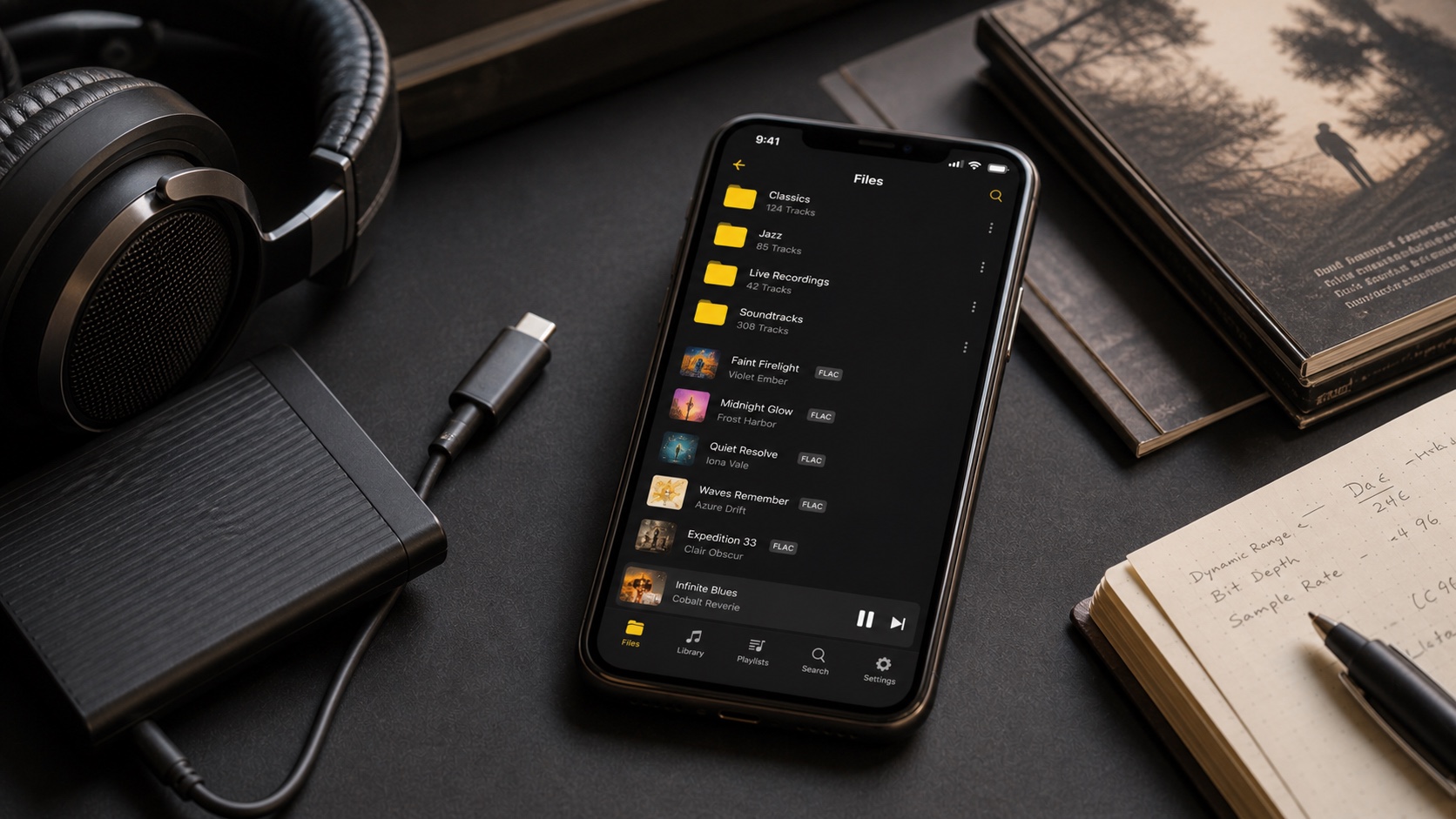
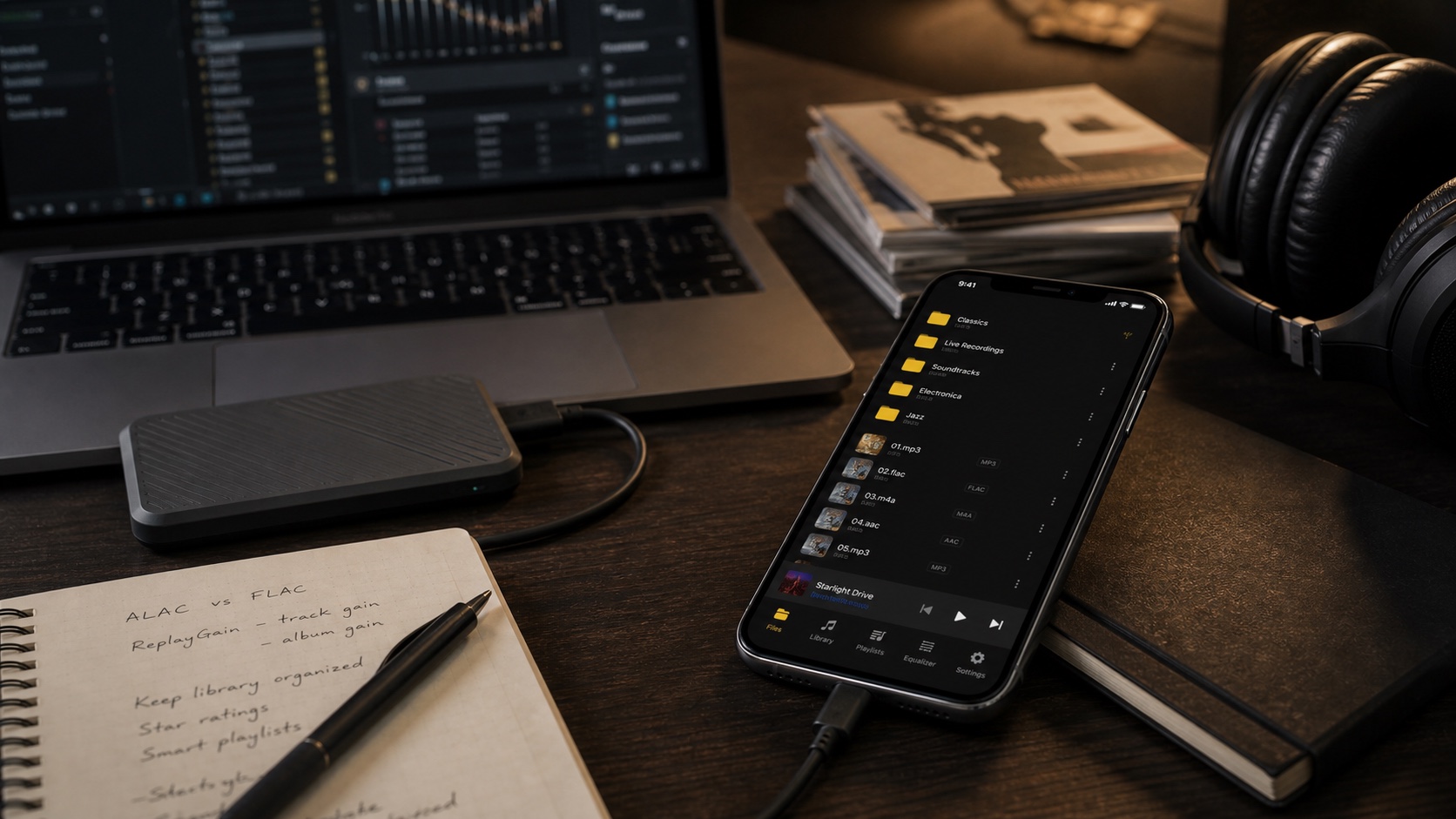
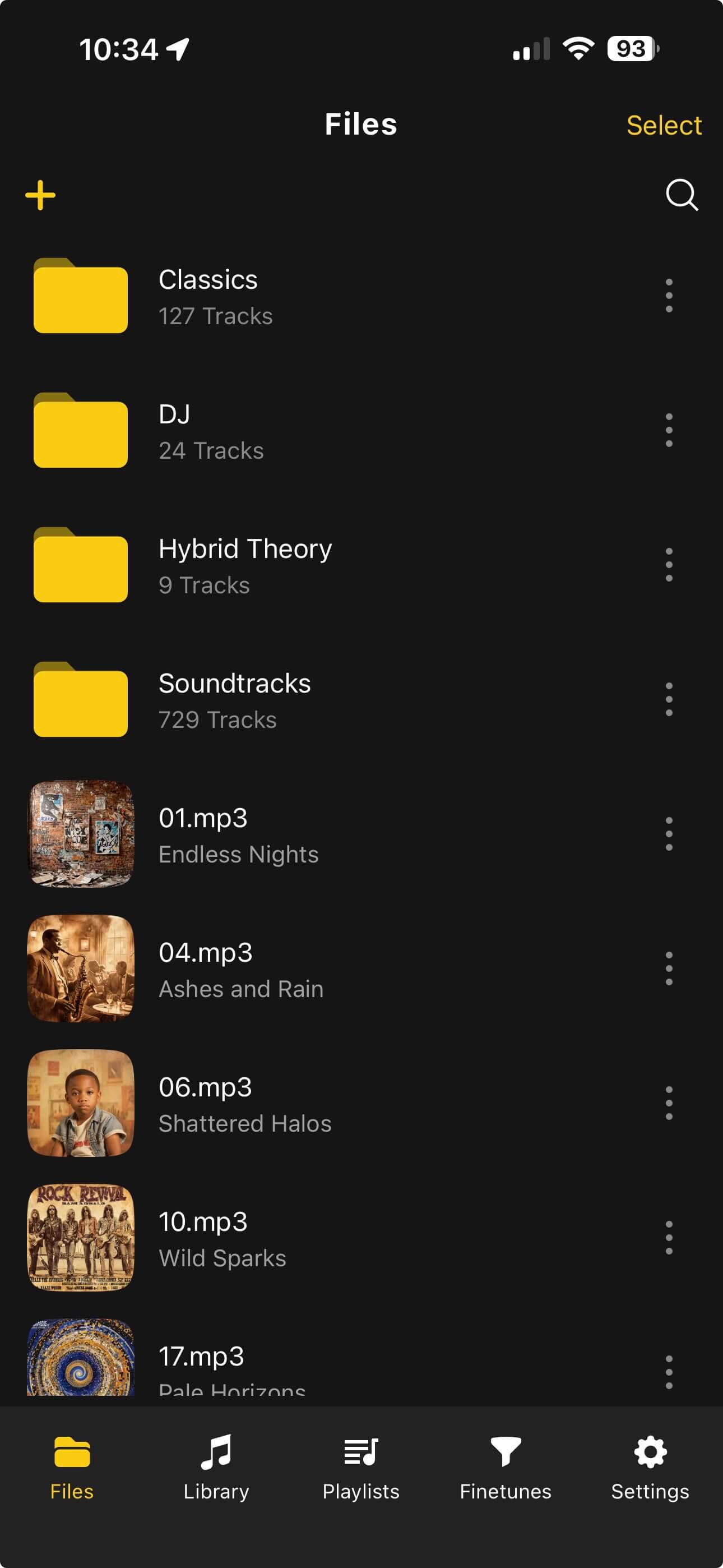
OfflineTunes is built for files that live on your device. It supports common formats, imports from multiple sources, lets you browse folders and library categories, edits metadata, uses smart playlists, and gives playback tools such as EQ and ReplayGain. That makes it useful for people who like foobar2000 because it respects the library underneath the player.
What foobar2000 Power Users Should Compare
Power users do not evaluate music apps like casual listeners. They ask whether the app can survive real data. Can it handle a mixed library? Can it keep album artist separate from track artist? Can it search quickly? Does it preserve folder logic? Does it make FLAC practical? Can it help fix tags when the library is wrong?
A simple player can sound fine and still fail the workflow. A serious iPhone alternative needs to be tested against the library, not just a demo album.
- Format support: direct playback for everyday and lossless files.
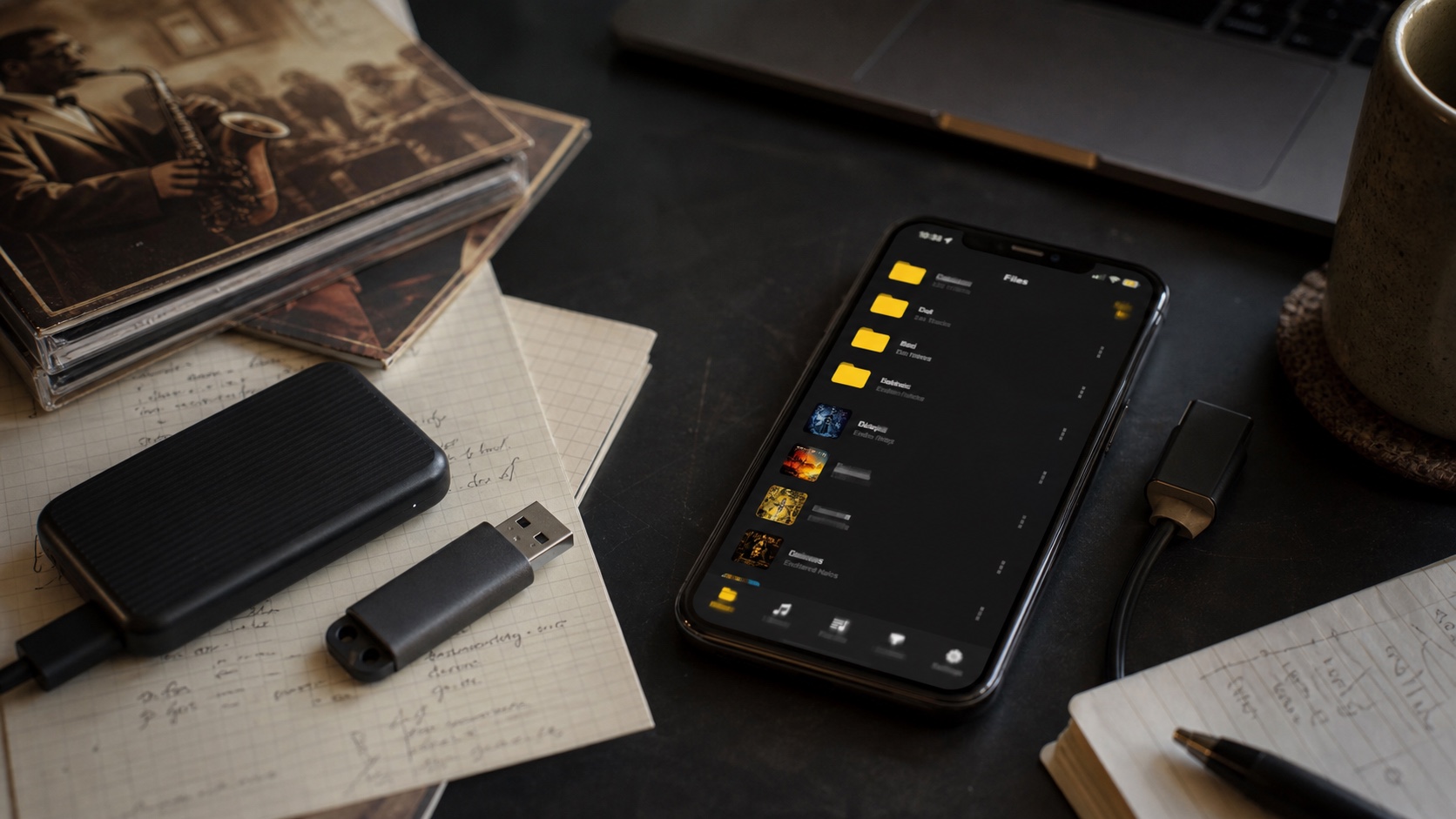
- Import paths: Files, folders, Wi-Fi transfer, cloud sources, and computer workflows.
- Metadata control: artist, album, artwork, genre, rating, and sorting sanity.
- Search and browse: fast ways into songs, albums, folders, playlists, and tags.
- Playback tools: queue control, EQ, ReplayGain, repeat, shuffle, and gapless-minded playback.
Where OfflineTunes Fits Best
OfflineTunes fits the listener who wants a practical mobile library manager, not just a decoder. If you keep FLAC and MP3 files, import from clouds and computers, edit tags on device, rate tracks, create smart playlists, and expect playback to work offline, it gives you one coherent place to work.
It also pairs well with a desktop archive. Keep your master library on a computer or drive. Move the music you want to iPhone. Use OfflineTunes for mobile browsing, cleanup, playback, and playlists. If format choice is still unsettled, read ALAC vs FLAC on iPhone and FLAC vs MP3 before converting everything.
Metadata Matters More Than Minimalism
foobar2000 users know that clean metadata is not cosmetic. It is the difference between a library you can browse and a file pile. On iPhone, this matters even more because the screen is smaller and broken tags cost more taps.
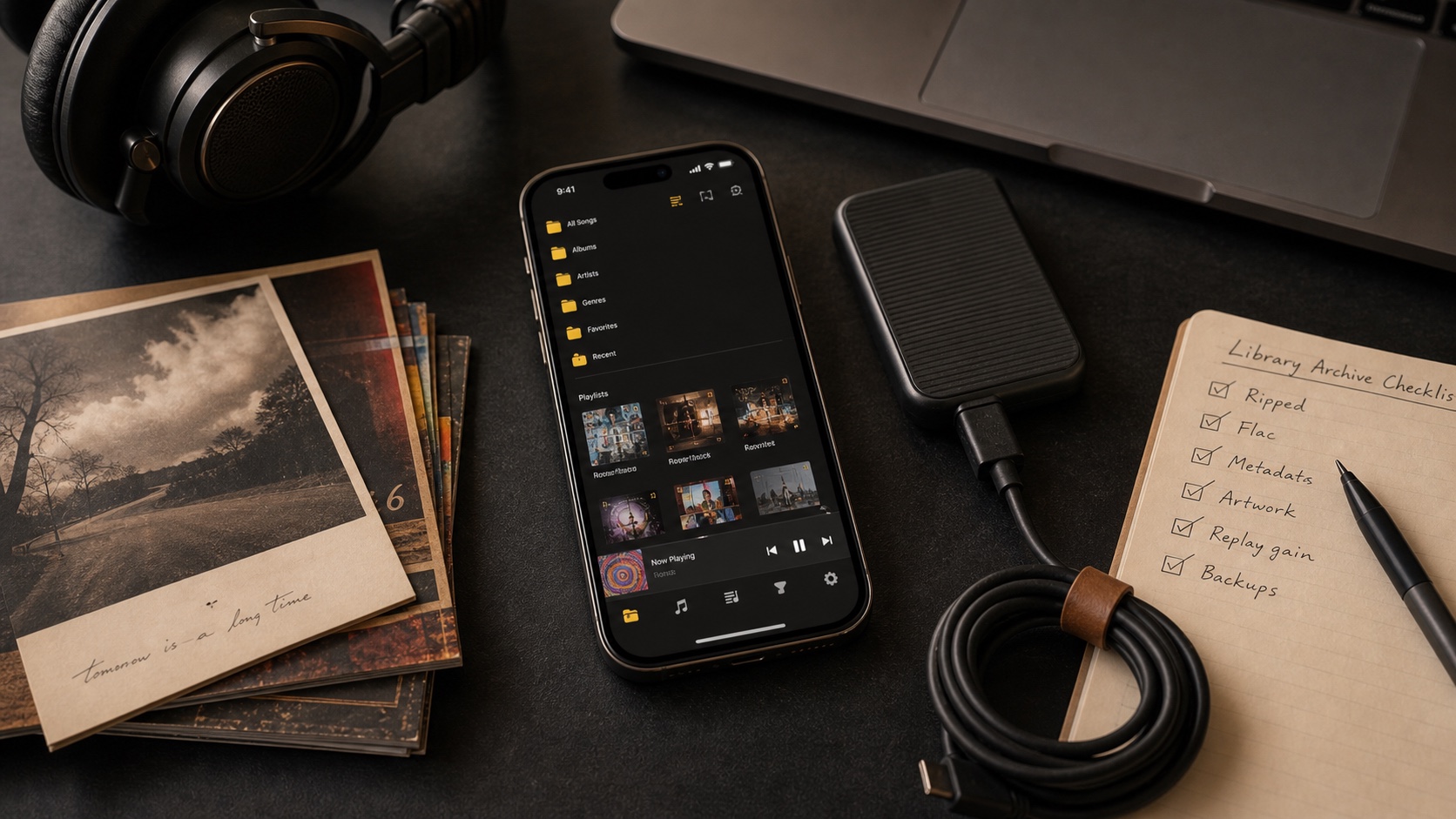
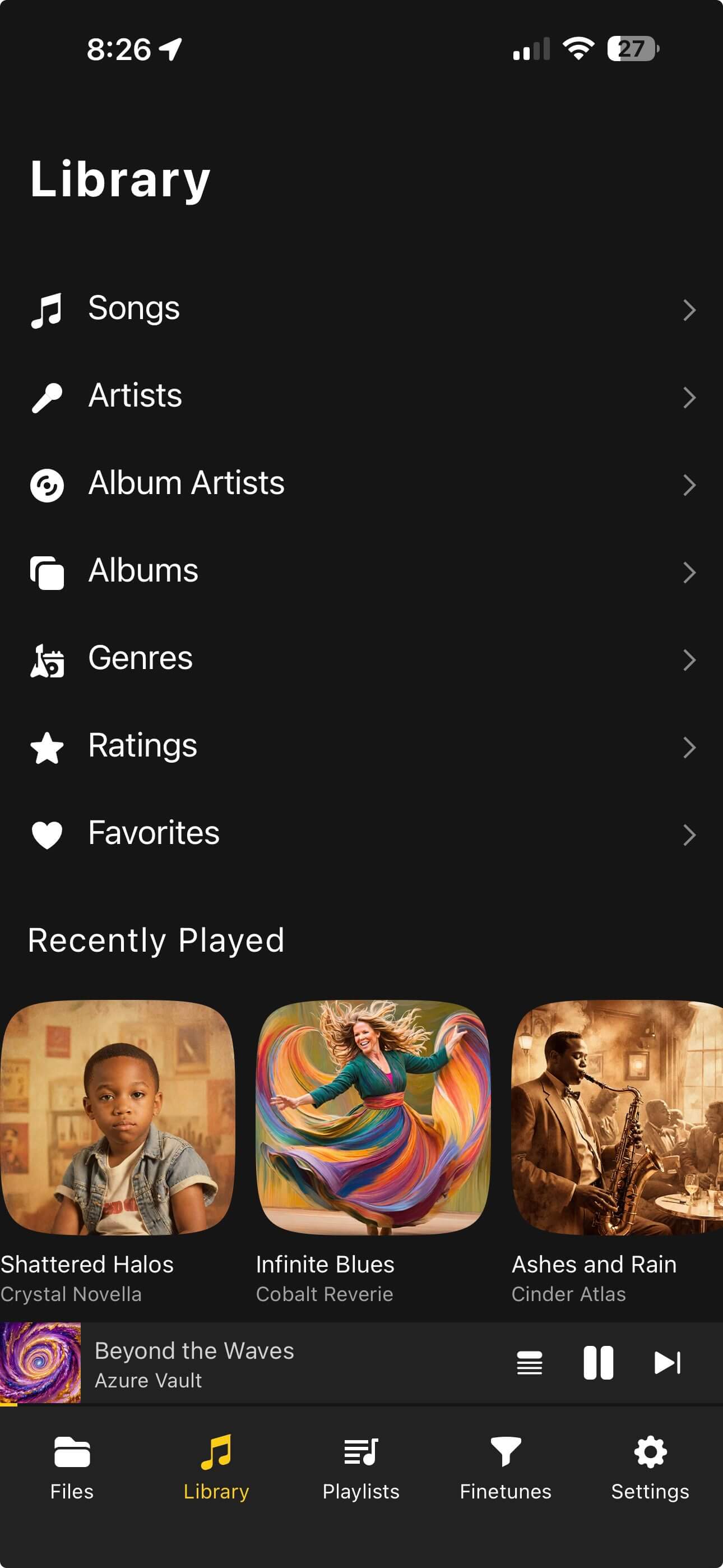
OfflineTunes gives you library views and tag workflows so you can keep albums grouped, artwork visible, and ratings useful. That is not glamorous, but it is exactly where big libraries become pleasant again.

The foobar2000 Migration Test
Before you settle on an iPhone player, run a small but mean test. Import one clean album, one messy album, one FLAC folder, one MP3 folder, one playlist, and one live recording or DJ mix. Then check tags, art, order, gap behavior, queue behavior, and search.
- 1Import mixed source material.Do not test only perfect files.
- 2Inspect tags and artwork.Album artist, disc number, rating, and artwork are where problems hide.
- 3Build a queue and interrupt it.A real player should survive normal listening changes.
- 4Try one cleanup task.If the app helps you fix the library, not just play it, it is worth keeping.
Verdict: Choose by Workflow, Not Nostalgia
foobar2000 mobile deserves a look because it comes from the foobar2000 world. But if your real need is a broader iPhone home for local music, OfflineTunes is a strong alternative. It gives you library structure, import paths, formats, metadata, smart lists, EQ, ReplayGain, and offline playback in one app.
For power users, that is the real question: not “Does it have the same name?” but “Can it keep my library useful on a phone?”