ReplayGain vs Loudness Normalization: What Is the Difference?
ReplayGain usually stores loudness metadata for compatible players. "Normalization" can mean playback adjustment, analysis without tags, or destructive sample changes-details matter.
In this article Open
ReplayGain is a method for measuring perceived loudness and storing recommended playback gain, usually as metadata. Loudness normalization is broader term. It can mean same non-destructive playback adjustment, app database analysis, streaming-service behavior, or permanently changing audio samples.
So ReplayGain versus normalization is not always opposing choice. ReplayGain is one implementation of playback normalization with portable conventions and track/album modes.
Short Answer
- Use ReplayGain when local files and players support its tags and you want portable, non-destructive loudness control.
- Use player normalization when app analyzes tracks internally and tag portability is not important.
- Avoid destructive peak normalization as solution to perceived loudness differences; peak level is not loudness.
- Avoid rewriting masters unless creating intentional derived copies.
How ReplayGain Works
Scanner analyzes track loudness against target, calculates gain offset, and often records peak. Compatible player reads tags and adjusts volume during playback. Audio samples remain unchanged. Turn feature off and original playback level returns.
ReplayGain 2.0 specification uses loudness measurement aligned with modern broadcast concepts and defines track/album metadata. Tag names vary by container, so scanner and player compatibility matters.
What Normalization Can Mean
Loudness normalization at playback
Player or streaming service measures perceived loudness and changes playback gain. Non-destructive. Exact target and limiter behavior vary.
Peak normalization
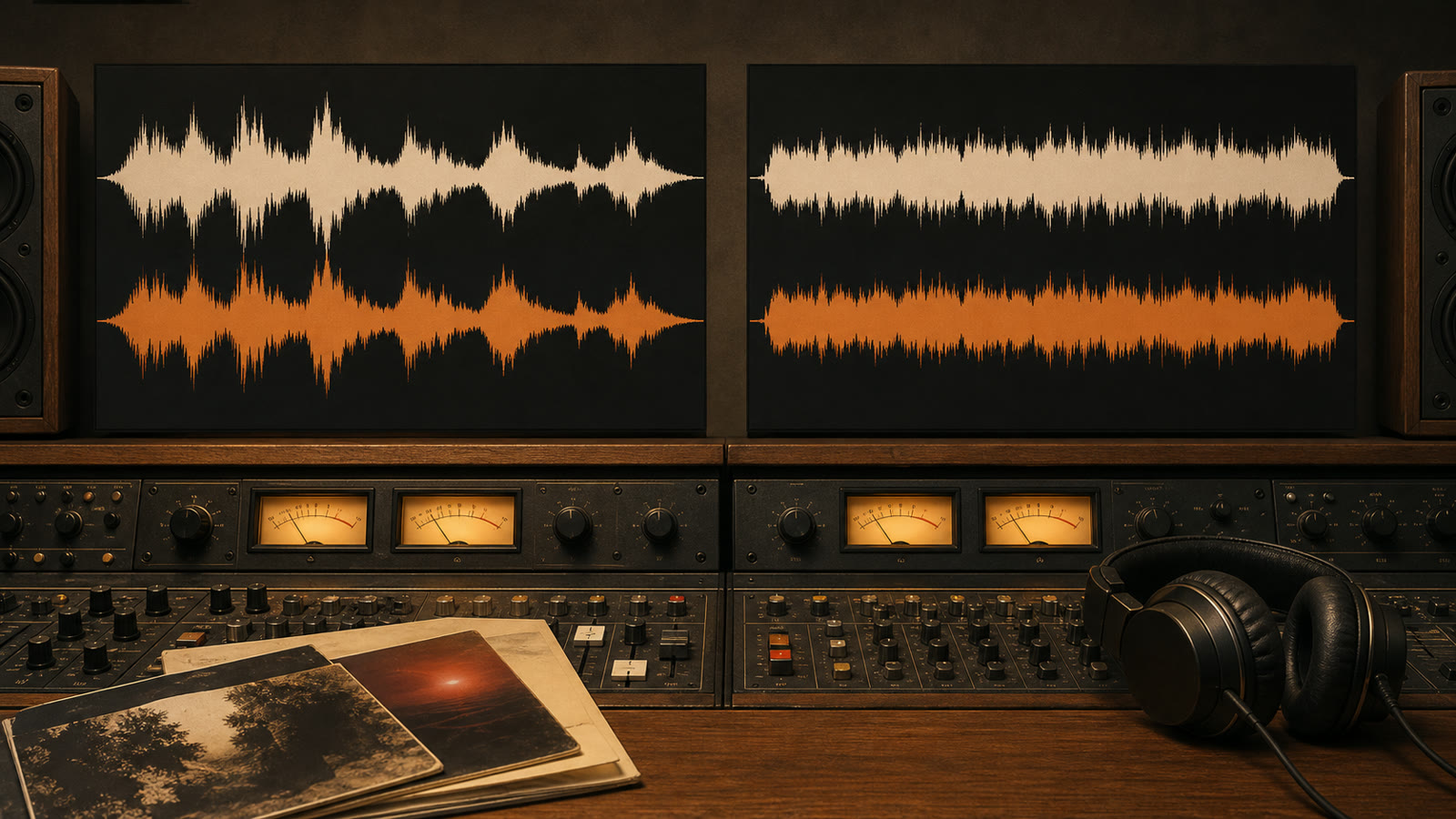
Raises waveform until highest peak hits chosen ceiling. Two tracks with same peak can have very different perceived loudness, so this does not solve album-to-album jumps reliably.
Destructive loudness normalization
Rewrites samples to target. Useful when exporting fixed files for incompatible devices, but master is changed. Keep originals.
Dynamic range compression
Changes relationship between loud and quiet parts. Not same as gain adjustment and can alter musical dynamics.
Track Gain vs Album Gain
Track gain makes individually shuffled songs feel similarly loud. Good for mixed playlists and radio-style playback. It can erase intentional loudness differences between songs on one album.
Album gain applies one shared adjustment across album, preserving internal contrast. Good for concept albums, classical works, live records, and intentional sequencing.
Practical setting: album gain when playing album context; track gain for shuffled multi-artist playlists. Players differ in fallback behavior when album tags are missing.
Peak Protection and Clipping
Positive gain can push peaks above digital full scale. ReplayGain peak tags let player reduce gain or apply limiter. True-peak behavior may differ because inter-sample peaks can exceed sample peaks after conversion.
Enable clipping prevention if player offers it. Preamp can make library louder or quieter globally, but aggressive positive preamp increases clipping risk. EQ boosts also consume headroom; lower preamp when raising bands.
Which Should You Use?
Local library
Scan ReplayGain tags on master files, keep backup, use album/track mode by context, and enable clipping protection.
Streaming service
Use its normalization setting; targets and behavior are service-specific and ReplayGain tags do not control catalog streams.
Do not chase identical meter readings. Goal is fewer distracting volume jumps while preserving musical intent. ReplayGain is excellent because it is reversible, album-aware, and can travel with files.