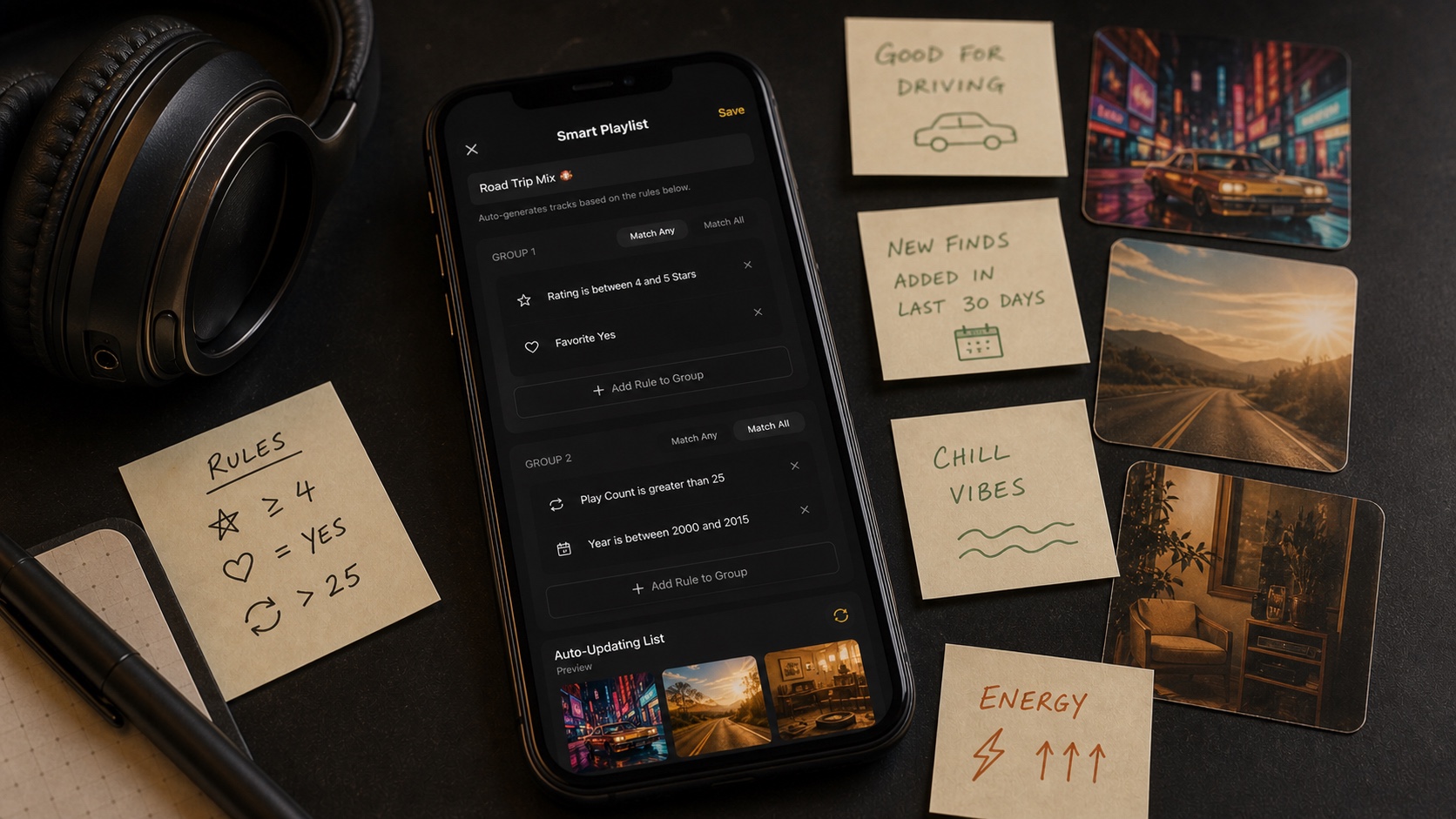
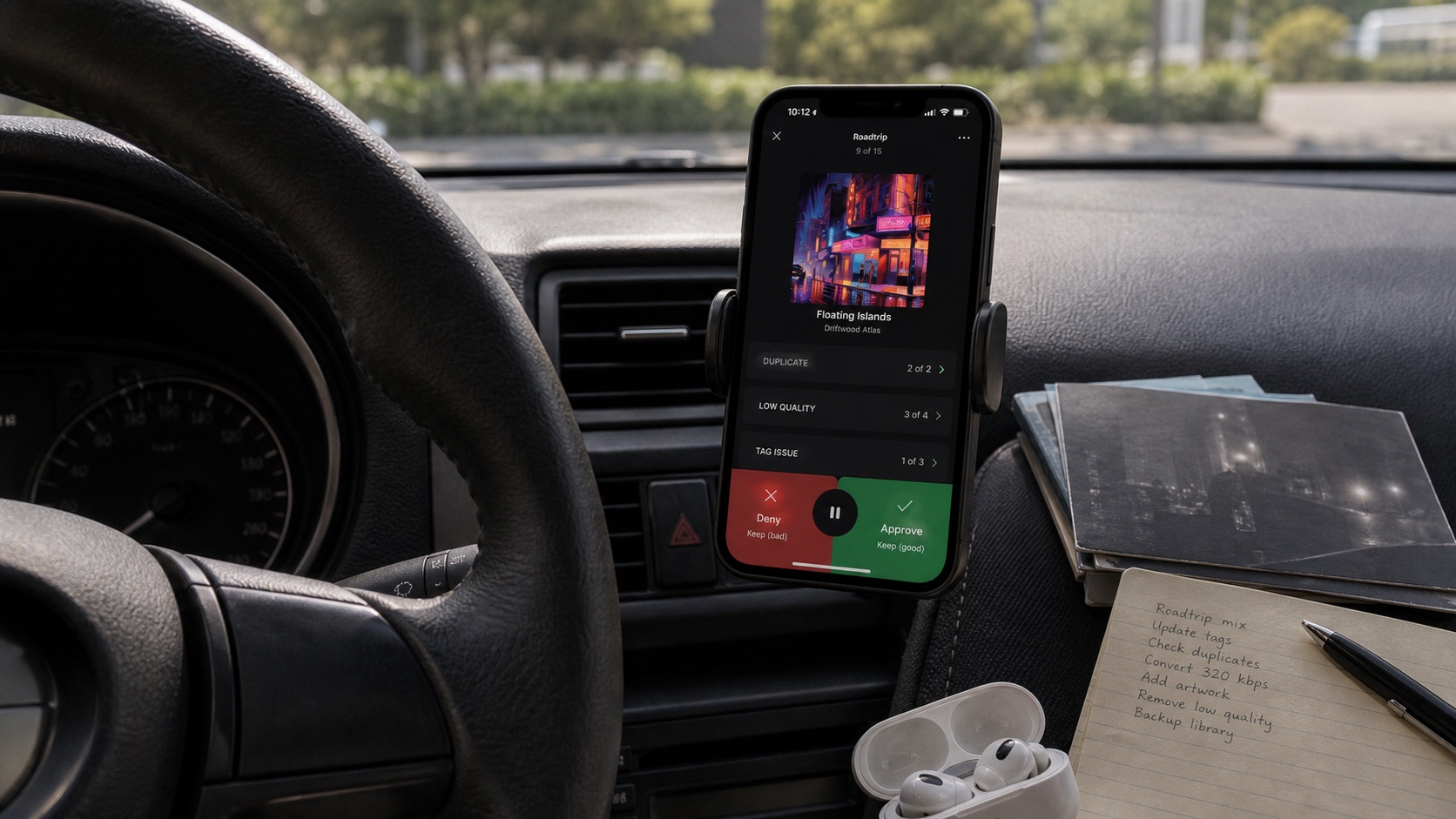
Offline Track Radio on iPhone: Single-Song and Multi-Track Mixes
Start with one track or blend several seeds, then let OfflineTunes build an endless offline queue from music already in your library.

In this article Open
Most radio features begin with a streaming catalog. Offline Track Radio on iPhone should begin somewhere more personal: the songs you already chose to keep.
OfflineTunes can start radio from one track or several selected tracks. Sonic Analysis compares their actual sound with the rest of your library, then builds a queue designed to stay familiar without repeating the same obvious favorites.
Single-Track Radio Starts With One Clear Idea
Choose one song when you know exactly what kind of moment you want. A mellow acoustic track should lead toward similar texture and energy; a bright dance track should pull the queue in a faster, more energetic direction.
This works especially well when an album ends and you want to keep its feeling without manually choosing another record. The seed gives OfflineTunes a sonic center, while your own collection supplies every result.
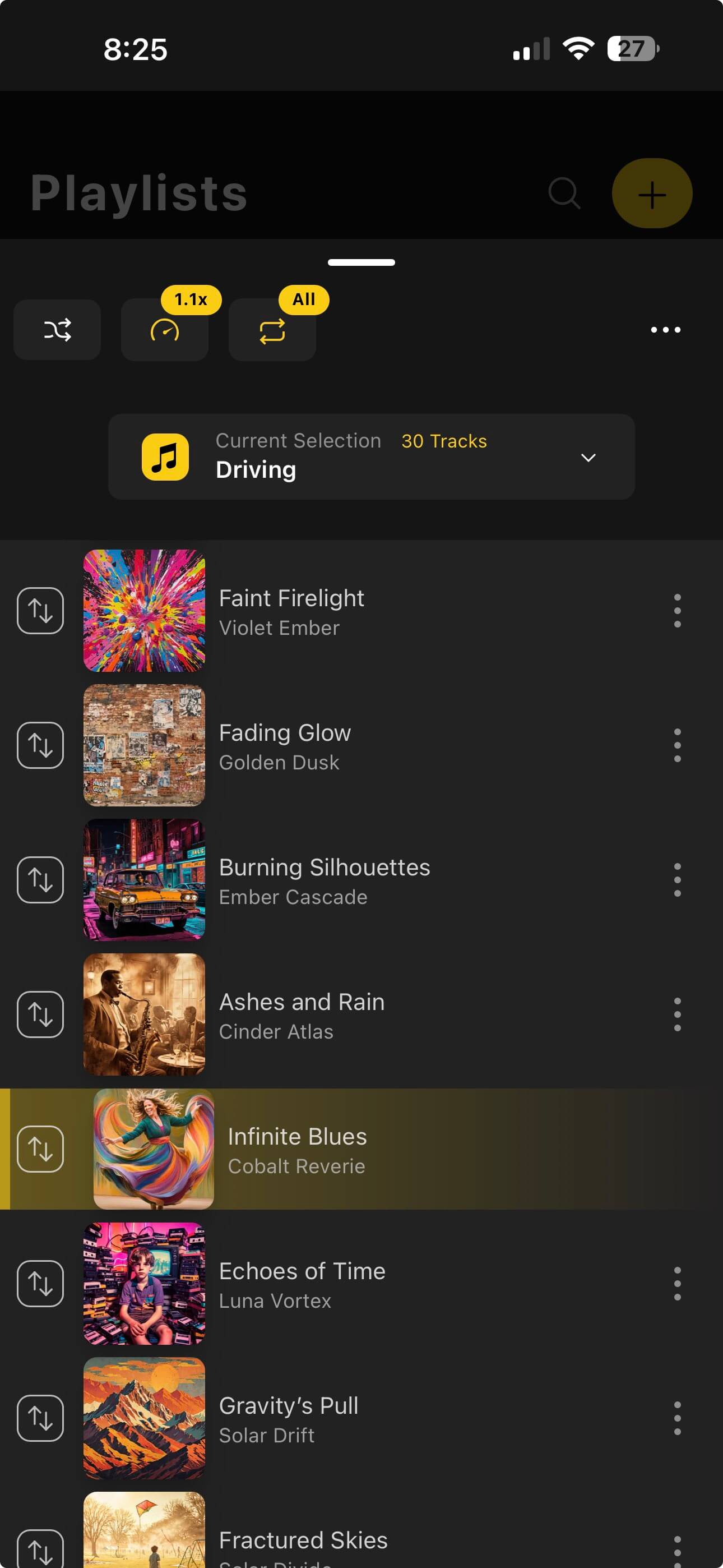
Multi-Track Radio Blends Several Directions
One seed can be too narrow. Select several tracks when the mix should connect different corners of your taste: electronic plus indie, quiet soul plus jazz, or three songs that define a road-trip mood.
Multi-track radio looks for common ground across the seeds. That wider center produces a more varied queue while keeping the result anchored to choices you made deliberately.
How Radio Works Without Streaming
OfflineTunes analyzes characteristics such as timbre, BPM, musical key, energy, brightness, danceability, and loudness. Those values live with your local library, so matching does not need a recommendation server.
The advantage is control. Radio cannot inject a promoted song, remove a track because a license expired, or stop when reception disappears. Its universe is the library on your device.
- No internet requirement: matching uses analysis already available for local tracks.
- No outside catalog: every result comes from music you own or imported.
- No unwanted repeats: the queue can move beyond the songs you always choose manually.
- Better rediscovery: sonic similarity can surface tracks hidden by messy genres or old metadata.
Build Better Radio Results
Run Sonic Analysis across enough of the library before judging results. A seed can only connect with tracks that have useful analysis data, and a larger analyzed collection gives radio more room to surprise you.
Choose seeds by sound, not only by artist name. Two tracks from the same artist can point in different directions, while songs from unrelated genres may share tempo, energy, or texture. That is exactly where library-powered radio becomes useful.
- 1Analyze the library.Give OfflineTunes enough sonic data to compare tracks meaningfully.
- 2Pick one or more seeds.Use one for precision or several for a blended direction.
- 3Start radio.Let the generated queue move through your local collection.
- 4Refine the next session.Change seeds when the mix should become tighter, calmer, brighter, or broader.