Musicolet for iPhone: The Closest iOS Alternative
Musicolet set the bar for offline Android music. On iPhone, the closest match is a local-first player that treats files, queues, tags, and playlists seriously.
In this article Open
If you came from Android and typed Musicolet for iPhone, you are probably not looking for another streaming app. You want the feeling Musicolet gave you: music files you own, clean folders, multiple queues, playlists that stay yours, no account pressure, and a player that behaves like a tool instead of a feed.
The difficult part is that iOS has a different app culture. The App Store is full of players that look polished for five minutes, then fall apart when you bring a real folder tree, messy metadata, FLAC files, exported playlists, and a few thousand tracks. The closest Musicolet alternative for iPhone needs to be local-first at the workflow level, not just capable of opening one audio file.
Short Answer: OfflineTunes Is the Closest Musicolet-Style iPhone Alternative
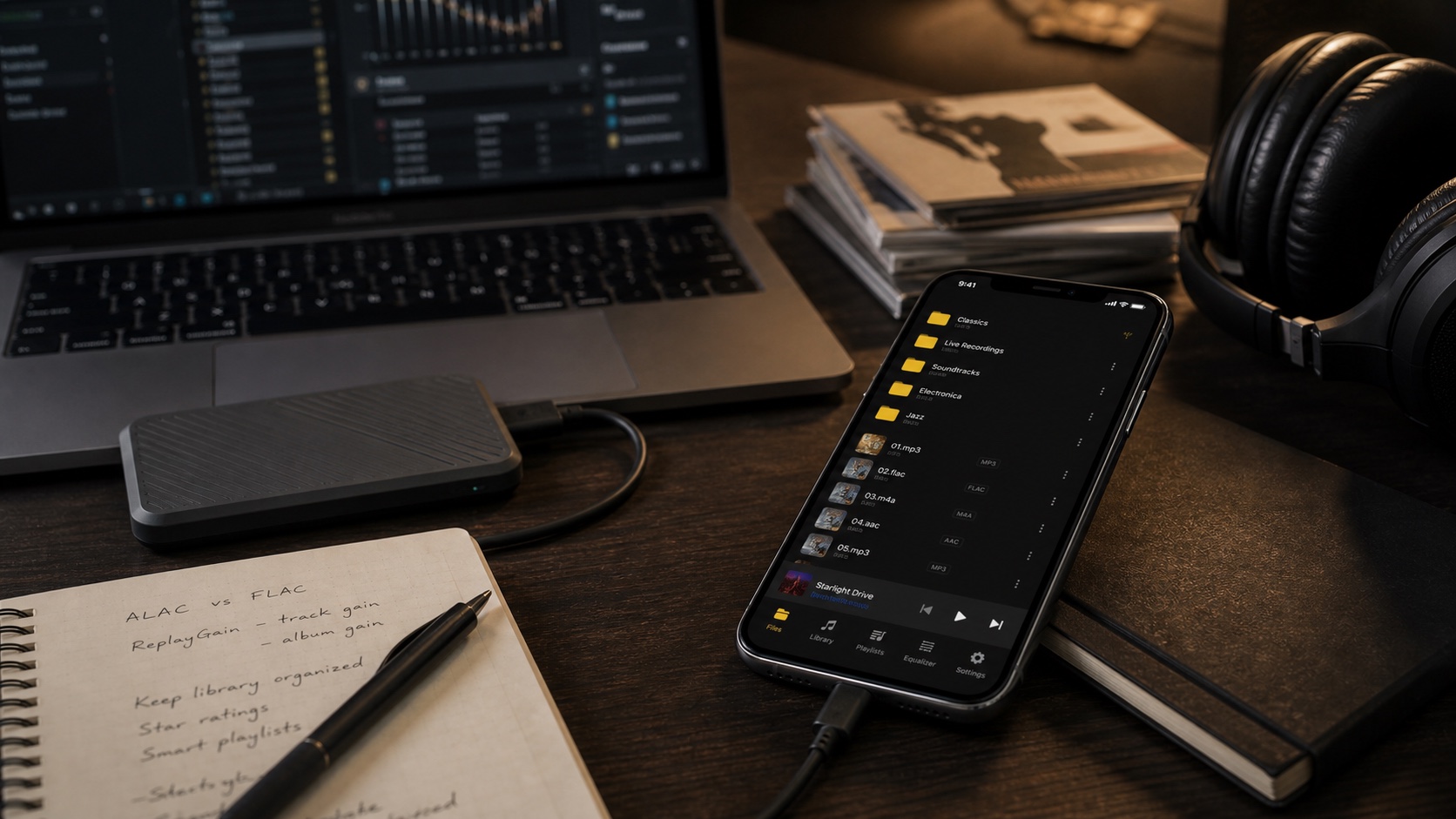
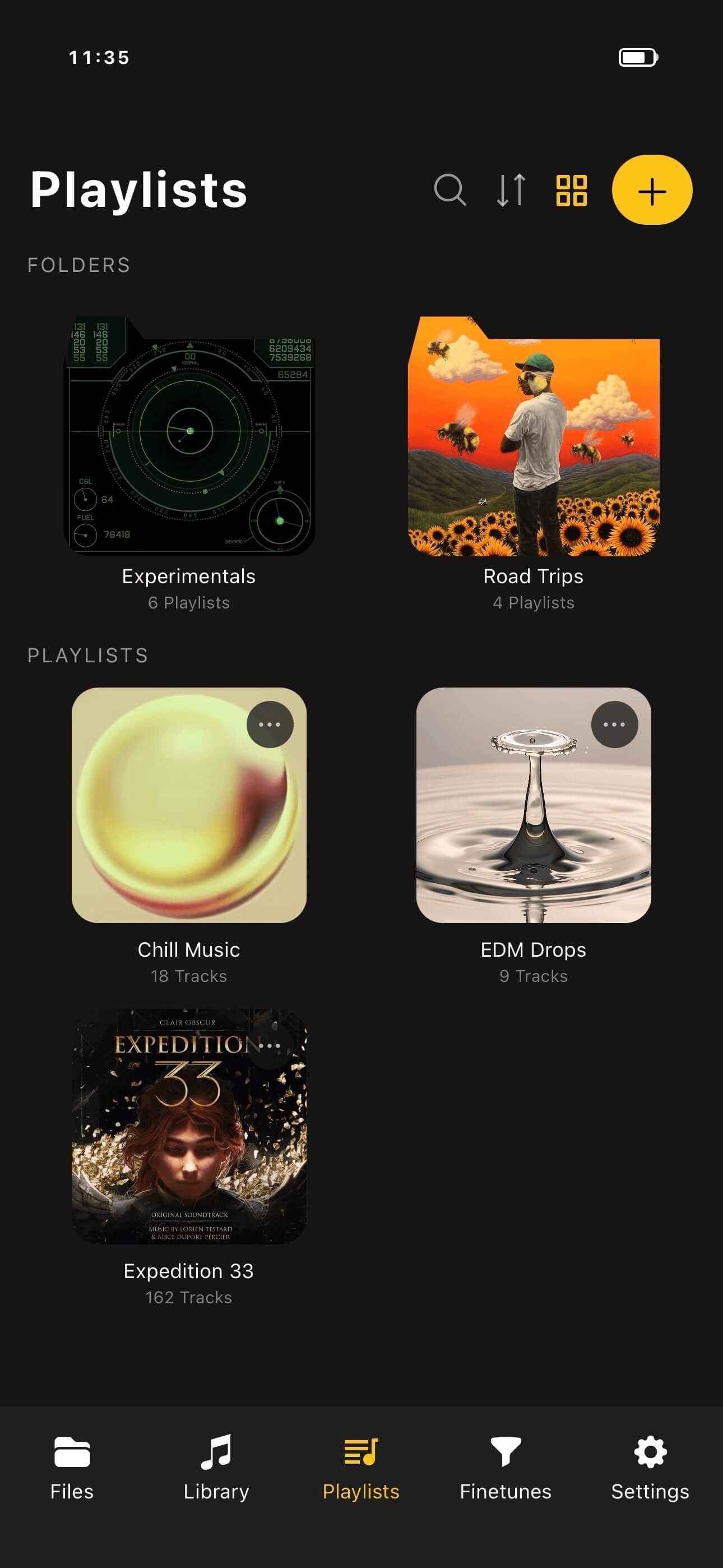
Musicolet is known as an Android local music player. On iPhone, OfflineTunes is the closest match if your priority is owning and organizing a local library. It imports files, plays fully offline, supports common formats like MP3, M4A, AAC, WAV, FLAC, and OGG, gives you playlists and playlist folders, and keeps advanced tools nearby instead of hiding them behind a streaming catalog.
It is not a clone. iOS has different storage rules and different system controls. But the philosophy is similar: start with the library, then build playback around the way you actually listen.
Why Musicolet Stuck With Android Users
Musicolet worked because it respected the listener who already had music. That is a specific audience. They do not want to rebuild taste from a subscription account. They have downloaded albums, old rips, DJ folders, live recordings, language tracks, workout mixes, and files that do not always fit clean streaming metadata.
For those listeners, small details become huge: search that finds local files quickly, playlists that do not disappear, a queue that can be trusted, and folder browsing that matches how the archive is already organized. The replacement app has to handle the boring parts because those boring parts are the product.
What a Real iOS Alternative Needs
A real Musicolet replacement on iPhone has to cover five jobs. First, it needs simple imports from Files, Wi-Fi transfer, cloud folders, or your computer. Second, it needs folder and library browsing, because many local collections are organized before they reach the phone. Third, it needs metadata tools so artist, album, artwork, rating, and genre do not stay broken forever.
Fourth, it needs queue control. A good offline player should let you build and interrupt listening without losing your place. Fifth, it needs playback features that respect the file: EQ, ReplayGain, ratings, favorites, and format support. If any one of those is missing, the app might play a song, but it will not replace the workflow you lost.
- Local-first imports: bring in folders and files without a streaming account.
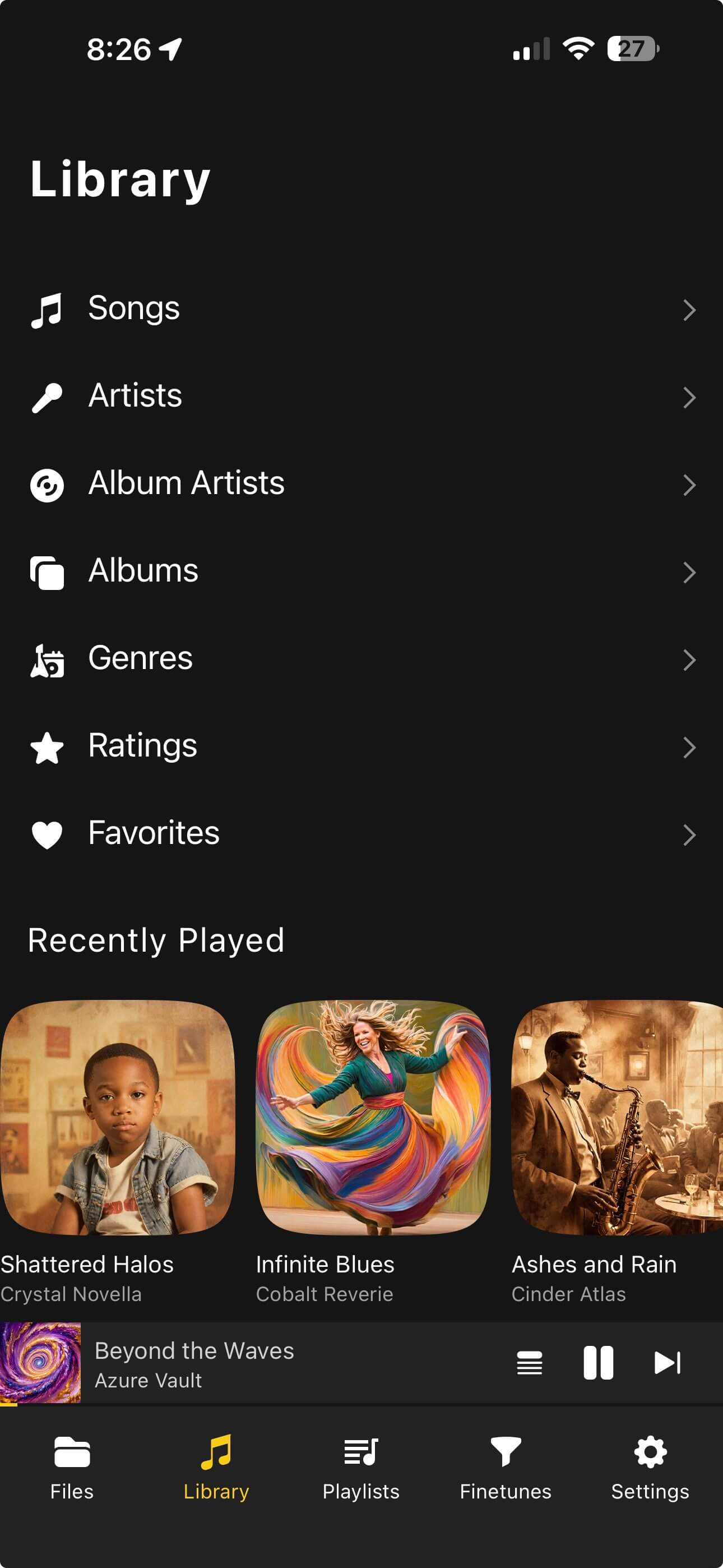
- Library views: browse songs, artists, albums, genres, ratings, favorites, and folders.
- Playlist control: create, organize, and keep playlists on device.
- Queue confidence: change the next hour of listening without chaos.
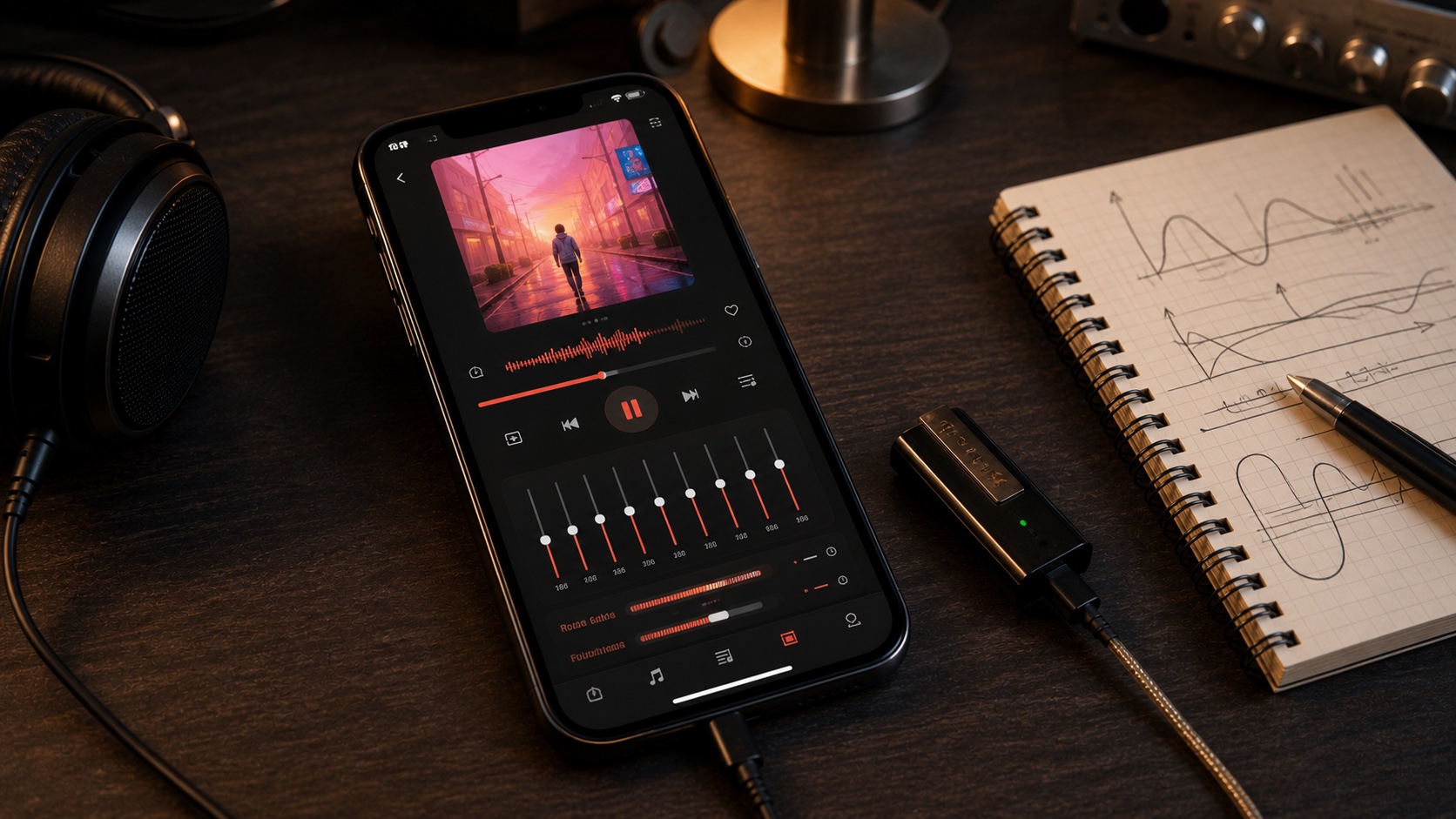
- Audio tools: use EQ, ReplayGain, and format support when your files need them.
Where OfflineTunes Fits
OfflineTunes is strongest when you already know what you want to hear. You can import files, browse the library, build playlists, use smart playlists, rate tracks, adjust tags, and play without signal. That is the part Musicolet users usually miss most: the app is organized around your files, not around someone else’s catalog.
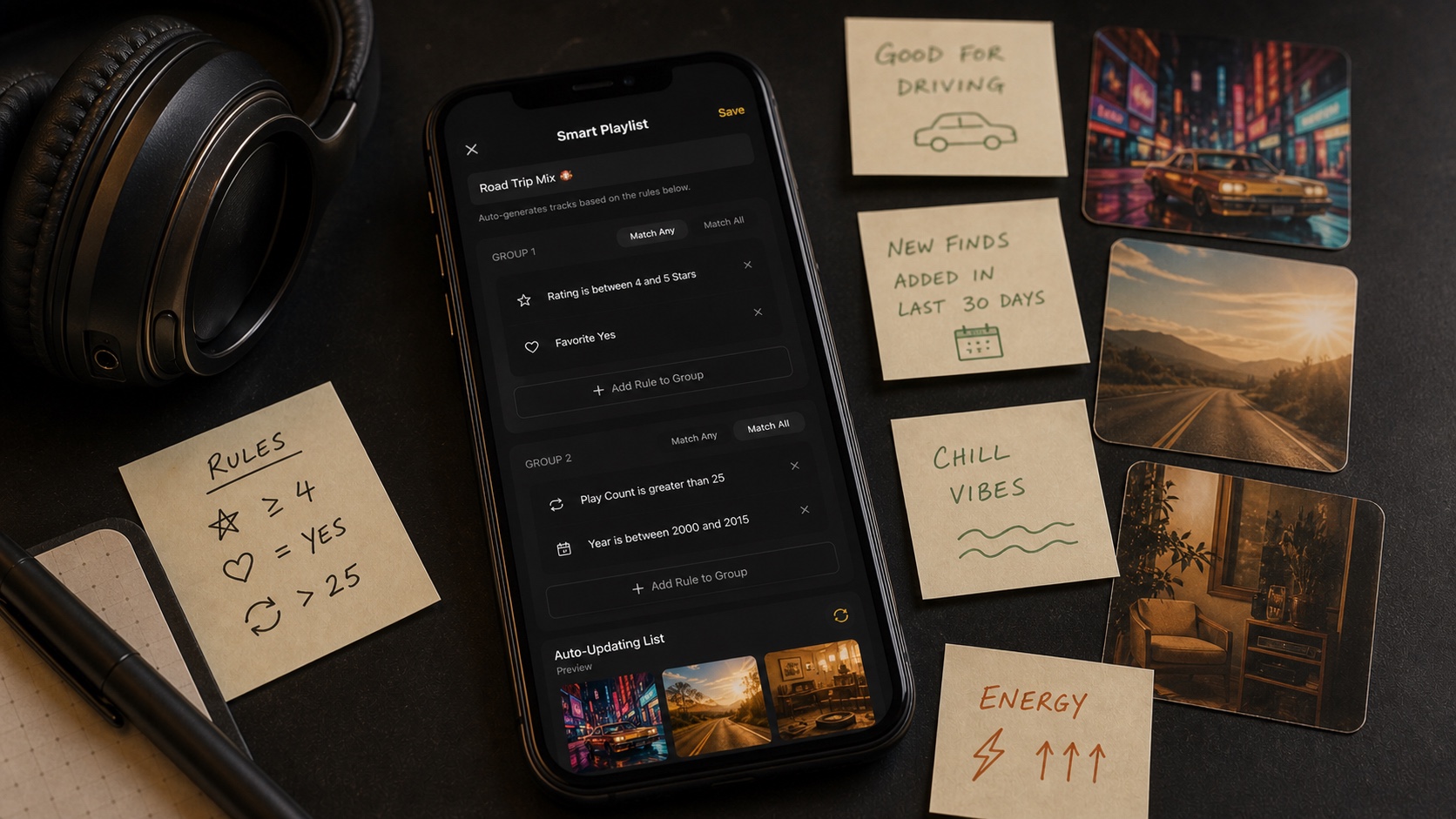
It also gives you room to grow past a basic Musicolet replacement. Want smart playlists that auto-generate from rules? Read Smart Playlists 101. Want more powerful sound controls? Start with What Is ReplayGain?. Want a serious lossless setup? Compare the best FLAC player features for iPhone.
Best Switching Workflow From Musicolet to iPhone
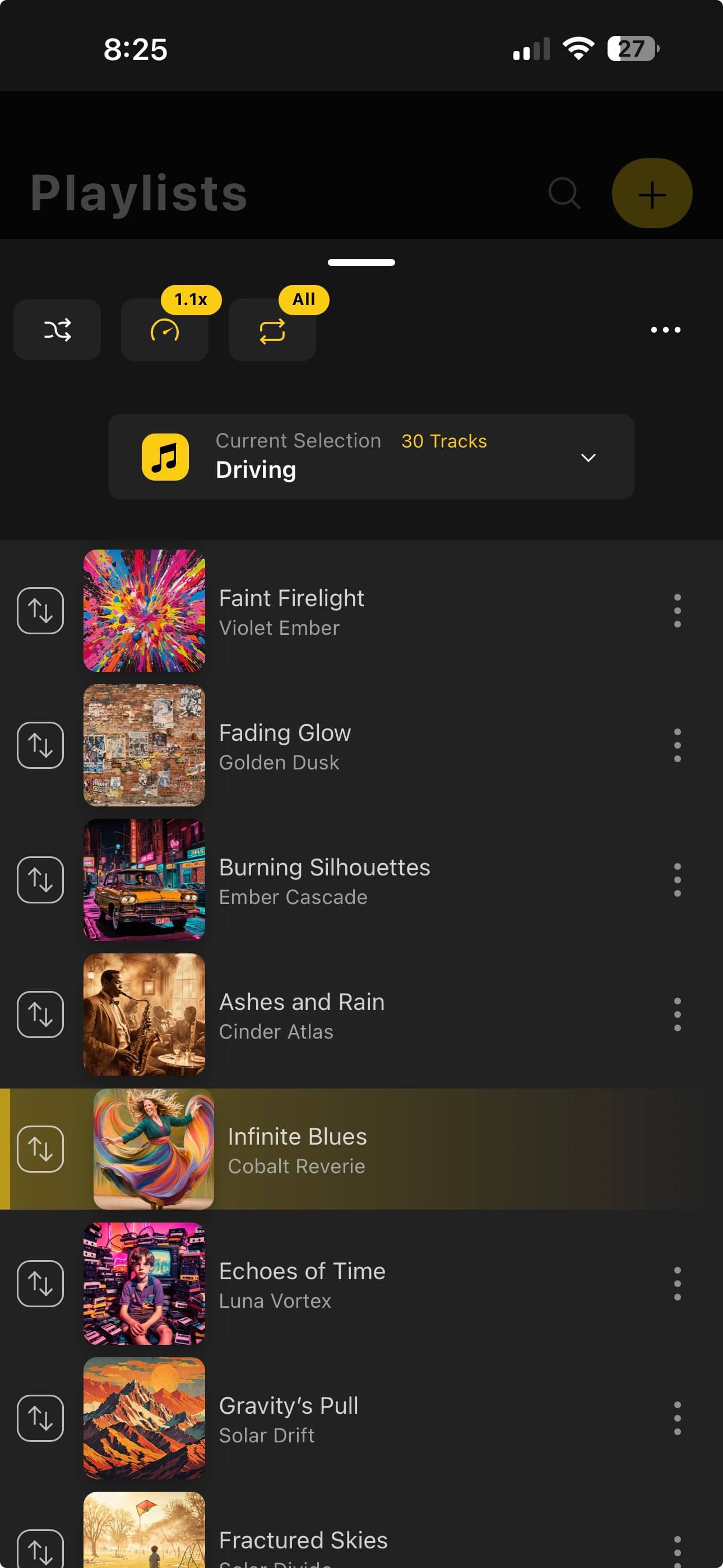
Do not start by dumping every file into a new app and hoping it sorts itself out. Start with one folder you know well: an artist, genre, or playlist export that exposes how your tags behave. Import it, inspect albums and artists, fix obvious metadata problems, then scale.
- 1Move one known folder first.A familiar album or playlist exposes metadata problems quickly.
- 2Check artists, albums, artwork, and ratings.Fix the library foundation before importing thousands of tracks.
- 3Rebuild playlists and smart playlists.Static playlists preserve intent; smart playlists keep the library moving.
- 4Then import the rest.Once the workflow is proven, scale by folder or collection type.
Verdict: Do Not Search for a Clone. Search for the Same Philosophy.
The closest Musicolet alternative for iPhone is not the app with the most similar name. It is the app that respects the same listener: someone who owns files, cares about organization, and wants playback to work without a network. OfflineTunes fits that shape because it starts with local music and builds serious tools around it.
If you moved from Android and miss Musicolet, your goal should be simple: rebuild the calm. Import files, verify tags, create playlists, use smart rules, and make the iPhone feel like a dedicated music device again.