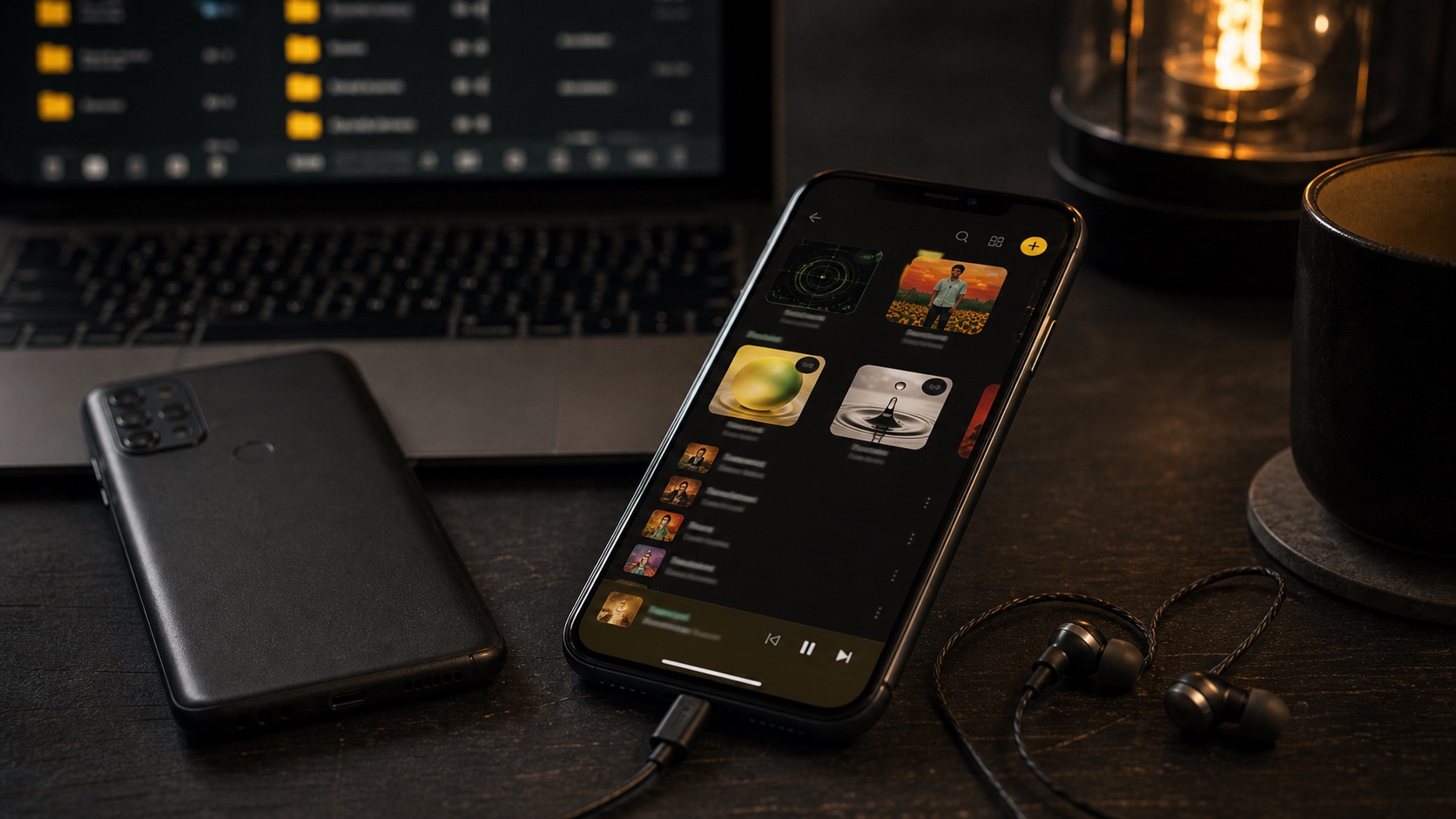
Poweramp for iOS: What Are Your Real Options?
The Android Poweramp app never became an iPhone music player. Here is what to look for if you want its local playback mindset on iOS.
In this article Open
People searching for Poweramp for iOS usually want the Android Poweramp experience on iPhone. The hard answer: that exact Android Poweramp player is not the iPhone app you can install from the official Poweramp world. If you see similar names in the App Store, treat them as separate products, not the Poweramp many Android users remember.
The useful question is better: what made Poweramp valuable, and which iPhone app gets closest? For most people, it was not one skin or one button. It was powerful local playback: format support, serious EQ, library scanning, queues, album art, ReplayGain-style loudness thinking, and a player that felt built for people with files.
Short Answer: Use OfflineTunes If You Want the Poweramp Mindset on iPhone
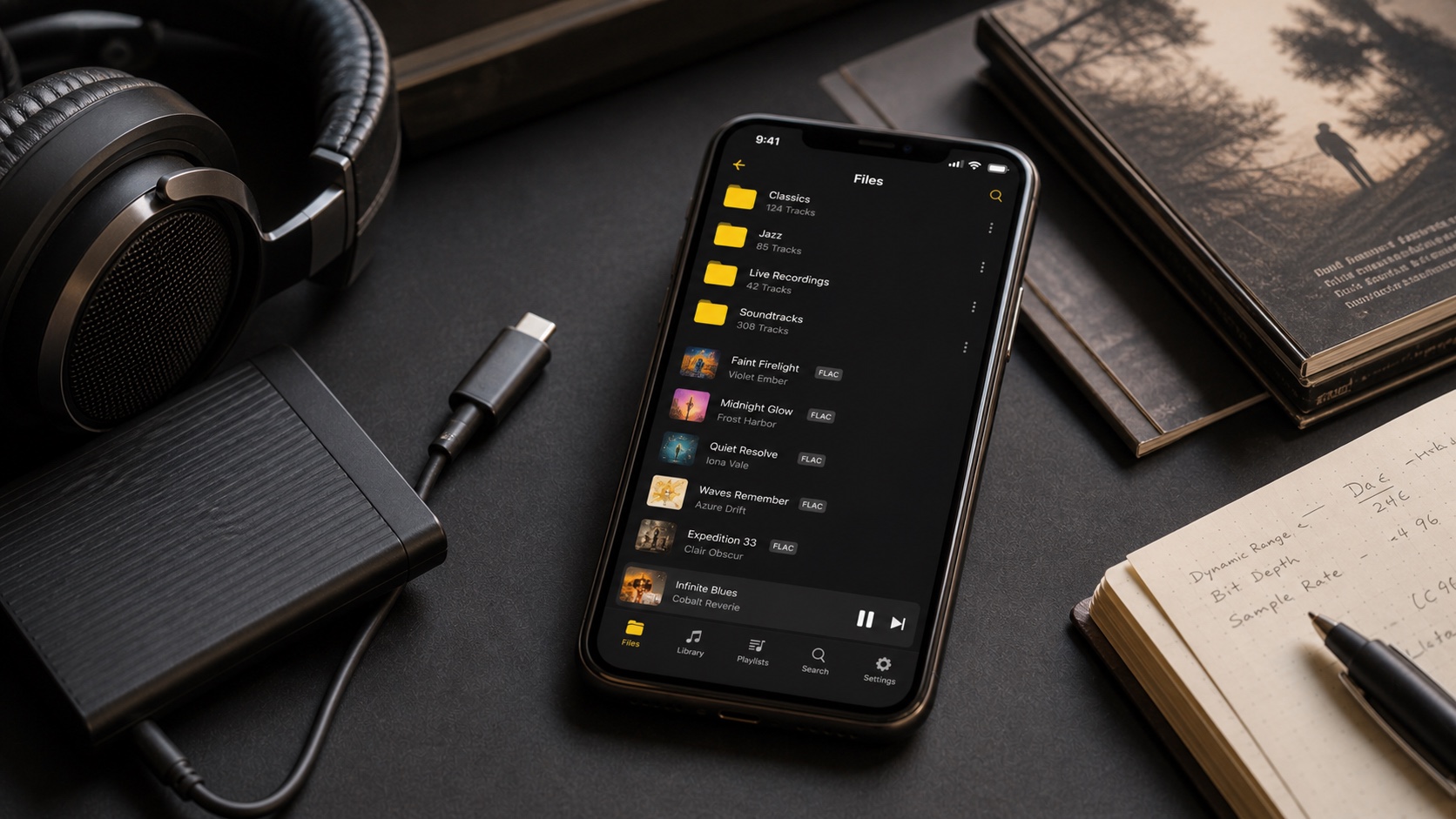
OfflineTunes is the best fit if your Poweramp search really means “I want a strong local music player on iPhone.” It supports common local formats, imports folders and files, plays offline, includes EQ and ReplayGain controls, supports playlists and queues, and gives you library organization tools that go beyond the basic Files app.
If you only need to play one file occasionally, a simpler file player might be enough. If you are rebuilding an Android-style music setup on iOS, choose based on workflow depth, not app name similarity.
What Poweramp Users Usually Mean
Poweramp became shorthand for a type of listener: someone who wants to control the signal path and library. That person notices when EQ is shallow, when gapless playback is unreliable, when album art is wrong, when a player ignores folders, or when shuffle feels like an afterthought.
On iPhone, some music apps look good but treat local files as a side feature. That is where Poweramp fans get frustrated. They do not need another wrapper around streaming. They need a player that knows local music can be messy and still worth keeping.
Your Real iOS Options
There are three practical paths. First, use Apple Music or the Music app for Apple-native library sync. That works for people already living in Apple’s ecosystem, but it is not a direct Poweramp replacement if folder imports, broad format support, and on-device library control matter.
Second, use a lightweight file player. That can work for a folder of tracks, but it often becomes painful when you want ratings, playlists, metadata cleanup, ReplayGain, or real queue management. Third, use a local-first app like OfflineTunes that treats the library as the product.
- Apple-native route: good for Apple-managed libraries, weaker for file-first collectors.
- Simple file player: okay for quick playback, limited for serious organization.
- OfflineTunes route: best when you want local files, EQ, playlists, imports, and library tools together.
Sound Control: EQ, ReplayGain, and Playback Flow
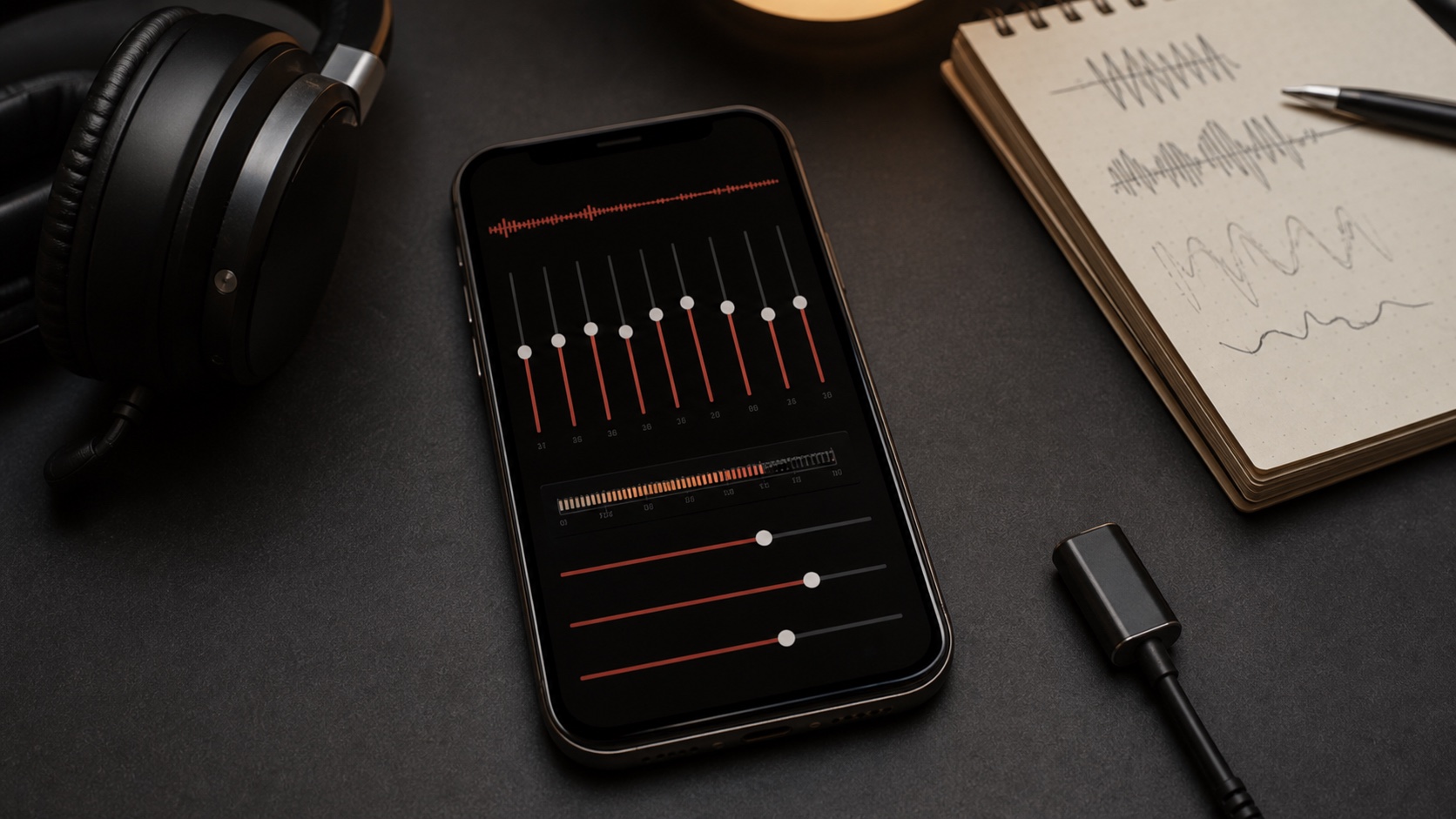
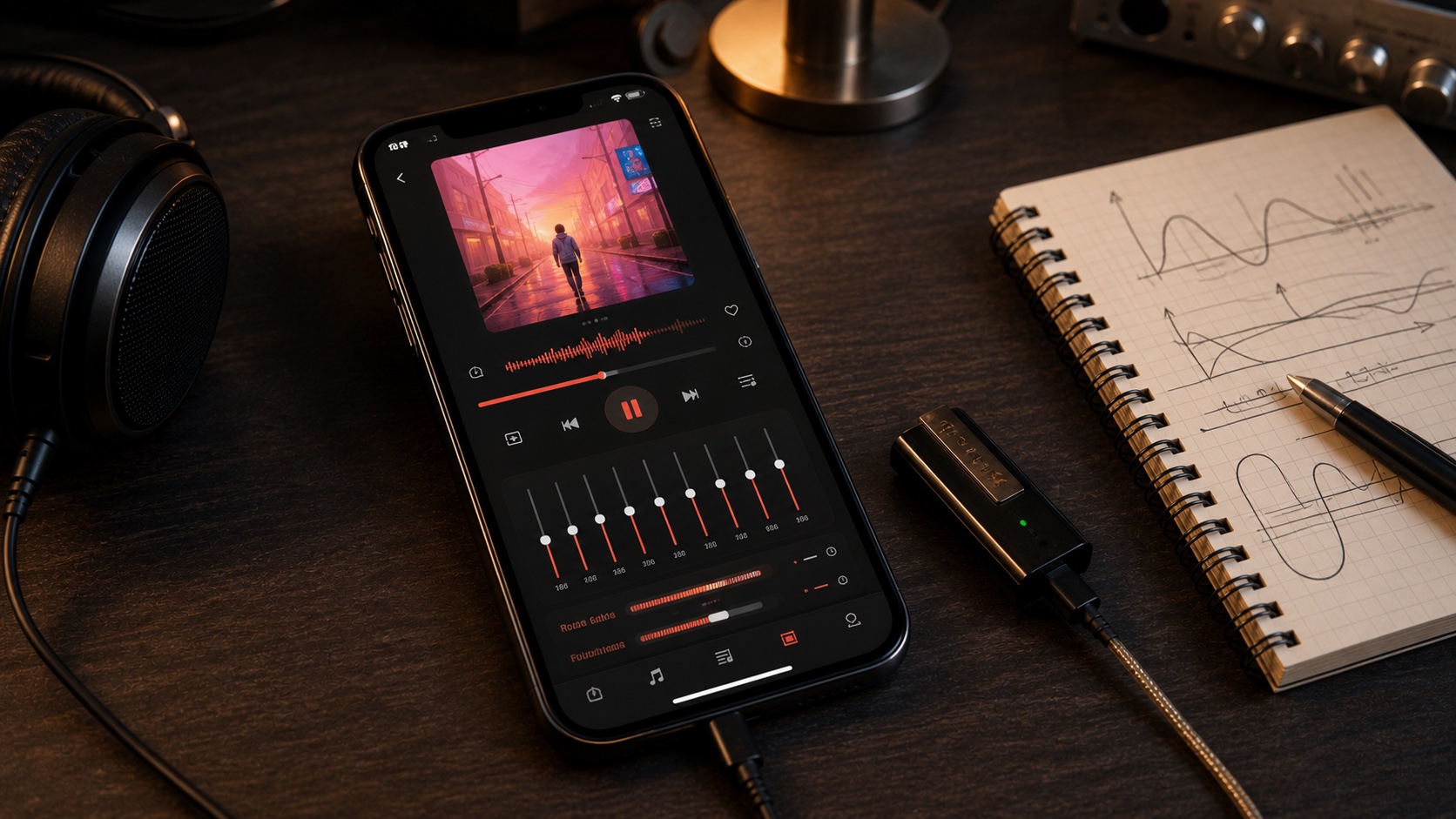
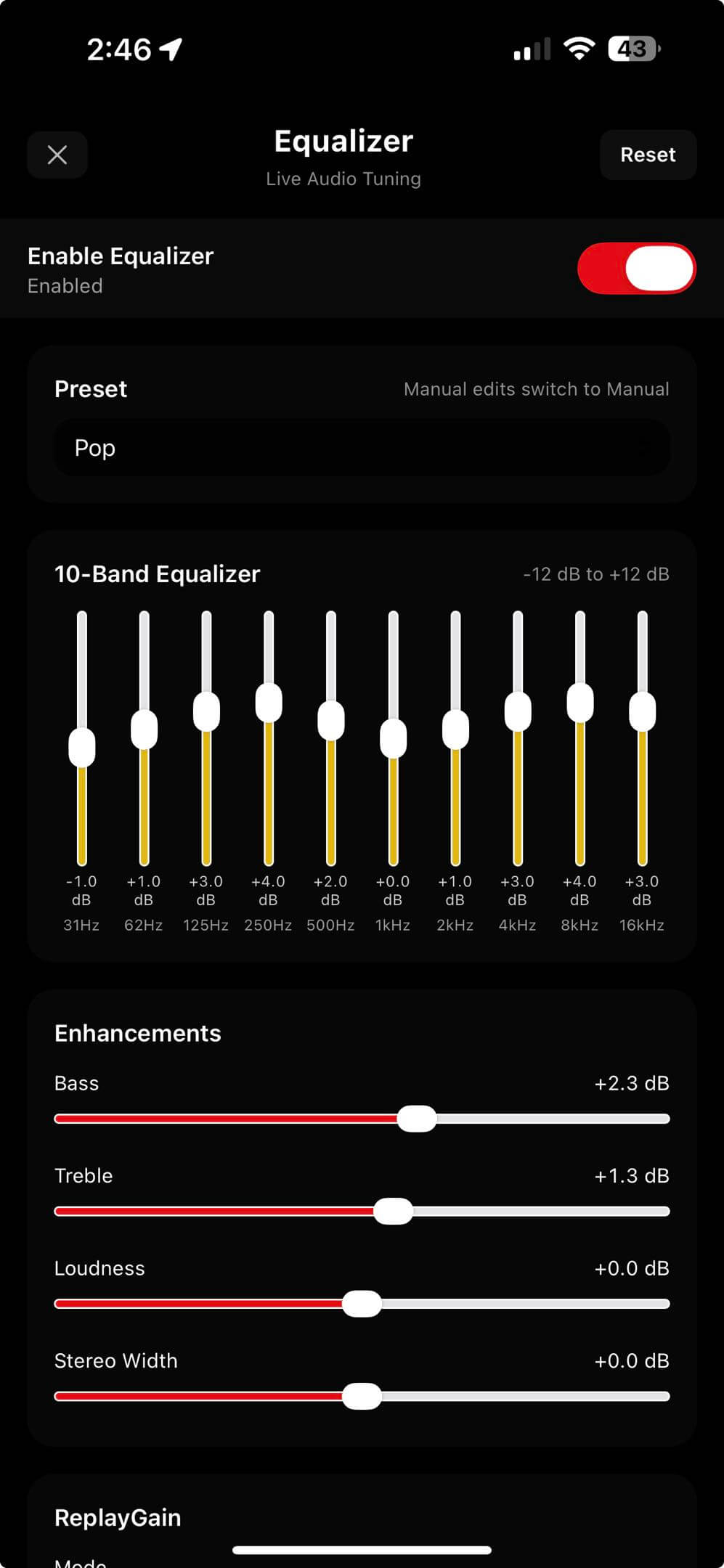
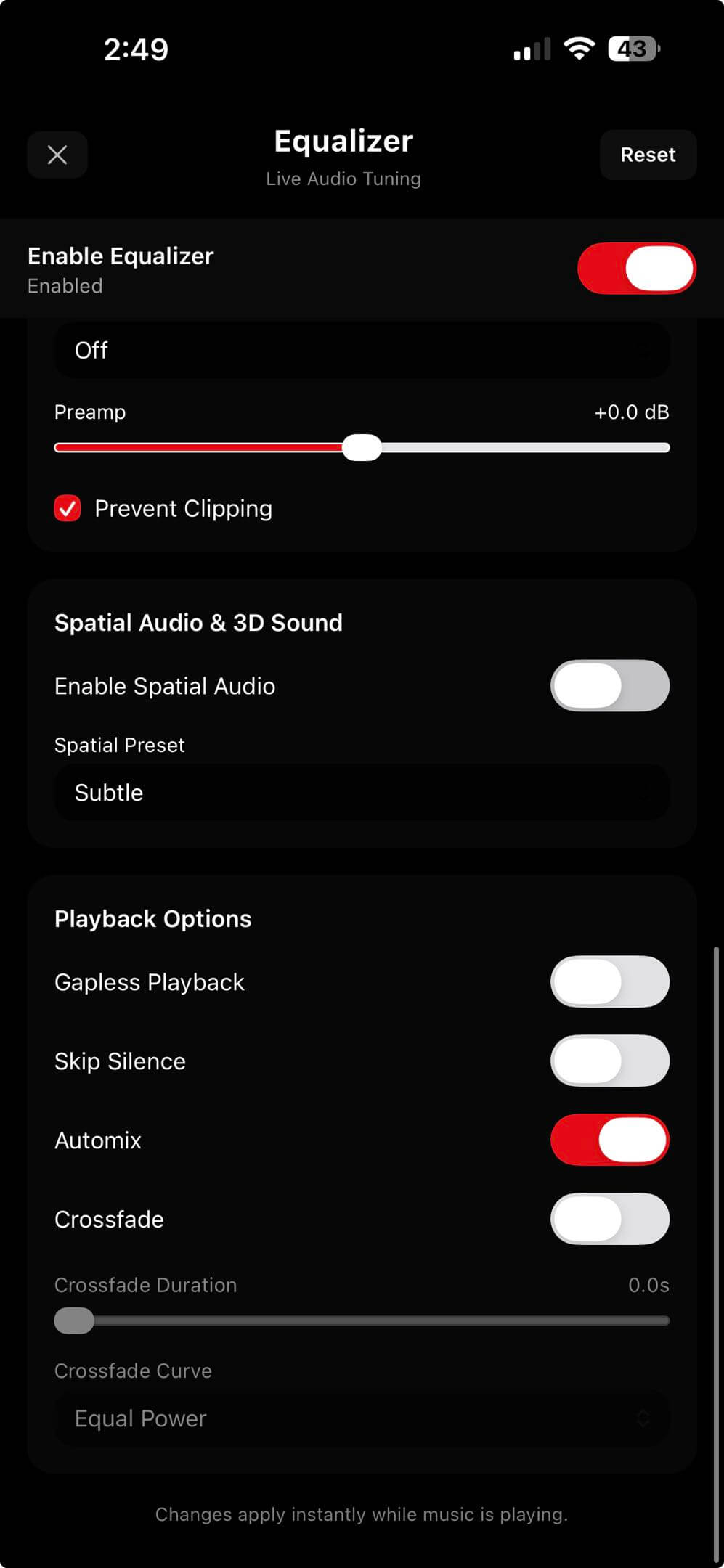
Poweramp fans tend to care about sound shaping. OfflineTunes gives that crowd a real set of controls: a multiband EQ, quick presets, ReplayGain and preamp, clipping protection, and playback-flow tools such as crossfade, Automix, gapless behavior, and skip-silence style workflows.
The key is not making everything louder. The key is making the library predictable. Older rips, modern masters, live recordings, FLAC albums, and MP3 downloads should not force you to babysit volume and tone every three songs. For the deeper loudness story, read What Is ReplayGain?.
How to Choose a Poweramp Alternative on iPhone
Do not start with screenshots. Start with your hardest folder. Pick one album with weird tags, one FLAC folder, one playlist you care about, and one long queue session. A real alternative should pass all four.
- 1Import mixed formats.Try MP3, M4A, FLAC, WAV, and folder batches instead of one perfect sample file.
- 2Check library views.Albums, artists, folders, ratings, and playlists should all stay readable.
- 3Use EQ and ReplayGain together.The app should help you avoid clipping and volume jumps.
- 4Build a real queue.A serious music app should handle a long listening session without fighting you.
Verdict: Poweramp for iOS Is Really a Search for Local Control
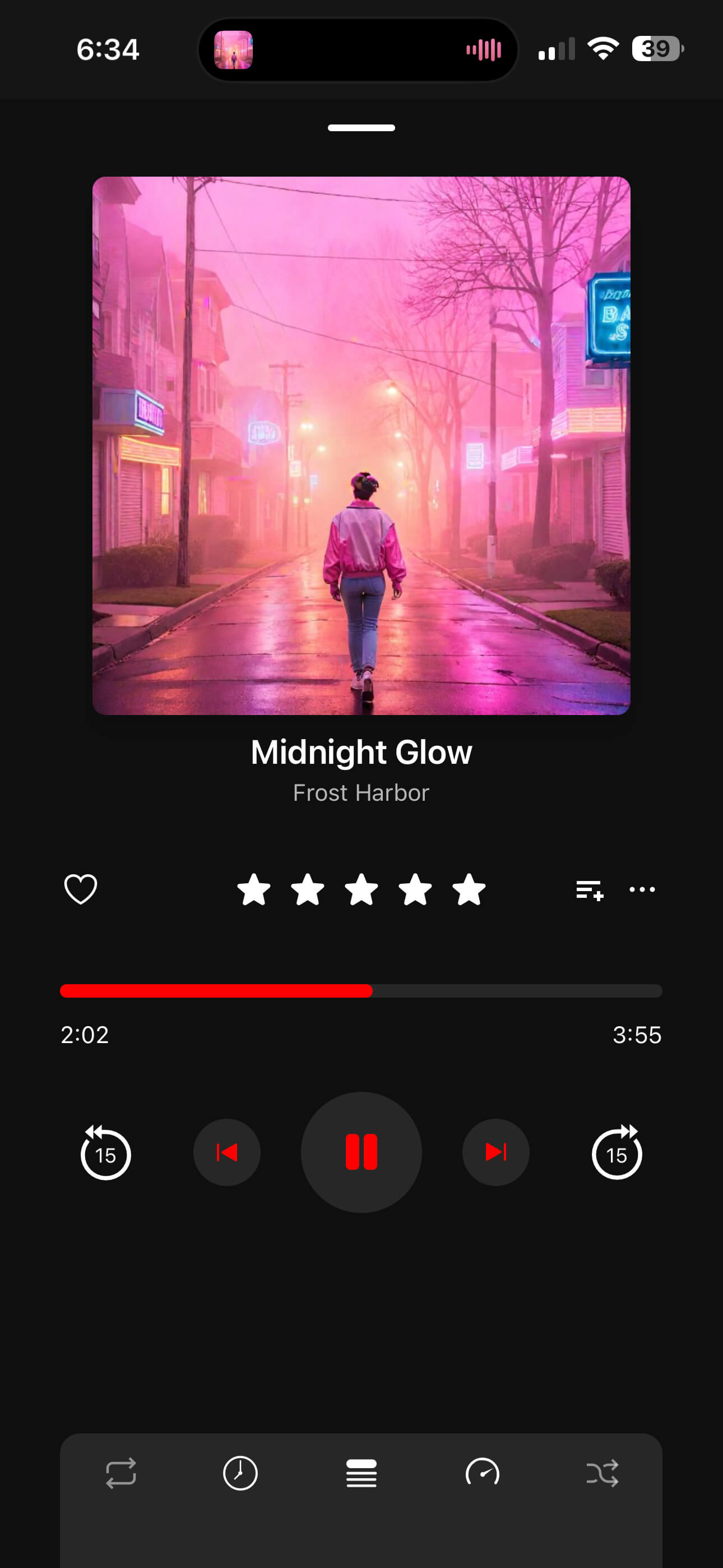
If you came here looking for the exact Android Poweramp app on iPhone, the honest answer is no. If you came looking for the closest iPhone workflow, OfflineTunes is built for that job: local files, direct imports, format flexibility, EQ, ReplayGain, queues, playlists, and offline listening.
The best replacement is not the one with the loudest name. It is the one that lets your library keep being your library after you switch phones.