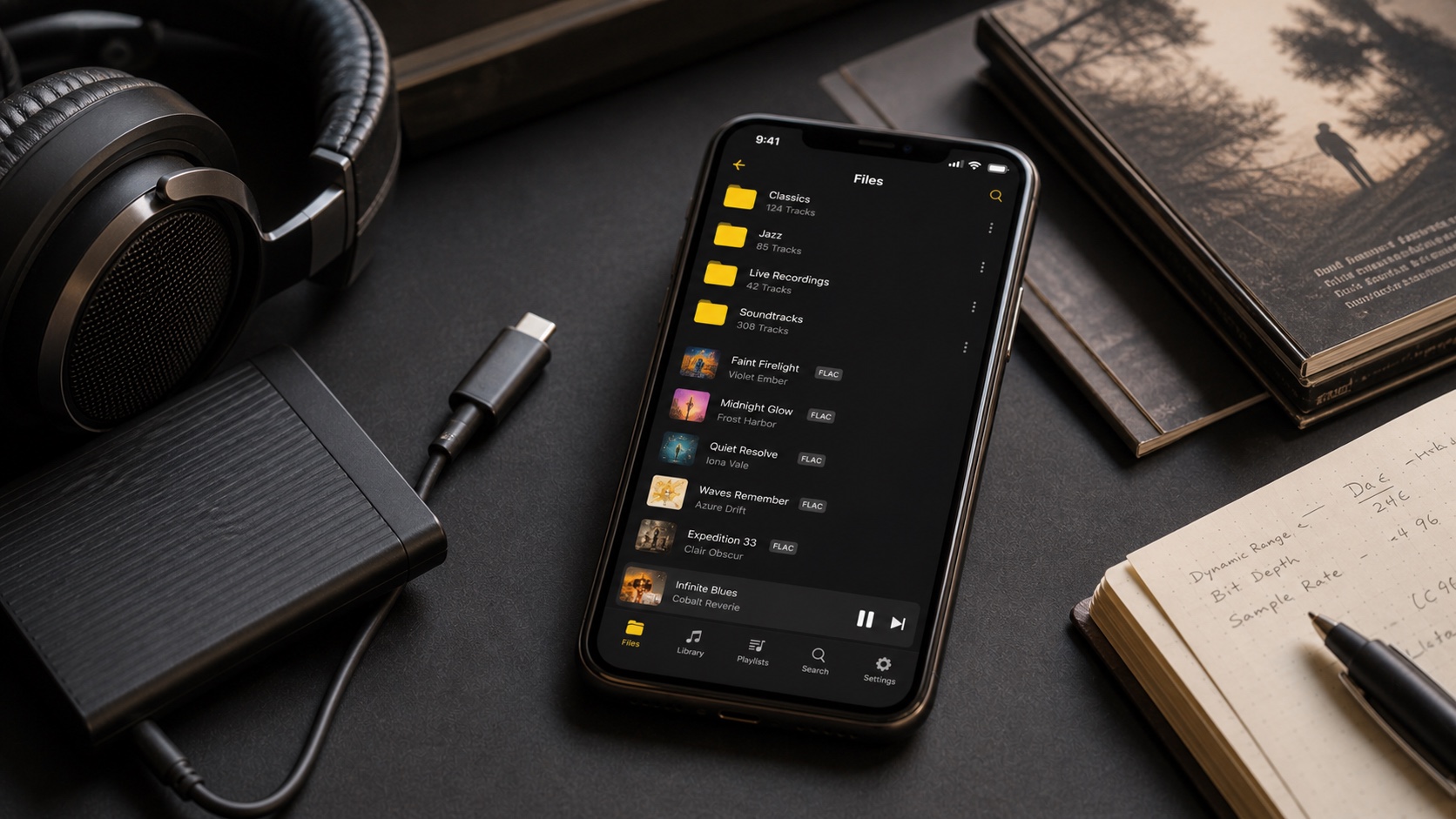
How Many Songs Can an iPhone Hold? MP3, AAC, and FLAC Compared
Estimate real song capacity from usable free space and average file size, then plan for artwork, apps, downloads, and breathing room.
In this article Open
An iPhone has no fixed song limit that matters for a normal local library. Practical limit is available storage divided by average file size, with room left for iOS, apps, photos, artwork, databases, and future imports.
With 100 GB genuinely free, you might fit roughly 13,000 four-minute AAC files at 256 kbps, 10,000 MP3 files at 320 kbps, 4,000 CD-quality FLAC files averaging 25 MB, or about 2,300 uncompressed WAV files. Real collections vary.
The Short Answer
Start at Settings > General > iPhone Storage. Apple's storage guide shows available space at top. Use free space, not advertised phone capacity. A 256 GB phone never offers 256 GB to music after system and existing data.
Reserve at least 10-15% of total device storage or a comfortable fixed buffer. iOS needs working room for updates, caches, photos, and app databases. Filling phone to last gigabyte creates problems larger than losing room for one more album.
Calculate Your Capacity
For constant-bitrate lossy files:
file size in MB approx bitrate in kbps x seconds / 8,000
A four-minute 320 kbps MP3 is about 9.6 MB. A four-minute 256 kbps AAC is about 7.7 MB. Variable-bitrate files fluctuate. Lossless size depends heavily on musical content and compression efficiency, so measure a representative sample instead of assuming one universal number.
Best method: select 200-500 typical tracks on computer, note total bytes, divide by track count, then divide planned music storage by that average.
MP3, AAC, FLAC, and WAV Compared
These are planning figures, not promises. Long classical works, short punk songs, hi-res FLAC, mono recordings, and embedded artwork change averages.
Plan for 10,000 Songs
Ten thousand four-minute songs equal about 667 hours-nearly 28 days of nonstop playback. Storage estimate:
- 256 kbps AAC: roughly 77 GB;
- 320 kbps MP3: roughly 96 GB;
- 25 MB average lossless: roughly 250 GB;
- 16-bit/44.1 kHz WAV: roughly 420 GB.
A 10,000-song lossy library fits comfortably when phone has around 100-120 GB free. A lossless library usually needs a high-capacity device, selective syncing, or mixed strategy: lossless favorites and high-quality lossy deep catalog.
Space People Forget
Album art, waveform caches, search indexes, replay analysis, lyrics, and app database add overhead. Individual artwork copied into every file can waste gigabytes. Keep embedded art reasonably sized-often 1000-1500 pixels is plenty for phone-and avoid multi-megabyte scans in every track.
Cloud files marked "available offline" still use local storage. Apple counts app documents and "On My iPhone" content under Apps, so player's storage can look larger than Music category.
Keep a Huge Library Usable
Capacity is useless if search and tags are broken. Before importing, standardize album artist, disc and track numbers, artwork, and folder names. Split transfer into batches and verify counts. Build smart playlists from rating, play count, genre, energy, or date added instead of manually scrolling 10,000 rows.
Keep master library outside phone. iPhone is playback copy, not backup. When library grows beyond device, rotate intentional collections instead of deleting random albums under storage pressure.