How to Search a Huge Local Music Library on iPhone
Find a track, artist, or album without scrolling through thousands of files, then use metadata and folders to make every result more useful.
In this article Open
Large music libraries make browsing rewarding and scrolling useless. You may remember one word from a title, the artist but not the album, or the album but not where its folder lives.
OfflineTunes lets you search a local music library on iPhone by track title, artist, and album. The files stay offline; useful metadata makes them findable.
Search the Detail You Actually Remember
Title search is fastest when you remember the song. Artist search gathers work across albums. Album search is useful when the record name is clear but the track list is not.
Start with the most distinctive word rather than typing a complete phrase. Short, specific queries are easier to correct when punctuation, featured artists, or tag variations differ from memory.
Search Quality Begins With Metadata
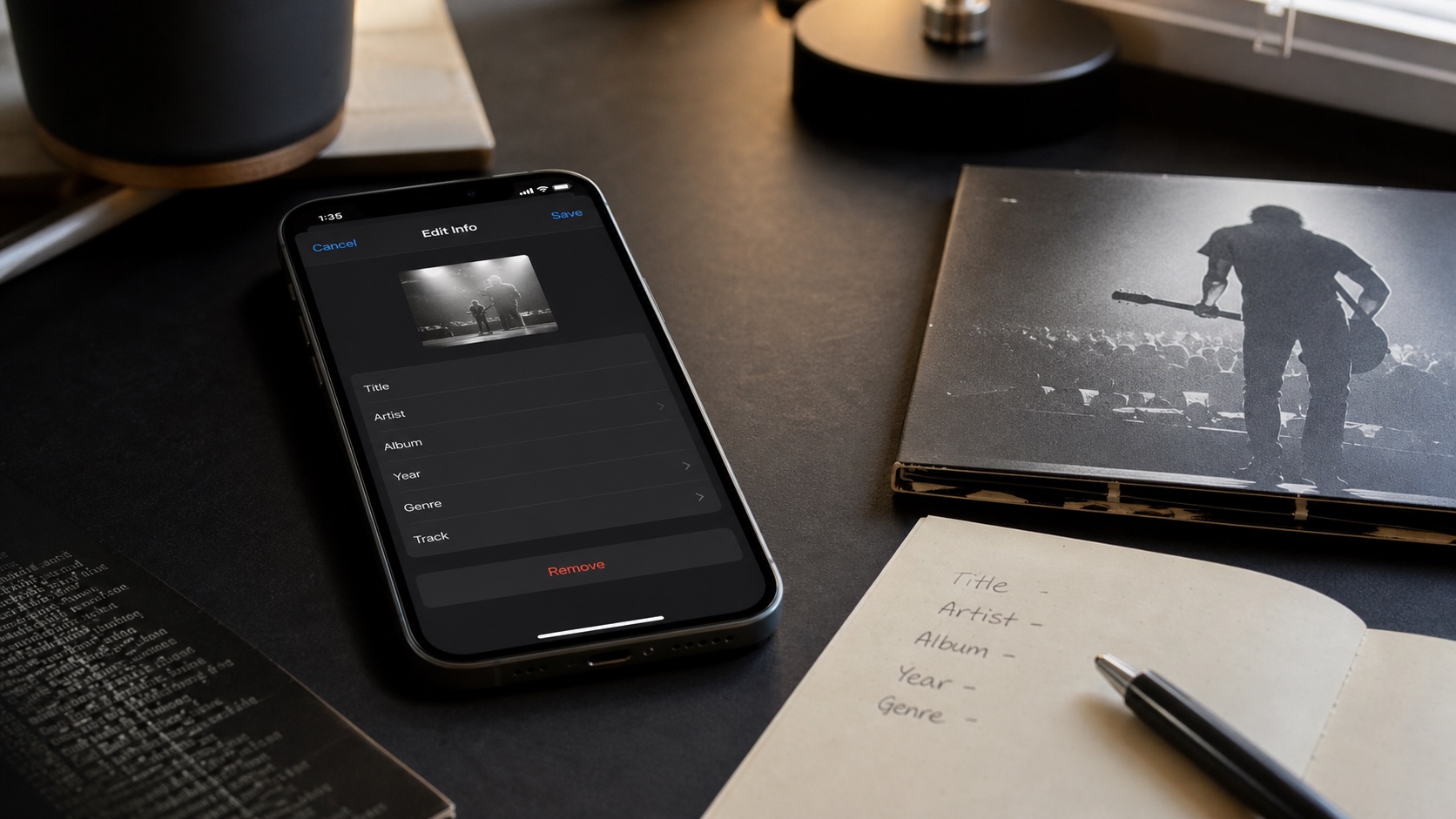
Search cannot find an artist stored as “Unknown Artist” or an album whose name is missing. Inconsistent spelling also splits results: “A Tribe Called Quest” and “Tribe Called Quest” become different text.
Use bulk metadata editing to normalize shared fields. Fix album artist, track and disc numbers, and artwork while handling the batch so search, browsing, and playback all improve together.

Search and Folder Browsing Back Each Other Up
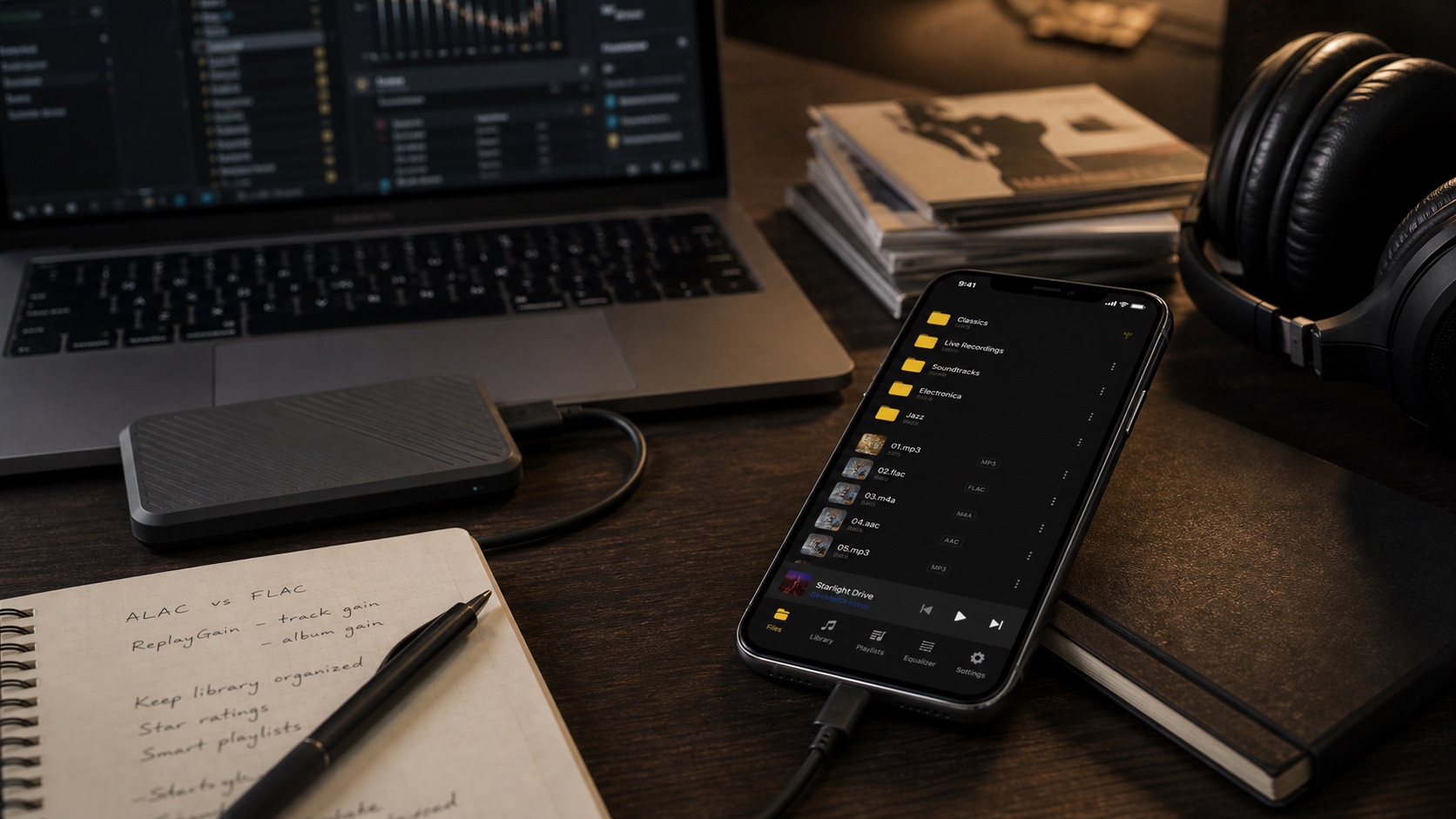
Search is best when tags are reliable. Folder browsing is the fallback when they are not, and it remains useful for source-specific organization such as DJ crates, downloads, recordings, or project exports.
Locate a badly tagged file through its folder, repair the metadata, then confirm it appears under the expected search. This turns an emergency fallback into permanent library improvement.
- Search first: title, artist, or album is known and tags are clean.
- Browse folders: source location is known but tags are weak.
- Edit tags: the same bad result appears repeatedly.
- Build a playlist: found tracks belong together beyond this search.
Use Search as Part of Library Maintenance
Search for “Unknown,” generic track names, and inconsistent artist variants after major imports. Results reveal metadata problems that scrolling may never expose.
Save repeated discovery needs as Smart Lists or playlists. Search should solve the immediate question; persistent rules and lists should solve the recurring one.
- 1Enter one distinctive term.Start with title, artist, or album text.
- 2Inspect the result type.Open the track, artist, or complete album.
- 3Repair bad metadata.Use folders to locate files search could not understand.
- 4Save recurring groups.Move stable needs into playlists or Smart Lists.