Flacbox vs OfflineTunes: Which FLAC Player Fits Your Library?
Both target serious file-based listening. The deciding question is whether your center of gravity is cloud/NAS access or an iPhone library with deep organization and discovery.
In this article Open
Flacbox and OfflineTunes both understand that "supports FLAC" is only beginning. A usable lossless player also needs imports, folders, metadata, artwork, album order, gapless playback, volume control, queues, offline proof, and CarPlay.
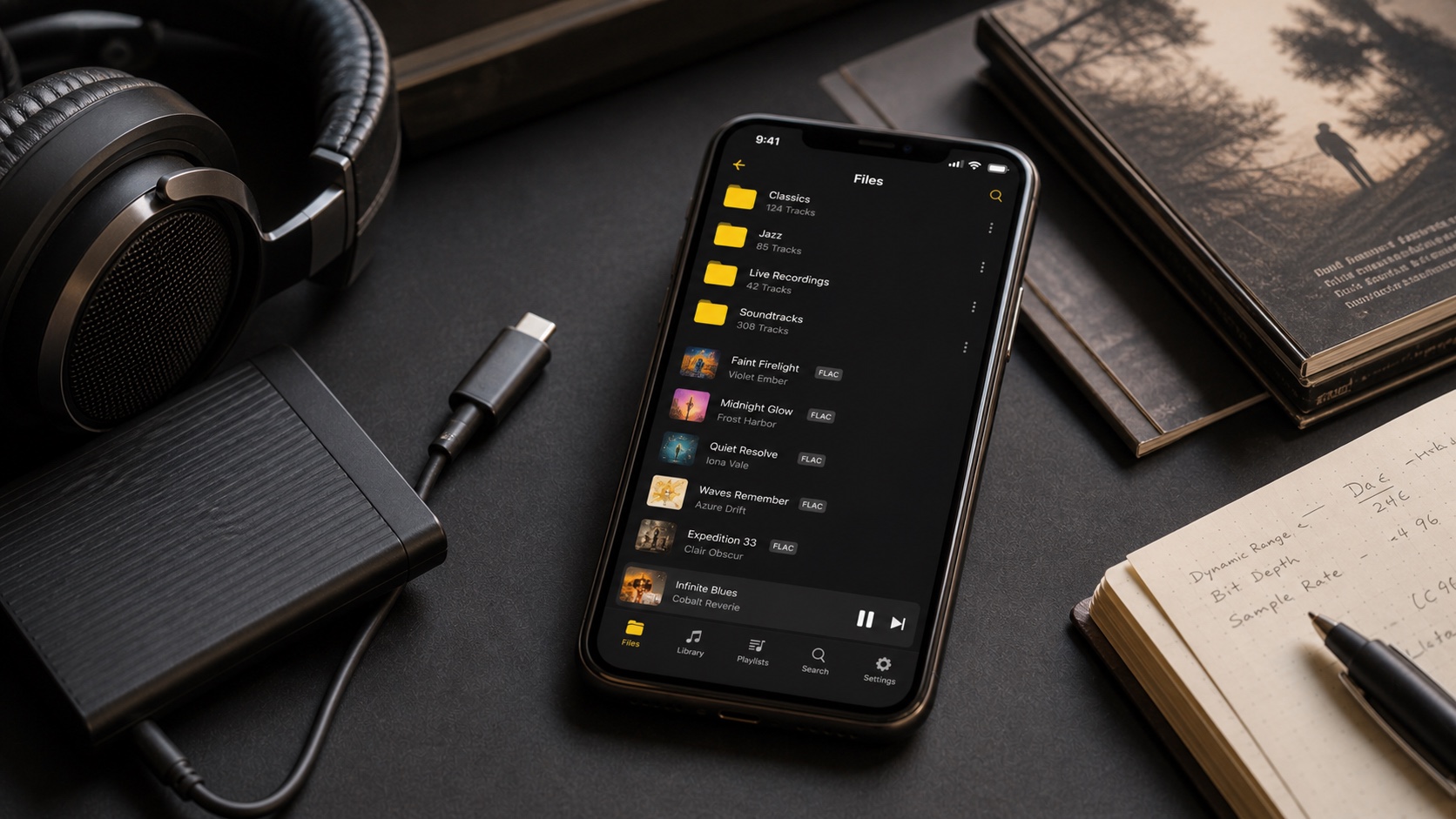
Flacbox comes from Everappz and combines cloud/local playback with file manager. OfflineTunes combines broad import options with deep device-first library organization and music-discovery features.
Quick Verdict
Flacbox fits
Listeners who want cloud/NAS connections, local file manager, FLAC-focused playback, offline downloads, tag editing, and familiar music library.
OfflineTunes fits
Listeners who want files on iPhone plus ReplayGain, smart playlists, multi-queue, Sonic Analysis, FineTune, bookmarks, scrobbling, and Retro Mode.
Files, Cloud, and Servers
Flacbox's official guide describes a music library plus file manager spanning app-local files, Files locations, and cloud storage. It is strong when player is also remote file browser.
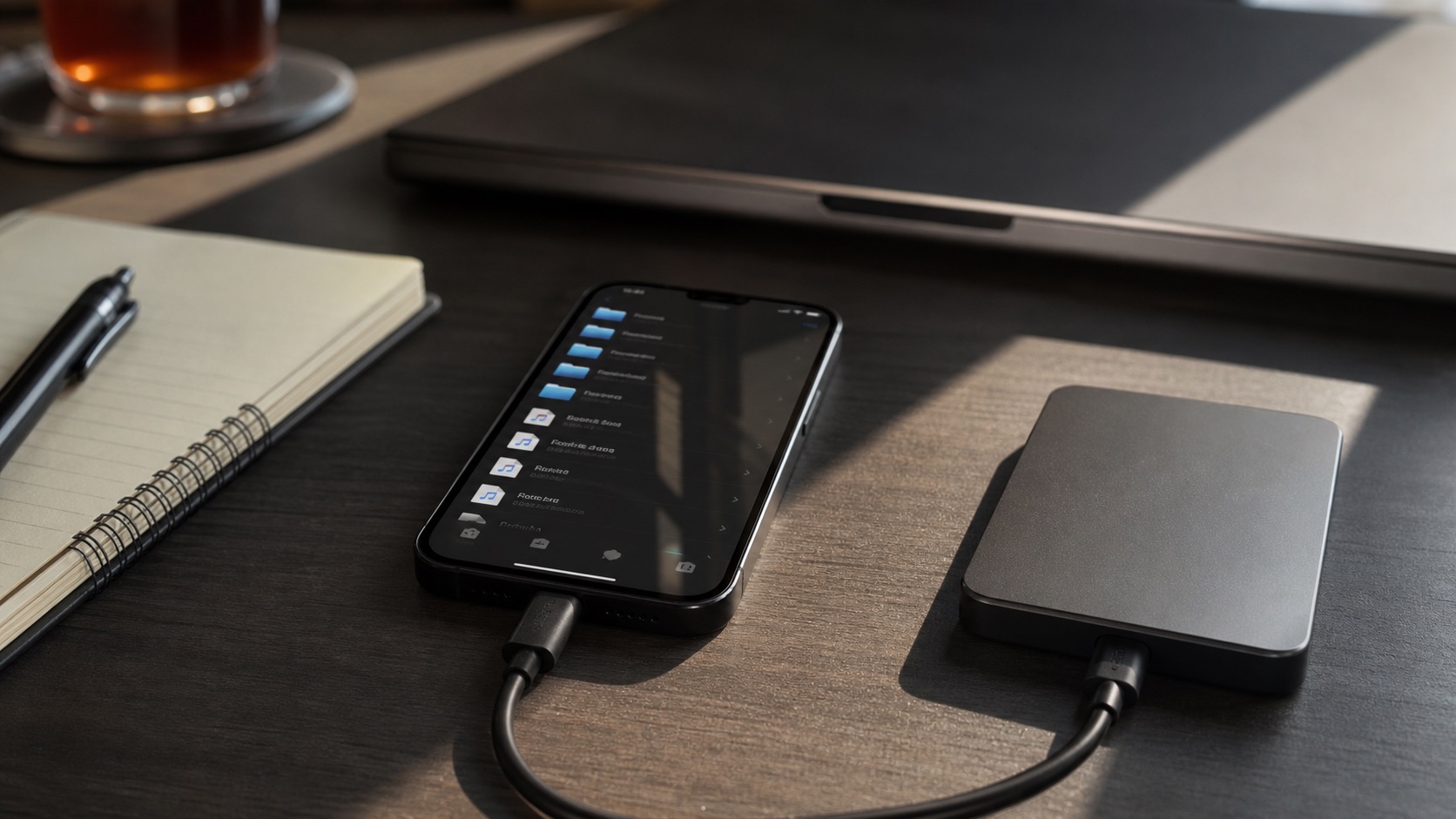
OfflineTunes supports Files, Wi-Fi, browser downloads, major cloud storage, S3, WebDAV/Nextcloud/ownCloud, and music servers including Navidrome, Plex, and Subsonic. Compare exact provider and whether app streams, caches, downloads, imports, or writes back-these verbs are not interchangeable.
FLAC Playback Is Table Stakes
Both play FLAC. Test difficult parts: 24-bit files, cue sheets if used, multi-disc albums, embedded artwork, large tags, gapless live album, sample-rate switching, Bluetooth controls, and long queues. File opening success says little about library quality.
For hi-res above 48 kHz on iPhone, Apple says external DAC is required. Neither app can make ordinary Bluetooth path lossless. Equalize settings and volume before judging sound.
Library and Metadata Tools
Flacbox and Evermusic share built-in tag-editing workflow; developer's guide covers common tags, artwork, MusicBrainz auto-search, and cloud file updates.
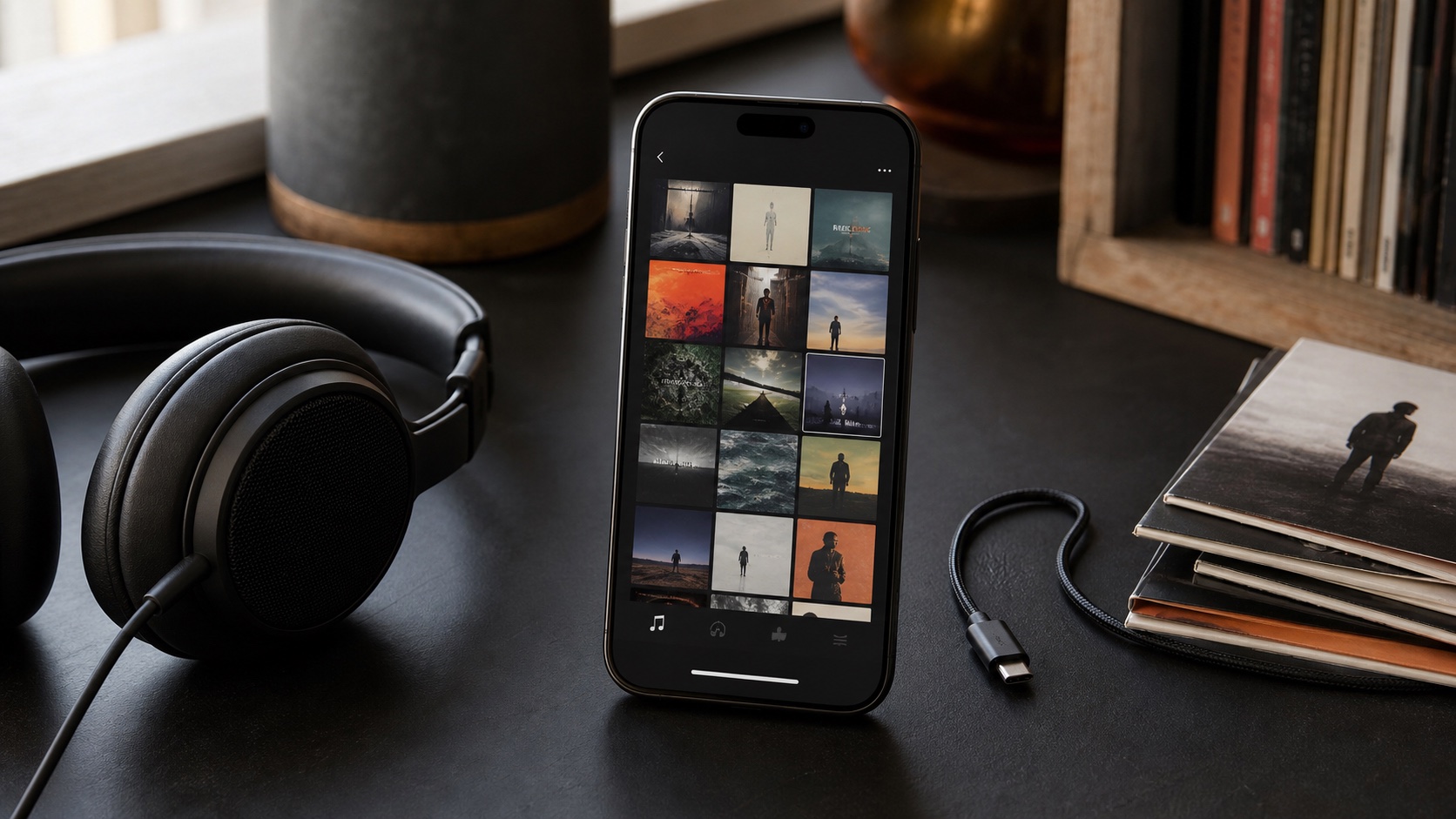
OfflineTunes extends metadata into local organization: folders, nested playlist folders, ratings, favorites, play counts, skip history, smart playlists, MusicBrainz assistance, Sonic Analysis for BPM/key/energy/mood, and FineTune review. If library cleanup and rediscovery are major goals, these may outweigh cloud-first convenience.
CarPlay and Offline Use
Both support CarPlay. Cloud-connected app can browse remote library but no-signal playback requires download. Device-first library already uses local storage, though cloud-only entries still need import. Run airplane-mode test after restart.
Large CarPlay libraries expose sort and pagination differences. Test artist and album navigation, now-playing artwork, previous/next response, and how quickly playback resumes.
Which Should You Pick?
Choose Flacbox if cloud/NAS plus built-in file management is central. Choose OfflineTunes if iPhone library itself is central and you want deeper organization, analysis, queues, and listening-driven cleanup. Both can coexist during evaluation.
Copy three representative albums-one normal, one multi-disc, one hi-res or tag-heavy. Compare imports, artwork, ordering, gapless, offline, CarPlay, and metadata write-back. Keep originals outside both apps.