How OfflineTunes Analyzes BPM, Key, Energy, and Mood
OfflineTunes reads musical characteristics from the audio itself so Track Radio, Moods, and library discovery can work without cloud recommendations.
In this article Open
Metadata can tell you a track title, artist, album, and genre. It cannot reliably tell you whether the song is tense, warm, danceable, subdued, or a good neighbor for the track playing now.
OfflineTunes Sonic Analysis reads the audio itself. It measures musical characteristics that power Track Radio and Moods without uploading your library to a recommendation service.
What Sonic Analysis Measures
No single number captures a song. OfflineTunes combines several measurements so a slow but intense track does not look identical to a slow, sleepy one.
BPM describes tempo. Key and Camelot notation help describe harmonic position. Energy, brightness, danceability, and loudness describe how the recording behaves, while MFCC features give the app a compact picture of timbre.
Why Genre Tags Are Not Enough
Genre is useful for browsing, but libraries rarely agree on it. One collection may label the same sound electronic, electronica, downtempo, chillout, or leave the genre blank. Tags also miss the range inside one artist or album.
Audio analysis gives OfflineTunes another path. A quiet electronic piece and an ambient jazz track can meet in a Focus mood because their measured sound aligns, even if their metadata never would.
How Analysis Powers Track Radio and Moods
Track Radio compares a seed with analyzed music across the library. One seed creates a focused center; several seeds define a wider blend. The resulting queue stays inside your own files.
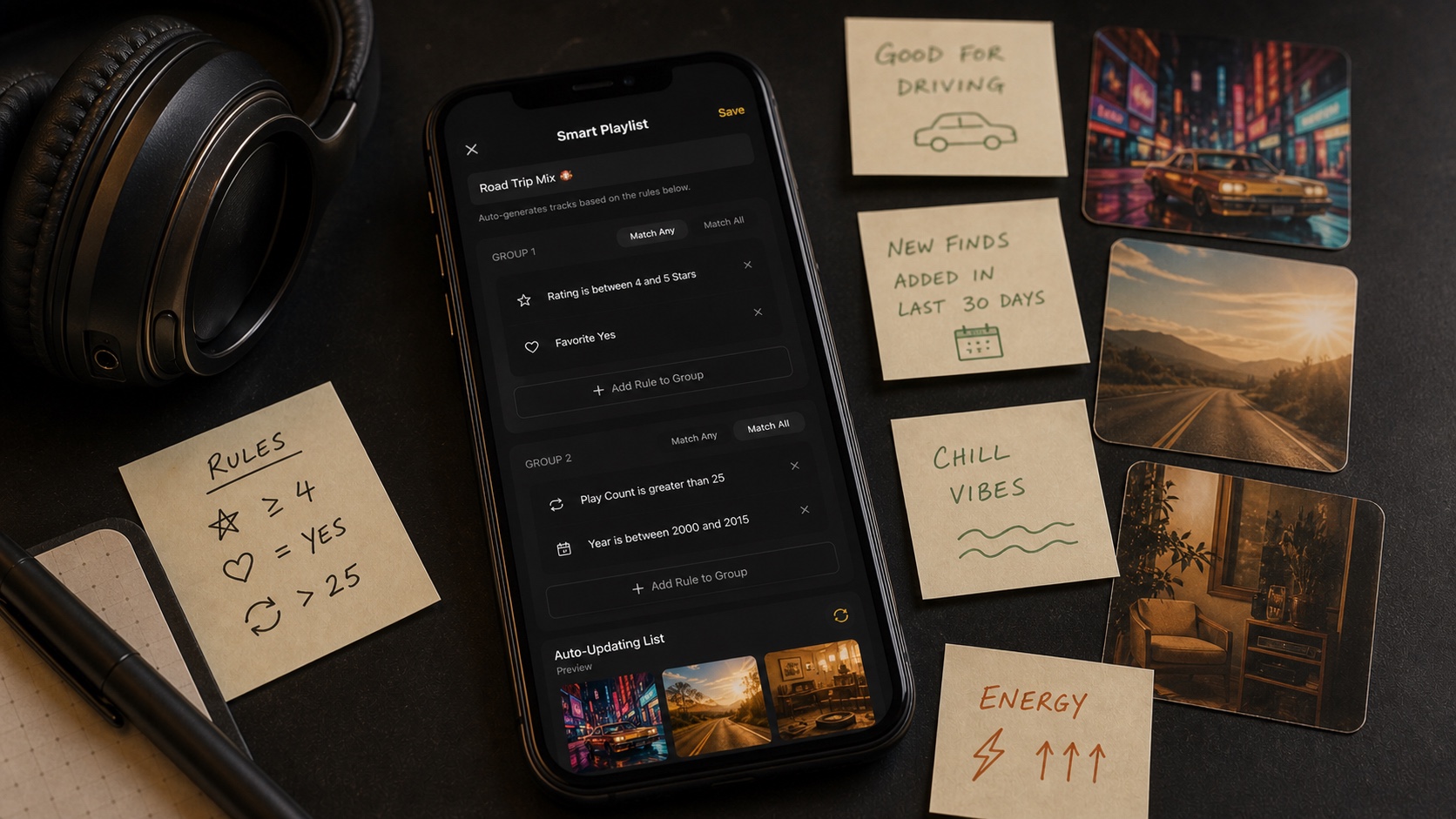
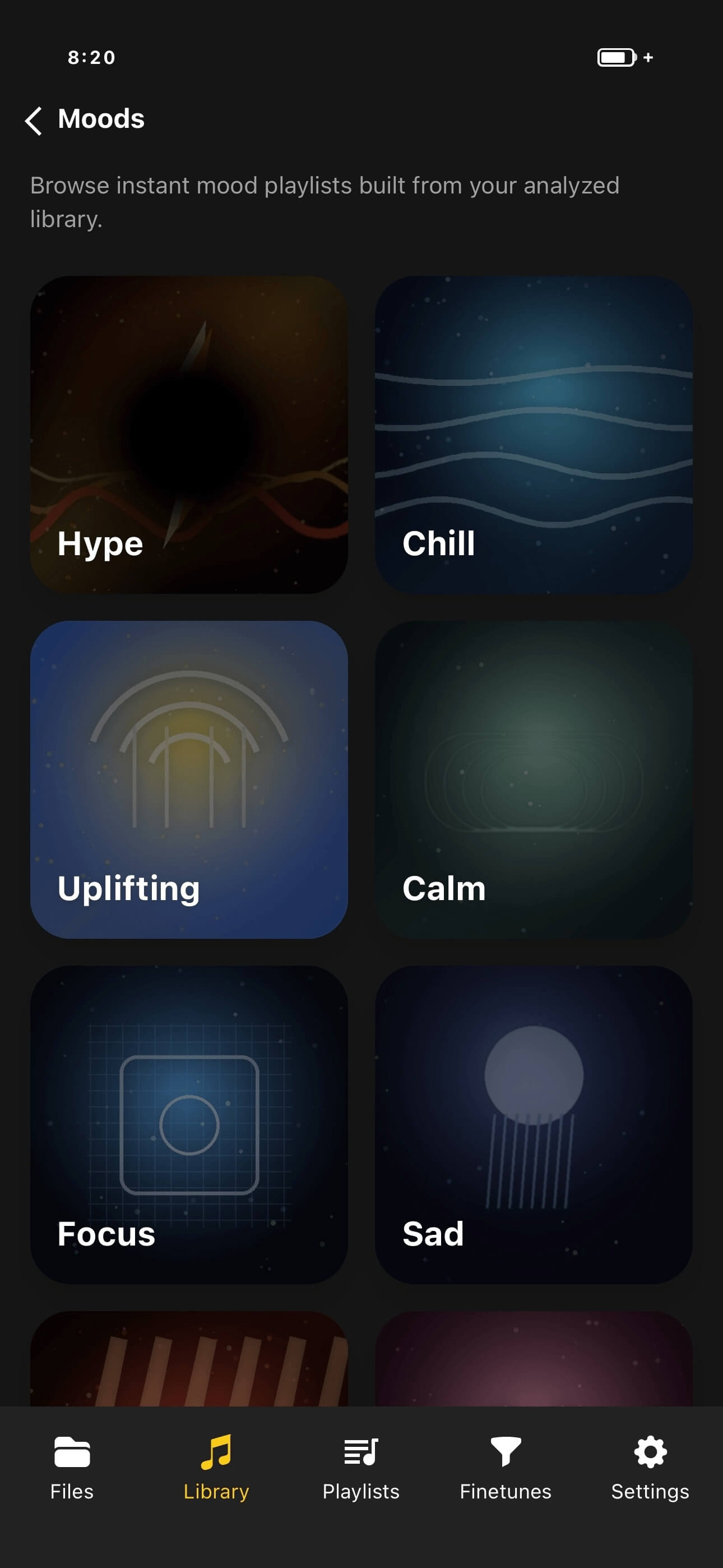
Moods work from the other direction. You choose Hype, Chill, Focus, Sleep, Romantic, Dark, or Cinematic, and OfflineTunes finds analyzed tracks that fit that feel. Favorites and rating filters can narrow the result further.
- Track Radio: start from music and find similar local tracks.
- Moods: start from a feeling and find matching local tracks.
- Privacy: the library does not need to become a cloud listening profile.
- Durability: discovery keeps working when the phone is offline.
Prepare a Large Library for Analysis
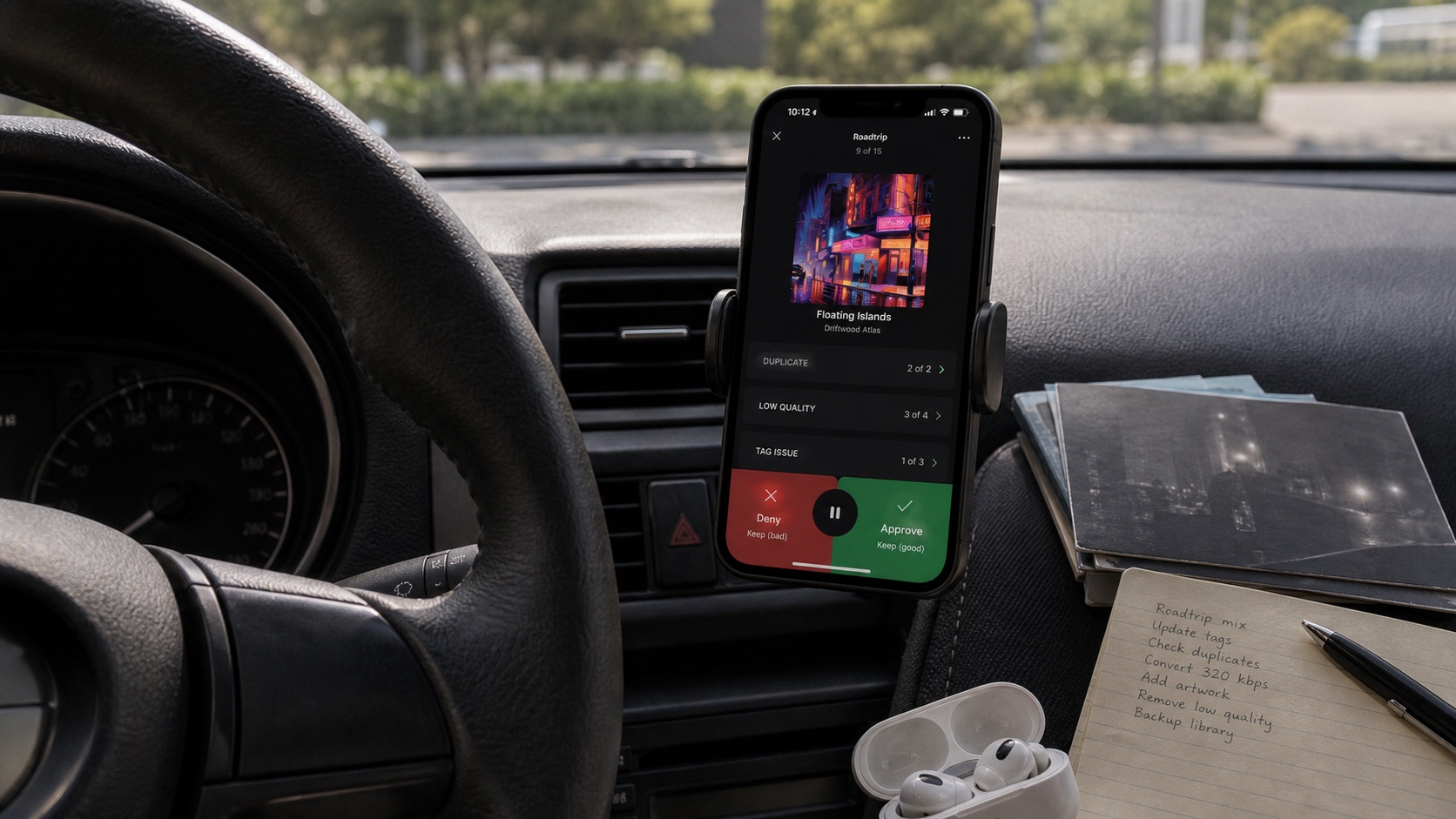
Start with a representative batch if your library contains thousands of tracks. Analyze music from several genres and energy levels, then test Moods and Track Radio before expanding to everything.
Keep tags clean even though analysis does not depend on genre labels. Audio measurements decide similarity, while artist, album, artwork, rating, and favorites make the results easier to understand and refine.
- 1Import representative music.Include quiet, energetic, acoustic, and electronic material.
- 2Run analysis.Allow the app to build sonic data for those tracks.
- 3Test discovery.Open a Mood and start radio from several different seeds.
- 4Expand coverage.Analyze the rest once the initial results match your expectations.