Mood Playlists on iPhone: Hype, Chill, Focus, Sleep, and More
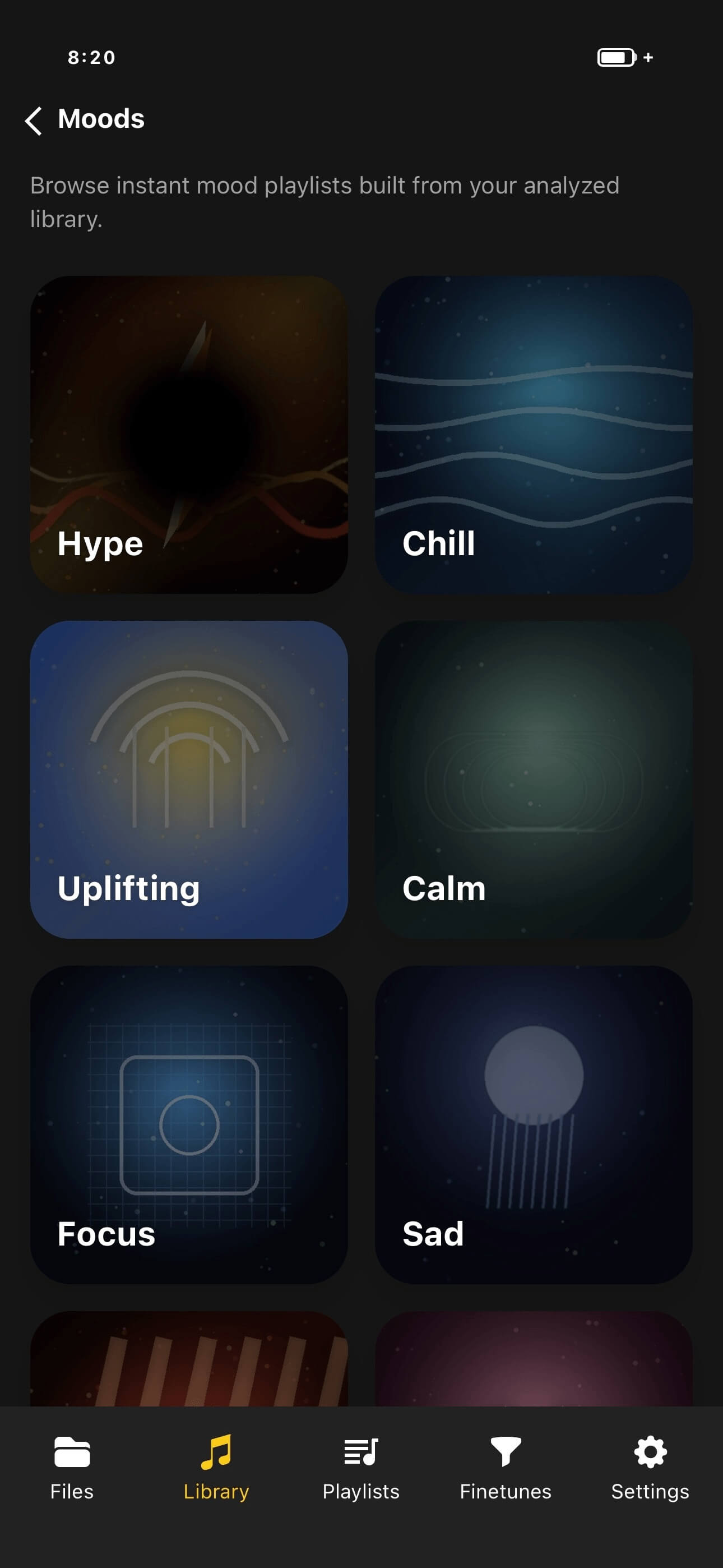
Browse local music by feeling instead of folders or genres, with living offline playlists for Hype, Chill, Focus, Sleep, Romantic, Dark, and Cinematic moods.
In this article Open
Folders answer where a file lives. Genres answer how someone labeled it. Mood playlists on iPhone answer a more immediate question: what fits this moment?
OfflineTunes turns analyzed local tracks into living mood playlists. The results come from your own library and continue working offline, so Focus on a flight and Sleep at a cabin do not depend on reception.
Seven Useful Starting Moods
OfflineTunes includes Hype, Chill, Focus, Sleep, Romantic, Dark, and Cinematic moods. Each one is a different window into the same library rather than a static playlist you must maintain by hand.
Open Hype before a workout, Focus during a long work session, or Cinematic when you want scale and atmosphere. As analyzed tracks change, the available mood mix changes with them.
Mood Matching Uses the Sound, Not Just the Genre
A genre can contain several moods. Rock may be sleepy, romantic, aggressive, or triumphant. Ambient may support Focus or feel too dark for it. That makes genre-only mood playlists unreliable.
OfflineTunes considers MFCC timbre, BPM, key, energy, brightness, danceability, loudness, and other analyzed values. The goal is not to guess a perfect emotion; it is to build a useful musical neighborhood from the actual recording.
Refine a Mood With Favorites and Ratings
Sometimes you want discovery. Other times you want only trusted music. Favorites-only filtering keeps a mood inside songs you already marked, while a rating filter can remove weaker tracks without changing the mood itself.
These filters become more valuable as the library grows. Rating and favoriting during normal listening creates a personal quality layer that Moods can reuse later.
- Unfiltered: best for exploring everything that matches.
- Favorites only: best when the moment needs reliable choices.
- Minimum rating: best for excluding tracks you have already judged.
- Fresh analysis: best after importing a large new batch of music.
Moods, Smart Playlists, and Normal Playlists Serve Different Jobs
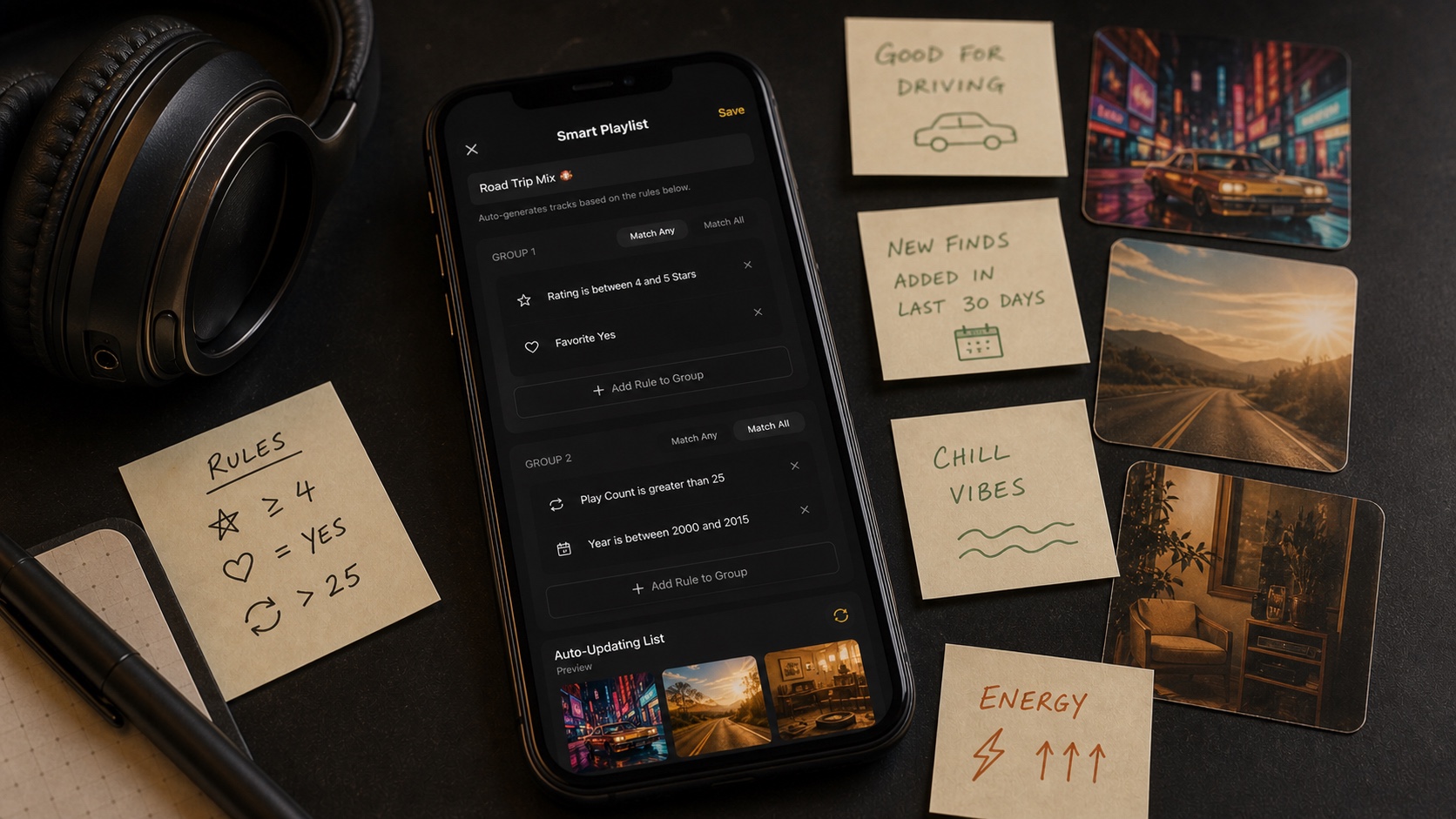
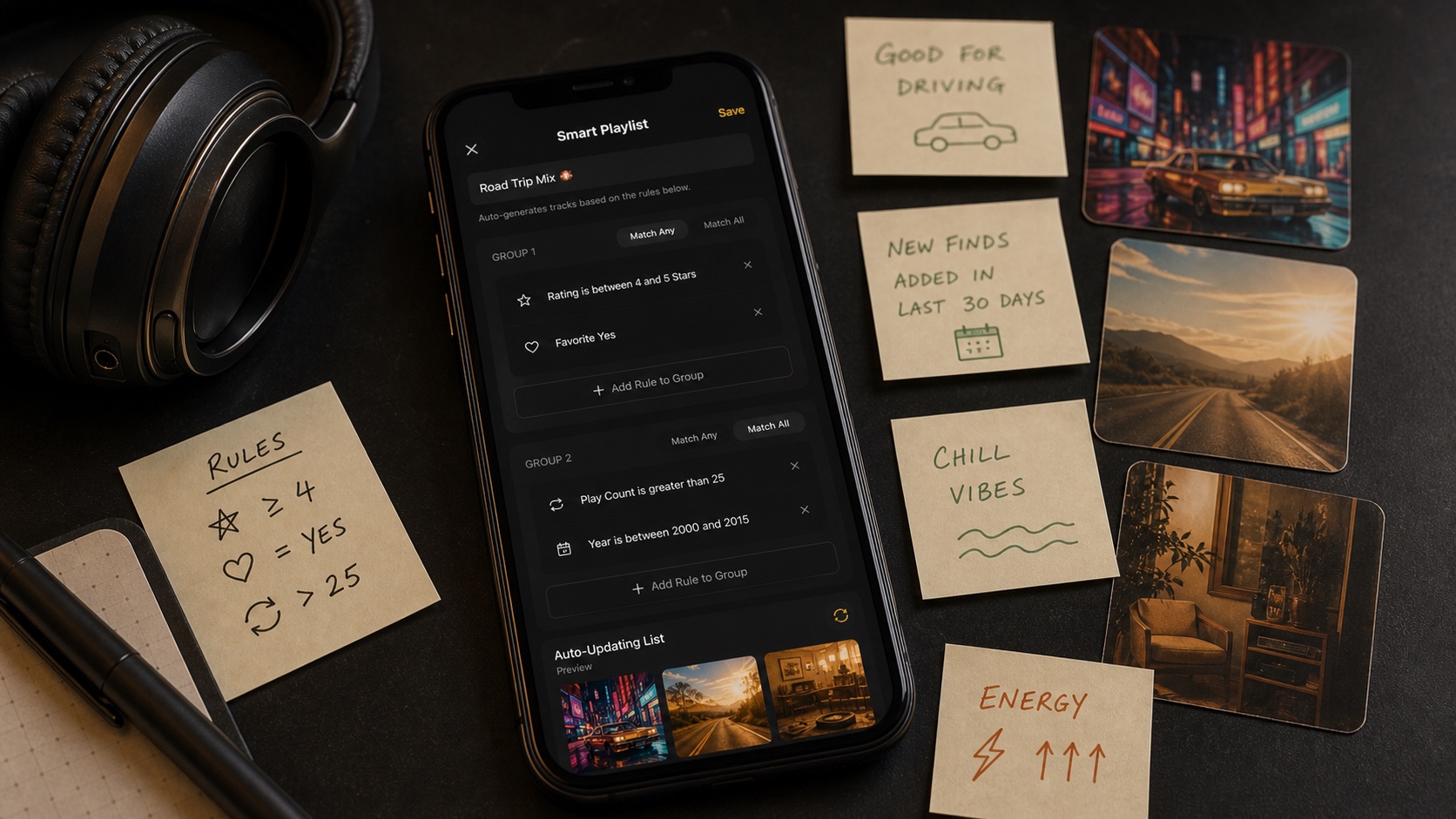
Use a normal playlist when exact membership and order matter. Use a Smart Playlist when explicit rules such as rating, play count, skip count, genre, or date should decide membership.
Use Moods when sound should lead. You are choosing a feeling, not writing a database rule. Keeping all three tools available prevents one enormous playlist system from doing jobs it was never designed for.
- 1Analyze local tracks.Mood matching needs sonic information from the music.
- 2Open a mood.Choose the listening context before choosing individual songs.
- 3Apply filters if needed.Limit results to favorites or a useful rating threshold.
- 4Press play offline.The resulting playlist uses files already in your library.