Offline Music Apps vs Streaming: What You Gain by Owning Files
Streaming gives access. Owned files give permanence, portability, customization, backups, and playback that does not need a subscription catalog.
In this article Open
Offline music apps vs streaming is not only a sound-quality argument. It is a control argument. Streaming gives access. Owned files give permanence, portability, and the ability to keep listening when service fails.
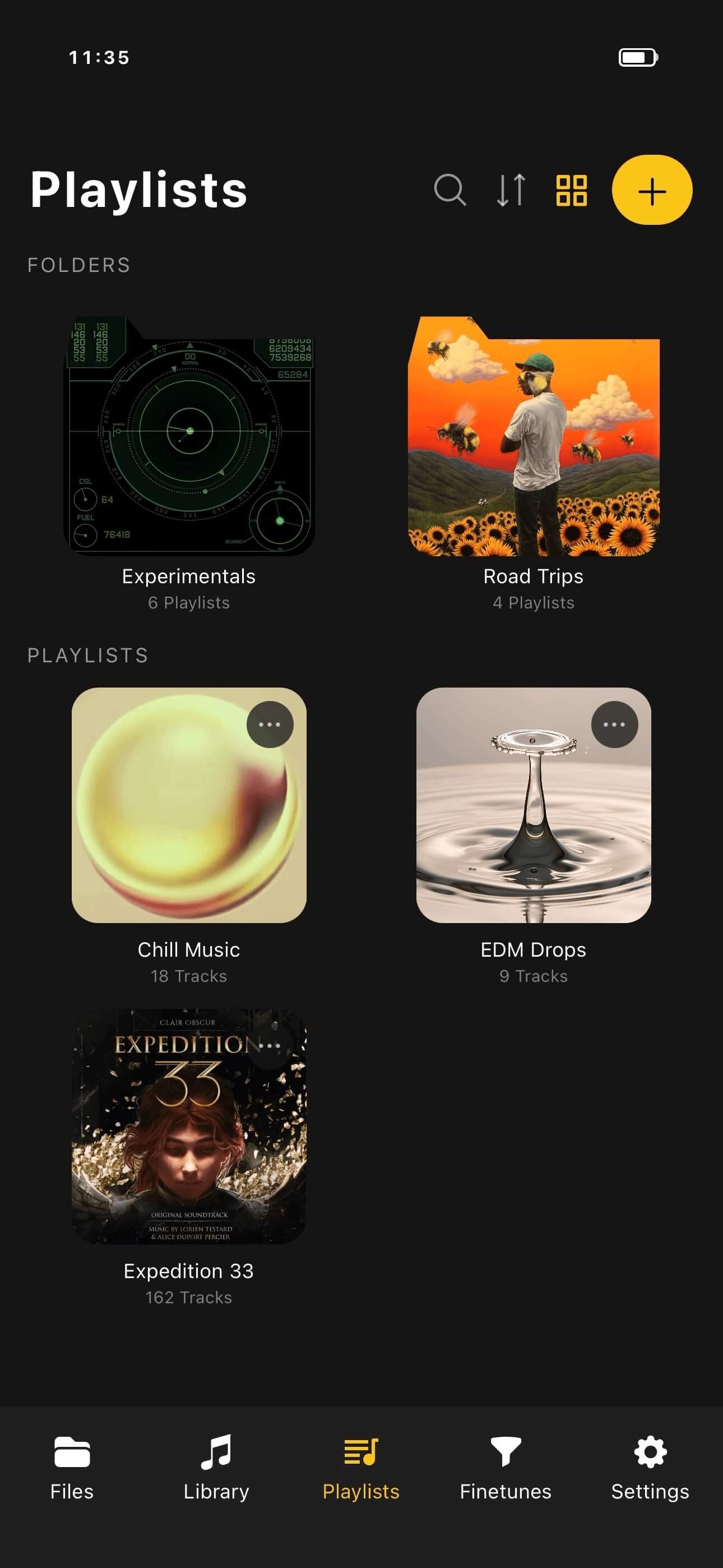
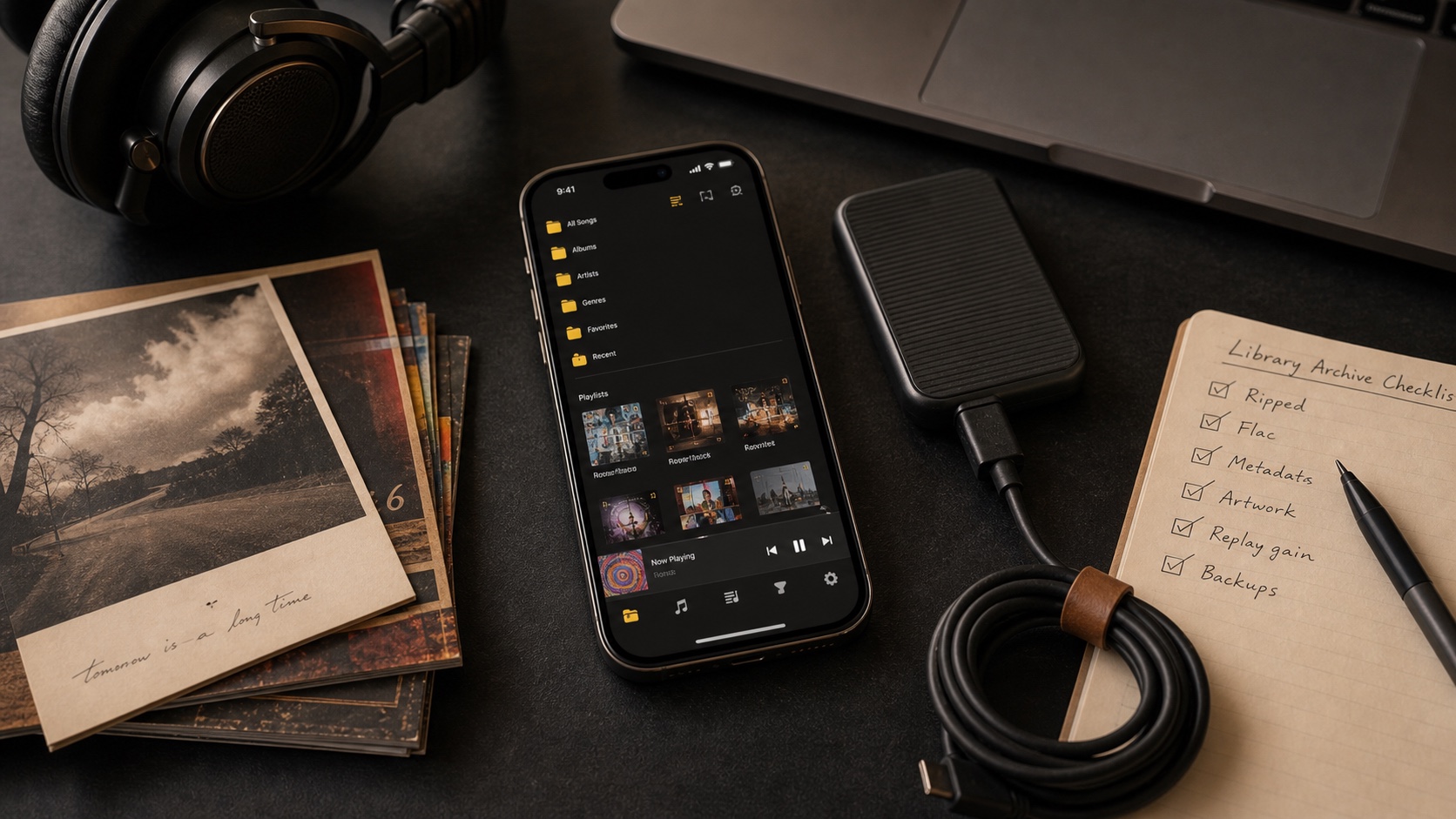
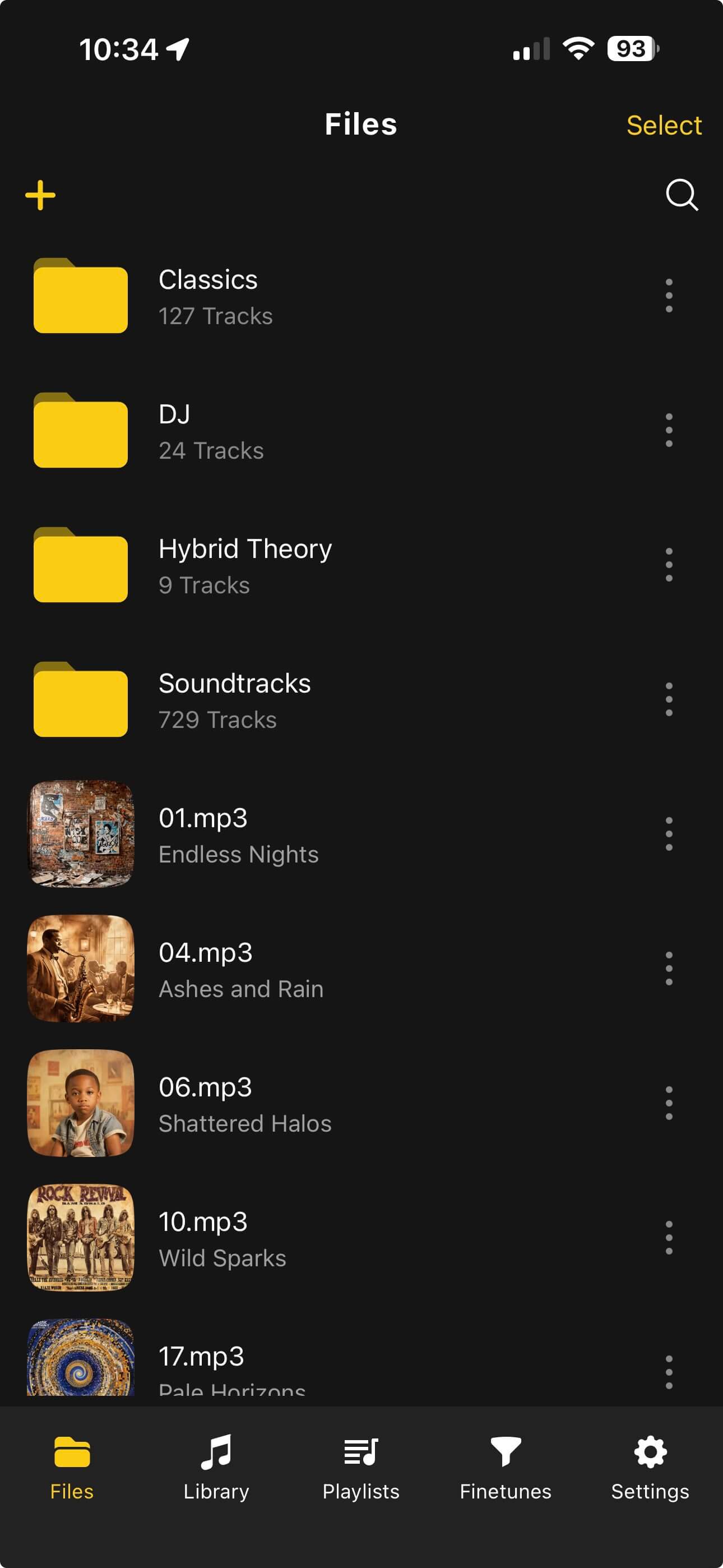
OfflineTunes exists for the owned-file side of that equation. It turns local music into a modern iPhone library with folders, tags, artwork, playlists, EQ, ReplayGain, and offline playback.
Short Answer: Streaming Gives Access, Files Give Control
Streaming is excellent for discovery. Owned files are better for permanence. A strong music setup can use both: streaming to find music, owned files to keep favorites forever.
The key is knowing what you gain when files are yours: offline certainty, stable metadata, no disappearing albums, custom folders, backups, and playback that does not depend on a subscription.
What You Gain by Owning Files
Owned files give you a library that survives app redesigns, catalog changes, licensing shifts, and weak internet. You can keep rare releases, local recordings, purchases, CD rips, and artist downloads in one place.
You also gain the right to organize your way. If you want folder names, custom tags, corrected artwork, smart playlists, or format choices, owned files make that possible.
- Permanence: albums do not vanish because a license changed.
- Portability: files can move between devices, drives, and apps.
- Customization: tags, covers, folders, playlists, and filenames can match your habits.
- Offline trust: playback does not need a server check when the files are local.
What Streaming Still Does Well
Streaming is still great for trying new artists, checking an album once, shared playlists, and instant access to music you do not want to own. The mistake is treating access as the same thing as ownership.
A practical setup uses streaming for discovery and owned files for the music that matters. When an album becomes permanent in your life, save it in a library you control.
Build a Hybrid Listening System
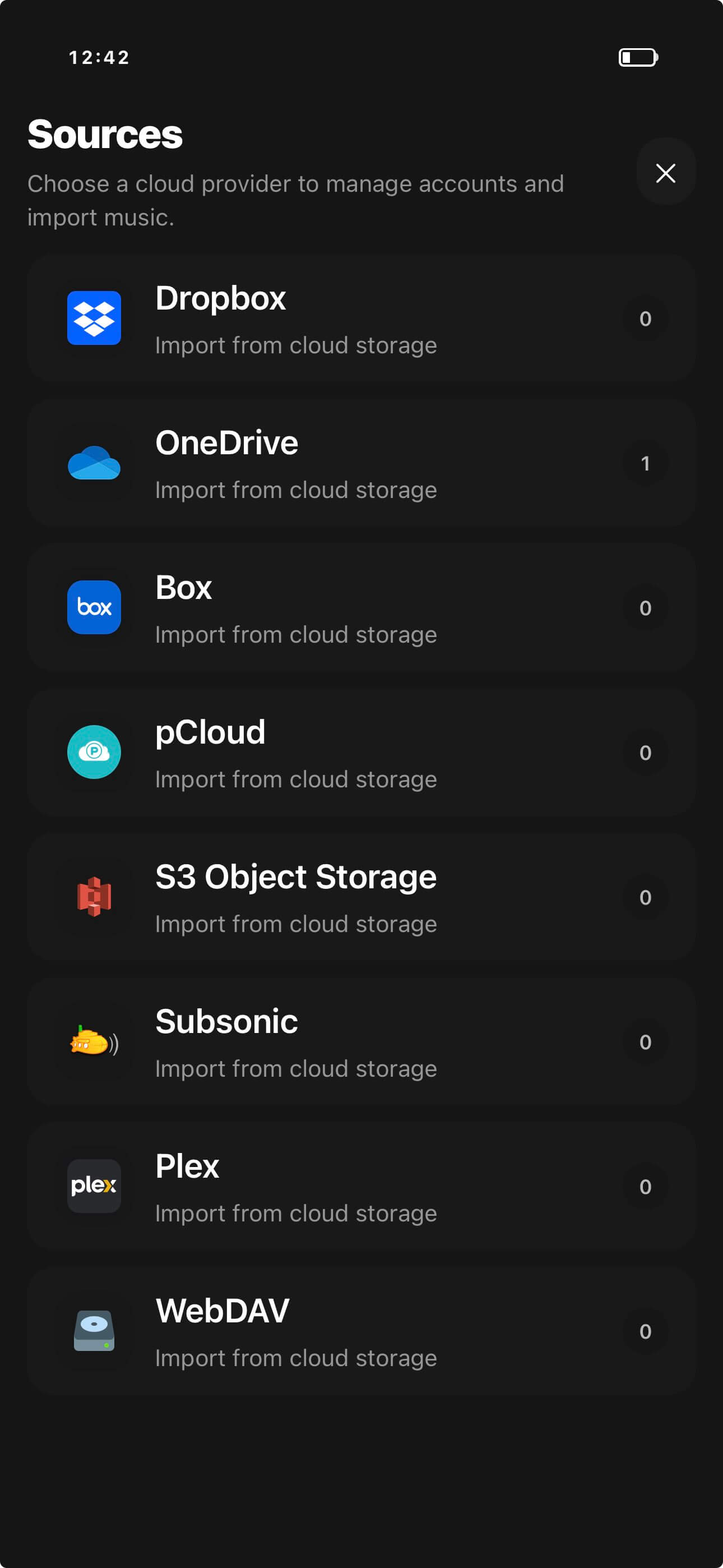
You do not have to reject streaming to value owned files. Use streaming as a listening notebook. Use your owned library as the shelf. OfflineTunes is for that shelf: files you want to keep, organize, and play without asking a catalog first.
If you want the full setup, read How to Build a Music Library You Actually Own. If you are choosing formats, read FLAC vs MP3.
- 1Discover anywhere.Use streaming, radio, friends, stores, or blogs to find music.
- 2Buy or save keepers.Move permanent favorites into your owned library.
- 3Import and tag.Clean metadata, artwork, folders, and format choices.
- 4Listen offline.Use OfflineTunes for playback that stays available without signal.
Verdict: Ownership Makes Music Feel Stable Again
Streaming gives reach. Owned files give roots. The best setup lets you discover widely but keep the music that matters in a library you control.
OfflineTunes turns that owned library into a modern iPhone experience with local files, folders, tags, artwork, playlists, EQ, ReplayGain, and offline playback.