Best Music App for Airplane Mode, Flights, Camping, and No-Signal Travel
A travel-ready player proves every track is local before departure, keeps queues and artwork offline, and does not need an account check at 35,000 feet.
In this article Open
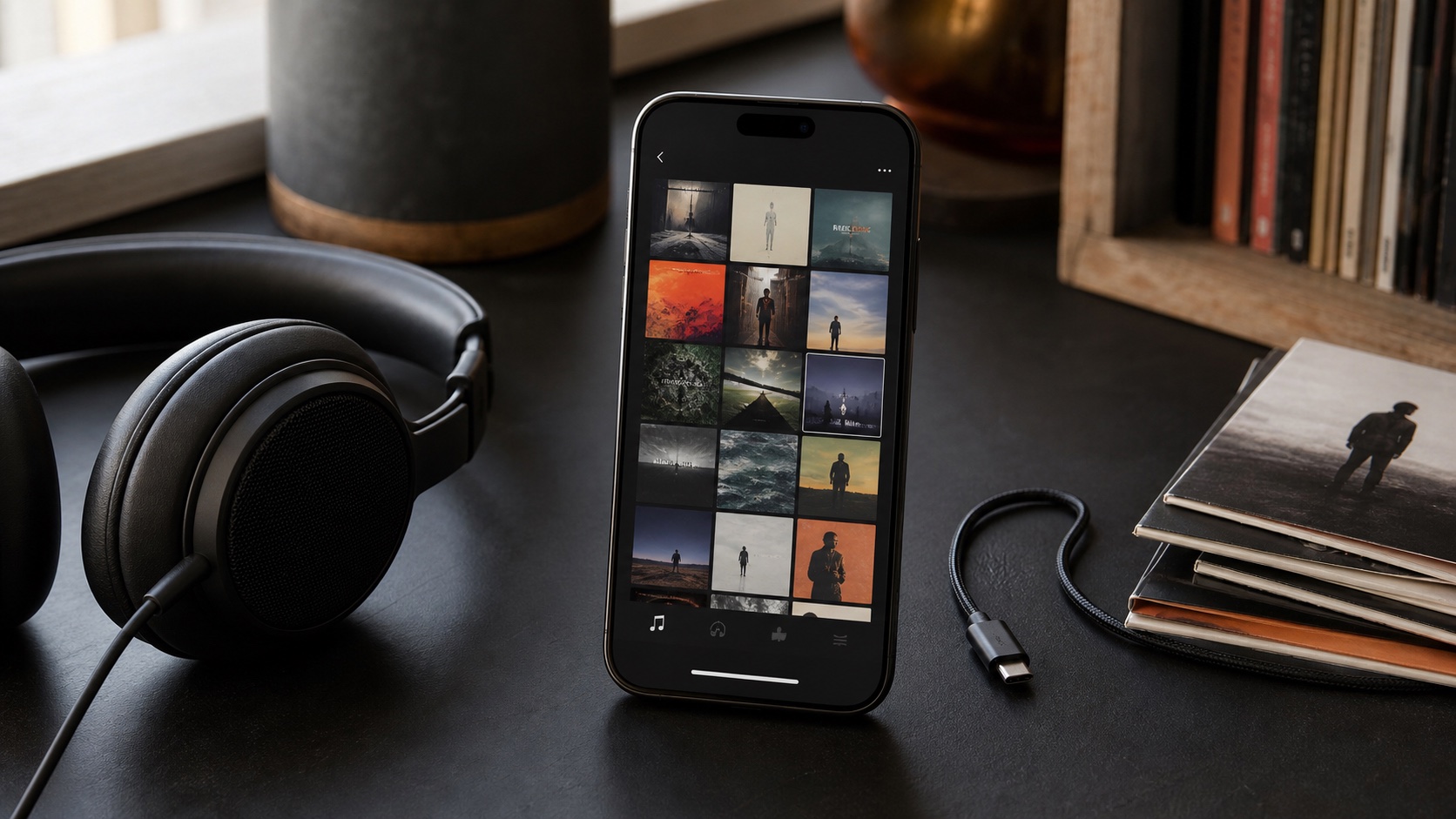
Best music app for airplane mode is not app with biggest "download" button. It is player that proves tracks are physically local, exposes storage clearly, keeps playlists and artwork available offline, resumes without account check, and works with headphones and car controls you carry.
For flights, camping, remote roads, and international travel, reliability comes from preparation. Test with radios off before departure-not when cabin door closes.
What Matters Offline
- True local files: music plays after restart with Wi-Fi and cellular disabled.
- Visible download state: cloud listings are distinguishable from local bytes.
- Offline library data: search, artwork, lyrics, playlists, and queues do not need network.
- Format support: player handles files you packed without last-minute conversion.
- Stable background playback: screen can lock without stopping music.
- Simple controls: wired/Bluetooth headset and CarPlay commands respond reliably.
Streaming apps can work offline when downloads are current and subscription checks cooperate. Owned local files remove catalog expiry and service dependence, though app and device must still function.
Run a Real Preflight Test
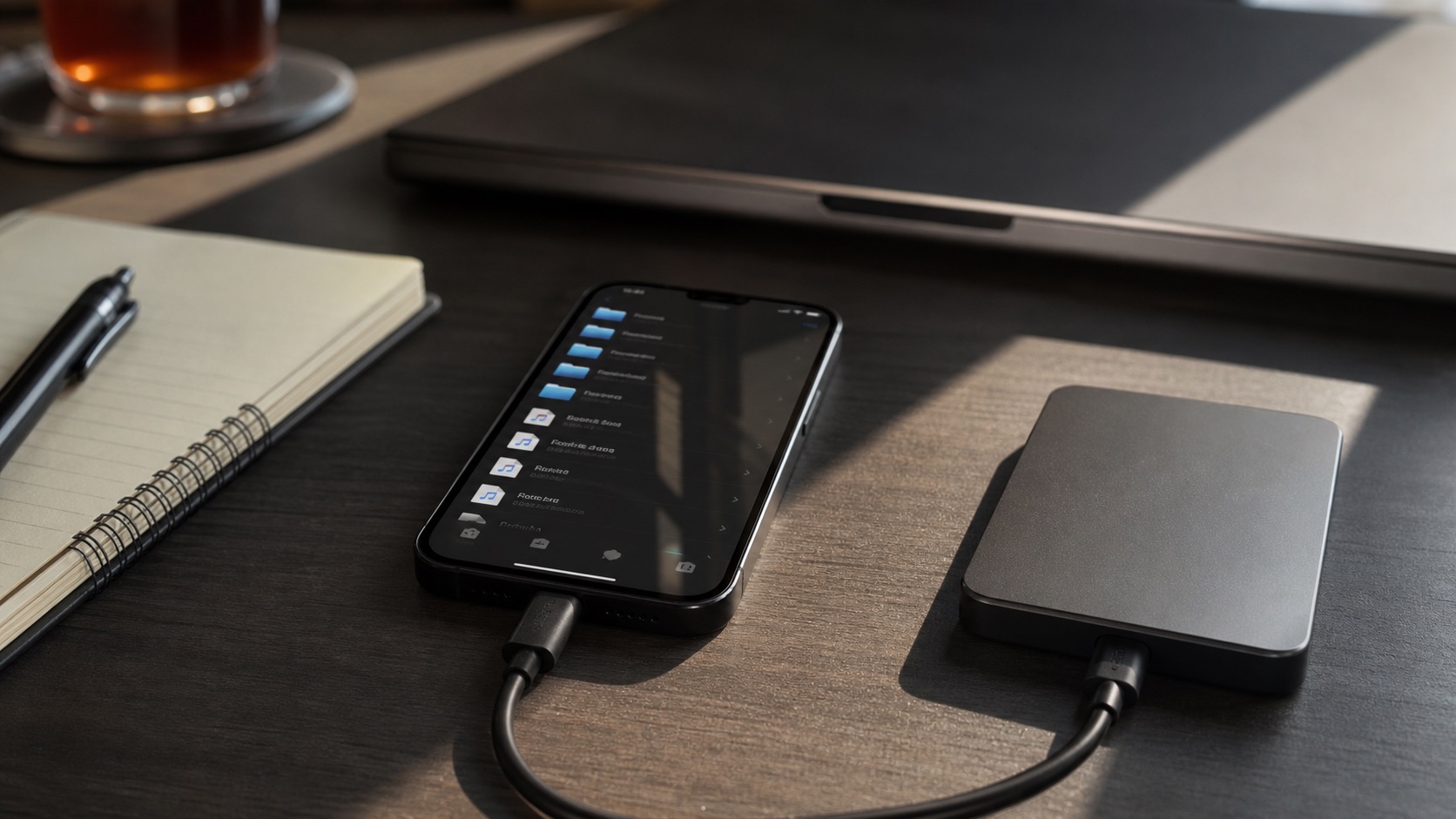
- Download or import planned music.
- Open several albums once so metadata and artwork finish processing.
- Enable airplane mode; leave Wi-Fi off.
- Force-quit player and reopen it.
- Search for tracks, open playlists, play first/middle/last album, and skip around.
- Lock screen for ten minutes and test headset buttons.
- Restart iPhone if trip is high-stakes, then repeat one track.
This catches cloud placeholders, expired downloads, incomplete imports, missing codecs, and library screens that silently depend on network.
Storage and Battery
Check Settings > General > iPhone Storage. Leave room for photos, maps, video, and system update. For long trip, high-quality AAC/MP3 can carry far more music than hi-res FLAC. Lossless favorites plus lossy discovery library is practical compromise.
Downloaded audio itself uses little battery compared with bright screen, weak cellular radio, navigation, and Bluetooth. Airplane mode helps. Lower screen use, disable visualizers, pre-build queue, and carry battery pack. Wired headphones provide fallback if Bluetooth battery dies.
Flights, Road Trips, and Camping
Long flights
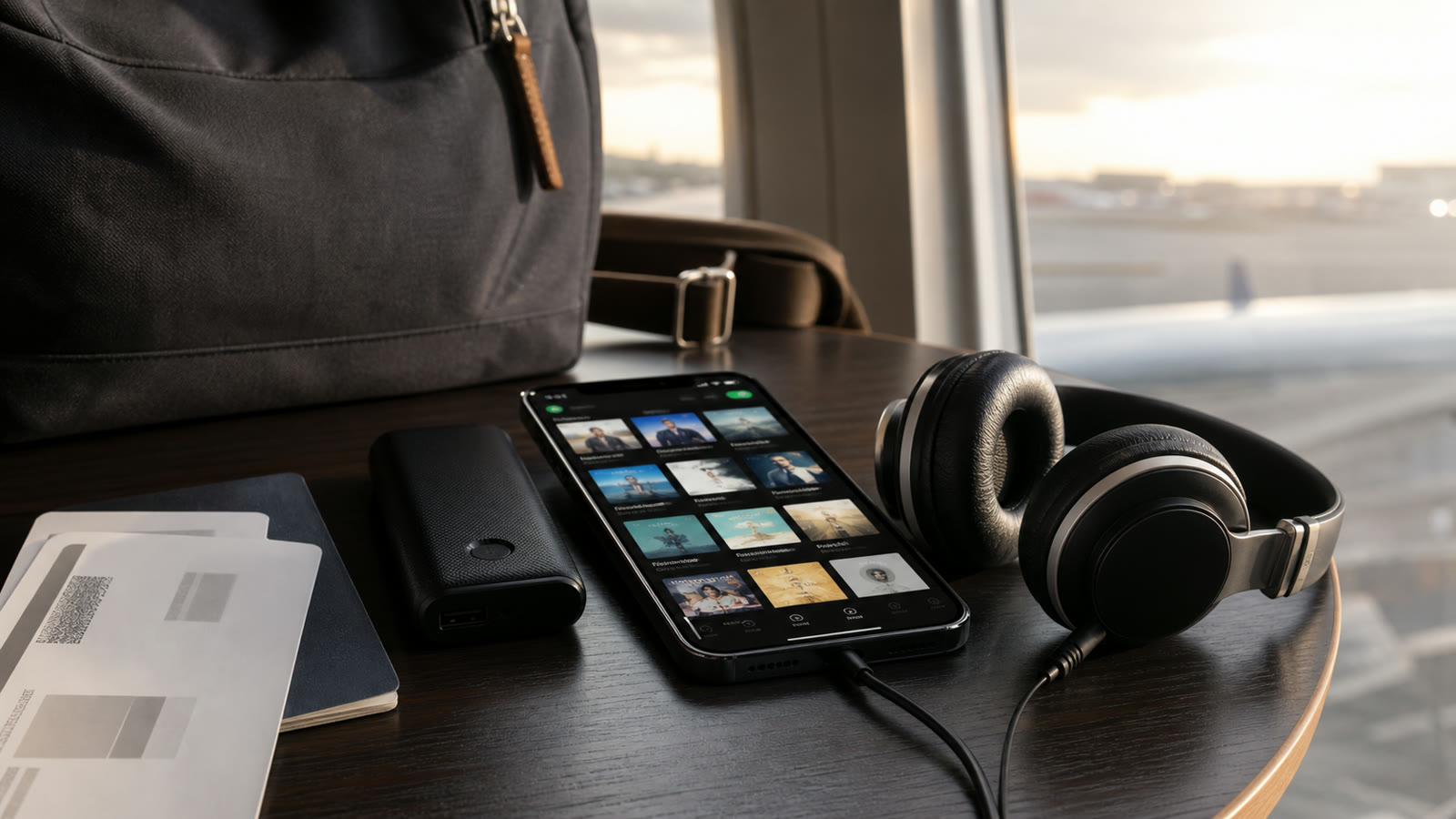
Pack more than flight duration because mood changes. Include calm album, energetic playlist, familiar favorite, sleep collection, and one long mix. Remember charging adapter and wired option compatible with phone and aircraft entertainment if needed.
Road trips
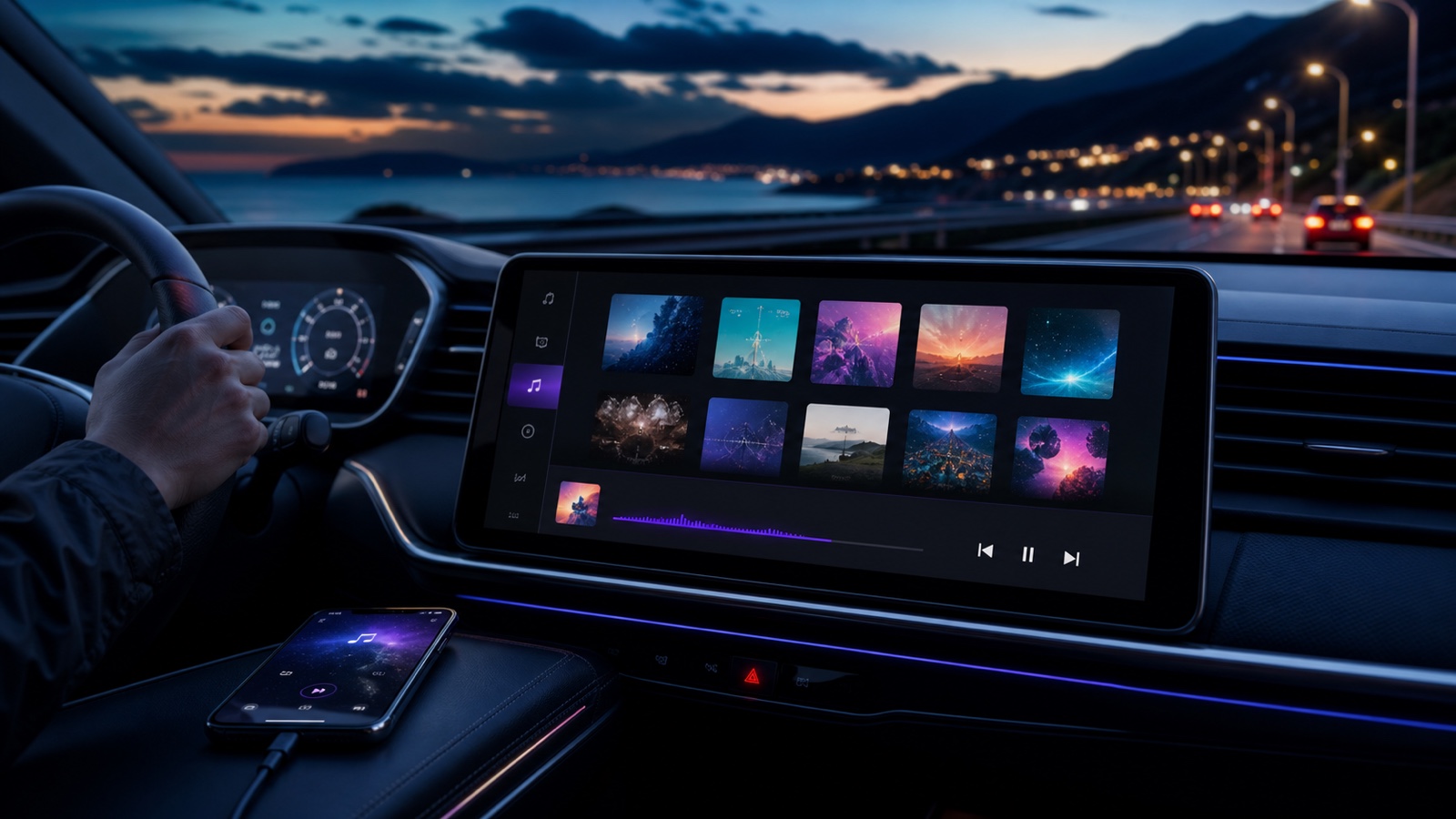
Use CarPlay-compatible player, large playlists, consistent loudness, and simple skip controls. Build queue while parked. Apple's CarPlay templates intentionally limit interface complexity; safety beats library surgery while driving.
Camping and remote travel
Prefer device-local files, battery-efficient playback, modest artwork, and offline lyrics if useful. Keep phone dry, avoid draining battery needed for maps/emergency, and carry small speaker only where appropriate.
Offline Music Packing List
Best Choice by Traveler
Choose streaming app offline mode if subscription catalog and easy downloads matter most. Choose cloud music player if remote library plus selective cache fits. Choose OfflineTunes when you want owned files, folders, lossless support, CarPlay, ReplayGain, playlists, and no catalog dependency.
Best travel app is one already tested with your library and hardware. Install day before departure, not in boarding line.