Does Apple Music Lossless Work With Local FLAC Files?
Apple Music Lossless settings govern Apple Music streams and downloads. Local FLAC files are separate files whose playback depends on the app and output chain.
In this article Open
No. Turning on Lossless Audio in Apple Music does not enable, convert, import, or upgrade local FLAC files. It changes quality Apple Music uses for supported catalog streams and downloads. Local FLAC is separate file whose playback depends on app opening it and audio path used.
You can play FLAC on iPhone with Files preview and third-party players, or convert FLAC to ALAC for an Apple Music library workflow. Conversion choice is organizational, not sound-quality contest: both are lossless.
Direct Answer
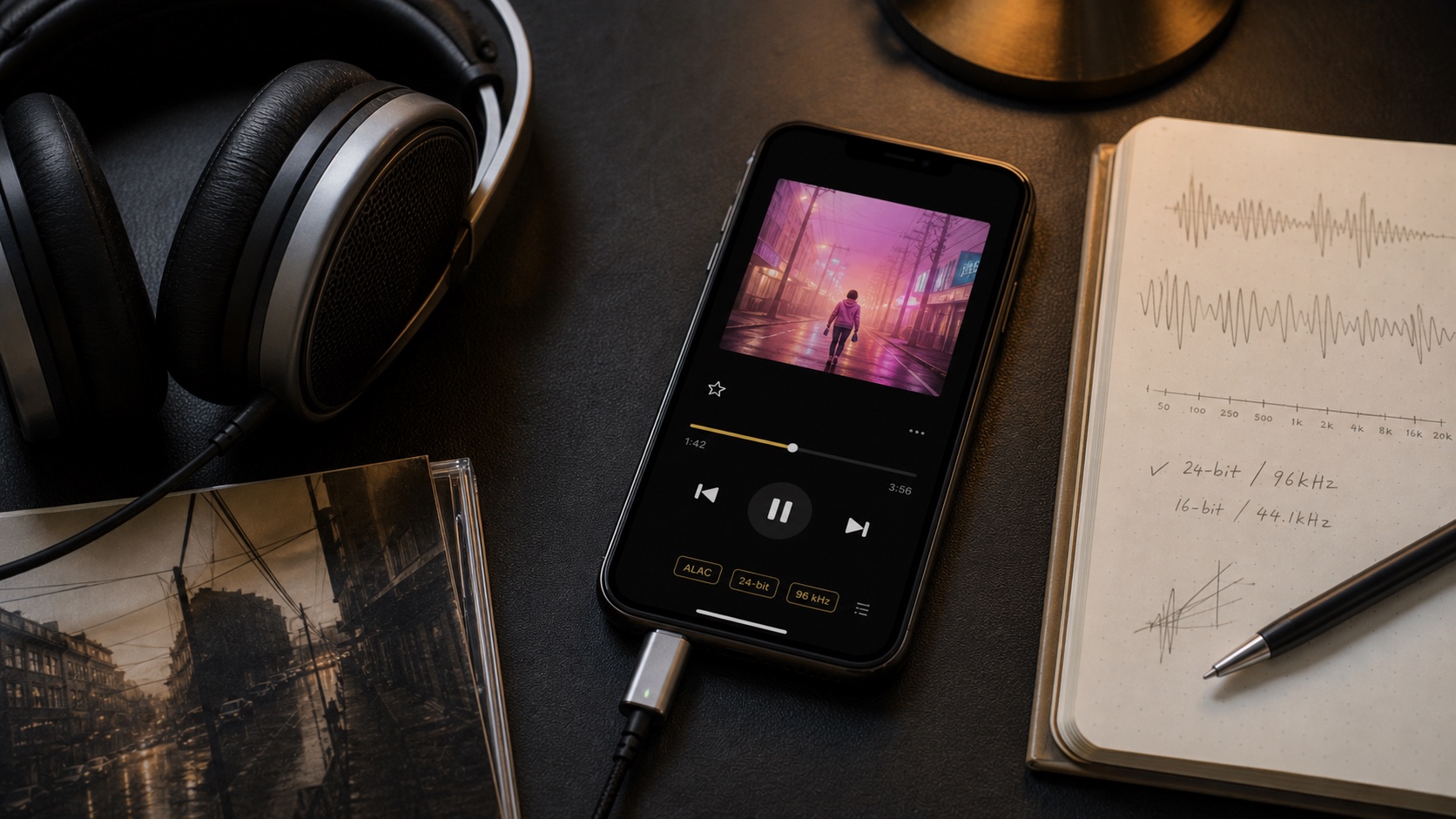
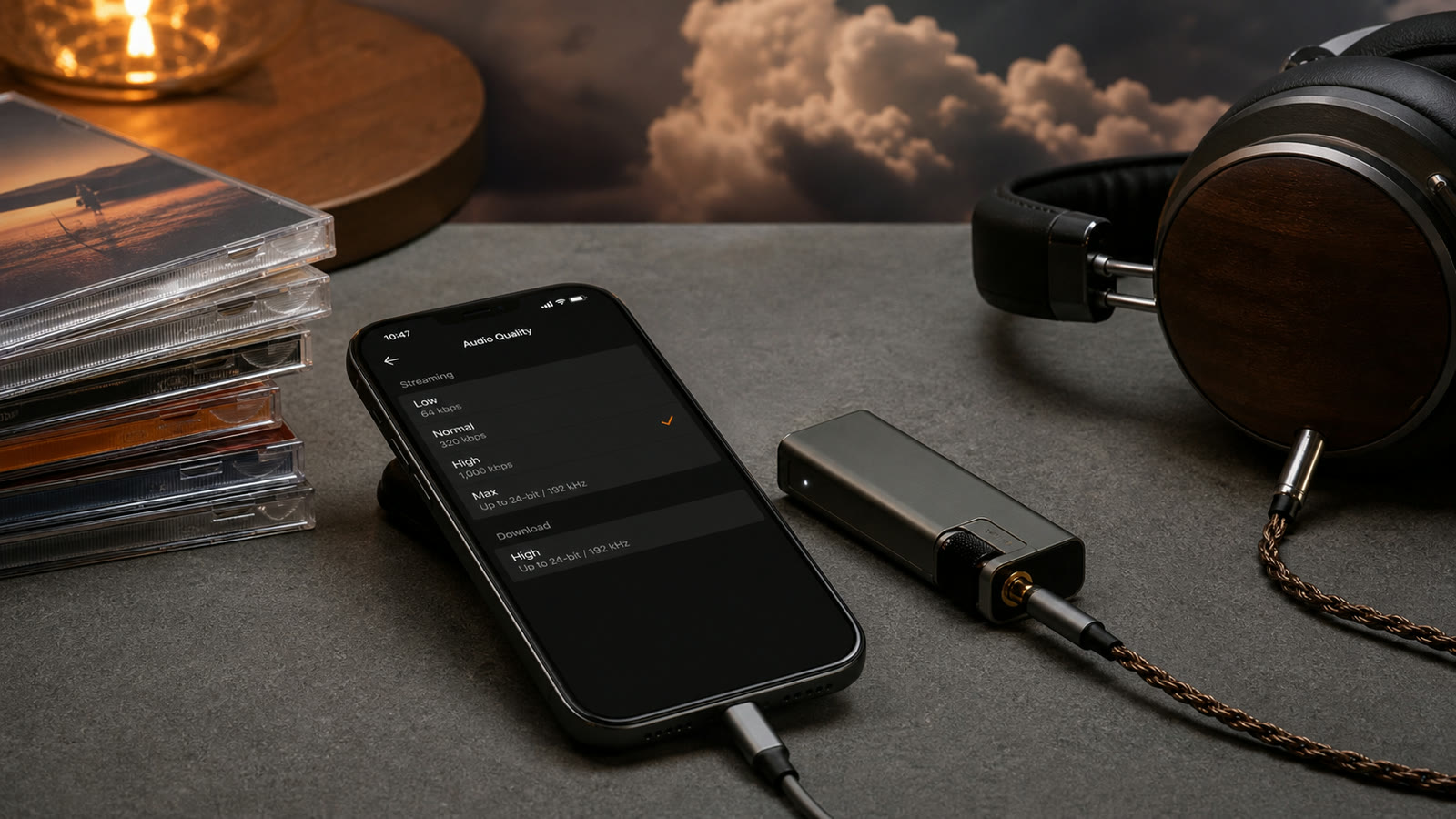
Apple's iPhone guide says Apple Music catalog uses ALAC from 16-bit/44.1 kHz through 24-bit/192 kHz. Settings > Apps > Music > Audio Quality controls cellular streaming, Wi-Fi streaming, and downloads from that service.
A FLAC in Files app is not Apple Music download. Lossless toggle does not touch it. It also does not make lossy MP3 lossless.
Two Separate Systems
Apple Music Lossless
Catalog access tied to Apple Music, encoded in ALAC, controlled by Music settings, with app-managed offline downloads.
Local FLAC
Normal file you own or control, stored locally/cloud, opened by compatible app, tagged and backed up independently.
Same word-lossless-describes preservation of audio data, not shared library. A player may support both sources while keeping their permissions and storage separate.
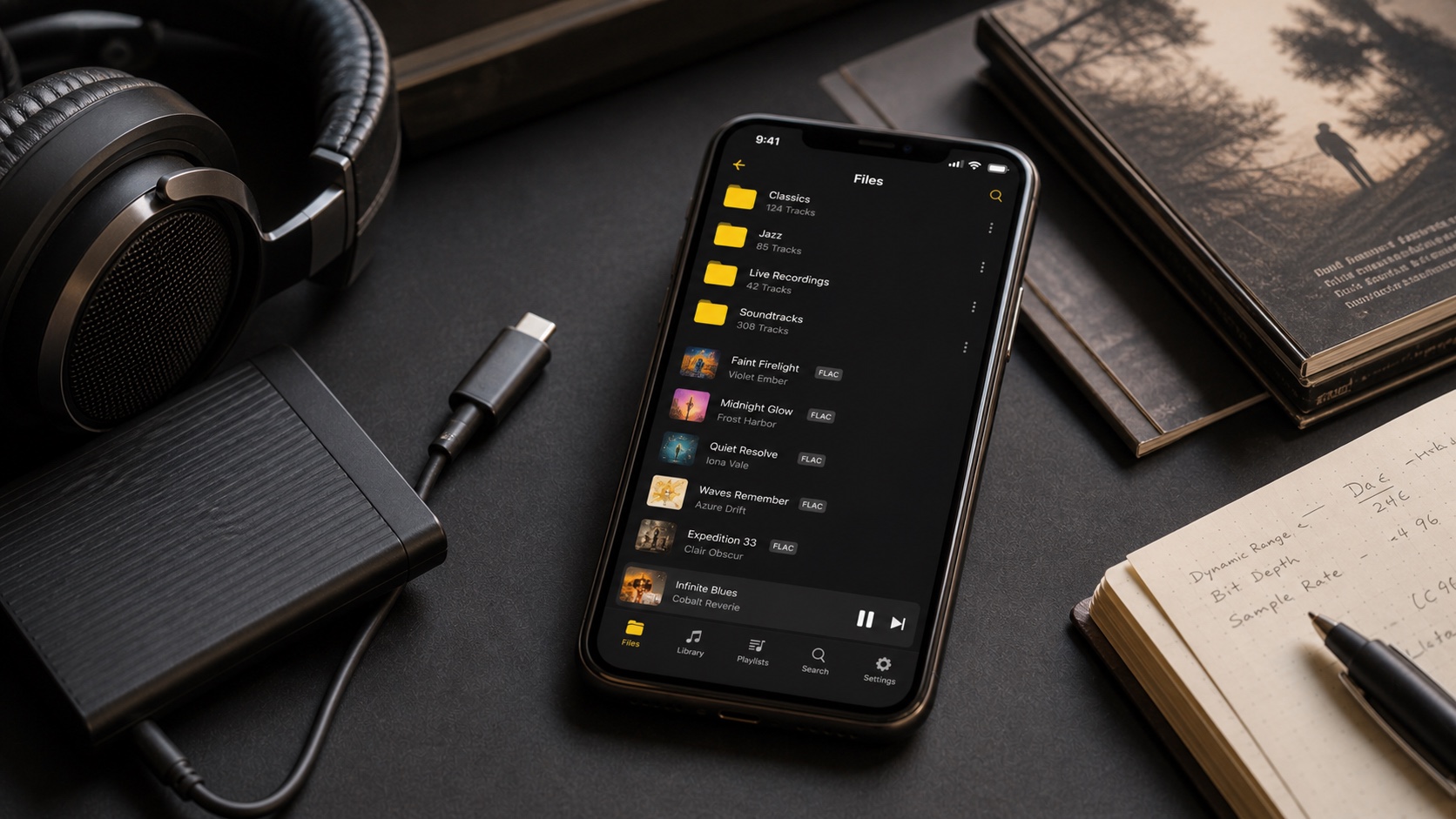
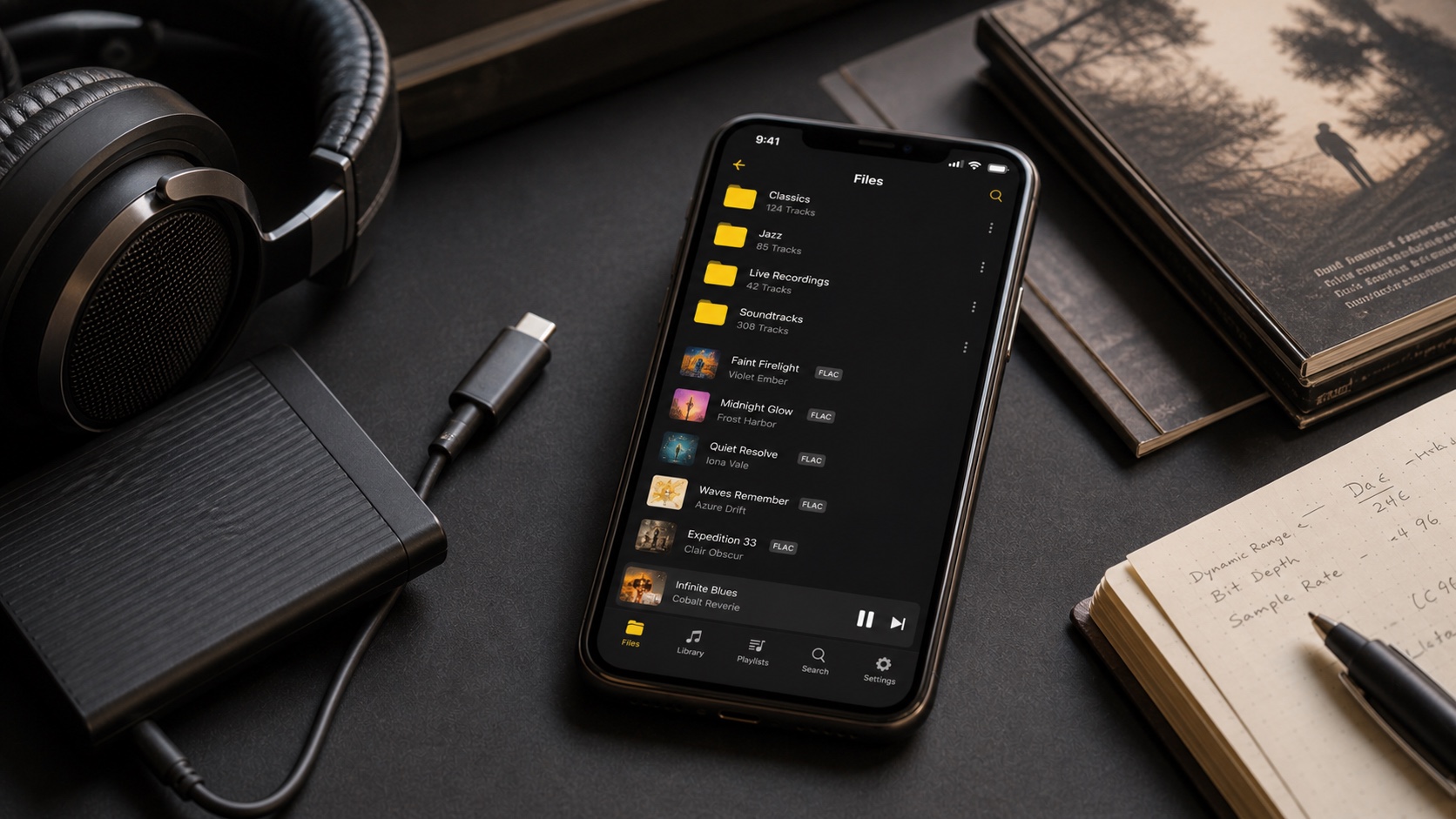
How to Play Local FLAC on iPhone
- Put FLAC files in Files, app storage, cloud drive, or compatible network source.
- Open one file in target player and verify playback.
- Import folder or album while preserving structure.
- Check tags, embedded artwork, disc order, and gapless transitions.
- Enable airplane mode to confirm file is genuinely local.
A dedicated library player adds search, artists, albums, folders, playlists, tags, ReplayGain, and queues around files. Files preview is useful quick check, not full collection manager.
When to Convert FLAC to ALAC
Convert to ALAC when you want files inside Apple Music/iTunes library ecosystem or target device/app prefers Apple formats. Correct FLAC-to-ALAC conversion is lossless; decoded samples remain same. Keep original FLAC until converted library is verified.
Do not convert FLAC to WAV merely for quality. WAV is uncompressed, larger, and often less convenient for rich metadata. Do not convert MP3 to FLAC expecting restored detail.
Bluetooth, DACs, and Hi-Res
Apple states Bluetooth connections are not lossless for its common wireless headphone paths. This applies regardless of whether source is Apple Music ALAC or local FLAC. For preserved lossless path, use suitable wired connection or compatible network endpoint.
Apple also says playback above 48 kHz on iPhone requires external DAC. A 16/44.1 FLAC does not require exotic hardware. Buy DAC for output compatibility, power, connectivity, or measured performance-not badge.
Recommended Setup
- Keep master library and backup outside iPhone.
- Use FLAC for cross-platform archive or ALAC for Apple-centered archive.
- Use local player for folder access and independent files.
- Disable unintended EQ, spatial effects, and normalization when making sound comparisons.
- Use ReplayGain when consistent loudness matters, without rewriting samples.
Apple Music Lossless and local FLAC are complements, not toggles for one another. Treat each as separate source and choose playback chain deliberately.