How to Import Music From Navidrome, Plex, and Subsonic to iPhone
Connect a home music server, browse its library, and pull chosen tracks into OfflineTunes when you want device-local playback.
In this article Open
Navidrome, Plex, and Subsonic-style servers are excellent at keeping a large home library centralized. Travel exposes their weak point: remote playback still depends on server uptime and network quality.
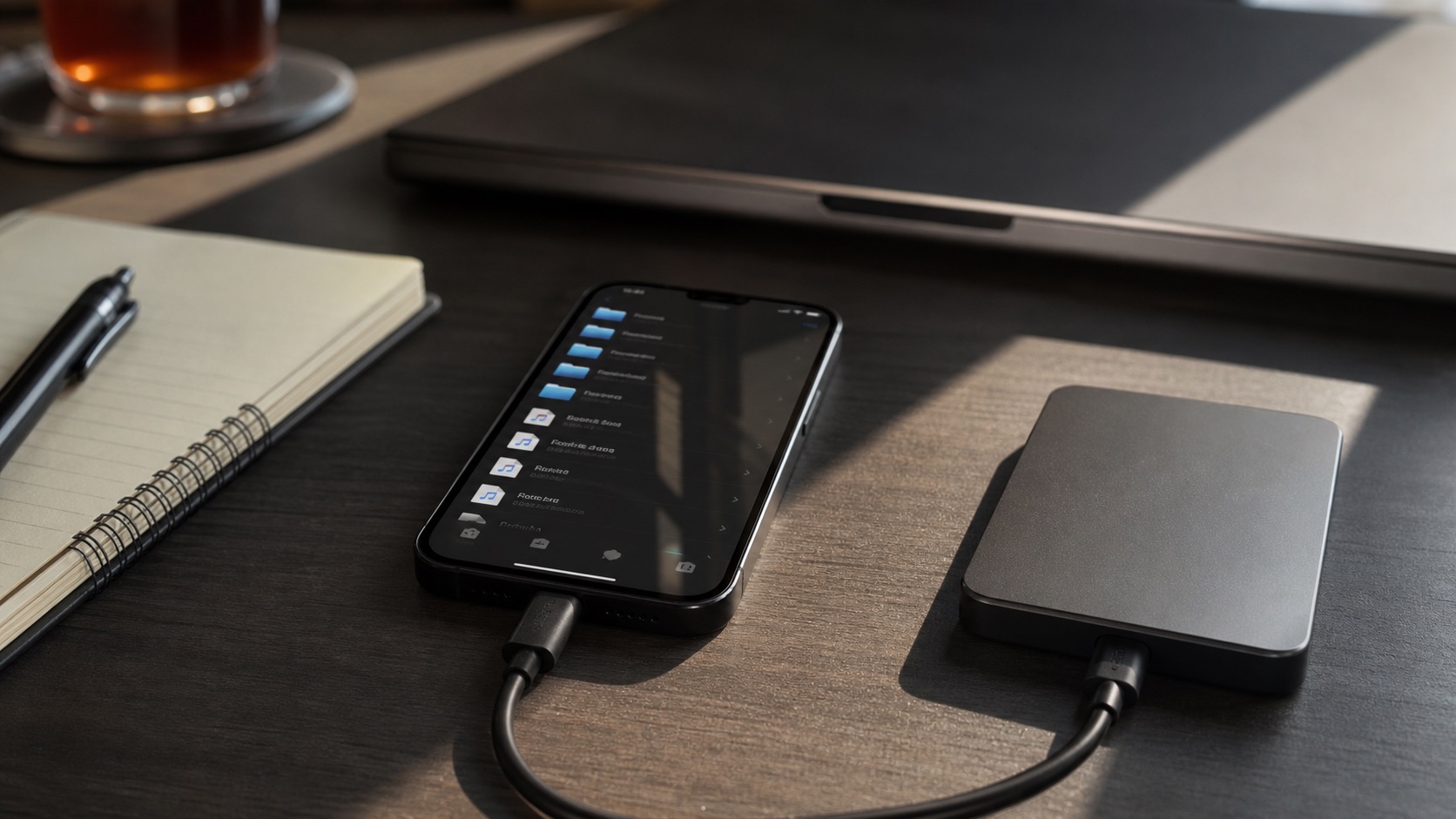
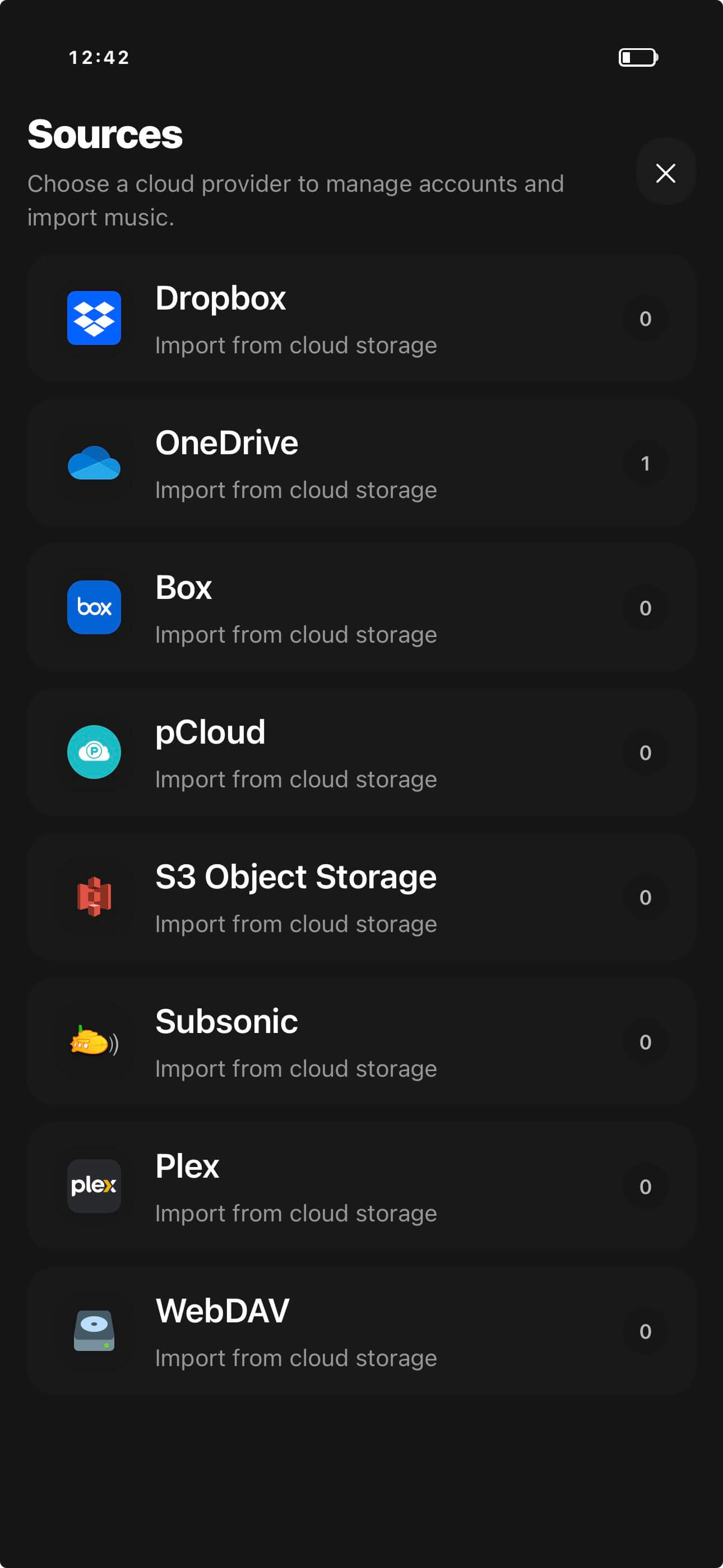
OfflineTunes can connect supported media-server sources, browse their music, and import selected tracks to iPhone. That creates a local listening layer without abandoning the main server.
Navidrome, Plex, and Subsonic Fill Similar Roles Differently
Navidrome and many other servers speak Subsonic-compatible APIs. Plex provides a broader media ecosystem that may include music beside video. The server choice affects authentication and browsing, but the offline goal is the same.
Keep the complete, backed-up archive on the server. Use OfflineTunes to choose what deserves local storage for a trip, commute, gym session, or unreliable connection.
Connect With a Stable Server Address
Use the server address and credentials that work from the network where you plan to browse. A private LAN address works at home but will not work remotely unless secure remote access is configured separately.
Give each connection a useful nickname. “Home Navidrome” and “Family Plex” remain understandable when several accounts or providers appear side by side.
Choose Offline Music Before the Connection Disappears
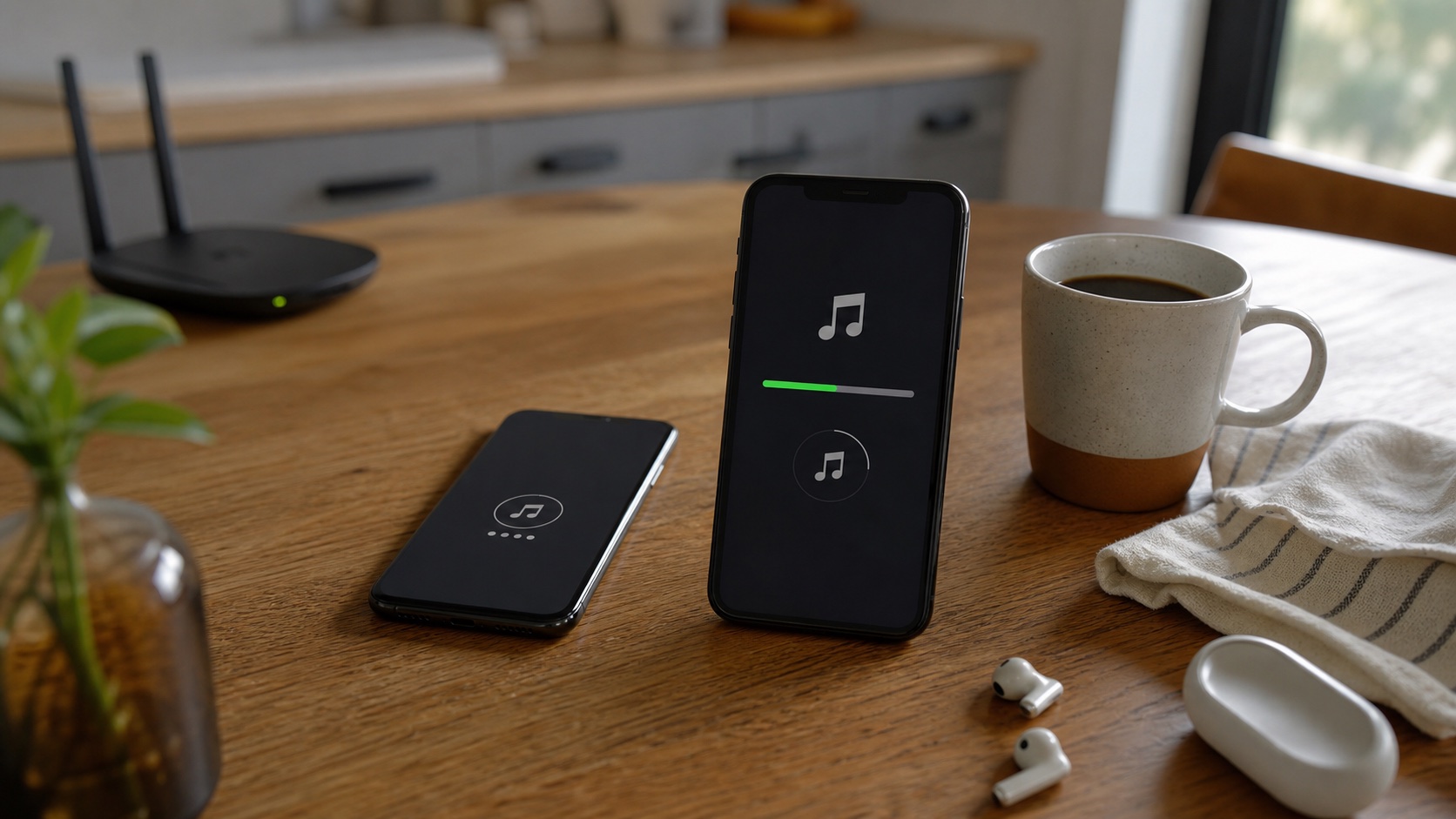
Import complete albums or planned playlist material while the server connection is fast and stable. Large lossless batches can take time and storage, so check available space first.
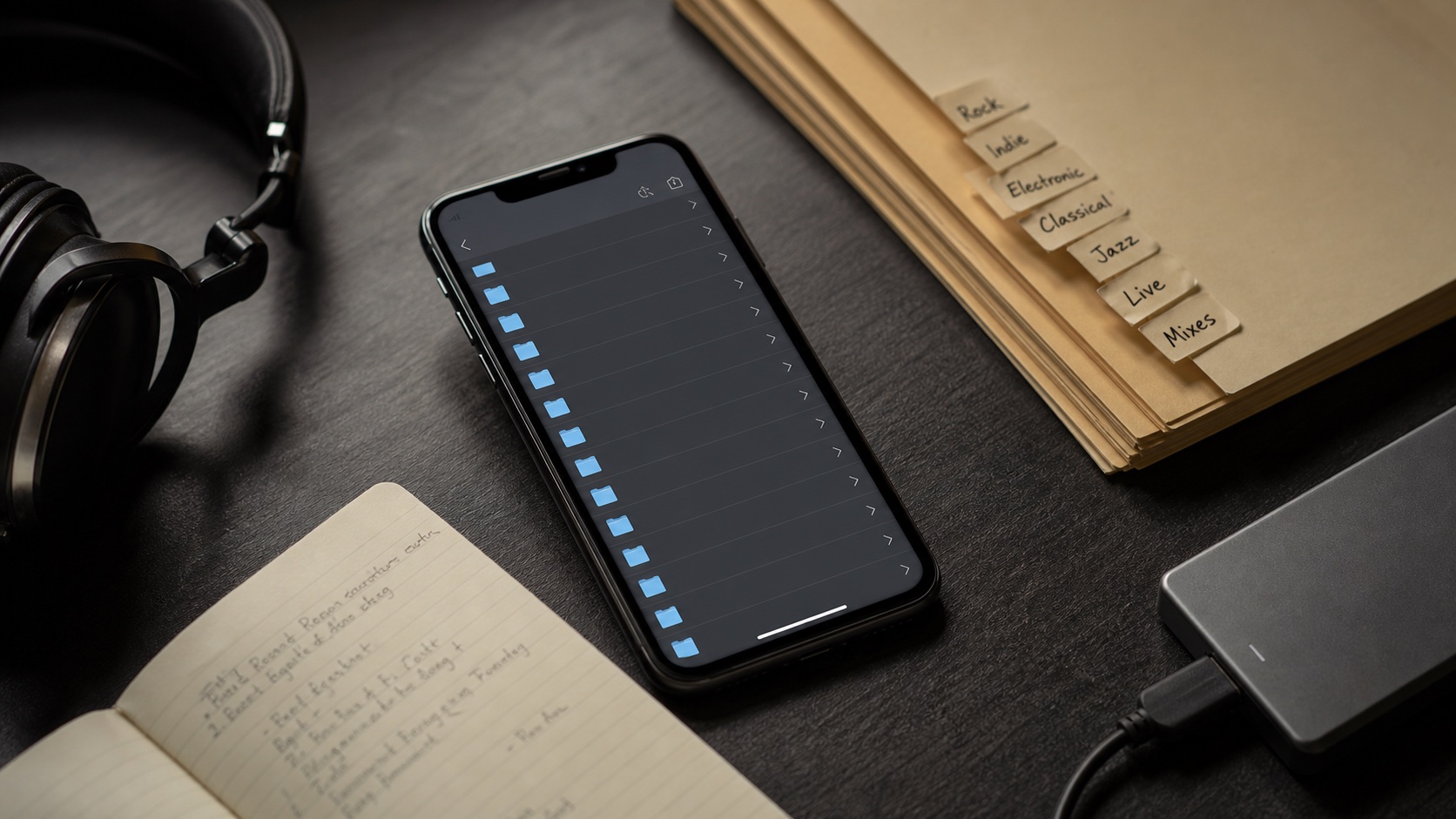
The imported copy can use OfflineTunes folders, tags, queues, EQ, ReplayGain, Moods, and other local tools. It no longer has to behave like a temporary remote stream.
- Weekend trip: import several complete albums and one broad playlist.
- Commute: keep a rotating folder of reliable favorites.
- Lossless library: watch storage before selecting huge FLAC batches.
- After import: use ReplayGain if server files vary greatly in loudness.
Prove the Copy Is Local
A remote library listing can remain visible from cache even when audio is not available. Test imported music with airplane mode and start playback from OfflineTunes Local Files or library views.
Check more than the first track. Play several files, skip within the album, inspect artwork, and confirm track order. That catches partial imports before the server becomes unreachable.
- 1Connect the server.Use the correct provider, address, and credentials.
- 2Browse and select.Choose complete albums or planned listening batches.
- 3Import to OfflineTunes.Wait for the transfer to finish on a stable network.
- 4Enable airplane mode.Play several tracks from the local library.