Dynamic Music Player Themes That Match Your Album Art
Change the player’s character with rich dark themes, album-art-driven color, and a separate collection of themes made for Retro Mode.
In this article Open
A local music player is one of the few apps you may keep open for an entire album. Its visual atmosphere matters more than a utility screen used for thirty seconds.
OfflineTunes offers dynamic music player themes, rich dark styles, and colors that can shift with album art. Retro Mode has a separate theme collection designed around its click-wheel interface.
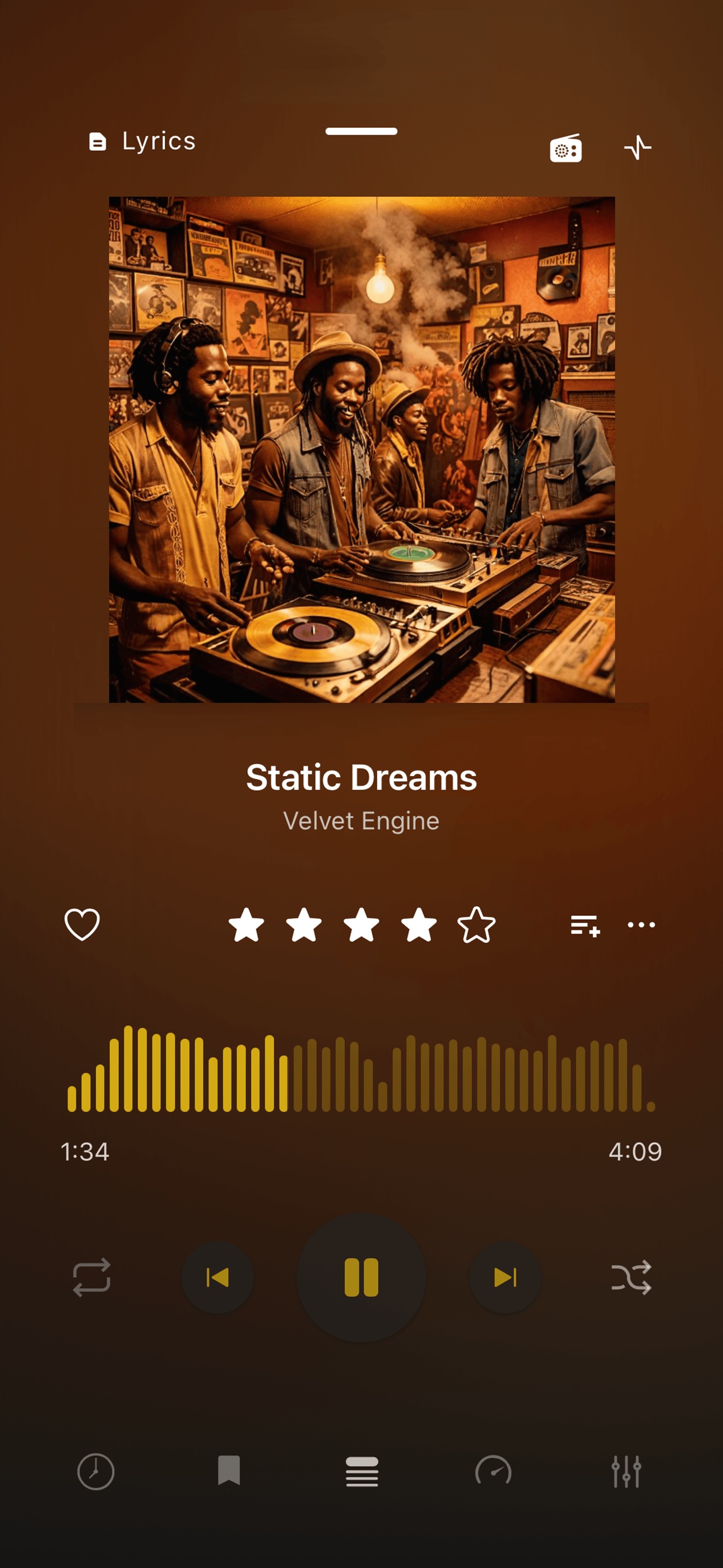
Dynamic Color Lets Album Art Lead
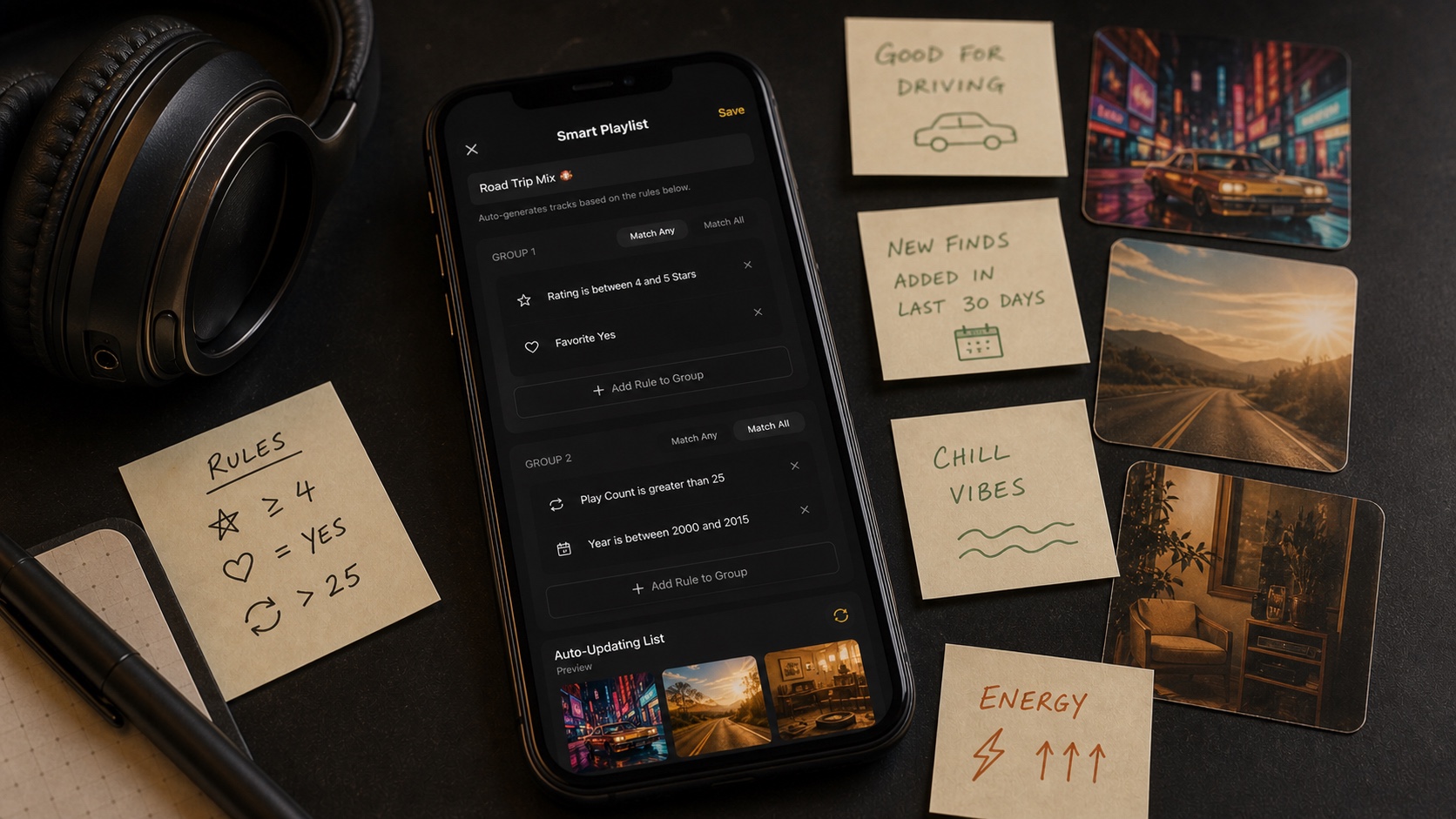
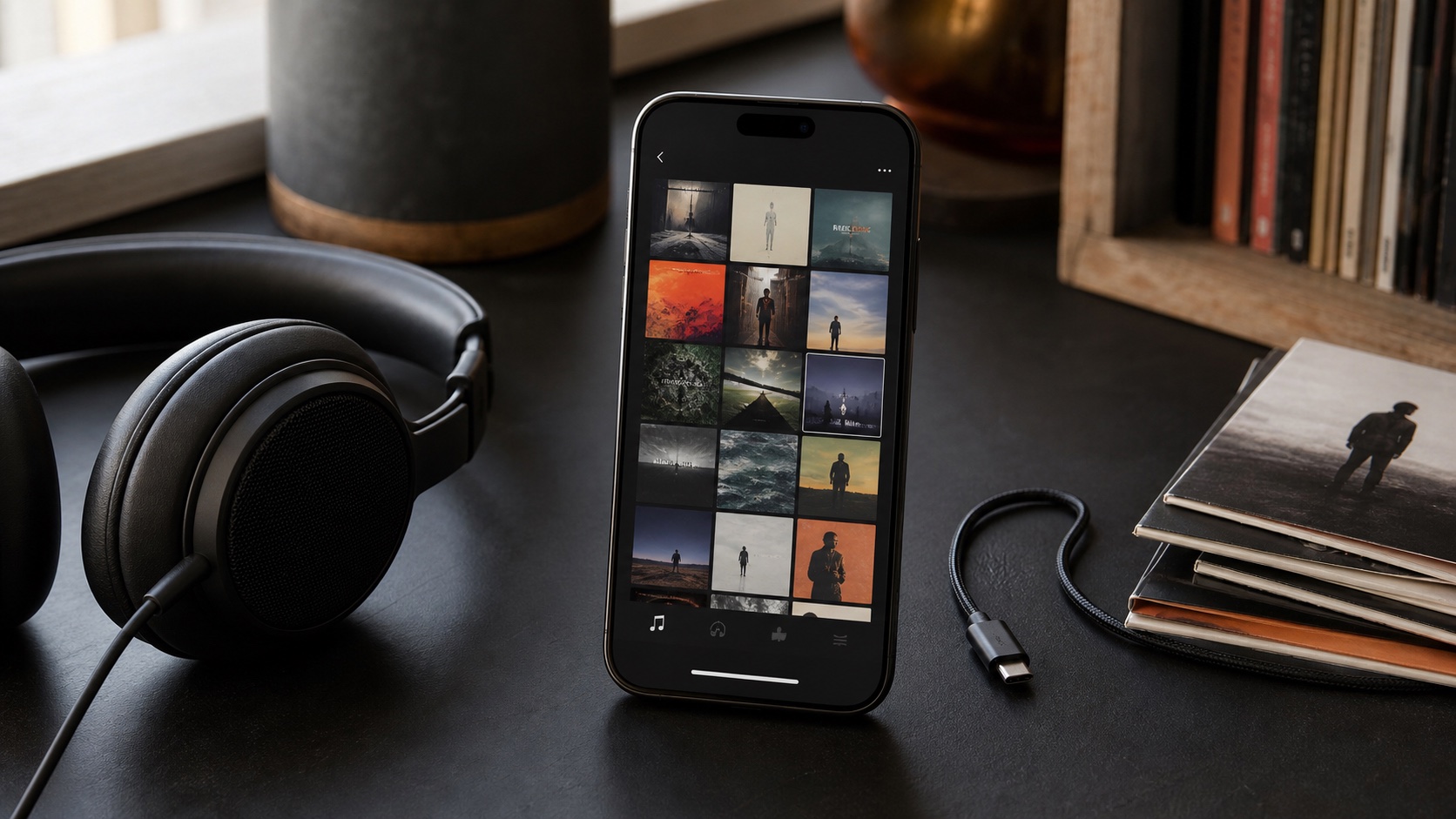
Album artwork already contains a visual identity. A dynamic theme can pull the player toward those colors so a cold blue electronic record and a warm soul album do not sit inside the same generic chrome.
The result should support readability, not sacrifice it. Artwork remains the centerpiece while controls and text need enough contrast to stay usable.
Dark Themes Keep Long Listening Sessions Comfortable
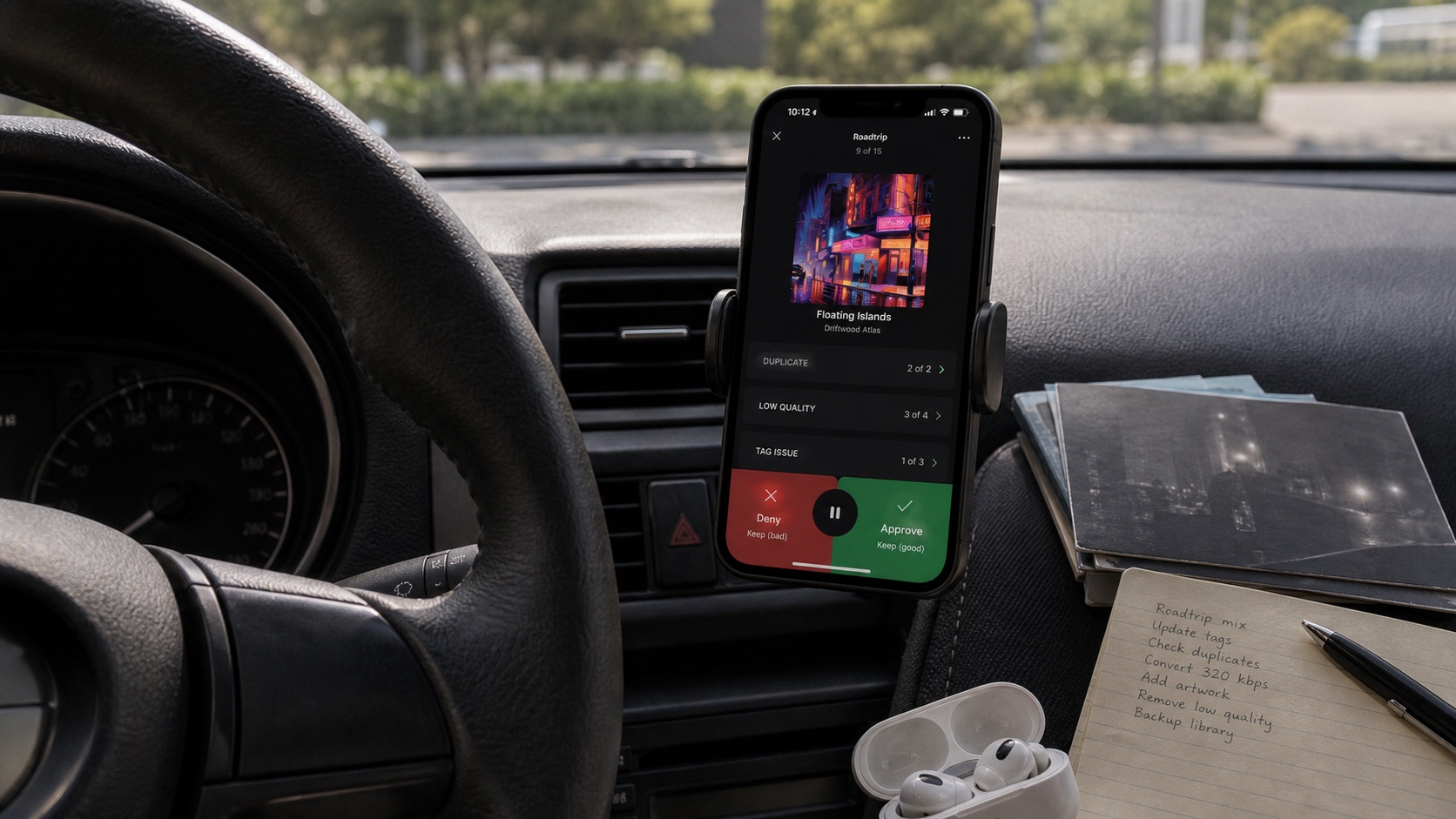
A stable dark theme is useful at night, in a car mount, or when album colors become distracting. It also gives large libraries a consistent visual foundation while covers provide the variation.
Choose a theme around the environment, not only screenshots. Check small text, inactive controls, queue rows, and bright artwork at the actual screen brightness you use.
Retro Mode Gets Its Own Theme Set
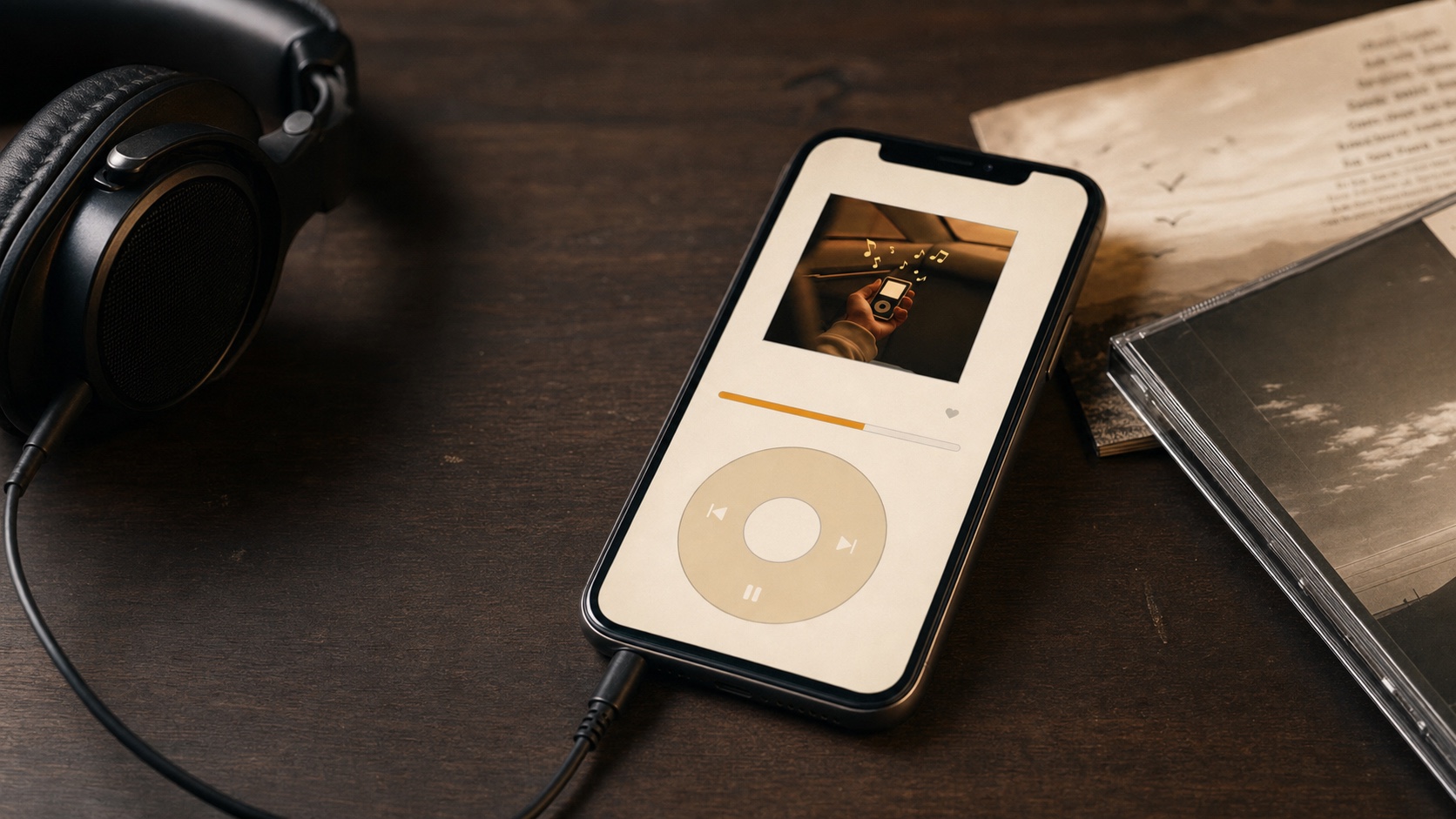
Retro Mode is not Modern Mode with a wheel placed on top. Its stripped-back navigation and iPod-inspired composition need themes designed for that interface.
Use a Retro theme when the tactile illusion and menu hierarchy matter. Switch back to Modern Mode when dynamic artwork, analysis, editing, or advanced sound tools become the priority.
- Modern dynamic: album artwork changes the surrounding player mood.
- Modern dark: stable interface for daily use and nighttime listening.
- Retro theme: a cohesive palette for click-wheel navigation.
- Same library: changing themes or modes does not move the music.
Choose a Theme With Real Music Playing
Test several covers: very dark art, bright white art, saturated colors, and a file with missing artwork. A theme should remain readable across the library rather than looking perfect with one album.
Then check Now Playing, Queue, Library, and Retro Mode if you use it. Visual customization succeeds when it survives normal navigation, not only the hero screen.
- 1Play varied albums.Include bright, dark, colorful, and missing artwork.
- 2Compare dynamic and stable themes.Decide whether album identity or consistency matters more.
- 3Check readability.Inspect controls, secondary text, queue rows, and menus.
- 4Set Retro separately.Choose the theme designed for the click-wheel interface.