How to Remove Duplicate Songs Without Damaging Your Music Library
Find exact duplicates first, review alternate masters separately, keep the best metadata and quality, back up, then delete in small reversible batches.
In this article Open
Duplicate cleanup becomes dangerous when software treats same title and artist as same recording. Original master, remaster, radio edit, live version, mono mix, high-resolution version, and lossy portable copy can share metadata while being legitimately different.
Safe process separates byte-for-byte duplicates from likely audio duplicates and human-review candidates. Automate evidence gathering; keep deletion decision conservative.
Not All Duplicates Are Equal
Exact file duplicate
Same cryptographic hash. Safe candidate when paths differ and no playlist/path dependency requires both.
Same audio, different file
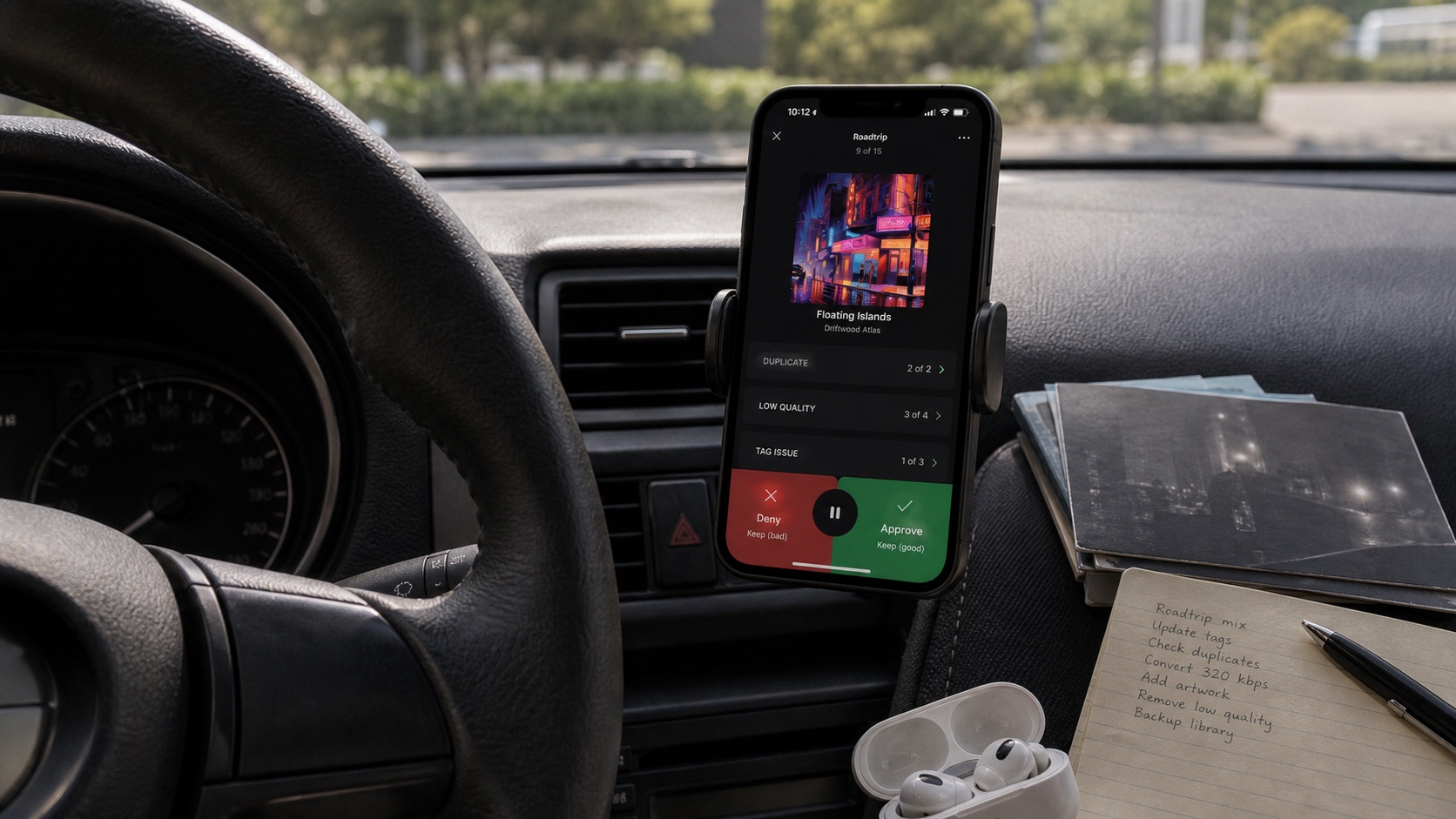
Audio fingerprint matches, but tags, artwork, container, gain tags, or encoding differ. Needs quality review.
Similar metadata
Title/artist match only. Could be alternate master, edit, live take, or bad tags. Never auto-delete.
Back Up Before Cleanup
Create snapshot of entire master library on separate drive. Open random files from backup. Export playlists and library database. Record file count and total bytes. If library syncs to cloud, remember sync can propagate deletion; version history is not substitute for verified backup.
Perform cleanup on master computer library, not only iPhone playback copy. Phone may hide file paths or contain app-managed copies that are harder to recover.
Find Exact Duplicates
Use duplicate finder that compares content hashes, not names. SHA-256 or another modern hash identifies byte-identical files with overwhelming confidence. Filter audio extensions, exclude backup folder, and export report before deletion.
For each exact group, keep copy in canonical folder with best path. Check playlists using old path. If tool can replace duplicates with links, avoid unless you understand portability across filesystems and backup tools.
Review Near Duplicates
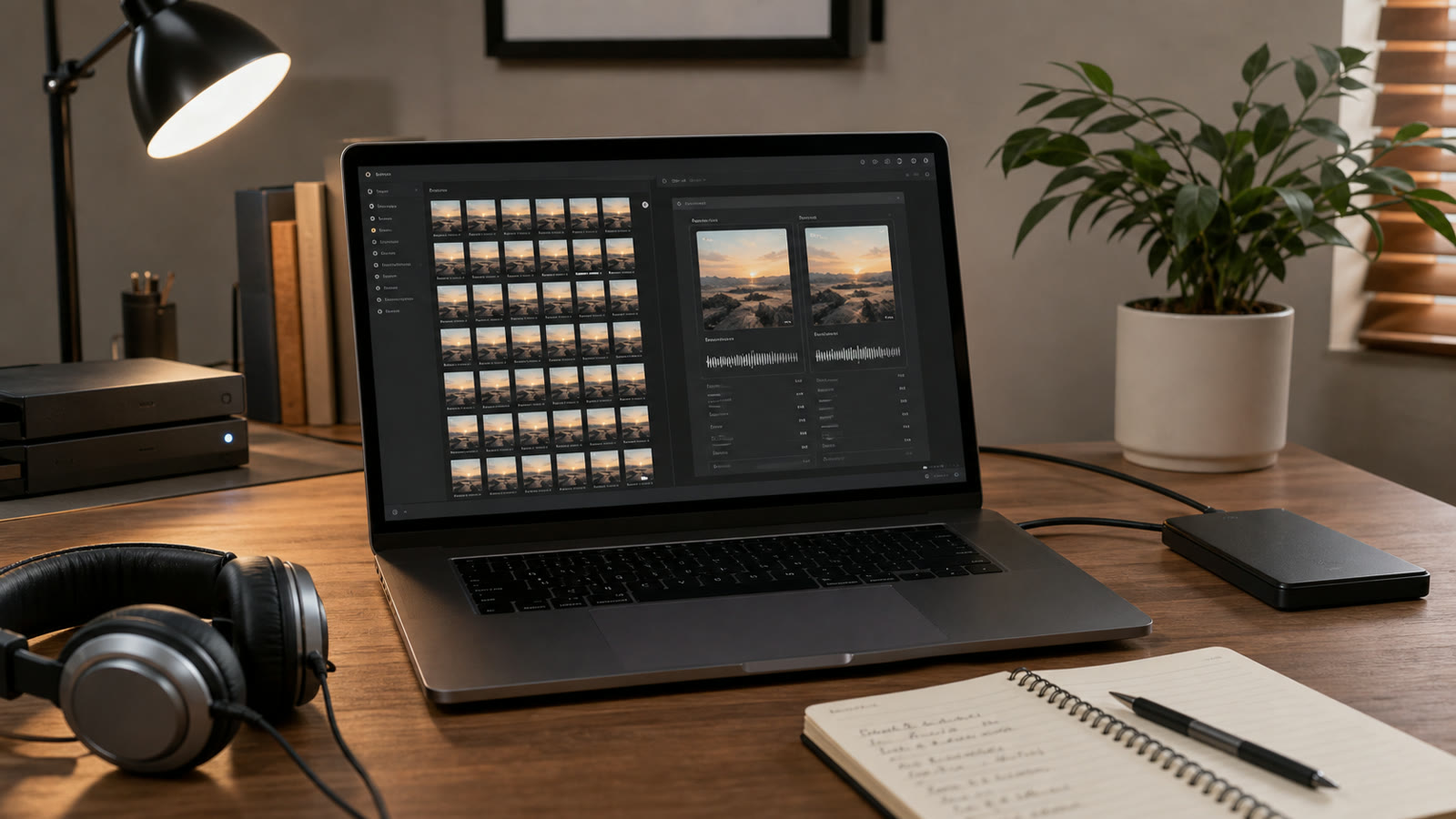
Audio fingerprints match recordings even when file encoding or tags differ. MusicBrainz Picard and AcoustID can help identify releases; dedicated duplicate tools may compare fingerprints and duration. Treat match as candidate, not verdict.
- Compare duration within small tolerance.
- Check waveform start/end for silence or edits.
- Inspect release, catalog number, year, and mastering notes.
- Listen to transitions and loudness.
- Keep both when version identity is uncertain.
Choose Which Copy to Keep
Priority order depends on goal, but sensible review:
- lossless source over lossy transcode when same master;
- known provenance over mystery download;
- complete, verified file over truncated/corrupt file;
- better metadata and artwork when audio identical;
- canonical album folder over Downloads copy;
- version used by playlists unless paths will be repaired.
Do not keep 24/192 file automatically if it is worse master or upsample. Resolution and quality are related only when source is genuine.
Delete and Verify Safely
Move candidates to dated quarantine folder instead of immediate permanent deletion. Rescan library, open albums, test playlists, compare counts, and live with cleanup for week. Then delete quarantine only after backup remains intact.
Clean in batches: exact duplicates first, then one artist at a time for fingerprint matches. Save report of removed paths and kept targets. A good duplicate finder reduces review pile; it should not make irreversible artistic decisions.