3D Spatial Audio for Local Music: Subtle, Wide, and Room
Add controlled depth and width to owned music with three OfflineTunes spatial presets instead of depending on a streaming catalog.
In this article Open
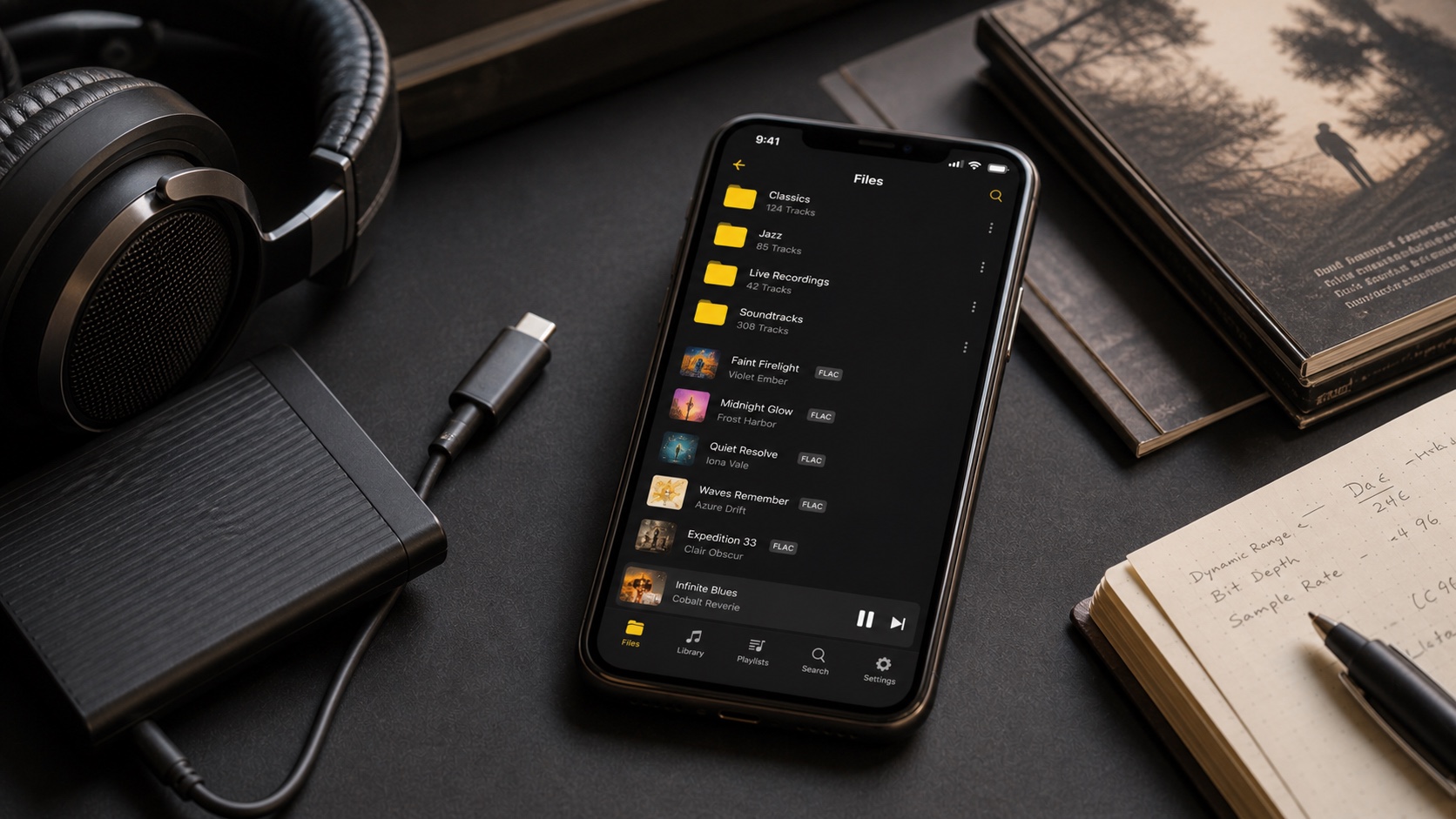
Spatial processing is not only for subscription catalogs. 3D Spatial Audio for local music on iPhone can reshape the stereo presentation of MP3, FLAC, and other files already inside OfflineTunes.
Three presets—Subtle, Wide, and Room—provide understandable starting points. They are effects, not replacements for the original master, so the best setting depends on headphones, speakers, and the recording.
Subtle, Wide, and Room Serve Different Tastes
Subtle is the safest introduction. It adds modest depth while trying to preserve the center of the mix. Wide pushes farther outward and can make dense stereo material feel larger.
Room adds a stronger sense of environment. It can be engaging for live recordings and relaxed listening, but recordings that already contain large natural ambience may need less processing.
Spatial Audio and EQ Solve Different Problems
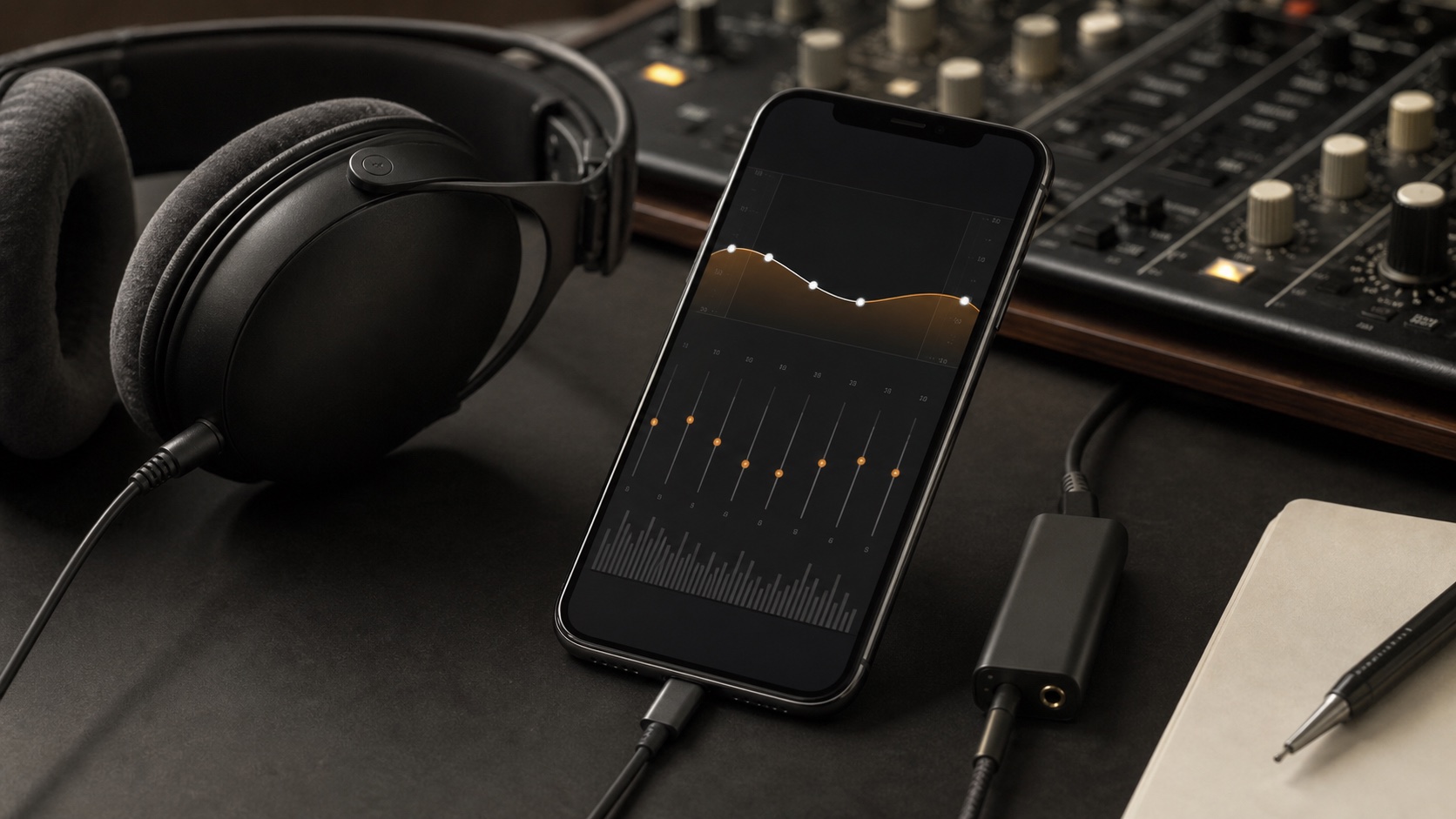
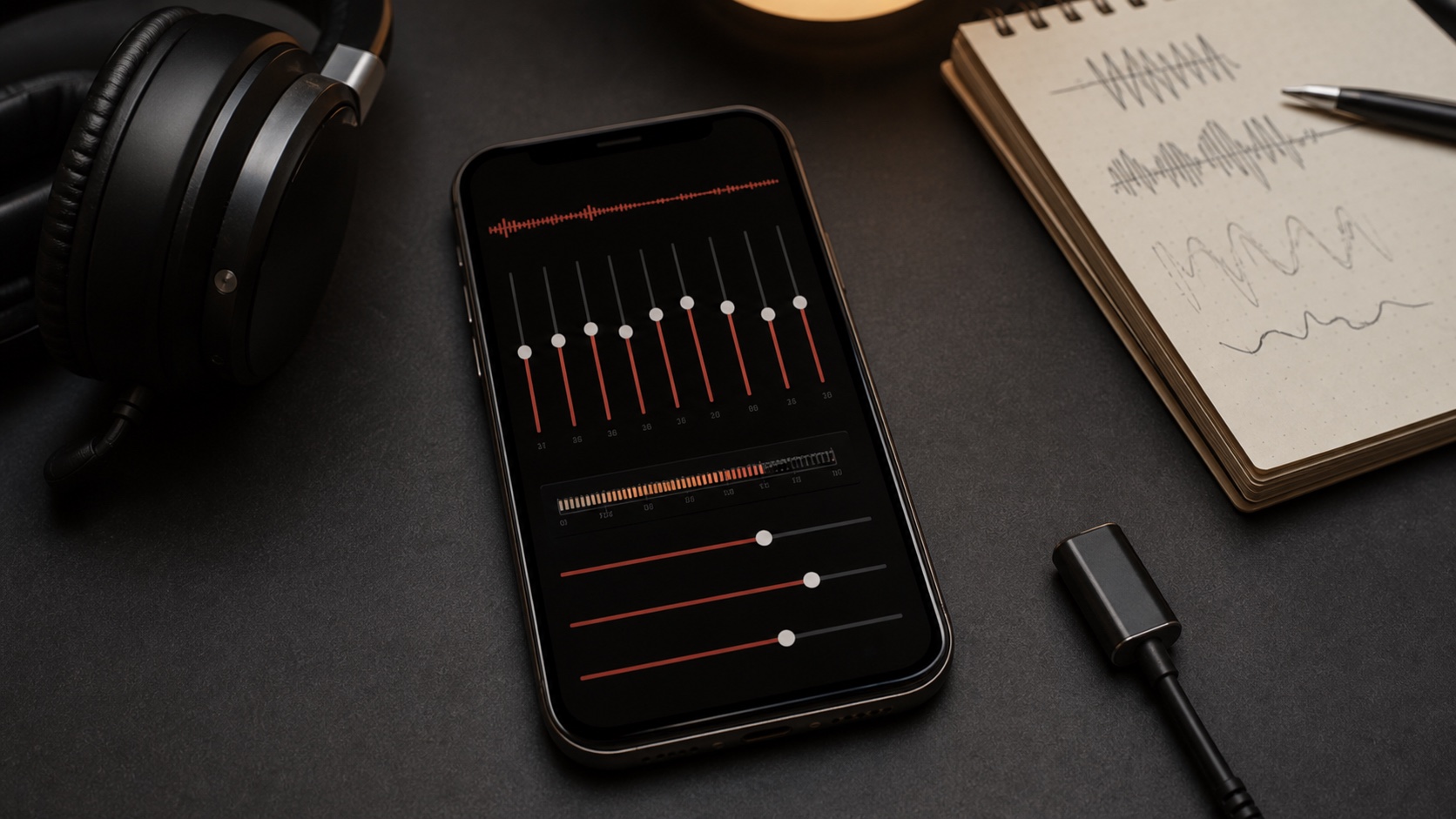
EQ changes tonal balance. AutoEQ corrects a headphone profile. Spatial Audio changes perceived placement and width. Combining them can work, but make one change at a time so you know which tool caused the result.
Start with headphone correction or basic EQ, then add the Subtle spatial preset. Move to Wide or Room only if the presentation still benefits from more space.
Test With Several Recordings and Outputs
A preset that helps closed-back headphones may feel excessive through a speaker system. Older narrow mixes may respond differently from modern wide masters. One track cannot represent the entire library.
Use a small test group: a centered vocal, a live recording, a dense electronic track, and an acoustic performance. Listen for stable vocals, believable width, and fatigue over several minutes.
- Centered vocal: check that the singer does not become vague.
- Live album: listen for useful space without washed-out detail.
- Dense mix: see whether separation improves.
- Long session: make sure the effect remains comfortable.
Spatial Audio and Bit-Perfect Are Opposite Choices
Spatial Audio deliberately processes the signal. Bit-Perfect deliberately avoids that processing. OfflineTunes turns Spatial Audio off when Bit-Perfect is enabled so the signal path remains honest.
Choose Spatial Audio for immersion and Bit-Perfect for untouched output. Switching between them is normal; different sessions can value different outcomes.
- 1Start with processing off.Learn the recording’s normal stereo presentation.
- 2Enable Subtle.Use the lightest preset as a baseline.
- 3Compare Wide and Room.Move upward only when the recording benefits.
- 4Save Bit-Perfect for direct playback.Do not expect spatial processing in an untouched signal path.