VLC vs OfflineTunes: Which iPhone Offline Music Player Fits You?
Choose VLC for broad mixed-media and network playback. Choose OfflineTunes when a music-first library, folders, metadata, playlists, ReplayGain, and discovery tools matter more.
In this article Open
VLC and OfflineTunes overlap on one important job: play files on iPhone without relying on streaming catalog. They differ in center of gravity. VLC is broad, open-source media player for audio, video, streams, and network protocols. OfflineTunes is dedicated music library built around owned audio, folders, metadata, playlists, listening tools, and offline discovery.
This comparison uses published features as of July 15, 2026. Check current App Store releases before choosing because both apps change.
Quick Verdict
Choose VLC if...
- you play video and audio in one app;
- network protocol breadth matters;
- you value open-source cross-platform familiarity;
- you need unusual media/container compatibility.
Choose OfflineTunes if...
- music is main job;
- folders, tags, artwork, and playlists matter;
- you want ReplayGain, smart playlists, FineTune, or Sonic Analysis;
- you want deep library tools around local files.
Imports and Network Sources
VideoLAN's official VLC for iOS page lists Dropbox, Google Drive, OneDrive, Box, iCloud Drive, direct downloads, Wi-Fi sharing, SMB, FTP, SFTP, NFS, UPnP/DLNA, Plex discovery, and web streams. That range is VLC's clearest strength.
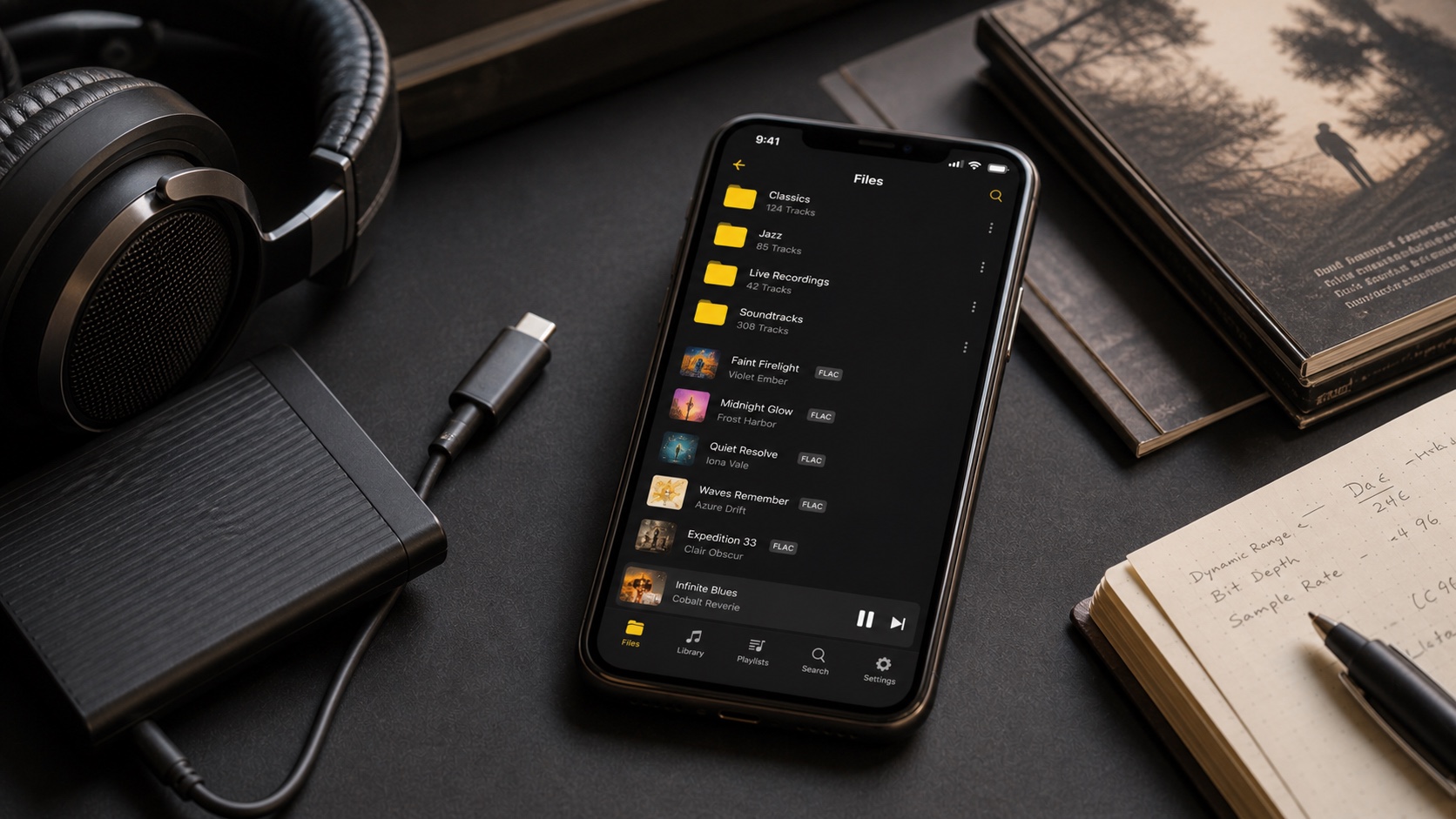
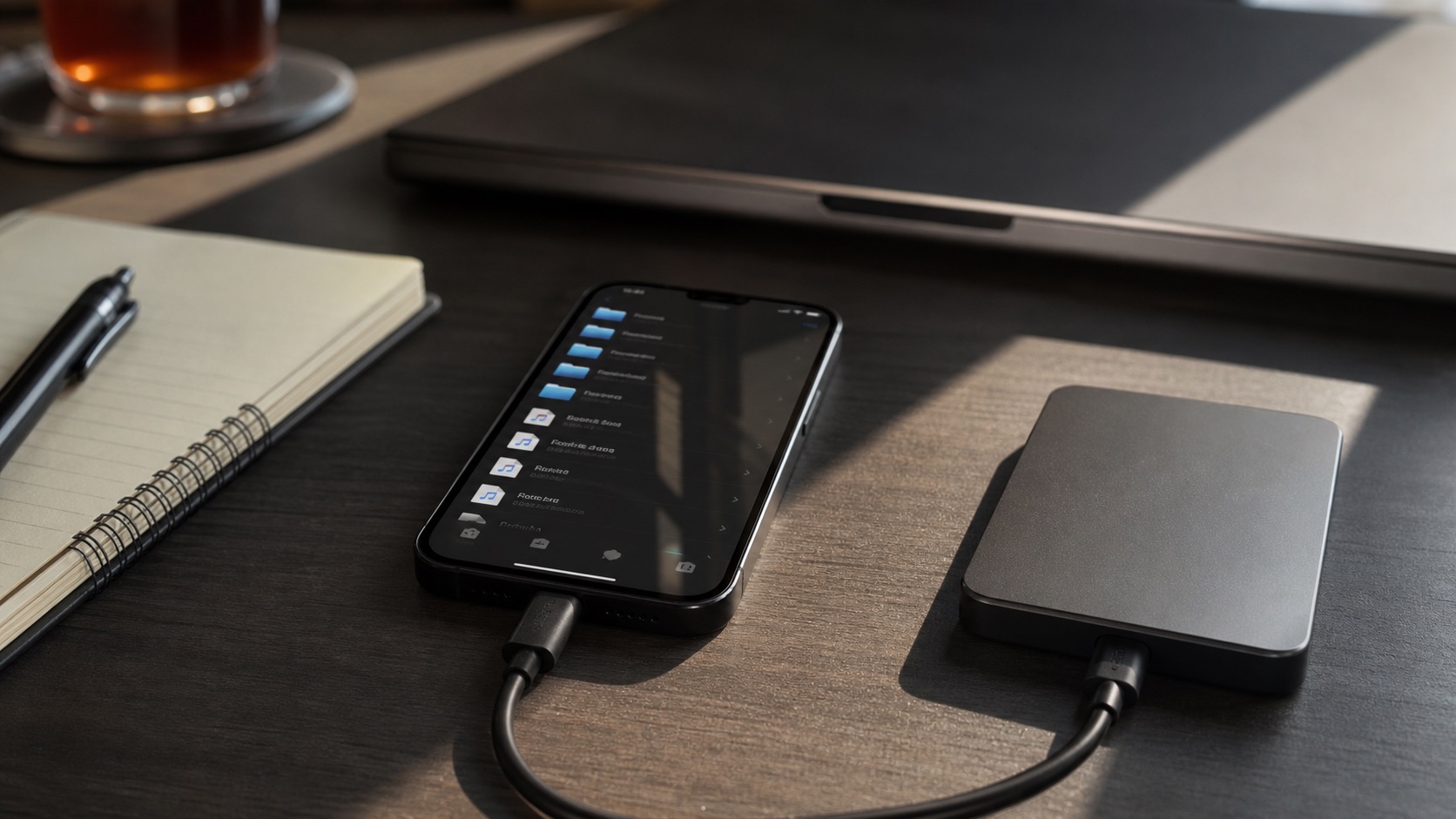
OfflineTunes focuses imports useful for building music library: Files, Wi-Fi transfer, in-app browser, Dropbox, OneDrive, Box, S3, WebDAV/Nextcloud/ownCloud, Navidrome, Plex, Subsonic, and synced Apple/iTunes library workflows. If source is unusual network share, verify exact protocol. If goal is ingesting and managing albums, compare how each app treats imported files after connection.
Music Library Experience
VLC organizes media and playlists, but its design must serve movies, streams, and audio. OfflineTunes can spend whole interface budget on artists, albums, genres, composers, folders, nested playlist folders, artwork, search, ratings, favorites, play counts, skips, queues, and music-specific metadata.
For occasional folder of FLAC files, VLC may be enough. For 10,000-track collection requiring consistent album artist, smart playlists, tag edits, duplicate review, and rediscovery, dedicated library model saves friction.
Audio and Organization Tools
VLC supports broad codecs and a 10-band equalizer. OfflineTunes supports common and specialist music formats plus equalizer, ReplayGain, crossfade, gapless playback, automix, skip silence, playback speed, pitch and processing tools, smart multi-queue, bookmarks, A-B loops, lyrics, scrobbling, and per-playlist/folder session memory.
Do not count feature names alone. Test gapless album, large queue, tags with compilation and disc numbers, replay level, and favorite workflow. Best player is one that handles your failure cases.
CarPlay and Offline Use
VLC's iOS page lists CarPlay for audio and network streams. OfflineTunes exposes local library, files, and playlist folders through CarPlay. Apple controls much CarPlay layout with standard templates, so compare navigation depth and responsiveness in your vehicle rather than screenshots alone.
For either app, test offline honestly: download/import tracks, enable airplane mode, restart app, and play several albums. A listed cloud album is not offline until bytes are local.
Which Should You Choose?
Choose VLC when one trusted utility should open almost anything, especially mixed video/audio and network media. Choose OfflineTunes when phone should behave like serious music player and collection manager. Keeping both is reasonable: VLC as universal media toolbox, OfflineTunes as daily music library.
Import same 100-track test folder into both. Measure artwork accuracy, album grouping, search speed, gapless playback, folder navigation, CarPlay behavior, and time needed to fix bad tag. Ten minutes with your files beats generic feature matrix.