Bring Back the Click Wheel: Reliving the iPod Era on Your iPhone
The beloved iPod click wheel is back as a fully functional, offline music player inside OfflineTunes.
“1,000 songs in your pocket” taught us that music could feel personal, portable, and owned.
OfflineTunes brings that rhythm back: scroll, click, play. No feed, no account, no signal required.
- Music ›
- Playlists ›
- Now Playing ›
- Queue ›
- Settings
In this article Open
You can probably still feel it. Slow circular drag under your thumb. Tiny ticks as selection moved down list of songs. Soft press of center button when album finally opened. For whole generation, iPod click wheel was not interface you studied. It was muscle memory, learned on buses, walks, road trips, late nights, and anywhere headphones made world smaller.
That feeling did not disappear because it stopped working. It disappeared because music apps changed around it. Glass replaced wheel. Feeds replaced libraries. Streaming apps became very good at playing you something and very bad at letting you calmly find song already stuck in your head. OfflineTunes brings that rhythm back with Retro iPod Mode: a real click-wheel music app experience for iPhone, built for music you own and keep offline.
The iPod Wasn't Just a Device - It Was a Feeling
When Apple sold idea of “1,000 songs in your pocket,” capacity was only half of magic. Bigger shift was emotional. iPod made music feel finite, personal, and portable. You were not browsing an infinite catalog owned by someone else. You were browsing your own collection: albums ripped from CDs, tracks bought one at a time, playlists assembled for exact moods, and songs you kept because they meant something.
Click wheel made that collection feel physical. One control scrolled, selected, skipped, scrubbed, and backed out. You could move through artists without staring. You could find album from coat pocket. You could turn volume down before chorus hit without thinking. It was technology that disappeared into listening.
Ownership mattered too. Songs on iPod stayed because you put them there. No recommendation layer pushed between you and your taste. No licensing issue removed favorite album overnight. Library was yours, and its shape reflected choices you made over time.
“It was not cloud music. It was yours - every track chosen, loaded, and carried on purpose.”
What Is Retro iPod Mode?
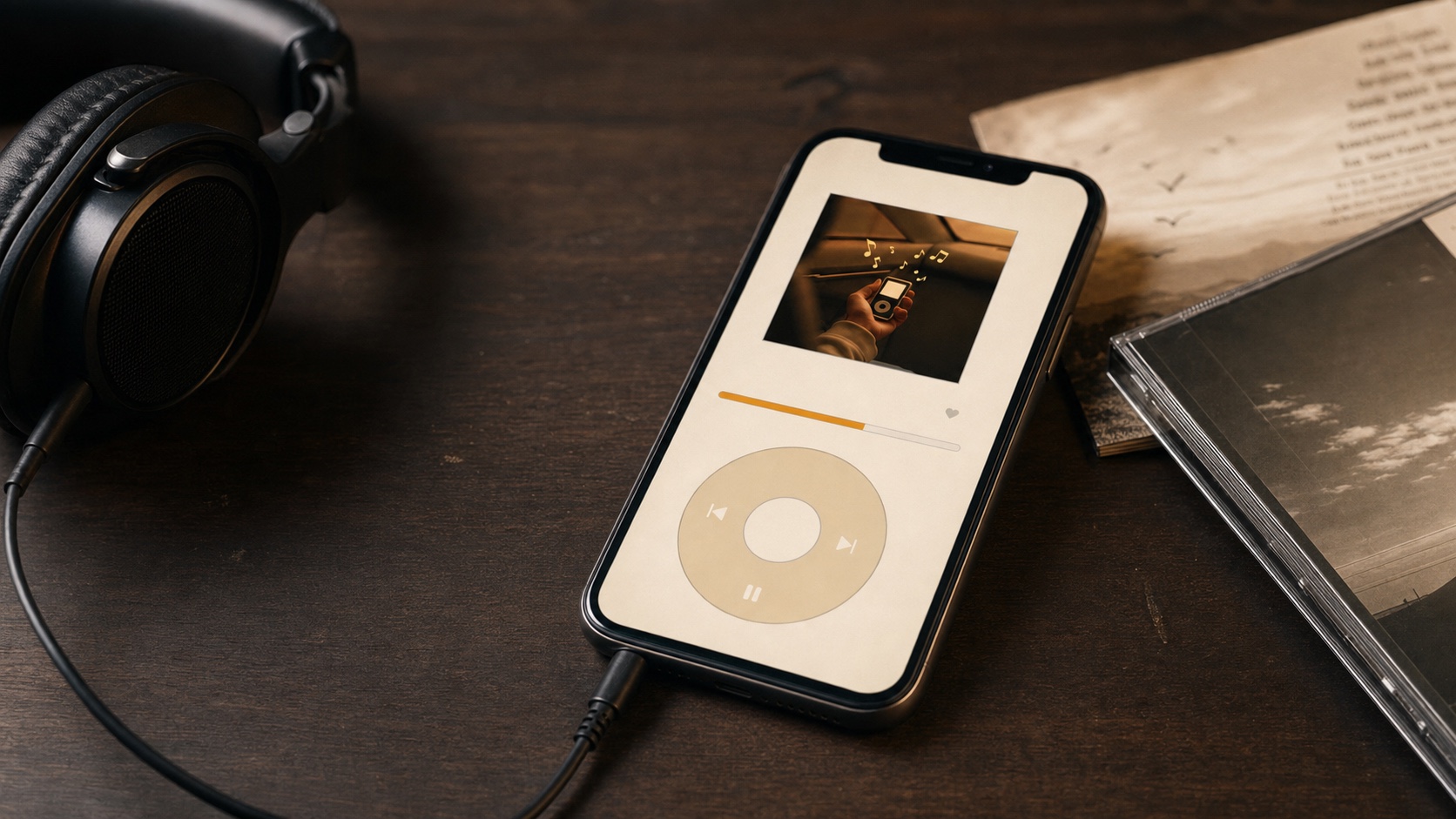
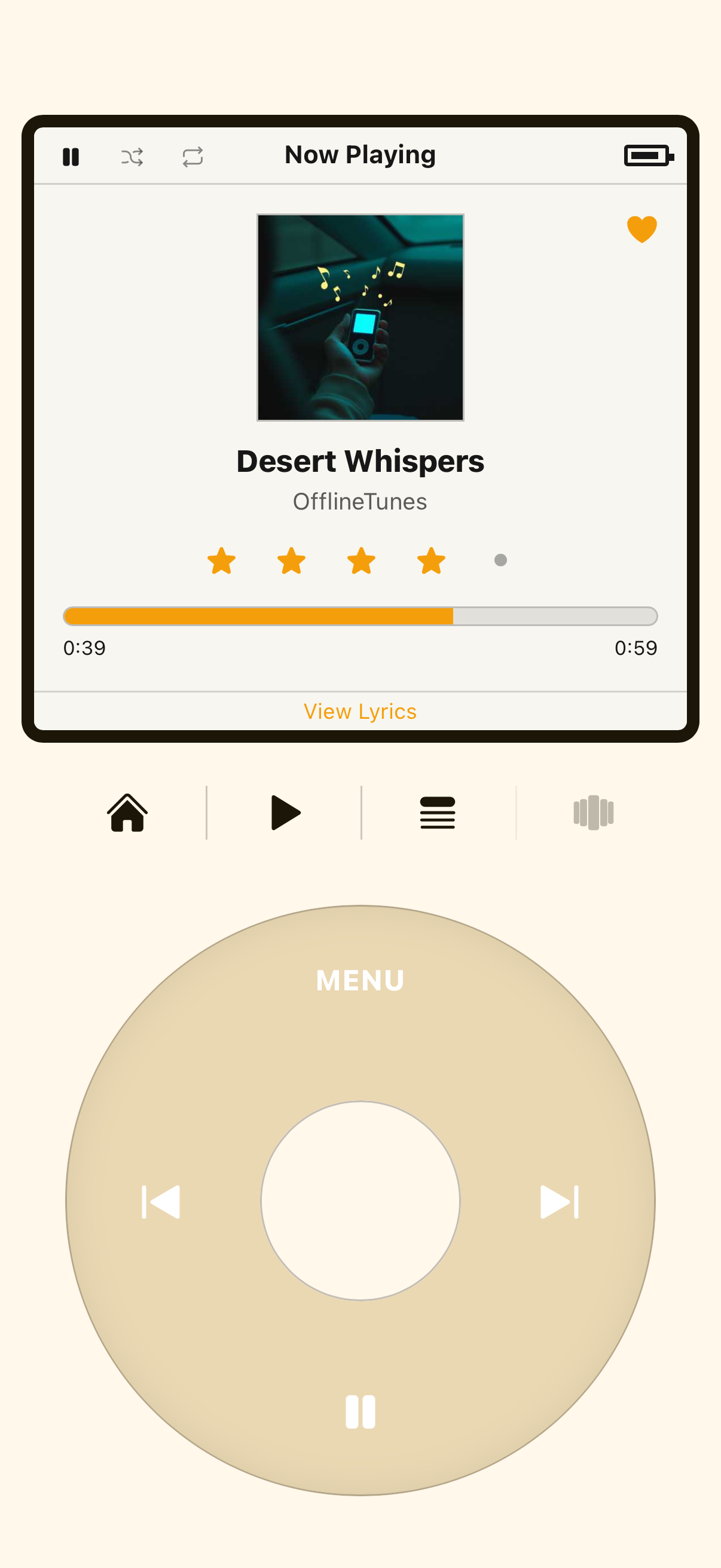
Retro iPod Mode is a complete click-wheel player skin inside OfflineTunes. Turn it on and modern interface steps aside. In its place: compact menu screen, tactile wheel, center select button, Menu control, and calm browsing flow that made original iPod easy to love.
This is not wallpaper. It plays same library you already imported into OfflineTunes: FLAC, ALAC, MP3, WAV, OPUS, playlists, album art, queues, and local files. Power features still exist elsewhere in app, but Retro iPod Mode narrows moment down to music and motion. It is built for people who want to bring back the iPod without giving up modern iPhone storage, lossless playback, or flexible imports.
How the Click Wheel Works
Wheel works because it does a lot with very little. Move thumb around ring and highlighted row moves through menus and lists. Long library still feels fast because motion is continuous. Press center button to select: open artist, enter album, start song, confirm choice. Same loop repeats until your thumb stops asking questions.
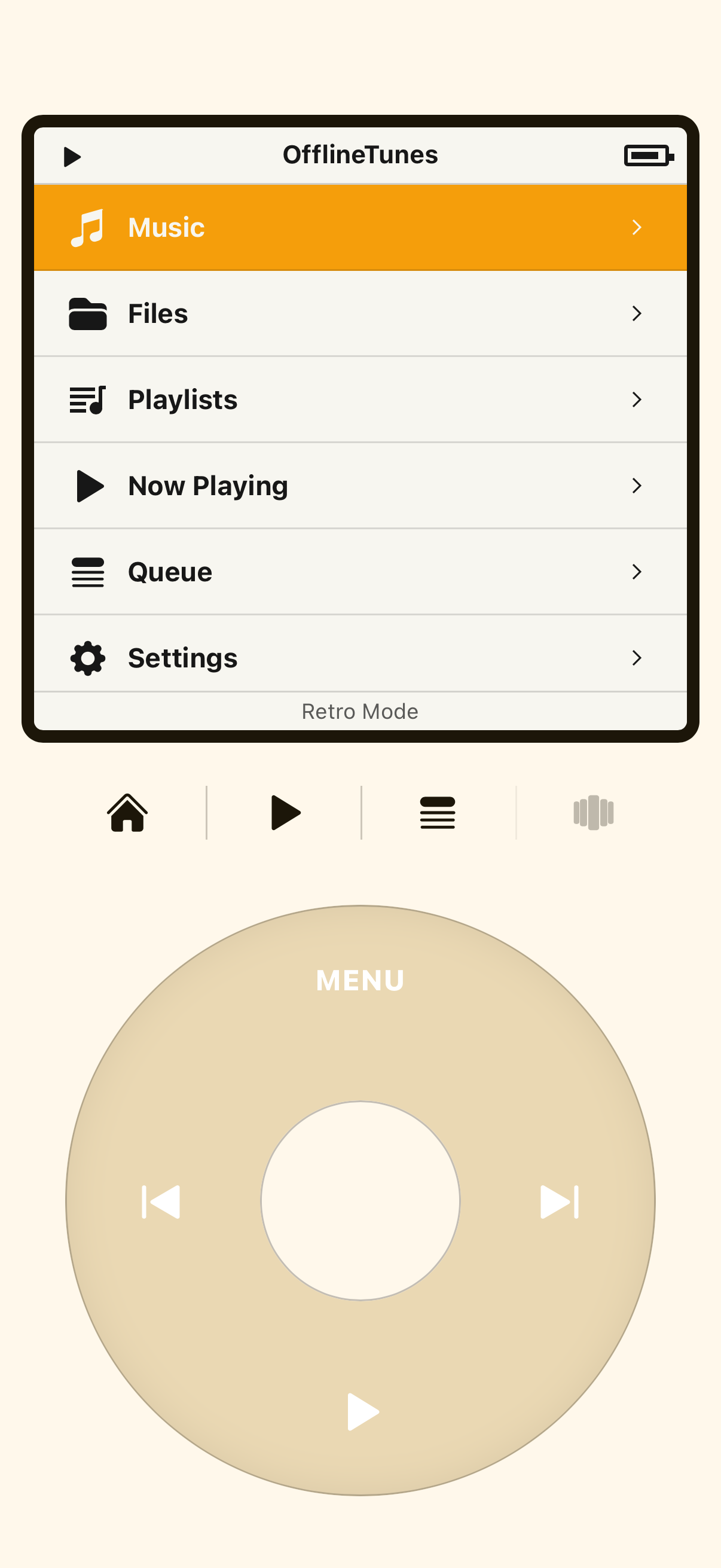
Menu button walks you back one level at time: song to album, album to artist, artist to top menu. Side controls handle previous and next tracks. Main menu gives you Music, Playlists, Now Playing, Queue, and Settings. That makes Retro iPod Mode useful as more than novelty. You can browse actual library, play real playlists, and keep queue under control.
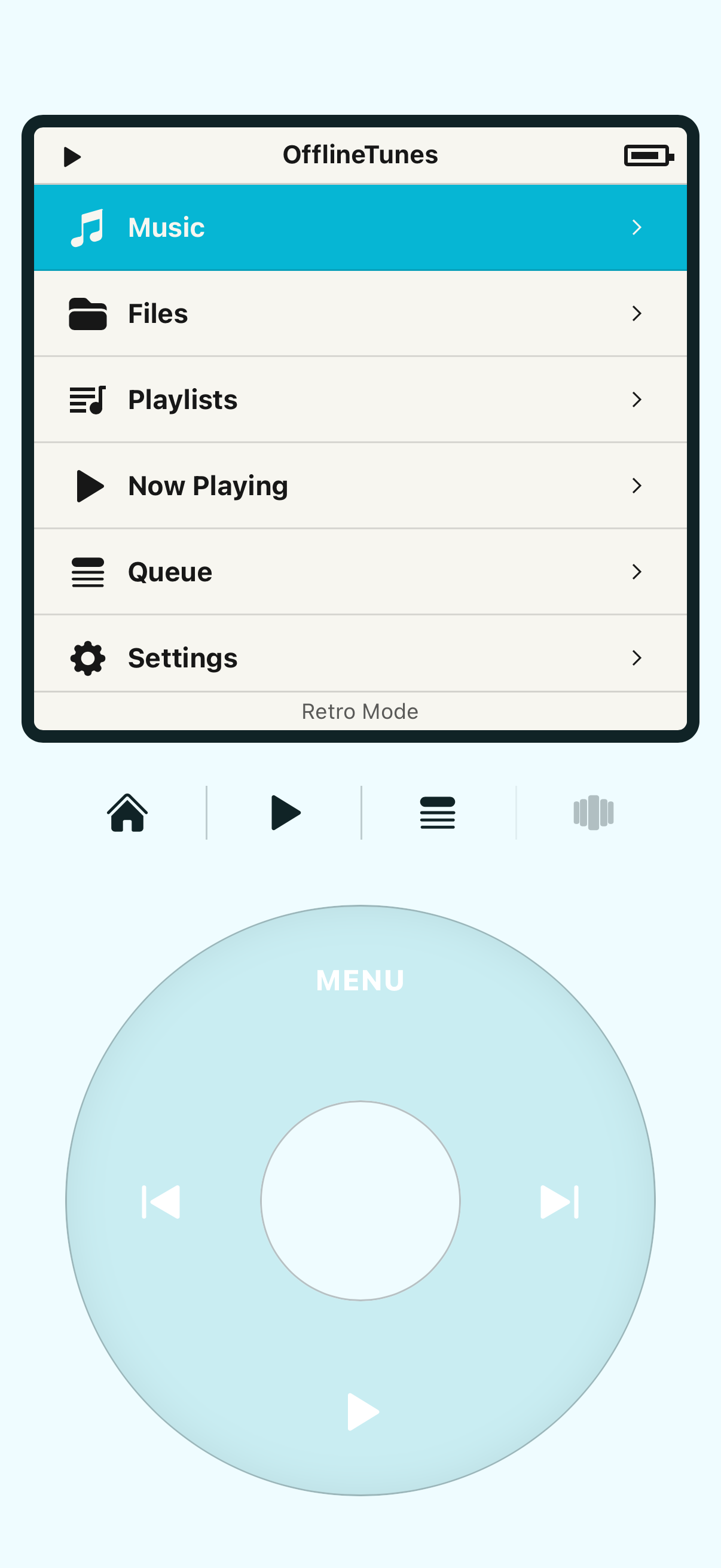
Because this runs on iPhone, it can also be more flexible than original hardware. You can customize what appears in menu, switch themes, and choose how minimal screen should feel. Nostalgia provides shape. OfflineTunes adds modern control.
- Scroll wheel: move through menus, artists, albums, playlists, and queue.
- Center button: select, open, play, and confirm.
- Menu: step back through navigation without losing place.
- Previous and Next: skip tracks quickly while keeping player focused.
Why a Retro Interface Still Makes Sense Today
It is easy to call all of this nostalgia. Nostalgia is part of it, but not all. Click wheel interface solves problems modern music apps created. First: distraction. Wheel and short menu cannot show autoplaying video, cannot hide library under promos, and cannot recommend its way between you and song you opened app to hear.
Second: one-handed control. Music app should work when you are walking, packing, cooking, commuting, or sitting in car before drive. Big screens are powerful, but they are not always calm. A wheel gives you small, repeatable set of gestures that feel good enough to use without thinking.
Third: joy. Spinning to song has charm that endless swipe lists rarely match. Small rituals matter. They slow you down in best way, especially when library is yours and every album has history.
“A click wheel cannot autoplay a podcast you did not ask for or bury your own albums below a feed.”
More Than Nostalgia - It's the OfflineTunes Philosophy
Retro iPod Mode fits because iPod and OfflineTunes share same core idea: music should feel owned, offline, and personal. OfflineTunes plays local files that live on your device. It does not need account. It does not need streaming subscription. It does not need signal to play album already in your pocket.
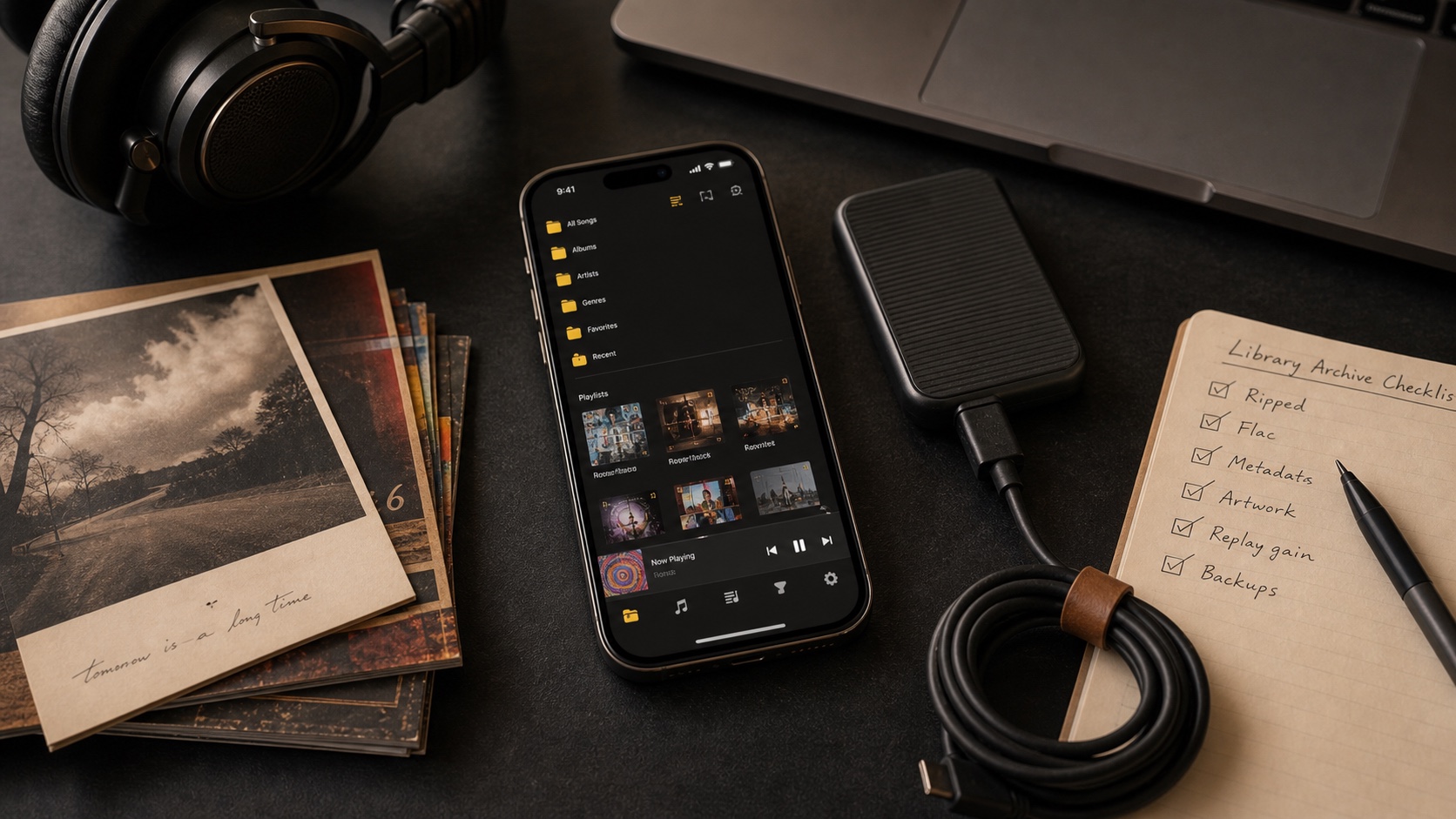
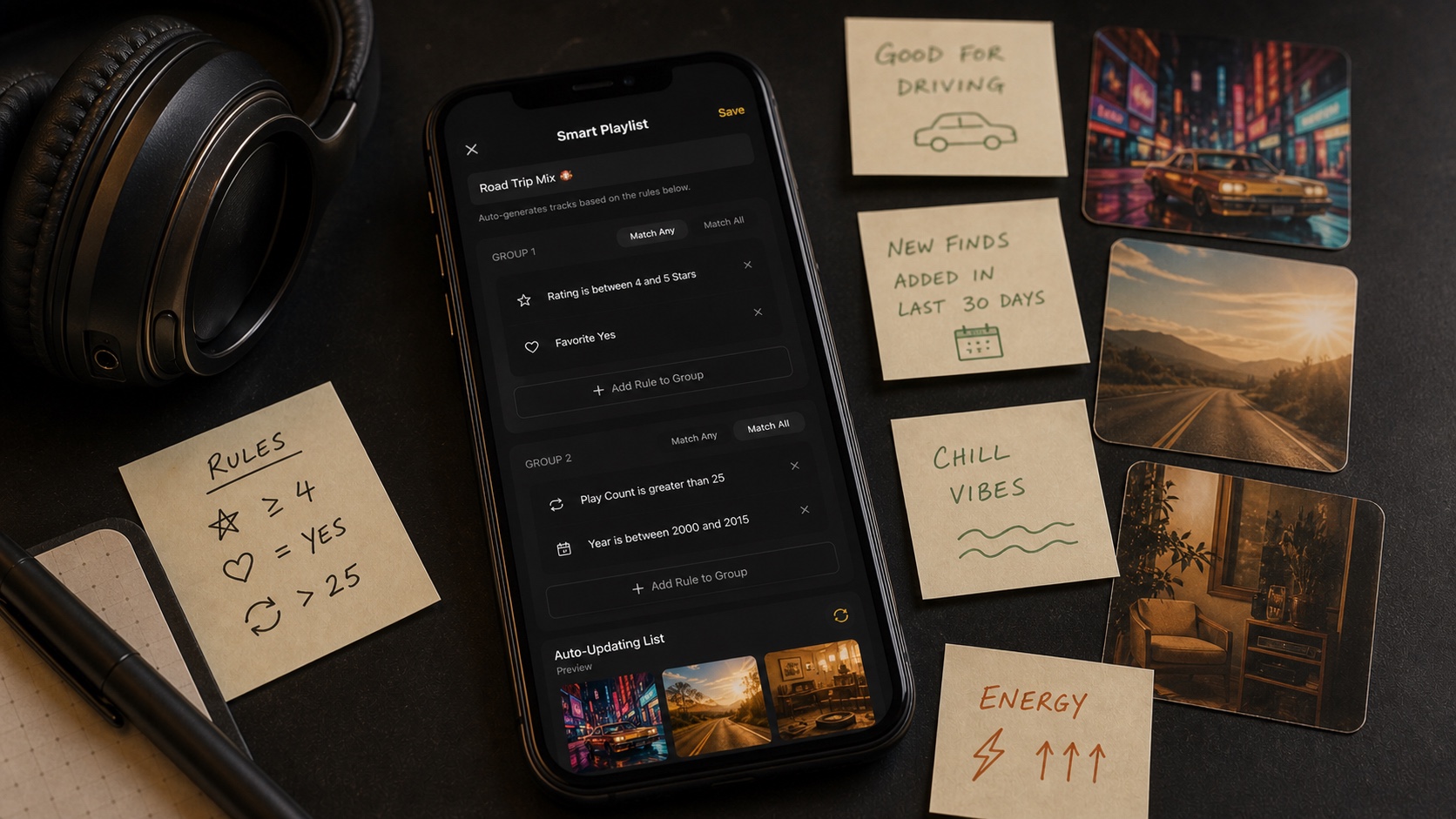
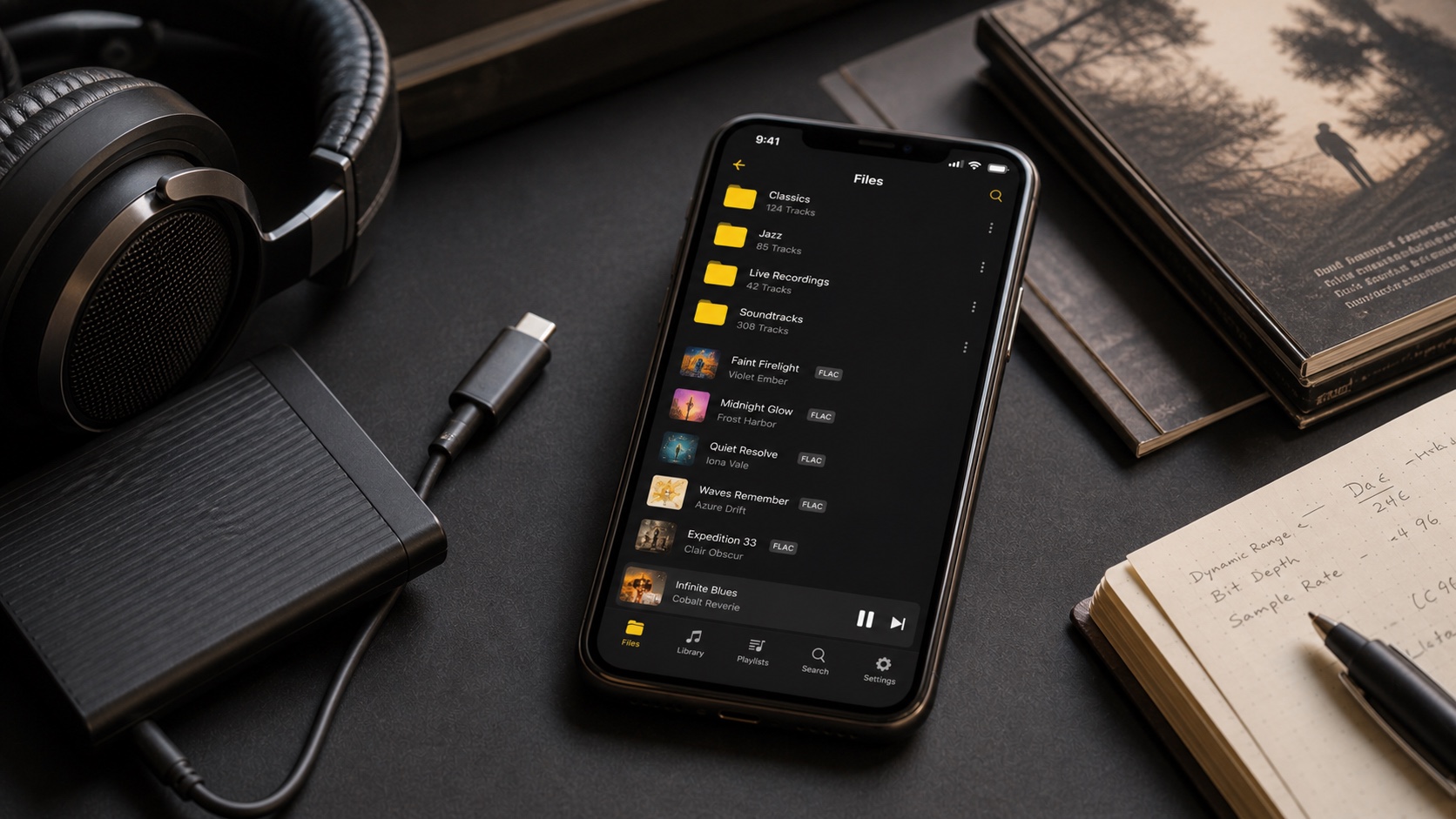
That matters for listeners with real libraries. OfflineTunes handles lossless files like FLAC, ALAC, and WAV, plus everyday formats like MP3 and OPUS. It can import from Files, Wi-Fi transfer, Dropbox, OneDrive, Plex, Subsonic, WebDAV, and other storage workflows. If you are building local setup from scratch, start with How to Build a Music Library You Actually Own and Keep Forever. If you want the library to keep organizing itself, read Smart Playlists 101. If sound quality is main reason, The Best FLAC Player for iPhone, Compared is natural next step.
Click wheel makes that philosophy tactile. When you spin to album ripped years ago and it starts instantly, without buffering or subscription check, you feel what made iPod special. Not because screen looks old, but because music feels like it belongs to you again.
How to Turn On Retro iPod Mode
Already have music in OfflineTunes? You are four taps from wheel.
- 1 Open OfflineTunes and tap Settings.Start from main library view.
- 2 Choose Appearance, then Player Style.This is where modern player and Retro Mode live.
- 3 Select Retro iPod Mode and pick theme.Keep it classic, warm, or fully OfflineTunes.
- 4 Open wheel and start scrolling.Your local library is now one thumb-spin away.
To return to modern player, switch player style again from Settings. Library does not change. Files do not move. Only way you move through music changes.
iPod taught many listeners that best music experience is not always biggest catalog. Often, it is interface that disappears while you listen. Hardware aged out, but idea stayed useful. With Retro iPod Mode, wheel is back where it belongs: in your pocket, wrapped around library you own, ready whenever signal is gone and music still matters.