VOX vs OfflineTunes: Premium Cloud or Local Library Control?
VOX centers a polished player and VOX Cloud. OfflineTunes centers files you control, flexible imports, folders, metadata, and power-user library workflows.
In this article Open
VOX and OfflineTunes both appeal to listeners who care about lossless music beyond stock streaming experience. VOX combines polished player with VOX Cloud and connected services. OfflineTunes centers files you control, imports from many sources, and deep organization on iPhone.
Decision is less about whether FLAC plays and more about where master library lives, what ongoing service you want, and how much control you need over folders, metadata, queues, and discovery.
Quick Verdict
VOX fits
Listeners drawn to VOX interface, VOX Cloud storage, connected streaming sources, Sonos playback, radio, and cross-device cloud library.
OfflineTunes fits
Listeners prioritizing local files, folders, flexible imports, tags, smart playlists, ReplayGain, multiple queues, FineTune, Sonic Analysis, and offline-first use.
VOX Cloud vs Local Library
VOX's official iPhone page highlights VOX Cloud for storing and streaming uploaded lossless and lossy music across devices, plus other connected services. That can remove phone-capacity pressure and simplify multi-device access.
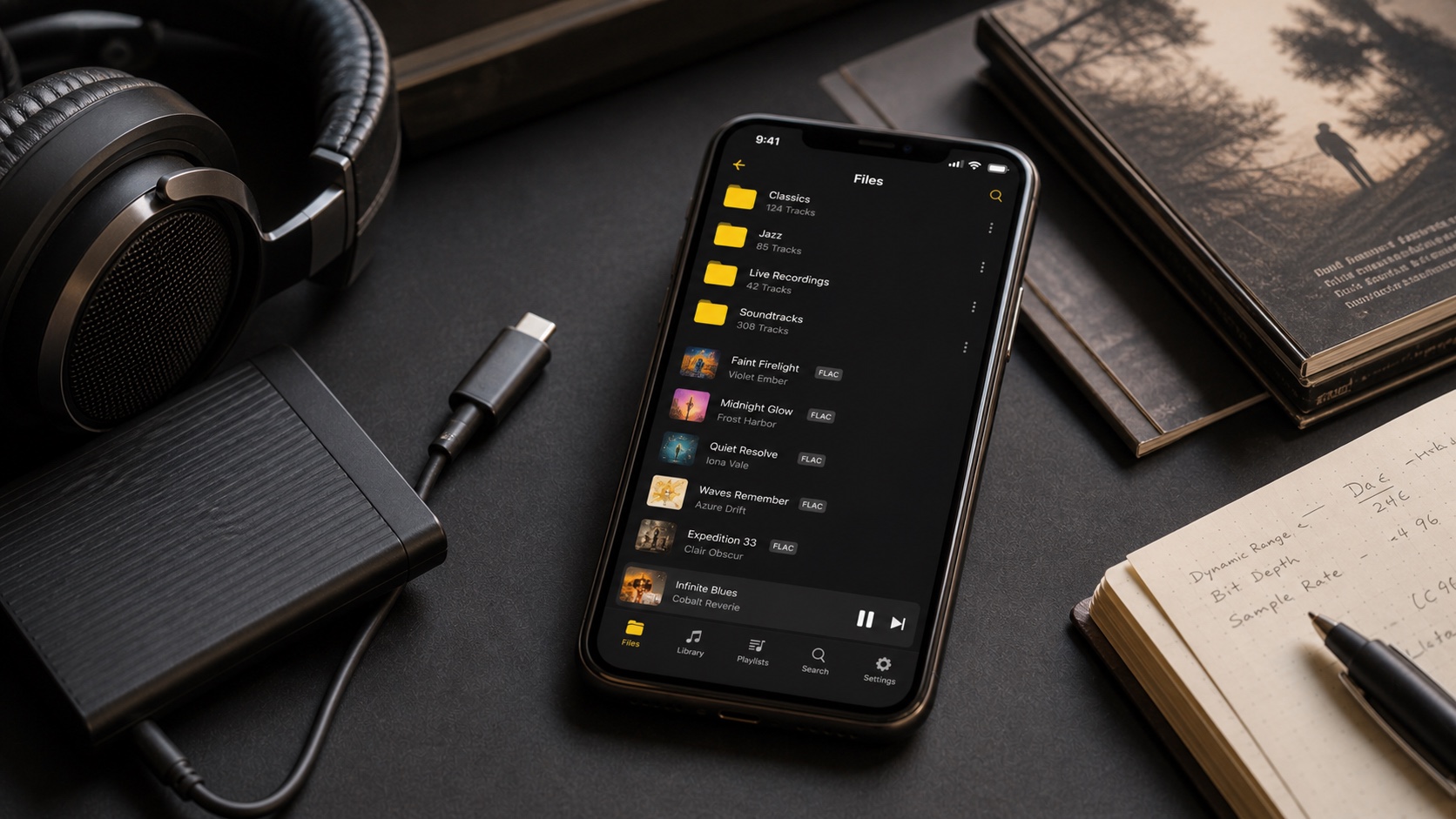
OfflineTunes imports from Files, Wi-Fi, cloud storage, WebDAV, S3, Plex, Navidrome, Subsonic, and other routes, then builds local library. Local-first uses phone storage but reduces dependence on specific cloud subscription and network.
Formats and Playback
VOX lists FLAC, ALAC, DSD, PCM, and common formats. OfflineTunes supports MP3, FLAC, ALAC/M4A, WAV, AAC, OGG, OPUS, WMA, and other documented types. If DSD is core library, validate VOX path and output behavior. If OGG/OPUS/WMA legacy collection matters, validate OfflineTunes.
Both source format and output route matter. Bluetooth commonly re-encodes. Hi-res above 48 kHz on iPhone may need external DAC. Compare same file, same volume, and same output.
Organization and Power Tools
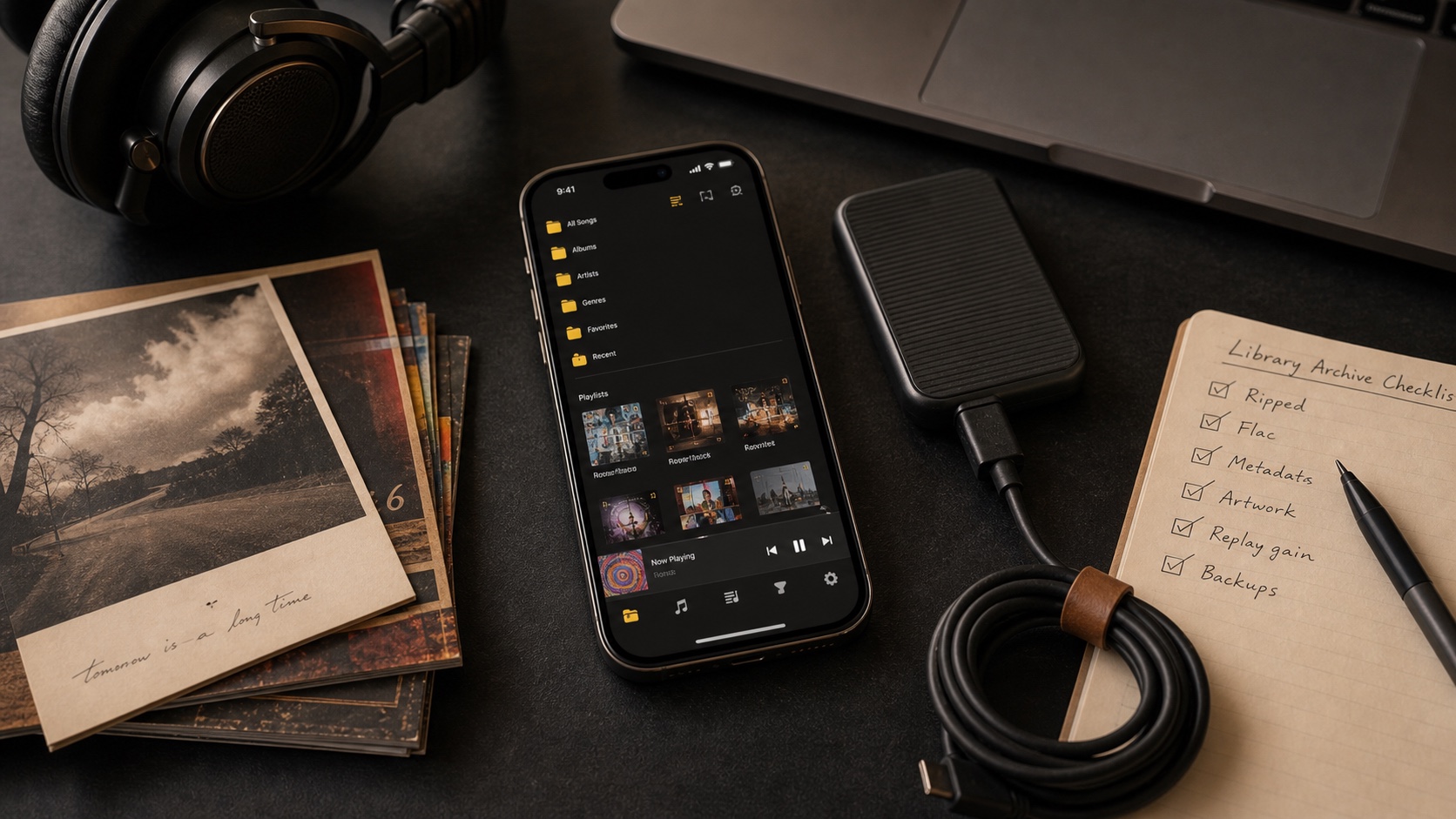
VOX emphasizes streamlined player, cloud, radio, and connected playback. OfflineTunes emphasizes collection work: folder browsing, tag editing, artwork, nested playlists, smart playlists, ratings, play/skip history, Smart Multi-Queue, ReplayGain, bookmarks and loops, synced lyrics, scrobbling, Sonic Analysis, and FineTune cleanup.
More controls are not always better. VOX may feel calmer if you mainly press play. OfflineTunes earns complexity when you actively curate thousands of files.
Cost, Privacy, and Lock-In
Compare current App Store pricing and which features require subscription; pricing changes faster than articles. Ask what happens if subscription ends: can local files still play, can cloud library be exported, and are original files stored elsewhere?
Never let app cloud be only copy. Keep master library plus backup under your control. Review privacy labels and permissions for every connected service. Offline local files reduce network exposure but still require backup discipline.
Which Fits You?
Choose VOX when VOX Cloud and its connected-player ecosystem solve multi-device access elegantly. Choose OfflineTunes when flexible import plus deep local organization matters more. For many listeners, trial with 100 tracks is enough to reveal fit.
Test scan accuracy, artwork, album ordering, gapless playback, offline restart, queue behavior, CarPlay, and how long it takes to find a forgotten track. Keep master library outside both apps throughout trial.