OfflineTunes Blog
Practical guides for people who own their music, keep it offline, and still care how it feels to browse.
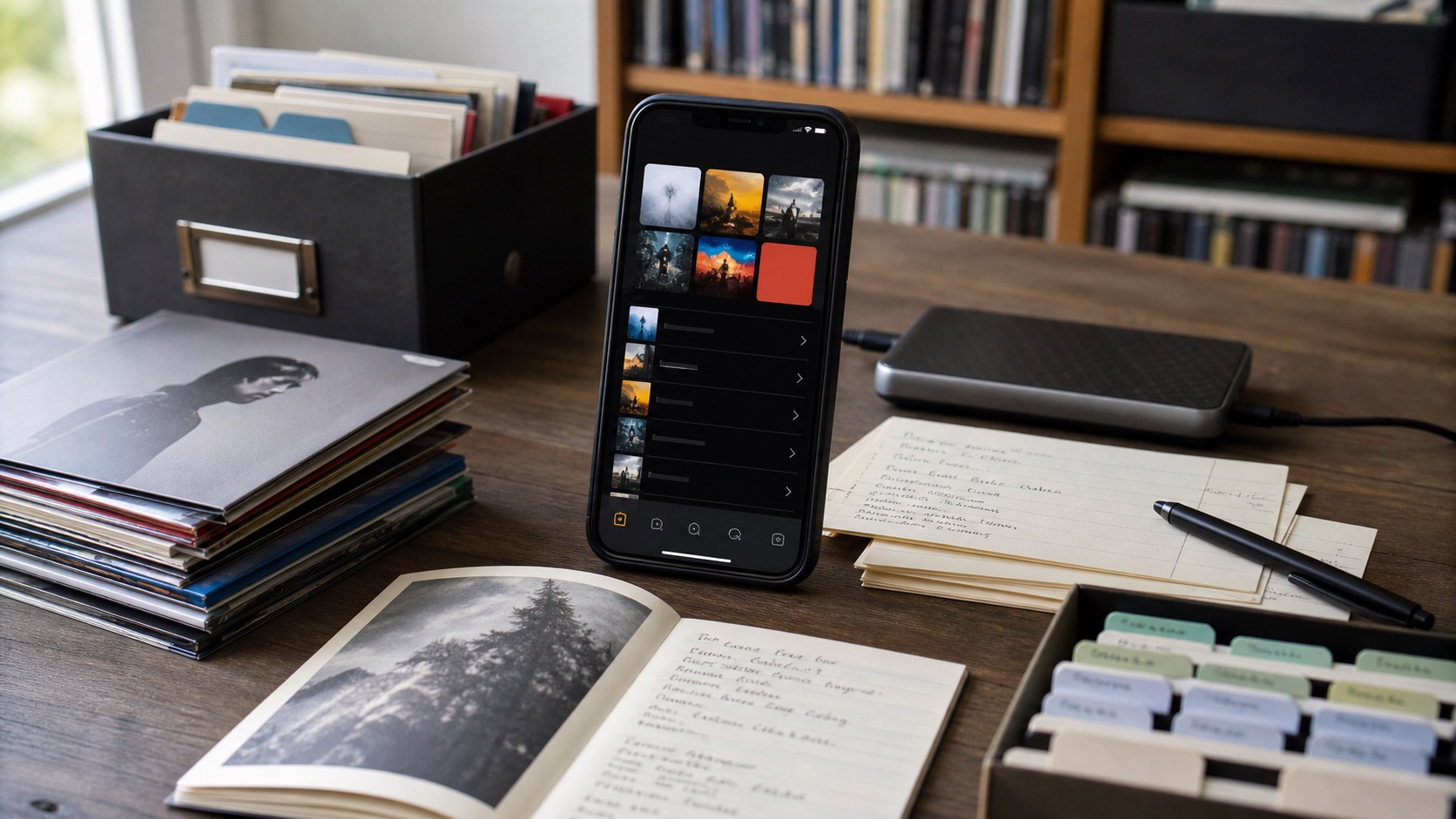
Nested Playlist Folders on iPhone: Organize Playlists Inside Playlists
Organize iPhone playlists with nested folders in OfflineTunes, including folders inside folders and one-tap playback for a complete structure.
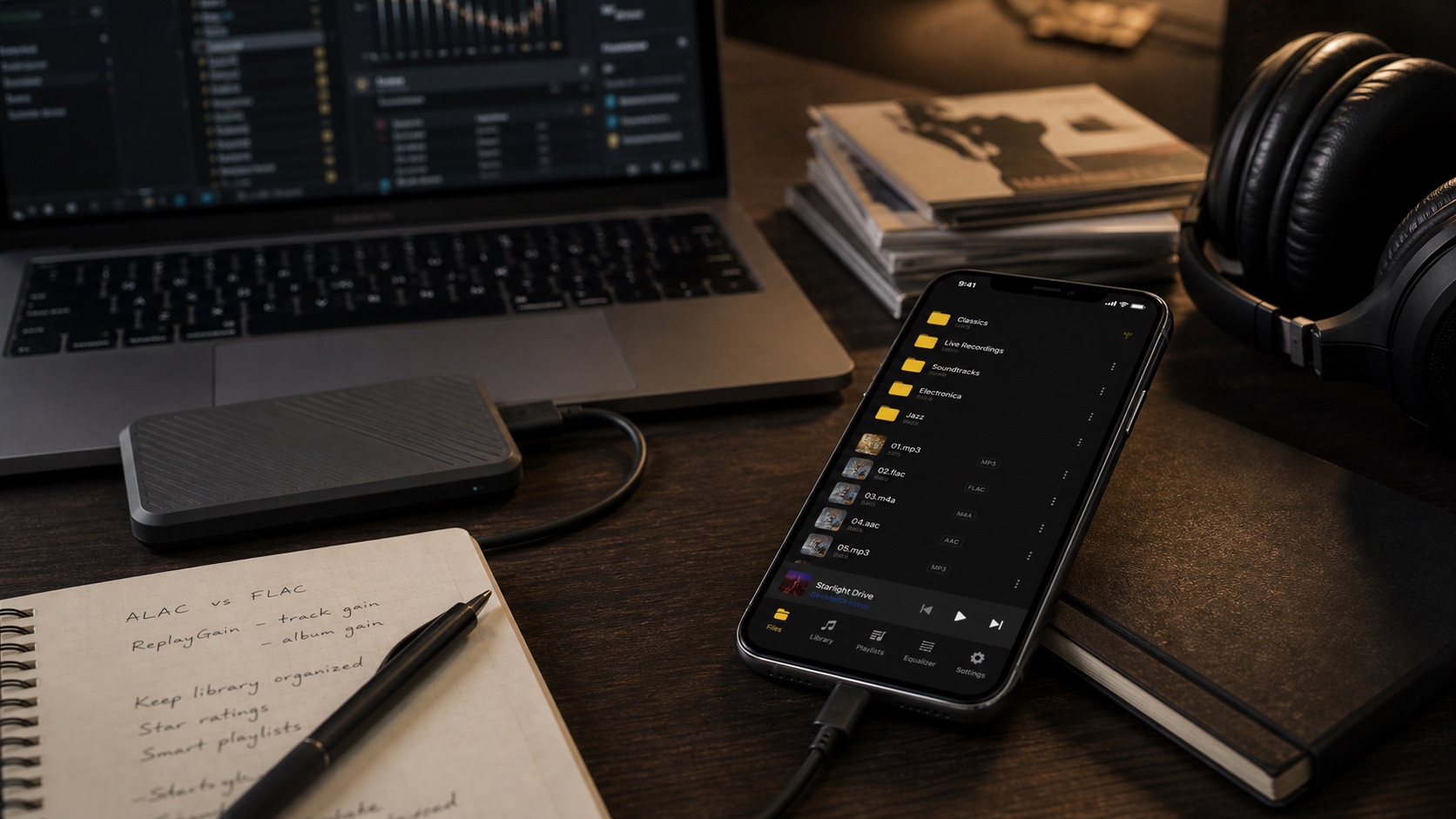
How to Search a Huge Local Music Library on iPhone
Search a large local iPhone music library by title, artist, or album with OfflineTunes, even when the entire collection stays offline.
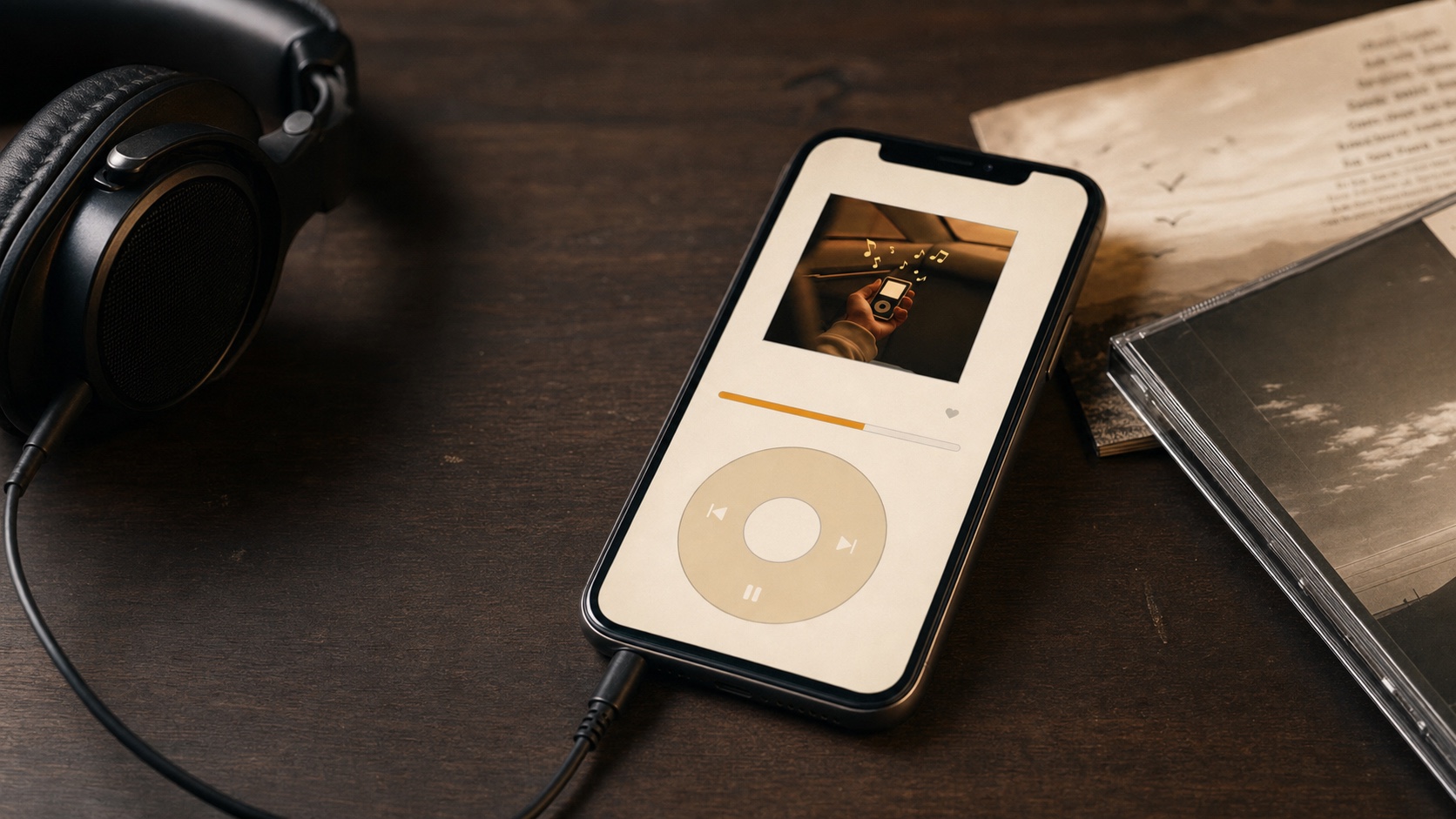
Dynamic Music Player Themes That Match Your Album Art
Customize OfflineTunes with dark themes, dynamic player colors that follow album artwork, and dedicated Retro Mode themes.
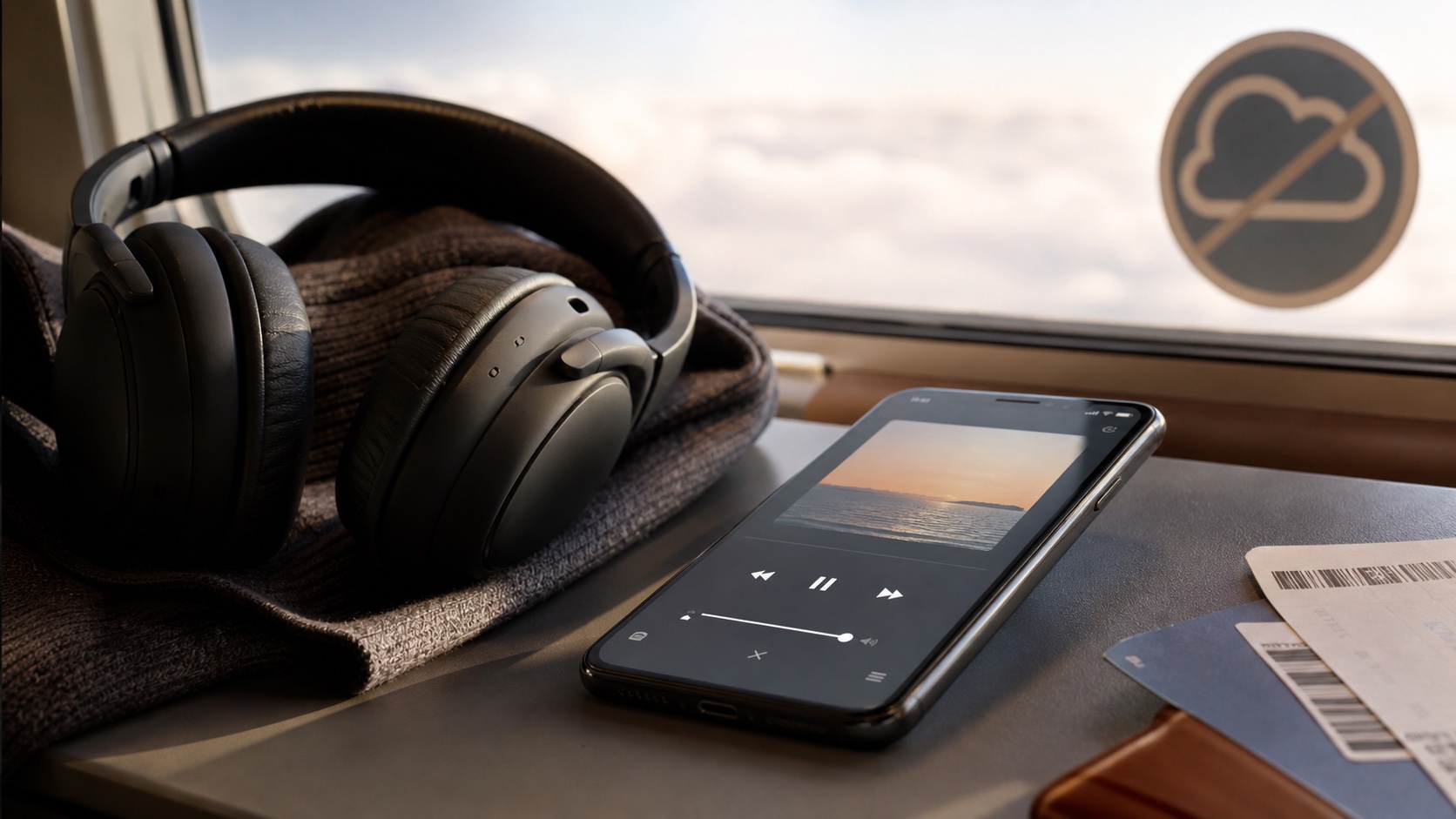
How to Scrobble Offline Music to Last.fm and ListenBrainz
Scrobble local music from OfflineTunes to Last.fm and ListenBrainz, with offline backup that syncs when your iPhone reconnects.
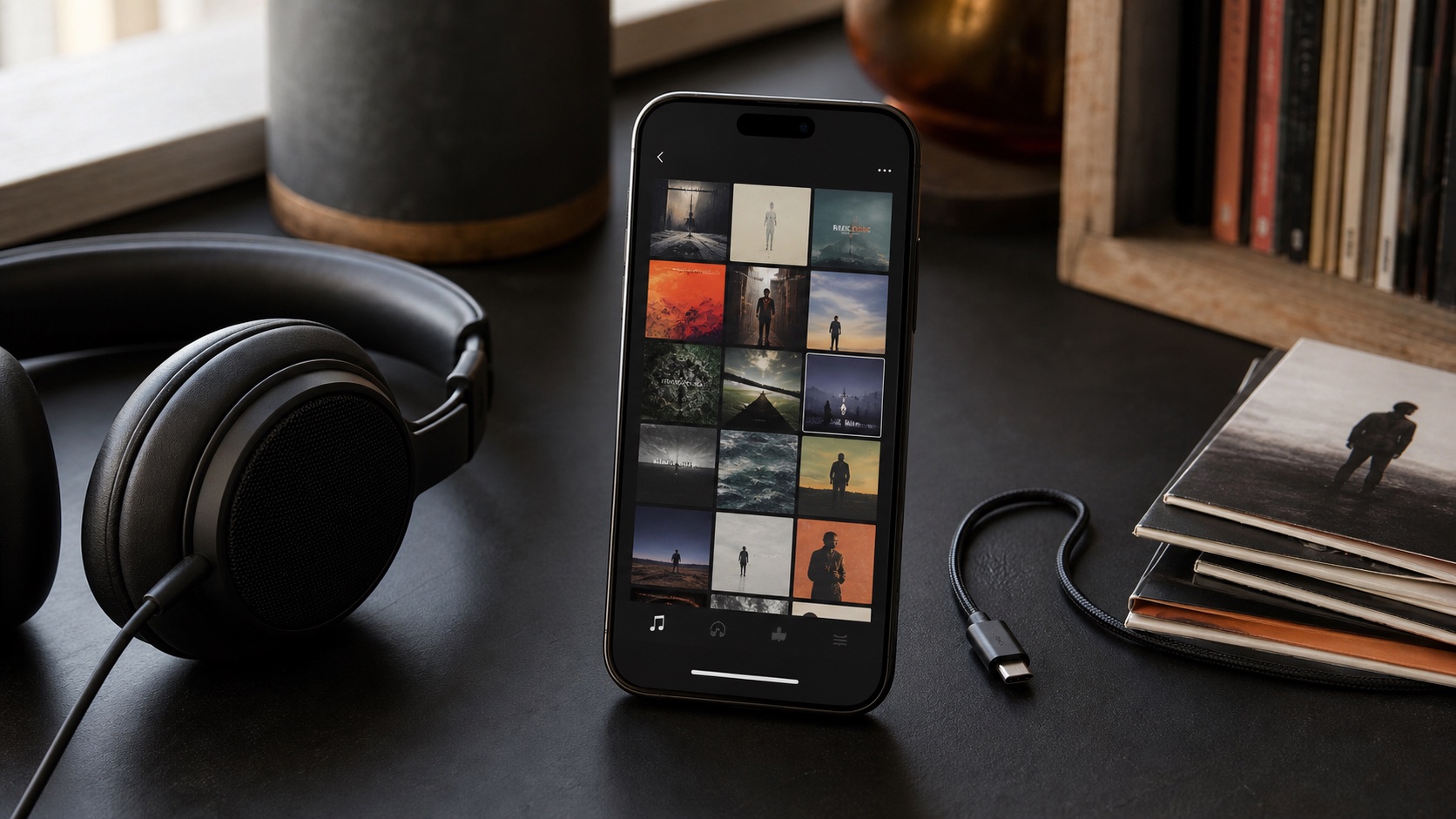
Offline Music Playback Controls: Sleep Timer, Shuffle, Repeat, and Speed
Use OfflineTunes sleep timer, shuffle, repeat, loop, and playback-speed controls for local music on iPhone.
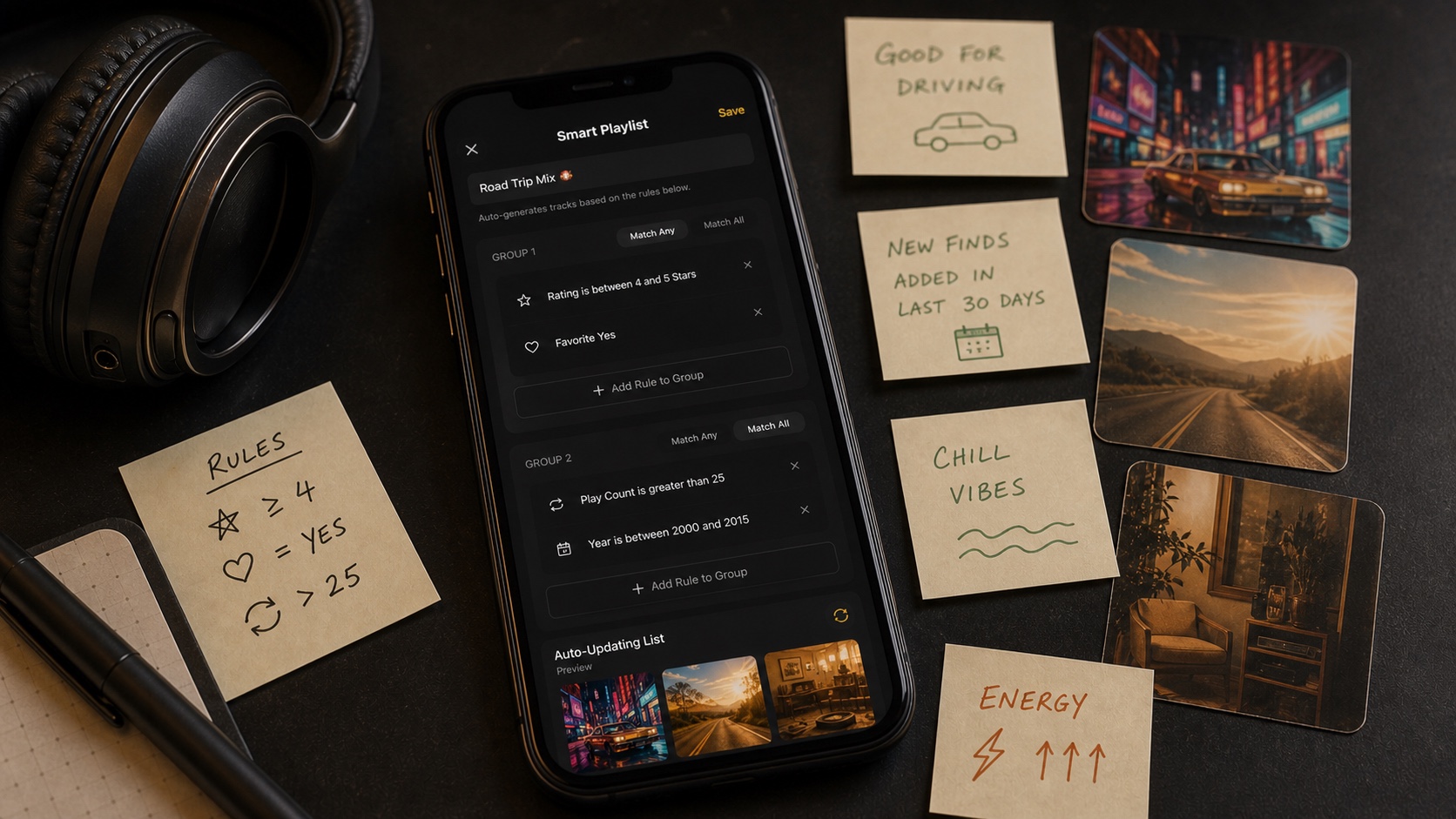
How to Use Ratings, Favorites, Plays, and Skips to Organize Music
Use favorites, ratings, plays, skips, and dates in OfflineTunes to filter Moods and build smarter local playlists.
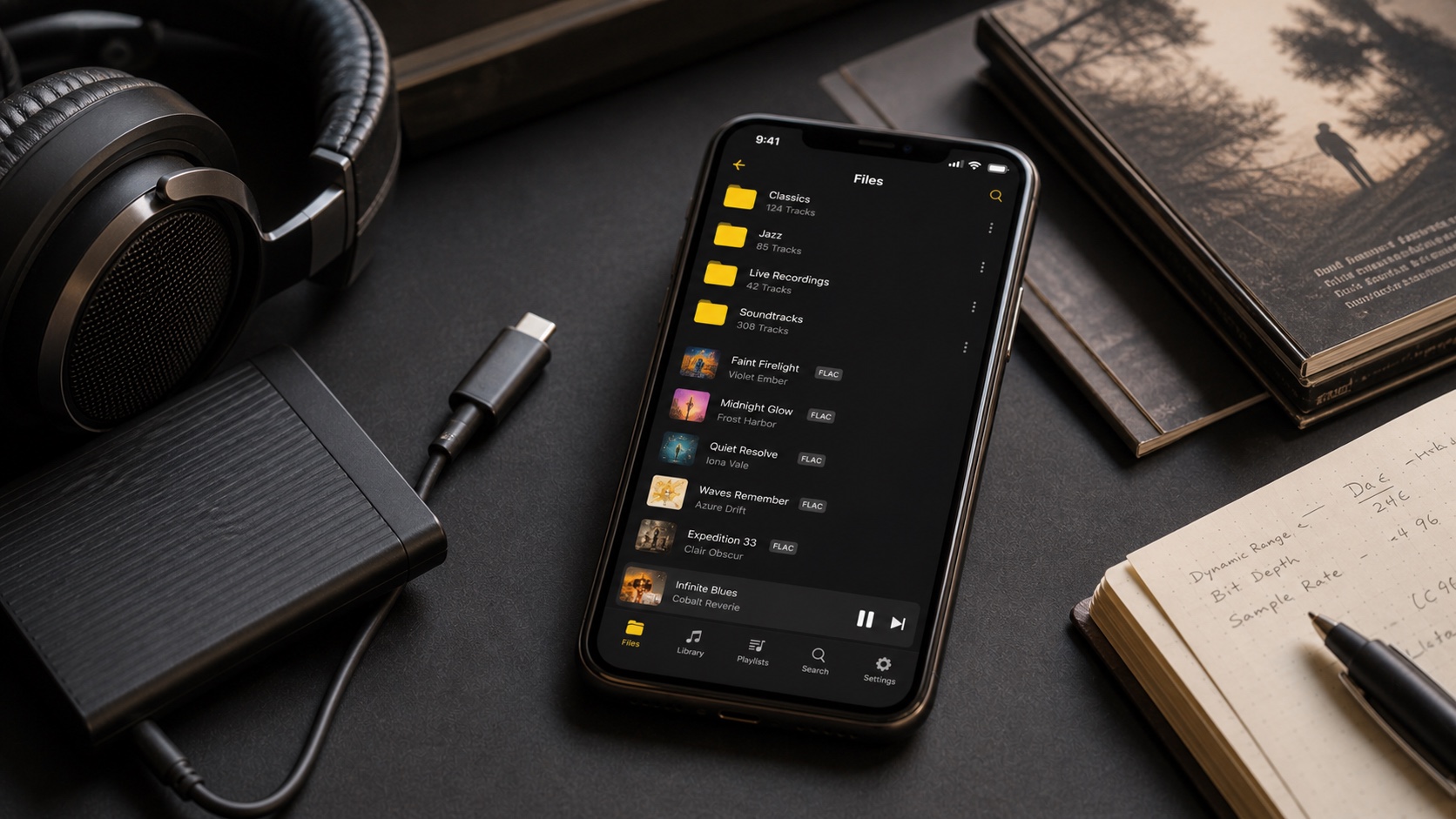
Audio Formats in OfflineTunes: MP3, FLAC, M4A, OGG, OPUS, WAV, WMA, and AAC
Compare MP3, FLAC, M4A, OGG, OPUS, WAV, WMA, and AAC support in OfflineTunes and choose formats for quality, size, and compatibility.
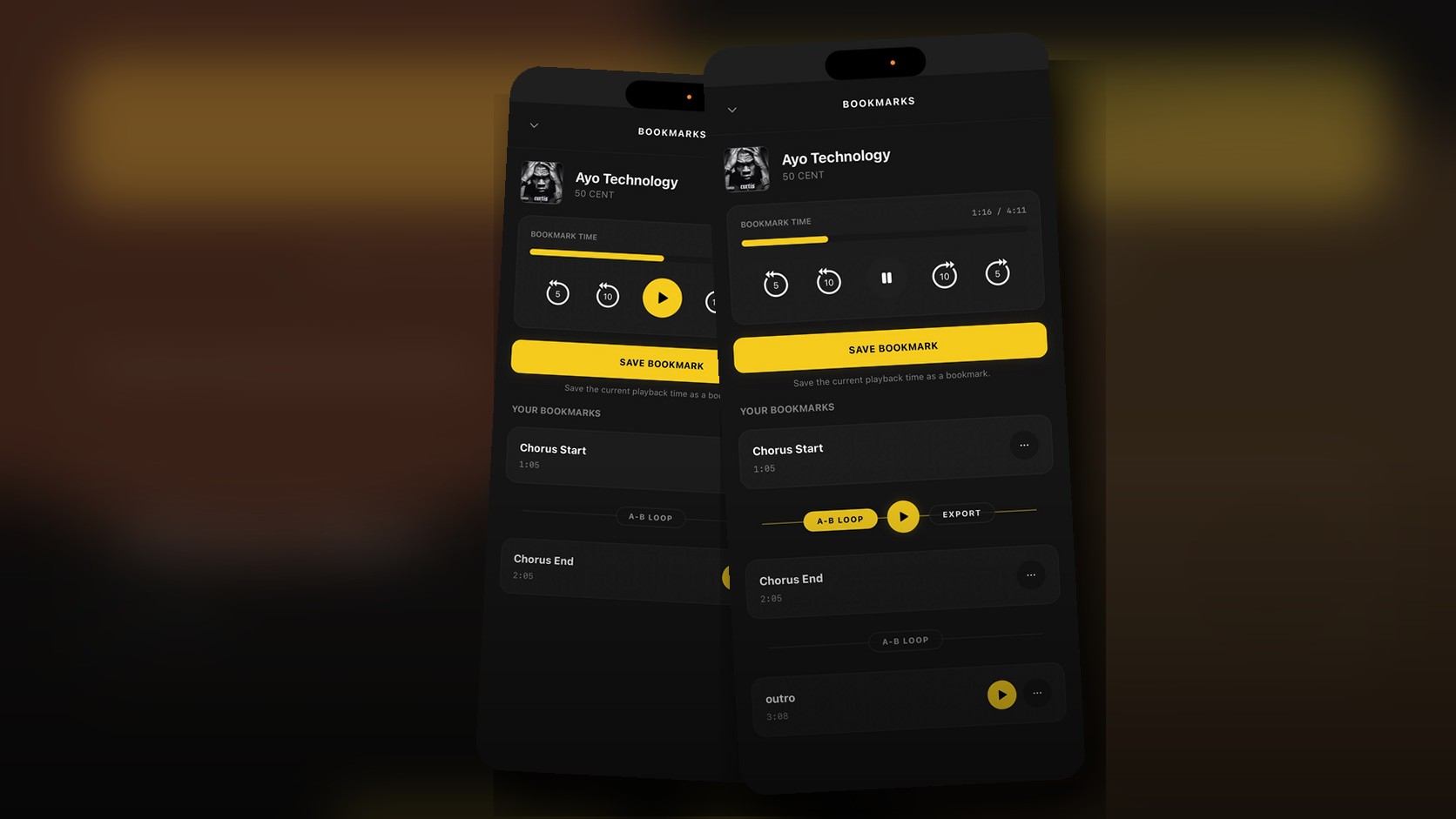
Music Bookmarks on iPhone: Save Moments and Loop Sections
A detailed guide to OfflineTunes Bookmarks on iPhone: save named moments, jump to song sections, build A-B loops, practice parts, and export loops.