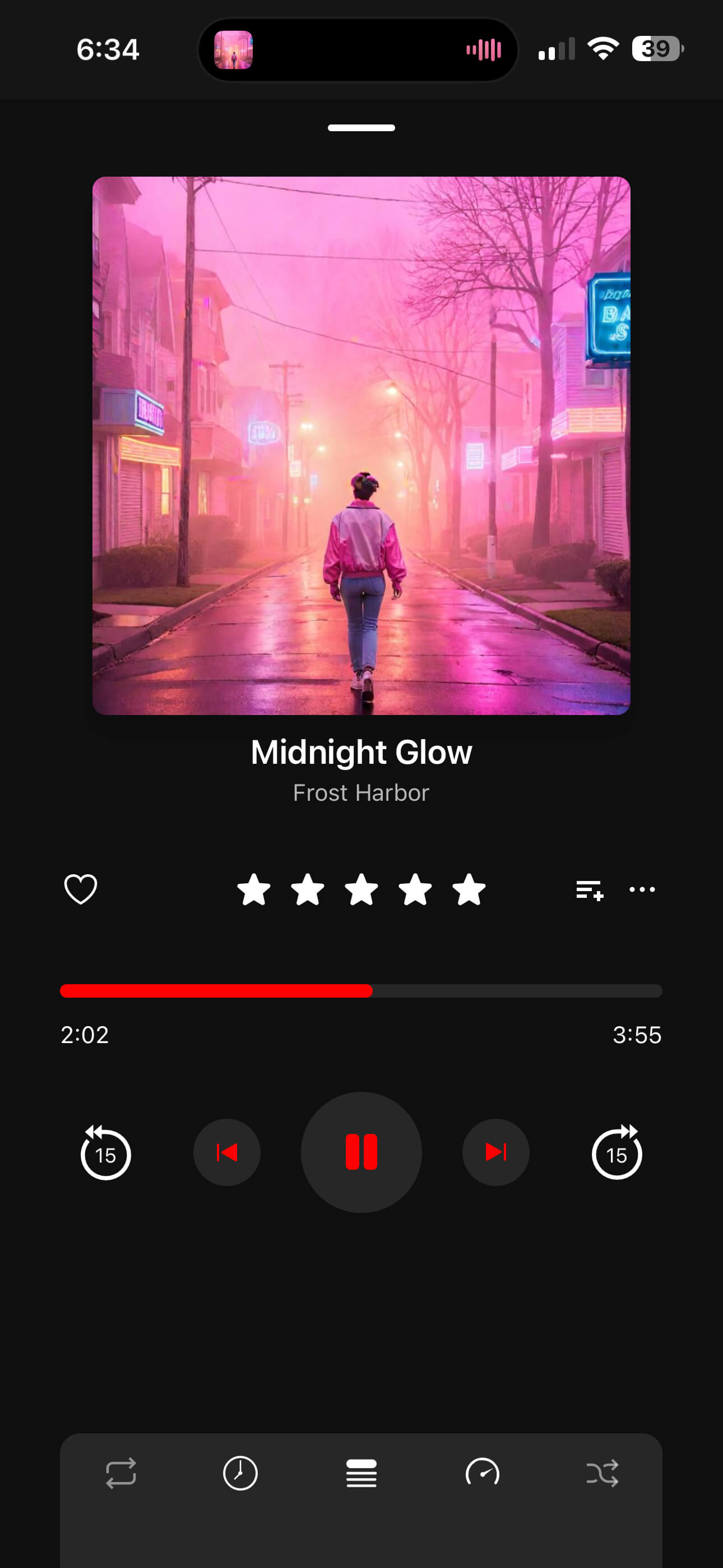
The ultimate offline music player. Organize with nested folders, sync lyrics in real-time, and edit metadata without a computer.
Powerful features designed for the true music collector.
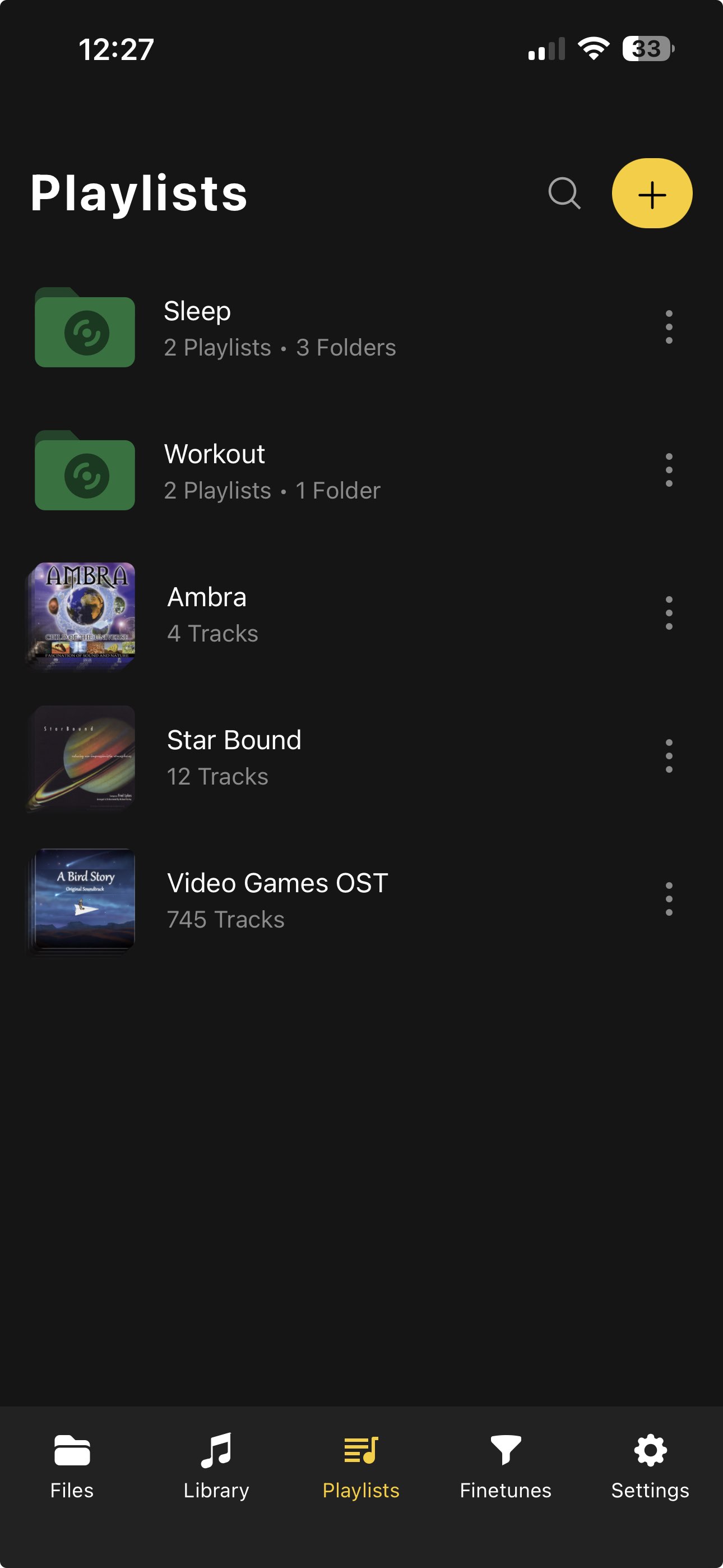
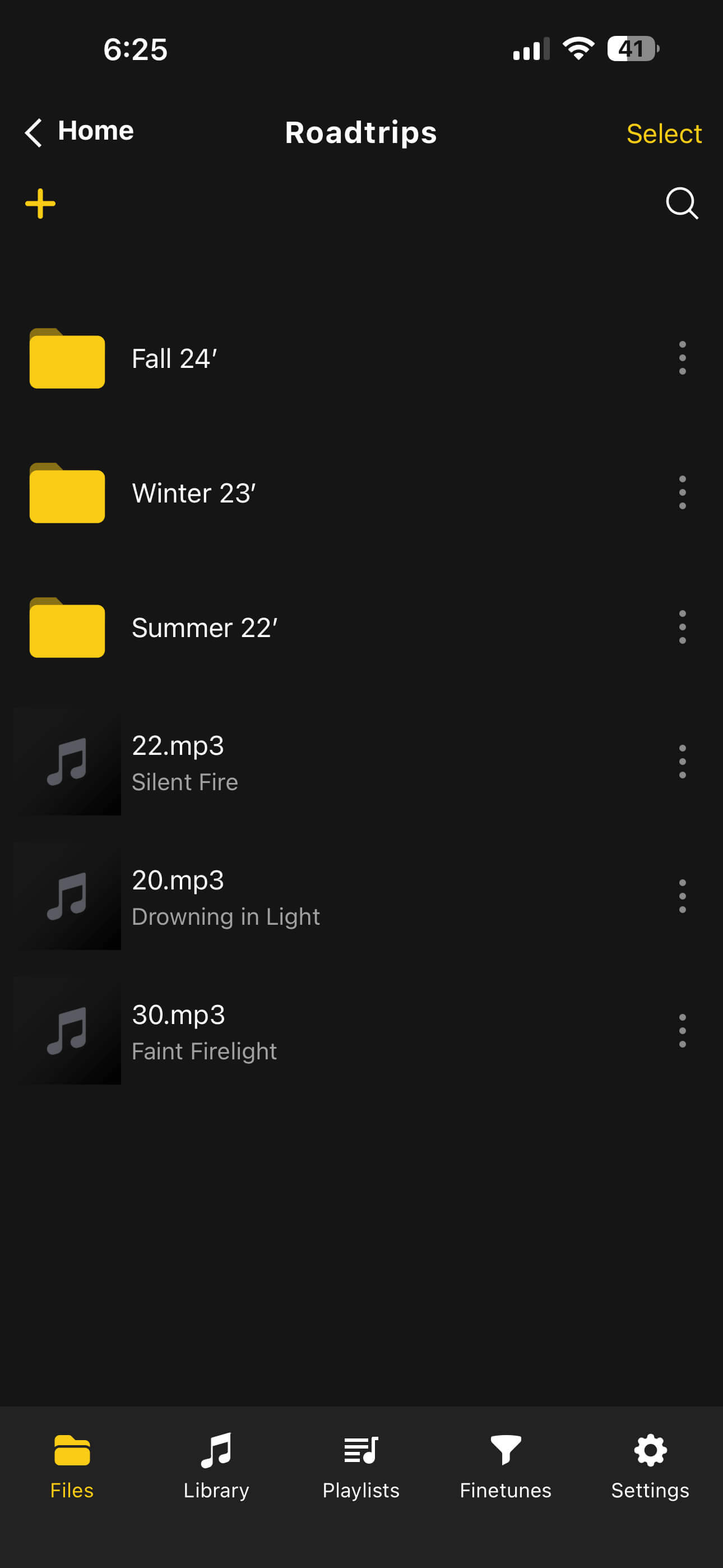
Finally, organization that makes sense. Create nested folders and play entire folder structures at once.
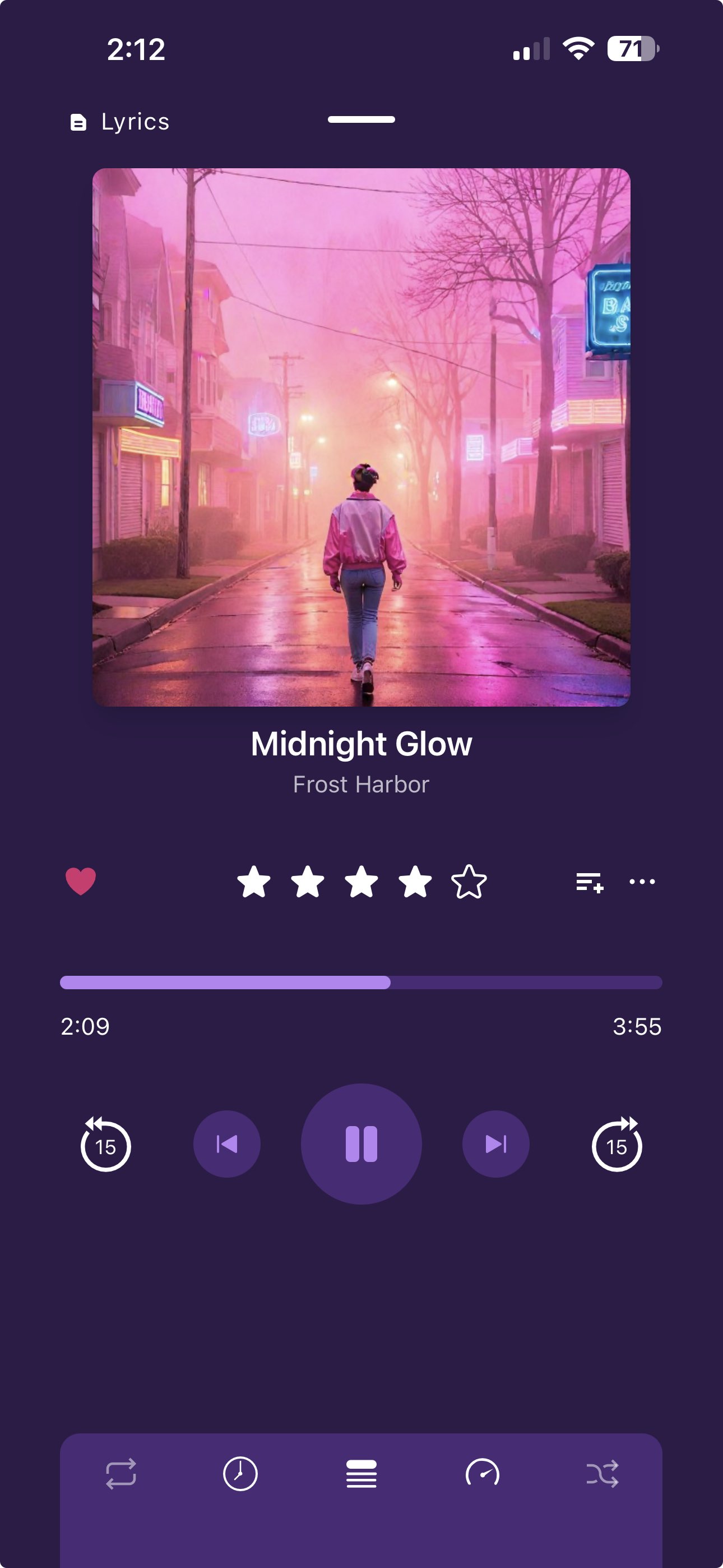
Make it yours with deep customization options, beautiful dark modes, and dynamic player themes.
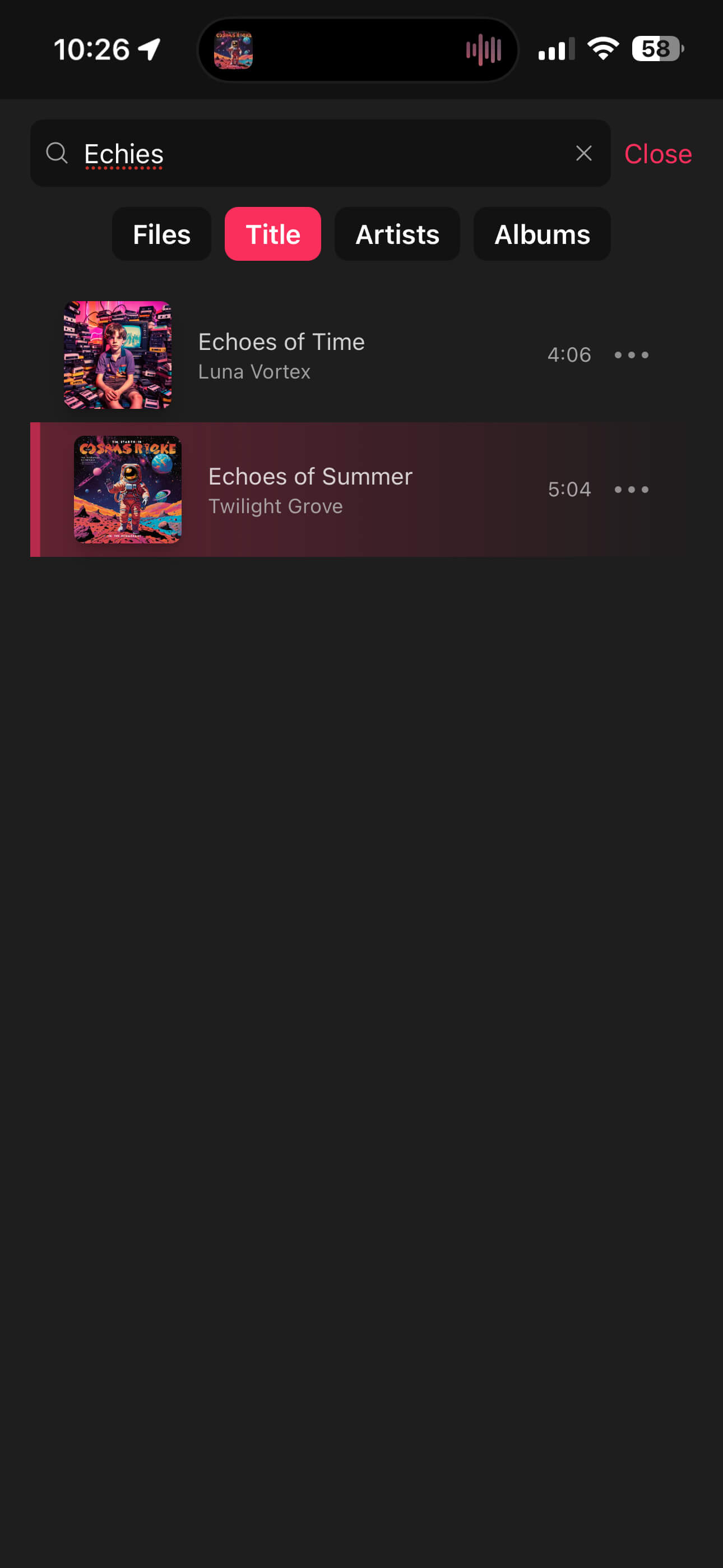
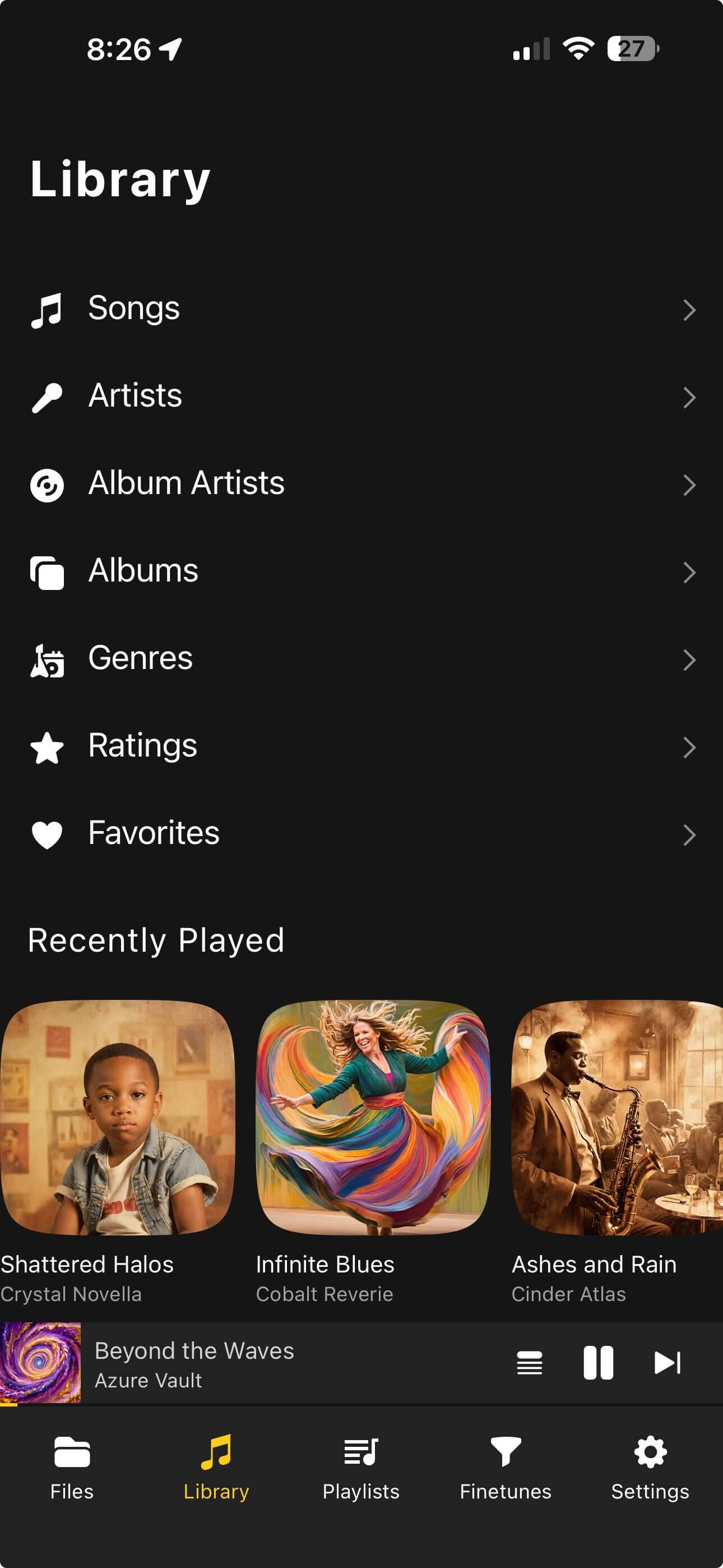
Instantly locate tracks by Title, Artist, or Album. Filter your library to find exactly what you want.
Show “Now Playing” in real time while you listen, and keep offline scrobbles safe when your connection drops. Everything syncs back up the moment you’re online again.
Launch the built-in visualizer to experience your music as vivid, animated art. Choose presets, go fullscreen, or let it auto-cycle while you listen.
Browse hundreds of milkdrop presets to choose from.
Immerse yourself with a full-screen visualizer that reacts to every beat.
Let the visuals evolve automatically with smooth transitions.
Open it right from the player without interrupting playback.
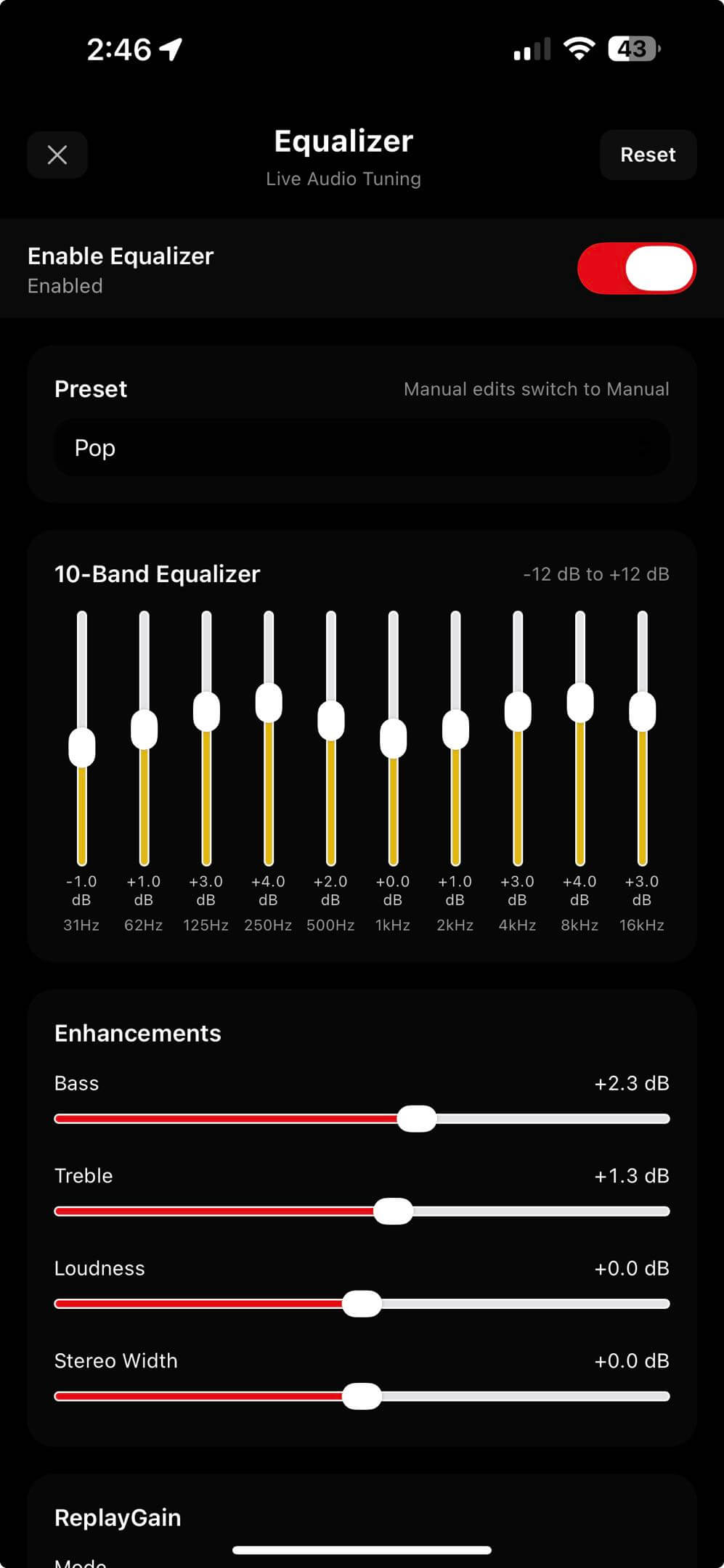
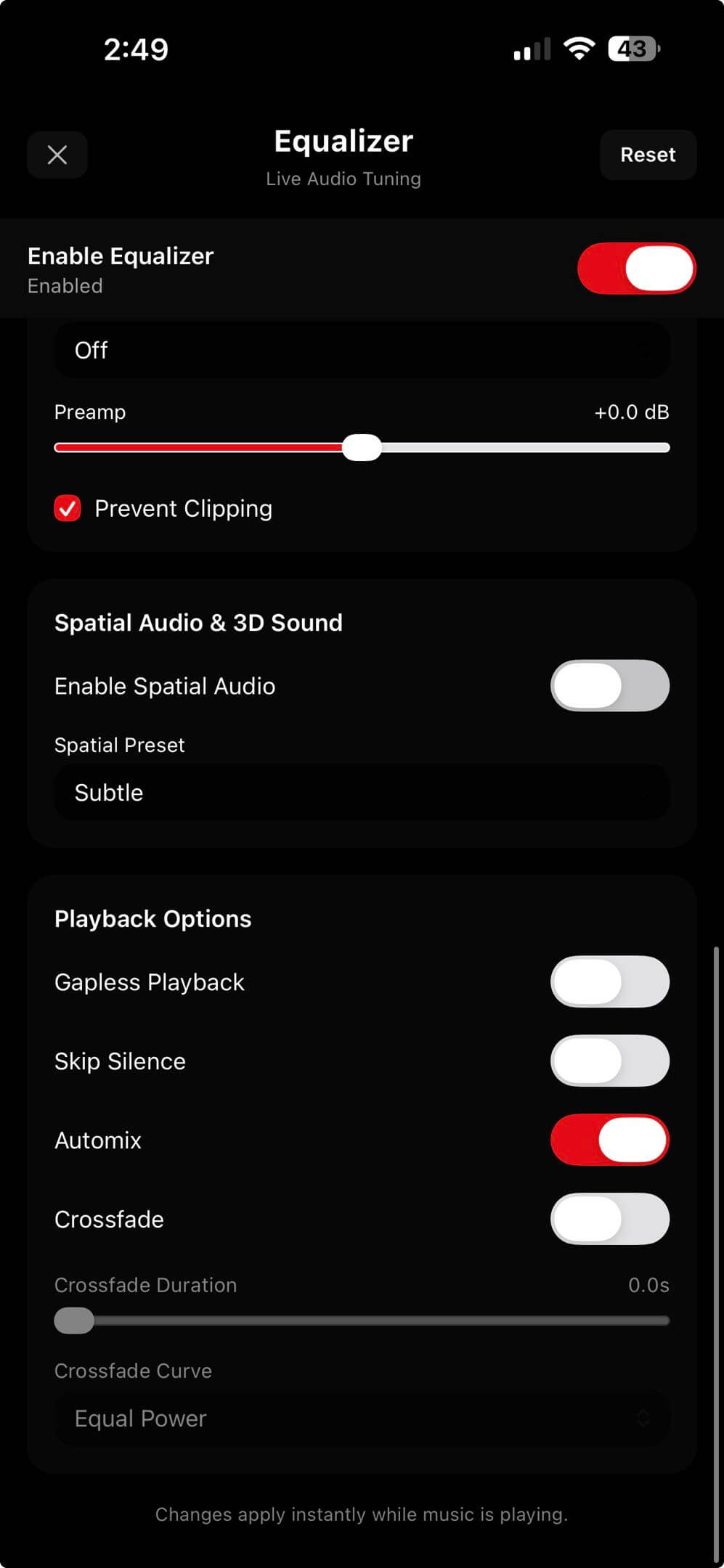
Shape your sound with a full multiband EQ, quick presets, and loudness control. Keep the sound consistent with ReplayGain and preamp controls, then add depth with 3D spatial audio presets.
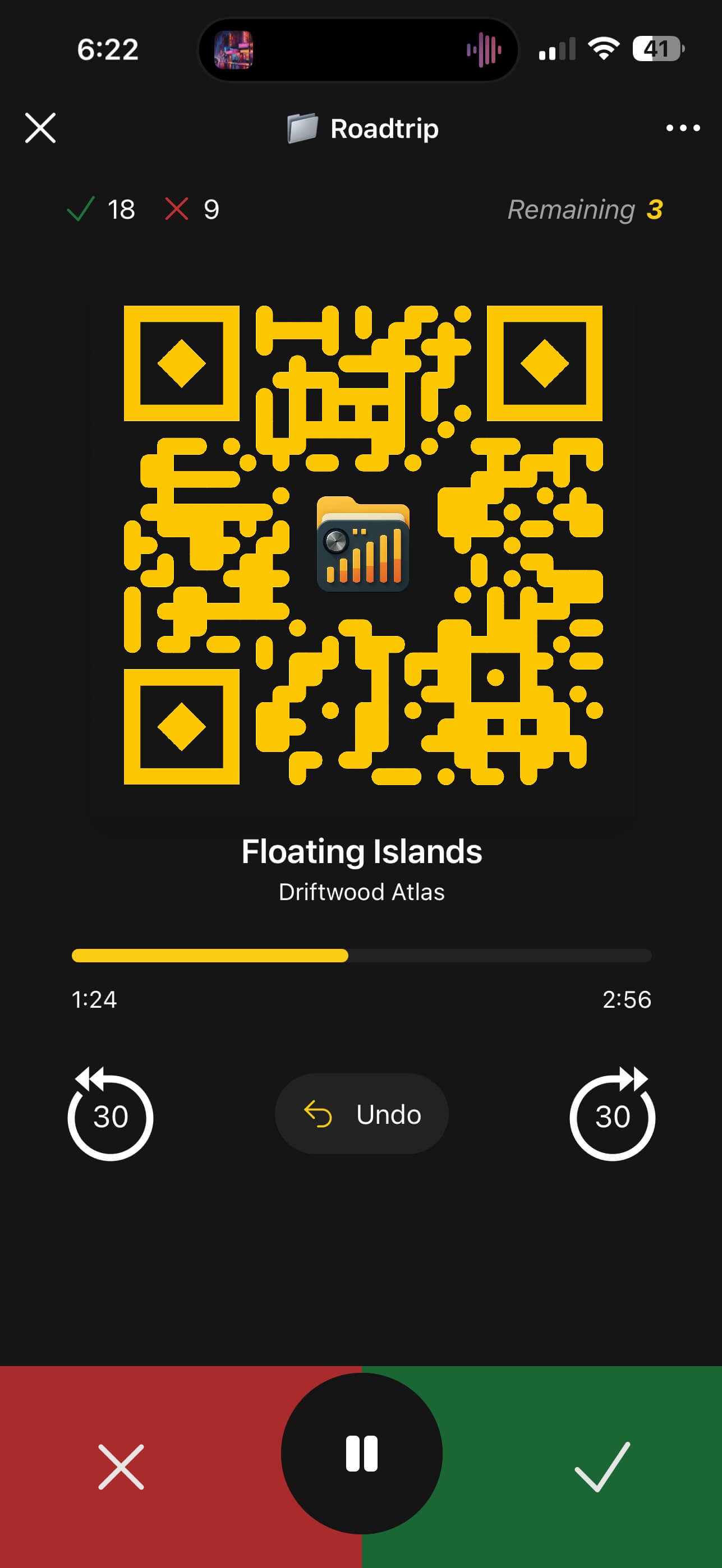
Turn your steering wheel or Bluetooth controls into a powerful playlist builder. Safely curate your road trip playlist without looking at the screen.
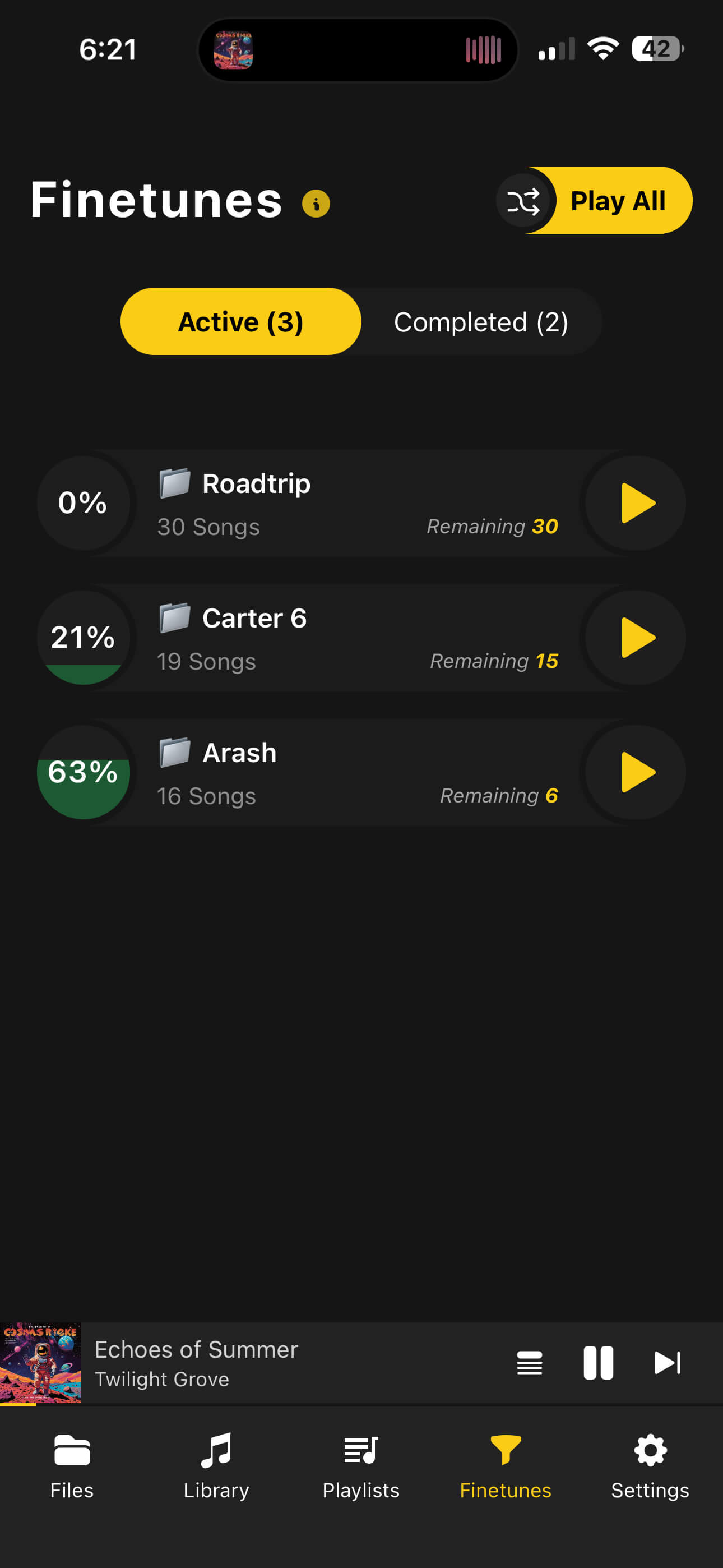
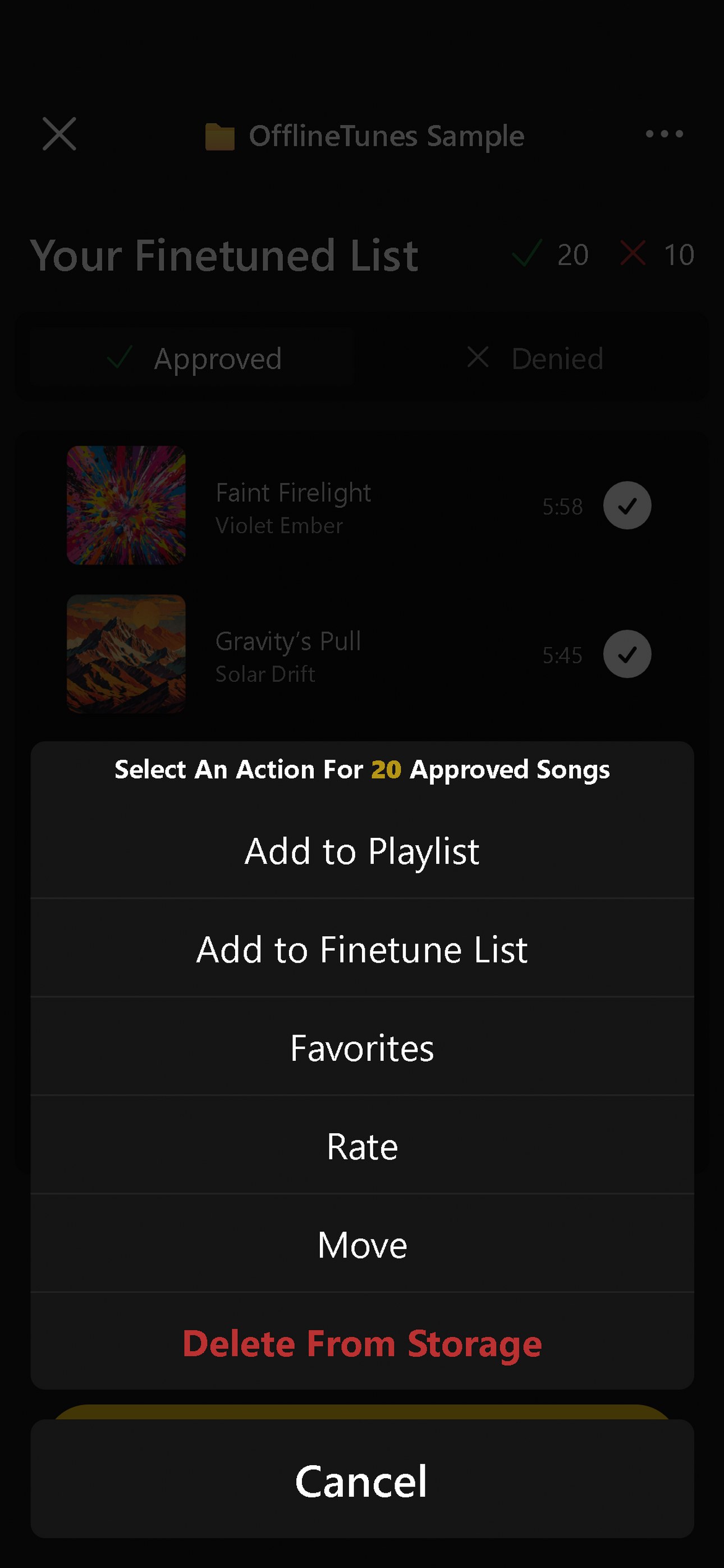
Finetune mode helps you sort through massive music libraries with ease. Quickly sort active playlists from completed ones and ensure every song on your phone is a hit.
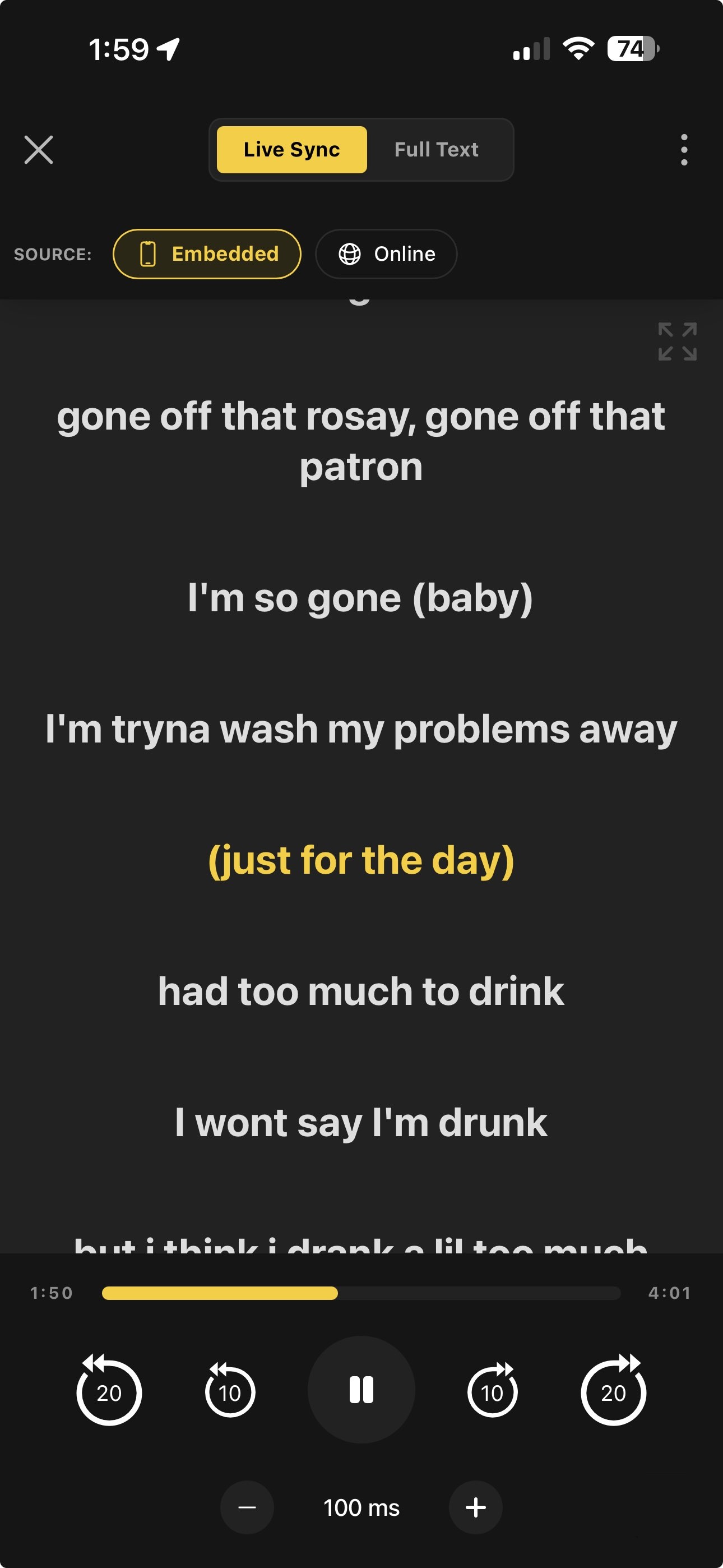
Experience your music like never before. Find lyrics online, embed them directly into your audio files, and enjoy a perfectly time-synced karaoke experience.
Automatically search for lyrics online and embed them to the song file for permanent offline access.
Fine-tune lyric timing with millisecond offset controls to ensure every word matches the beat.
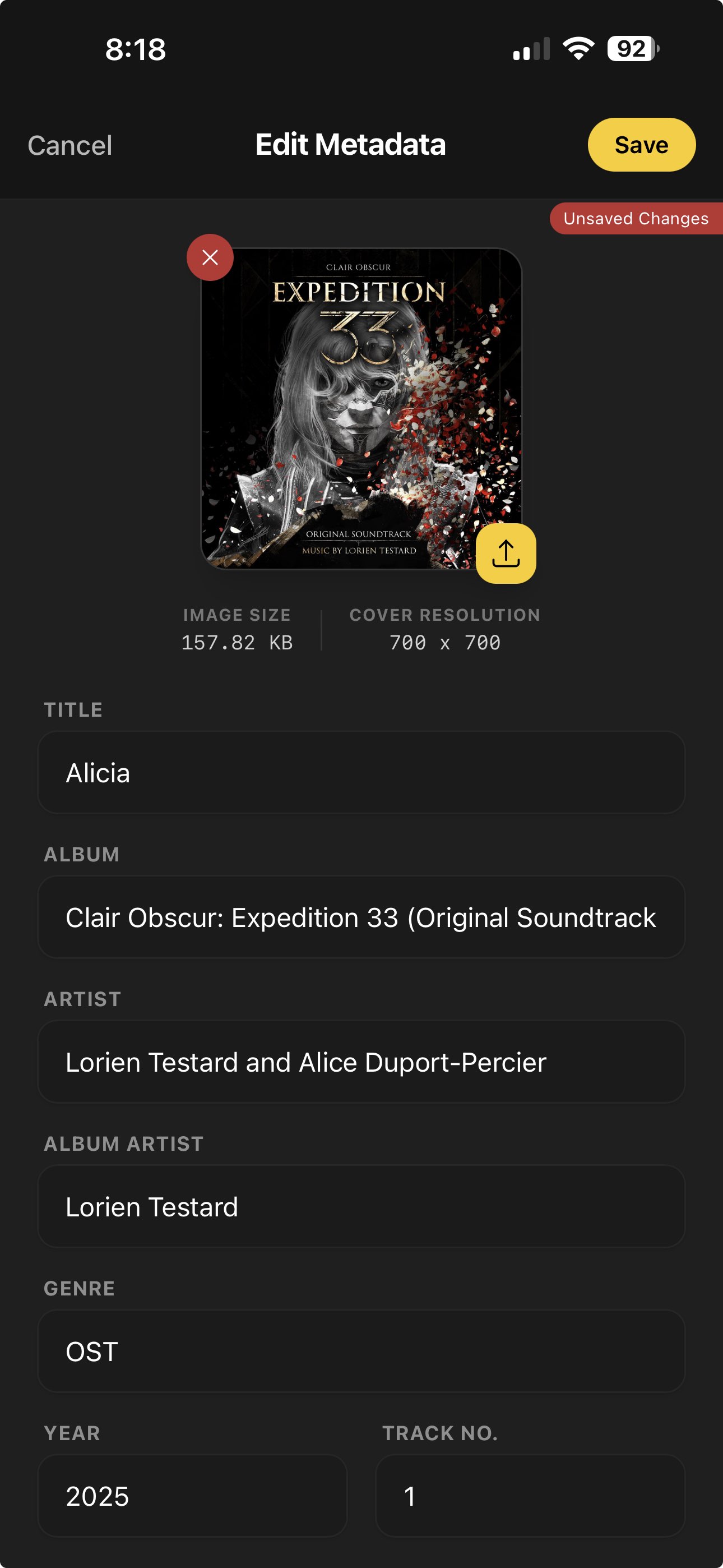
Your library, organized your way. Fix missing album artwork, correct artist names, and update genre tags for multiple tracks at once—no computer needed.
Control how songs move from one to the next using automix, crossfade, gapless playback, and skip silence. Pick the behavior you want for each listening session.
Automatically advances near track end for seamless queue flow.
Set fade duration and choose curve type for smooth overlaps.
Removes pauses between tracks for uninterrupted playback.
Skips silent sections so spoken content and mixes stay tight.
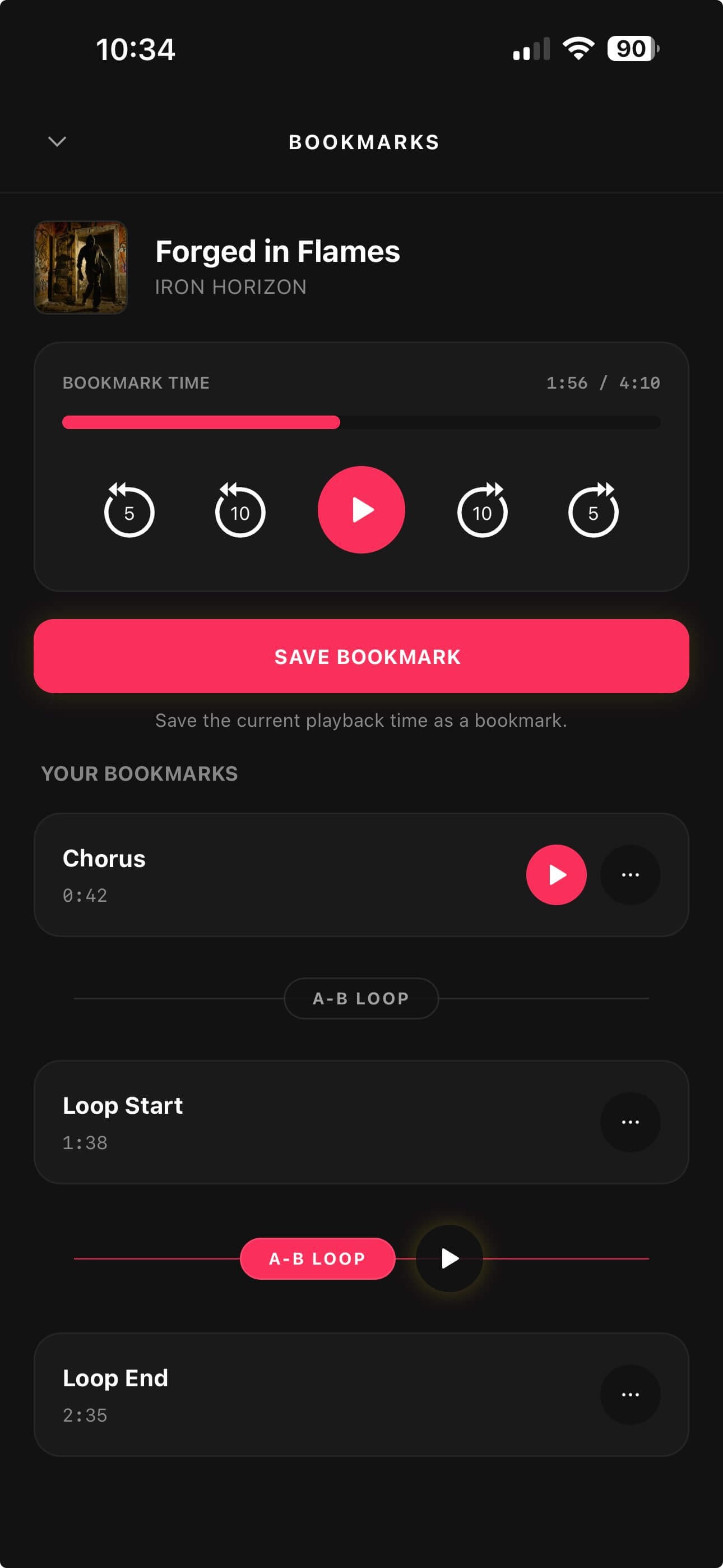
Save key moments and link two bookmarks to loop any section instantly.
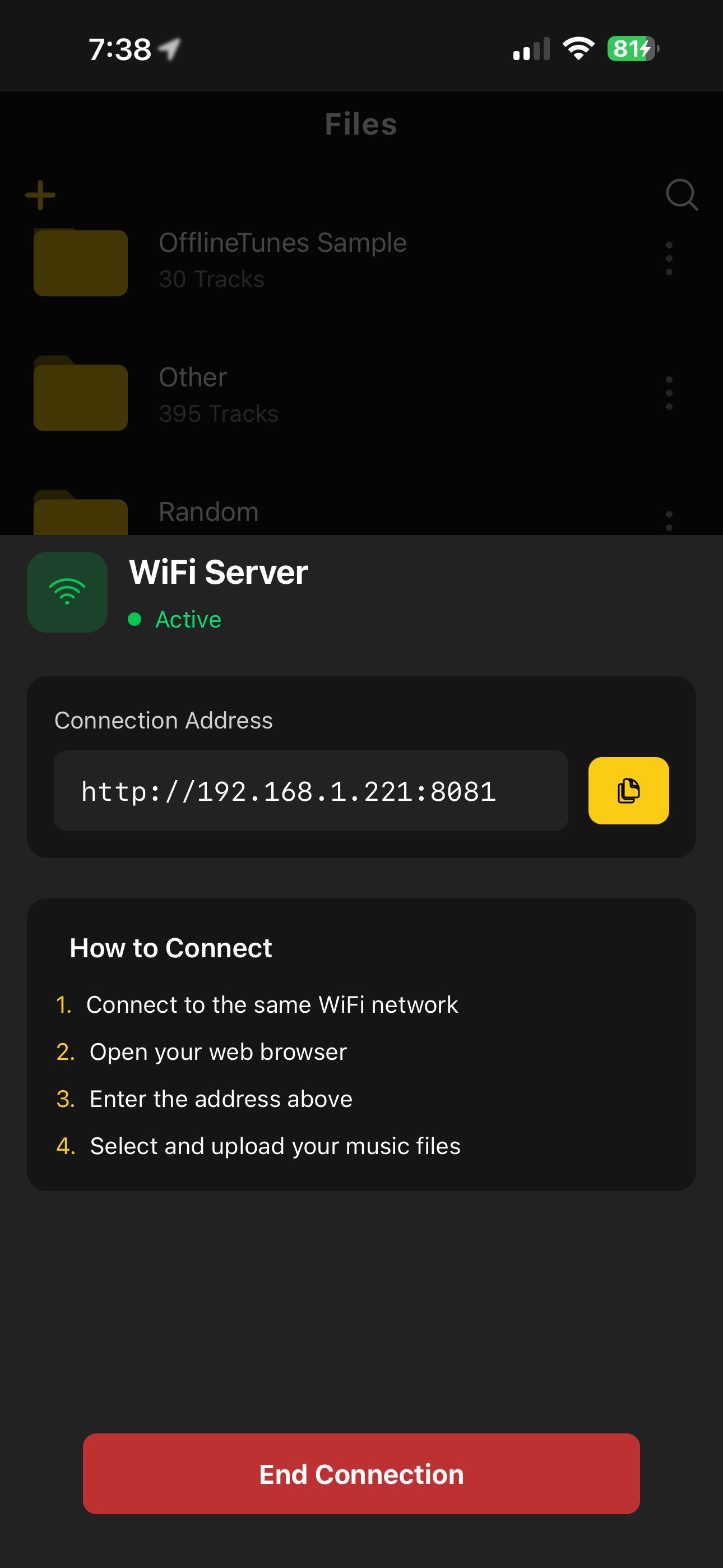
Add songs via Files app, Wi-Fi transfer, or iTunes File Sharing. No complicated syncs required.
Simply turn on the Wi-Fi server in the app, type the address into your computer browser, and upload your music files and folders directly to your phone with full nested folder support.
Bring in your iTunes and Apple Music local tracks, edit the audio, and export in the format you need without leaving OfflineTunes.
Import local iTunes and Apple Music files with metadata, artwork, ratings, and playlist structure.
Trim and fine tune audio before saving, with live preview and flexible output controls.
Convert tracks to the format your library needs with quality and metadata options.
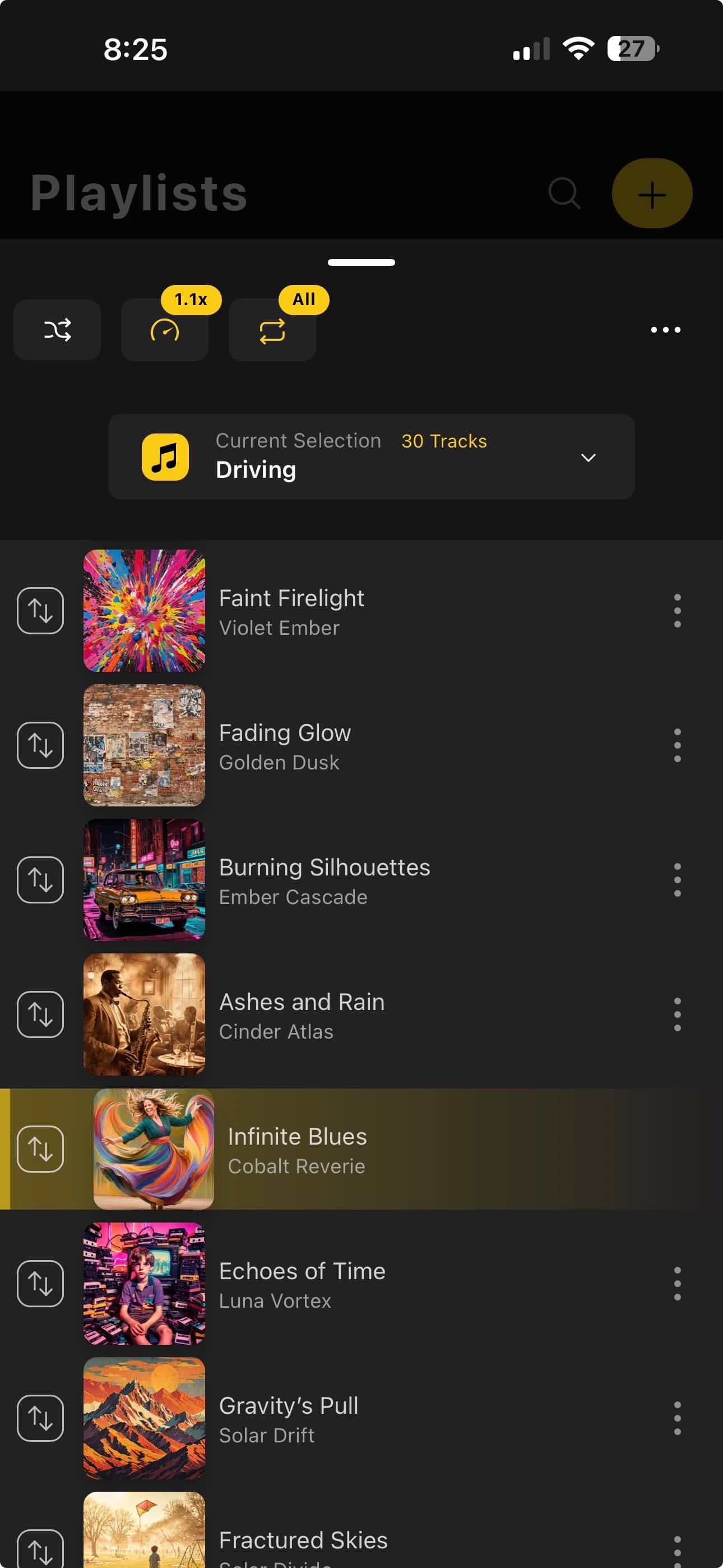
Create Separate Queues For Every Mood
Artists & Genres
Direct Access
No Data Needed
Clean up your music collection with Finetune mode and take control of your library.
Download on the App StoreOfflineTunes includes a premium Apple Music and iTunes import workflow for migrating your local music library into OfflineTunes. Import tracks with metadata, extract cover art, preserve ratings, and keep playlist relationships while skipping files that already exist.
This offline music player also includes advanced playback controls and library tools for collectors and power users who want full control over their local music files on iOS.